If you have ever streamed a movie on Netflix, sent an email through Gmail, or turned in an assignment via Google Classroom, you have already used software as a service without even realizing it. It sounds like a fancy tech term you’d hear in a business class, but honestly, it’s one of the simplest ideas in the entire tech world once someone breaks it down for you.
I remember the first time a professor mentioned “SaaS” in a lecture, and half the class just nodded along pretending they understood. So let’s not do that here. This blog is written the way I wish someone had explained it to me back then—plain language, real examples, and no unnecessary jargon.
By the end of this article, you’ll know exactly what software as a service means, how it works, why businesses love it, and how it’s changing the way we all use technology every single day.
What Is Software as a Service (SaaS)?
Software as a service is a way of delivering software over the internet instead of making you install it on your computer. Instead of buying a CD or downloading a heavy program that eats up your storage, you simply log into a website or app, and the software runs on someone else’s servers.
Think about it this way: you don’t own the software; you’re basically renting access to it. The company that built it takes care of everything behind the scenes — servers, security, updates — and you just use it through your browser or a lightweight app.
According to Statista’s forecast on Software as a Service, global revenue in this space is projected to cross the half-a-trillion-dollar mark in 2026 alone, which honestly tells you how massive this shift has become.
This model falls under the bigger umbrella of cloud applications, along with two other cousins you might have heard of: Platform as a Service (PaaS) and Infrastructure as a Service (IaaS). But SaaS is the one you and I interact with the most because it’s the finished product—ready to use, with no technical setup required. In fact, most people use dozens of cloud applications every week without ever pausing to think about what’s happening behind the screen.
How Does Software as a Service Actually Work?
Here’s where it gets interesting. When you use a traditional desktop program, everything happens locally on your machine. But with software as a service, the real magic happens on a remote server owned by the provider.
Let’s break down the basic flow:
- You sign up for an account on the provider’s website.
- You access the software through a browser or a lightweight client app — no heavy installation needed.
- Your data is stored on the provider’s servers, usually across multiple secure data centers.
- The provider handles maintenance, meaning bugs get fixed and new features get rolled out without you lifting a finger.
- You pay a subscription fee, monthly or yearly, instead of a one-time purchase.
This is a huge shift from old-school software licensing, where you’d pay a hefty upfront cost for a license key and then be stuck with that version until you paid again for an upgrade. With software as a service, you’re always on the latest version because automatic updates happen in the background.
The Backbone of SaaS: Multi-Tenancy
One term that trips up a lot of students is “multitenancy.” It sounds complicated, but it’s actually a pretty neat concept.
Imagine an apartment building. Everyone lives in the same building (same software infrastructure), but each apartment (each customer’s data) is private and separate from the others. That’s exactly how multi-tenancy works in the SaaS world — a single instance of the software serves multiple customers, but each customer’s data stays isolated and secure from everyone else’s.
This is actually one of the biggest reasons software as a service is so cost-effective. Instead of building separate servers for every single customer, providers use multitenancy to serve thousands (sometimes millions) of users from shared infrastructure, which keeps prices lower for everyone.
Of course, some enterprise clients prefer a single-tenant setup for extra privacy, but the vast majority of everyday tools — from project management apps to email marketing platforms — rely on this shared model to stay efficient and scalable.
Why Are Businesses (and Students) Choosing SaaS Over Traditional Software?
Let’s be real—nobody wants to deal with clunky installations, license keys getting lost, or paying thousands of dollars upfront for software they might use for a year. That’s exactly the pain point software as a service solves.
Here are the biggest reasons people are switching:
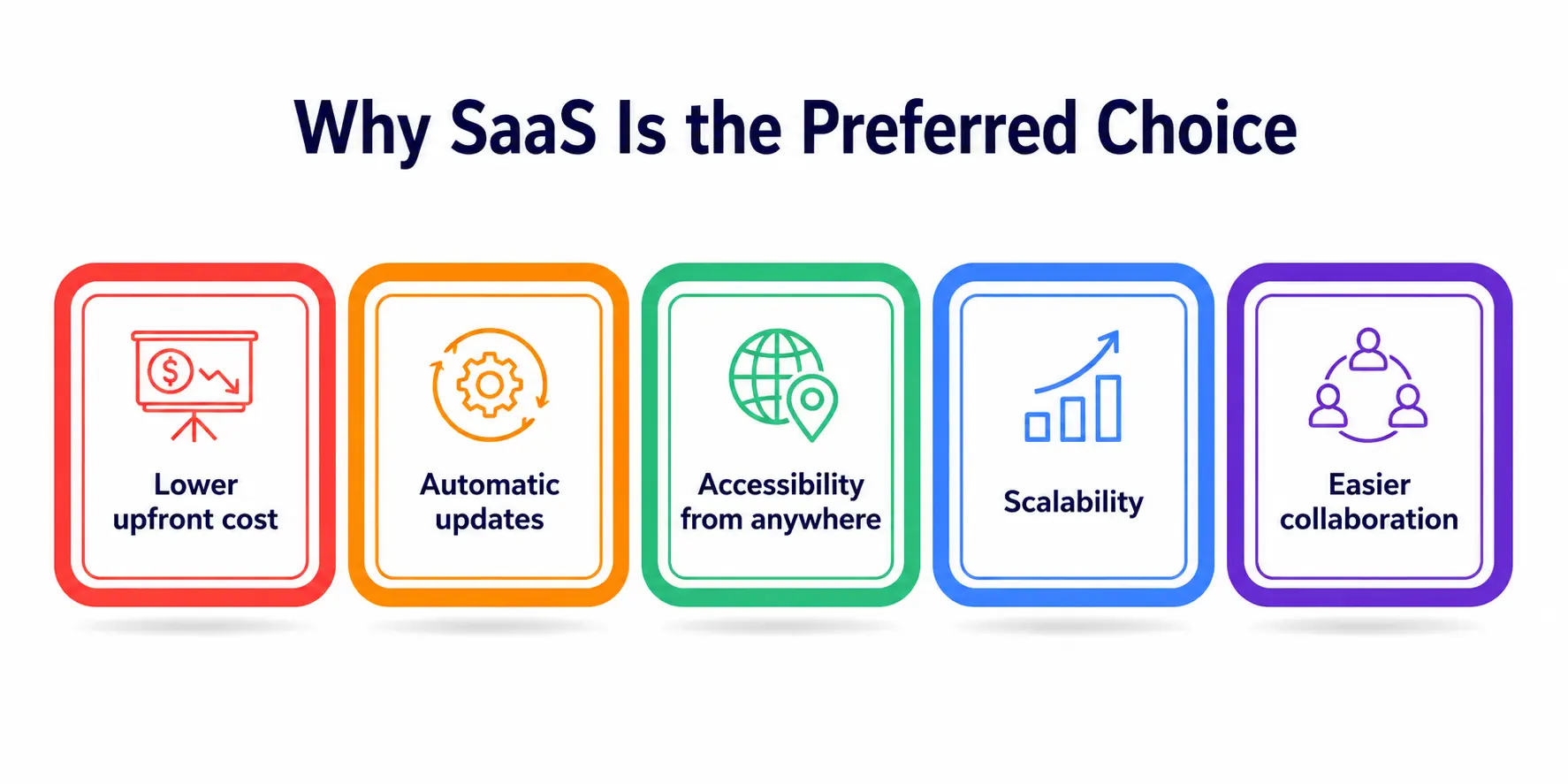
1. Lower upfront cost
Traditional software licensing required massive one-time payments. SaaS flips that into a manageable subscription, which is way friendlier for small businesses, freelancers, and yes, students on a budget. Under old software licensing rules, you’d also have to pay again just to unlock a newer version.
2. Automatic updates
This is a game-changer. With automatic updates, you never have to manually download a new version or worry about compatibility issues. The provider pushes updates directly to the cloud, and you get the newest features and security patches instantly.
3. Accessibility from anywhere
Since these are cloud applications, you can log in from your laptop at home, your phone on the bus, or a library computer—your data and settings follow you everywhere.
4. Scalability
Whether you’re a solo student project or a growing company, most SaaS providers let you scale your plan up or down as your needs change without any complicated hardware upgrades.
5. Easier collaboration
Group projects, anyone? Most SaaS tools like Google Docs or Slack are built for real-time collaboration, which makes teamwork so much smoother than emailing files back and forth.
Popular Examples of SaaS You Already Use
To really understand software as a service, it helps to look at tools you probably already use daily:
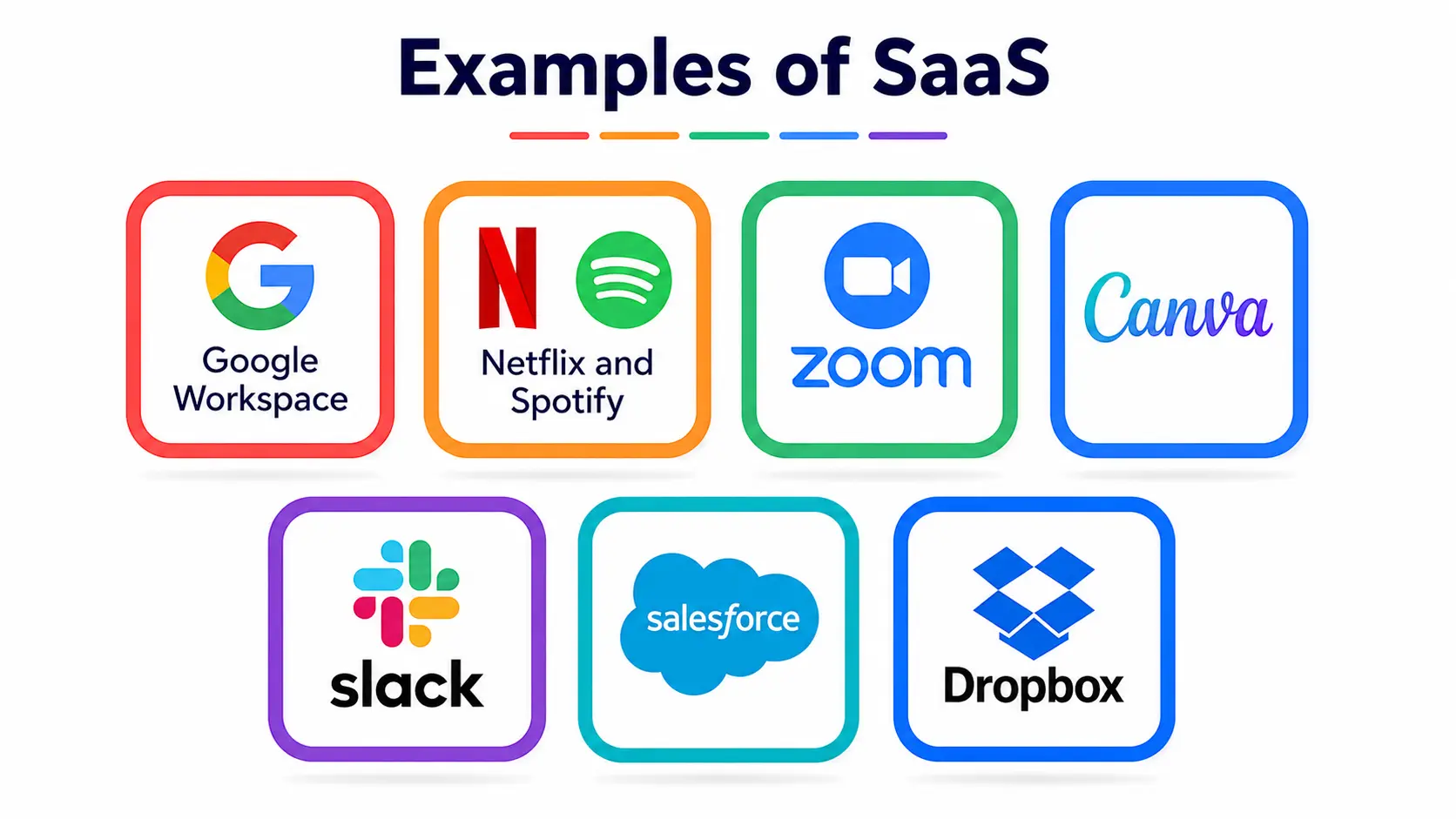
- Google Workspace (Docs, Sheets, Gmail)
- Netflix and Spotify for streaming
- Zoom for video calls
- Canva for design work
- Slack for team communication
- Salesforce for customer relationship management
- Dropbox for file storage
Every single one of these runs on remote servers, follows a subscription model, and gets updated constantly — the textbook definition of this delivery model in action.
The Role of SaaS Providers
Behind every smooth SaaS experience is a company working hard to keep things running. SaaS providers are responsible for far more than just building the software—they manage servers, ensure uptime, handle customer support, and most importantly, keep your data safe from hackers and breaches.
Choosing the right provider is actually a big decision for businesses because switching platforms later can be a headache (more on that in the next section). Reliable providers usually offer:
- Strong encryption and security protocols
- Clear service-level agreements (SLAs) guaranteeing uptime
- Responsive customer support
- Transparent pricing without hidden fees
- Regular feature rollouts based on user feedback
According to Fortune Business Insights’ report on the SaaS market, a large majority of organizations already rely on SaaS applications, and that number keeps climbing as more industries move away from traditional installed software.
Data Migration: The Part Nobody Talks About Enough
Here’s something that rarely gets mentioned in beginner-level explanations: What happens to your information when you switch from one system to another or move from old paper-based records to a cloud tool? That process is called data migration, and it’s a huge deal in the SaaS world.
This basically means transferring your existing data — customer records, documents, spreadsheets, whatever it is — into a new SaaS platform without losing anything or corrupting files along the way.
This matters a lot for businesses switching providers. A poorly handled data migration can lead to lost records, security risks, or downtime that costs real money. That’s why serious providers offer dedicated migration support, complete with backups and testing phases, to make sure the transfer goes smoothly.
For students studying IT or business, understanding data migration is honestly a great skill to have, because almost every company eventually needs to move data between systems as they grow.
Software as a Service vs Traditional Software Licensing
Let’s do a quick side-by-side comparison to make things crystal clear.
|
Feature |
Software as a Service (SaaS) |
Traditional Software Licensing |
|
Installation |
No installation needed; runs via browser or app |
Requires downloading and installing on each device |
|
Cost structure |
Subscription-based (monthly/yearly) |
One-time upfront payment, often expensive |
|
Updates |
Automatic updates pushed by the provider |
Manual updates, often paid separately |
|
Accessibility |
Accessible from anywhere with internet |
Usually limited to the installed device |
|
Maintenance |
Handled entirely by the provider |
Handled by the user or in-house IT team |
|
Scalability |
Easy to scale up or down as needed |
Often requires new licenses or hardware |
|
Data storage |
Stored on provider’s cloud servers |
Stored locally on the user’s device |
This table pretty much sums up why so many companies — and even schools — have shifted toward software as a service instead of sticking with old licensing models.
The Challenges of SaaS (Because It’s Not All Perfect)
Software as a service does come with a few real concerns:
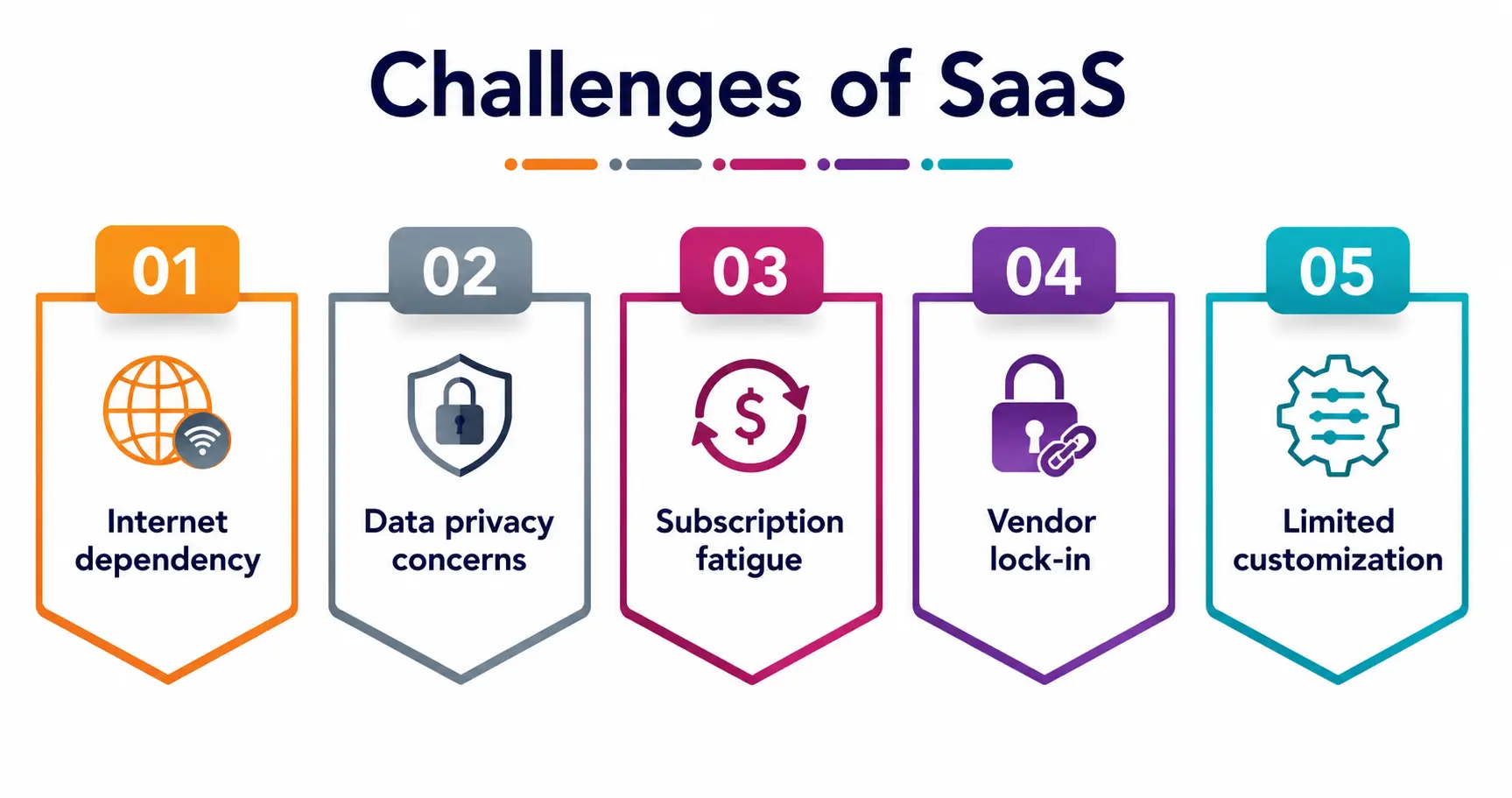
- Internet dependency: No internet connection often means no access to your tools.
- Data privacy concerns: Since your information sits on someone else’s servers, trust in your SaaS providers becomes really important.
- Subscription fatigue: Paying multiple monthly fees across different cloud applications can add up faster than people expect.
- Vendor lock-in: Switching platforms later can involve complicated data migration processes.
- Limited customization: Compared to custom-built software, SaaS tools sometimes offer less flexibility for very specific business needs.
None of these are deal-breakers, but they’re worth knowing before jumping headfirst into any subscription.
The Future of Software as a Service
The direction this industry is heading in is honestly exciting. Based on the latest SaaS market growth statistics, artificial intelligence is being woven directly into SaaS platforms, making tools smarter, more predictive, and increasingly personalized for each user.
We’re also seeing a rise in something called “micro “SaaS”—small, niche-focused tools built for very specific problems rather than trying to be an all-in-one giant platform. This means more specialized, more affordable options are entering the market every year, which is great news whether you’re a student building your first side project or a business owner shopping around.
A Personal Note
Honestly, writing this made me think back to how confusing all this tech terminology felt when I first started learning about it. Software as a service isn’t some intimidating concept reserved for tech experts — it’s something you interact with every single day, probably more times than you realize. My advice to any student reading this: don’t just memorize the definitions for an exam. Actually open up a free SaaS tool, poke around, see how the subscription model works, and notice how updates just appear without you doing anything. That hands-on curiosity is what actually makes concepts like this stick, way more than any textbook paragraph ever could.