
If you’ve spent any time around a compliance team, you’ve probably watched someone chase the same spreadsheet update for the third time in a week. That’s usually the moment people start asking about GRC automation — not because it’s trendy, but because the manual alternative is quietly draining hours nobody has to spare.
This guide breaks down what this actually means in practice, how it works under the hood, and where it genuinely helps versus where it gets oversold. It’s written for students and early-career professionals who want a real, working understanding of the topic rather than buzzwords for a resume.
What Is GRC Automation?
GRC stands for Governance, Risk, and Compliance — the three disciplines organizations use to make sure they’re run properly, risks are managed, and rules are followed. According to ISACA, GRC is an operational strategy that helps organizations align their activities with business objectives, manage risk effectively, and stay compliant with regulations.
GRC automation is the use of software to handle the repetitive, rule-based parts of that work—collecting evidence, tracking policies, flagging control failures, and mapping regulations to internal processes—instead of doing it by hand across spreadsheets and email threads.
It doesn’t replace human judgment. It replaces the grunt work that used to eat up the time human judgment actually needs.
At its core, this kind of automation exists to manage operational risk more consistently than a person juggling forty browser tabs ever could. A platform doesn’t forget to renew a certificate. I don’t get tired at 4:45 on a Friday and skip a review because the coffee ran out.
Why Manual GRC Falls Apart at Scale
Picture a mid-sized company that has to satisfy three compliance frameworks at once—say, SOC 2, ISO 27001, and a state privacy law. Each one has overlapping but not identical control requirements. Someone has to track which controls map to which framework, chase evidence from a dozen departments, and update everything the moment a regulation changes.
Do that with spreadsheets and shared drives, and a few things happen predictably. Evidence goes stale. Nobody notices a lapsed control until an auditor does. And the risk assessment tools people rely on — usually a static spreadsheet with color-coded cells — stop reflecting reality within a month of being built.
Manual control management isn’t wrong, exactly. It’s just not built for scale, and scale is where most organizations eventually land. Once a company has more than a handful of frameworks and vendors to track, the math of manual work stops adding up: more frameworks means more overlapping controls, and more overlapping controls means more places for something to quietly fall through the cracks.
How Does GRC Automation Work, Step by Step?
These platforms generally follow the same lifecycle, whether they’re built for a five-person startup or a multinational bank. Here’s the simplified version:
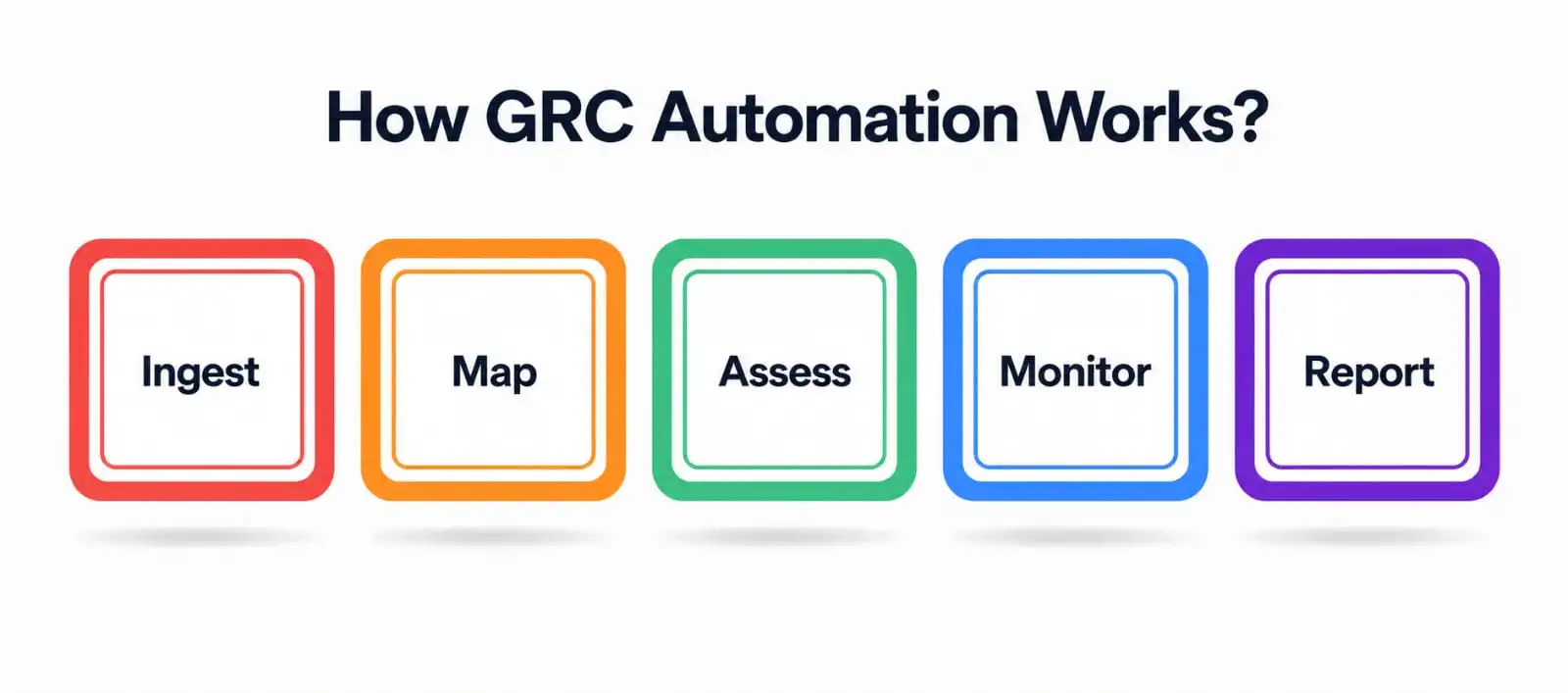
- Ingest. The system pulls in data from cloud infrastructure, HR systems, ticketing tools, and other sources — often through APIs — rather than waiting for someone to type it in manually.
- Map. Controls, risks, and regulatory requirements get mapped to one another, so a single piece of evidence can satisfy multiple frameworks at once instead of being collected separately for each.
- Assess. Automated risk assessment tools score likelihood and impact based on live data, not last quarter’s best guess.
- Monitor. Continuous monitoring checks controls on a schedule — sometimes hourly — instead of during a once-a-year audit sprint.
- Report. Dashboards and reports get generated automatically for auditors, regulators, or the board, pulling straight from whatever the platform already has on file.
The table below lays out roughly how each stage looks with manual work compared to an automated platform.
|
GRC Stage |
Manual Approach |
With Automation |
|
Risk identification |
Interviews, static spreadsheets, annual reviews |
Automated risk scoring pulling live signals from connected systems |
|
Controls |
Manually tracked in documents; easy to miss updates |
Centralized control management with automatic status tracking |
|
Monitoring |
Point-in-time checks before an audit |
Real-time alerts as controls change |
|
Evidence collection |
Emailing departments, chasing screenshots |
Evidence pulled automatically through integrations |
|
Reporting |
Rebuilt manually before every audit cycle |
Generated on demand from a single source of truth |
The Core Components of a GRC Automation Platform
Not every tool markets itself using that exact term, but the good ones tend to share the same building blocks underneath.
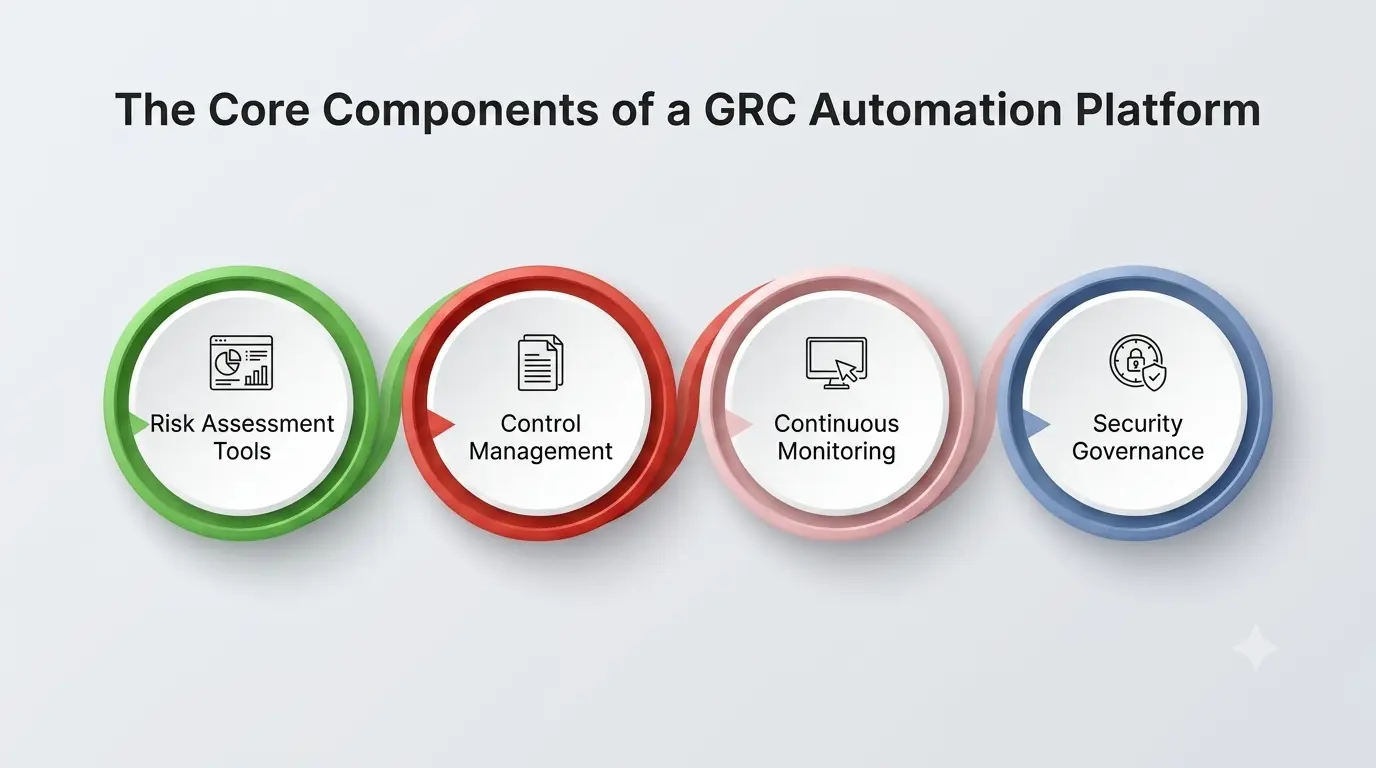
1. Risk Assessment Tools
These are the engines that score and prioritize risk. Good risk assessment tools don’t just list risks—they weigh likelihood against business impact and update those scores as conditions change, rather than freezing them at whatever they happened to be during last quarter’s review meeting. Some also model how one risk compounds another, which a static spreadsheet simply can’t do.
2. Control Management
This is the system of record for every control an organization relies on — who owns it, how often it needs testing, and what evidence proves it’s actually working. Automated control management ties each control back to the specific regulatory or framework requirement it satisfies, so nothing gets tested twice and nothing gets missed entirely because two teams assumed the other one owned it.
3. Continuous Monitoring
Rather than checking controls once a year, continuous monitoring checks them constantly—often in near real time—and flags drift the moment it happens. This is one of the biggest practical shifts automation brings to the field: risk stops being a snapshot taken during audit season and starts being a live feed. NIST’s own Risk Management Framework treats monitoring as a core, ongoing step rather than a once-a-year formality, which tells you how central this idea is to modern security practice.
4. Security Governance
Security governance is the layer that decides who’s accountable for what—policies, roles, and escalation paths. Automated platforms enforce those policies by routing exceptions and approvals to the right person automatically, instead of relying on someone remembering to loop in the CISO before a change goes live.
Benefits of GRC Automation
Here’s where the honest version of this list matters more than the marketing version.
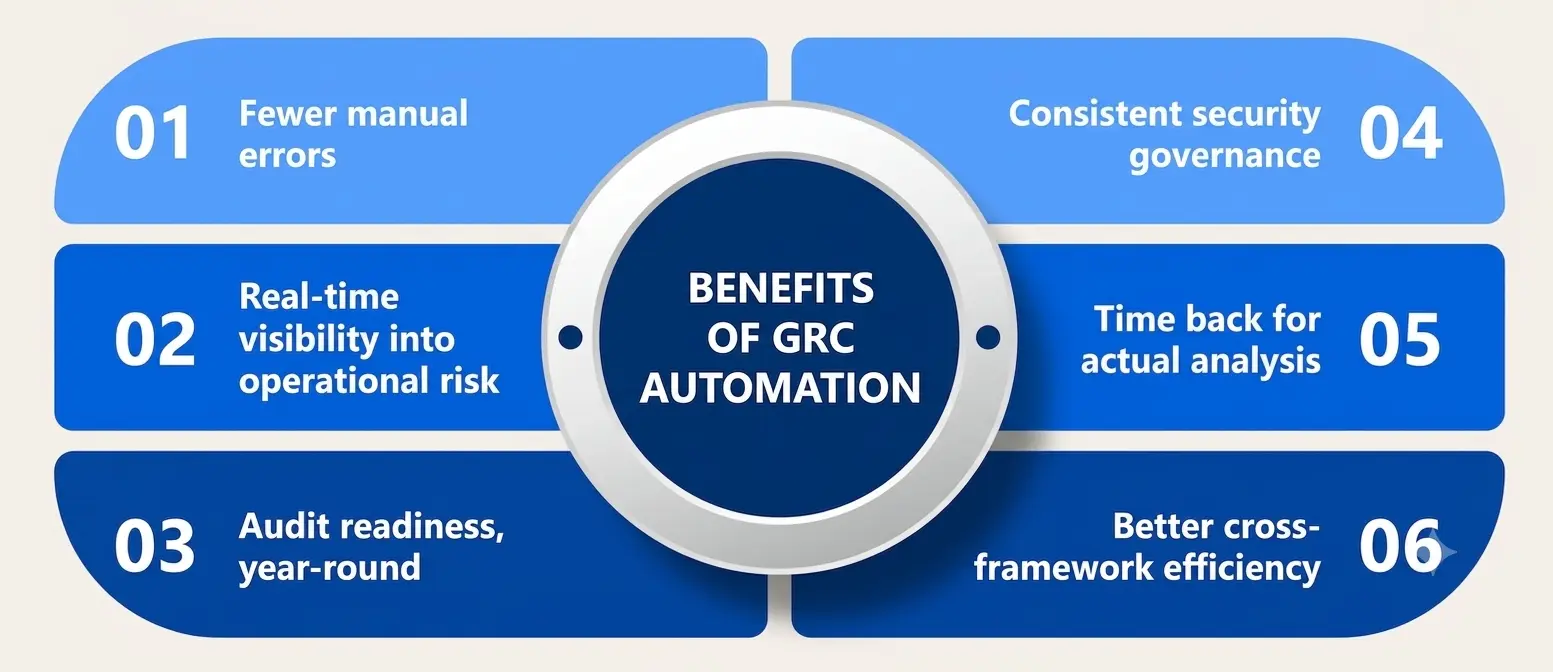
- Fewer manual errors. Automated tracking catches missed deadlines and stale evidence before an auditor does, not after.
- Real-time visibility into operational risk. Leadership sees where things actually stand instead of a snapshot from three months ago that’s already out of date.
- Audit readiness, year-round. Continuous monitoring means evidence stays current, so audits stop being fire drills and start being formalities.
- Consistent security governance. Policies and approvals follow the same path every time, regardless of who’s on vacation that week.
- Time back for actual analysis. Teams spend less time on data collection and more time deciding what the data actually means.
- Better cross-framework efficiency. One piece of mapped evidence can satisfy several regulatory requirements at once instead of being gathered from scratch for each one.
None of this means automation eliminates the need for skilled people. If anything, it raises the bar — someone still has to interpret what the dashboards are showing and decide what to actually do about it. A platform can tell you the risk score went up; it can’t tell you whether that’s acceptable for your business this quarter.
Common Frameworks and Standards Behind the Tools
Most platforms in this space are built to align with established frameworks rather than invent their own logic from scratch. A few worth knowing as a student entering this field:
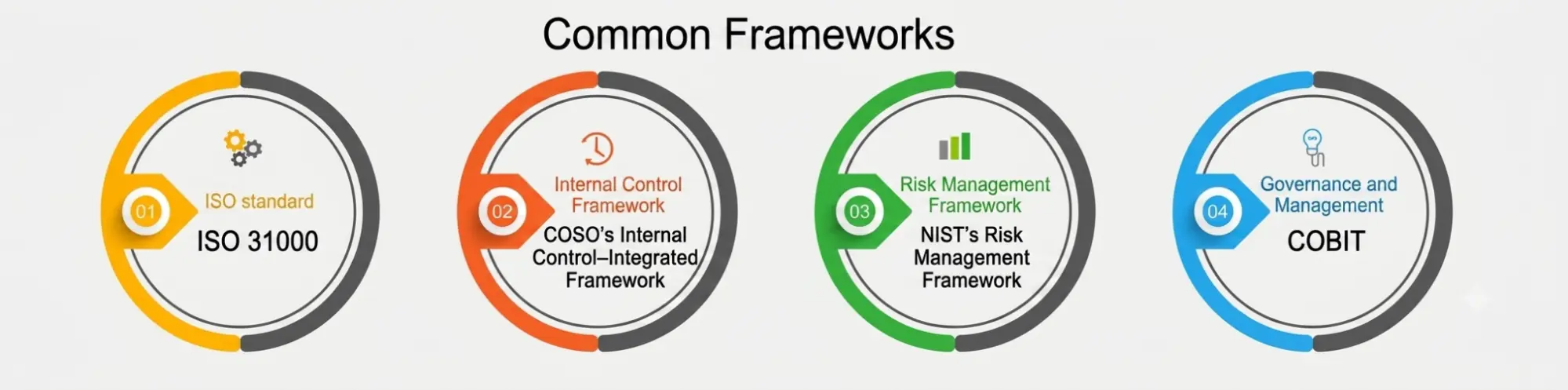
- ISO 31000 is a widely used international standard for structuring a risk management process, from identification through treatment and review. It isn’t a certification, but it shapes how a lot of platforms structure their risk logic.
- COSO’s Internal Control–Integrated Framework is the backbone of a lot of control management practices in the U.S., especially around financial reporting and internal audit.
- NIST’s Risk Management Framework is a seven-step, federal-originated model that heavily influences how ongoing monitoring gets implemented in security-focused GRC tools.
- COBIT, developed by ISACA, links IT governance to broader business objectives and shows up constantly in enterprise security governance conversations.
Knowing these isn’t just trivia for an exam. When you’re evaluating or building one of these platforms, these frameworks are usually what the underlying data model is quietly built around, even when the vendor doesn’t say so directly.
Where is GRC Automation Used in Practice?
- Financial services rely on it to manage regulatory reporting and operational risk tied to fraud, lending, and market exposure.
- Healthcare organizations use it to keep HIPAA-related controls current without a dedicated army of manual auditors.
- Tech companies chasing SOC 2 or ISO 27001 use it to avoid re-collecting the same evidence every single quarter.
- Manufacturing and energy firms apply it to safety and environmental compliance, where operational risk has physical consequences, not just financial ones.
- Universities and public agencies increasingly use it for data privacy compliance, since student and citizen records carry their own regulatory weight.
Challenges Worth Knowing About
None of this is a plug-and-play fix, and it’s worth being upfront about that instead of pretending otherwise.
- Integration debt. If your systems don’t talk to each other cleanly, automated evidence collection breaks quietly, and nobody notices until it actually matters.
- Over-trust in dashboards. Ongoing monitoring is only as good as what it’s configured to watch. A misconfigured control looks fine right up until the moment it isn’t.
- Change management. Teams used to spreadsheets don’t always adopt new tools smoothly, and internal governance policies often have to be rewritten to match how the platform actually works.
- Cost and complexity. Enterprise-grade platforms aren’t cheap, and smaller teams sometimes automate before they’ve even defined the processes that are worth automating in the first place.
- False sense of coverage. Risk that hasn’t been mapped into the system yet doesn’t disappear — it just becomes invisible to the dashboard, which is arguably worse than knowing it’s there.
Getting Started: What to Look for in an Automation Platform
If you’re evaluating tools—whether for a class project or your first job—a few questions cut through most of the sales pitch:
- Does it integrate with the systems you actually use, or does it require you to rebuild your entire stack around it?
- Is the risk-scoring engine configurable, or are you stuck with someone else’s model and no way to adjust it?
- How are controls tracked across multiple frameworks—is evidence reusable or duplicated for each one?
- Does the monitoring run in near real time, or is “continuous” doing a lot of marketing work in that sentence?
- Can non-technical stakeholders actually read the reports without needing a translator in the room?
Conclusion
GRC automation isn’t about removing people from governance, risk, and compliance work—it’s about removing the parts of that work that never needed a person in the first place. Used well, it turns operational risk from a quarterly guessing game into something teams can actually see, measure, and act on before it becomes a headline.
A Personal Note
I’ve sat through enough audit weeks fueled by cold coffee and last-minute spreadsheet fixes to know exactly why this topic matters to the students reading it. The tools will keep changing, and whatever platform is popular this year probably won’t be in five.
What won’t change is the value of understanding governance, risk, and compliance well enough to know when a platform is genuinely helping and when it’s just a dashboard sitting on top of the same old mess. Learn the fundamentals first. The automation makes a lot more sense once you do.