
In the modern tech world, organizations are getting dependent on accurate data or information for making strategic decisions. Choosing the correct data analysis tools is becoming a confusion as the amount of data is growing day by day. To resolve this confusion, Power BI features turn out to be powerful and highly used for analytics.
As Power BI is developed by Microsoft, power BI features help the users to convert raw data into meaningful information by using power BI dashboard and power BI reports. It has the ability to simplify the complex data, and this ability makes it one of the popular business intelligence tools.
This blog will help you to know about modern business intelligence tools, data visualization tools, and data analysis tools like Power BI features, which help you to make data analysis easier.
Why Is Power BI Essential for Data Analysis?
Power BI features have the ability to combine simplicity with powerful analytical capabilities, and whether you are working with small datasets or enterprise-level data, it provides the business intelligence tools essential to analyze and data visualization tools to visualize the information.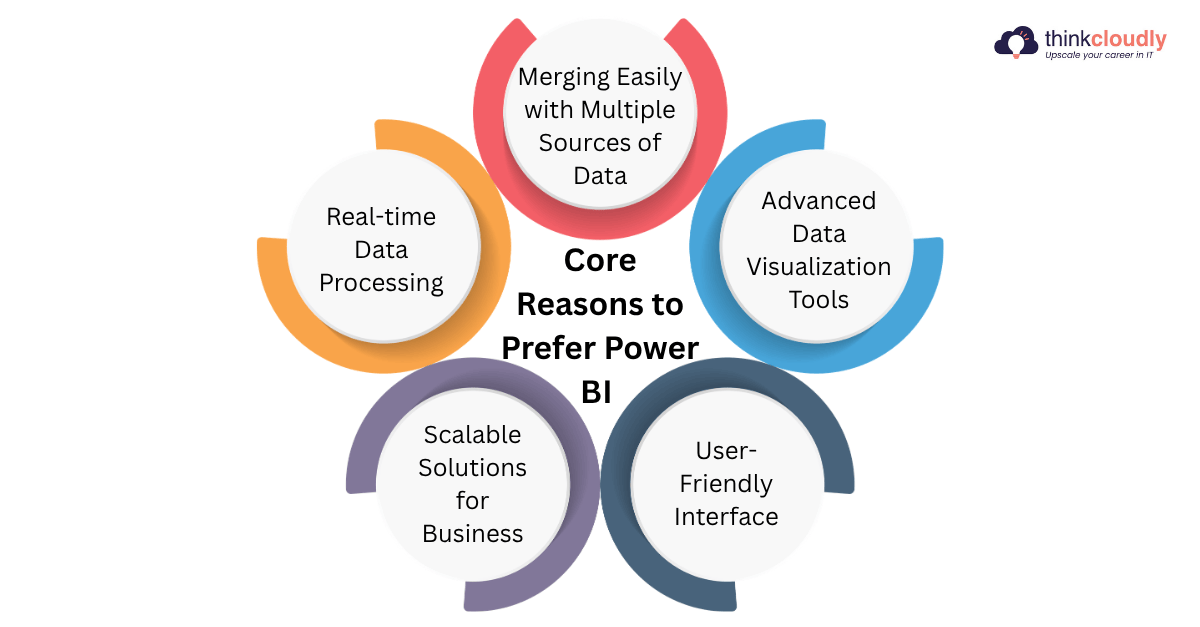
All these power BI features help in making it a valuable choice among modern business intelligence tools, data visualization tools, and data analysis tools.
Top Power BI Features
There are some important Power BI features with various data analysis tools, which help Power BI in making it a highly used platform in the modern world environment.
Some of these essential features are: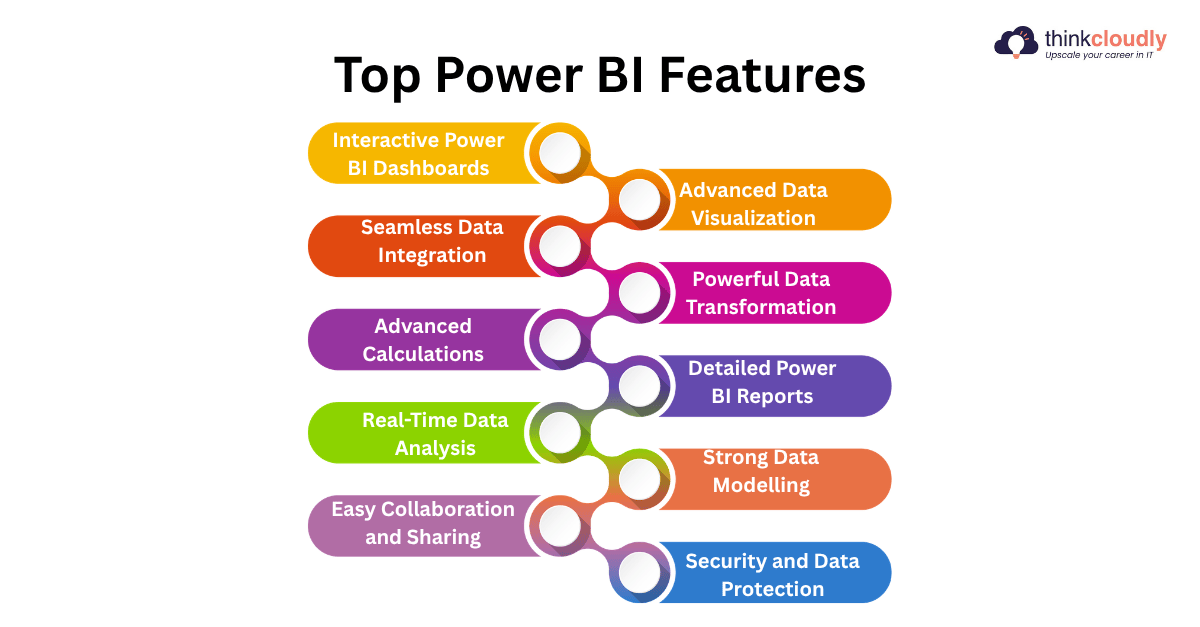
Interactive Power BI Dashboards
This is the most effective Power BI feature and data visualization tool, as the Power BI dashboard gives you a centralized view of key business metrics and allows the users to monitor the performance immediately. The Power BI dashboards are interactive and dynamic, which means the users can click on visuals, apply filters, and also drill down to some specific points to get more information.
The reasons for the importance of interactive Power BI dashboards are:
- The Power BI dashboard provides immediate visibility of the performance of the business.
- It helps to simplify the complex data into easy visuals so that anyone can understand.
- The Power BI dashboard allows quick decision-making.
- It provides everything in one place.
Advanced Data Visualization
This Power BI feature is the strength of Power BI because of its Power BI data visualization tools. This Power BI feature gives various forms of data visualization tools like charts, graphs, and maps, which help the users to present the data in a meaningful way. Charts are used to compare the values, graphs to identify trends, and maps to analyze the location-based data.
Some common types of data visualization tools are:
- Bar and column charts
- Line graphs
- Pie charts
- Maps and geographic visuals
- KPI indicators
Seamless Data Integration
Another important power BI feature and business intelligence tools is its ability to connect with a large variety of data sources. Whether your data is in the cloud or stored locally, this power BI feature can merge the data easily.
The data sources that support Power BI are:
- Excel and CSV files
- SQL databases
- Cloud platforms
- APIs and web services
This is one of the most important data analysis tools and business intelligence tools.
Powerful Data Transformation
The data should be cleaned and structured before analyzing it. Power BI has some powerful data analysis tools, like Power Query, for transforming the data.
The essential high-level skills of it are:
- Removing duplicates
- Filtering unnecessary data
- Merging datasets
- Changing data formats
The main work of Power Query is to make sure that the data used in power BI reports is accurate.
Advanced Calculations
DAX (Data Analysis Expressions) is a formula language that is used to perform calculations and create custom metrics. It is among the data analysis tools and business intelligence tools.
Some important functions of DAX are:
- Created calculated columns
- Build measures
- Perform aggregations
- Apply business logic
This means you can calculate total sales, profit margins, or yearly growth by using this power BI feature or business intelligence tools.
Detailed Power BI Reports
As we know that power BI dashboard, among data visualization tools, gives you the summary, so power BI reports give you the detailed analysis. These power BI reports are multi-page and allow the users to explore the data at a huge level.
Core features of this data visualization tool are:
- Power BI reports have the function of drill-down and drill-through
- Power BI reports have filters and slicers for exploration of data
- Power BI reports contain multiple pages for structured analysis
- Power BI reports give detailed analysis of the data
Real-Time Data Analysis
This is one of the most effective power BI feature due to its ability to handle real-time data. This allows the organizations to monitor live data and quickly respond to the changes.
The benefits of data analysis tools are:
- Instant information
- Faster decision-making
- Operational efficiency is improved
- Live sales can be tracked
All these things help in making this power BI feature the most important data visualization tools.
Strong Data Modelling
One of the most important data analysis tools and business intelligence tools is data modelling. This power BI feature allows the users to create the relationships between datasets and makes sure the analysis is accurate.
Some key concepts of data modelling are:
- Table relationship
- Star schema design
- Data normalization
- Improved performance of power BI reports
Easy Collaboration and Sharing
Collaboration across the teams is required in the modern organizations, and Power BI features make this process simple. Power BI reports and Power BI dashboard can easily be shared through the cloud.
The features of this business intelligence tools are:
- Share power BI dashboards with teams
- Role-based access control
- Merging with Microsoft Teams
- Used for teamwork
This power BI feature is one of the most efficient business intelligence tools.
Security and Data Protection
Data security is one of the critical power BI feature in any organization, and Power BI gives various security features to protect the sensitive information in the data.
Some security features are:
- Row-Level Security (RLS)
- Data encryption
- User access control
- Secure choice among data analysis tools
This makes sure that only authorized members will have access to the specific data.
Tabular Summary of Key Power BI Features
Here is the detailed overview of power BI features in the tabular form.
|
Power BI Features |
Description |
Key Benefit |
|
Interactive Power BI Dashboard |
It helps to provide a centralized and interactive view of business metrics |
Quick decision-making and real-time information |
|
Advanced Data Visualization |
You can use data visualization tools to show it visually |
It helps in easy understanding of trends and patterns |
|
Data Integration |
It connects various data sources like excel, and many cloud platforms |
It helps to combine the data into one unified platform |
|
Data Transformation |
It cleans and prepares the raw data for further analysis |
It helps to make sure that the data is accurate |
|
Advanced Calculations |
It helps in performing calculations like measures |
It enables deeper analysis of data |
|
Power BI Reports |
It is a multiple-page detailed report with filters |
In-depth exploration of data |
|
Real-Time Data Analysis |
Data analysis tools processes and displays live updates of the data |
Faster and timely decision-making |
|
Data Modelling |
It helps in creating relationships between the datasets for structured analysis |
It improves the performance and accuracy of data |
|
Collaboration and Sharing |
It allows sharing power BI dashboards and power BI reports via cloud platforms |
Enhances the teamwork and accessibility |
|
Security and Data Protection |
It includes RLS, encryption and access control |
It helps to protect sensitive data |
Conclusion
Power BI features give you the most powerful data analysis tools with their advanced capabilities and user-friendly design with the help of data visualization tools. Each Power BI feature and business intelligence tools plays an important role in making the analysis of data simpler and improving decision-making.
From interactive power BI dashboard and advanced data visualization tools, all these Power BI features help the professionals to convert the raw data into some actionable information. By learning about data analysis tools and business intelligence tools, you can improve your analytical skills.

