DevOps teams in 2026 are under real pressure. Release cycles are faster, infrastructure is more complex, and the cost of downtime has never been higher. Manual DevOps workflows — waiting for pipeline results, digging through logs, managing deployments by hand — don’t scale anymore.
That’s where these tools come in. They automate the repetitive work, predict failures before they happen, and give teams visibility they could never get manually. According to Spacelift’s 2026 DevOps Statistics report, 60% of organizations using AI in DevOps deliver projects faster and with fewer defects. The productivity case is no longer theoretical.
This guide covers the 10 best AI tools for DevOps in 2026 — free and paid options across CI/CD, monitoring, security, and infrastructure. Honest reviews, real pricing, and a clear picture of who each tool is actually built for.
Why AI in DevOps Matters Now
Traditional DevOps practices relied on human expertise to catch problems — engineers manually reviewed logs, set thresholds, and decided when to roll back. That approach breaks down at scale.
Modern AI in DevOps applies machine learning at every pipeline stage. Tools predict which builds will fail, select relevant tests automatically, and roll back deployments when metrics dip — all without human intervention. Monitoring platforms detect anomalies before incidents occur. Security tools scan every pull request without slowing delivery.
In 2026, this approach — AIOps — is no longer optional for teams shipping at speed. The tools in this guide represent the best available right now.
Quick Comparison Table
|
Tool |
Best For | Free Plan | Starts At |
|
GitHub Copilot |
AI coding + pipeline generation | Yes | $10/month |
|
Harness |
AI-powered CI/CD platform | Yes |
Custom pricing |
| Datadog | Full-stack monitoring + AIOps | 14-day trial |
$15/host/month |
| Dynatrace | Observability + root cause AI | 15-day trial |
Custom pricing |
|
PagerDuty |
AI incident management | Yes (limited) | $21/user/month |
|
Snyk |
DevSecOps AI security | Yes | $25/month |
|
GitHub Actions |
CI/CD automation | Yes (2,000 min) | $4/month |
| Ansible Lightspeed | AI infrastructure automation | Trial |
Included with AAP |
| Amazon Q Developer | AWS DevOps assistant | Yes |
$19/month |
| Spacelift | AI infrastructure as code | 14-day trial |
Custom pricing |
Top 10 AI Tools for DevOps Reviewed
1. GitHub Copilot — The Entry Point for AI in DevOps
GitHub Copilot is where most teams begin their DevOps AI journey. Used by over 20 million developers and deployed by 90% of Fortune 100 companies, it generates Kubernetes YAML, pipeline configurations, and Terraform scripts from natural language prompts.
The Agent Mode available in 2026 operates autonomously across multiple files — handling infrastructure tasks, suggesting terminal commands, and self-healing runtime errors. Teams complete coding tasks 55% faster, with pull request time dropping from 9.6 days to 2.4 days. It’s one of the most impactful CI/CD automation tools for getting started with AI-assisted development.
Pricing: Free tier available. Individual at $10/month. Business at $19/seat. Enterprise at $39/seat.
Good fit for: Teams wanting to improve DevOps efficiency starting from the code level, organizations already on GitHub looking to connect coding directly with pipeline automation.
Where it falls short: Copilot assists with writing pipeline configuration but doesn’t manage deployments or monitor production. You’ll need additional DevOps productivity tools for the full lifecycle.
2. Harness — The Most Complete AI-Powered CI/CD Platform
Harness is the AI tools for DevOps platform that handles the full software delivery cycle — CI through deployment, verification, and rollback — using machine learning at every stage.
Its AI agents build pipelines from natural language prompts, run automated tests, and trigger rollbacks the moment post-deployment telemetry dips. The deployment verification module builds a health profile per release and auto-reverts to the last stable build when anomalies surface. Harness is one of the strongest CI/CD automation tools available for teams that need to improve DevOps efficiency at the delivery stage.
Pricing: Free tier available for small teams. Paid plans require contacting sales for custom pricing.
Good fit for: Mid-to-large engineering organizations wanting end-to-end DevOps workflows automation, teams frustrated with manual deployment verification and rollback processes.
Where it falls short: Advanced AI features depend on historical pipeline data — new teams won’t see full value immediately. Adoption requires standardizing on Harness tooling across your delivery process.
3. Datadog — Full-Stack Monitoring With Built-In AIOps
Datadog is the broadest monitoring platform for AI in DevOps, covering infrastructure, APM, logs, security, and user experience from a single dashboard. Its Watchdog AI engine detects anomalies automatically without requiring engineers to configure alert thresholds.
The Bits AI agents introduced at DASH 2025 operate across SRE, Development, and Security functions. When an incident occurs, Datadog AI correlates telemetry, surfaces root causes, and suggests remediation steps. Compass shifted severe incident recovery from hours to minutes after expanding Datadog across their stack. For DevOps practices built around observability and rapid incident response, it’s the strongest full-stack option on this list.
Pricing: 14-day free trial. Infrastructure monitoring starts at $15 per host per month. APM and log management have separate pricing tiers.
Good fit for: DevOps and SRE teams managing distributed systems at scale, organizations needing a single platform for metrics, logs, traces, and security.
Where it falls short: Cost scales significantly with data volume — telemetry-heavy environments can see bills grow fast. Requires discipline around what you instrument and monitor.
4. Dynatrace — Causal AI for Root Cause Analysis
Where Datadog covers breadth, Dynatrace focuses on depth. Its Davis AI engine uses causal AI to identify the actual root cause of an issue across your full application topology — not just surface symptoms.
OneAgent auto-instruments entire hosts without manual configuration, making Dynatrace one of the fastest AI tools for DevOps observability to deliver value from. In 2026, MCP server integration with GitHub Copilot enables prioritized vulnerability remediation directly inside developer workflows.
Pricing: 15-day free trial. Host-based subscription with custom enterprise contracts.
Good fit for: Kubernetes-heavy and multi-cloud architectures, teams that need automated root cause analysis rather than just alert aggregation, and organizations where MTTR directly impacts revenue.
Where it falls short: Enterprise pricing is complex and can be expensive at scale. The platform depth requires investment in learning and configuration.
5. PagerDuty — AI That Reduces Alert Fatigue
Event Intelligence uses machine learning to suppress redundant alerts, correlate related events into single incidents, and predict which issues will escalate before they do. In 2026, generative AI features automate incident summaries, suggest runbook steps, and draft postmortem reports.
For teams running modern DevOps workflows, alert fatigue is a retention problem. PagerDuty’s AI directly reduces the manual overhead around incident response and on-call management.
Pricing: Free tier with limited features. Professional at $21 per user per month. Business at $41 per user per month.
Good fit for: SRE teams dealing with high alert volumes, organizations looking to improve DevOps efficiency specifically in incident response and on-call management.
Where it falls short: Pricing per user gets expensive for large teams. Smaller teams with clean monitoring setups may not need the full feature set.
6. Snyk — DevSecOps AI That Doesn’t Slow You Down
Snyk embeds AI-powered security scanning directly into the developer workflow, running on every pull request without disrupting the pipeline. Its AI risk prioritization evaluates exploitability, reachability, and business impact — not just severity scores.
The Snyk AI Trust Platform integrates into Git repositories, IDEs, build pipelines, and Kubernetes environments. Customers report a 78% reduction in critical vulnerabilities and 40% faster mean time to fix. For modern DevOps practices where security is a shared responsibility, Snyk makes that practical.
Pricing: Free tier with limited scans. Team plan at $25/month. Enterprise with custom pricing.
Good fit for: Teams that want security integrated into CI/CD automation tools from day one, organizations in FinTech, healthcare, or e-commerce where security compliance is non-negotiable.
Where it falls short: The free tier is limited for large codebases. Enterprise features require custom contracts.
7. GitHub Actions — The Free CI/CD Automation Starting Point
GitHub Actions is the CI/CD automation tool that most teams reach for first — free up to 2,000 minutes per month, no separate CI server to manage, integrates directly with GitHub repositories.
In 2026, GitHub Copilot generates Actions workflow YAML from natural language descriptions. For teams starting their journey with AI in DevOps, it’s the lowest-friction way to get automated pipelines running.
Pricing: Free for public repositories. 2,000 minutes per month free for private repositories. $4/month for 3,000 additional minutes.
Good fit for: Teams already on GitHub who want tightly integrated pipeline automation, small to mid-sized teams starting to improve DevOps workflows through automation.
Where it falls short: Complex enterprise pipelines with high build volumes can become expensive. Less purpose-built for advanced deployment verification than Harness.
8. Ansible Lightspeed — AI for Infrastructure Automation
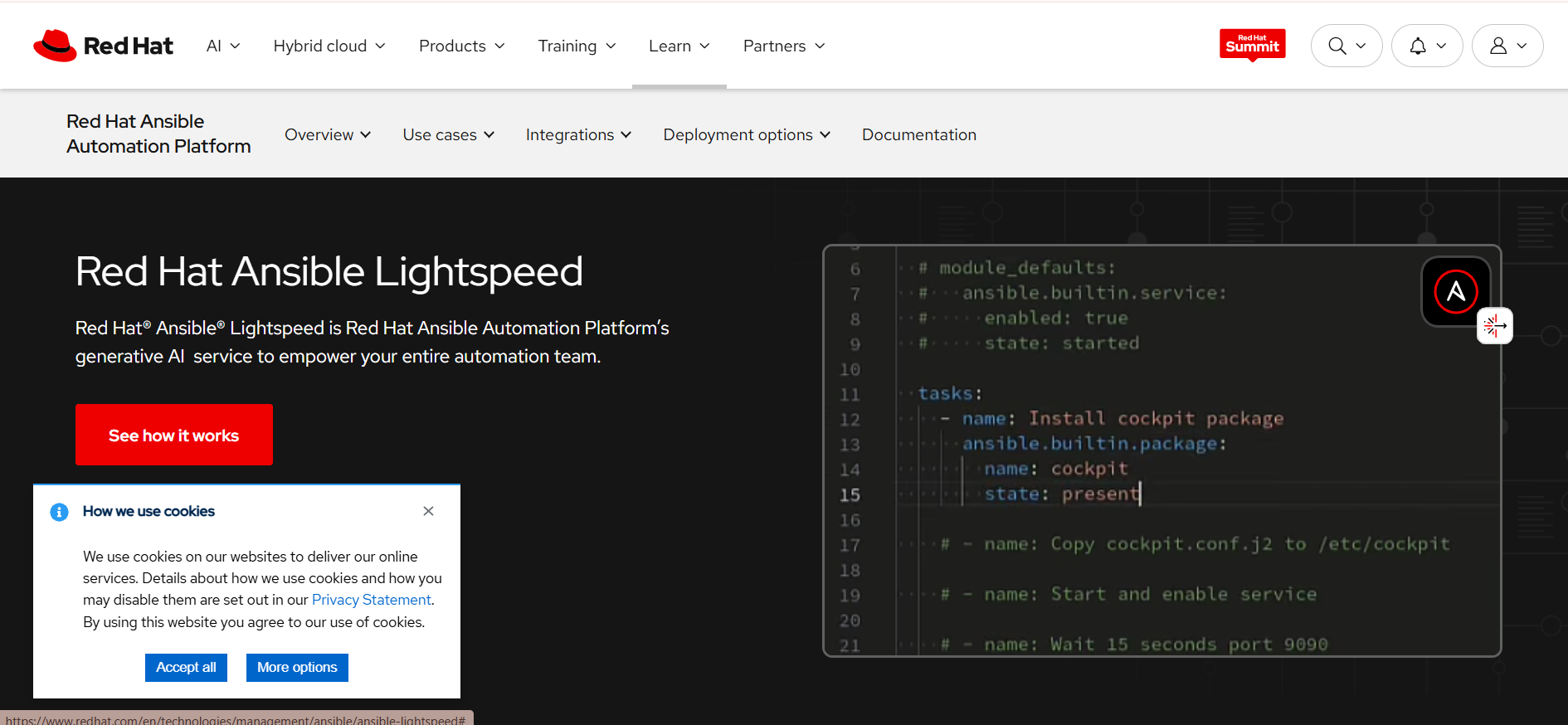
Built by Red Hat and powered by IBM Watson Code Assistant, Ansible Lightspeed translates plain-English descriptions into Ansible playbook syntax automatically. It changes how infrastructure code is written across DevOps practices.
Instead of manually authoring YAML for every automation task, Lightspeed produces context-aware suggestions that follow common Ansible patterns. For teams managing hybrid or multi-cloud environments, it’s a genuine DevOps productivity tool for infrastructure engineers.
Pricing: Included with Red Hat Ansible Automation Platform subscription. Trial available.
Good fit for: Teams already using Ansible for infrastructure automation who want to generate playbooks faster, organizations managing complex hybrid environments.
Where it falls short: Requires Ansible Automation Platform licensing. Limited to Ansible content — doesn’t address monitoring or other DevOps workflows outside infrastructure as code.
9. Amazon Q Developer — AI DevOps Assistant for AWS Teams
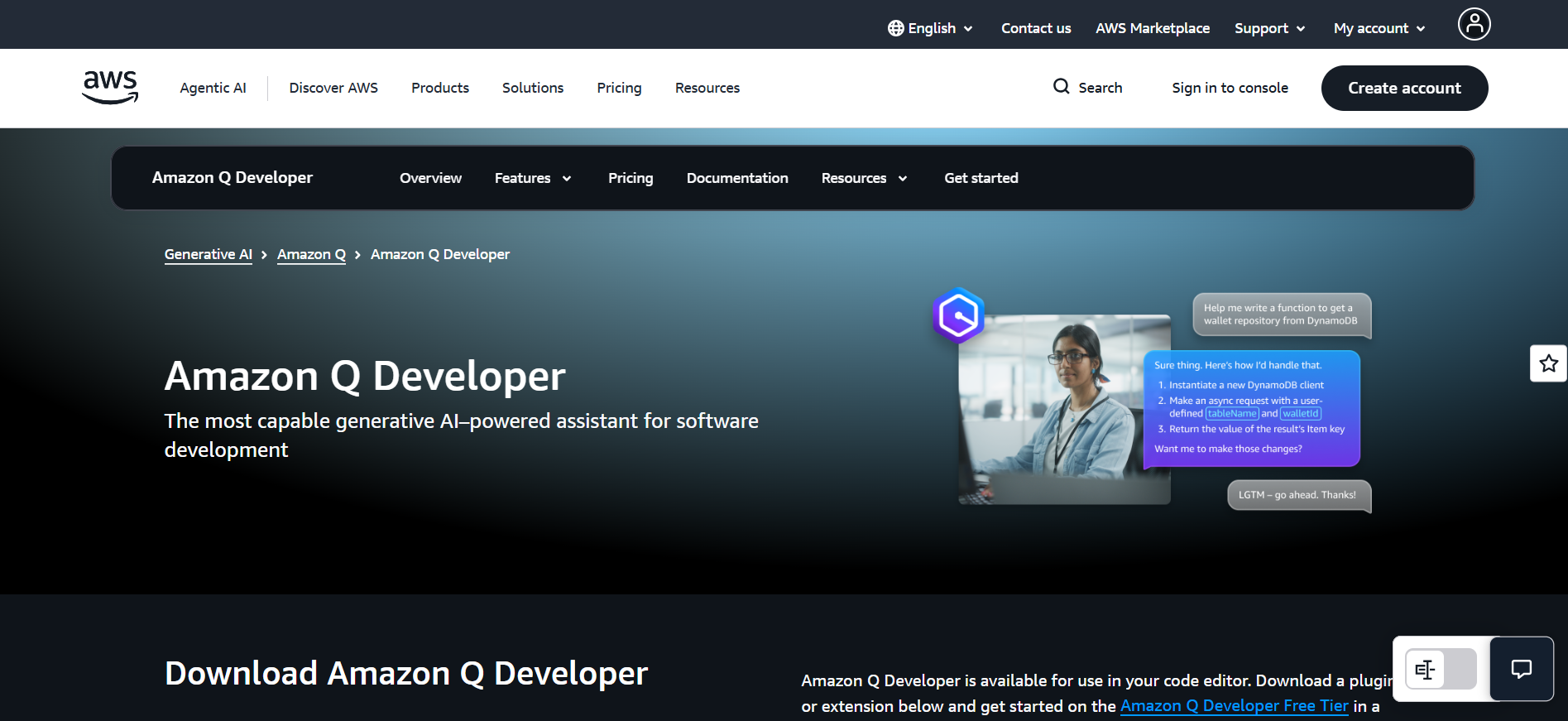
Amazon Q Developer handles infrastructure automation, generates CloudFormation and Terraform configurations, and in 2026, autonomously upgrades legacy codebases — migrating Java 8 applications to Java 21 without manual intervention.
For AWS-native teams, Q Developer accelerates the parts of DevOps practices that slow everyone down — writing boilerplate infrastructure code, documenting changes, and navigating AWS service configurations.
Pricing: Free tier with 50 code suggestions monthly. Pro at $19/month per user.
Good fit for: AWS-focused DevOps teams, enterprises with legacy Java needing modernization, and organizations wanting an AI tools for DevOps assistant that understands their specific infrastructure.
Where it falls short: Outside AWS context, its advantages largely disappear. The free tier is minimal. Non-AWS teams will find GitHub Copilot more useful.
10. Spacelift — AI for Infrastructure as Code at Scale
Spacelift specializes in managing infrastructure as code across large engineering organizations where governance, compliance, and policy enforcement matter. Its self-service platform enhances developer velocity by accelerating how infrastructure changes move through review into production.
Völur used Spacelift to transition to infrastructure as code entirely as part of better DevOps productivity tools adoption — accelerating the spe
ed at which code ran successfully in production through automated policy enforcement and self-service workflows.
Pricing: 14-day free trial. Custom pricing based on deployment volume and team size.
Good fit for: Large engineering organizations managing IaC at scale, teams needing governance and policy enforcement around infrastructure changes.
Where it falls short: Overkill for small teams with simple infrastructure needs. Custom pricing makes cost planning difficult before a sales conversation.
How to Choose the Right Tool
The best strategy for adopting AI tools for DevOps is to fix your biggest bottleneck first.
Deployment failures are your biggest problem: Start with Harness. The AI-powered deployment verification and automatic rollback will directly improve DevOps efficiency at the delivery layer.
Alert noise is destroying your on-call rotation: Datadog or PagerDuty. Both apply AI to reduce noise — Datadog for full-stack observability, PagerDuty for incident routing.
Security vulnerabilities are slowing releases: Snyk integrates directly into existing CI/CD automation tools without requiring pipeline changes.
Just getting started with DevOps automation: GitHub Actions for pipeline automation, GitHub Copilot for code generation. Both have free tiers and low setup friction.
Managing AWS infrastructure: Amazon Q Developer is the strongest choice for teams where AWS is the primary cloud.
IaC governance is the challenge: Spacelift addresses exactly this, with policy enforcement that scales across teams.
Most teams end up running three to five of these tools together — one for CI/CD, one for monitoring, one for security, and one for incident response. No single platform covers the full DevOps lifecycle well enough to make everything else redundant.
Final Thoughts
The shift to AI tools for DevOps is no longer a future trend — it’s the current standard. According to the 2025 DORA report, 90% of software professionals now use AI tools at work. Teams that haven’t adopted DevOps productivity tools powered by AI are shipping slower and spending more time on problems that could be automated.
But tools alone don’t transform DevOps practices. The teams seeing the best results are the ones with clear DORA metrics baselines who know which layer of their pipeline is the actual bottleneck. They adopt one tool at a time, measure impact, and expand from there.
Start with the free tier of whichever tool addresses your most immediate pain. Run it for 30 days. Measure the change. Then decide what to add next.