Data science used to mean writing Python in Jupyter notebooks and hoping the output made sense. Today? It’s a different world.
In 2026, AI doesn’t just assist data scientists — it rebuilds their workflow. Tools now write code, clean messy datasets, build ML models without you touching Python, and explain complex results in plain English. Junior analysts are doing senior-level work in half the time.
But with dozens of tools claiming to be “AI-powered,” how do you pick what’s actually useful? This guide breaks down the 10 best AI tools for data science in 2026 — what they do, who they’re for, and where each falls short. Honest takes only.
What Are AI Tools for Data Science?
AI tools for data science are platforms that use machine learning and generative AI to speed up data work — from cleaning and analysis to model building, deployment, and monitoring.
The difference from traditional data science tools? Old tools gave you infrastructure — a notebook, a database, a Python library. You had to do the thinking. Modern AI tools think with you. They suggest the right model, write the code, flag pipeline issues, and generate charts from plain-English questions.
Some focus on machine learning. Some handle data analytics. Some automate entire ML workflows. The best ones combine all three.
Quick Comparison Table
|
Tool |
Best For | Free Plan | Starts At |
|
ChatGPT |
Code + analysis assistant | Yes | $20/month |
|
Claude |
Data analysis + coding | Yes | $20/month |
|
Google Colab |
Free Python notebooks | Yes | $10/month (Pro) |
|
DataRobot |
AutoML for enterprises | Demo only |
Custom pricing |
| H2O.ai | Open-source AutoML | Yes |
Custom (enterprise) |
|
Databricks |
ML pipelines at scale | 14-day trial | Usage-based |
|
Julius AI |
Plain-English data analysis | Limited |
$20/month |
| AWS SageMaker | Cloud ML platform | Free tier |
Usage-based |
| Hugging Face | ML models + datasets | Yes |
$9/month (Pro) |
| Power BI Copilot | Business data analysis | Yes |
$10/month |
Top 10 AI Tools for Data Science Reviewed
Let’s go tool by tool.
1. ChatGPT — The Coding Companion
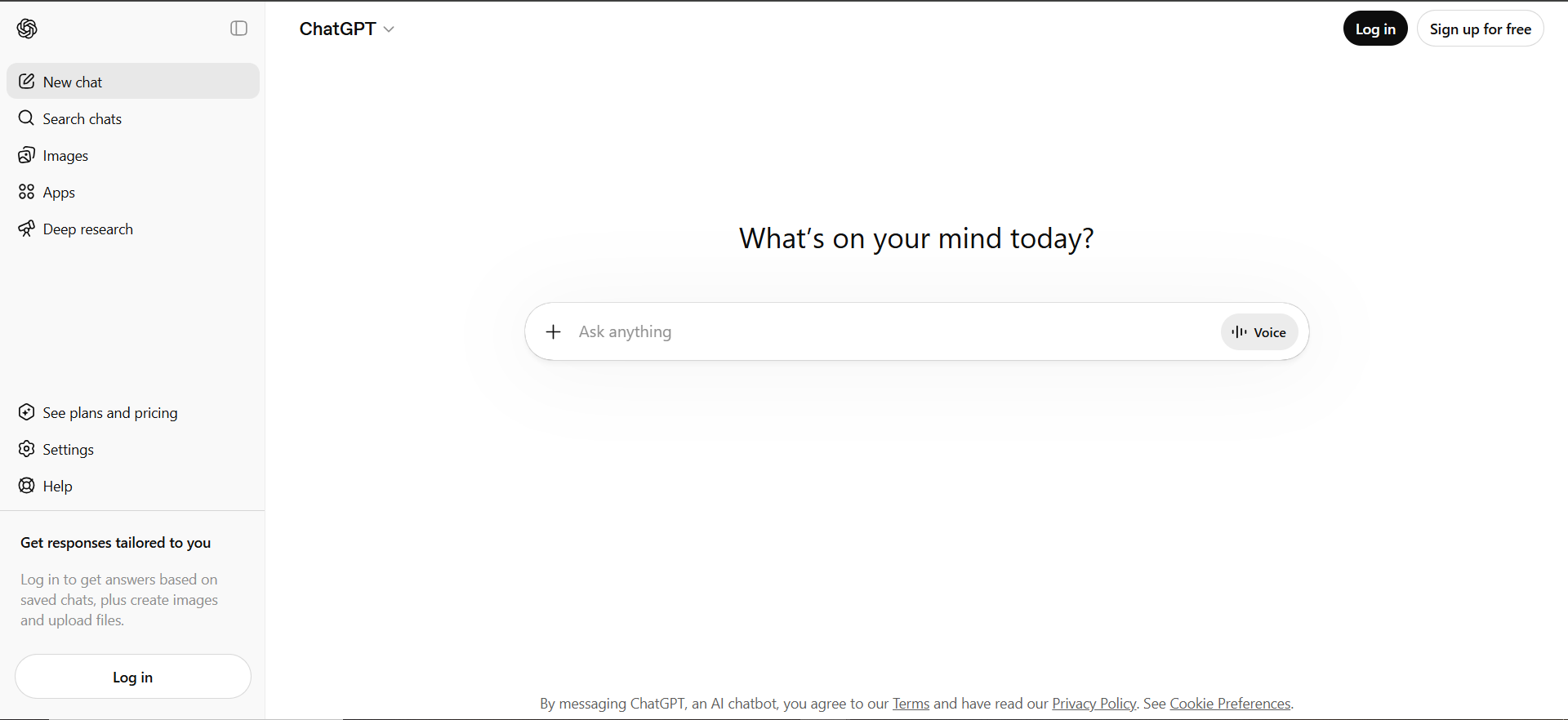
Every working data scientist in 2026 uses ChatGPT. It writes Python, debugs pandas errors, explains obscure ML algorithms, and drafts SQL queries in seconds.
Why people love it: You describe what you want in plain English, and ChatGPT writes the code. Need a regex? Done. Stuck on a tensor shape mismatch? It debugs better than Stack Overflow.
Top features:
- GPT-5 model with advanced reasoning
- Code Interpreter runs Python in-browser
- Upload CSVs for instant analysis
- Explains code and concepts step-by-step
- Custom GPTs for specific workflows
Pricing: Free tier available. Plus at $20/month. Pro at $200/month.
Best for: Data scientists and students who need fast code help and concept explanations.
Honest downside: Can hallucinate incorrect statistics or outdated library syntax. Always verify generated code before running on production data.
2. Claude — The Thoughtful Data Analyst
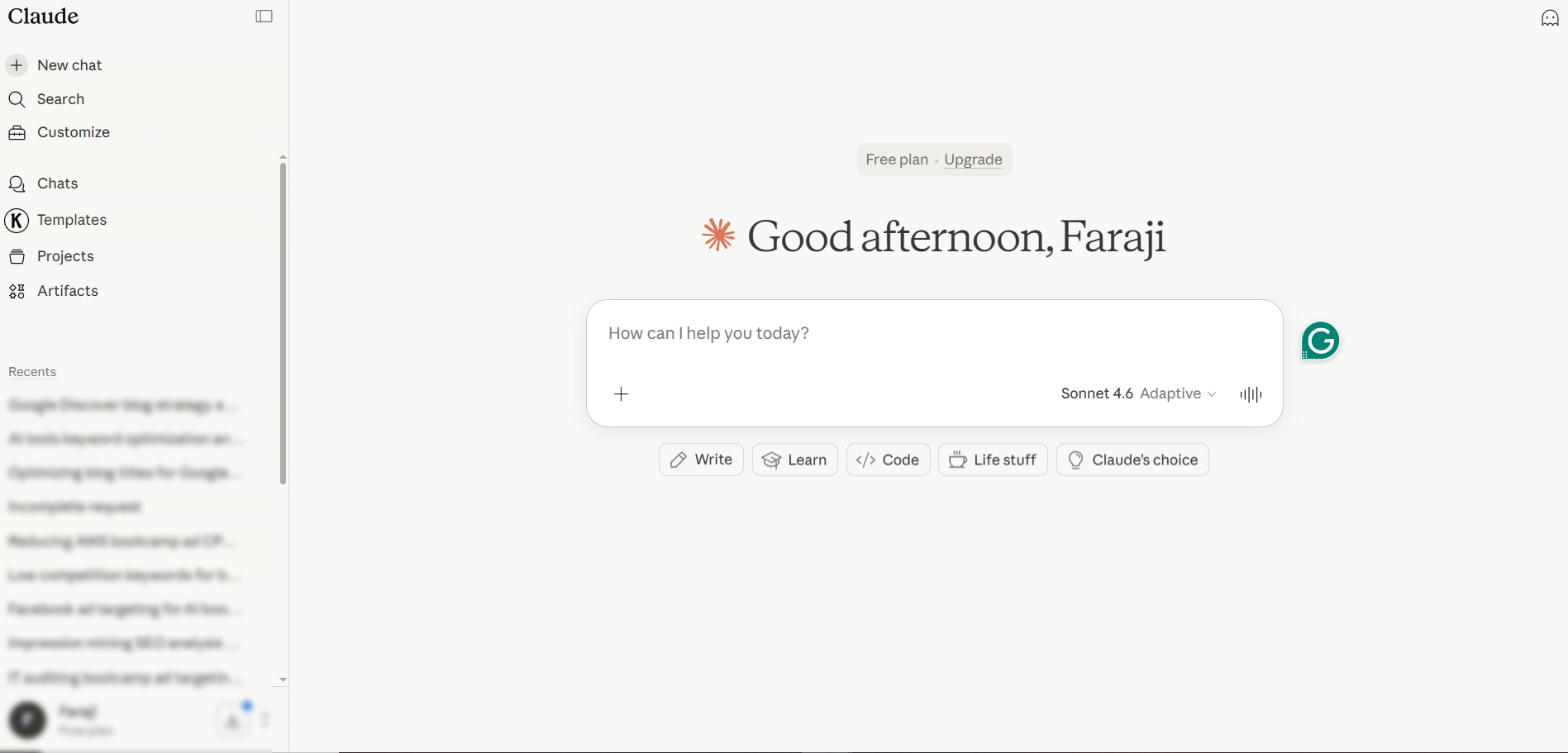
Claude has quietly become the favorite AI assistant among senior data scientists and ML engineers. It handles long code files, analyzes entire datasets, and explains results with nuance ChatGPT often misses.
Why people love it: Upload a 50MB dataset, share your entire notebook, and Claude understands the full context. Its coding ability is widely considered best-in-class for complex data science and ai data science work.
Top features:
- Massive context window (handles entire codebases)
- Artifacts feature with live code previews
- Projects to organize data science workflows
- Extended thinking mode for complex debugging
- Strong statistical reasoning explanations
Pricing: Free plan available. Pro at $20/month. Max from $100/month.
Best for: Data scientists working on long-form analysis, research projects, or complex ML workflows.
Honest downside: No built-in code execution like ChatGPT’s Code Interpreter. No image generation.
3. Google Colab — The Free Notebook Powerhouse
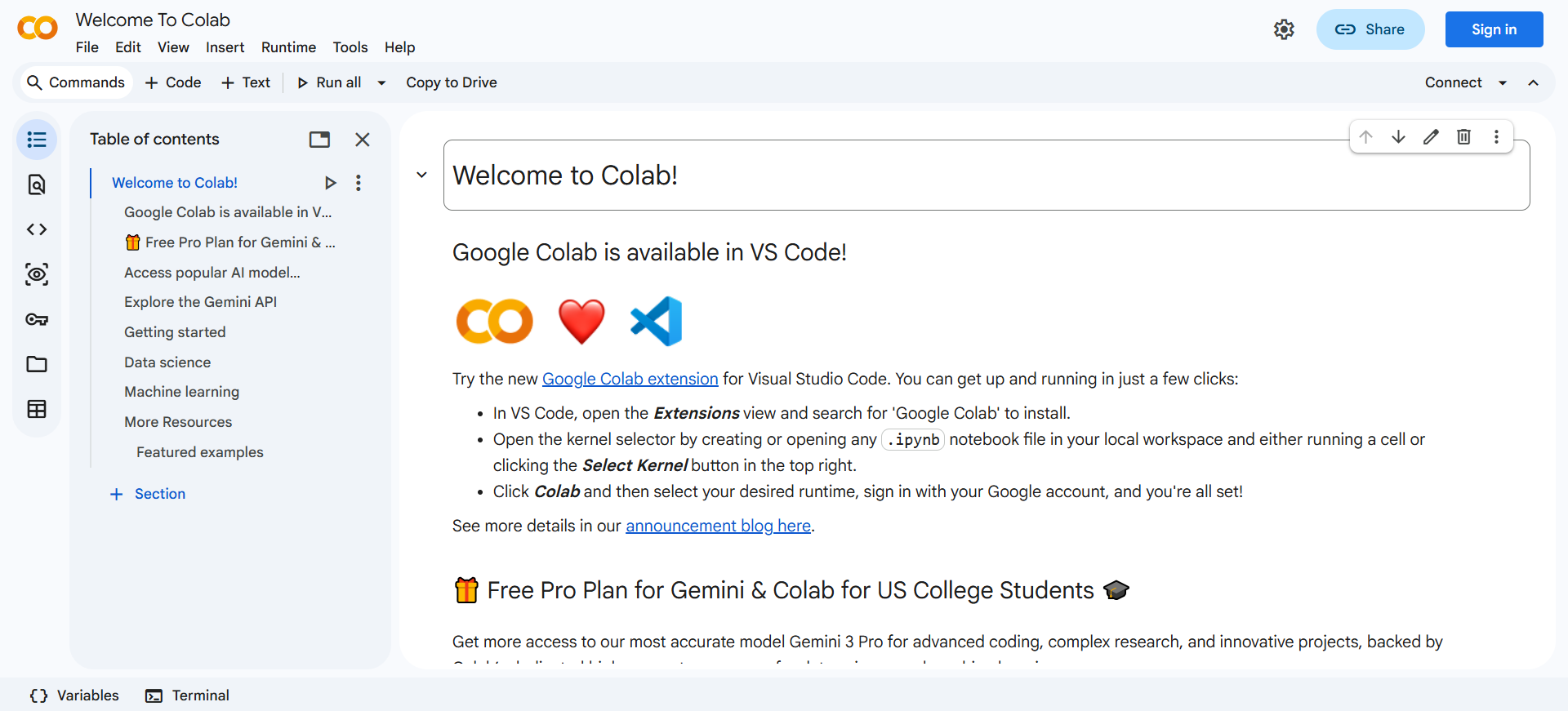
Colab is where most data science careers start. Free, browser-based Jupyter notebooks with Python, GPU access, and cloud storage — no installation needed. In 2026, Google baked Gemini AI directly into Colab.
Why people love it: It’s free. Run deep learning experiments on a free GPU, share notebooks instantly, ask Gemini to write or debug code inline. For learners, nothing comes close.
Top features:
- Free GPU and TPU access
- Gemini AI coding assistance built-in
- Google Drive integration for datasets
- One-click sharing and collaboration
- Pre-installed data science libraries
Pricing: Free tier. Pro at $10/month. Pro+ at $50/month.
Best for: Students learning data science, researchers running experiments, anyone needing free GPU access.
Honest downside: Free tier disconnects after idle time. Not suitable for production workloads.
4. DataRobot — The Enterprise AutoML Leader
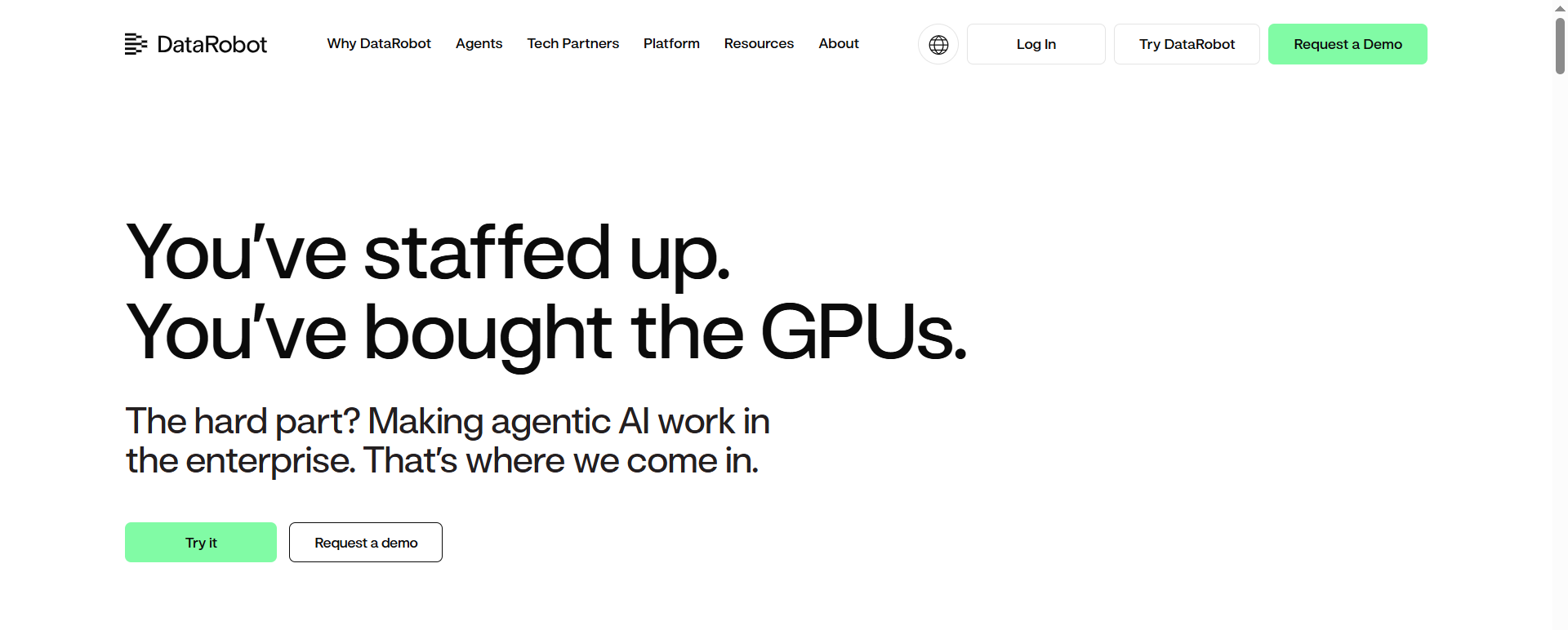
DataRobot automates the hardest parts of machine learning — feature engineering, model selection, tuning, deployment, and monitoring. Fortune 500 companies trust it to build ML models at scale.
Why people love it: Upload data, pick your target variable, and DataRobot tries hundreds of algorithms automatically. It ranks them by accuracy, explains predictions, and deploys the winner. What took weeks now takes hours.
Top features:
- Full lifecycle AutoML across 100+ algorithms
- Value-driven AI tracking business ROI
- Continuous governance and bias monitoring
- Generative AI grounded in your data
- MLOps with drift detection
Pricing: Custom enterprise pricing. Demo on request.
Best for: Large organizations, enterprise teams, and regulated industries like finance and healthcare.
Honest downside: Expensive. Not built for solo developers or small startups.
5. H2O.ai — The Open-Source AutoML Alternative
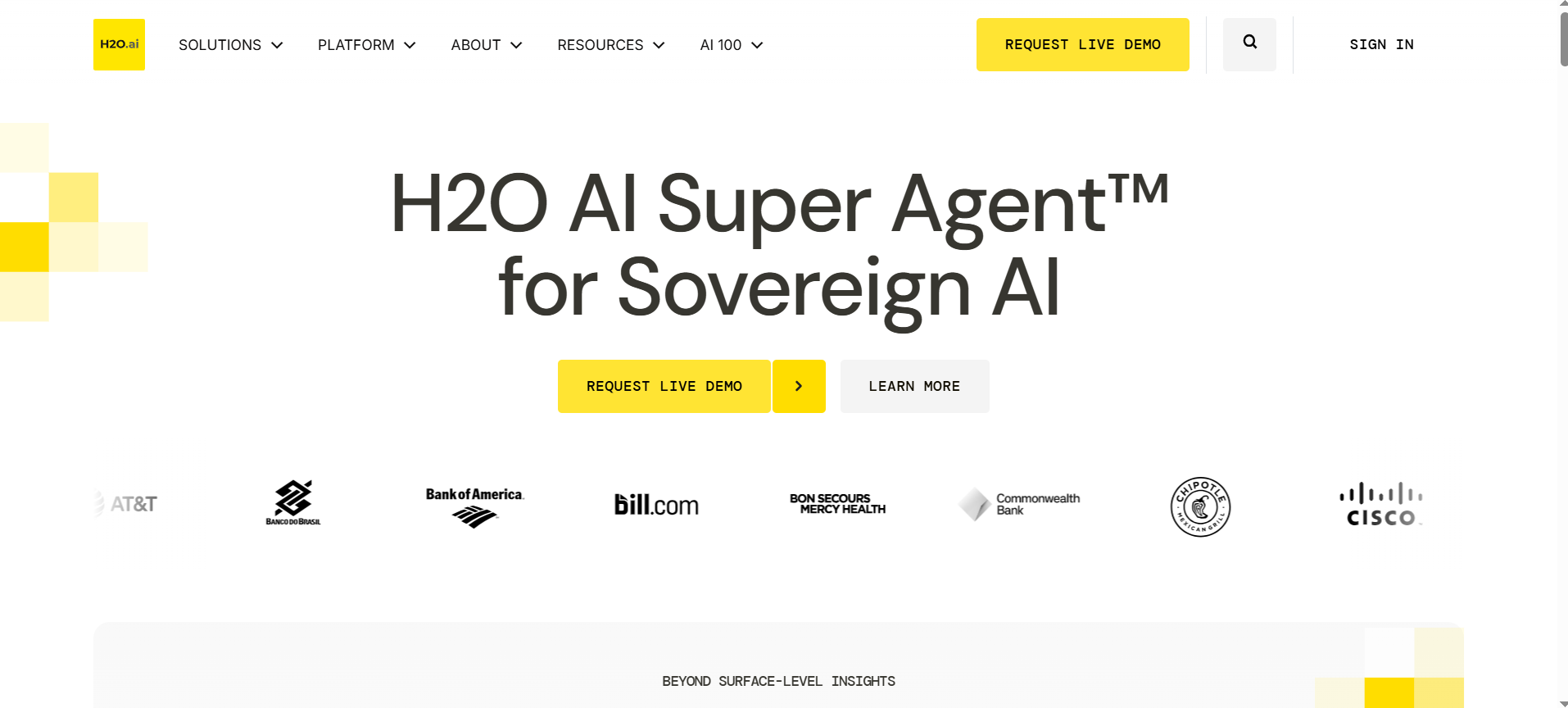
If DataRobot feels out of reach, H2O.ai is the open-source option. Serious AutoML without the enterprise price tag or vendor lock-in.
Why people love it: H2O Driverless AI automates feature engineering and model validation — the two tasks that eat the most time in ML pipeline assistance work. Run it on your own infrastructure.
Top features:
- Open-source AutoML
- Handles large datasets with distributed computing
- H2O GPT for generative AI experiments
- MLOps for production deployment
- Python, R, and Spark integrations
Pricing: Open-source version free. Enterprise tier custom pricing.
Best for: Teams wanting AutoML without vendor lock-in, and organizations with strong data science backgrounds.
Honest downside: Documentation lighter than commercial competitors. Not beginner-friendly.
6. Databricks — The ML Pipeline Platform
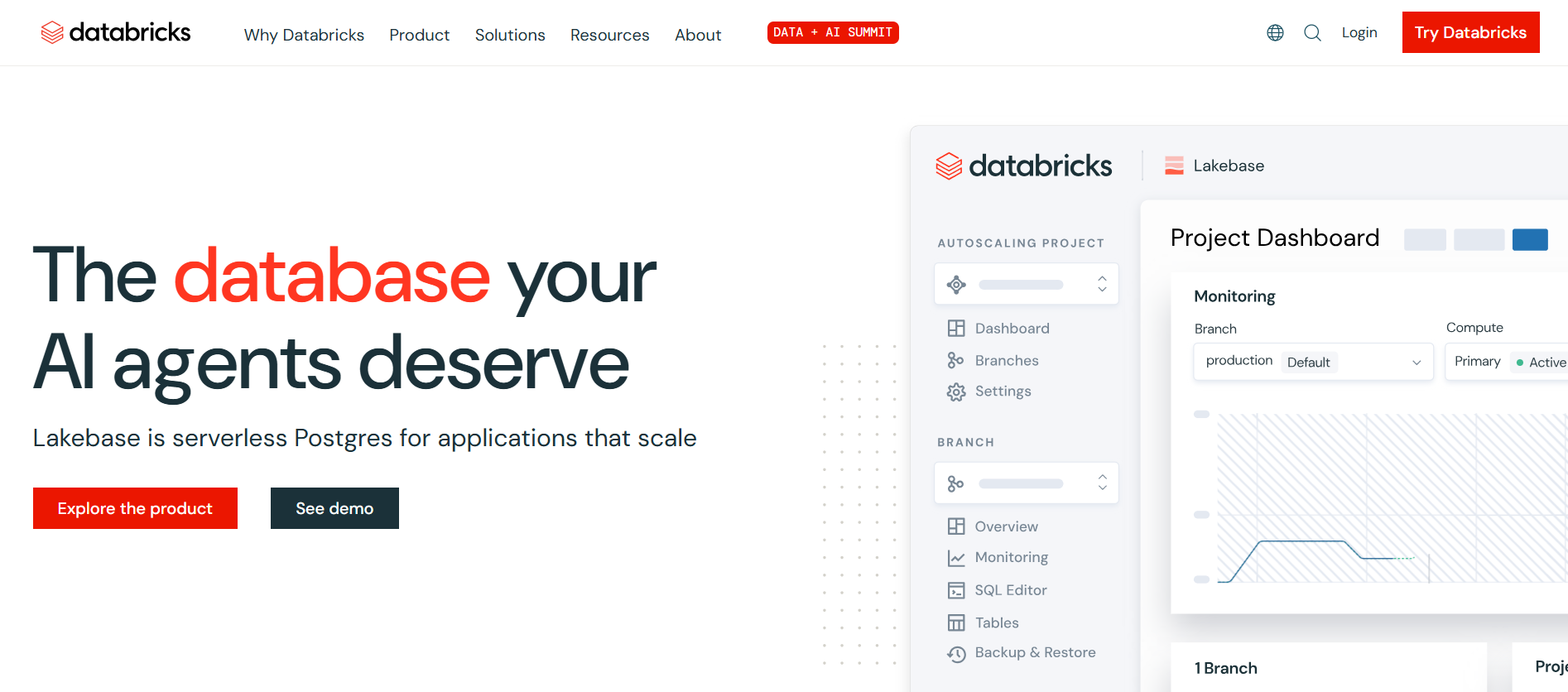
Databricks is built on Apache Spark for running massive machine learning pipelines on big data. In 2026, it’s where most enterprise ML teams live day-to-day.
Why people love it: Unifies data engineering, analytics, and ML in one platform. Databricks Assistant writes code, suggests optimizations, and explains Spark errors without leaving the notebook.
Top features:
- Unified platform for data + AI workloads
- Databricks Assistant for AI-powered code help
- MLflow for model tracking and deployment
- Delta Lake for reliable data lakes
- Collaborative notebooks for teams
Pricing: Usage-based pricing. 14-day free trial.
Best for: Enterprise ML teams working with big data and building production pipelines.
Honest downside: Overkill for small projects. Steep learning curve. Cloud costs spiral without governance.
7. Julius AI — The Plain-English Data Analyst
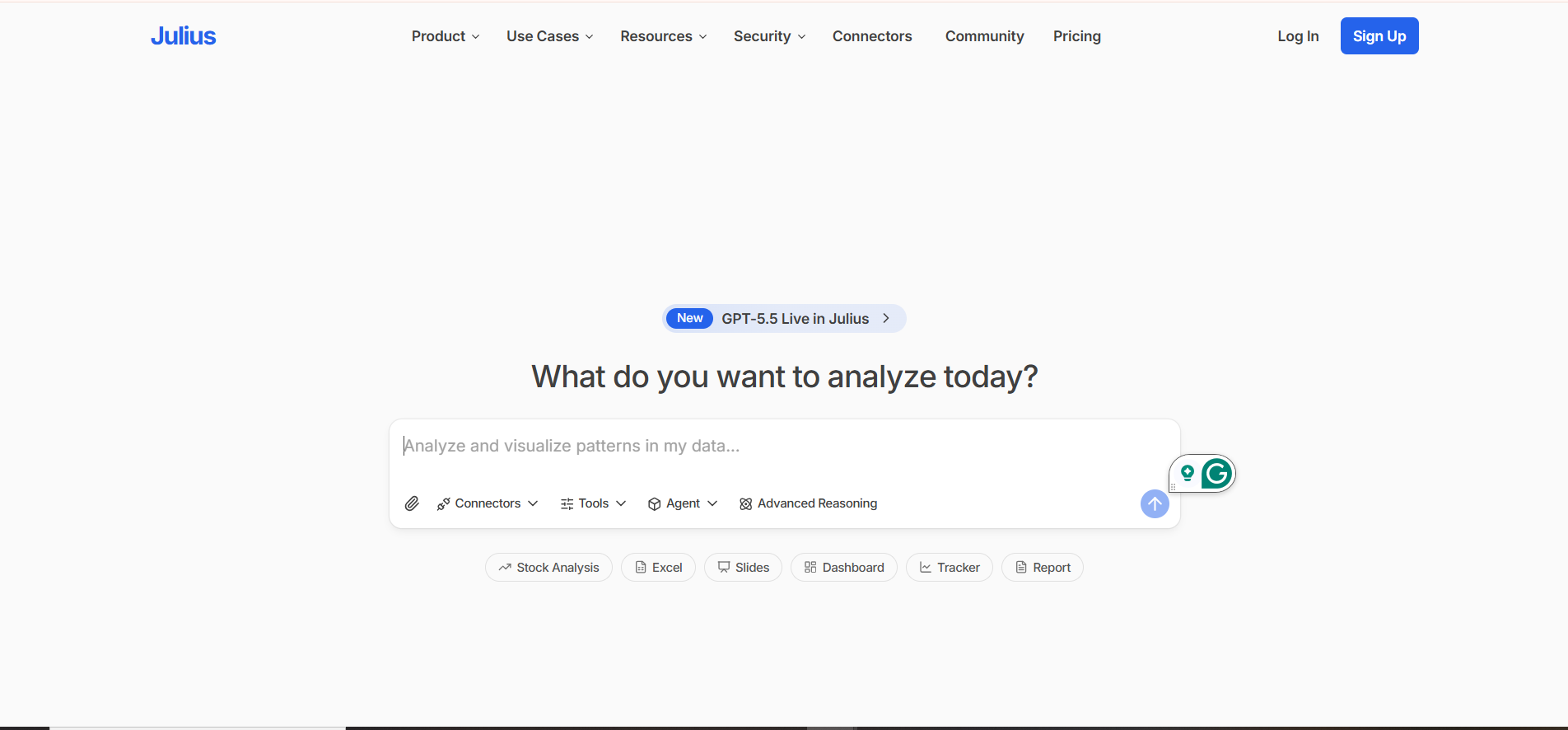
Julius AI is ChatGPT specifically trained for data analysis. Upload a CSV, ask questions in plain English, and Julius writes code, runs analysis, and shows charts.
Why people love it: Zero code required. Ask “Why did revenue drop in Q3?” and Julius runs correlation analysis, generates visualizations, and explains results. Perfect among AI tools for data analysts without heavy coding skills.
Top features:
- Chat-to-analyze interface with CSVs and spreadsheets
- Automated chart generation
- Advanced statistical analysis (regression, forecasting)
- Python, R, and SQL code export
- Team collaboration features
Pricing: Limited free tier. Pro at $20/month.
Best for: Business analysts, non-technical users, and anyone wanting quick insights without writing code.
Honest downside: Not a replacement for full data science platforms. Limited for custom ML models.
8. AWS SageMaker — The Cloud ML Giant
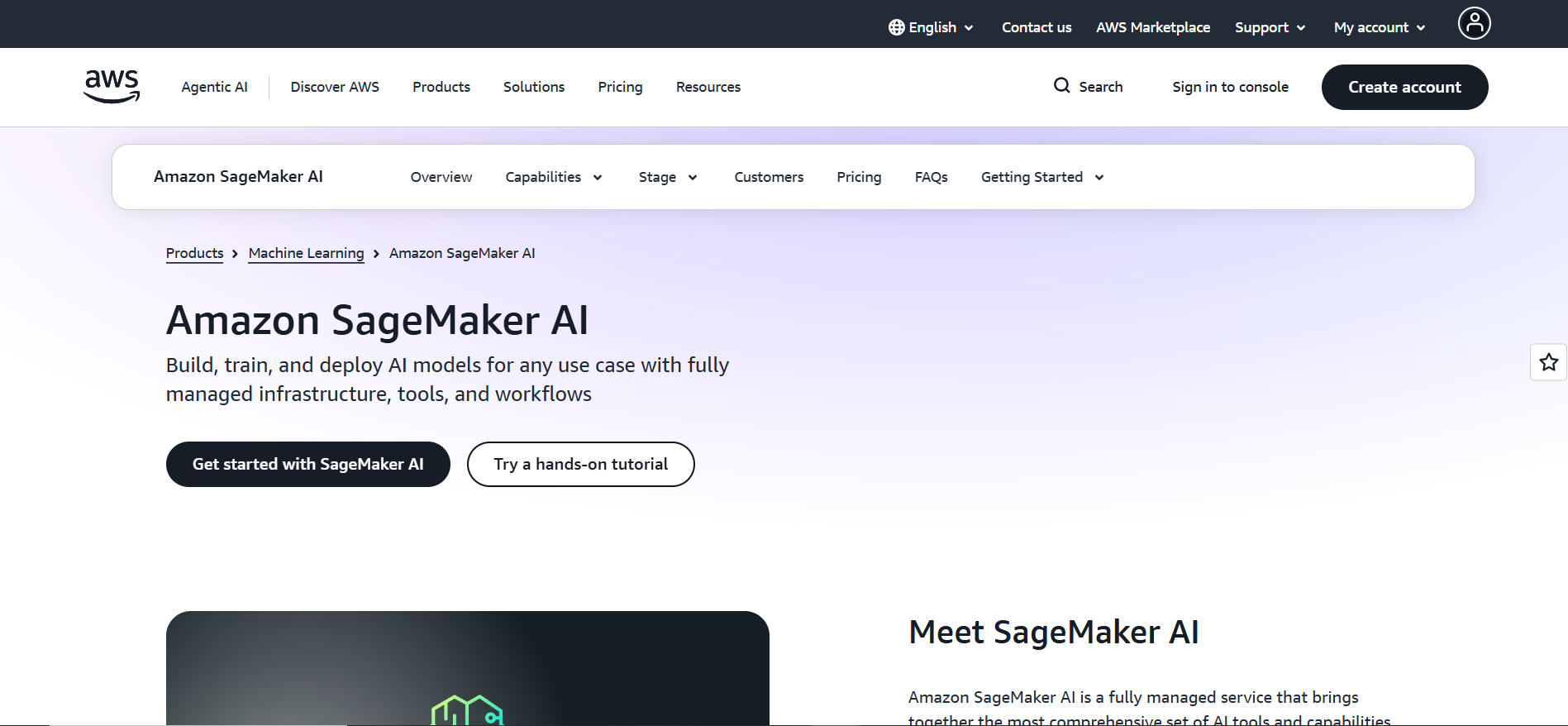
If your company runs on AWS, SageMaker is your ML platform by default. It handles the entire machine learning lifecycle inside the AWS ecosystem.
Why people love it: It’s production-ready. SageMaker Studio gives you notebooks, JumpStart gives pre-trained models, and Canvas lets non-coders build ML models visually.
Top features:
- End-to-end ML platform on AWS
- SageMaker Studio with integrated notebooks
- JumpStart with pre-built models
- Autopilot for AutoML
- Built-in model monitoring
Pricing: Free tier for 2 months. After that, pay-as-you-go.
Best for: Companies on AWS, enterprise ML teams, and data scientists deploying models at scale.
Honest downside: Tight AWS lock-in. Complex pricing across multiple AWS services.
9. Hugging Face — The Open-Source ML Hub
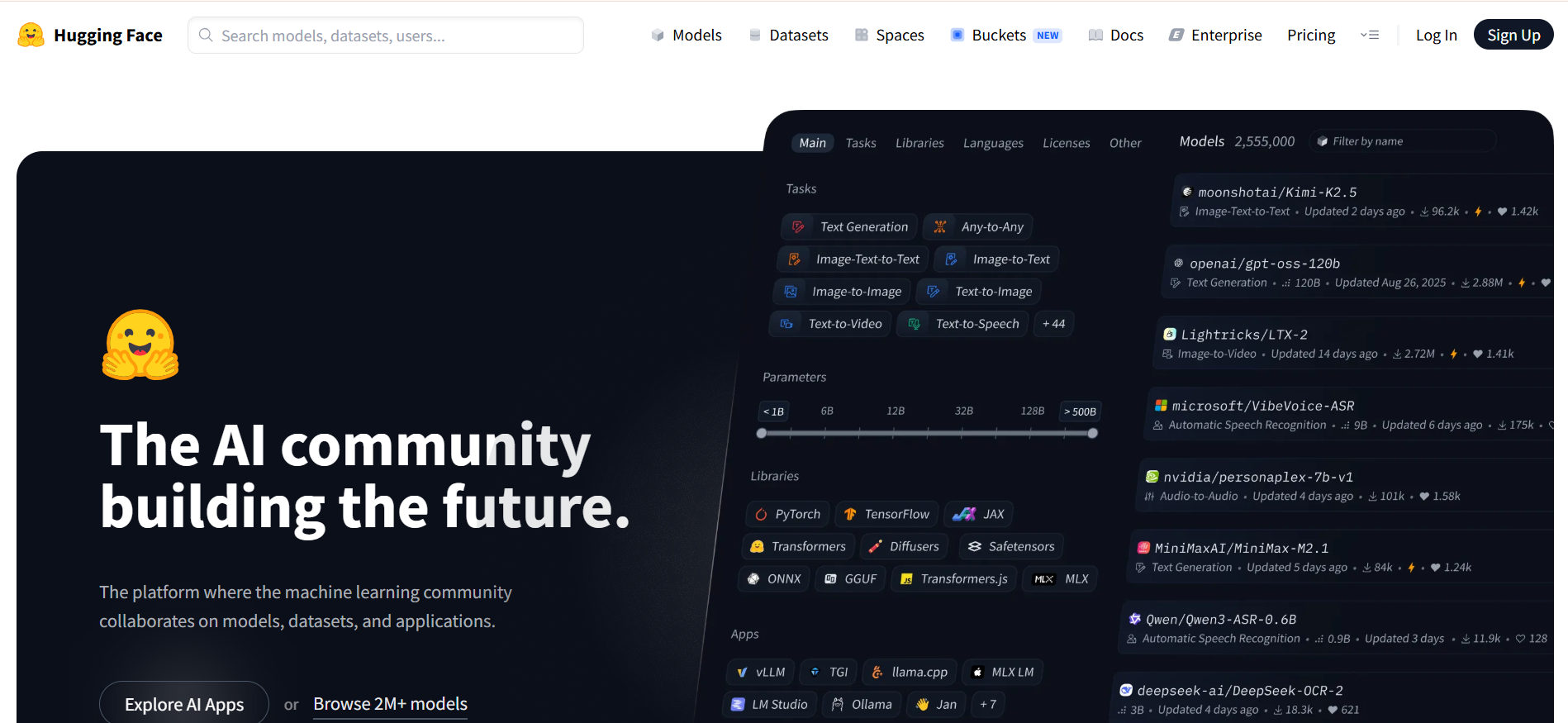
Hugging Face is the GitHub of machine learning — 1 million+ pre-trained models, datasets, and ML applications, most of them free.
Why people love it: Download state-of-the-art models with a few lines of code. Need BERT for text classification? Free. Need Stable Diffusion? Free. Inference Endpoints deploy models to production without managing infrastructure.
Top features:
- 1M+ open-source ML models
- Datasets hub with 200K+ datasets
- Transformers library (industry standard)
- Inference Endpoints for easy deployment
- Spaces for hosting ML demos
Pricing: Free for basic use. Pro at $9/month.
Best for: ML engineers, NLP practitioners, and anyone working with open-source AI models.
Honest downside: Quality of free models varies. Not a full data science platform — pair with notebooks and other data analytics tools.
10. Power BI Copilot — The Business Data Analyst
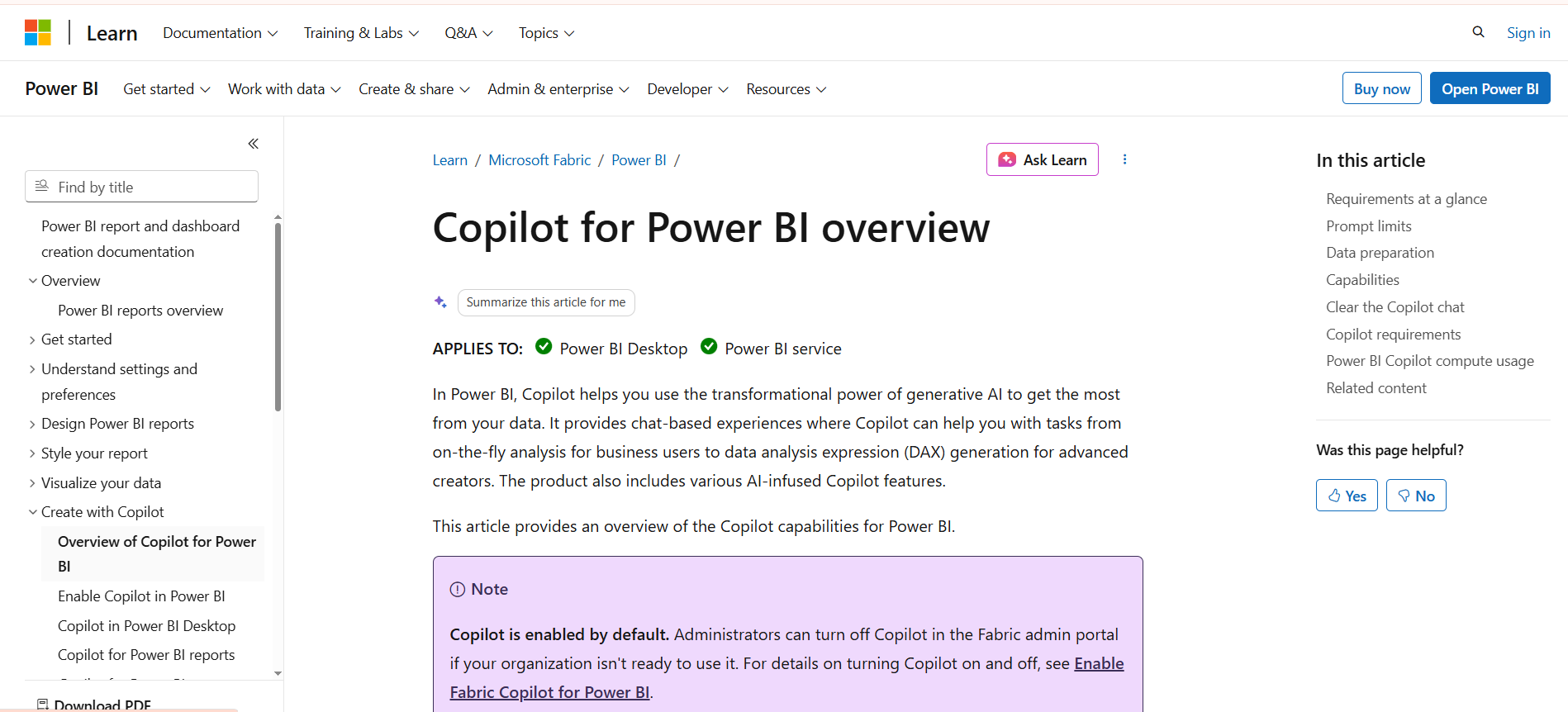
Power BI Copilot is Microsoft’s AI layer on top of Power BI. If your organization runs on Microsoft, Copilot turns natural-language questions into instant dashboards.
Why people love it: Non-technical users can ask “What were our top 5 products by revenue last quarter?” and Copilot builds the chart. Pulls from enterprise sources, respects permissions, makes data accessible to everyone.
Top features:
- Natural-language queries
- Automatic visualizations and dashboards
- Predictive analytics built-in
- Microsoft 365 integration
- Enterprise-grade governance
Pricing: Power BI Pro at $10/month per user. Copilot with Microsoft 365 E5 or Power BI Premium.
Best for: Business analysts and enterprises already using Microsoft 365.
Honest downside: Tied to Microsoft ecosystem. More analytics than true ML.
Which AI Tool Should You Actually Choose?
No single tool covers every data science need. Most professionals combine 2-3 tools. Here’s how to think about it:
If you’re learning data science on a budget: Google Colab (free) + ChatGPT (free tier) + Hugging Face (free). Total: $0. Handles most learning projects.
If you’re a working data scientist writing code daily: Claude or ChatGPT for code help + Google Colab or Databricks for execution.
If you’re a business analyst without coding skills: Julius AI or Power BI Copilot. Upload data, ask questions, get insights.
If you’re building production ML at scale: Databricks or AWS SageMaker. Pick based on existing cloud infrastructure.
If you want AutoML without enterprise budgets: H2O.ai open-source version.
If you need governance and compliance: DataRobot or Databricks. Both handle regulated industries and model monitoring.
If your work is NLP or transformer-based ML: Hugging Face is non-negotiable.
Final Thoughts
Tools don’t make you a data scientist. Understanding data does.
DataRobot won’t build a useful model from garbage data. ChatGPT won’t choose the right algorithm if you don’t know classification from regression. Databricks won’t fix a broken pipeline if no one knows what “broken” looks like.
But when you do know what you’re doing, these AI tools for data science genuinely change your workflow. Analysis that took three days now takes three hours. Models requiring senior engineers are built by mid-level analysts. Insights buried in data finally surface because you have time to look.
Don’t try to learn all 10. Pick two — one AI coding assistant (ChatGPT or Claude) and one execution platform (Colab, Databricks, or SageMaker). Use them until you outgrow them, then add more.
The best data scientists in 2026 aren’t the ones with the most tools. They’re the ones who know what questions to ask, which models to trust, and when to override the AI’s suggestion. That judgment is what actually matters.
Pick one tool. Try it on a real project this week. That’s how data science careers grow.