Hiring managers at cloud-heavy companies are tired of seeing resumes full of certifications with zero real work behind them. In 2026, the first thing every recruiter checks before calling you is your cloud portfolio—and the question is always the same: what have you actually built?
If your answer is a blank GitHub page or a certificate PDF, you are losing jobs to people with less paper but more proof.
Recruiters have a simple filter now—they look at what you have actually shipped. No projects means no callback, regardless of how good your resume looks on paper.
This guide assumes you know nothing yet. You will walk away with a plan, a starting project, and a clear idea of what to put on GitHub by the end of the week.
What a Cloud Portfolio Actually Is
Think of a cloud portfolio as your working proof—a set of projects you have personally deployed, broken, fixed, and documented using platforms like AWS, Azure, or Google Cloud. It gives recruiters something to click, something to read, and something to evaluate—before you even get on a call.
A photographer does not describe their lighting skills in a cover letter. They hand you a portfolio. Your GitHub serves the same purpose — it is the work itself, not a description of it.
When someone lands on your portfolio, there are three things they are looking for:
- Projects—work you have built and deployed
- Documentation — a clear explanation of what you built and why
- Code — the actual files, visible to anyone on GitHub or GitLab
The 5 Types of Projects That Actually Impress Employers
Some projects get you noticed. Others just take up space. Here is what actually moves the needle with technical hiring teams:
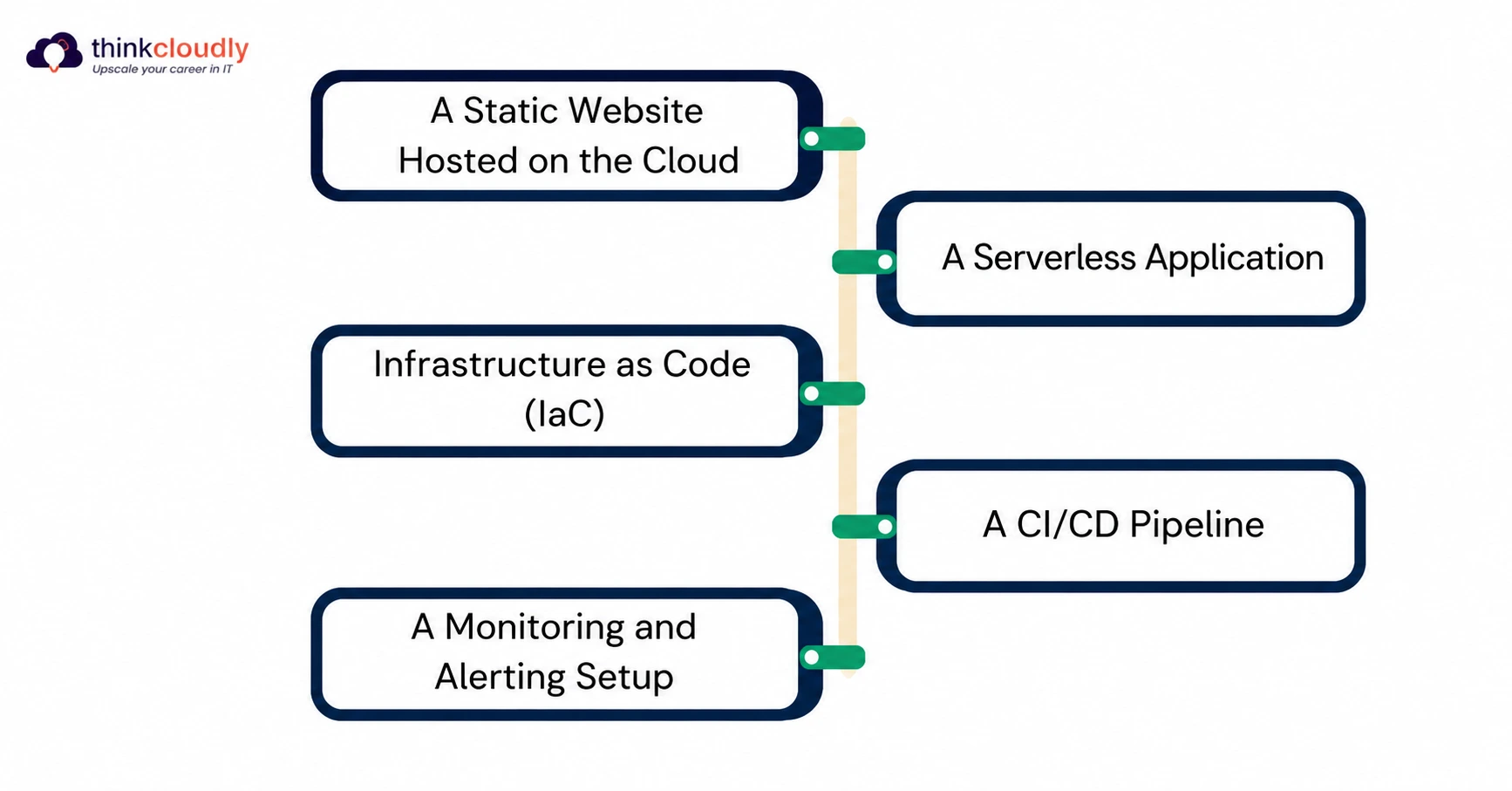
1. A Static Website Hosted on the Cloud
This is your entry point. Host a website using Amazon S3 or Google Cloud Storage. Connect it to a CDN like CloudFront. Add an SSL certificate. It sounds basic, and it is—but finishing it cleanly tells a hiring manager you understand how storage, networking, and security connect in a real environment.
2. A Serverless Application
Build something that runs without managing servers. AWS Lambda, Google Cloud Functions, or Azure Functions are perfect here. Even a URL shortener or a form submission handler counts. Most product teams today reach for Lambda or Cloud Functions without thinking twice. If you have already built something serverless, you walk into interviews knowing a tool they use every day—that is a real advantage.
3. Infrastructure as Code (IaC)
Use Terraform or AWS CloudFormation to write the code that builds your cloud environment automatically. Most people applying for cloud roles have never touched IaC in a personal project. That is the gap. Fill it, and you look like someone who has worked on a real team before.
4. A CI/CD Pipeline
Set up automated testing and deployment using GitHub Actions, AWS CodePipeline, or Azure DevOps. When a developer pushes code, your pipeline should test it, build it, and deploy it — with no manual steps.
5. A Monitoring and Alerting Setup
Create a project where you deploy an app and then set up dashboards and alerts using AWS CloudWatch or Google Cloud Monitoring. Setting up alerts and dashboards is something junior engineers rarely think about. Doing it in your portfolio signals you are already thinking at a level above your experience.
Projects vs. Skills: What Each One Proves
|
Project Type |
Cloud Skills It Demonstrates |
Best For |
|
Static Site on S3/GCS |
Storage, CDN, DNS, SSL |
Beginners |
|
Serverless App |
Lambda/Functions, APIs, IAM |
Mid-level |
|
IaC with Terraform |
Automation, DevOps mindset |
All levels |
|
CI/CD Pipeline |
DevOps, Git, deployment |
Mid to advanced |
|
Monitoring Setup |
Observability, alerting |
Advanced |
How to Start With Zero Experience
Most people wait until they feel ready. That moment does not come. Pick a platform and start building something broken—fixing it is where the learning actually happens.
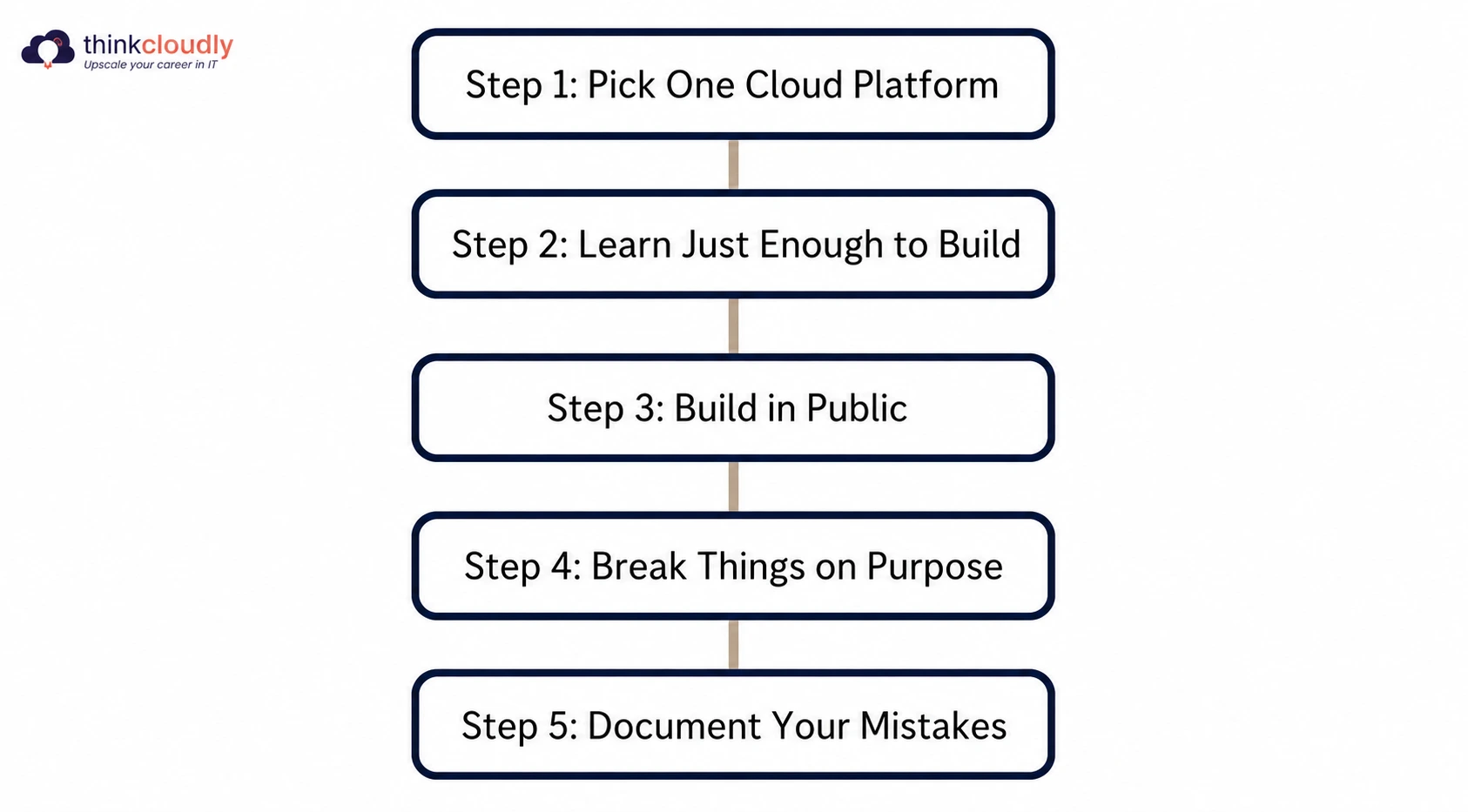
Step 1: Pick One Cloud Platform
AWS shows up in more cloud job listings than any other platform right now. Open any job board, search for “cloud engineer,” and scan the first twenty results—you will see it everywhere. Create a free-tier account and start there.
Step 2: Learn Just Enough to Build
You do not need a full course before you start. Pick one beginner-friendly resource—AWS Skill Builder, Google Cloud Skills Boost, or Microsoft Learn are all free. Spend one week on the basics, then move straight into building. The gaps in your knowledge will show up naturally as you work, and that is exactly when they stick.
Step 3: Build in Public
Every project goes on GitHub. Write a README that explains what you built, why, and how to run it yourself. This is your documentation habit. Start it early.
Step 4: Break Things on Purpose
The best way to learn about the cloud is to misconfigure something, see it fail, and fix it. Use your free-tier account as a playground.
Step 5: Document Your Mistakes
Turn your debugging sessions into short write-ups. Post them as a project update on LinkedIn or your personal site. Over time, these small posts and updates add up. Someone scrolling your LinkedIn six months from now will see a person who has been building consistently—and that pattern is more convincing than any job title you could list.
How to Structure Your Portfolio
Most cloud portfolios fail because they are messy. When you create a repo for each project, set it up like this from day one:
GitHub Repository for Each Project:
- A clear repository name (example: serverless-link-shortener-aws)
- A README with what it does, why you built it, the architecture diagram, and setup instructions
- A folder called /docs with screenshots or a short screen recording
A Portfolio Page: Create a simple one-page website that links to all your GitHub projects. Add a short paragraph for each one explaining what problem it solves.
You do not need a fancy design. Clean and readable wins.
The Soft Skills Your Portfolio Needs to Show
The projects get you the interview. But what keeps recruiters reading is how clearly you can explain what you actually built and why.
Soft proof means:
- Writing clearly about what you built (good communication)
- Choosing projects that solve real problems (critical thinking)
- Updating your projects over time (consistency)
A recruiter who reads a clean, well-written README walks away thinking this person communicates well. That matters more than most candidates realize—especially for remote roles.
Where Certifications Fit Into Your Plan
Certifications are useful. They are not enough on their own.
In 2026, the most respected entry-level cloud certifications globally are:
- AWS Certified Cloud Practitioner — covers the fundamentals and gives you a shared language with the engineers you will eventually work alongside
- AWS Certified Solutions Architect – Associate is the certification hiring managers actually look for when shortlisting candidates for cloud engineer roles
- Google Associate Cloud Engineer — particularly strong if you are targeting roles in Europe, Southeast Asia, or Latin America, where GCP adoption is growing steadily
- Microsoft Azure Fundamentals (AZ-900) — the right starting point if the companies you are targeting run on Microsoft infrastructure, which a large share of enterprise employers still do
Here is the play: earn a certification and build two to three portfolio projects that use the skills the certification covers.
That combination — proof of learning + proof of doing — is hard to ignore.
What to Do When You Have No Job Experience
This is the most common problem beginners face. You need experience to get experience.
Here is how you get around it:
- Contribute to Open Source: Find a small open-source project that uses AWS or GCP. Submit a pull request that fixes a bug or improves documentation. Now you have real collaboration experience.
- Rebuild Something That Exists: Pick an app you use—a to-do list, a weather app, a link saver. Build a cloud-native version of it. You are not copying anything; you are practicing by doing.
- Take on Volunteer Work: Nonprofits and small community organizations often need help with their tech infrastructure. Offer to move their file storage to the cloud or set up a simple automated backup. Document the whole thing.
All of these count. All of them go in your portfolio.
Common Mistakes to Avoid
- Listing certifications without projects: Certifications are a starting point, not a finish line.
- Projects with no README: A project with no explanation is invisible to recruiters.
- Only copying tutorials: Tutorial projects look like tutorial projects. Make at least one change that makes it your own.
- Skipping IAM and security: Every project should show that you thought about permissions and access control. It shows maturity.
- Not updating your portfolio: Old projects with deprecated tools hurt more than help. Review your GitHub every three to four months.
How Long Does This Take?
Realistic timeline for someone starting from zero:
- Month 1–2: Learn cloud basics, complete one beginner project, set up GitHub
- Month 3–4: Build two to three more projects, earn one certification
- Month 5–6: Polish your portfolio, start applying, and contribute to open source
Six months of focused work puts you ahead of most applicants who have been passively studying for years.
The Final Word
You do not need a computer science degree. You do not need five years of experience. You do not need to know every AWS service before you start.
You need to build things, document them well, and put them where people can see them.
The cloud job market in 2026 is competitive—but it is also full of openings that go unfilled because candidates cannot show real work. Your portfolio is how you prove you are different.
Start today. Build something small. Put it on GitHub. Then build the next thing.
Sources & Further Reading
The data and statistics in this article are drawn from the following sources:
- LinkedIn Workforce Report — Cited for the global shift toward skills-based hiring over formal credentials in technology roles.
- AWS Free Tier—Official Page—Referenced for free-tier availability of Amazon S3, AWS Lambda, and Amazon EC2 for new users.
- Stack Overflow Developer Survey 2024 — Cited for AWS being the most commonly used cloud platform among professional developers globally.
- GitHub—README Best Practices—Referenced for documentation standards and the role of a well-written README in project visibility.
- Terraform by HashiCorp—Official Documentation—Cited for the definition and use of Infrastructure as Code in managing cloud environments.
- Google Cloud Free Program—Official Page—Referenced for the 90-day free trial and Always Free tier available for hands-on cloud learning.
All sources reflect globally available data. Survey and report figures are sourced from publications dated 2024–2025 and are accurate as of the time of writing.