Two years ago, an AI coding tool meant GitHub Copilot suggesting the next line of code. Useful, but limited. What’s happening in 2026 is something entirely different.
Today’s AI coding tools don’t complete lines — they complete features. You describe what you want to build, and an AI agent reads your codebase, plans changes across multiple files, writes the code, runs the tests, and submits a pull request. According to JetBrains’ January 2026 survey of 10,000+ professional developers, 74% now use specialized AI coding tools in their daily work. Developers using these tools report up to 55% productivity gains.
But with dozens of tools now competing for a spot in your workflow — AI IDEs, AI code completion plugins, terminal agents, app builders — choosing the wrong one wastes real money and time. This guide covers the 10 best AI coding tools in 2026, who each one is built for, honest pricing, and where each falls short.
How AI Programming Has Evolved
The shift worth understanding before picking a tool: AI programming has moved from autocomplete to agentic. First-generation tools were simple AI code completion assistants. They predicted what you were about to type. Useful, but you were still doing all the thinking.
Today’s tools operate as agents — an AI coding assistant now reads context across your entire project, executes multi-step tasks independently, and applies changes across dozens of files in a single operation. Some tools let you assign a GitHub Issue and come back to a completed pull request.
This shift is why AI powered code generation has become a core part of professional development in 2026. The best AI code writer tools today don’t just write the next line — they understand your entire project and act on it autonomously.
Quick Comparison Table
| Tool | Best For | Free Plan | Starts At |
|---|---|---|---|
|
GitHub Copilot |
Teams, all editors | Yes | $10/month |
|
Cursor |
AI-first IDE | Yes |
$20/month |
| Claude Code | Terminal, large codebases | Usage-based |
~$20-50/month |
|
Windsurf |
Agentic coding, budget | Yes | $15/month |
|
Tabnine |
Privacy-first teams | Yes |
$9/month |
| Replit Agent | Building apps from scratch | Yes |
$25/month |
|
Amazon Q Developer |
AWS teams | Yes | $19/month |
|
Lovable |
Non-developers | Limited | $25/month |
| JetBrains AI Assistant | JetBrains IDEs | 7-day trial |
$10/month |
| ChatGPT | General coding help | Yes |
$20/month |
Top 10 AI Coding Tools Reviewed
Under the hood, these tools represent very different approaches to AI-assisted development — from editor-integrated copilots to fully autonomous agents. What they share is a shift from simple suggestions to real execution. Whether it’s GitHub Copilot fitting seamlessly into your existing workflow, Cursor redefining how an IDE behaves, or Claude Code handling large-scale engineering tasks, each tool solves a specific bottleneck in modern development.
The key isn’t just which AI coding tool is “best” overall — it’s which one aligns with how you build, the complexity of your projects, and how much control you want over the code being generated.
1. GitHub Copilot — The Most Widely Adopted AI Coding Tool
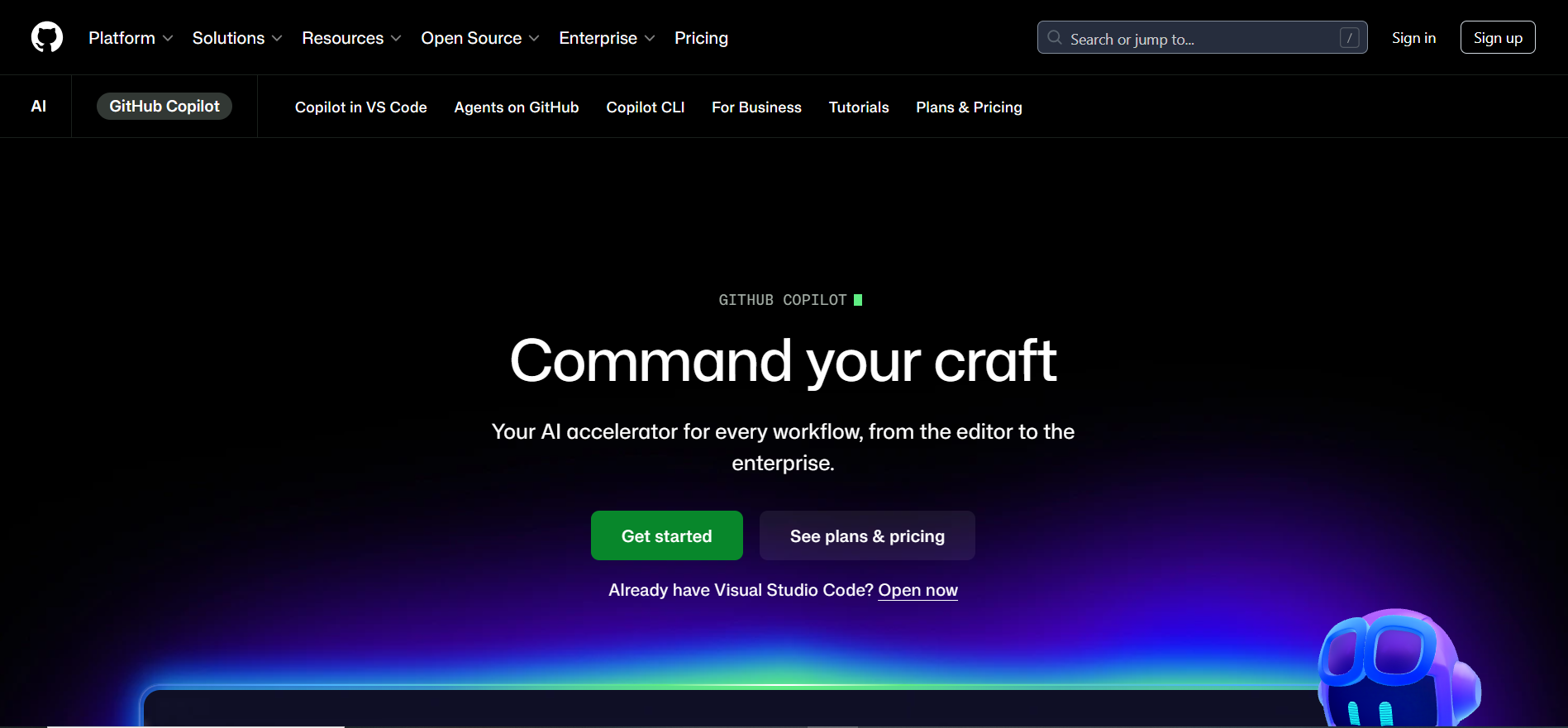
GitHub Copilot is the AI coding assistant that made AI-assisted development mainstream. It now serves 1.8 million paying developers and holds the highest adoption rate in the industry at 29% of professional developers worldwide.
The 2026 version is far more capable. Copilot Chat answers questions about your code in real time. Copilot Workspace turns GitHub Issues into full development plans. The Coding Agent autonomously creates branches, writes AI powered code, runs tests, and submits pull requests from a single issue assignment.
What sets Copilot apart from every other AI coding tool on this list is editor support. It works in VS Code, Visual Studio, JetBrains, Neovim, and the GitHub web interface. If you’re not willing to switch editors, Copilot is the strongest option that fits your existing workflow without disruption.
Pricing: Free tier with 2,000 completions monthly. Individual at $10/month. Business at $19/month. Enterprise at $39/month.
Good fit for: Teams already on GitHub, developers using JetBrains or other editors, organizations needing enterprise compliance, and anyone who wants the lowest-friction entry into AI coding.
Where it falls short: Agent mode and multi-file editing feel less polished than Cursor. Context handling is less flexible. Autocomplete speed trails Cursor on some setups.
2. Cursor — The Best AI Code Writer in an IDE

Cursor is not a plugin — it is an editor built from the ground up around AI. Every feature is designed around the assumption that an AI code writer is your primary collaborator.
Composer mode is where Cursor earns its reputation as the best AI coding assistant in an IDE format. You describe a complex change, and Cursor plans every affected file, then shows a diff before applying. The 2026 version supports up to 8 parallel agents working simultaneously on different parts of the codebase.
At a $10 billion valuation with 50% Fortune 500 adoption, Cursor has become an enterprise standard faster than almost any developer tool in recent memory. The AI code generator capabilities inside Cursor are the most fluid available for developers working with React, Next.js, or TypeScript.
Pricing: Free tier available. Pro at $20/month. Business at $40/month per user.
Good fit for: Developers willing to switch editors for a significantly better AI experience, teams working on complex multi-file projects, and anyone wanting the strongest agentic AI programming capabilities in a visual IDE.
Where it falls short: Requires switching from your existing editor. Free tier is limited. Some developers find suggestions intrusive early on.
3. Claude Code — The AI Code Writer for Hard Problems
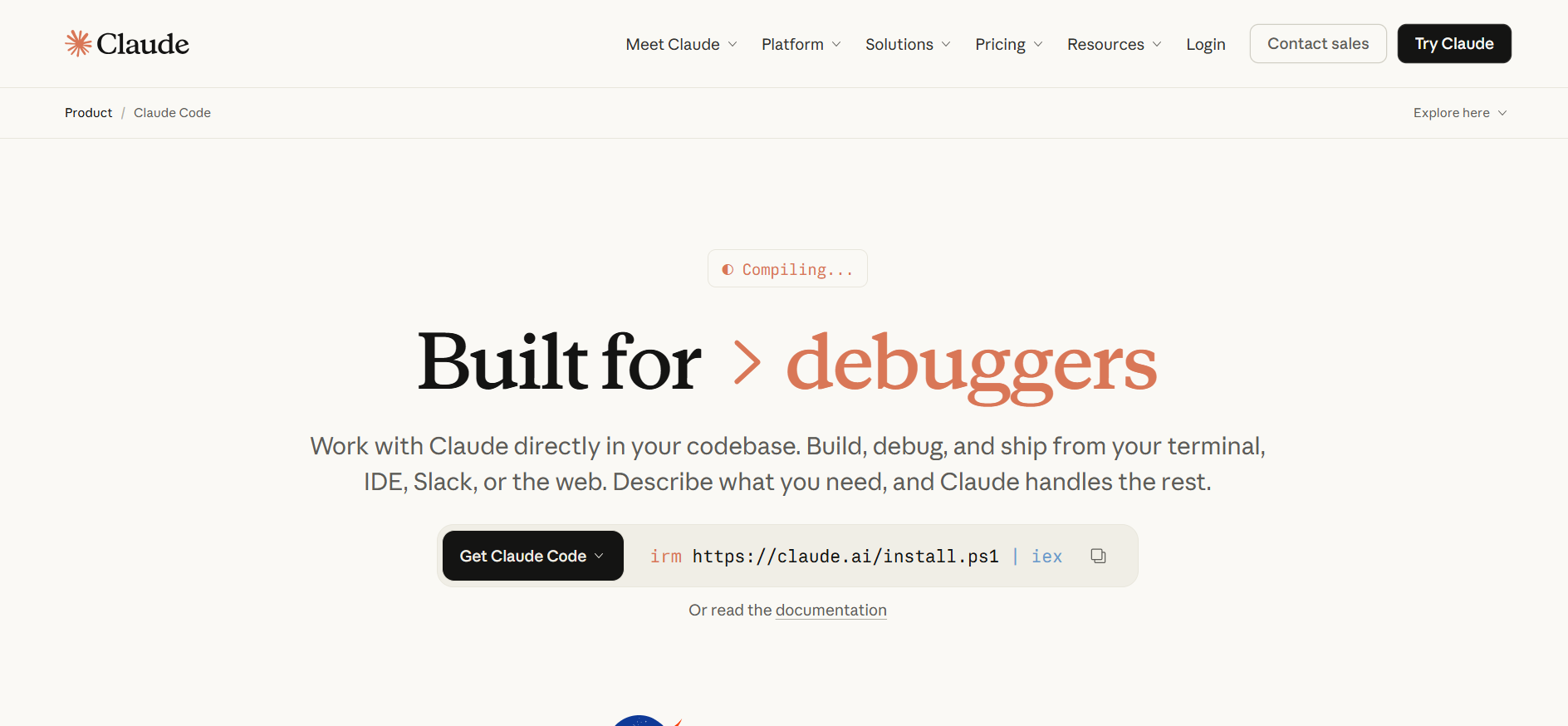
Claude Code is Anthropic’s tool for serious engineering work. It runs in the terminal and operates with full autonomy — reading your entire repository, executing shell commands, running tests, and applying changes without restrictions.
The context window is what separates it from every other AI coding tool on this list. Claude Code processes up to 1 million tokens — roughly 75,000 lines of code — in a single session. No other AI programming tool can hold the full picture of a large codebase in mind at once.
The underlying model scores 80.8% on SWE-bench, ranking it first among AI code generator models in independent benchmarks. Senior developers consistently describe it as the first AI code writer that actually scales to the complexity of real projects.
Pricing: Usage-based through Anthropic API. Typical professional use runs $20-50 per month.
Good fit for: Senior developers on large codebases, complex refactors and migrations, terminal-first workflows, and CI/CD pipeline automation.
Where it falls short: No visual interface or AI code completion as you type. Terminal-only with no inline suggestions. Pay-as-you-go pricing is harder to predict. Steeper learning curve than GUI tools.
4. Windsurf — Agentic AI Coding at a Lower Price
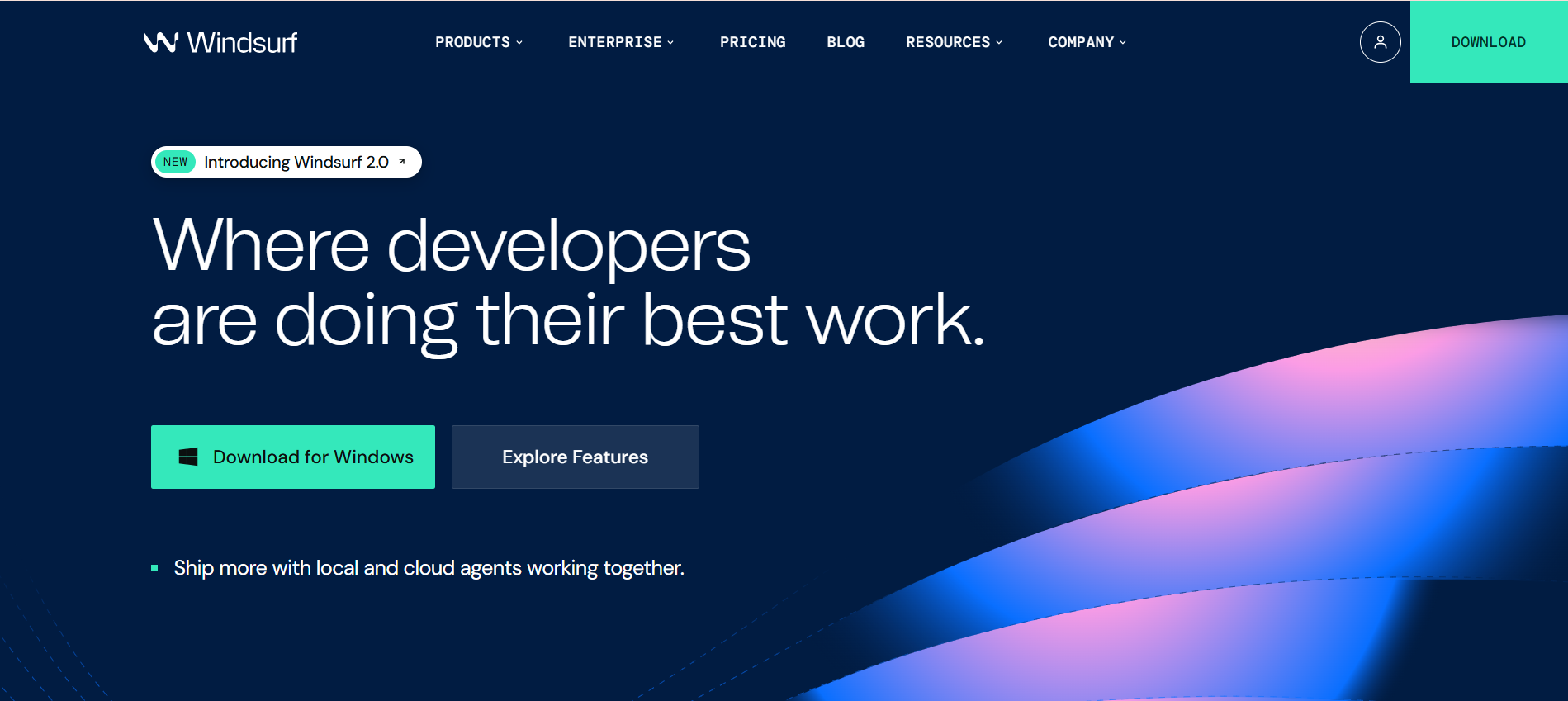
After OpenAI acquired its parent company Codeium, Windsurf joined the OpenAI ecosystem — bringing strong model quality but some uncertainty about its future roadmap.
What Windsurf does well is agentic coding features at a price below Cursor. Its Cascade engine handles multi-file editing, AI code generation, and error debugging in a way that competes closely with Cursor’s Composer. For developers who want these capabilities without paying Cursor Pro pricing, it’s worth serious consideration.
Pricing: Free tier available. Pro at $15/month.
Good fit for: Developers who want Cursor-level agentic AI code completion at a lower monthly cost, and teams evaluating AI IDEs before committing.
Where it falls short: Some uncertainty about future direction post-acquisition. Context handling is slightly less refined than Cursor. Smaller community and ecosystem.
5. Tabnine — Privacy-First AI Code Completion
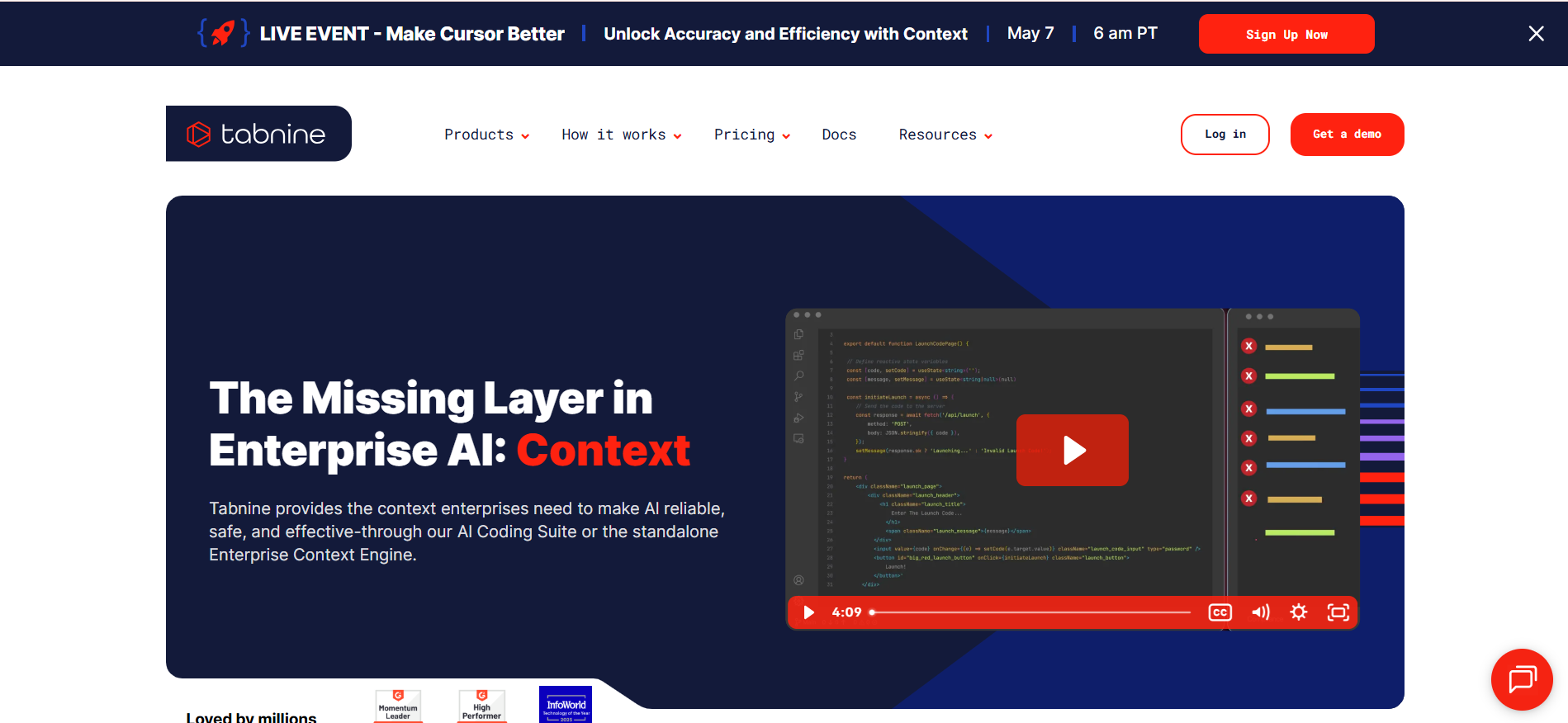
Most AI coding tools send your code to external servers. Tabnine is built for teams where that is not acceptable — legal, healthcare, finance, and defense organizations that need code to stay on their own infrastructure.
The on-premise deployment option means the AI code completion model runs entirely on your servers. Tabnine also trains a custom AI code writer model on your specific codebase, so suggestions reflect your team’s actual coding patterns and internal libraries rather than generic internet code.
Pricing: Free tier available. Pro at $9/month. Enterprise with on-premise deployment at custom pricing.
Good fit for: Teams with strict data privacy requirements, regulated industries where code cannot leave the company network, and teams wanting AI powered code suggestions trained on their own conventions.
Where it falls short: Suggestion quality on the public cloud version does not match GitHub Copilot or Cursor. The privacy advantage only justifies the cost if you genuinely cannot use cloud-based tools.
6. Replit Agent — The Fastest Way to Build From Scratch
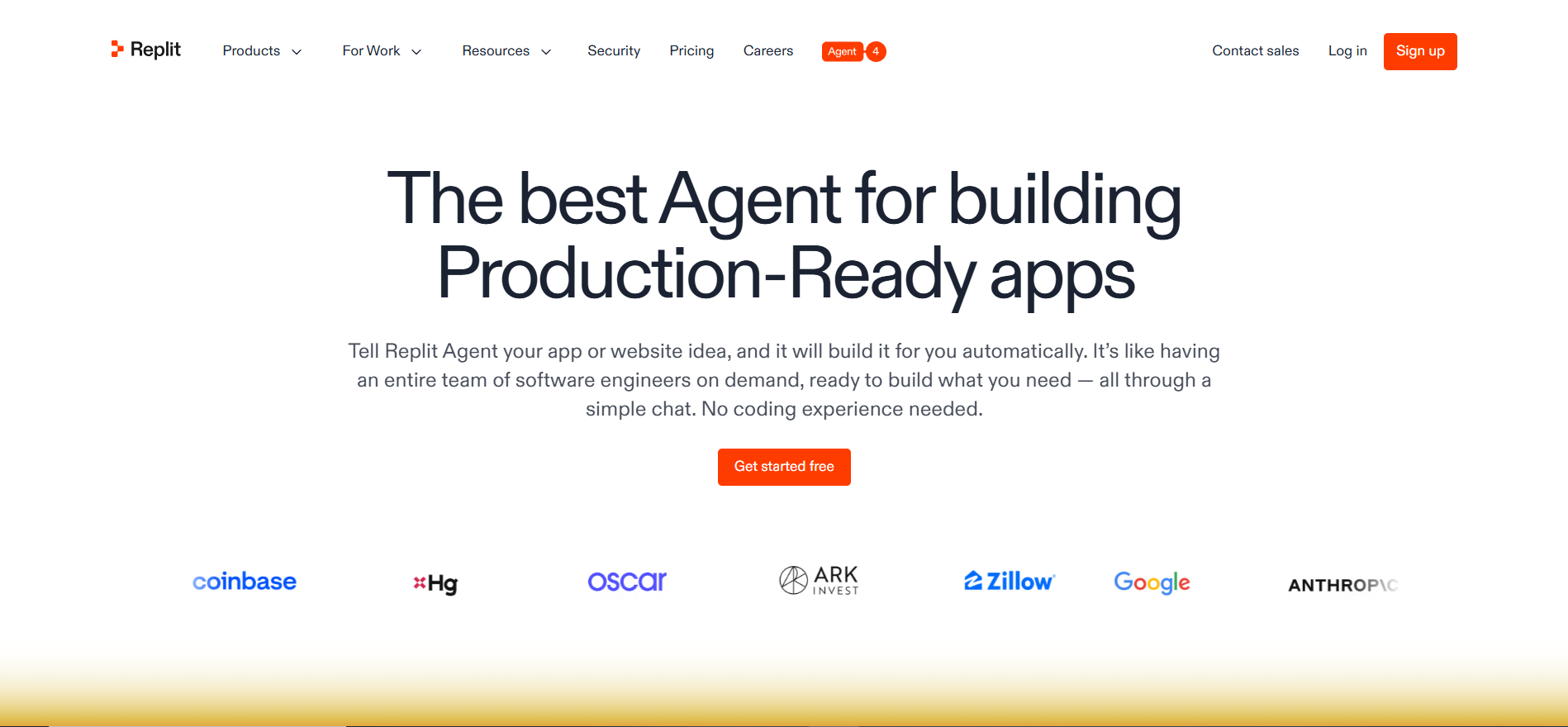
Replit Agent takes a different approach than every other AI coding tool on this list. Rather than making you write code faster, it handles the entire process of building an application from a plain-English description — structure, AI powered code, environment configuration, and deployment all happen automatically.
For non-developers, this is the most accessible AI code generator available. For developers, it’s most useful for rapid prototyping where a working starting point matters more than writing clean architecture from scratch.
Pricing: Free tier available. Core plan at $25/month.
Good fit for: Non-developers building web applications, developers who want fast prototypes, and students learning through working examples.
Where it falls short: Production applications require significant manual refinement. The hosted environment limits customization. Not designed for large or complex codebases.
7. Amazon Q Developer — AI Code Generation Built for AWS
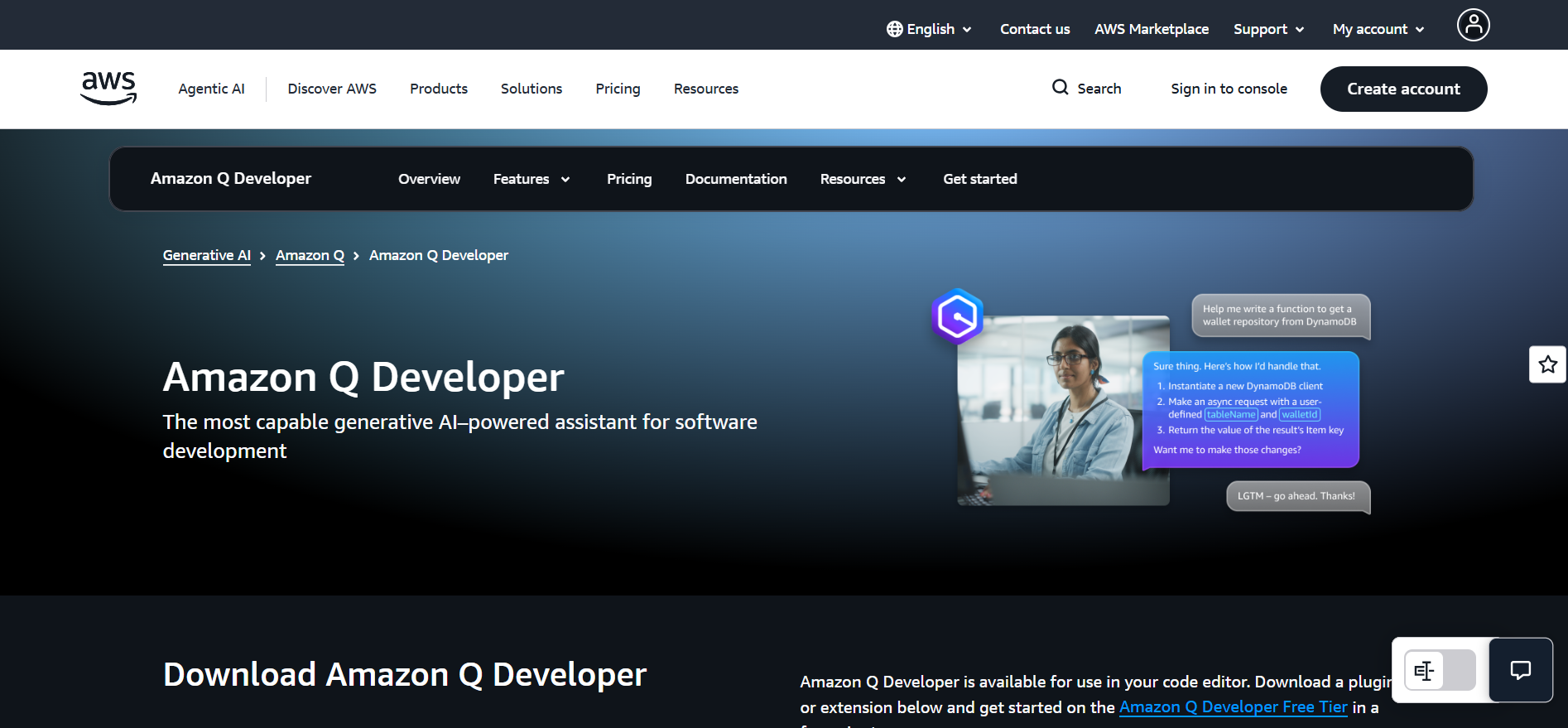
Amazon Q Developer is Amazon’s AI coding assistant, deeply integrated into the AWS ecosystem. If your team builds on Lambda, EC2, DynamoDB, or CloudFormation, Q Developer provides AI code generation that understands your specific AWS configuration automatically.
The standout feature in 2026 is automated code transformation. Q Developer upgrades Java 8 to Java 21, migrates deprecated AWS APIs, and refactors code to use newer services entirely autonomously. For enterprises with legacy codebases, this level of AI powered code transformation delivers measurable value.
Pricing: Free tier with 50 suggestions monthly. Pro at $19/month per user.
Good fit for: AWS-focused teams, enterprises with legacy Java needing modernization, and organizations heavily invested in the Amazon ecosystem.
Where it falls short: Outside AWS context, the advantages disappear. The free tier is very limited. Non-AWS teams will find Copilot or Cursor more useful as a general AI coding tool.
8. Lovable — AI Programming for Non-Developers
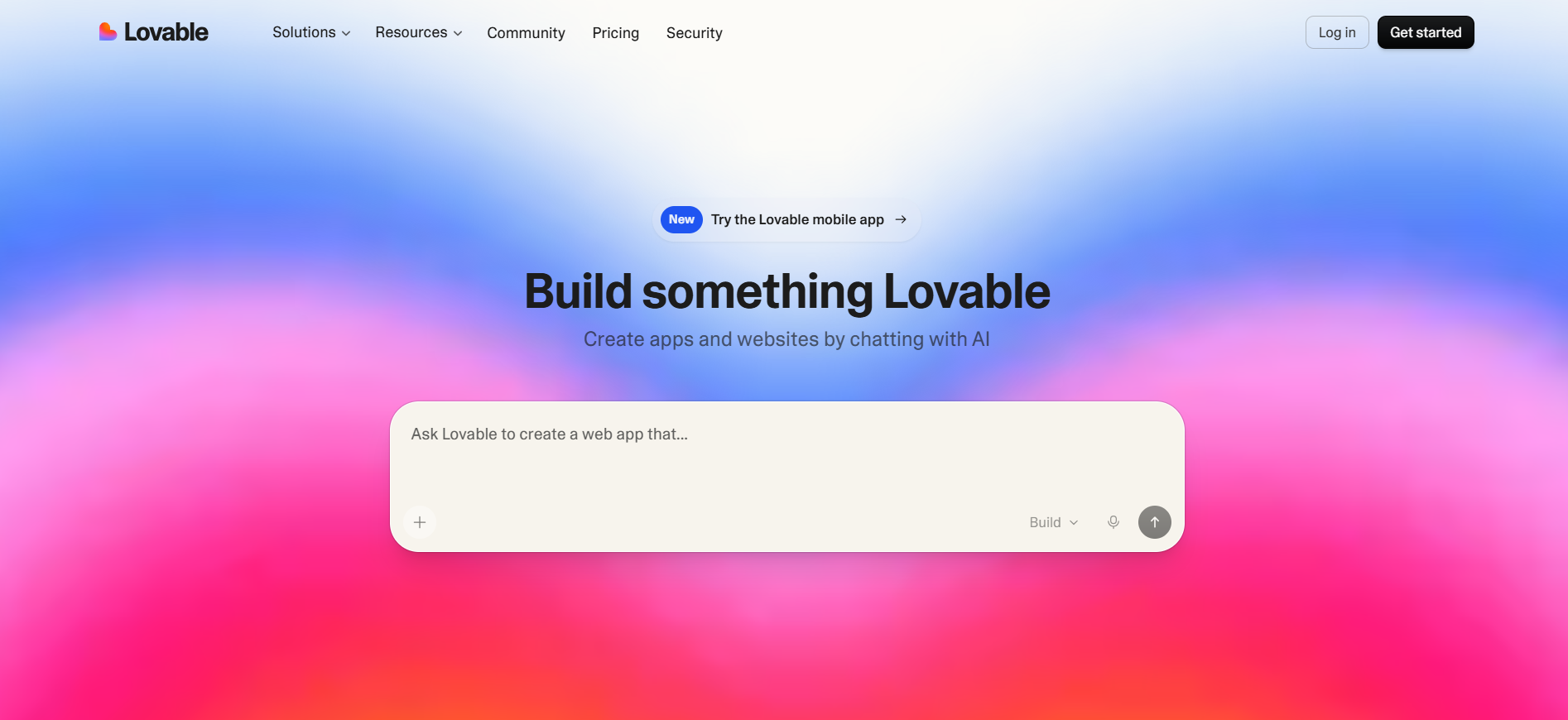
Lovable is built for people who do not code. You describe what you want to build, and Lovable produces a complete, functional web application. No terminal, no framework knowledge, no configuration required.
It represents the ‘vibe coding’ trend of 2026 — describing software by intent rather than technical specification. For founders validating ideas or marketers building landing pages, this kind of AI code generator approach removes the developer dependency entirely.
Pricing: Limited free tier. Starter at $25/month. Pro at $50/month.
Good fit for: Non-technical founders, product managers building internal tools, and designers who want to ship working prototypes without writing AI powered code manually.
Where it falls short: Production applications require significant developer refinement. Complex logic needs actual coding knowledge. Not suitable for enterprise-scale applications.
9. JetBrains AI Assistant — Native AI Code Completion for JetBrains IDEs
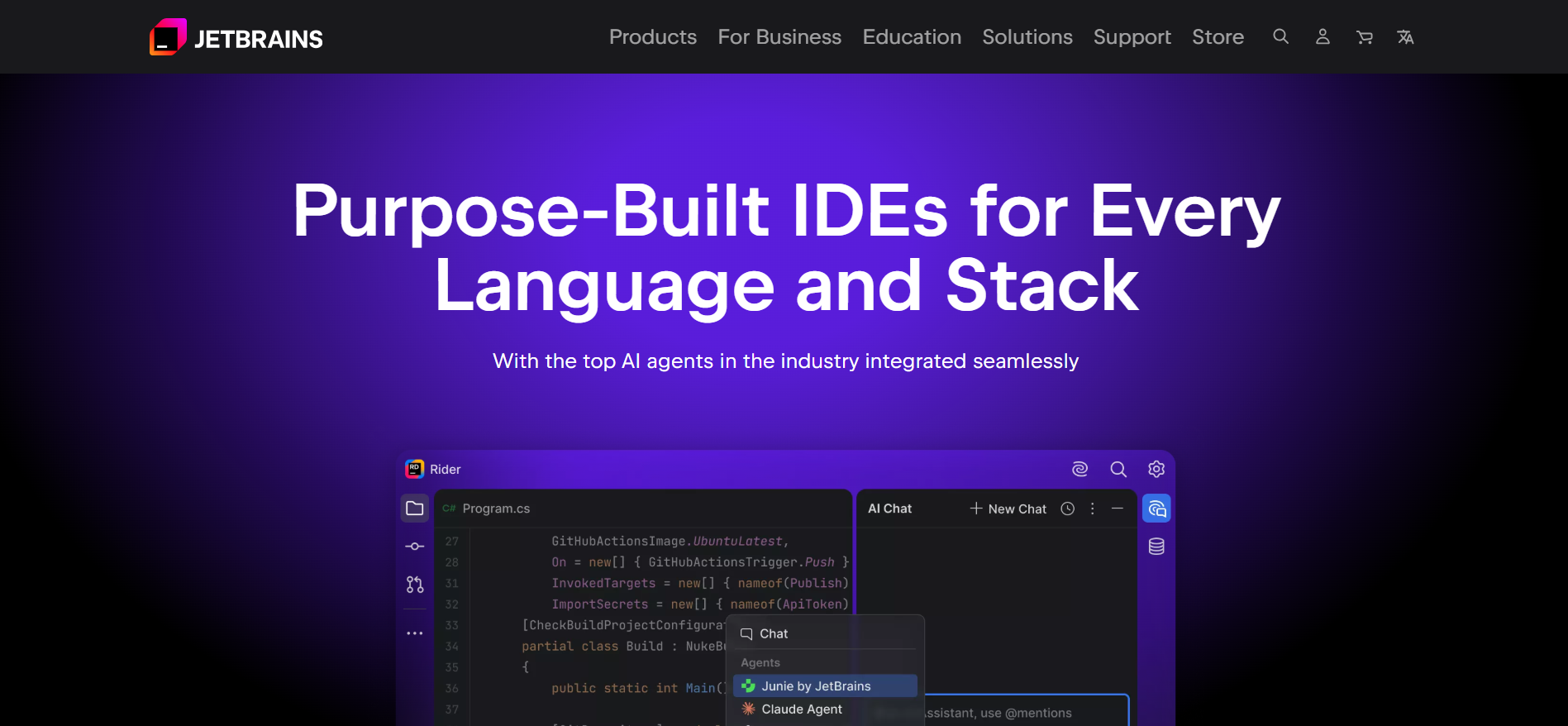
JetBrains makes IntelliJ IDEA, PyCharm, WebStorm, and several of the most widely used professional IDEs. AI Assistant is their native AI coding assistant — built directly into these editors rather than added as a third-party plugin.
The integration depth is the advantage. Full access to your project structure, code inspections, and test runners means the AI code completion feels native. The 2026 version added Claude and OpenAI Codex into JetBrains AI Chat, giving access to frontier-level AI code generator models without leaving your existing editor.
Pricing: Free 7-day trial. AI Assistant at $10/month. Included in JetBrains All Products Pack.
Good fit for: Developers already using IntelliJ, PyCharm, WebStorm, or other JetBrains IDEs who want AI coding tool capabilities without switching editors.
Where it falls short: No reason to use it if you’re not on a JetBrains IDE. Agent capabilities are less advanced than Cursor or Claude Code for complex multi-file tasks.
10. ChatGPT — The Conversational AI Code Writer
ChatGPT does not do inline AI code completion and will not manage a large codebase, but working developers use it every day for coding tasks other tools handle poorly.
Explaining a complex error. Understanding unfamiliar code. Reviewing a function for logic mistakes. Writing a migration script from scratch. For these conversational tasks, GPT-5’s reasoning combined with Code Interpreter’s ability to run Python makes ChatGPT a genuinely useful AI code generator in ways pure AI programming tools cannot replicate.
Pricing: Free version covers a lot. ChatGPT Plus at $20/month unlocks GPT-5 and Code Interpreter.
Good fit for: Every developer, regardless of which primary AI coding tool they use. ChatGPT fills the conversational coding gap — explaining, exploring, and reasoning about code.
Where it falls short: No IDE integration. No real-time AI code completion. No codebase access without manually pasting code. For writing production code at speed, dedicated tools will always be faster.
How to Choose the Right Tool
Most developers who use AI seriously end up with two tools — one for daily IDE work, one for heavier tasks.
No editor switch: GitHub Copilot. Works everywhere, strong autocomplete, agent features without changing your workflow.
Best AI IDE experience: Cursor. The Composer and multi-agent capabilities are the strongest available for complex multi-file work.
Large complex codebases: Claude Code. The 1M token context makes it uniquely capable as an AI code writer for problems requiring understanding the entire project.
Privacy requirements: Tabnine with on-premise deployment. Keeps all code within your own infrastructure.
Building from scratch: Replit Agent for developers, Lovable if you’re non-technical. Both are strong AI code generator options for getting to a working starting point fast.
JetBrains users: JetBrains AI Assistant. Native integration makes it the strongest AI code completion choice for this specific setup.
Final Thoughts
The AI coding tools landscape in 2026 is genuinely impressive — but these are tools, not replacements for engineering judgment. Developers getting the most value are not the ones accepting AI powered code blindly. They’re the ones who evaluate what the AI produces, catch subtle mistakes, and guide the agent toward the right solution.
Productivity gains are real. GitHub reports developers using Copilot are 55% more productive. Cursor users describe shipping in days what used to take weeks. But the best AI coding tool in 2026 is not the one with the highest benchmark score — it’s the one you actually use, solving the specific bottleneck that slows you down most.
Pick one tool. Use it seriously for two weeks. Then decide whether to add a second.