Data has become the most critical asset most organizations manage. But raw data is only useful if you can trust it, query it quickly, keep it secure, and understand what’s happening inside it at all times. In 2026, managing databases without AI means slower queries, hidden quality issues, compliance risks, and engineering teams spending days on tasks that should take minutes.
The best AI tools for database management in 2026 go far beyond storing and retrieving data. They automate routine maintenance, monitor data quality continuously, flag anomalies before they become incidents, translate plain English into optimized SQL, and handle database security without manual configuration.
This guide covers the 10 best AI tools for database management in 2026 — platforms genuinely used by data teams at real organizations. No filler, no random picks.
How AI Is Transforming Database Management in 2026
Today’s teams manage data integration pipelines pulling from dozens of sources, enforce data governance policies across departments, and ensure database security in environments where data moves constantly between cloud services. Doing all of this manually at scale is not possible.
AI for databases changes this by applying automation and intelligence at every layer. Smart database automation handles index optimization, query tuning, and anomaly detection without manual intervention. Data observability tools monitor pipeline health 24/7. Natural language interfaces let analysts without SQL skills ask questions and get answers from their own data.
According to DB-Engines 2026 data, Snowflake and Databricks are among the fastest-growing platforms in the industry—both AI-native by design. The market is clearly moving toward AI for databases as the standard, not the exception.
Quick Comparison Table
|
Tool |
Best For | Free Plan | Starts At |
| Snowflake | AI cloud data warehouse | 30-day trial |
Usage-based |
|
Databricks |
Data lakehouse + ML/AI | 14-day trial | Usage-based |
|
Google BigQuery |
Serverless cloud analytics | Yes (free tier) |
$5/TB queried |
| MongoDB Atlas | Document DB + AI features | Yes |
$57/month |
|
Airbyte |
Open-source data integration | Yes | Free / $10/month |
|
Monte Carlo |
Data observability | No |
Custom pricing |
| Collibra | Data governance + quality | No |
Custom pricing |
|
dbt |
Database workflow automation | Yes | Free / $50/user/month |
|
Amazon Aurora |
Cloud database management | No |
~$0.10/hour |
| Microsoft Azure SQL | Enterprise AI database | No |
$5/month |
Top 10 AI Tools for Database Management Reviewed
Before diving into the individual platforms, it’s important to understand that modern database management is no longer just about storing data efficiently. In 2026, organizations expect databases to monitor themselves, optimize performance automatically, detect anomalies in real time, and even assist teams using natural language queries powered by AI. The tools below were selected based on real-world adoption, AI capabilities, scalability, database security features, data governance support, and overall impact on modern data workflows.
Whether you’re managing enterprise analytics, operational databases, AI pipelines, or large-scale data integration, these are the platforms leading the shift toward intelligent database management.
1. Snowflake — The AI-Powered Cloud Data Warehouse
Snowflake has been the benchmark for cloud database management in enterprise analytics for years. In 2026, Cortex AI — Snowflake’s built-in intelligence layer — has transformed it into one of the most capable AI tools for database management available. Cortex AI brings natural language to SQL translation directly inside Snowflake, and LLM functions for anomaly detection, forecasting, and text analysis run inside the warehouse itself.
For cloud database management at scale, Snowflake’s separation of storage and compute means you only pay for what you use. Data governance features include dynamic data masking, row-level security, and full audit logging across every query and user action. Cortex Analyst lets teams create semantic models that make AI for databases accessible to every business user, not just data engineers.
Pricing: Usage-based. 30-day free trial available.
Good fit for: Organizations needing scalable cloud database management for analytics, teams wanting AI built directly into their warehouse, and enterprises with strict data governance requirements.
Where it falls short: Not designed for high-frequency transactional workloads. Costs can grow unpredictably with unoptimized queries. Not suitable for sub-millisecond response time requirements.
2. Databricks — Data Lakehouse With Full AI Control
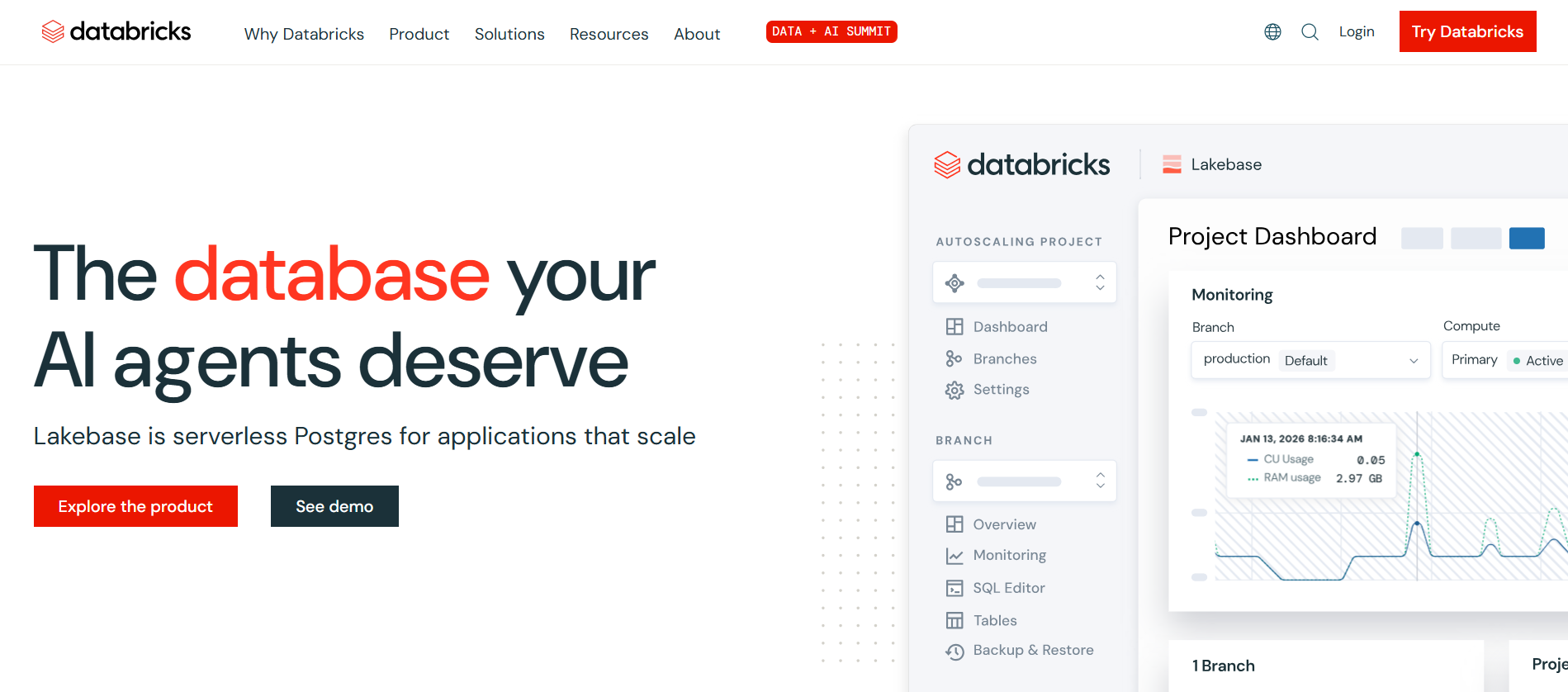
Databricks introduced the data lakehouse concept—combining data lake flexibility with warehouse governance—and in 2026 it’s the most powerful platform for teams building serious AI and ML capabilities on their data.
Unity Catalogue provides data governance across all files, tables, and AI models from a single control plane with tracked lineage and audit trails. For smart database automation, Databricks handles ETL pipelines, streaming data, and batch processing with Delta Lake — adding ACID transactions to data lakes. Mosaic AI enables fine-tuning of open-source models on your own data, which Snowflake’s pre-packaged models cannot match.
Pricing: Usage-based. 14-day free trial.
Good fit for: Engineering-heavy teams building ML and AI pipelines, organizations needing full control over model training and deployment, and companies where data integration from complex sources needs to feed AI workflows.
Where it falls short: Built for engineers—analysts who prefer simple SQL will find it challenging. Cluster configuration can be complex. Steeper learning curve than Snowflake.
3. Google BigQuery — Serverless Cloud Analytics
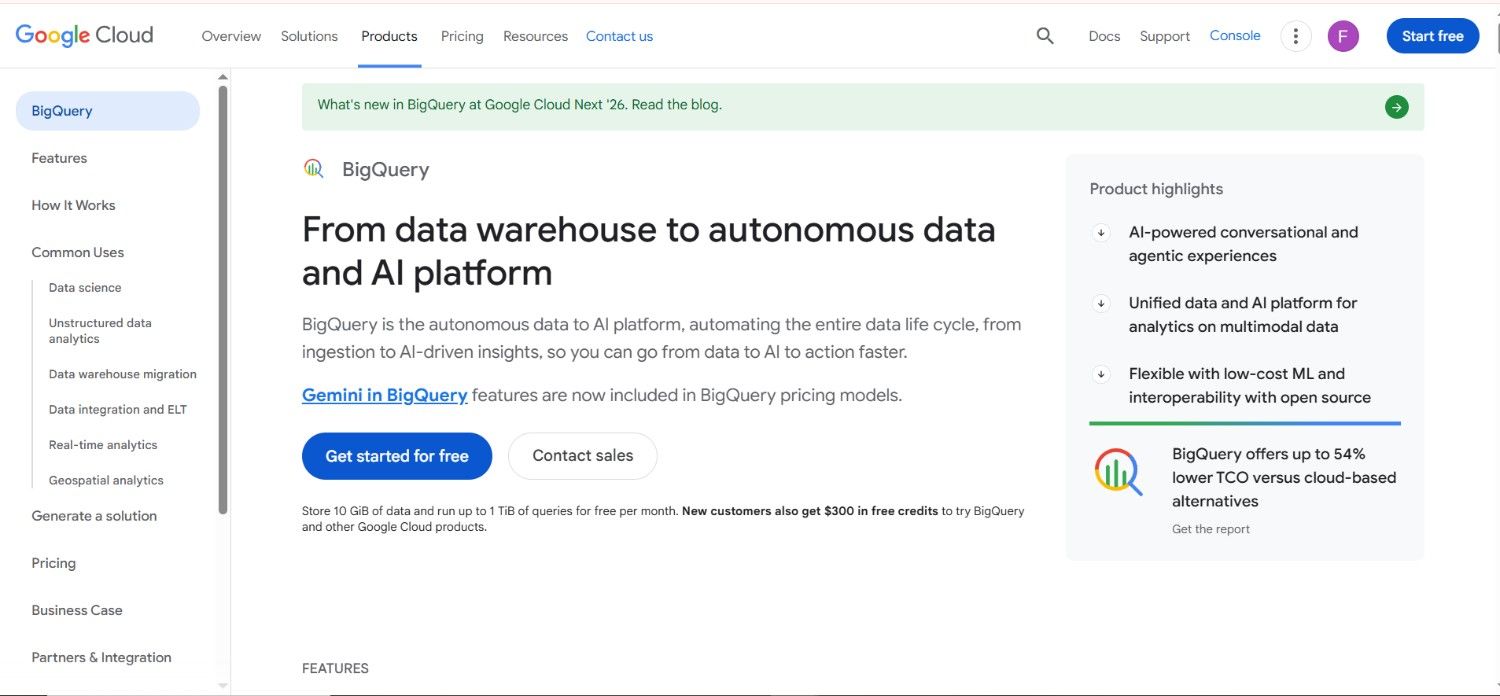
BigQuery is Google’s fully managed, serverless cloud database management platform. You write SQL and Google handles everything — no infrastructure, no clusters, no manual index tuning. BigQuery ML allows teams to build and run ML models directly in SQL, making AI for databases accessible to analysts who already know how to query.
Gemini for BigQuery adds natural language querying, automated SQL generation, and query explanations. Built-in data profiling and anomaly detection for data quality run automatically on ingested datasets. For organizations already on Google Cloud, BigQuery is the most natural fit for cloud database management without operational overhead.
Pricing: Free tier includes 1TB of queries monthly. $5 per TB beyond the free tier. Storage at $0.02 per GB per month.
Good fit for: Organizations already using Google Cloud, teams wanting zero-infrastructure cloud database management, and analysts who want SQL for both queries and ML without learning new languages.
Where it falls short: Best value when fully on Google Cloud — less compelling for multi-cloud setups. Very large query volumes become expensive.
4. MongoDB Atlas — Document Database With AI-Native Features
MongoDB Atlas is the fully managed cloud version of MongoDB, designed for teams building applications with flexible, document-oriented data structures. Atlas Vector Search enables semantic search and RAG applications without a separate vector database—handling both operational data and AI search in one platform.
AI assistant features suggest indexes, explain query performance, and recommend schema improvements based on actual usage. The database workflow is simplified significantly for teams building AI-powered applications. Database security in Atlas includes end-to-end encryption, IP whitelisting, VPC peering, and role-based access controls across AWS, Azure, and Google Cloud.
Pricing: Free tier available (M0 cluster). Paid clusters from $57/month.
Good fit for: Application developers building with flexible schemas, teams building AI applications needing vector search alongside operational data, and organizations wanting consistent database security across cloud providers.
Where it falls short: Not optimal for complex relational data with many joins. Analytics workloads are better served by Snowflake or BigQuery.
5. Airbyte — The Open-Source Data Integration Standard
Data integration is where most database management problems start. Before you can analyze, govern, or apply AI to data, you need to move it reliably from where it’s generated to where it’s used. Airbyte is the most widely adopted open-source data integration platform in 2026, with over 300 pre-built connectors covering databases, SaaS tools, and APIs.
The AI-generated connector feature builds new data integration pipelines for unsupported sources from a natural language description—eliminating months of custom engineering. Airbyte is free to self-host, making it the most accessible serious data integration platform for teams building database workflow pipelines from operational databases to analytics warehouses.
Pricing: Open-source self-hosted is completely free. Airbyte Cloud starts at $10/month based on data volume.
Good fit for: Data engineering teams needing reliable data integration from many sources, organizations avoiding vendor lock-in, and teams building database workflow pipelines without large budgets.
Where it falls short: Self-hosted version requires engineering resources to maintain. Real-time streaming data integration is less mature than batch pipeline support.
6. Monte Carlo — Data Observability at Scale
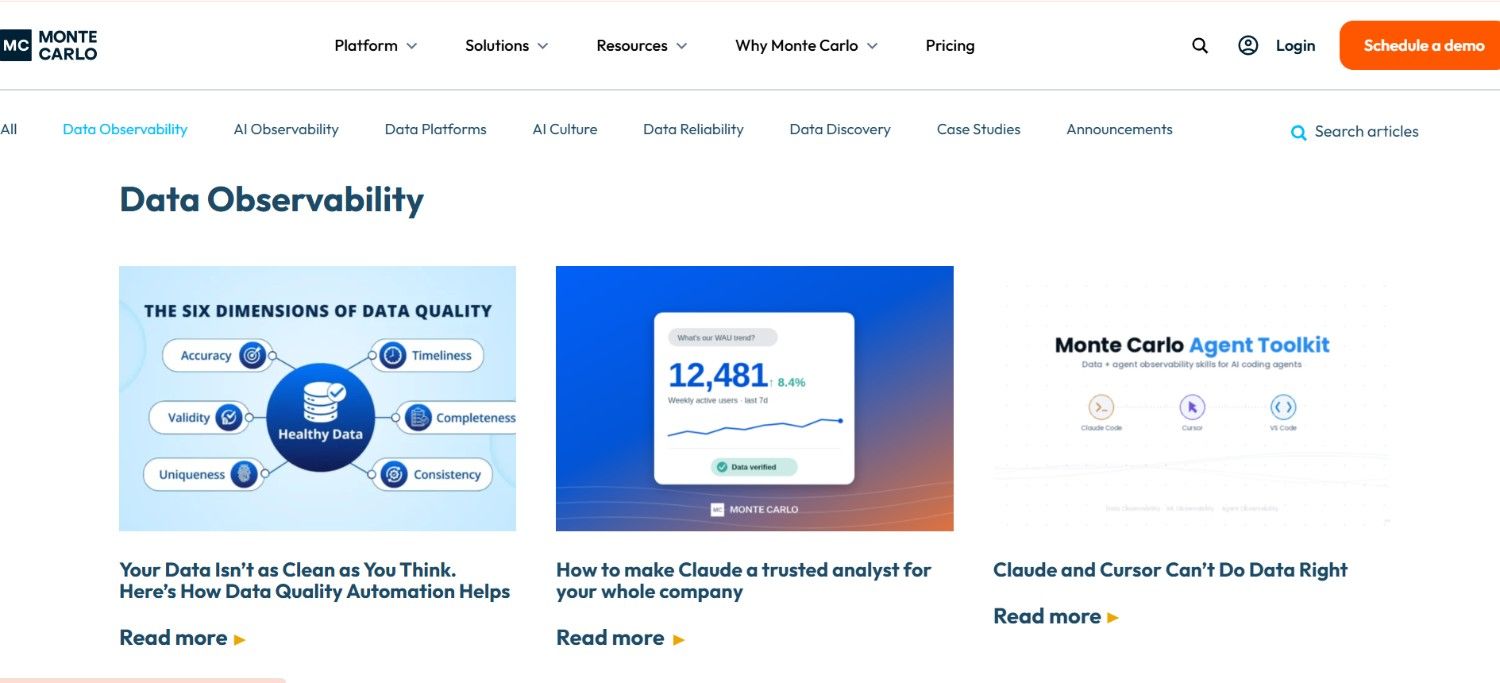
Data observability tools solve a problem that becomes critical at scale: how do you know if your data is broken before your business decisions are broken? Monte Carlo continuously monitors your pipelines, tables, and dashboards—detecting anomalies in volume, freshness, schema changes, and field-level distributions automatically.
When something breaks — a missing partition, an unexpected null spike, a schema change — Monte Carlo alerts the right team before anyone reports incorrect data. The lineage mapping feature shows exactly which downstream reports and dashboards are affected by any single data quality issue. These data observability tools turn monitoring into an incident management system for data teams.
Pricing: Custom enterprise pricing. No free tier.
Good fit for: Data teams managing large-scale pipelines where data quality issues reach business stakeholders before engineers and organizations needing full lineage visibility across their entire data stack.
Where it falls short: Expensive for small teams. Primarily a monitoring tool—surfaces data quality problems but does not fix them.
7. Collibra — Enterprise Data Governance and Data Quality
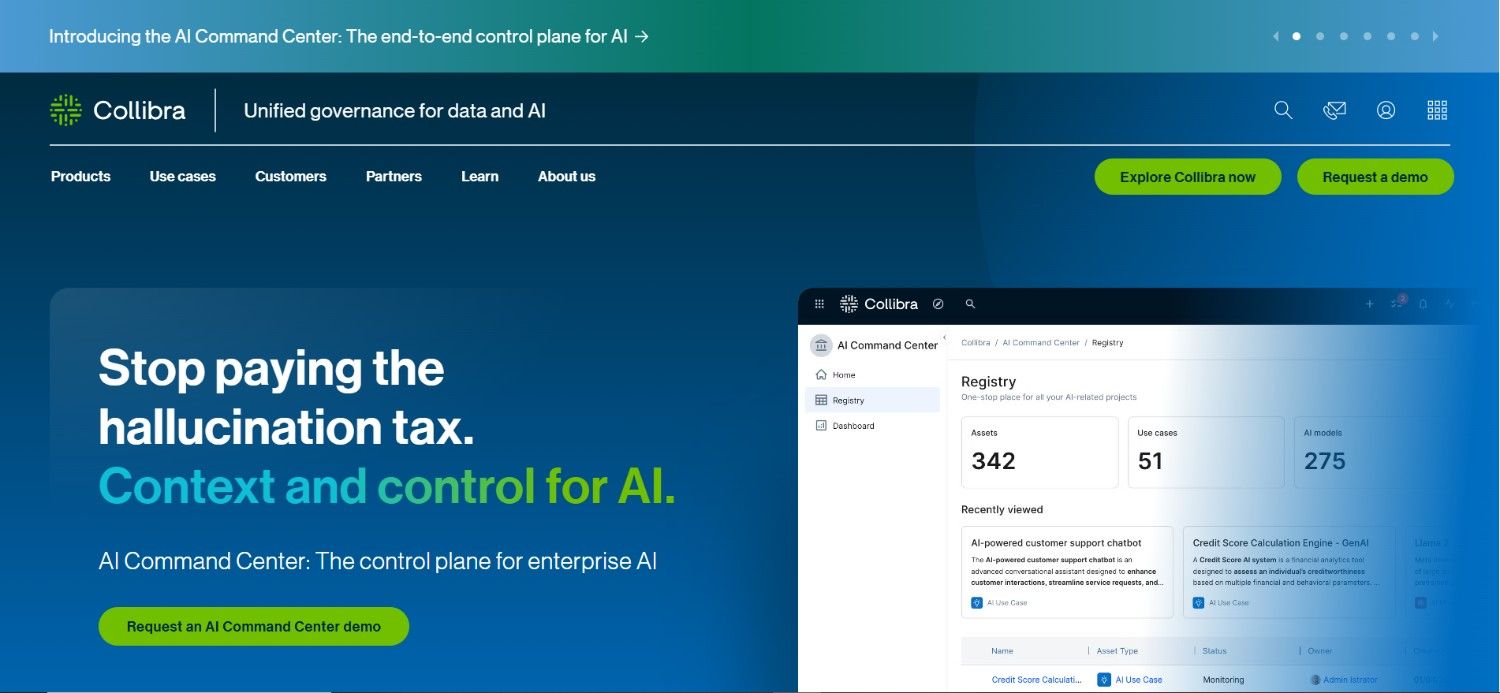
Collibra is the enterprise standard for organizations that need serious data governance — the policies and systems ensuring data is accurate, consistent, compliant, and understood across the entire business. The platform provides a central catalog where every dataset is documented with definitions, owners, and lineage.
AI-powered rules automatically flag data quality violations and route them for remediation. In 2026, Collibra generates data governance policies from existing usage patterns and automatically classifies sensitive data for compliance and database security purposes. For regulated industries, its audit trails make data governance a manageable operational function rather than a compliance fire drill.
Pricing: Custom enterprise pricing. No free tier.
Good fit for: Enterprises in regulated industries where data governance is non-negotiable and large organizations needing a common data language across departments.
Where it falls short: Complex to deploy. Pricing is enterprise-only. Significant configuration investment required before value is visible.
8. dbt — The Database Workflow Standard
dbt (data build tool) manages the transformation layer of the database workflow—turning raw ingested data into clean, tested, documented models that downstream teams can trust. It has become the standard for how data teams build and maintain data pipelines inside warehouses.
Data quality testing is built in natively — every model runs automated tests for uniqueness, nullability, and custom business logic on every code change. In 2026, dbt Copilot adds AI-assisted SQL generation, model explanation, and test suggestions directly inside the editor. Smart database automation for transformation is what dbt does better than anything else on this list.
Pricing: dbt Core is free and open-source. dbt Cloud starts at $50 per user per month.
Good fit for: Data teams on any major warehouse wanting data quality testing embedded in their database workflow and analytics engineers who need documentation and lineage generated automatically.
Where it falls short: Transformation only—dbt doesn’t handle data ingestion or storage. Requires an existing warehouse.
9. Amazon Aurora — Intelligent Cloud Database Management
Amazon Aurora is AWS’s cloud-native relational database, delivering up to five times the performance of standard MySQL—with none of the infrastructure management overhead of self-hosted databases. Aurora Autopilot automatically adjusts capacity based on workload patterns. Performance Insights uses machine learning to identify slow queries and suggest index improvements.
For database security, Aurora integrates with AWS Macie to classify sensitive data automatically, and encryption at rest, VPC network isolation, automated backup with point-in-time recovery, and IAM-based access control are all built in. For organizations running mission-critical applications on AWS, Aurora is the most capable managed relational database for cloud database management.
Pricing: Approximately $0.10 per Aurora Capacity Unit hour. Free tier available for testing.
Good fit for: Organizations running applications on AWS needing relational database performance without infrastructure management and enterprises needing enterprise-grade database security inside the AWS ecosystem.
Where it falls short: AWS-specific — less value for multi-cloud organizations. Costs can be significant for high-traffic applications.
10. Microsoft Azure SQL — Enterprise AI Database
Azure SQL Database is deeply integrated with the Microsoft AI ecosystem. Intelligent Query Processing automatically improves query performance without manual tuning. Automatic Tuning applies smart database automation to index management—identifying unused indexes to drop and missing indexes to add based on actual workload data.
For database security, Azure SQL integrates with Microsoft Defender for SQL, providing threat detection, vulnerability assessments, and automated remediation. Microsoft Copilot for Azure SQL adds natural language query generation, performance explanation, and database workflow optimization suggestions directly inside the Azure portal.
Pricing: The General Purpose tier starts at approximately $5/month. Scales with vCores and storage.
Good fit for: Organizations using Microsoft Azure infrastructure and enterprises already invested in the Microsoft ecosystem wanting AI for databases integrated with existing security tools.
Where it falls short: Best value inside the Microsoft ecosystem. Premium AI features require higher service tiers.
How to Choose the Right Tool
- AI tools for database management depend on where your team is in the data maturity journey and which problem creates the most friction right now.
- Scalable cloud analytics with built-in AI: Snowflake for cloud database management. On Google Cloud? BigQuery gives the same capability at zero infrastructure cost.
- Building ML and AI products on data: Databricks gives you data integration, transformation, model training, and deployment in one platform.
- Broken pipelines nobody notices: Monte Carlo. The leading data observability tools platform for knowing about data quality problems before your business does.
- Data governance and compliance are the priority: Collibra provides the catalog, policy enforcement, and data quality management enterprises need.
- Building flexible-schema applications: MongoDB Atlas handles operational data and vector search together in one AI-native platform.
- Data integration across many sources is the bottleneck: Airbyte connects everything with 300+ connectors at open-source pricing.
Final Thoughts
AI tools for database management in 2026 have moved far beyond performance tuning and backup automation. The best platforms connect data integration, data governance, data quality, and database security into coherent workflows that reduce manual engineering effort and improve the reliability of the data every business decision depends on.
No single tool covers everything. Most mature data teams run three to five tools together. Start with the tool that addresses your highest-priority problem. Run it for 30 days. Measure the improvement. Then build out from there.