

If you’ve ever sat through a business risk management class and then walked into an internship where the “risk register” turned out to be a color-coded Excel sheet with seventeen tabs, you already know there’s a gap between theory and practice.
Textbooks describe risk management as a structured, board-level discipline. Real offices, especially smaller ones, often run it out of whatever spreadsheet survived the last reorganization. That gap between the two is exactly what this article is about.
For decades, spreadsheets were the default home for this kind of work. They were cheap, familiar, and flexible enough to bend into almost any shape a risk team needed, which is exactly why nobody questioned them for so long.
But as companies have grown more complex, more regulated, and more dependent on real-time data, that same flexibility has started to look like a liability instead of a strength. A file anyone can edit without oversight is convenient until it’s the reason an auditor cannot trace a number.
This is why a growing number of organizations—and a growing number of business risk management students—are asking a very practical question: is it time to move from spreadsheets to dedicated software built for this exact job?
In the sections below, I’ll walk through what business risk management actually involves, why spreadsheets tend to break down as an organization scales, what modern platforms—including audit software, governance software, compliance tools, assessment software, and Control automation—bring to the table that a spreadsheet cannot, and how you can start thinking about this shift even if you’re still a student rather than a working risk professional.
What is business risk management?
Business risk management is the ongoing process of identifying, assessing, responding to, and monitoring the events that could stop an organization from reaching its goals. That covers financial risk, operational risk, compliance risk, reputational risk, and—increasingly—cyber and third-party risk that used to sit outside the traditional risk function entirely.
Two widely referenced frameworks shape how most organizations approach this work today. The COSO Enterprise Risk Management framework treats risk oversight as something woven into strategy and day-to-day performance, rather than a once-a-year compliance exercise that gets dusted off before an audit.
Meanwhile, the ISO 31000 standard gives organizations of any size and sector a shared vocabulary and a repeatable process for identifying, analyzing, and treating risk, regardless of industry. Neither framework prescribes a specific tool for the job. But both assume a level of consistency, documentation, and traceability that a plain spreadsheet, built by one person on one afternoon, was never designed to deliver at scale.
That’s the core tension running through this entire topic. Business risk management, done properly, is meant to be a continuous, cross-functional discipline that touches finance, operations, legal, and the board. Spreadsheets, by contrast, are static, single-owner files that were built for a different era of business.
Why Do Spreadsheets Struggle at This Job?
Spreadsheets aren’t a bad tool in general. They’re just the wrong tool for a job of this size and sensitivity. Here’s where they consistently fall apart once an organization grows past a certain point.
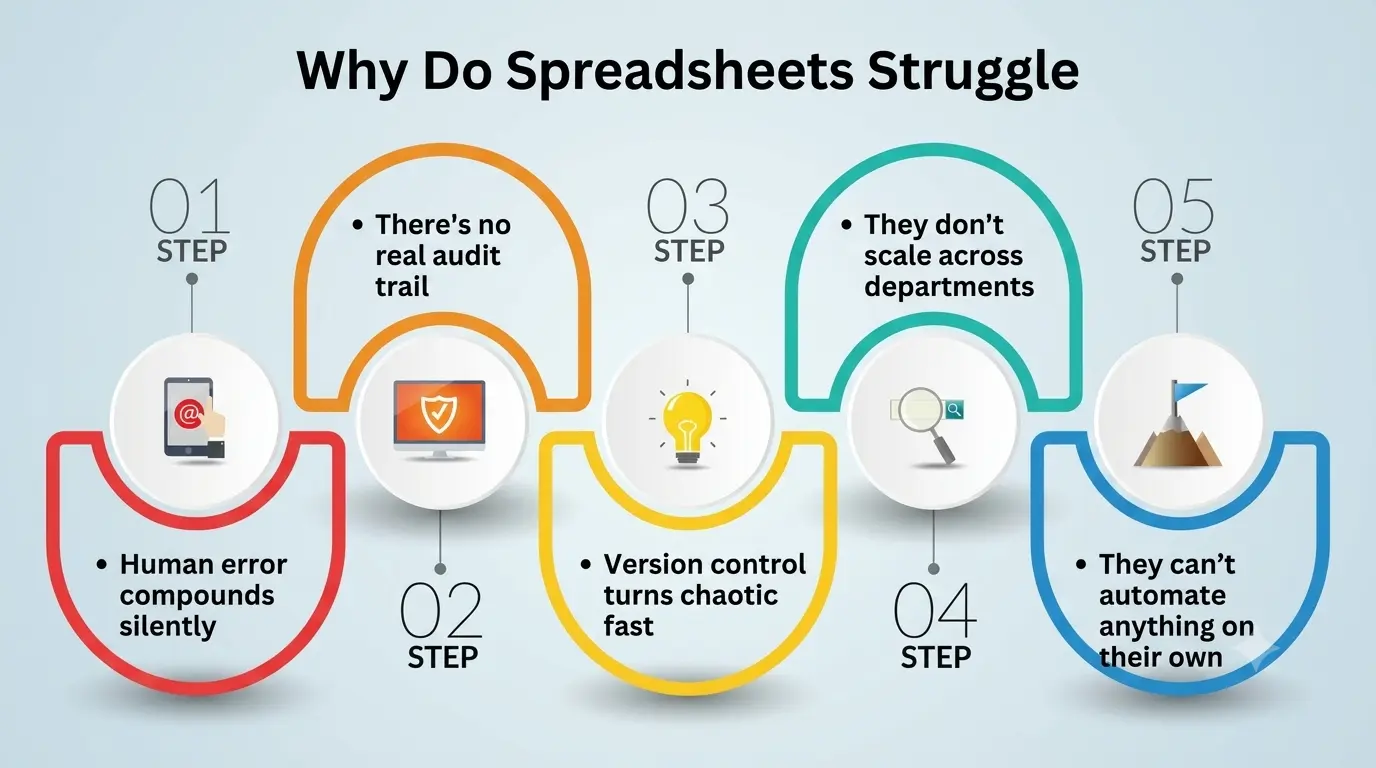
- Human error compounds silently. A single wrong cell reference, a dragged formula that didn’t update correctly, or a simple copy-paste mistake can sit undetected for months, quietly feeding the wrong numbers into every report built on top of it. Independent research collected by spreadsheet-risk bodies such as EuSpRIG has repeatedly found that the large majority of operational spreadsheets carry at least one meaningful error, and that these errors are notoriously hard to catch through casual review because the spreadsheet still looks perfectly normal on the surface.
- There’s no real audit trail. When five people edit the same file over six months, you rarely know who changed what, when, or why. Excel’s built-in version history helps a little, but it was never designed to hold up as formal evidence during a regulatory review or an external audit.
- Version control turns chaotic fast. A file named “Risk_Register_Final_v3_ACTUAL_USE_THIS_ONE.xlsx” is a running joke inside most finance and audit teams precisely because it’s also completely true. Nobody sets out to create that mess; it just accumulates one “quick edit” at a time.
- They don’t scale across departments. A spreadsheet built by one risk owner rarely talks to the systems used by IT, legal, procurement, or the board, which means the same risk often gets tracked three different ways in three different files that quietly drift apart from one another.
- They can’t automate anything on their own. Every reassessment, every control test, every reminder has to be driven by a human remembering to do it, which means the entire process ends up running on someone’s memory and goodwill instead of a system that enforces consistency.
None of this means spreadsheets are useless. For a small team tracking a handful of known risks, a well-built spreadsheet is often perfectly fine, and switching to a full platform too early can waste both money and time.
The problems tend to show up gradually, as the organization—and the number of risks, controls, and regulations it has to track—keeps growing past what one file and one person can reasonably manage.
What Dedicated Software Does Differently?
Dedicated software built for this discipline isn’t just a fancier spreadsheet with nicer colors. It’s a system organized around workflows, ownership, and evidence, rather than around cells and tabs.
Instead of a static file that someone has to remember to update, you get a living database where every risk has an assigned owner, a current status, a change history, and direct links to the controls and audits connected to it.
This is where five overlapping categories worth knowing come in: Audit Software, Governance Software, Compliance Tools, Assessment Software, and Control Automation. They aren’t five separate products so much as five capabilities that most modern platforms bundle together under one roof, often with some overlap between them depending on the vendor.
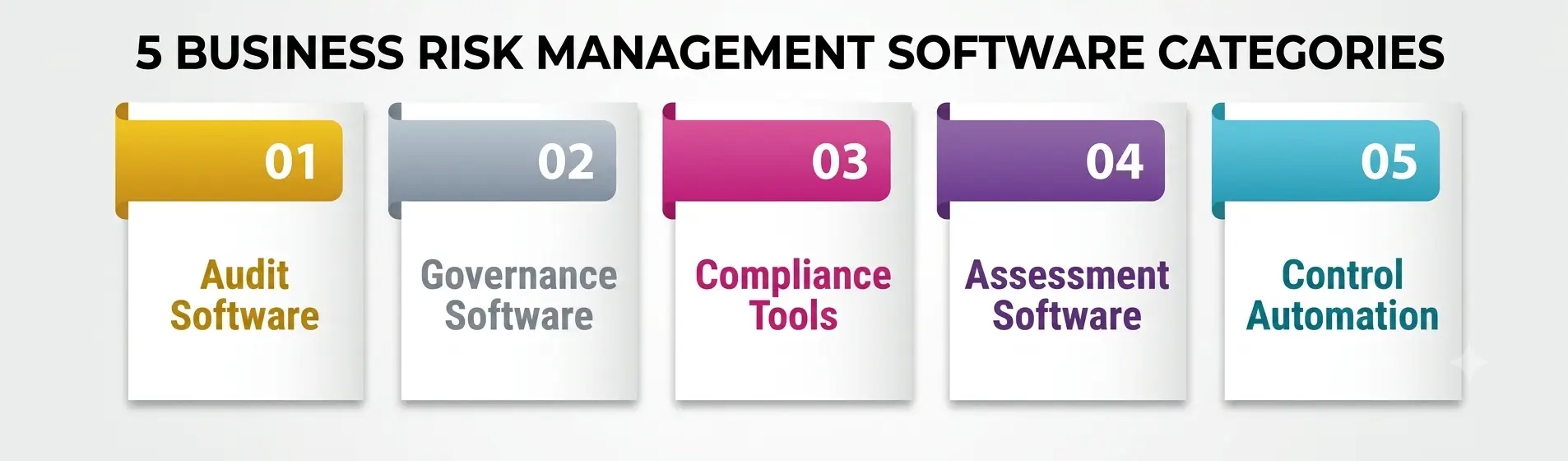
1. Audit Software
This category focuses on planning, executing, and documenting audits—both internal and external—inside one traceable system rather than a scattered mix of emails and attachments.
Instead of auditors chasing evidence from inbox to inbox, it centralizes working papers, sign-offs, and findings so that every step of the trail is searchable months or even years later.
For anyone studying this subject, this is usually the category that makes the “why not just use a spreadsheet” argument click instantly: try recreating a defensible audit trail from forty emailed spreadsheet versions, and the appeal of a dedicated system becomes obvious within about five minutes.
2. Governance Software
This category supports how decisions get made and documented at the leadership level—policies, board reporting, delegation of authority, and accountability structures that spreadsheets were never built to hold.
A good platform in this space connects those decisions directly to the risks and controls they’re meant to influence, something a spreadsheet simply cannot do on its own without a lot of manual cross-referencing.
It also tends to standardize how policies get reviewed and approved, which starts to matter a great deal once an organization operates across multiple business units, subsidiaries, or countries with different reporting expectations.
3. Compliance Tools
This category tracks regulatory obligations, maps them to internal controls, and flags gaps before a regulator finds them first. As rules keep multiplying across data privacy, financial reporting, and industry-specific regulation, a dedicated system gives teams one reliable source of truth instead of a patchwork of local trackers maintained by whoever happened to inherit the job.
This matters because regulators rarely care whether your last update was saved as “final_v2” or the actual final version—they care whether you can prove the obligation was met and when.
4. Assessment Software
This category structures how risks and controls are scored, ranked, and re-evaluated over time, rather than being frozen the moment someone pastes a heat map into a slide deck and moves on to the next task.
A dedicated platform keeps these evaluations dynamic, automatically updating as new data, incidents, or control test results come in from across the organization. That shift turns risk evaluation from an occasional snapshot exercise into something much closer to a live, continuously refreshed dashboard.
5. Control Automation
This is arguably the single biggest practical upgrade over a spreadsheet-based process. It automates recurring control tests, sends reminders before deadlines slip, and flags exceptions the moment they happen instead of waiting for someone to notice during the next quarterly review.
It doesn’t remove the need for human judgment anywhere in the process—it simply removes the repetitive busywork that used to eat up most of a risk team’s week, freeing people to actually think about the risks instead of chasing spreadsheet updates.
A Side-by-Side Comparison
|
Factor |
Spreadsheets |
Dedicated Software |
|
Error visibility |
Errors hide easily; no built-in validation |
Structured fields and validation checks reduce silent mistakes. |
|
Audit trail |
Manual, easy to lose track of over time |
Automatic version history supports audit software-level traceability. |
|
Collaboration |
Single-owner files, hard to share live |
Multi-user access with role-based permissions in real time |
|
Regulatory mapping |
Manual cross-referencing of every obligation |
Built-in regulatory libraries delivered through compliance tools |
|
Board and leadership decisions |
Tracked informally, hard to trace back |
Documented and linked through governance software |
|
Risk scoring |
Static, updated occasionally by hand |
Kept dynamic through assessment software workflows |
|
Recurring tasks and reminders |
Manually tracked, easy to forget |
Handled automatically through Control Automation |
|
Scalability |
Breaks down past a certain size or team count |
Built for growing risk registers and multiple business units |
The pattern running through nearly every row is the same: a spreadsheet depends on a person remembering to do something correctly, every single time, while a dedicated platform depends on the system doing it consistently, whether or not anyone remembers.
Choosing Between Spreadsheets and Software
For a student project, a small nonprofit, or a five-person startup with three known risks, a spreadsheet is genuinely fine and sometimes even the smarter choice, since dedicated platforms cost money and take real time to configure properly.
The moment risk oversight needs to touch multiple departments, satisfy an external audit, or prove compliance to a regulator, though, the calculation starts to change fairly quickly.
Market data backs up this shift. Analysts at Mordor Intelligence estimate that the global governance, risk, and compliance software market was worth roughly $21 billion in 2025 and is on track to keep growing at a double-digit annual rate through the early 2030s, and Gartner has separately projected that legal and compliance department spending on this kind of technology would keep climbing through the mid-2020s.
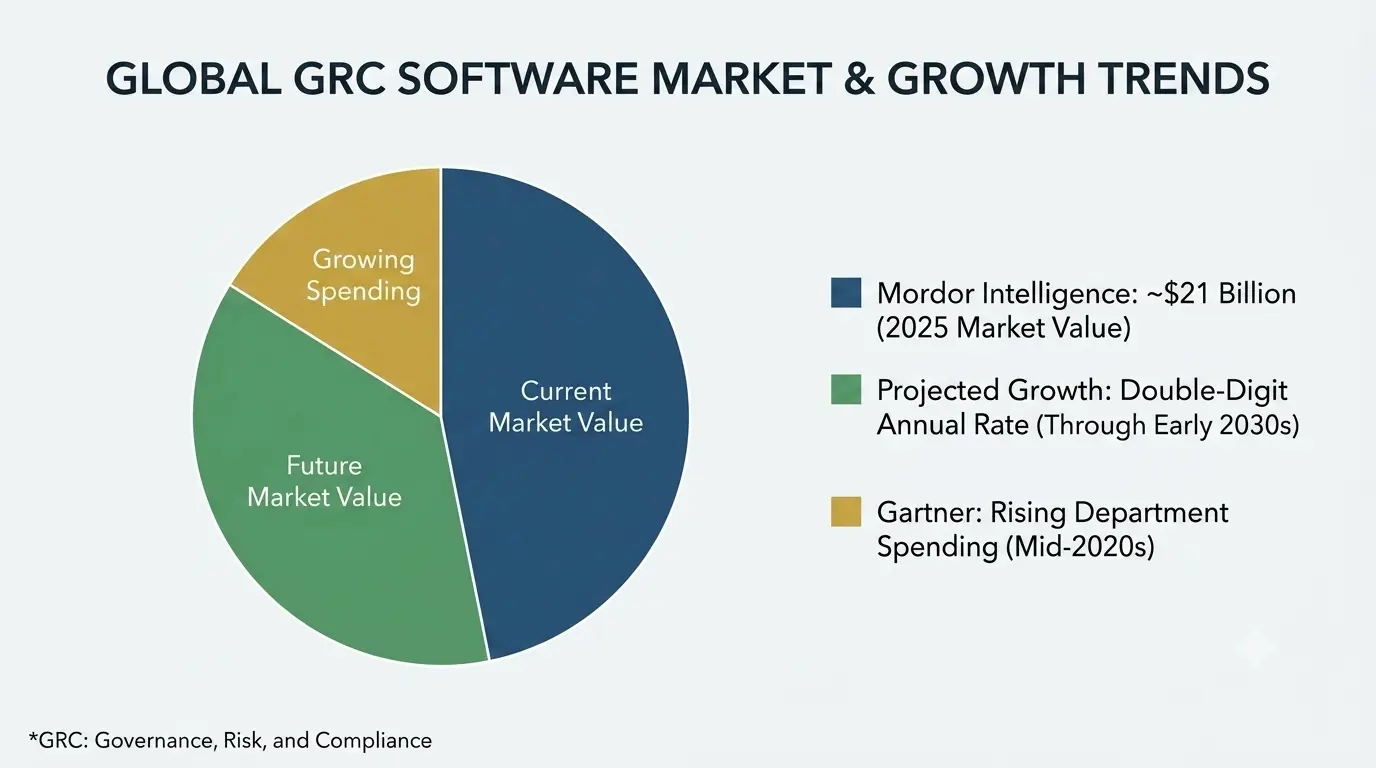
That growth isn’t happening because spreadsheets suddenly stopped working. It’s happening because the cost of getting business risk management wrong—in fines, breaches, missed deadlines, and reputational damage—keeps rising faster than the cost of the software built to prevent it.
A practical way to frame it for yourself: a spreadsheet mostly manages data about risk. A dedicated platform manages the process around risk—who owns each item, what happens next, and whether anyone would even notice if a control quietly failed somewhere along the way.
How Can Students Learn This the Practical Way?
If you’re studying business risk management, don’t stop at learning what a risk matrix looks like inside Excel, because that’s only half the picture employers expect you to understand. Try to get hands-on time with a free trial, demo environment, or academic license of an actual platform, even a fairly basic one, so the theory from your coursework has somewhere real to land.
Understanding how audit evidence gets structured, how obligations get mapped to controls, or how a recurring control test gets scheduled and monitored automatically will make you far more useful on day one of an internship than knowing every keyboard shortcut in Excel.
Employers increasingly assume you already know spreadsheets by the time you walk in the door—what actually stands out on a resume or in an interview is knowing how the real systems behind modern risk teams work in practice.
A Personal Note
I’ve built risk registers in Excel that I was genuinely proud of at the time—color-coded, formula-heavy, and satisfying to scroll through. I’ve also watched one of those exact files get emailed to the wrong version, edited by three different people at once without anyone realizing it, and quietly go stale for two months before a single person noticed the numbers no longer matched reality.
That’s not a story about careless people or badly built spreadsheets. It’s a story about asking a tool to carry a job it was never designed to hold. If you’re a student reading this, my honest advice is simple: learn the underlying discipline first—the frameworks, the reasoning, the judgment calls—and treat any software you eventually use as exactly what it is: a way to make that thinking much harder to lose.