Think about how much time you spend listening. Meetings, interviews, podcasts, lectures, client calls — audio is everywhere. But audio doesn’t search. It doesn’t highlight itself. It doesn’t email action items to your team at the end of the day.
That’s the problem AI transcription tools solve. They convert everything you hear into text you can read, search, share, and act on. In 2026, the best tools don’t just transcribe — they summarize meetings, identify who said what, pull out action items, and connect directly to the apps your team already uses.
This guide breaks down the 10 best AI transcription tools in 2026. Whether you need to transcribe meetings, edit podcasts, handle multilingual recordings, or build transcription into your own product—there’s a tool here built specifically for your situation.
Why AI Transcription Has Changed Everything
Not long ago, transcribing an hour-long recording meant either typing it yourself or paying someone else to do it. That cost time, money, and patience. Even decent transcription services took 24 hours or more to return results.
Today, the best speech-to-text AI tools process an hour of audio in under five minutes with accuracy rates of 95% or higher on clear recordings. Some tools transcribe in real time—live captions appearing on screen while the conversation is still happening. Others handle 97 languages. A few can clone your voice or remove background noise before transcription even starts.
The AI transcription market is growing fast. According to research from Market.us, it’s projected to grow from $4.5 billion in 2024 to $19.2 billion by 2034. The tools in this guide represent where the market is right now — what actually works, what each one costs, and who each one is really built for.
Quick Comparison Table
|
Tool |
Best For | Free Plan | Starts At |
|
Otter.ai |
Meeting transcription | Yes (300 min/month) |
$16.99/month |
| Descript | Podcast and video editing | Yes (1 hr) |
$15/month |
|
Fireflies.ai |
Sales and CRM teams | Yes | $10/month |
| OpenAI Whisper | Free and open-source | Yes (free) |
Free / $0.006/min API |
|
Rev |
Accuracy-critical work | No | $14.99/month |
| Sonix | Multilingual transcription | 30-min trial |
$10/hour or $22/month |
|
Notta |
Multilingual meetings | Yes (120 min) | $8.17/month |
| AssemblyAI | Developers and APIs | Free tier |
$0.01/min |
|
Happy Scribe |
Global language coverage | No | $17/month |
| Castmagic | Podcast content repurposing | No |
$23/month |
Top 10 AI Transcription Tools Reviewed
Before you explore the list, remember that not all AI transcription tools are built the same. Some are designed for real-time meeting transcription, others for content editing, multilingual support, or workflow automation. The tools below are selected based on accuracy, speed, ease of use, pricing, and how well they fit real-world use cases.
As you go through them, focus on your primary need — whether it’s meetings, podcasts, or large-scale transcription — because the right tool depends on how you plan to use it daily.
1. Otter.ai — The Meeting Transcription Standard
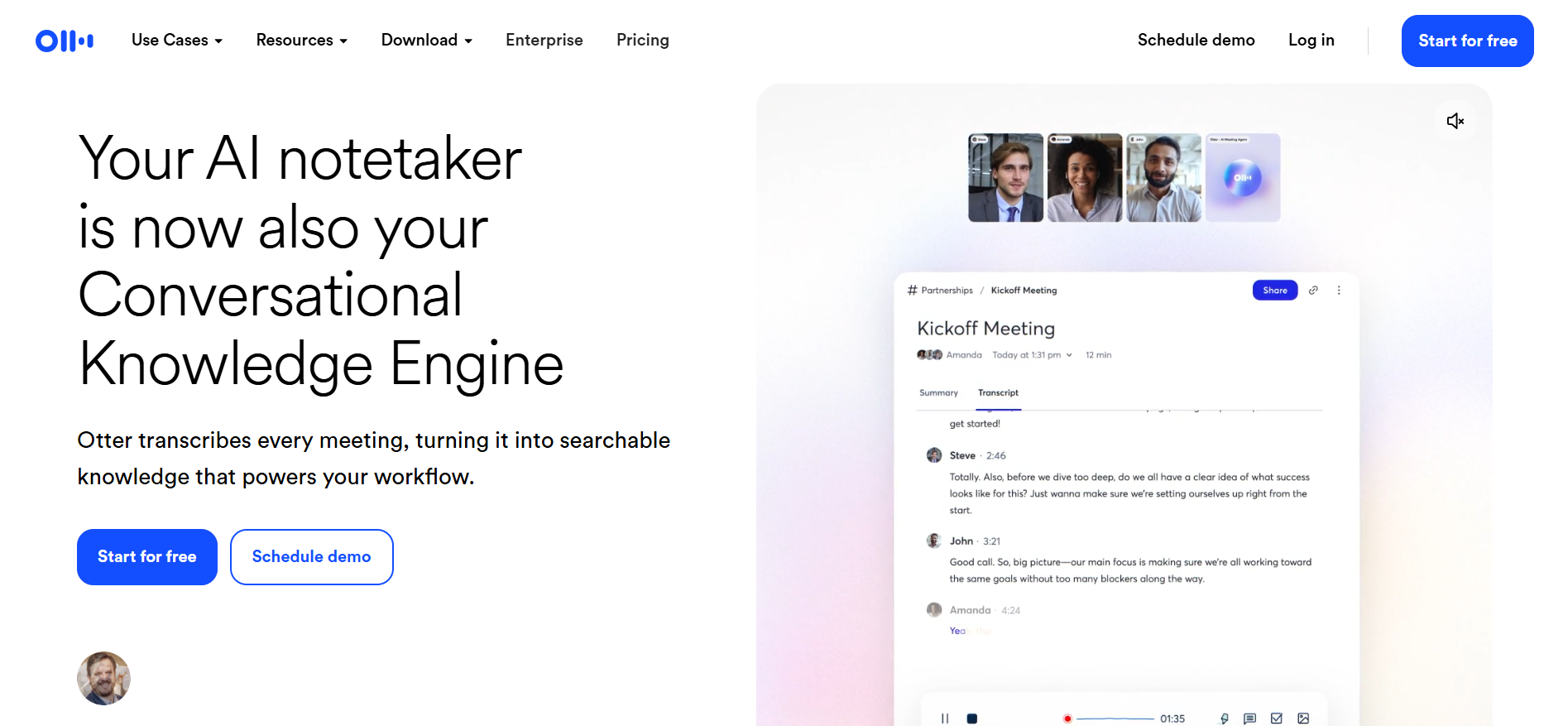
If you spend a significant part of your day in Zoom, Google Meet, or Microsoft Teams calls, Otter.ai is the tool most people end up with. And for good reason.
OtterPilot, their AI assistant, joins your meetings automatically — even the ones you can’t attend yourself. It transcribes everything in real time, labels who said what, and generates a summary with action items before you’ve even had time to close the browser tab. Team members can highlight and comment on live transcripts mid-meeting, which turns the transcript from a passive document into an active collaboration tool.
The real time transcription is what sets it apart. When you need live captions as the conversation unfolds, Otter delivers with minimal lag. The 2026 version added an AI chat feature where you can ask questions about past meetings — “What did Sarah say about the Q3 deadline?” — and get immediate answers pulled from your meeting history.
Pricing: Basic free plan includes 300 minutes per month. Pro is $16.99 per user monthly. Business at $30 per user monthly adds Salesforce integration and admin controls.
Good fit for: Sales teams reviewing calls, journalists conducting interviews, students recording lectures, and remote teams needing reliable meeting documentation without manual effort.
Where it falls short: Built almost entirely for live meetings. If you want to upload pre-recorded audio files or edit podcast content, it’s not the right tool. Older recordings become inaccessible on the free plan after 30 days.
2. Descript — For Creators Who Edit Audio and Video
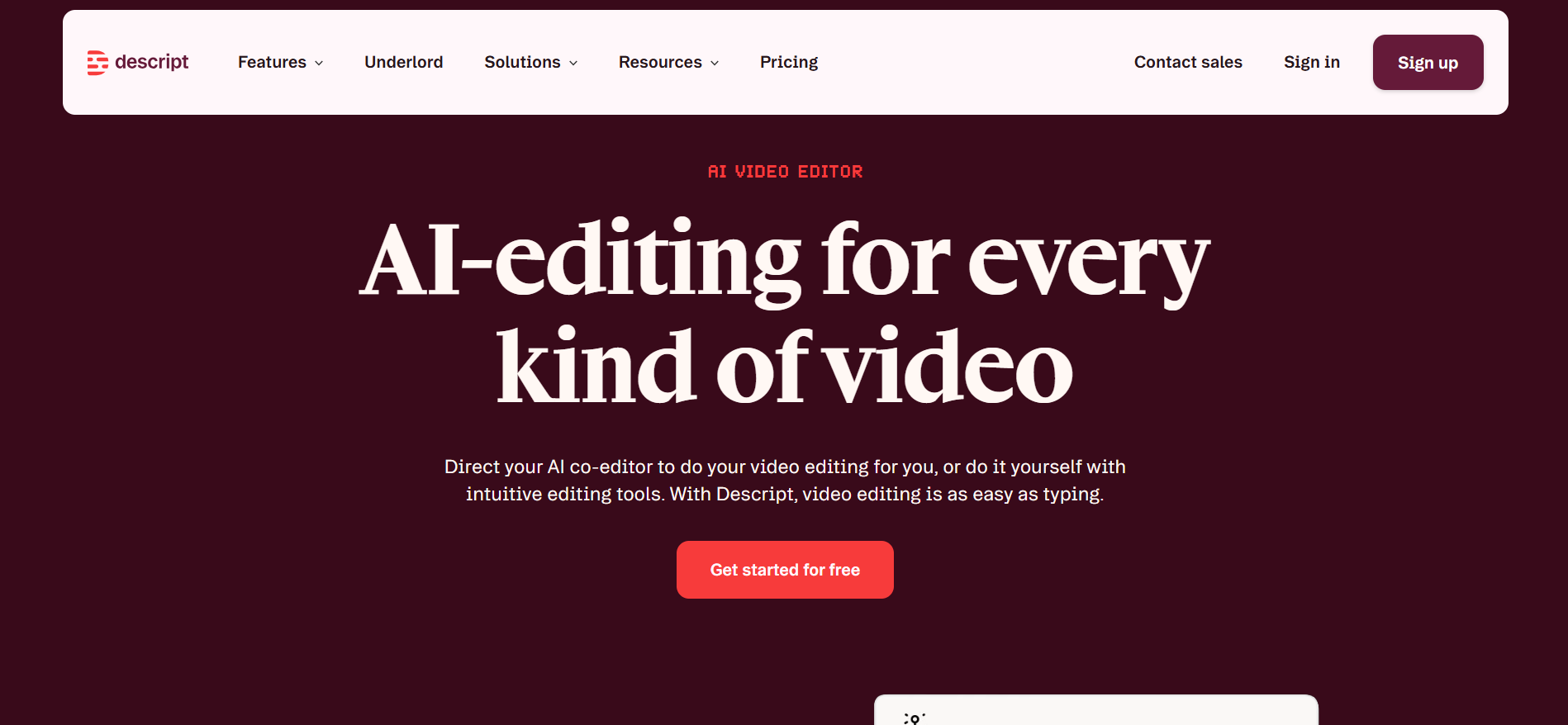
Descript is not a transcription tool that also does editing. It’s an editing tool where transcription is how editing works. That’s an important distinction.
When you upload a recording, Descript transcribes it and presents the audio as a text document. You edit the audio by editing the text. Delete a sentence from the transcript, and Descript removes that section from the audio file automatically. It sounds simple, but it transforms the editing process entirely — especially for podcast producers and video creators who spend hours cutting filler words, false starts, and repeated sections.
The Studio Sound feature cleans up audio quality before transcription, which gives Descript a slight accuracy edge over tools working with raw recordings. Add in AI voice cloning, automatic filler word removal, and multitrack editing, and you have something that genuinely replaces a traditional editing workflow.
Pricing: Free plan includes 1 hour of transcription. Creator at $15/month covers 10 hours. Pro at $30/month adds 30 hours and full Overdub access.
Good fit for: Podcasters, YouTubers, video editors, and content creators who need transcription and editing in the same place.
Where it falls short: Not designed for live meeting transcription — you upload recordings, you don’t get real-time captions. If your main need is meeting notes rather than content creation, Otter or Fireflies will serve you better.
3. Fireflies.ai — The Sales Team’s Best Friend
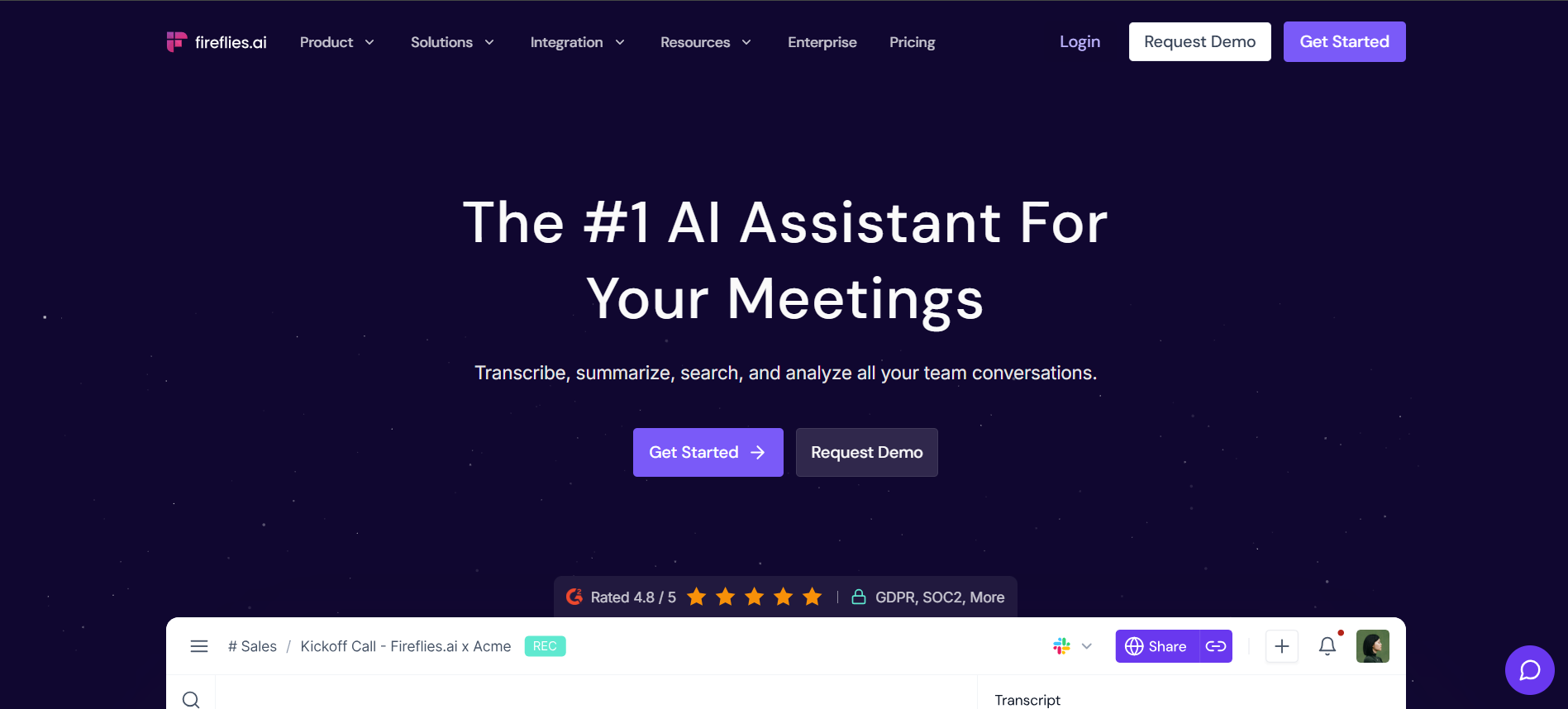
Fireflies does what Otter does — joins meetings, transcribes, summarizes — but it goes further in one specific direction. It connects directly to your CRM and turns meeting conversations into sales intelligence.
After a call, Fireflies doesn’t just give you a transcript. It extracts action items, identifies budget mentions, tracks competitor names that came up, and pushes all of it into Salesforce, HubSpot, or Pipedrive automatically. One consultancy reported a 25% improvement in lead conversion rate after implementing Fireflies because deal stages were being updated from actual call data rather than relying on salespeople to manually log everything.
For voice recordings to text that then need to feed into a business workflow, this is the strongest option on this list.
Pricing: Free plan includes unlimited transcription with 800 minutes of storage. Pro at $10 per user monthly. Business at $19 per user monthly adds CRM integrations.
Good fit for: Sales teams, customer success managers, and any team where meeting intelligence needs to flow directly into business tools.
Where it falls short: The bot joining calls as a participant can make some clients uncomfortable. Accuracy drops noticeably when there’s significant cross-talk or overlapping voices. Not designed for pre-recorded podcast or media transcription.
4. OpenAI Whisper — The Free Option That Actually Works
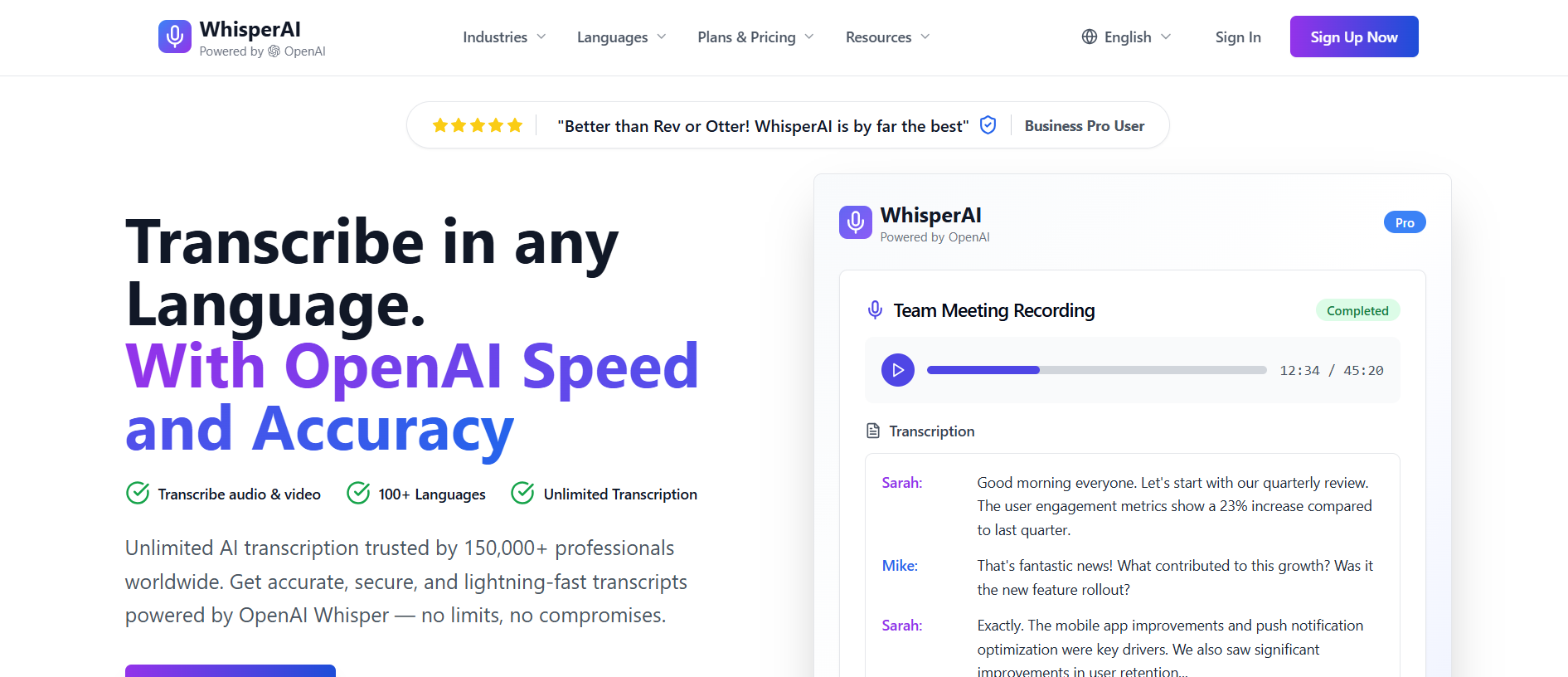
Most ‘free’ transcription tools are free up to a point, then start asking for a credit card. Whisper is genuinely free — you can download the model and run it locally on your own machine with no usage limits and no data leaving your computer.
That privacy angle is significant. Lawyers, medical professionals, and anyone handling sensitive recordings can convert audio to text without any data touching a third-party server. Whisper supports 97 languages and delivers accuracy that competes with paid tools on clean audio. OpenAI also offers a paid API version at $0.006 per minute, which is substantially cheaper than most subscription alternatives for occasional use.
Pricing: Open-source version is completely free. API at $0.006 per minute for the hosted version.
Good fit for: Developers building transcription into their own products, privacy-conscious professionals, multilingual content teams, and anyone needing reliable transcription without committing to a monthly subscription.
Where it falls short: The free local version requires command-line setup, which puts it out of reach for non-technical users. No built-in speaker identification in the basic version. No real-time transcription — it works with uploaded files only.
5. Rev — When Accuracy Cannot Be Negotiated
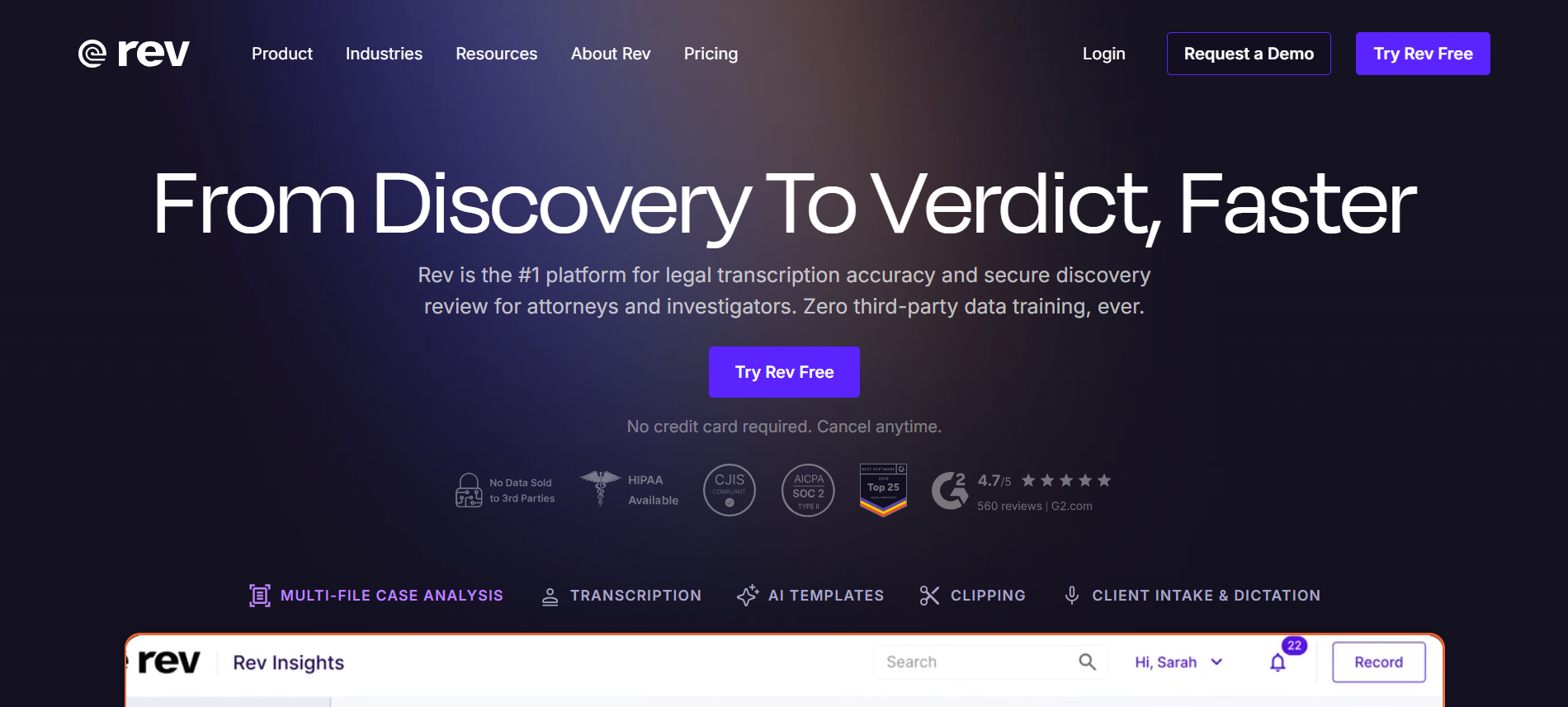
Rev offers something none of the other tools on this list can match: human transcribers. The AI-only tier handles speed and cost. The human tier handles accuracy that AI simply can’t consistently deliver on difficult audio.
For legal proceedings, medical documentation, journalism, or any situation where a transcript might be cited, published, or challenged in court, Rev’s human service delivers accuracy above 99% with proper formatting and verbatim output. The 2026 platform combines both tiers intelligently — AI handles the first pass, human reviewers correct anything below a confidence threshold.
As a pure best transcription software option for accuracy-critical work, nothing in this list competes with the human tier.
Pricing: AI transcription at $0.25 per minute. Human transcription at $1.50 per minute. Subscription plan at $14.99 per month for unlimited AI transcription.
Good fit for: Legal professionals, journalists, medical practices, researchers, and anyone where the cost of a transcription error is higher than the cost of paying for human review.
Where it falls short: Human transcription takes 12-24 hours and costs significantly more than AI alternatives. For casual or high-volume use, the per-minute pricing of human review adds up quickly.
6. Sonix — Multilingual at Scale
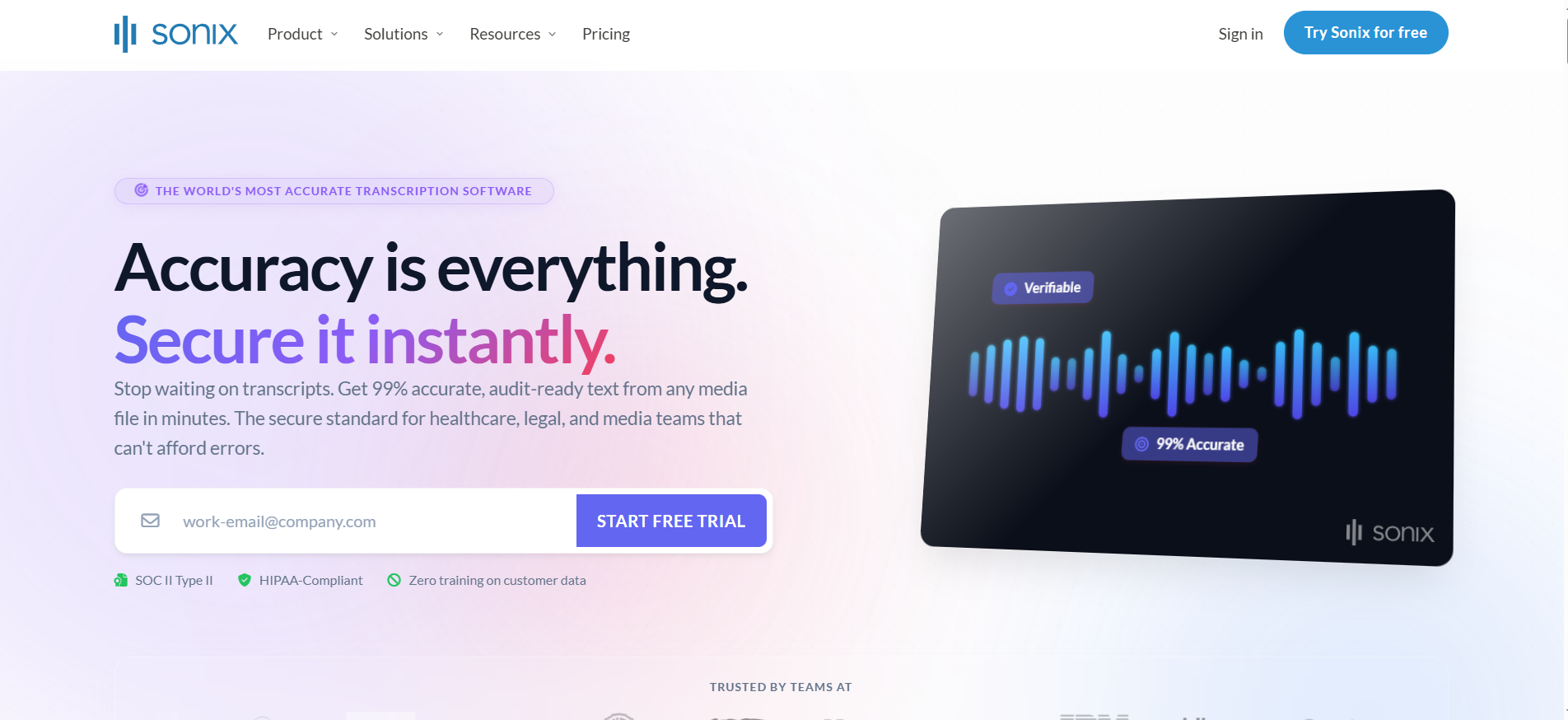
Sonix is built for teams working across multiple languages. With support for 49+ languages and tight integration with Adobe Premiere, Zapier, and other professional tools, it targets researchers, global content teams, and organizations producing content in multiple markets simultaneously.
The automated translation feature is what makes it stand out. Transcribe in one language, translate to another, all in the same workflow. For international teams producing reports, research papers, or media content, this eliminates the separate translation step that most other tools require.
Pricing: Pay-as-you-go at $10 per hour. Premium subscription at $22 per month includes 5 hours. Enterprise pricing available.
Good fit for: Global content teams, academic researchers, journalists covering international stories, and organizations needing transcription plus translation in one place.
Where it falls short: No real-time transcription. Not designed for meeting-first workflows. The subscription tiers can feel restrictive if your usage varies month to month.
7. Notta — Multilingual Meetings Without Complexity
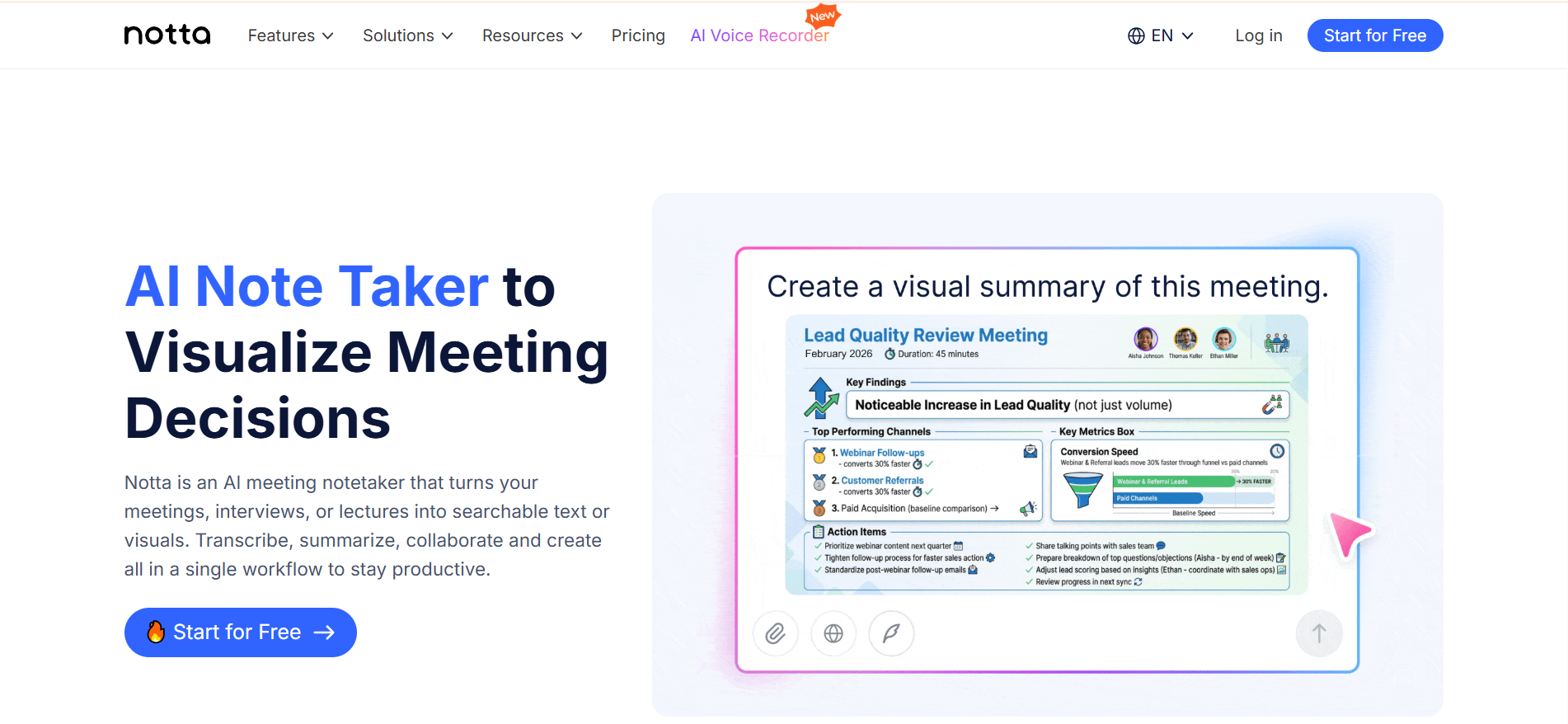
Notta covers 58 languages and auto-joins Zoom, Google Meet, and Teams calls — making it a strong choice for international teams who need the meeting-intelligence features of Otter but with broader language support.
The interface is straightforward. Record or upload, get a transcript with speaker labels, export in multiple formats, and share with your team. The free plan is genuinely useful — 120 minutes per month is enough to evaluate whether it fits your workflow before committing.
Pricing: Free plan includes 120 minutes monthly. Pro at $8.17 per month billed annually.
Good fit for: International teams where English isn’t the primary working language, multilingual meetings, and anyone looking for straightforward, affordable AI transcription software for regular use.
Where it falls short: Less sophisticated AI meeting intelligence than Otter or Fireflies. The free tier limitations become obvious quickly for heavy users.
8. AssemblyAI — Built for Developers
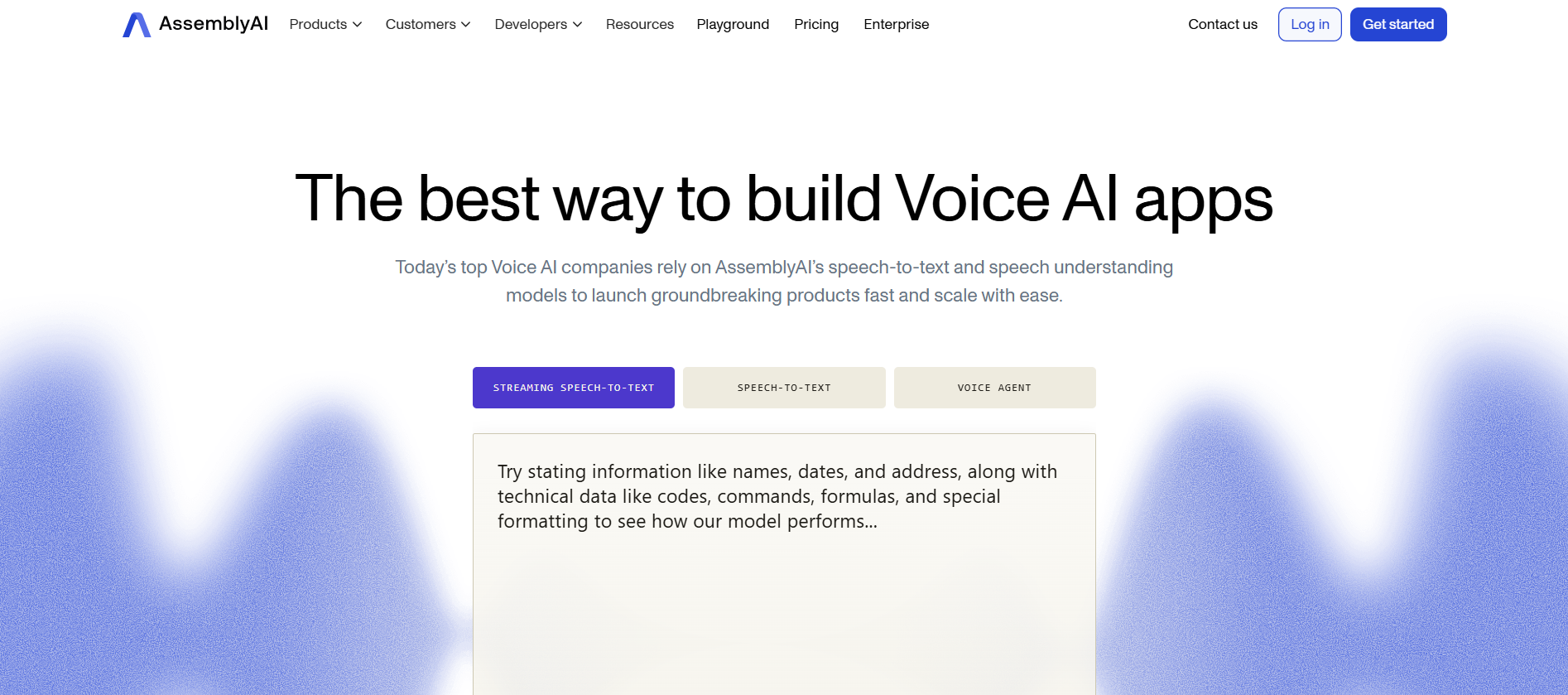
AssemblyAI is not a consumer product. It’s an API that developers use to add transcription, speaker detection, content moderation, sentiment analysis, and summarization to their own applications.
If you’re building a product that needs to process audio — a note-taking app, a call analytics platform, a media monitoring tool — AssemblyAI provides the audio intelligence layer through a clean API. The accuracy is strong, the pricing is competitive, and the documentation is thorough enough that implementation doesn’t become a project in itself.
Pricing: Free tier available. Pay-as-you-go from $0.01 per minute. Volume discounts available.
Good fit for: Software developers, product teams building audio features, and organizations wanting to embed transcription capabilities into custom workflows.
Where it falls short: There’s no consumer interface. If you’re not a developer or don’t have technical resources, this isn’t the right entry point.
9. Happy Scribe — The Broadest Language Coverage
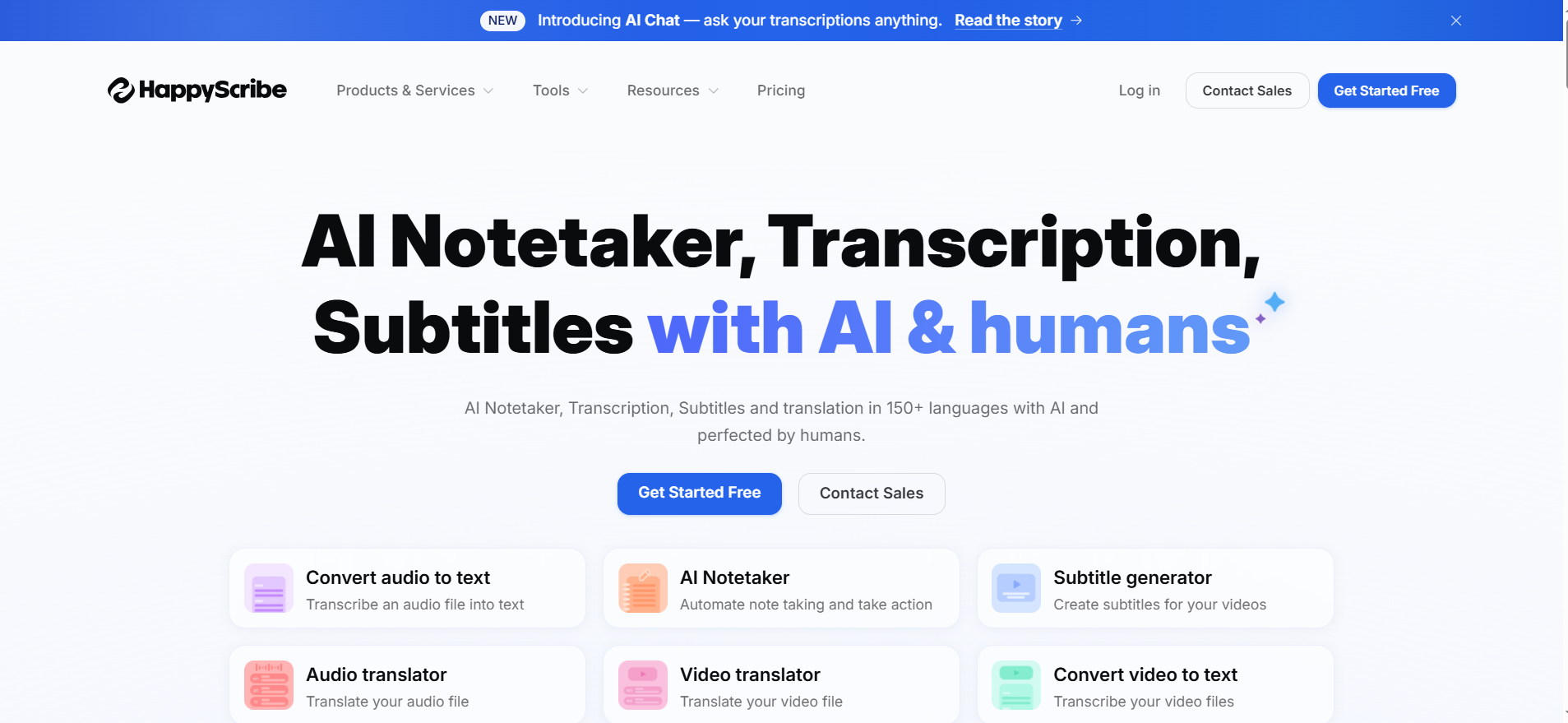
Happy Scribe supports 120+ languages, which is the widest coverage of any tool on this list. For organizations working with content from across the globe — news agencies, international NGOs, documentary producers — that breadth is the deciding factor.
The editing interface is clean and focused. Transcript corrections are fast, the collaboration features work well for editorial teams, and the subtitle export options cover every major video platform. The combination of transcription and translation in one platform is particularly useful for media teams producing content for multiple regional audiences.
Pricing: Pay-as-you-go from $0.20 per minute. Subscription at $17 per month includes 100 minutes.
Good fit for: Journalism and media organizations, documentary filmmakers, NGOs working across regions, and any team that regularly handles content in uncommon languages.
Where it falls short: No real-time transcription or meeting bot features. Less automation than meeting-focused tools. Pay-as-you-go costs accumulate quickly for high-volume users.
10. Castmagic — Turning Podcasts Into Content Libraries
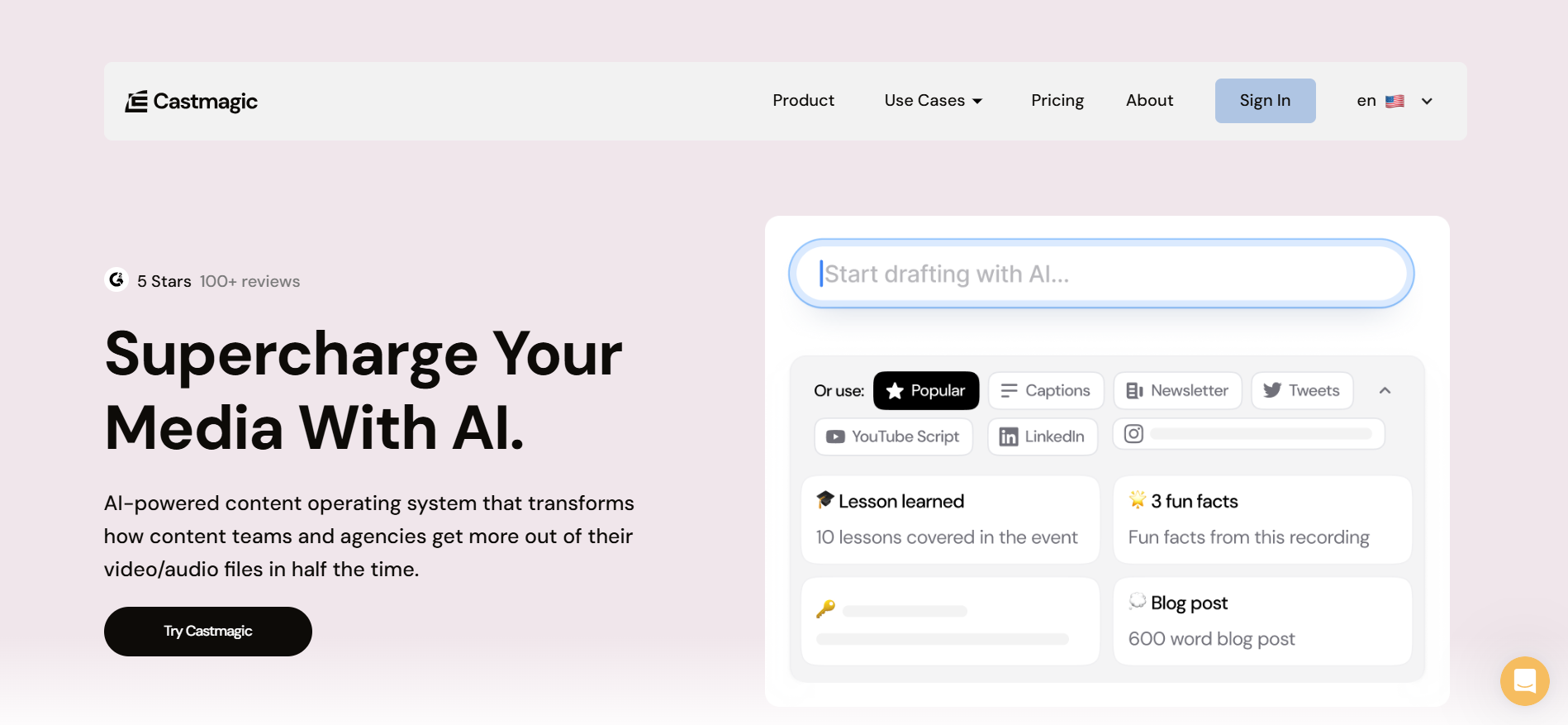
Castmagic solves a specific problem that every podcaster knows. You record an episode, get a transcript, and then spend another two hours writing show notes, pulling quotes for social media, drafting a newsletter, and creating timestamps. Castmagic automates all of that from a single upload.
Upload one episode and get back a full transcript, show notes, social media captions for multiple platforms, a newsletter draft, a key quotes list, timestamps, and a chapter breakdown. What used to take hours of manual content repurposing happens in minutes. For podcast producers publishing regularly, this alone justifies the cost.
Pricing: Starter at $23 per month. Professional at $49 per month includes higher volume and team access.
Good fit for: Podcast producers, content marketers repurposing audio, and any creator who spends significant time transforming recordings into written content.
Where it falls short: Designed specifically for pre-recorded content repurposing. Not suitable for meeting transcription or real-time use. Overkill if you only need a basic transcript.
Which Tool Fits Your Situation?
The right ai transcription services depend entirely on what you’re transcribing and what you need to do with the result.
- Your day is full of meetings: Otter.ai for most teams. Fireflies if your CRM integration matters more than accuracy. Notta if your team works in multiple languages.
- You create podcasts or video content: Descript for the editing workflow. Castmagic if content repurposing is your main bottleneck.
- Accuracy is non-negotiable: Rev’s human tier. Nothing else on this list consistently exceeds 99% on difficult audio.
- You need to handle many languages: Happy Scribe for the broadest coverage (120+). Whisper for 97 languages at zero cost. Sonix for a balance of language support and professional workflow features.
- You’re a developer building a product: AssemblyAI. The API is clean, well-documented, and cost-effective at scale.
- Privacy is a top concern: OpenAI Whisper running locally keeps all audio on your own machine. No data leaves your infrastructure.
- You’re on a tight budget: Whisper is free with no limits. Otter’s free tier covers 300 minutes monthly. Notta’s free plan handles 120 minutes. For most light users, these cover everything.
Final Thoughts
The best AI transcription tools in 2026 have moved well past the basic task of converting speech to text. They summarize, analyze, integrate with business tools, support dozens of languages, and in some cases help you build entirely new content from a single recording.
But the right choice isn’t the most powerful tool — it’s the one that fits how you actually work. A podcaster doesn’t need a CRM integration. A sales team doesn’t need text-based video editing. Matching the tool to the workflow is what determines whether you actually use it.
Start with the free tier of whichever tool seems most relevant to your situation. Otter.ai for meetings, Whisper for everything else without cost, Descript if you edit content. Run one real project through it before committing to a paid plan. You’ll know within a week whether it belongs in your daily workflow or not.