Every business today is sitting on mountains of data. Sales numbers, customer behavior, website traffic, inventory levels — the list goes on. The problem isn’t collecting data anymore. The problem is making sense of it fast enough to actually do something useful.
That’s where AI data analytics tools come in. These platforms take raw, unorganized data and turn it into charts, reports, predictions, and clear answers — often in minutes, without needing a data science degree or a team of analysts.
In 2026, the shift is real. Tools that once required SQL expertise and weeks of setup now let you type a question in plain English and get a visualization back in seconds. Businesses that use these tools well are spotting trends earlier, catching problems before they escalate, and making decisions based on facts rather than gut feeling.
This guide covers the 10 best AI data analytics tools in 2026. Different tools for different needs — from free options for small businesses to enterprise platforms handling billions of data points. Honest reviews, real pricing, and a clear picture of what each one does well and where it struggles.
What Do These Tools Actually Do?
Before jumping in, it helps to understand what separates modern AI data analytics tools from older software.
Traditional analytics tools required you to know exactly what you were looking for. You’d write a query, build a dashboard, and get a static chart. The tool executed your instructions but didn’t add much thinking of its own.
The new generation works differently. You describe what you want to understand, and the AI figures out how to get there. Ask “why did sales drop last month?” and it doesn’t just show you a chart—it analyzes patterns across your entire dataset, identifies contributing factors, and gives you a plain-language explanation.
The practical result? Business data analysis that used to take a skilled analyst two days now takes twenty minutes. And the insights are available to people who couldn’t read a spreadsheet before.
Quick Comparison Table
|
Tool |
Best For | Free Plan | Starts At |
|
Microsoft Power BI |
Microsoft ecosystem analytics | Yes | $10/user/month |
|
Tableau |
Visual data storytelling | Limited (Public) |
$15/user/month |
| Google Looker Studio | Free dashboard reporting | Yes (free) |
Free |
|
ThoughtSpot |
Natural language analytics | Trial | $95/user/month |
|
Databricks |
Big data + ML analytics | 14-day trial | Usage-based |
| ChatGPT |
Conversational data analysis |
Yes |
$20/month |
|
Qlik Sense |
Associative data exploration | 30-day trial |
Custom pricing |
| Snowflake | Cloud data warehouse + AI | 30-day trial |
Usage-based |
|
Julius AI |
No-code data analysis | Limited |
$20/month |
| Looker (Google Cloud) | Governed enterprise BI | No |
Custom pricing |
Top 10 AI Data Analytics Tools Reviewed
Before diving into the list, keep in mind that every AI data analytics tool solves a different problem. Some focus on dashboards and reporting, while others specialize in predictive insights, automation, or no-code analysis. The tools below are selected based on real usability, performance, pricing, and how effectively they turn raw data into actionable insights.
As you go through them, think about your biggest data challenge right now — that’s where the right tool will make the biggest impact.
1. Microsoft Power BI — The Enterprise Standard
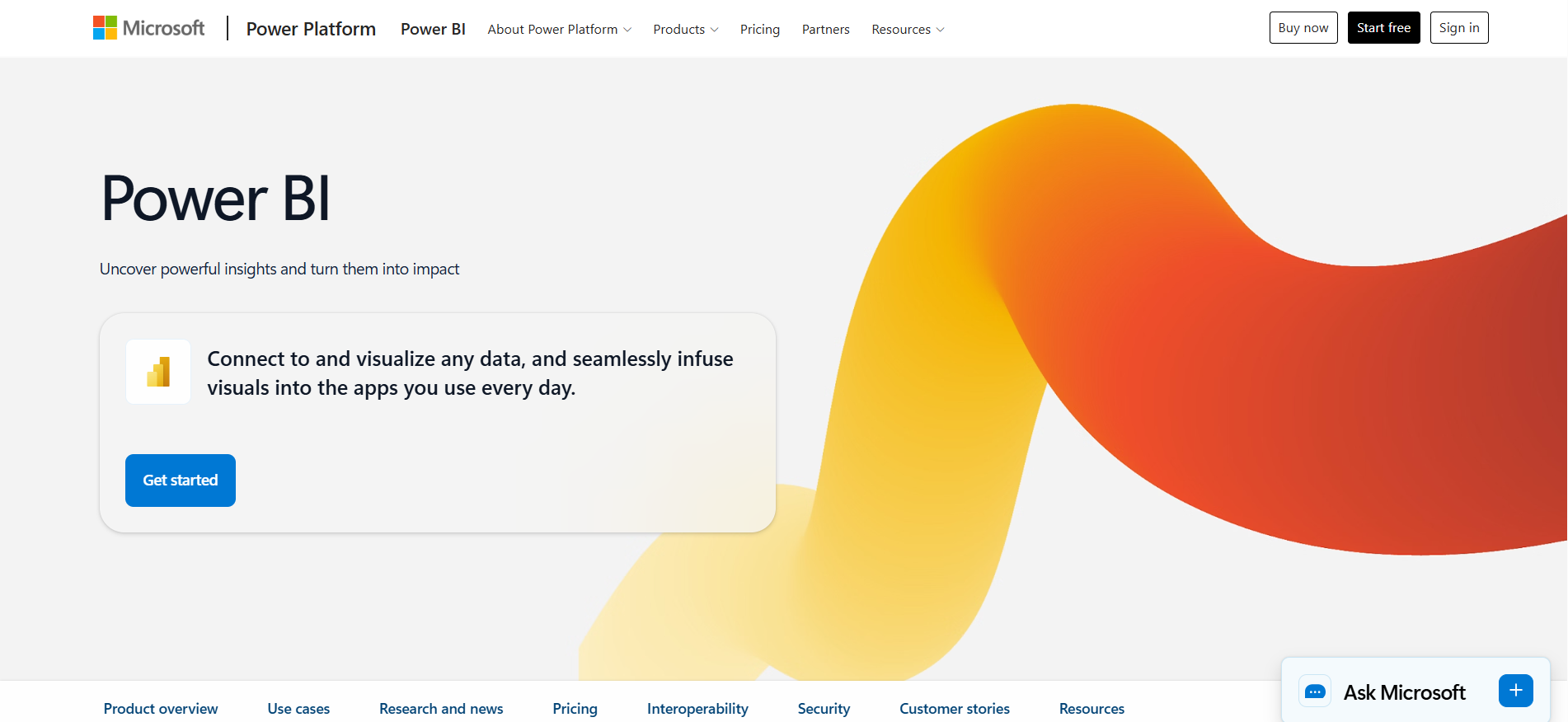
Power BI has been the benchmark for business intelligence for years, and in 2026 it’s become genuinely AI-first. Copilot, Microsoft’s AI assistant, is built directly into the platform. You can describe the dashboard you want, and Copilot builds it. You can ask questions about your data in plain English and get instant visualizations back.
The real strength is the Microsoft ecosystem. If your business runs on Excel, Teams, SharePoint, or Azure, Power BI connects to all of it seamlessly. Data flows in, reports go out, and everything stays inside the environment your team already uses every day.
Pricing: Free desktop version available. Pro at $10 per user per month. Premium Per User at $20 per user per month.
Good fit for: Organizations using Microsoft 365 or Azure, teams familiar with Excel wanting more powerful analytics, and anyone needing governed dashboards at scale.
Where it falls short: Visualization flexibility is more limited than Tableau. Performance can slow down with very large datasets outside of Azure. The web interface feels less polished than the desktop version.
2. Tableau — The Visualization Benchmark
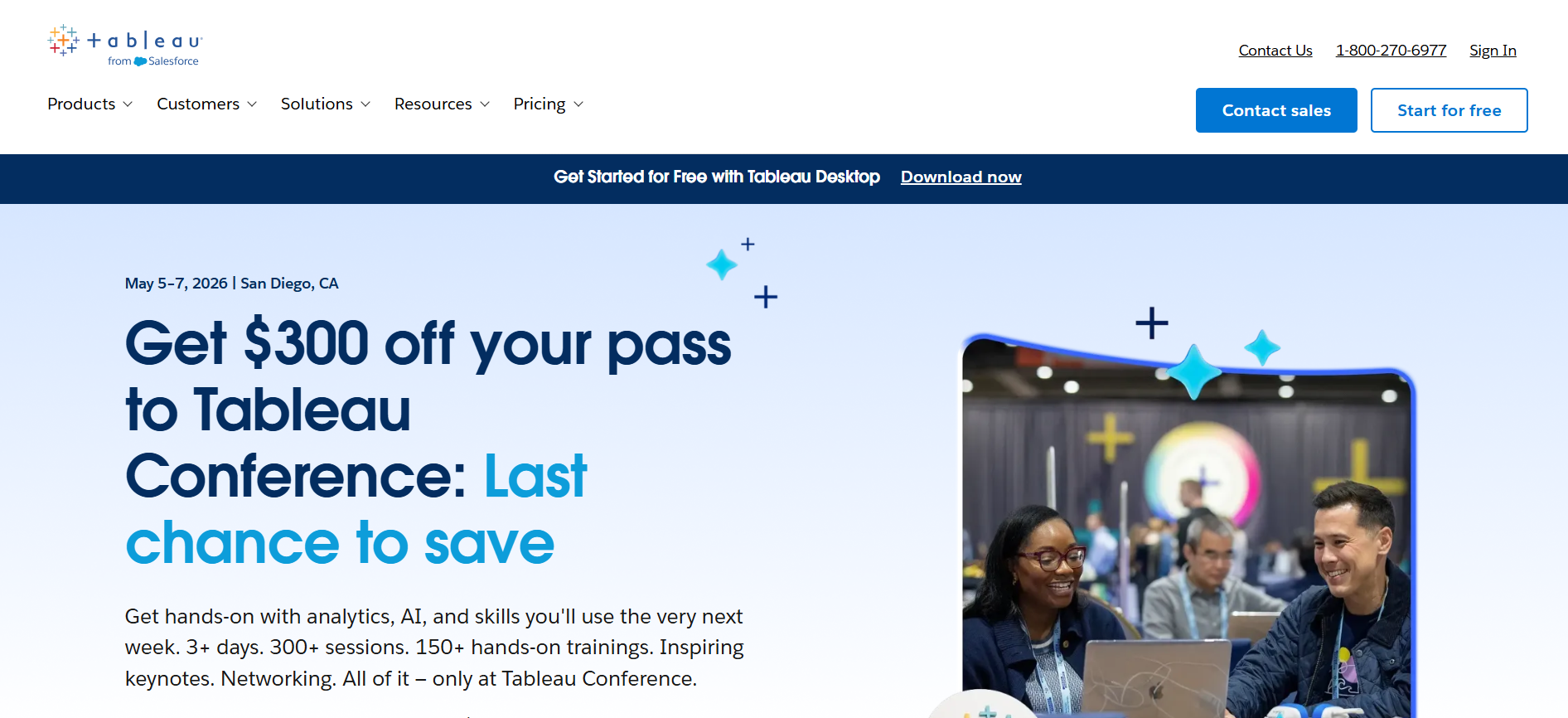
When people talk about beautiful, interactive data visualizations, they’re usually talking about Tableau. It’s been the gold standard for data storytelling for over a decade, and the 2026 version is more powerful than ever.
Tableau Agent, the AI assistant built into the platform, works like a data analyst sitting next to you. It explores your data autonomously, builds charts you hadn’t thought to ask for, spots unusual patterns, and explains what’s driving them. Tableau Pulse delivers real time insights proactively — you don’t have to go looking for problems because the AI surfaces them automatically.
Pricing: Tableau Public is free for public data. Tableau Creator starts at $15 per user per month. Enterprise pricing available.
Good fit for: Data teams that prioritize visual exploration, organizations using Salesforce, and anyone who needs to present data in a way that tells a clear story.
Where it falls short: The licensing structure became more complex after the Salesforce acquisition. Training takes real time — new users typically need 20 to 40 hours before feeling comfortable. Not the cheapest option for small teams.
3. Google Looker Studio — The Free Starting Point
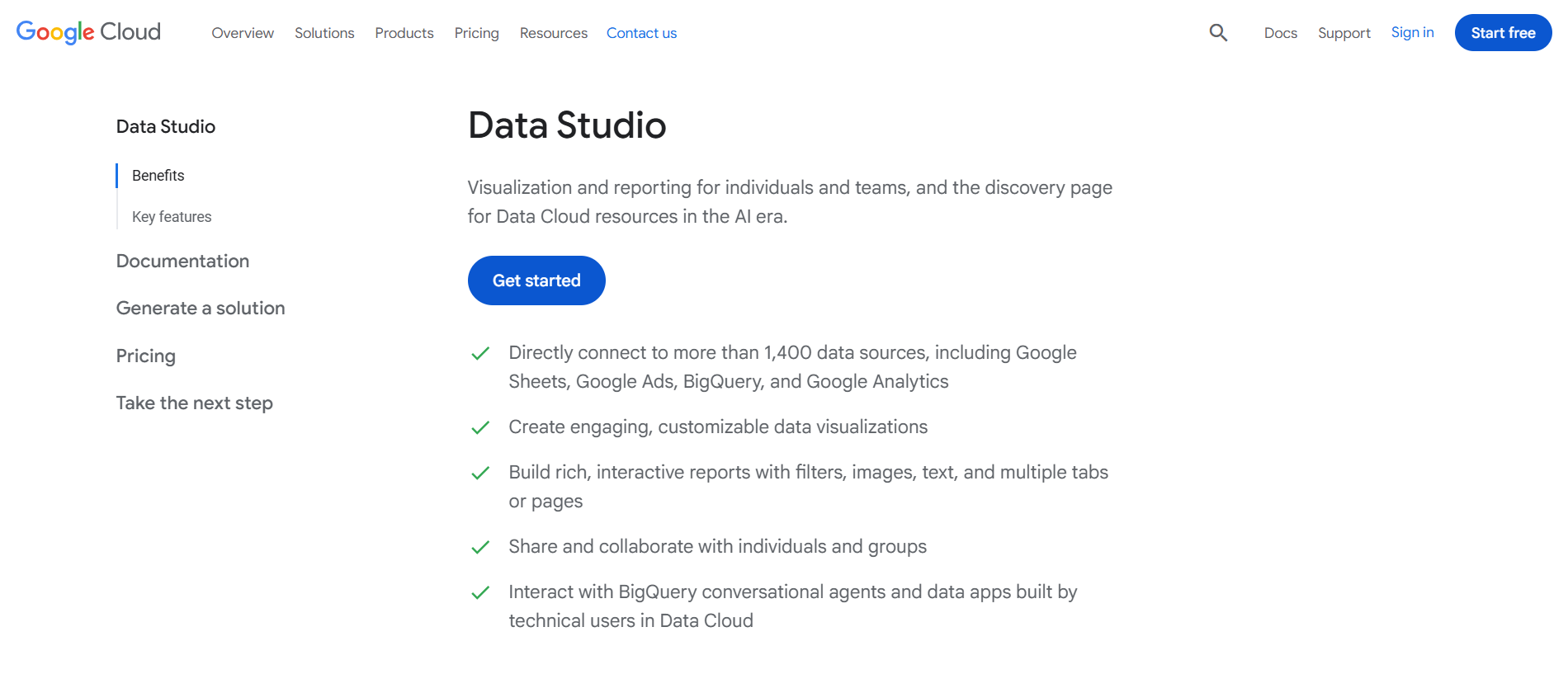
If you’re a small business or just getting started with data analytics, Looker Studio is where you should begin. It’s completely free, runs in your browser, and connects to over 1,270 data sources including Google Analytics, Google Ads, Sheets, YouTube, and most major third-party platforms.
You build reports with a drag-and-drop editor, share them like a Google Doc, and update them automatically as your data changes. For teams already inside the Google ecosystem, the setup takes minutes rather than days.
Pricing: Completely free. Looker Studio Pro, for enterprise governance features, has custom pricing.
Good fit for: Small businesses, marketers tracking campaign performance, and anyone who wants clean, shareable reports without paying for software.
Where it falls short: AI features are limited compared to paid platforms. Complex analytics requiring custom calculations or large-scale data modeling will push you toward more advanced tools fairly quickly.
4. ThoughtSpot — Ask Questions, Get Answers
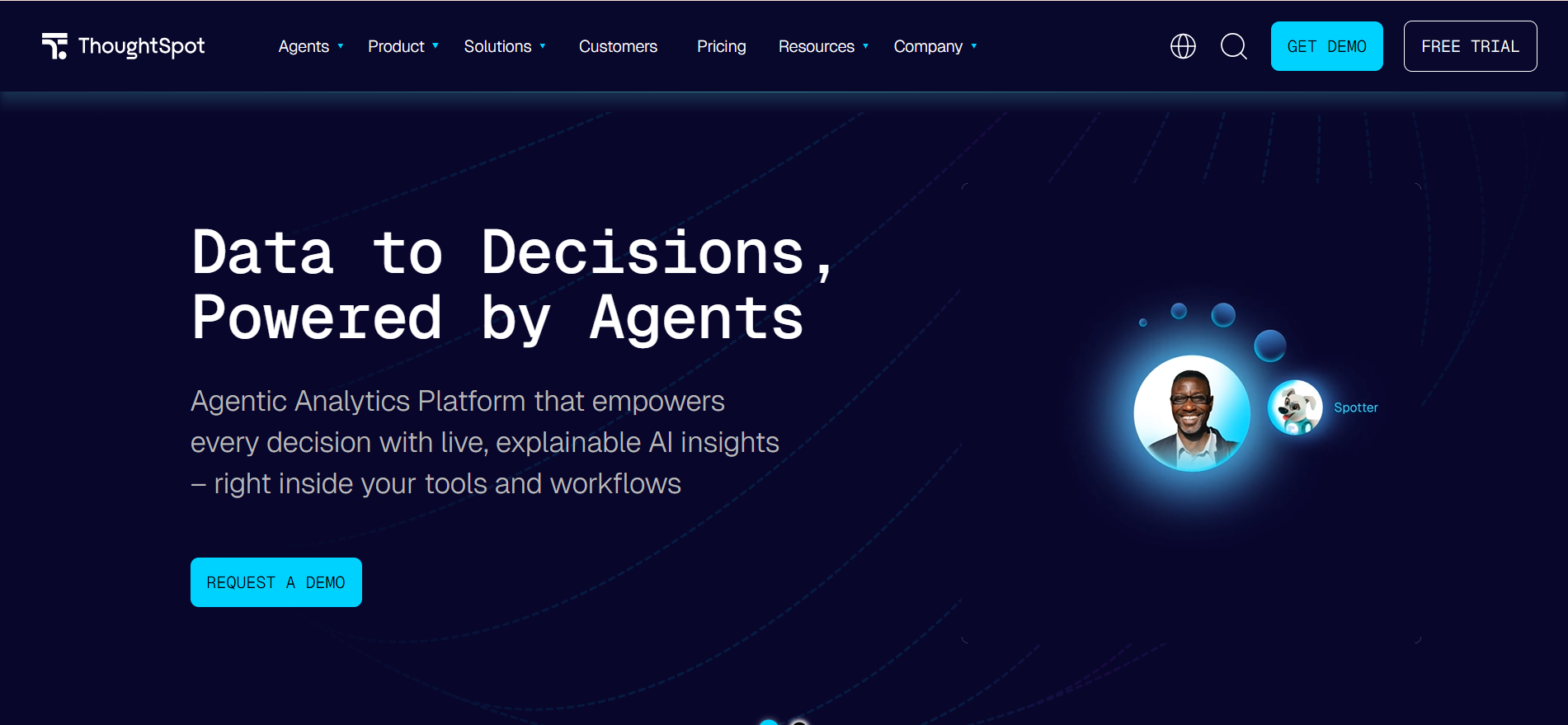
ThoughtSpot’s core idea is simple: you type a question about your data, and it gives you an answer with a visualization. No SQL. No dashboard builder. No waiting for an analyst.
Spotter, their AI assistant, handles complex questions that would normally require a data team. “Which products had the highest return rate last quarter compared to the same period two years ago?” Type it in, get the answer. The advanced analytics capabilities go beyond surface-level charts — ThoughtSpot runs the analysis in your actual data warehouse, so results are accurate and current.
Pricing: Free trial available. Business plan starts around $95 per user per month.
Good fit for: Companies trying to make data accessible to every department, teams where non-technical employees need to generate actionable insights independently, and organizations where waiting on analysts creates real bottlenecks.
Where it falls short: Price is high for small teams. Complex multi-step analyses sometimes require more than natural language can comfortably express.
5. Databricks — Where Data Engineering Meets AI
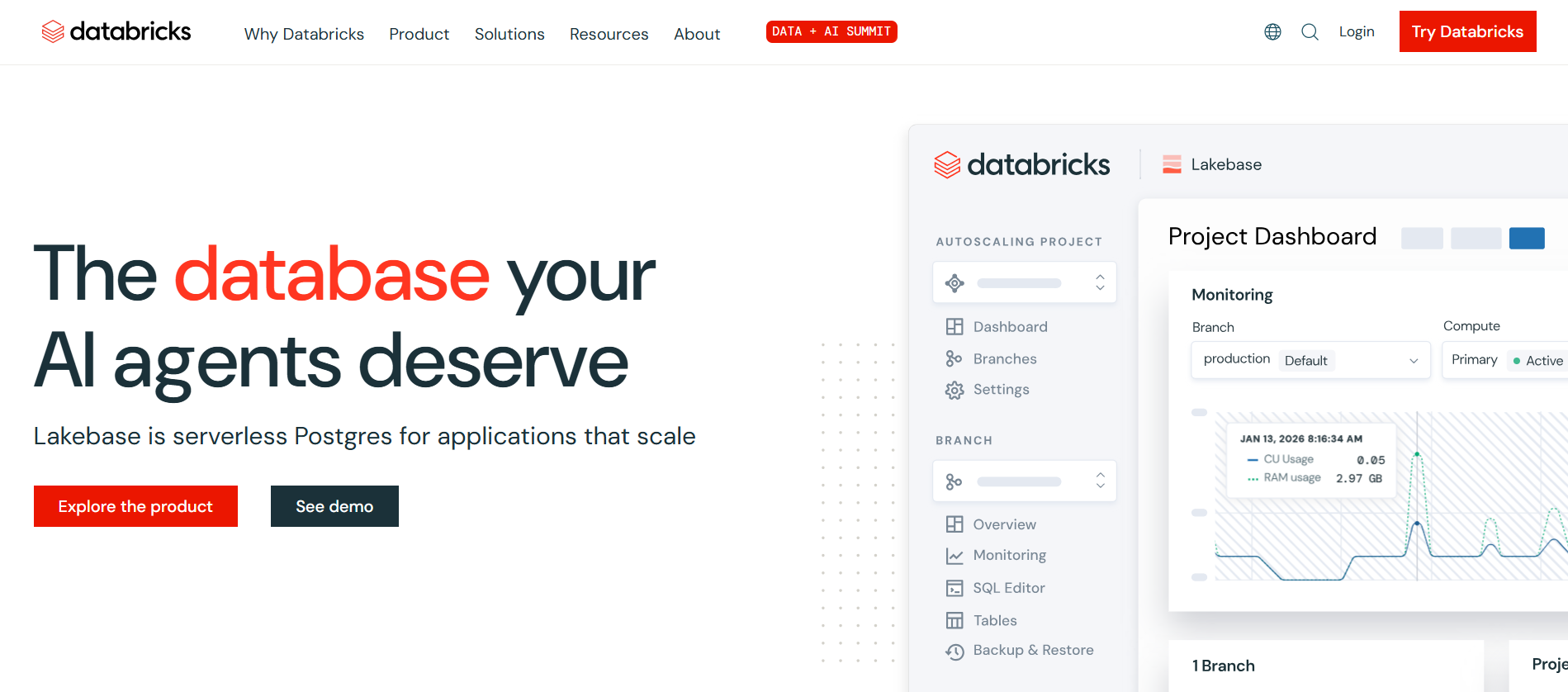
Databricks is not a BI tool. It’s something bigger — a unified platform for data engineering, machine learning, and analytics that handles datasets at a scale most other tools can’t touch.
Companies using Databricks are typically processing terabytes or petabytes of data. The built-in AI features include automated model training, predictive analytics software capabilities, and Databricks Assistant, which writes code and explains errors inside the notebook. For teams that need to automate data analysis at massive scale, it’s the most capable option on this list.
Pricing: Usage-based pricing. 14-day free trial available. Costs depend on compute usage.
Good fit for: Enterprise data engineering teams, organizations building machine learning at scale, and companies that need to automate data analysis across massive datasets.
Where it falls short: Not designed for business users — this is a tool for data engineers and data scientists. Overkill for smaller data needs. Cloud costs escalate quickly without active management.
6. ChatGPT — The Unexpected Analytics Partner
ChatGPT might be the last tool you’d expect to see in a data analytics list, but in 2026, it’s one of the most practically useful options available.
With the Code Interpreter feature, you can upload a CSV or Excel file and ask questions about it directly. ChatGPT writes Python code to analyze the data, runs it, generates charts, and explains the results in plain English. It handles correlation analysis, trend identification, summary statistics, and basic forecasting — all through conversation. For business data analysis tasks that don’t require a dedicated BI platform, the combination of low cost and flexibility is hard to beat.
Pricing: Free version works for basic tasks. ChatGPT Plus at $20 per month unlocks the full Code Interpreter and file upload features.
Good fit for: Analysts who want quick answers from data files without setting up a dashboard, small businesses doing occasional analysis, and anyone exploring data before deciding what tool to invest in.
Where it falls short: Not connected to live databases. Analysis is file-based, not real-time. Doesn’t produce persistent dashboards that update automatically.
7. Qlik Sense — A Different Way to Explore Data
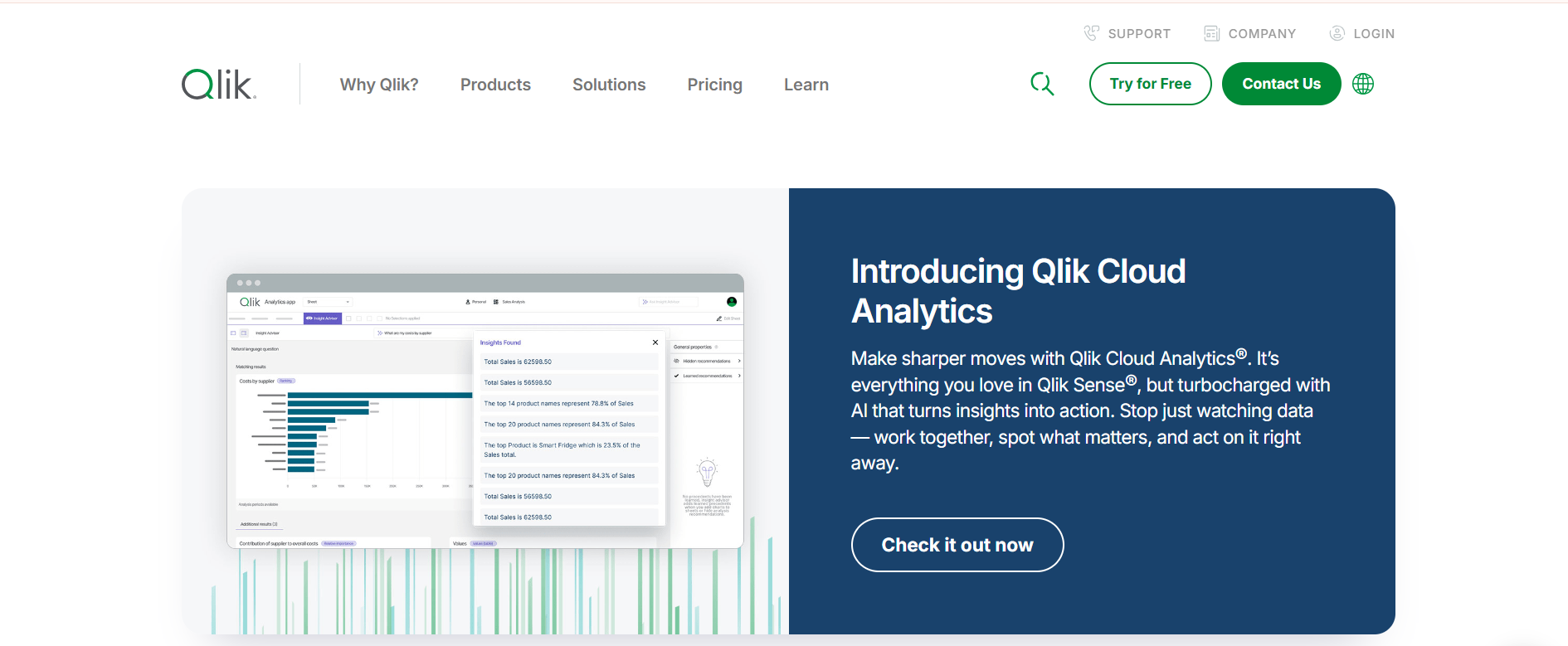
Most analytics tools work with predefined queries and fixed hierarchies. Qlik Sense uses an associative engine, which lets you click on any data point and instantly see how everything else in your dataset relates to it.
It’s a fundamentally different way of exploring data. Instead of building a specific dashboard to answer a specific question, you navigate through relationships between data points and let patterns emerge naturally. Insight Advisor, the AI layer, detects trends and anomalies automatically and surfaces them without you having to look for them specifically.
Pricing: Custom pricing based on deployment. 30-day free trial available.
Good fit for: Teams doing exploratory analysis where you don’t know exactly what you’re looking for, organizations with complex data relationships, and businesses that want to improve data analysis efficiency through self-service discovery.
Where it falls short: The associative approach takes time to understand. Setup and data modeling require technical expertise. Pricing is less transparent than competitors.
8. Snowflake — The AI-Ready Data Warehouse
Snowflake is primarily a cloud data warehouse — the place where all your data lives and gets organized. In 2026, it’s become much more than storage. Cortex AI lets you run machine learning models, perform sentiment analysis, and build predictive analytics capabilities directly on top of your data without moving it anywhere.
For businesses with data spread across dozens of sources, Snowflake acts as the single source of truth that feeds every other analytics tool. Most BI platforms — Power BI, Tableau, Looker — connect natively to it, which means consistent, accurate data flows into every dashboard automatically.
Pricing: Usage-based pricing. 30-day free trial available. Costs depend on storage and compute.
Good fit for: Companies with large, complex data environments, organizations feeding multiple BI tools from one source, and data teams that want AI capabilities built directly into their warehouse.
Where it falls short: Not a standalone analytics or visualization tool — you’ll need a BI platform on top. Costs can be unpredictable without careful query optimization.
9. Julius AI — Data Analysis Without Code
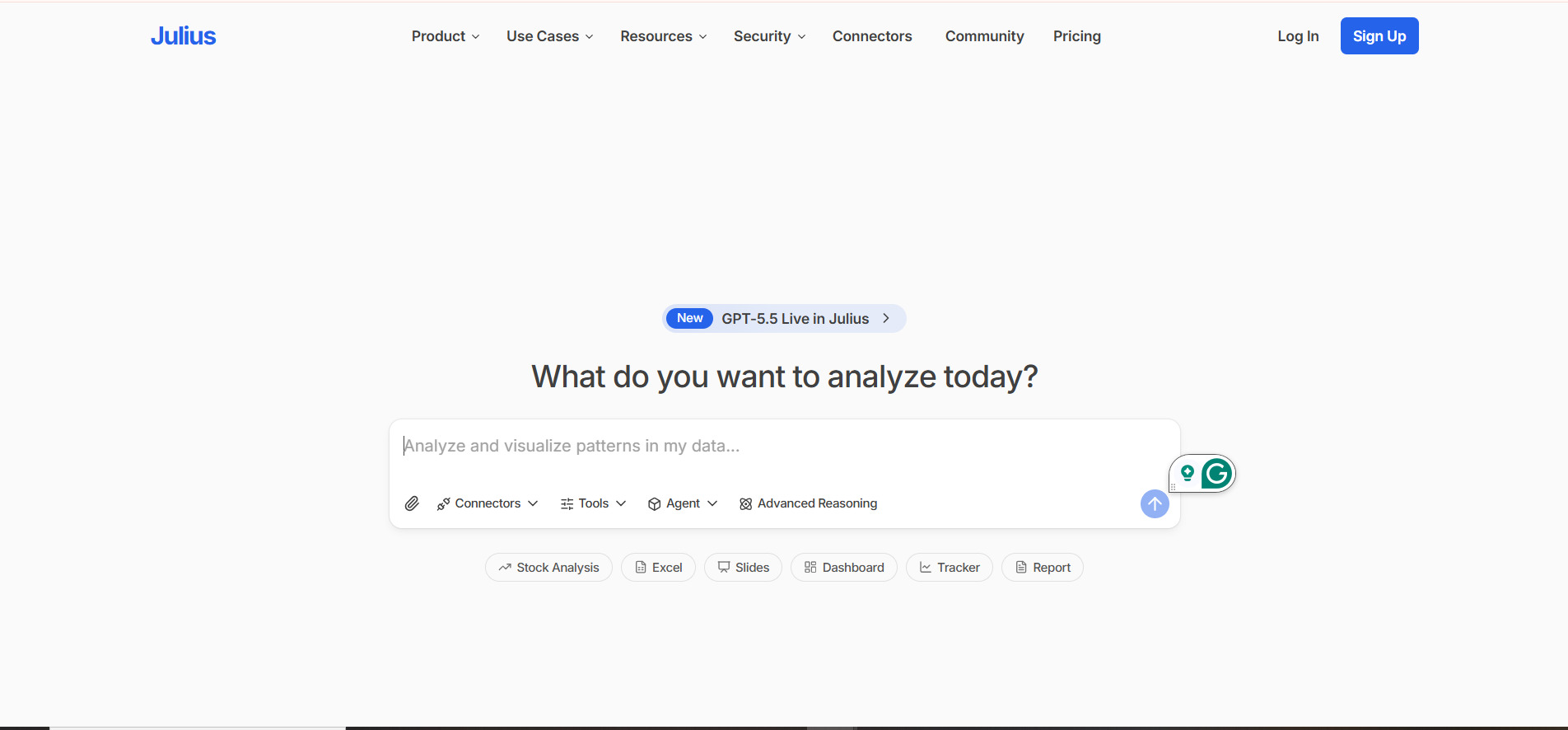
Julius AI is specifically designed for people who need to analyze data but don’t write SQL or Python. The interface is a chat window. You upload a file, ask a question, and get analysis back.
What makes Julius valuable is the depth it offers despite the simple interface. It handles regression analysis, time-series forecasting, correlation studies, and statistical testing — the kind of work that normally requires a trained analyst. Results come with plain-language explanations that anyone on the team can understand and act on.
Pricing: Limited free tier. Pro plan at $20 per month.
Good fit for: Business analysts, operations teams, and managers who need to answer specific data questions regularly without waiting on a data team.
Where it falls short: Works best with clean, structured files. Not connected to live databases or warehouse systems. Doesn’t replace a full BI platform for ongoing reporting.
10. Google Looker — Enterprise Analytics With AI Governance
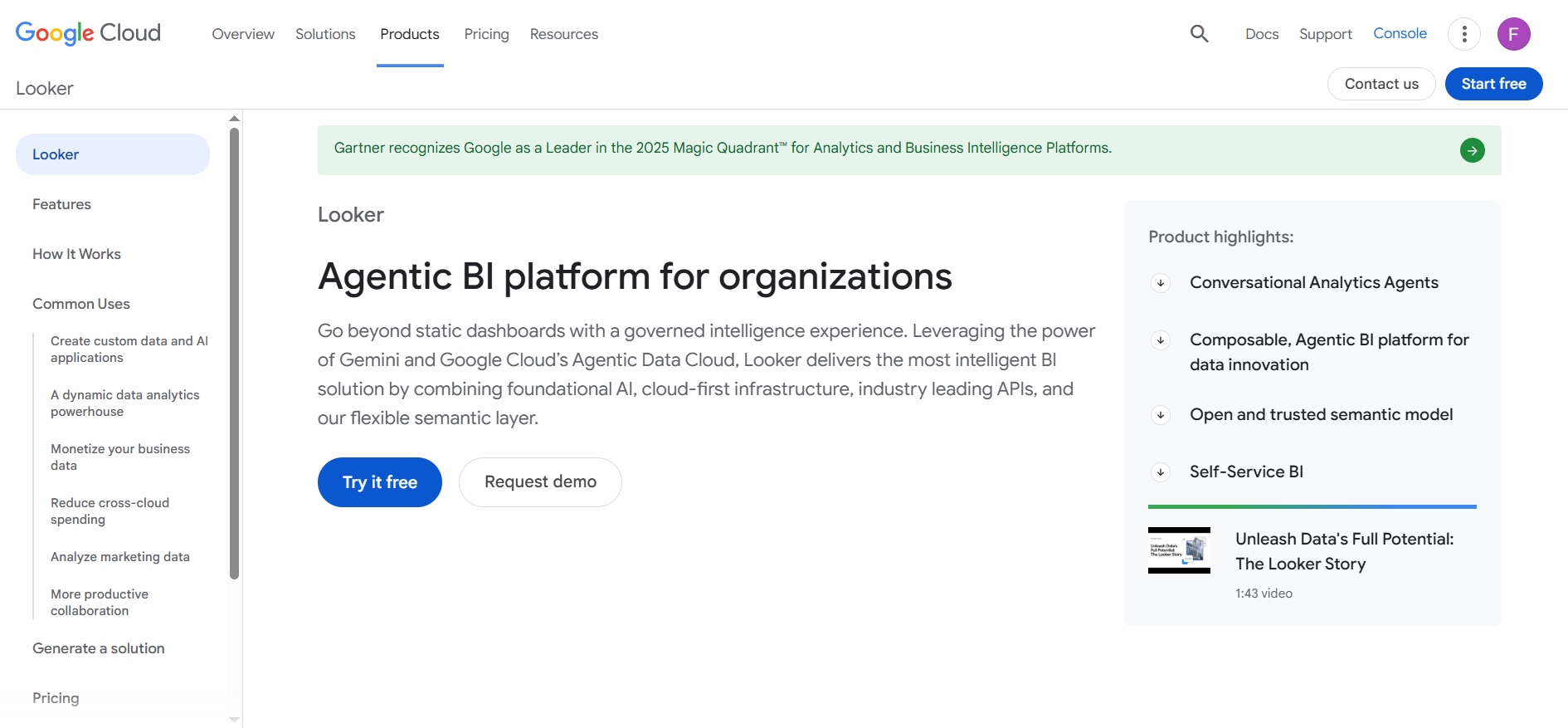
Looker is separate from Looker Studio. It’s a powerful enterprise BI platform built for technical teams on Google Cloud, where governance and data consistency are the top priorities.
The defining feature is LookML, a modeling language that creates a single source of truth for all metrics across the organization. Everyone querying “revenue” gets the same number, regardless of what tool they’re using. Gemini AI, integrated in 2026, adds conversational analytics on top of that governed foundation.
Pricing: Custom enterprise pricing. Typically starts around $5,000 per month for small deployments. Looker Studio (free) covers basic reporting needs.
Good fit for: Data engineering teams on Google Cloud, large organizations where metric consistency is critical, and companies building analytics into their products.
Where it falls short: LookML requires developer expertise. Expensive for small teams. Not accessible for casual business users without significant setup.
Choosing the Right Tool
The honest answer is that no single tool is perfect for everyone. The right choice depends on your data volume, your team’s technical skills, and what decisions you need the tool to support.
- For small businesses and beginners: Start with Looker Studio (free) and ChatGPT ($20/month). Between these two, you can build reports, analyze data files, and answer most business questions without spending much.
- For mid-sized teams wanting self-service analytics: Power BI or Tableau, depending on your existing tech stack. Microsoft shop? Power BI. Need visual storytelling? Tableau.
- For non-technical teams needing fast answers: ThoughtSpot or Julius AI. Both are built specifically for people who want answers without technical barriers.
- For enterprise data infrastructure: Snowflake as the warehouse, with Databricks for ML and Power BI or Tableau on top for visualization.
- For exploring data without a fixed question: Qlik Sense handles this better than any other tool on this list.
Final Thoughts
Data is only useful when someone can understand it well enough to act on it. That’s the gap these tools close.
The best AI data analytics tools in 2026 aren’t the ones with the most features. They’re the ones your team actually opens and uses. A straightforward platform that gets adopted widely beats a sophisticated one that only the data team touches.
Start simple. Pick one tool that addresses your most immediate problem — whether that’s building a dashboard you can actually read, answering a question that’s been sitting in your head, or finally making sense of the data you’ve been collecting for months.
Once you have one tool working well, adding more becomes much easier.