Video production used to mean weeks of work. Record. Log footage. Cut. Grade. Add captions. Export multiple formats. Each step was manual, each step took hours, and a single mistake meant going back to the beginning.
In 2026, AI video editing tools have compressed that timeline dramatically. According to industry data, AI video tools have reduced average production costs by 91% — from $4,500 per minute with traditional production to roughly $400 per minute. Monthly active users across AI video platforms passed 124 million in January 2026.
This guide covers the 10 best AI video editing tools in 2026—every tool is production-ready, actively used by real creators, and each covers a specific part of the editing workflow the others don’t.
What AI Actually Does Inside Video Editors in 2026
The AI video editor category has split into two distinct types. Some tools are traditional editors with AI features layered on—Adobe Premiere Pro and DaVinci Resolve. Others are AI-native, where the AI drives the primary experience: Descript edits by editing text, OpusClip creates shorts autonomously, and CapCut builds social exports from raw footage automatically.
The best approach is matching the tool to the use case rather than looking for one automatic video editor that does everything. A tool optimized for professional post-production workflow looks completely different from a tool built for daily social media video output.
Quick Comparison Table
|
Tool |
Best For | Free Plan |
Starts At |
|
CapCut |
Free social media editing | Yes |
$9.99/month |
|
Adobe Premiere Pro |
Professional AI editing | No |
$22.99/month |
|
DaVinci Resolve |
Color grading + pro editing | Yes (free) |
$295 one-time |
|
Descript |
Podcast + talking head editing | Yes |
$12/month |
|
OpusClip |
Long-form to shorts repurposing | Yes |
$9/month |
|
Runway |
AI visual transformation | Yes |
$15/month |
|
Topaz Video AI |
Upscaling + footage rescue | No |
$299 one-time |
|
Filmora |
Budget-friendly AI editing | Yes |
$49.99/year |
|
Pictory |
Content-to-video automation | No |
$23/month |
|
Vizard.ai |
Webinar + podcast clipping | Yes | $24/month |
Top 10 AI Video Editing Tools Reviewed
AI video editing tools are transforming how creators produce content by making editing faster, simpler, and more accessible.
1. CapCut—The Best Free AI Video Editing App
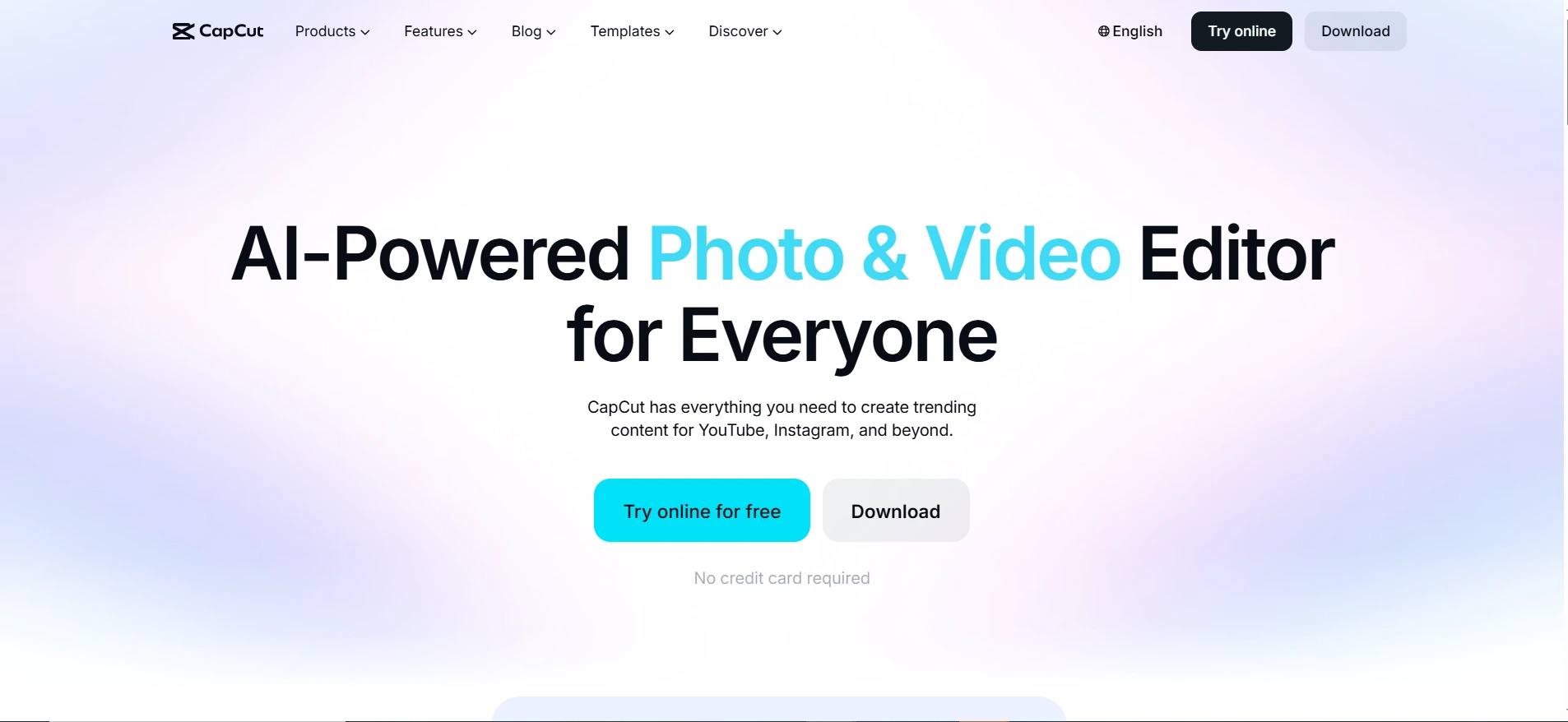
CapCut has become the dominant AI video editing app for short-form social content—with over 300 million monthly active users as of 2026, it has more daily users than any other AI video editing tool on this list. The free tier is the most generous in the category: 4K exports without watermarks on most projects.
AI features are genuinely useful: auto-captions in 40+ languages with animated mobile-optimized overlays, AI Reframe that keeps subjects centered during aspect ratio conversion, background removal without a green screen, and beat-sync that automatically aligns cuts to music tempo. For social media creators, CapCut provides the fastest editing workflow from raw clip to published post.
Pricing: Desktop version free. CapCut Pro at $9.99/month adds extended AI credits.
Good fit for: social media creators, small businesses producing regular video content, and anyone wanting AI tools for video creation without a learning curve or upfront cost.
Where it falls short: Auto-captions are weaker than Descript for accuracy with accented speakers. CapCut is purpose-built for short-form; for long-form editing or professional color grading, it hits its limits quickly.
2. Adobe Premiere Pro — The Professional Standard With AI
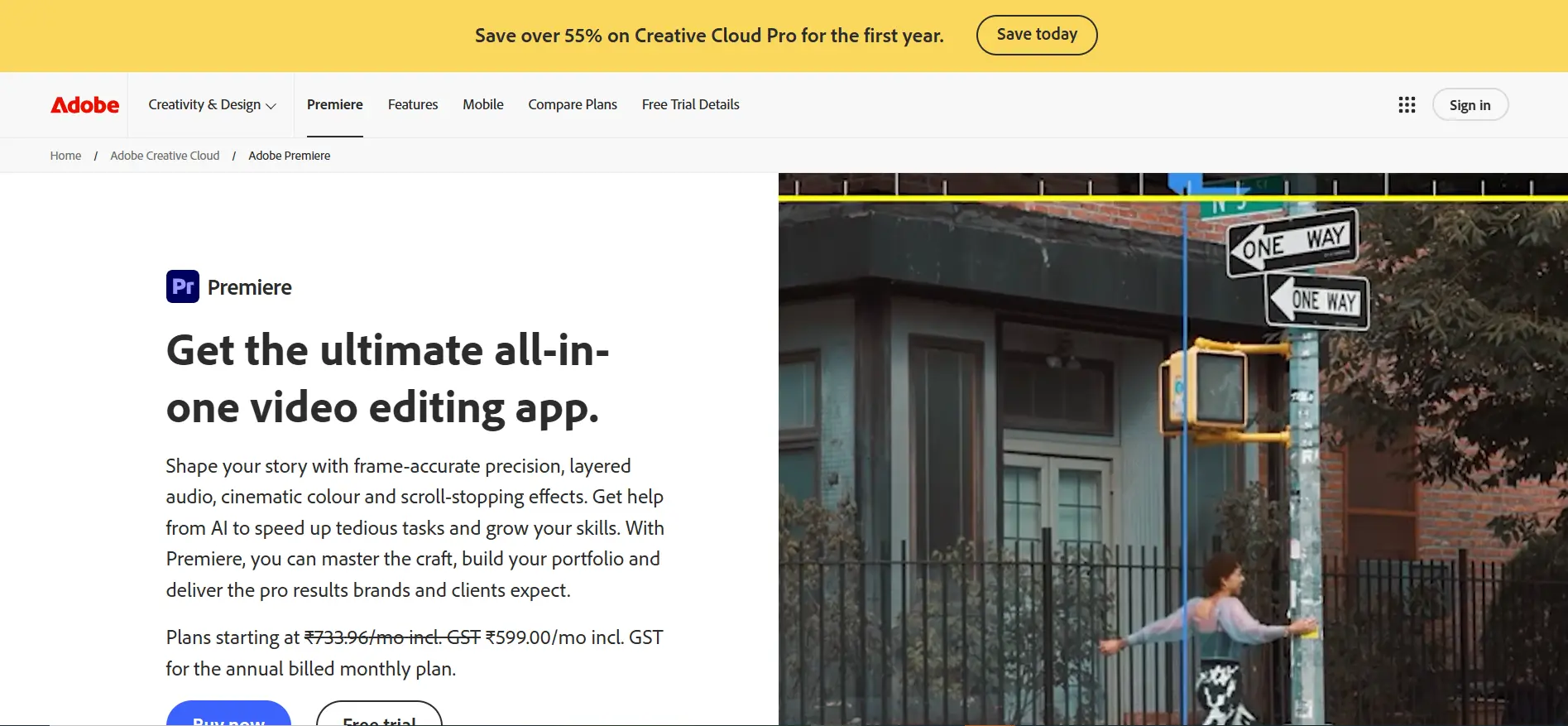
For professional editors, Adobe Premiere Pro remains the most capable AI video editing tool with the deepest feature set. Rather than replacing the professional workflow, Premiere’s AI handles the repetitive parts that don’t require editorial judgment—extending clips, removing objects, enhancing audio, and generating scene transitions.
Generative Extend is the standout AI feature in 2026. When you need a clip half a second longer for a transition, Generative Extend synthesizes new frames by analyzing the motion, lighting, and content of existing footage. For the 73% of Fortune 500 companies now using AI video tools, Premiere Pro is the most common professional-grade platform.
Pricing: Single App at $22.99/month. Creative Cloud All Apps at $59.99/month.
Good fit for: professional editors needing absolute control, organizations running structured post-production workflows, and teams needing the full Adobe ecosystem alongside editing.
Where it falls short: Most expensive subscription option. The AI features complement the editor rather than automate work for casual users—a significant learning curve before AI features provide real-time savings.
3. DaVinci Resolve—The Best Free Professional Editor
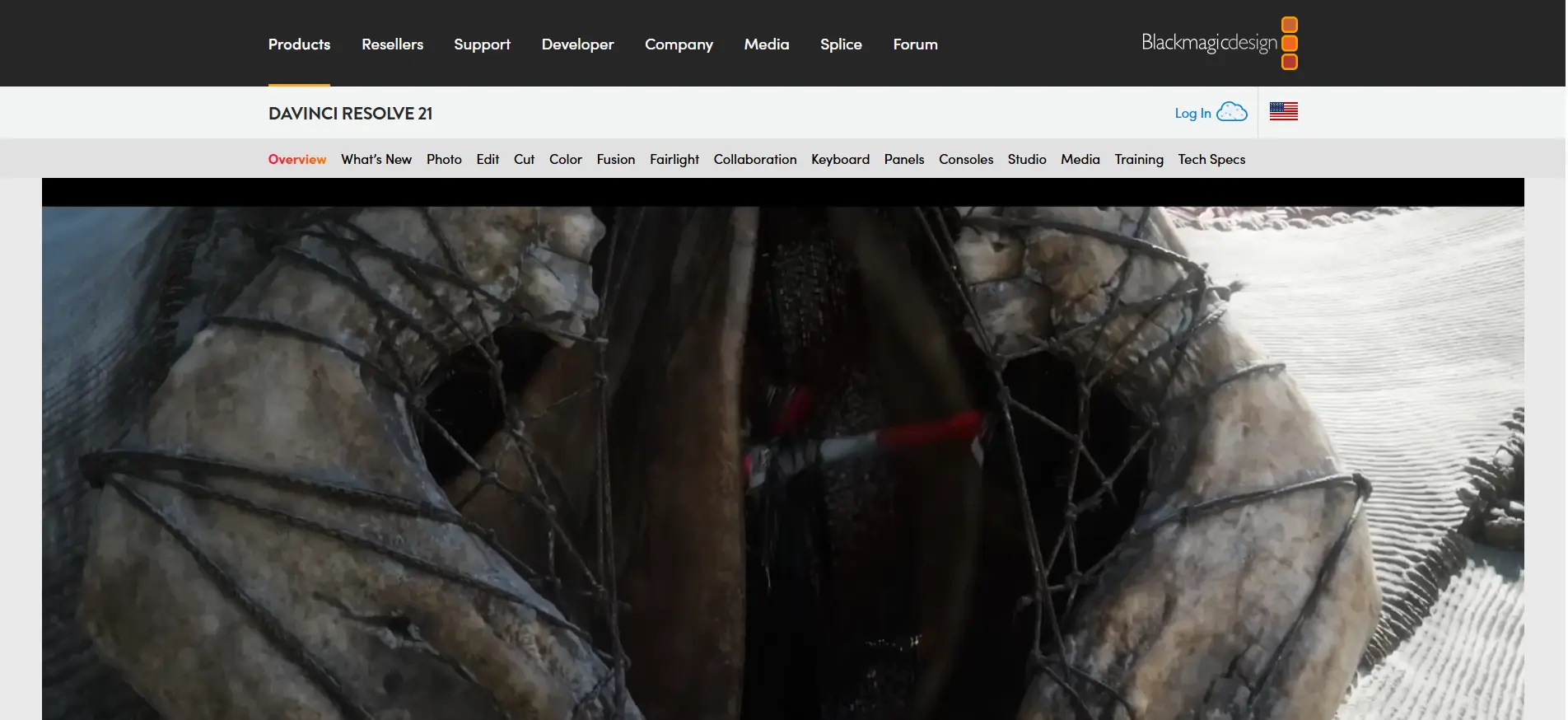
DaVinci Resolve’s free version beats most paid alternatives for professional video editing—and the $295 one-time Studio upgrade is the best single investment available in video software for creators who need professional-grade tools without a monthly subscription.
AI features focus specifically on automated content editing tasks that take hours manually. Magic Mask uses AI to isolate specific elements in any shot without manual masking. Speed Warp creates smooth slow motion from standard footage. Auto Color analyzes footage and applies consistent grading automatically based on the scene’s lighting and mood.
Pricing: The free version is genuinely capable for professional work. DaVinci Resolve Studio at $295 one-time. No monthly subscription.
Good fit for: Professional editors who want to own their software, colorists needing industry-leading grading alongside AI features, and independent creators who find monthly subscriptions unacceptable.
Where it falls short: More complex than consumer tools—a steep learning curve for first-time users. Not optimized for short-form social content the way CapCut or OpusClip are.
4. Descript—The Text-Based Editing Revolution
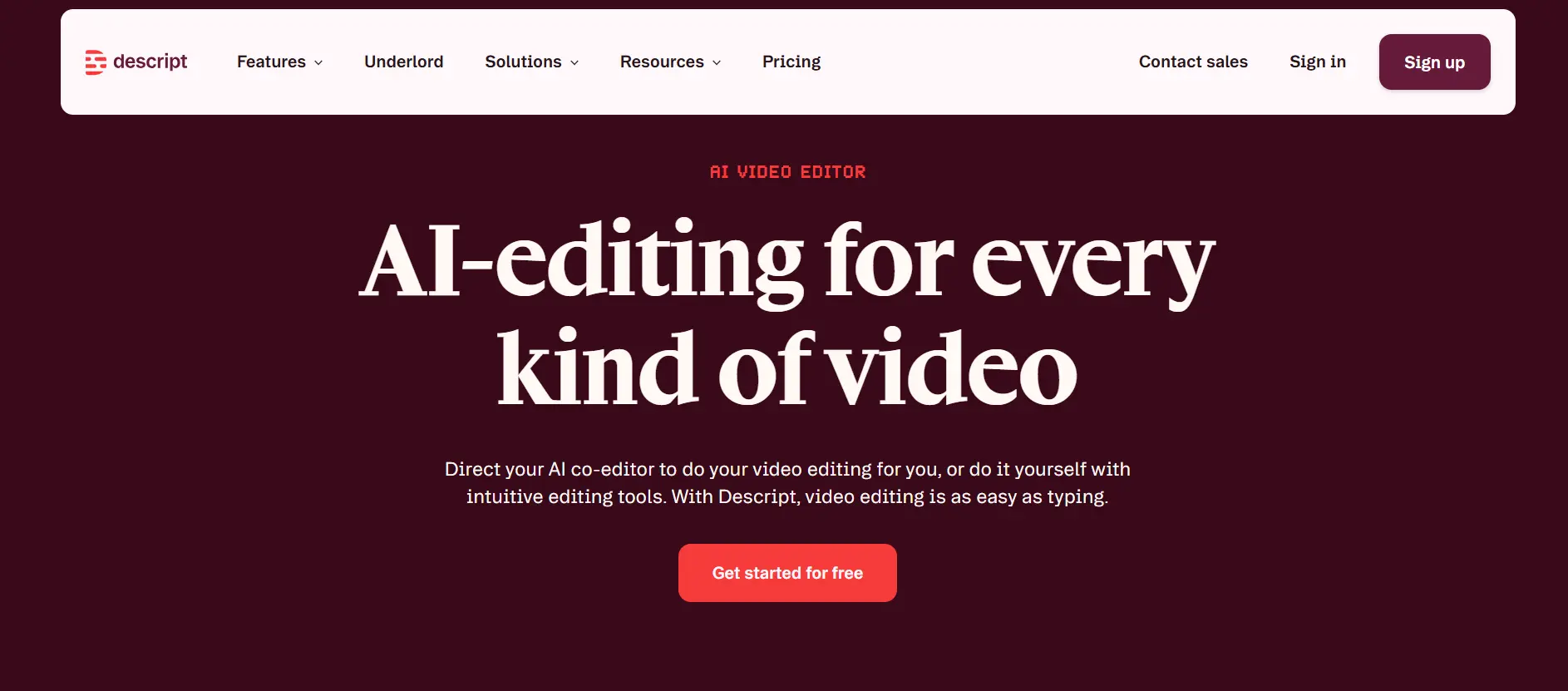
Descript has the most distinctive approach of any AI video editing tool in 2026: it edits video by editing text. Upload a recording, Descript transcribes it, and the transcript becomes your editing interface. Delete a sentence in the transcript, and that section disappears from the video—no timeline scrubbing required.
For anyone editing interviews, podcasts, course content, or talking-head videos, this is the fastest path from raw footage to finished export. AI filler word removal automatically identifies and cuts ‘um,’ ‘uh,’ and similar interruptions throughout the entire recording in one click—a task that would take hours of manual editing. The editing workflow for dialogue-driven content is fundamentally faster with Descript than any traditional timeline editor.
Pricing: Free tier available. Creator at $12/month. Pro at $24/month.
Good fit for: podcasters, educators, YouTubers creating talking-head or interview content, and any team whose videos are primarily driven by dialogue.
Where it falls short: Not designed for cinematic or visual editing where cuts are driven by visual rhythms rather than speech. Timeline view exists but is secondary.
5. OpusClip—The Short-Form Repurposing Engine
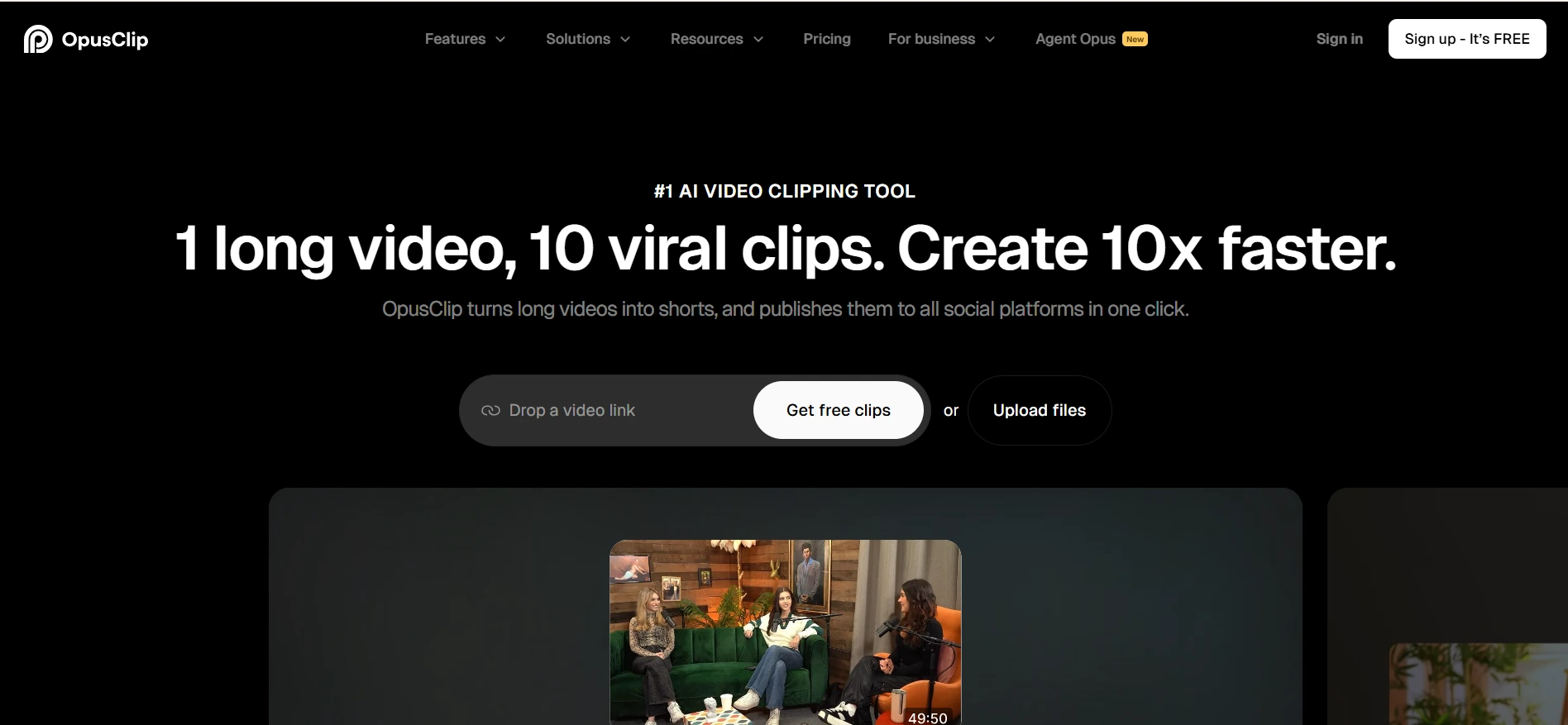
OpusClip solves one of the most time-consuming problems in content production: turning a 60-minute webinar or podcast into 10 short clips for social media. Doing this manually takes four to six hours. OpusClip does it in minutes.
The AI watches your long-form content, identifies the most engaging moments, clips them into social-ready lengths, adds captions, and reframes the footage for vertical format automatically. The Viral Score feature predicts which clips are most likely to perform well, helping you prioritize what to post. This level of video automation—turning one hour of raw content into dozens of processed, captioned, platform-optimized clips—is the most direct example of AI delivering real productivity gains in video.
Pricing: Free tier with limited exports. Pro at $9/month. Business at $19/month.
Good fit for: Content creators, marketing teams, and agencies that regularly repurpose long-form video into social clips—podcasters, webinar producers, and live streamers needing video automation.
Where it falls short: Purpose-built for repurposing, not original editing. If your video was recorded specifically for short-form, OpusClip adds less value.
6. Runway — The AI Visual Transformation Layer
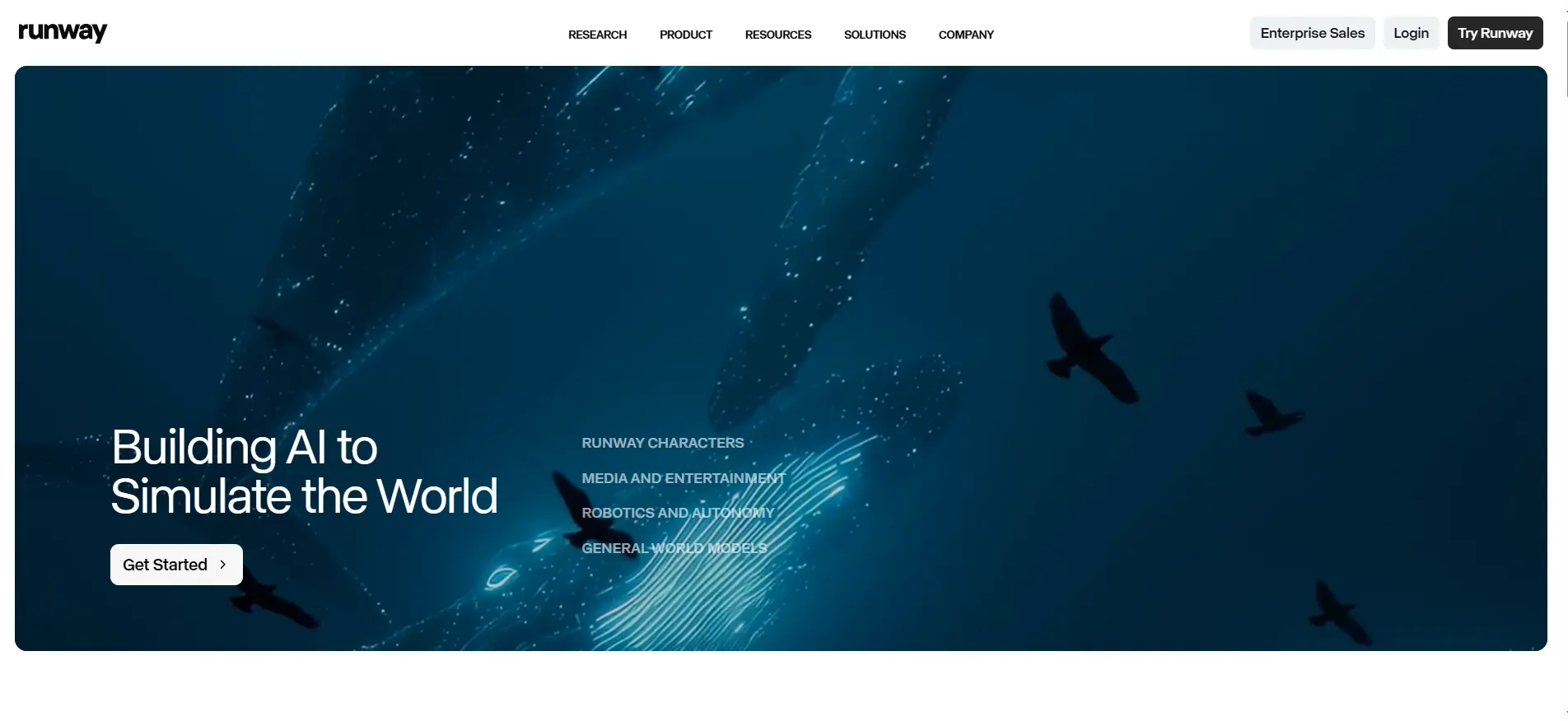
Runway occupies a unique position—it’s the strongest tool for visual transformation of existing footage rather than traditional editing or pure generation. Background replacement, visual style transfer, object removal, and scene expansion are where Runway adds value no traditional editor provides.
In 2026, Gen-4.5 added Motion Brush and Aleph—letting editors animate specific regions of footage independently and modify scenes using text prompts without regenerating entire clips. For AI tools for video creation where the visual transformation layer matters, Runway provides capabilities standard editors can’t replicate.
Pricing: Free tier available. Standard at $15/month. Pro at $35/month.
Good fit for: motion designers, creative agencies, and filmmakers who need to change visual elements within existing footage—removing objects, replacing backgrounds, or applying consistent visual effects.
Where it falls short: Not a complete editing solution—Runway handles specific visual transformation tasks best alongside a primary editor like Premiere or DaVinci for the core editing workflow.
7. Topaz Video AI—Rescue Old and Low-Quality Footage
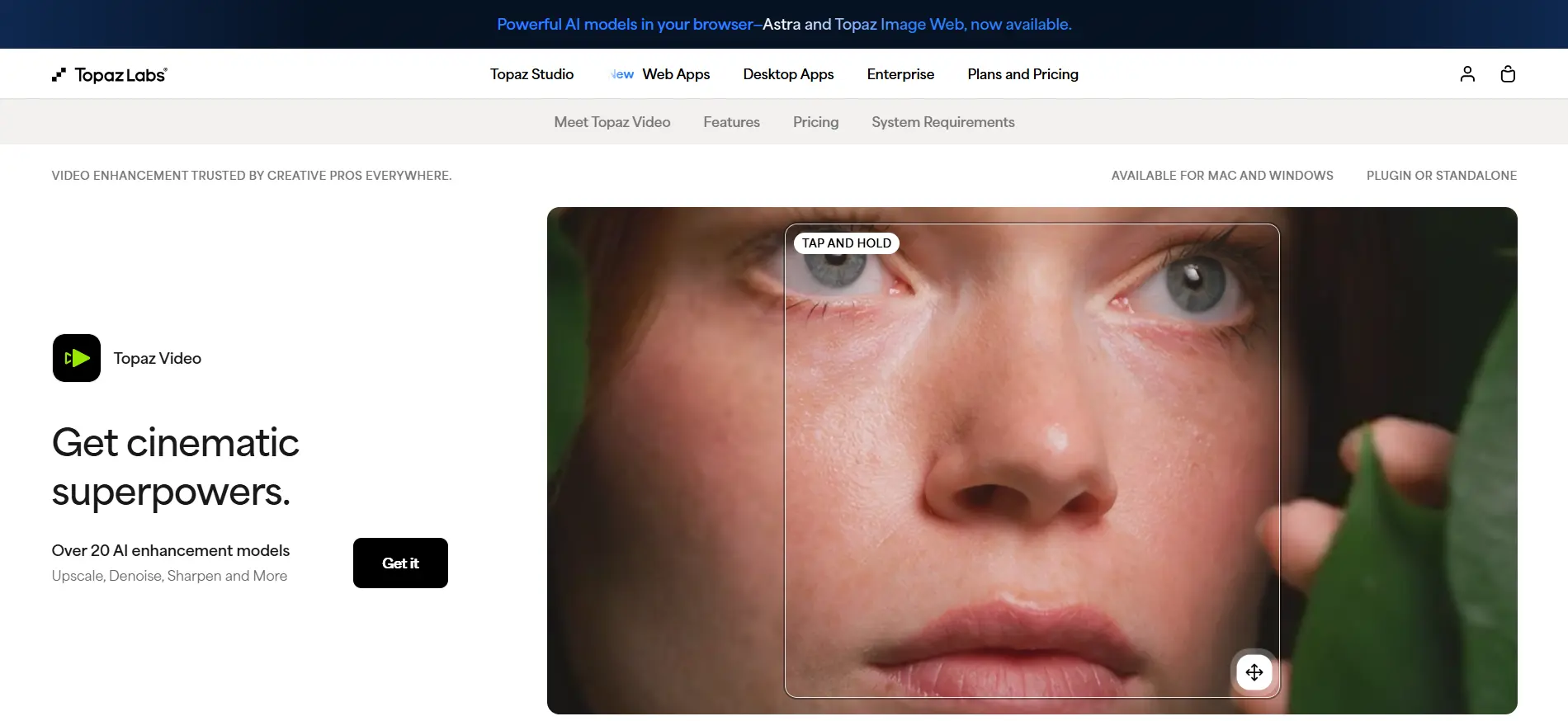
Topaz Video AI solves a specific problem no other tool on this list addresses: what to do with footage that was recorded poorly. Upscaling standard definition video to 4K, removing noise from dark footage, deblurring motion blur, and restoring archived video from the 1980s to modern quality—Topaz uses AI to recover visual information that was never captured in the original recording.
For post-production workflows that involve archival footage, user-generated content, or video recorded on older equipment, Topaz handles the technical restoration layer that makes footage usable in modern productions. It’s a strong complement to any automatic video editor in a professional stack.
Pricing: One-time purchase at $299. Annual updates are optional at $99/year.
Good fit for: Editors working with archival footage, productions using user-submitted video, and anyone who regularly receives footage that needs technical quality rescue.
Where it falls short: A technical utility tool—it improves existing footage quality but doesn’t edit video. Not suitable as a standalone editing solution.
8. Filmora—Budget-Friendly AI Editing for Regular Creators
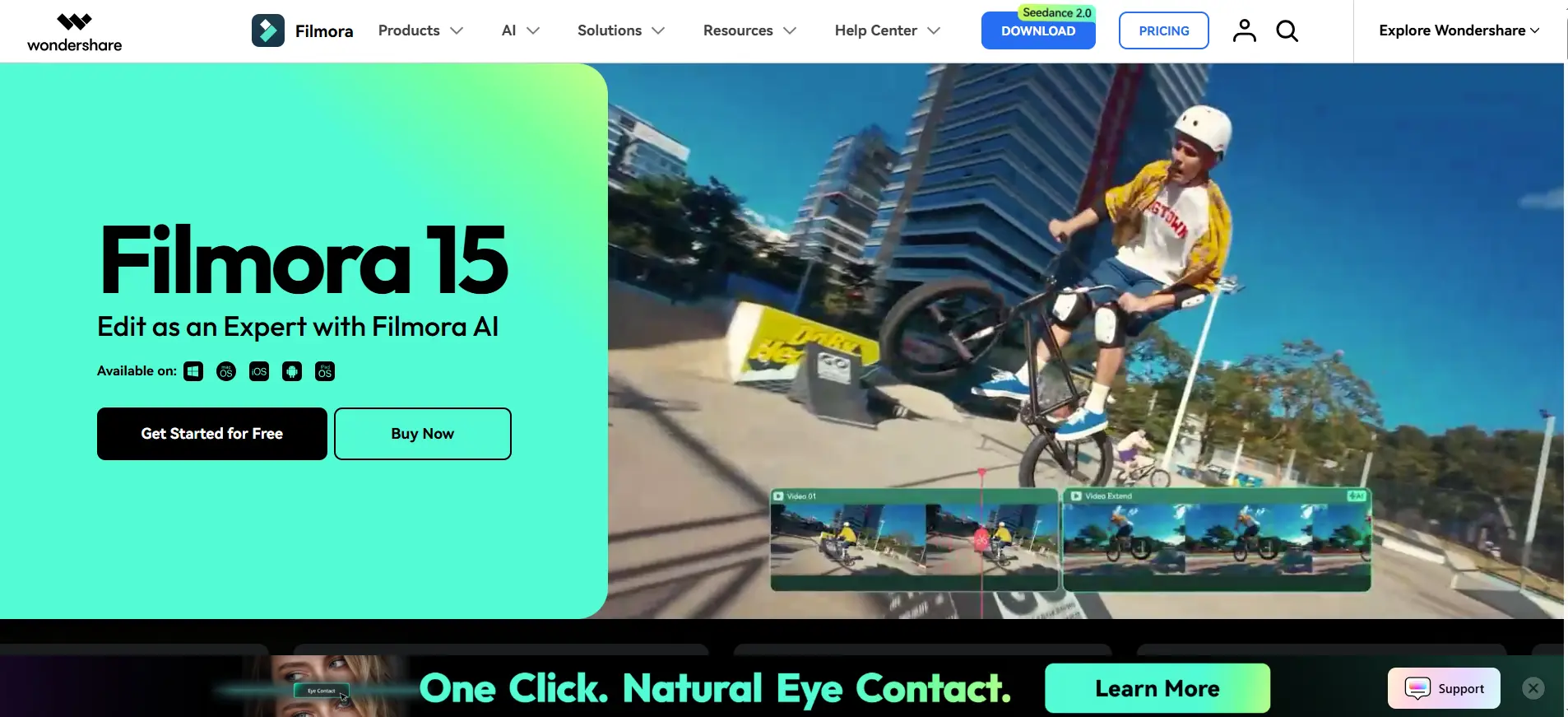
Filmora occupies the gap between free tools like CapCut and professional subscriptions like Premiere Pro. At $49.99 per year, it offers a full-featured AI video editing app with templates, effects, and AI features at a price that makes professional-quality output accessible for creators who need more than CapCut but aren’t ready for Premiere Pro pricing.
AI features include smart scene detection, automatic highlight generation, AI portrait for skin enhancement in talking-head videos, and a growing library of AI-powered templates for different content types. For small business owners and independent content creators who need reliable video output with minimal manual work, Filmora’s editing workflow hits the right balance between power and simplicity.
Pricing: Annual plan at $49.99/year. Perpetual license at $79.99.
Good fit for: independent content creators, small business owners, students, and teams needing a capable ai video editing app at the lowest annual cost on this list.
Where it falls short: As an automatic video editor for broadcast-quality work, it trails Premiere and DaVinci. Most useful in the mid-tier where CapCut is too limited but Premiere is too expensive.
9. Pictory — Turning Written Content Into Video
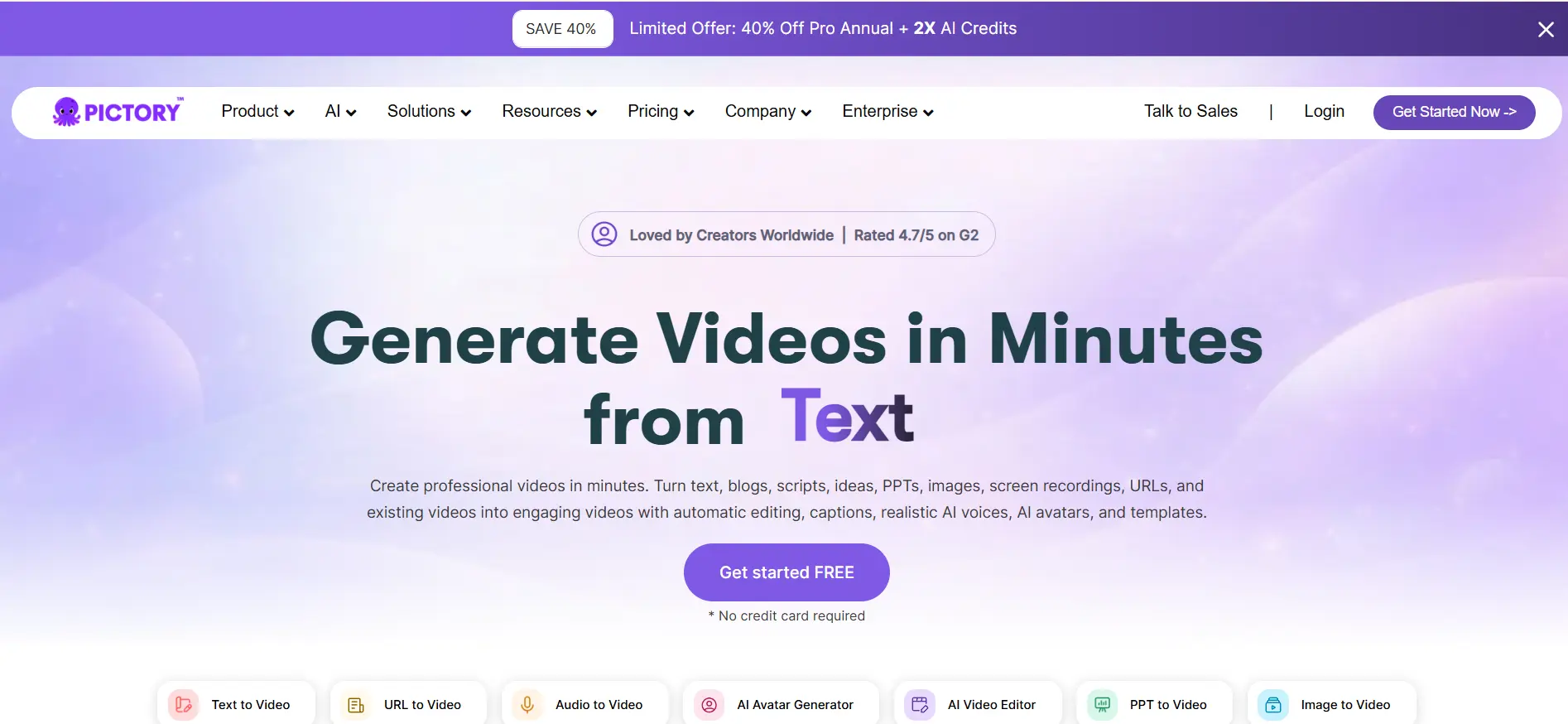
Pictory takes a completely different approach to AI tools for video creation than every other tool on this list. Rather than editing video you’ve already recorded, Pictory creates video from written content—blog posts, scripts, articles, and meeting transcripts automatically become video with AI-selected visuals, voiceovers, and captions.
For content marketing teams that produce long-form written content and want to repurpose it as video without a filming setup, Pictory’s video automation workflow removes the recording requirement entirely. Write the content, let Pictory generate the video, review and adjust, and publish.
Pricing: Starter at $23/month. Professional at $47/month. Teams at $119/month.
Good fit for: Content marketers, bloggers, and businesses that produce written content and want to expand into video, and organizations building automated content editing workflows from existing written assets.
Where it falls short: AI-selected stock footage can look generic for content requiring visual authenticity. Works best for straightforward explainer and informational content rather than personality-driven video.
10. Vizard.ai—Webinar and Multi-Speaker Repurposing
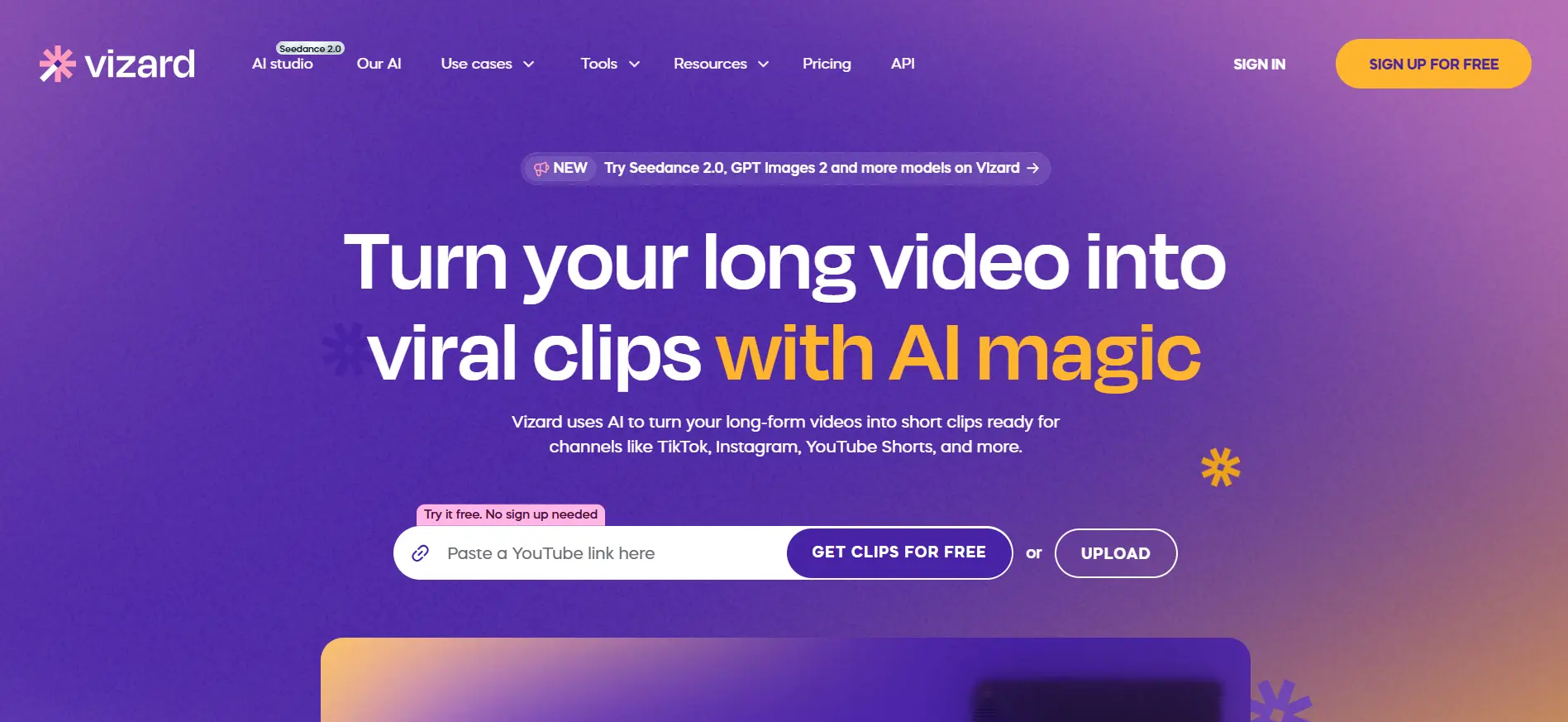
Vizard.ai fills a specific gap in the video automation landscape: repurposing content from meetings, webinars, and multi-speaker recordings. Where OpusClip handles single-speaker repurposing better, Vizard handles multi-speaker environments where the AI needs to identify who is speaking and frame them correctly across the edit.
Auto speaker identification, correct reframing during speaker transitions, caption generation, and smart clip selection combine into an automated content editing workflow specifically designed for corporate and B2B content teams.
Pricing: Free tier available. Pro at $24/month.
Good fit for: Marketing teams, event organizers, and B2B content teams repurposing webinars, panel discussions, and multi-speaker recordings into social clips.
Where it falls short: Less effective for solo content creators than OpusClip. The additional complexity of multi-speaker handling isn’t needed for single-presenter content.
How to Build Your AI Video Editing Stack
The best approach for most creators in 2026 is two tools working together rather than one AI video editing tool trying to do everything.
Social media creator on a budget: CapCut for everything. The free tier handles 80% of daily social content needs. Add OpusClip if you produce long-form content that needs repurposing.
YouTuber or podcaster: Descript for editing the main content, plus OpusClip for repurposing into Shorts. Total cost: $12-30/month.
Professional video editor: Adobe Premiere Pro for the core post-production workflow. Add Topaz Video AI if you work with footage needing upscaling or noise removal.
Content marketing team: Pictory for text-to-video from existing written assets. Vizard.ai for repurposing webinars and team recordings.
Professional editor who wants to own their software: DaVinci Resolve Studio at $295 one-time. No monthly subscription, full AI features, every future update included.
Final Thoughts
AI video editing tools have genuinely changed what’s possible in 2026. The 91% reduction in production costs reflects how much manual work has been automated across captioning, reframing, color matching, filler removal, and clip generation.
The tools that save the most time are the ones matched to specific workflows. Descript for dialogue-driven content. OpusClip for repurposing. Premiere Pro for professional editing. CapCut for fast social output. Start with the free tier of whichever tool matches your primary content type and run one complete project through it. The editing workflow that saves the most hours is the one you actually use consistently.