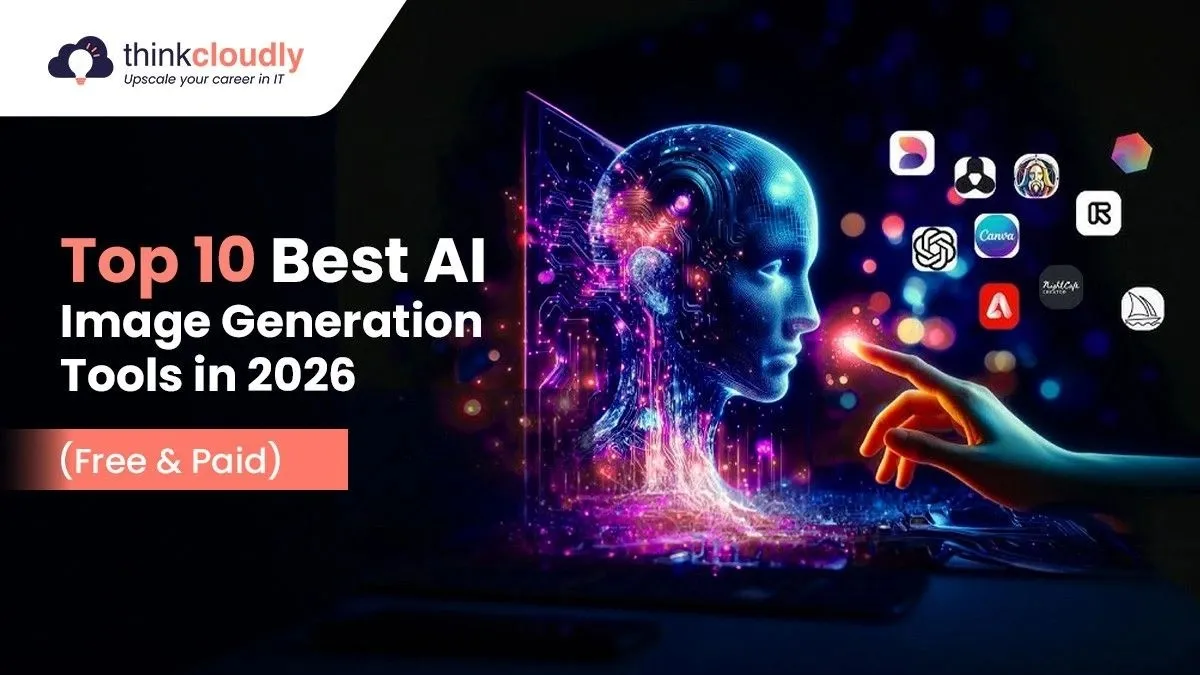
In 2026, AI image generation has moved from an experiment to a daily creative tool. Marketing teams use it for campaign assets, designers use it for rapid concepting, e-commerce businesses use it for product mockups, and content creators use it to produce visual content creation at a pace that was impossible three years ago.
The market has also grown significantly more complex. There are now at least eight production-grade AI image generation tools with genuinely different strengths — and choosing the wrong one for your use case costs money, time, and creative quality.
This guide covers the 10 best AI image generation tools in 2026 — based on 2026 benchmark testing and real-world usage data.
Why AI Image Generation Looks Different in 2026
Three things define the current generation. First, realistic AI images that pass for professional photography—marketing teams are replacing stock photo subscriptions with AI-generated alternatives. Second, significantly improved text rendering—the best tools handle typography with up to 95% accuracy. Third, consistency—the ability to produce AI Images with Consistent Style across multiple images, enabling actual brand campaigns and narrative content.
For marketers, designers, and content teams, the practical question in 2026 is not whether AI can generate good images — it can. It’s which tool generates the right images for your specific workflow.
Quick Comparison Table
|
Tool |
Best For | Free Plan | Starts At |
| Midjourney v7 | Artistic + cinematic quality | No |
$10/month |
|
DALL-E 3 |
Prompt accuracy + text rendering | Yes (ChatGPT) | $20/month |
| Adobe Firefly 3 | Commercially safe + editorial | Yes |
$9.99/month |
|
FLUX 1.1 Pro |
Technical quality + speed | Yes (limited) | Usage-based |
|
Stable Diffusion XL |
Free + unlimited customization | Yes (free) |
Free |
| Ideogram 2.0 | Text-in-image + typography | Yes |
$8/month |
|
Google Imagen 4 |
Product photography + realism | Limited | Usage-based |
|
Canva AI |
Non-designers + graphic design | Yes | $15/month |
| Leonardo AI | Consistent style + concept art | Yes |
$12/month |
| Grok Imagine | Social + creative generation | Yes (X Premium) |
$22/month |
Top 10 AI Image Generation Tools Reviewed
The AI image generation space has evolved far beyond simple “text-to-picture” experiments. In 2026, these platforms will be used as serious production tools across marketing, design, e-commerce, entertainment, and social media industries. However, not every AI image generator delivers the same results. Some tools focus on cinematic artistic quality, while others prioritize prompt accuracy, typography, commercial safety, realistic AI images, or AI Images with Consistent Style across campaigns.
To help you choose the right platform for your workflow, we tested and compared the leading tools based on image quality, speed, usability, editing capabilities, pricing, and real-world performance. Below is a detailed breakdown of the 10 best AI image generation tools in 2026 and where each one performs best.
1. Midjourney v7 — The Artistic Quality Benchmark
Midjourney has held the top position for artistic and cinematic image quality since its first version, and in 2026 version 7 remains the benchmark every other tool is measured against. In independent quality tests, it consistently produces the most aesthetically compelling output — images with sophisticated composition, nuanced lighting, and visual richness that other tools struggle to match.
For AI art tools for marketers focused on brand campaign imagery, editorial-style photography, and concept art, Midjourney is the undisputed quality leader. The Draft Mode generates images 10x faster for rapid concept iteration before committing to final renders.
Pricing: Basic at $10/month. Standard at $30/month. Pro at $60/month.
Good fit for: Creative directors, brand designers, agencies, and anyone for whom image aesthetic is the primary success metric.
Where it falls short: Weaker at following precise spatial instructions compared to DALL-E. Text rendering inside images is unreliable. Cannot reliably reproduce the same character across multiple images—limiting AI Images with Consistent Style for ongoing campaigns.
2. DALL-E 3 — The Prompt Accuracy Leader
DALL-E 3, integrated directly into ChatGPT, solves the fundamental problem that frustrated users of first-generation tools: it actually listens. Spatial instructions render accurately. Text inside images appears correctly up to 95% of the time—better than any mainstream competitor in the text-to-image AI category.
The ChatGPT integration is the key workflow advantage. You describe an image conversationally and iterate: “Make the lighting warmer.” Move the logo to the lower right. ‘ For text-to-image workflows where specific content matters more than painterly quality—ads with readable text, social graphics with embedded copy, and product visuals with labels—DALL-E 3 produces more usable first drafts than Midjourney.
Pricing: Included with ChatGPT Plus at $20/month. API available separately.
Good fit for: Marketers creating text-heavy social content, teams needing images matching precise descriptions, and anyone who uses ChatGPT and wants image generation without a separate subscription.
Where it falls short: Output has a recognizable AI look that experienced designers notice — technically accurate but less artistically rich than Midjourney. Not the strongest choice for purely artistic work.
3. Adobe Firefly 3 — The Only Commercially Safe Choice
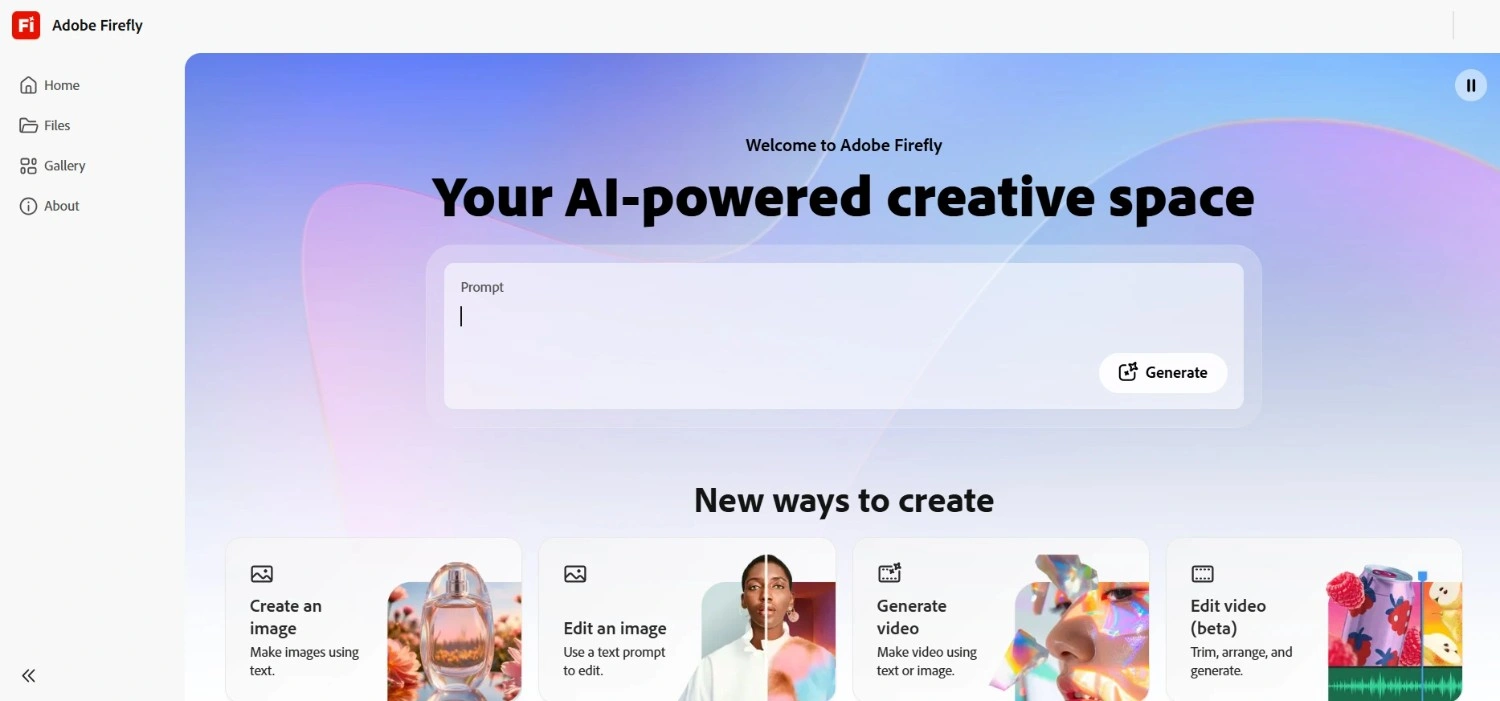
Every competitor except Adobe Firefly trains on internet-scraped content with unclear copyright status. Adobe Firefly trains exclusively on licensed Adobe Stock content and public domain material — the only AI image generation tool where commercial use doesn’t raise intellectual property questions.
The editing capabilities in Firefly 3 score 9.5/10 in independent benchmarks—the highest in this category. Generative Fill and Generative Expand let you extend images beyond their original borders and replace backgrounds with contextually consistent alternatives. Deep integration into Photoshop, Illustrator, and Premiere Pro makes it the most practical ai image creator for Adobe Creative Cloud teams.
Pricing: Firefly credits included in Creative Cloud plans from $9.99/month.
Good fit for: Creative agencies, brand teams, enterprises, and anyone creating content where commercial IP safety is non-negotiable.
Where it falls short: Output quality and creative expressiveness trail Midjourney for artistic work. Commercially safe training data limits certain stylistic generation.
4. FLUX 1.1 Pro — The Technical Quality Leader
FLUX 1.1 Pro from Black Forest Labs is the technical quality leader in 2026 among text-to-image AI models—generating images in 4.5 seconds with the highest resolution output of any mainstream tool. In independent benchmarks, FLUX leads all models on sharpness, detail preservation, and structural accuracy.
For photographers and marketing experts who need realistic AI images without compromising on technical quality, FLUX delivers results that genuinely compete with professional stock photography. Available through multiple platforms, including Cliprise, Krea, and Leonardo AI.
Pricing: Usage-based. Available via multiple platforms, typically a few cents per image.
Good fit for: Marketing teams needing high-volume, high-quality realistic AI images; photographers exploring AI-assisted content; and developers building image generation into products.
Where it falls short: Less accessible than consumer platforms. Less useful for highly stylized or artistic work where Midjourney’s aesthetic has an advantage.
5. Stable Diffusion XL — Free and Unlimited Customization
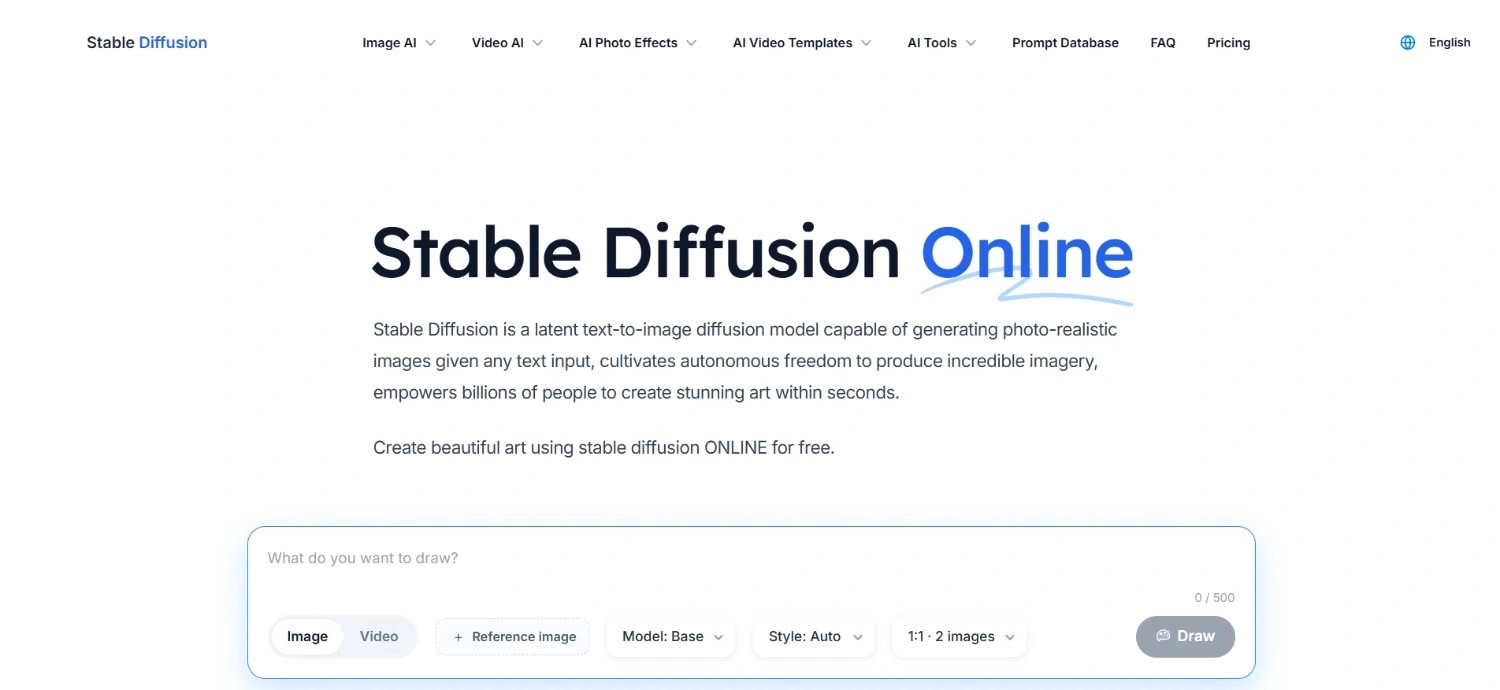
Stable Diffusion is the only major text to image AI tool that runs entirely on your own computer, processes images locally, and costs nothing beyond the hardware you already own. For teams with privacy requirements, unlimited generation needs, or technical resources to customize the model, nothing else compares.
The fine-tuning capability is the defining advantage. Teams can train Stable Diffusion on their own brand imagery to produce AI Images with Consistent Style matching their exact visual identity. LoRA models allow anyone to maintain specific character appearances, art styles, or product aesthetics across every generated image.
Pricing: Completely free and open-source. Cloud-based versions available at usage-based pricing.
Good fit for: Developers building image generation into applications, teams with privacy requirements, and organizations needing custom model training for consistent brand visuals.
Where it falls short: Requires technical setup to run locally. Default output quality is below Midjourney and FLUX without significant configuration. Not practical for non-technical users.
6. Ideogram 2.0 — Typography Inside Images
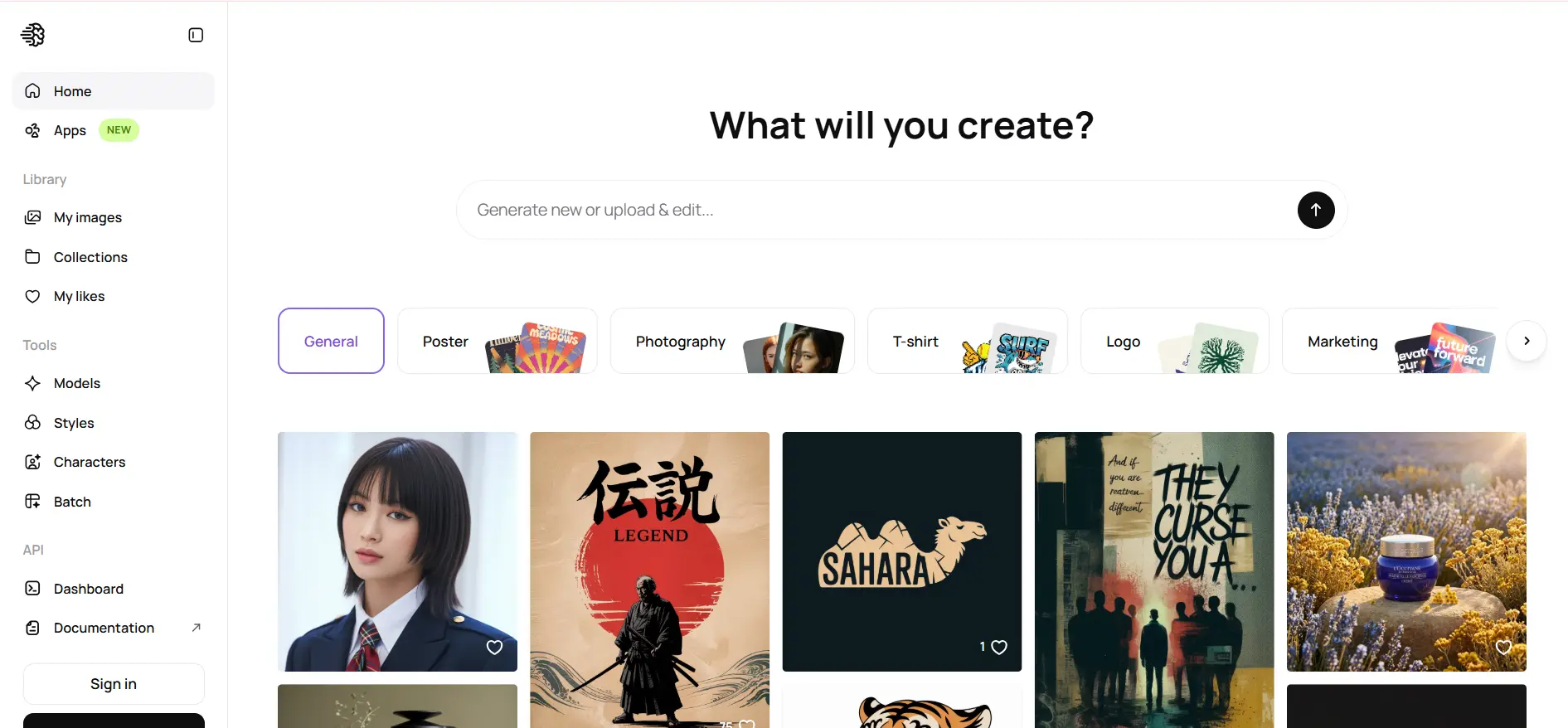
Ideogram exists because every other text-to-image AI tool struggled with text rendering inside images. Getting a sign, a t-shirt, a book cover, or a social media graphic with readable, correctly spelled text was unreliable on every other platform. Ideogram was built specifically to solve this.
Typography accuracy is Ideogram’s core differentiator. Logos with legible text, social media templates with embedded copy, product mockups with custom labels — these all come out consistently readable. The Magic Prompt feature enhances basic descriptions automatically, making it one of the most accessible AI image generation tools for users without prompt engineering experience.
Pricing: Free tier available. Basic at $8/month. Plus at $20/month.
Good fit for: Marketers creating social media graphics with text, designers producing typographic content, and anyone who regularly needs images with legible text as part of the composition.
Where it falls short: General artistic and photorealistic quality is good but trails Midjourney and FLUX for images where text isn’t the primary requirement.
7. Google Imagen 4 — Photorealistic Product Imagery
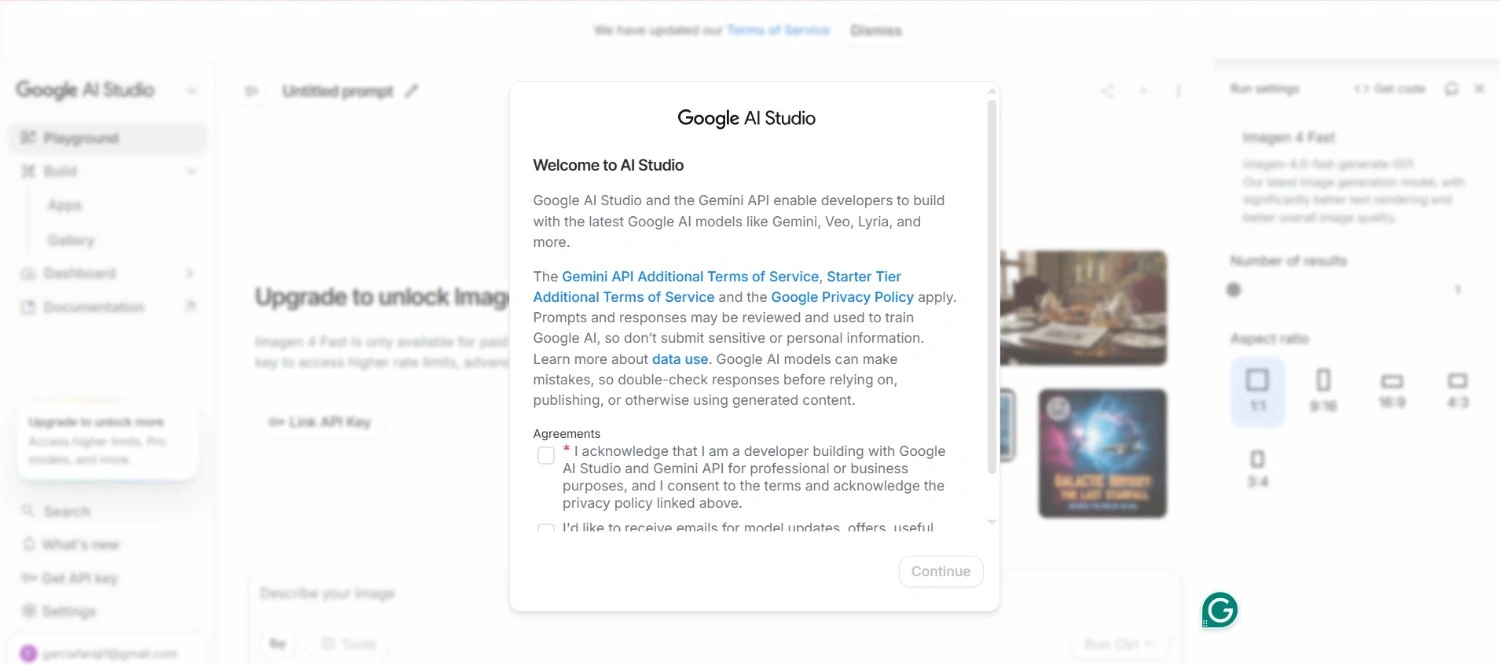
Google Imagen 4 is Google’s most capable text-to-image AI model, designed specifically for photorealistic output. Trained with Google’s infrastructure, it delivers strong results for product photography, architectural visualization, and commercial-grade realistic imagery.
For visual content creation in e-commerce and brand marketing, Imagen 4’s strength in rendering physical objects, materials, and textures makes it particularly useful for product mockups and lifestyle photography alternatives.
Pricing: Usage-based through Google Cloud. Available via multiple third-party platforms.
Good fit for: E-commerce teams creating product imagery, marketers needing high-quality realistic commercial visuals, and organizations on Google Cloud infrastructure.
Where it falls short: Less accessible than consumer platforms. Artistic quality trails Midjourney. Best value for photorealistic commercial use rather than creative or editorial work.
8. Canva AI — Automate Graphic Design for Non-Designers
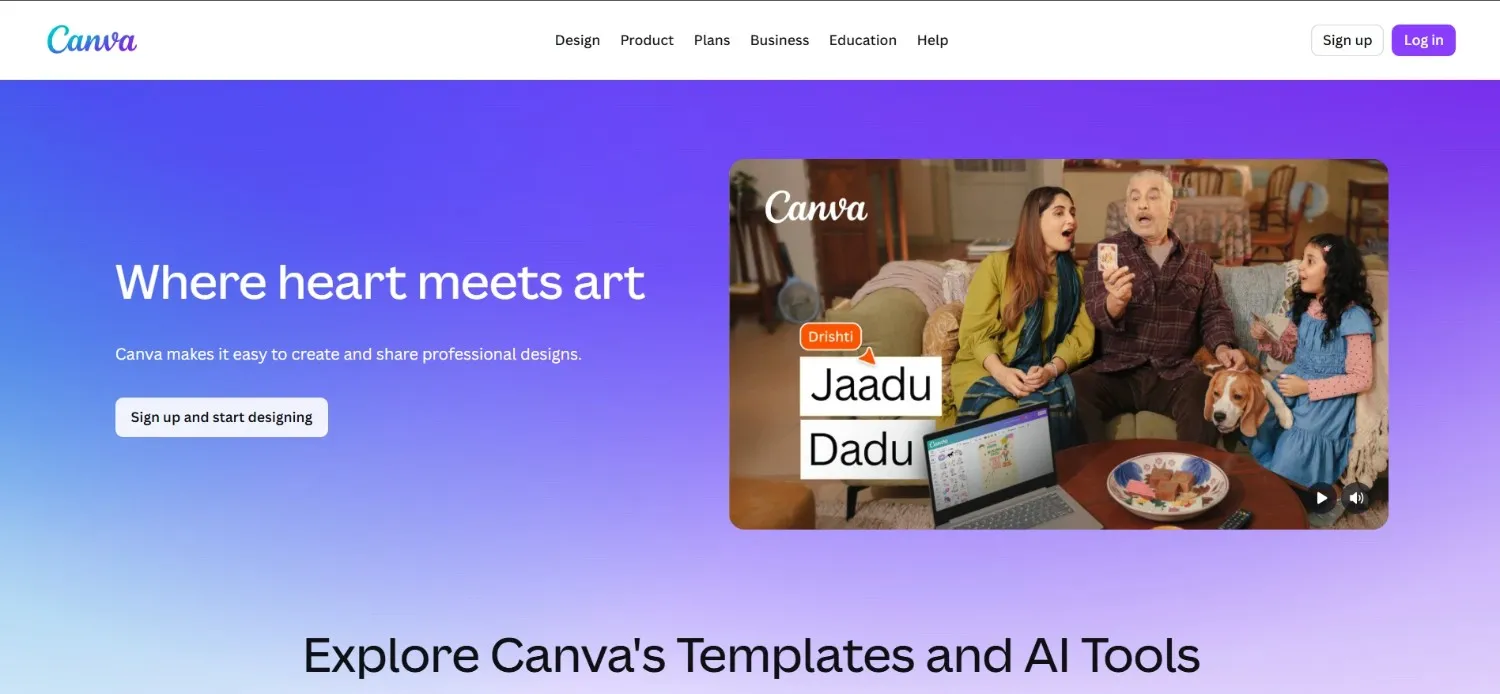
Canva’s approach to AI image generation tools is fundamentally different — it embeds AI generation directly inside a complete graphic design workflow, surrounded by templates, brand kits, and publishing tools that non-designers already understand.
The Dream Lab feature generates images within Canva’s design environment. You generate an image and immediately drag it into a social media template, resize it for multiple platforms, and export—all in the same interface. For AI art tools for marketers and teams wanting to automate graphic design without dedicated design resources, Canva’s AI is the most complete end-to-end tool available.
Pricing: Free plan available with limited AI credits. Canva Pro at $15/month.
Good fit for: Small businesses, social media managers, and marketing teams without design expertise who want to automate graphic design for regular content production.
Where it falls short: Image generation quality trails dedicated tools like Midjourney or FLUX. Canva’s strength is in the workflow layer, not generation quality.
9. Leonardo AI — AI Images With Consistent Style
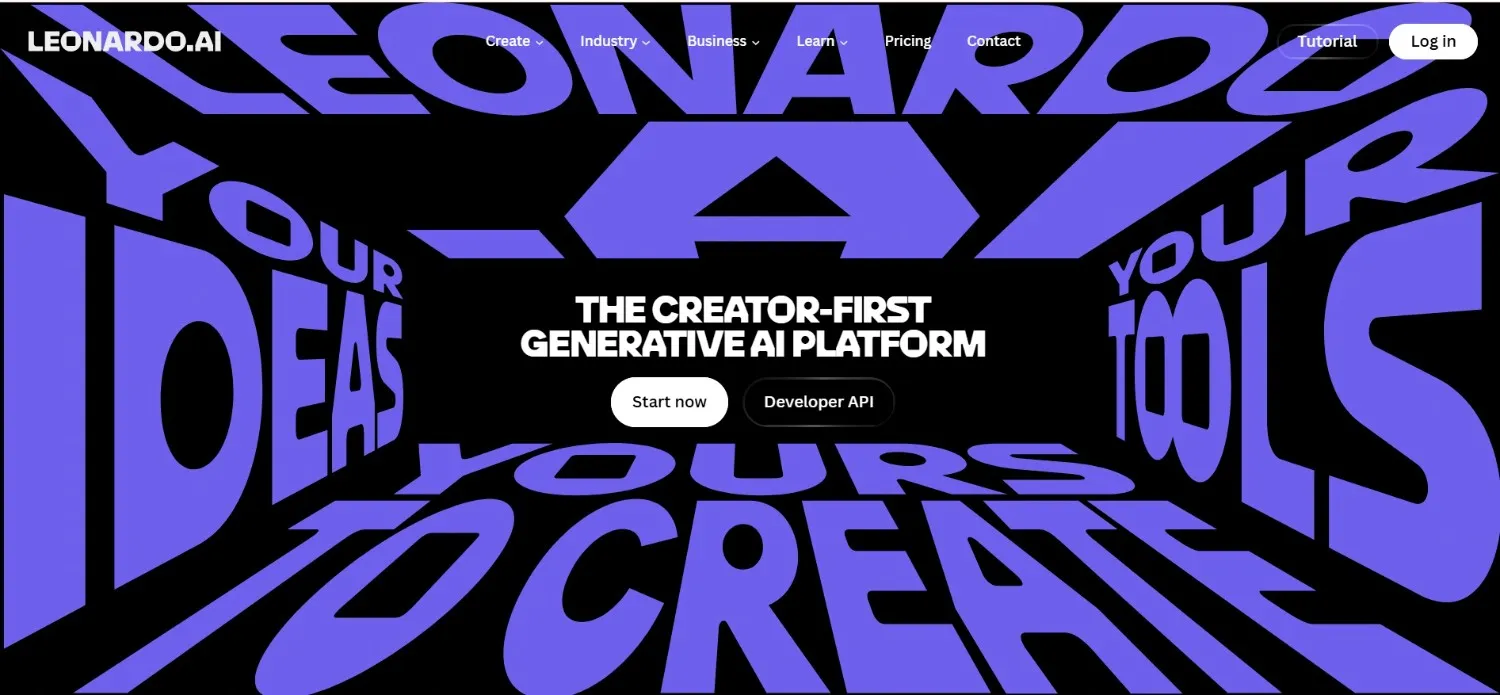
Leonardo AI fills a specific gap that most general AI image generation tools leave open: maintaining visual consistency across multiple images. Character consistency, scene continuity, and style persistence are exactly what game developers, concept artists, and brand teams need.
The Image Guidance tools let you upload a reference image and generate new images matching its style, composition, or character appearance. For creating AI Images with Consistent Style across a product line, a fictional character, or a visual campaign needing a cohesive creative look, Leonardo’s consistency features are the most developed available.
Pricing: Free tier available with daily generation credits. Apprentice at $12/month. Artisan at $30/month.
Good fit for: Game developers, concept artists, brand designers needing character or style consistency, and content creators building visual series rather than one-off images.
Where it falls short: Peak quality for individual images trails Midjourney. The platform’s strength is consistency and control, not achieving the highest single-image quality score.
10. Grok Imagine — Growing Fast in 2026
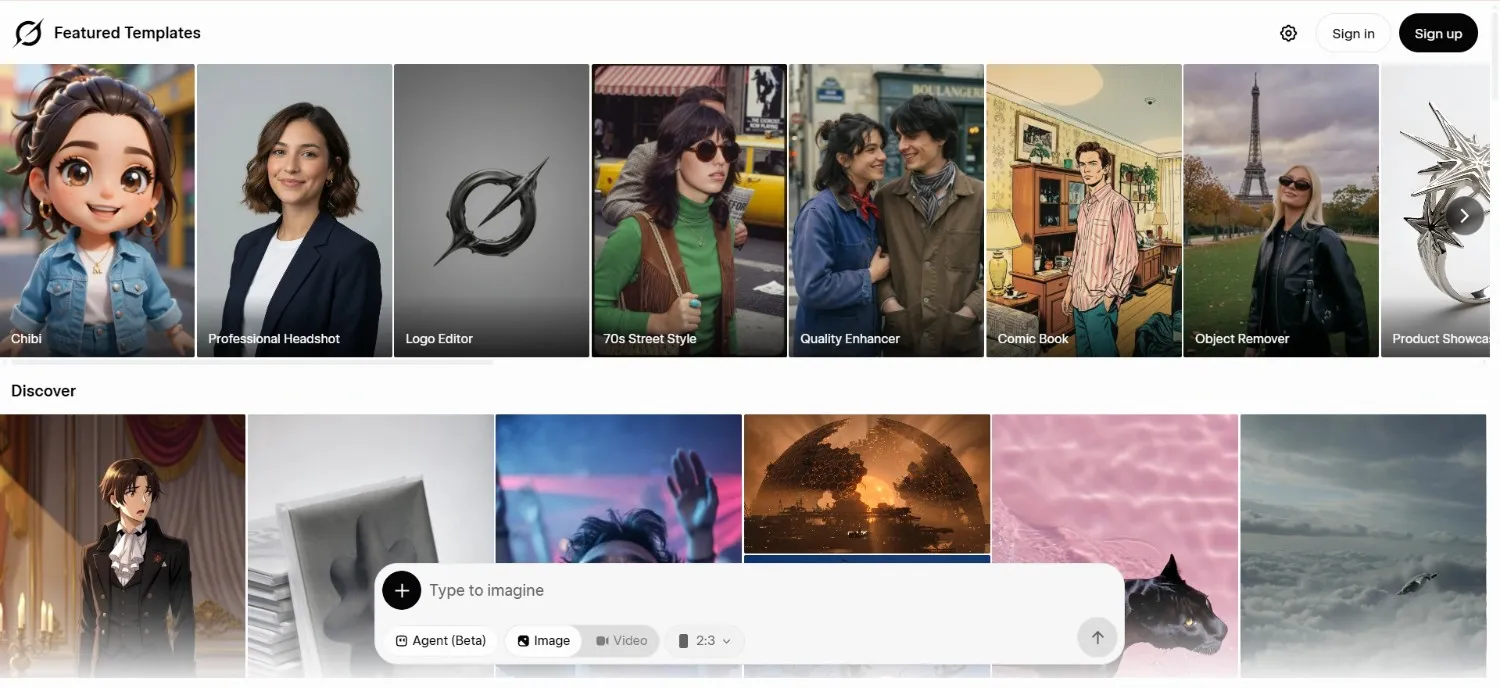
Grok Imagine, built by xAI and integrated into X (formerly Twitter), has emerged as a fast-growing AI image generation tool in 2026. For AI art tools for marketers working primarily on X, the native integration makes it frictionless—generate images directly in the platform where they’ll be published, without switching tools.
Its fewer content restrictions compared to some alternatives make it popular among creators who find other tools overly conservative. The integration with X means social media creators can generate and publish in one workflow.
Pricing: Available with X Premium+ subscription at $22/month.
Good fit for: X/Twitter content creators, marketers working primarily on the X platform, and creators who find other tools’ content policies too restrictive.
Where it falls short: Quality trails top-tier tools for professional commercial work. Primarily useful for social content rather than brand campaigns or commercial assets.
Choosing the Right Tool for Your Workflow
Most serious users end up with two tools—one for creative quality and one for practical workflow needs. Here is a clear framework based on use case:
- Artistic brand campaigns: Midjourney 7. The quality ceiling is higher than any alternative for visual content creation.
- Turn text into images with precise accuracy: DALL-E 3 for complex spatial descriptions. Ideogram 2.0 when typography inside the image is the primary requirement.
- Commercially safe work for clients or regulated industries: Adobe Firefly 3, without question.
- High-volume realistic AI images: FLUX 1.1 Pro via API. Fastest generation at the highest technical quality.
- Free, unlimited generation: Stable Diffusion XL. No usage limits and no data leaving your own infrastructure.
- Non-designers automating graphic design: Canva AI. The workflow layer is more valuable than generation quality for this audience.
- Consistent visual series and campaign assets: Leonardo AI. AI Images with Consistent Style across multiple outputs are more developed here than anywhere else.
Final Thoughts
AI image generation tools in 2026 are genuinely production-ready for most commercial and creative use cases. The question is which specific tool solves your specific problem without creating new ones.
The most common expensive mistake is using one tool for everything. Teams paying for Midjourney who primarily need text-heavy social graphics are using the wrong tool. Teams using DALL-E for high-end brand campaigns without considering commercial licensing questions are creating avoidable risk.
Start by identifying your primary use case — artistic quality, prompt accuracy, commercial safety, design workflow, or consistency. Match that to the tool built specifically for it. Add a second tool only when the first clearly can’t cover a different need.