If you have spent any time inside an AWS IAM roles, you have probably run into a moment where you needed one service to talk to another—a Lambda function that needs to read from S3, or an EC2 instance that needs to write to DynamoDB—and you were told, correctly, not to hardcode an access key to make it happen. That single piece of advice is where most people first bump into IAM Roles in AWS, and it is also where most people first get confused about what a “role” actually is versus a “user.”
This guide is written for students and early-career cloud learners who want a real, working understanding of IAM roles in AWS—not just a definition to memorize for an exam, but a mental model you can carry into an actual AWS account.
We will walk through how roles are built, why AWS designed them the way it did, how they connect to broader IAM identity management, and how a newer service called AWS IAM Access Analyzer fits into keeping all of it under control.
What Exactly Is an IAM Role?
An IAM role is an AWS identity, but unlike an IAM user, it has no permanent password and no long-term access keys attached to it by default. Instead, a role is something that gets “assumed”—temporarily—by a person, an application, or an AWS service that needs to perform a specific job and then move on. Once assumed, AWS hands out short-lived security credentials through the Security Token Service (STS), and those credentials expire on their own, usually within an hour.
This is the core idea behind AWS IAM roles: instead of permanently attaching permissions to an identity, you attach permissions to a role, and then let trusted identities borrow that role for as long as they need it.
Think of it like a visitor badge at an office building. A full-time employee has a permanent keycard, but a contractor or a visiting vendor gets a temporary badge that works for the day and stops working after they check out. That temporary badge is essentially what IAM Roles in AWS are built to be.
Every role is made up of two policies working together, and understanding both is the real key to using roles correctly:
- Trust policy—defines who is allowed to assume the role (an AWS service, another AWS account, a federated identity provider, or a specific user).
- Permissions policy—defines what the role is allowed to do once it has been assumed (which S3 buckets it can read, which EC2 actions it can perform, and so on).
Separating “who can borrow this” from “what this lets you do” is what makes AWS IAM roles flexible enough to work across services, accounts, and even organizations, without duplicating permissions everywhere.
Reference Blog: AWS IAM: An Introductory Guide to IAM (101)
How IAM Roles in AWS Actually Work Behind the Scenes?
When an entity assumes a role, it calls the AssumeRole (or a related) API action through AWS STS. AWS checks the role’s trust policy to confirm the caller is allowed to assume it, and if the check passes, STS issues three things: a temporary access key ID, a temporary secret access key, and a session token. These three values together act like a normal set of AWS credentials, except they self-destruct after a set duration.
This temporary-credential mechanism is precisely why IAM roles in AWS are considered safer than static keys. A leaked access key that never expires is a standing liability—someone could find it in a public GitHub repo years later and still use it. A leaked session token from a role, on the other hand, is only useful for the short window before it expires, which dramatically shrinks the blast radius of a mistake.
In real deployments, this plays out in a few common patterns:
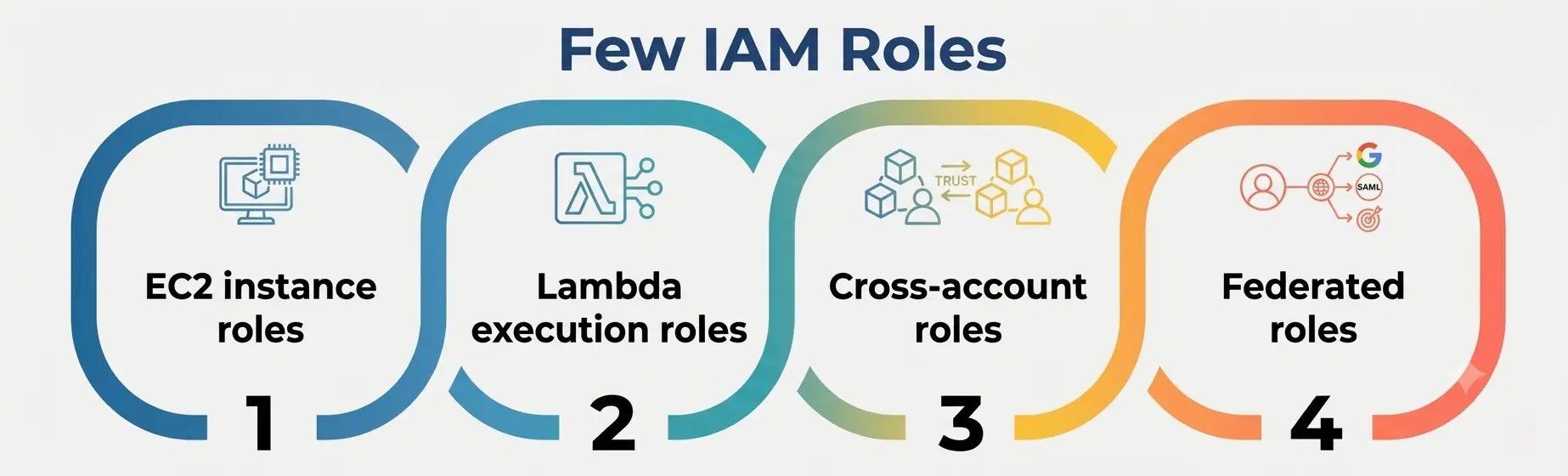
- EC2 instance roles—instead of storing credentials on a server, you attach a role to the EC2 instance, and the operating system fetches temporary credentials automatically through the instance metadata service.
- Lambda execution roles—every Lambda function runs with a role attached, controlling exactly what that function can touch.
- Cross-account roles—one AWS account can allow trusted users from a completely different AWS account to assume a role, without ever creating a duplicate user for them.
- Federated roles—employees signing in through a corporate identity provider (like Okta or Microsoft Entra ID) can assume a role mapped to their group, without AWS ever storing a separate password for them.
Across every one of these patterns, the underlying mechanic is the same, which is part of why AWS IAM roles scale so well as an organization grows from one AWS account to dozens.
Why Do IAM Roles in AWS Matter More Than Most Beginners Realize?
It’s tempting to treat roles as just “another way to grant permissions,” but that undersells what they actually protect against. Here is why IAM roles in AWS sit at the center of a secure AWS setup rather than being a nice-to-have:
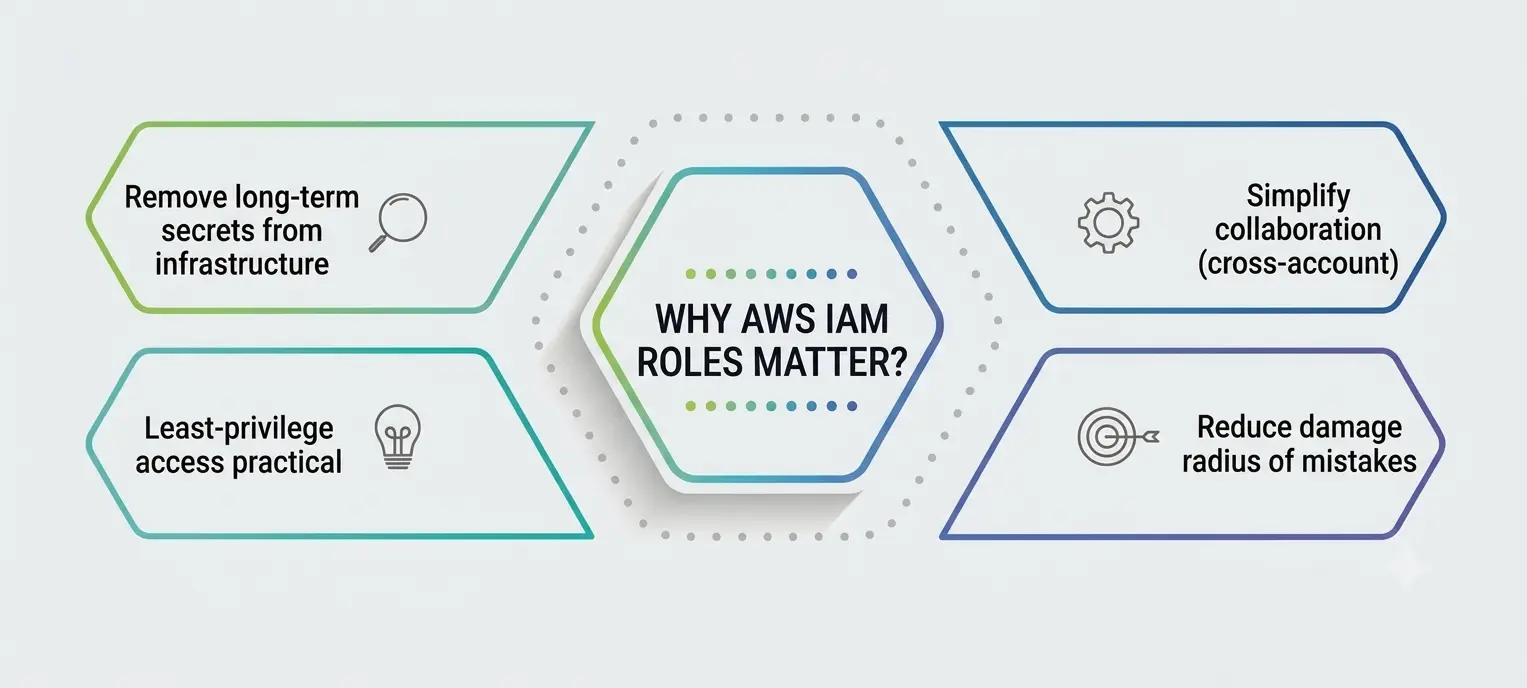
- They remove long-term secrets from your infrastructure. Access keys that live in a config file, a .env file, or a CI/CD pipeline are a recurring source of real breaches. Roles remove the need to store any of that, because credentials are requested fresh, used briefly, and discarded.
- They make least-privilege access practical, not just theoretical. Because a role’s permissions policy can be scoped tightly to one job—say, “read from this one S3 bucket”—you avoid the common trap of giving a service broad account-wide access just because it was easier to set up. This is the practical face of role-based access control: permissions are tied to a function or job, not to a person’s convenience.
- They simplify cross-account and multi-team collaboration. A growing company with separate AWS accounts for development, staging, and production does not need separate IAM users duplicated in every account. Roles let people and services move between accounts under clearly defined trust boundaries.
- They reduce the damage radius of a mistake. Because credentials expire, a script that accidentally logs its temporary session token somewhere it shouldn’t isn’t nearly as dangerous as a permanent key would be.
For anyone studying for an AWS certification or starting a cloud or DevOps role in 2026, this is the point worth internalizing: IAM Roles in AWS aren’t a workaround for permissions; they are the intended default way permissions should be granted in any account that expects to scale past a single developer.
A Quick Comparison: Roles, Users, and Groups
Students often mix these three up early on, so a side-by-side view helps more than another paragraph of explanation.
|
Identity Type |
Has Long-Term Credentials? | Best Used For |
Typical Lifetime of Access |
|
IAM User |
Yes (password and/or access keys) | An individual human who logs in directly and regularly |
Long-term, until manually rotated or revoked |
|
IAM Group |
No credentials of its own | Bundling permissions for multiple users with the same job |
Permanent, until membership changes |
|
IAM Role |
No—only temporary STS credentials | Services, applications, cross-account access, federated sign-ins |
Short-term, minutes to a few hours |
Once this table clicks, the rest of this comparison starts to make a lot more sense, because you can see exactly where a role fits compared to the identities you probably learned about first.
IAM Identity Management and Access Control, Together
IAM identity management is the umbrella term for how AWS tracks every entity—users, groups, roles, and federated identities—that is allowed to interact with your account. Roles are one piece of that picture, but they work hand in hand with role-based access control, which is the broader practice of assigning permissions according to job function rather than to individual people.
In a well-run AWS environment, role-based access control usually looks like this: a “read-only analyst” role that can view billing and reporting dashboards but touch nothing else, a “deployment” role that can push code through CI/CD but cannot modify IAM itself, and a “break-glass” emergency role that is heavily logged and rarely used.
None of these are tied to a specific person’s name—they are tied to a function, which means when someone changes teams or leaves the company, you are not untangling a web of personal permissions.
Strong IAM identity management also means centralizing where identities originate. Many organizations in 2026 use AWS IAM Identity Center (the successor to AWS SSO) to connect a single corporate directory to multiple AWS accounts so that every sign-in maps to a role rather than a separately managed AWS password. This keeps role-based access control consistent across an entire organization instead of account-by-account guesswork.
Strengthening IAM Governance with AWS IAM Access Analyzer
Defining roles carefully is only half the job—someone also has to check, continuously, that those roles aren’t quietly granting more access than intended. This is where AWS IAM Access Analyzer comes in, and it has become one of the more important tools for IAM governance in any AWS account that takes security seriously.
AWS IAM Access Analyzer uses automated reasoning (a form of mathematical logic checking, not guesswork) to scan your policies and flag resources that are accessible from outside your trusted zone—for example, an S3 bucket policy that unintentionally allows access from another AWS account or a role trust policy that is broader than anyone intended. Instead of manually reading through hundreds of lines of JSON policy, teams can lean on this automated check to surface the exact statements that need a second look.
For IAM governance at scale, this tool typically gets used in three ways:
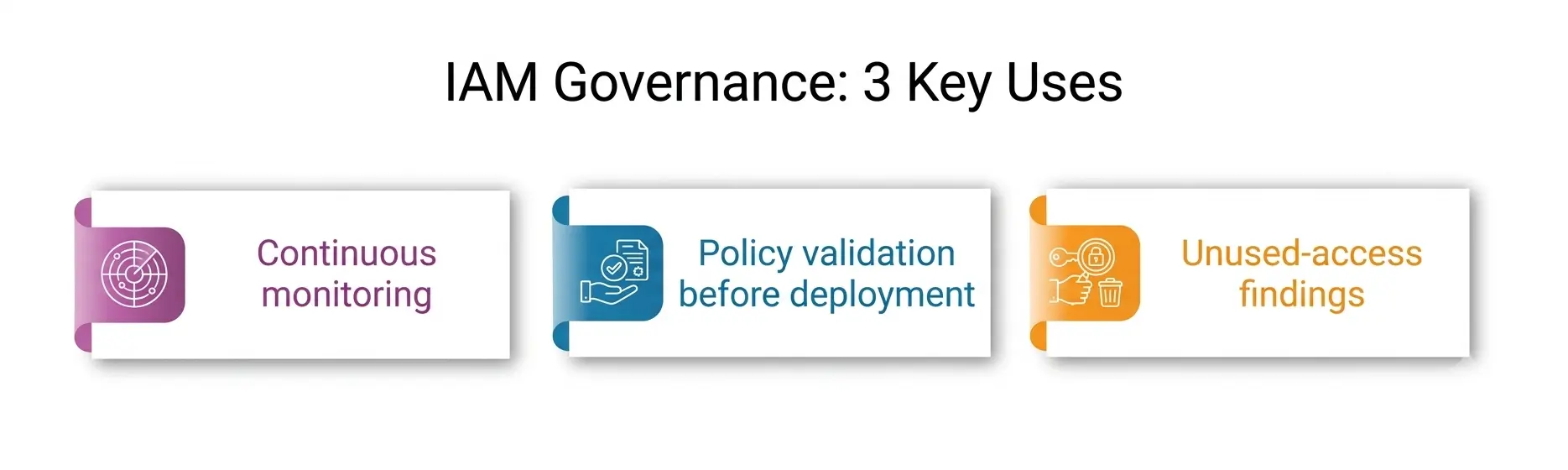
- Continuous monitoring—Access Analyzer runs ongoing checks and generates findings the moment a policy change introduces external access.
- Policy validation before deployment—it can check a draft policy for overly permissive statements before that policy is ever attached to a live role.
- Unused-access findings—a newer capability that flags roles and users with permissions that have gone untouched for an extended period, which is one of the fastest ways to trim excess access.
Good IAM governance is not a one-time cleanup project; it’s an ongoing discipline, and this analyzer is what turns that discipline from a manual quarterly audit into something closer to continuous, automated oversight.
Practical Best Practices for Managing AWS Roles
A few habits separate a well-governed AWS account from a messy one, and they are worth practicing early if you are learning this for a career in cloud infrastructure:
- Grant the narrowest permissions policy that gets the job done. Start restrictive and expand only when a real, observed need shows up — not preemptively.
- Name roles for their function, not for a person. A role called lambda-image-resize-role tells you far more, months later, than one called johns-role.
- Set short session durations wherever practical. The default maximum is often longer than a task actually needs.
- Review trust policies regularly, especially for cross-account roles, since a trust relationship that made sense a year ago may no longer reflect your current org structure.
- Run this analyzer on a schedule, not just after an incident, so that overly broad access is caught while it’s still a minor fix.
- Treat access control by job function as the default design pattern, not an afterthought bolted on after permissions have already sprawled.
Put together, these habits are what keep IAM identity management manageable and support consistent IAM governance as an AWS account grows from a weekend project into production infrastructure.
Common Mistakes Beginners Make with AWS IAM Roles
Even with the theory down, a few practical mistakes show up again and again in real accounts. The most frequent one is attaching the AWS-managed AdministratorAccess policy to a role “just to get something working,” and then forgetting to scope it down afterward — a habit that quietly defeats the entire purpose of least privilege.
Another common slip is writing a trust policy with a wildcard principal, which can unintentionally let far more identities assume a role than intended. Getting comfortable with IAM Roles in AWS means treating every role’s permissions and trust relationships as something to revisit, not something to set once and forget.
Final Thoughts
Once you get past the initial confusion, IAM Roles in AWS stop feeling like an abstract exam topic and start feeling like plain common sense: give temporary, scoped access to whoever or whatever needs to do a job, and let that access expire on its own. It’s a small shift in thinking, but it’s the shift that separates a fragile AWS setup from one that can actually scale safely.
A personal note: I have watched more than one project get delayed — and more than one account get needlessly exposed — because someone reached for a permanent access key out of habit instead of setting up a role properly the first time.
It takes a little more patience up front to design a trust policy and a scoped permissions policy correctly, but that patience pays for itself the very first time you don’t have to worry about a leaked key sitting in an old script somewhere. If you are just starting out, resist the shortcut. Learn roles properly now, and every AWS account you touch afterward will be easier to trust.