Hybrid Connectivity Azure. Many of today’s enterprises have legacy applications that power core business functions but rarely get updated. Some of these critical applications run on legacy operating systems or databases or even on outdated hardware. While these applications are not developed for today’s infrastructure, they hold valuable data and serve vital functions, making them an important IT asset.
At the same time, healthcare, pharma, banks, and government organizations face stringent regulatory and data sovereignty requirements. Certain regulations necessitate that certain data reside in specific geographical regions or data centers, which means that they cannot move freely to the cloud.
With cloud adoption on the rise, enterprises are now looking to migrate applications to the cloud, and Azure is among the preferred clouds due to its extensive feature set. However, migrating all enterprise applications at once is rarely the case due to compliance needs or technical dependencies. As a result, enterprises find themselves operating some workloads on-premises while others run on Azure.
The fact that some organizations are utilizing a mix of on-premises infrastructure and Azure necessitates hybrid connectivity solutions.
Why is hybrid connectivity important?
Hybrid connectivity provides a secure connection between the two environments: on-premises data centers and Microsoft Azure resources. Otherwise, there could be some issues:
Secure communication between applications: When using hybrid features, an organization’s on-premises apps can connect securely to Azure resources over a private network. If such a connection is not established, the data exchange between two environments will take place over the public network, which is not secure enough.
Reduced latency between systems: Hybrid connectivity can reduce network latency between on-premises virtual machines and Azure resources.
Better security: The ability to connect through a private network provides much better security than connecting through the public Internet. For example, using vpn or ExpressRoute connections allows you to exclude the interception of data on the Internet.
Components of Hybrid Connectivity
Microsoft Azure hybrid connectivity is made up of three components. The components are interrelated and work together to ensure seamless connectivity between the organization’s environment and Microsoft Azure, leading to hybrid cloud formation.
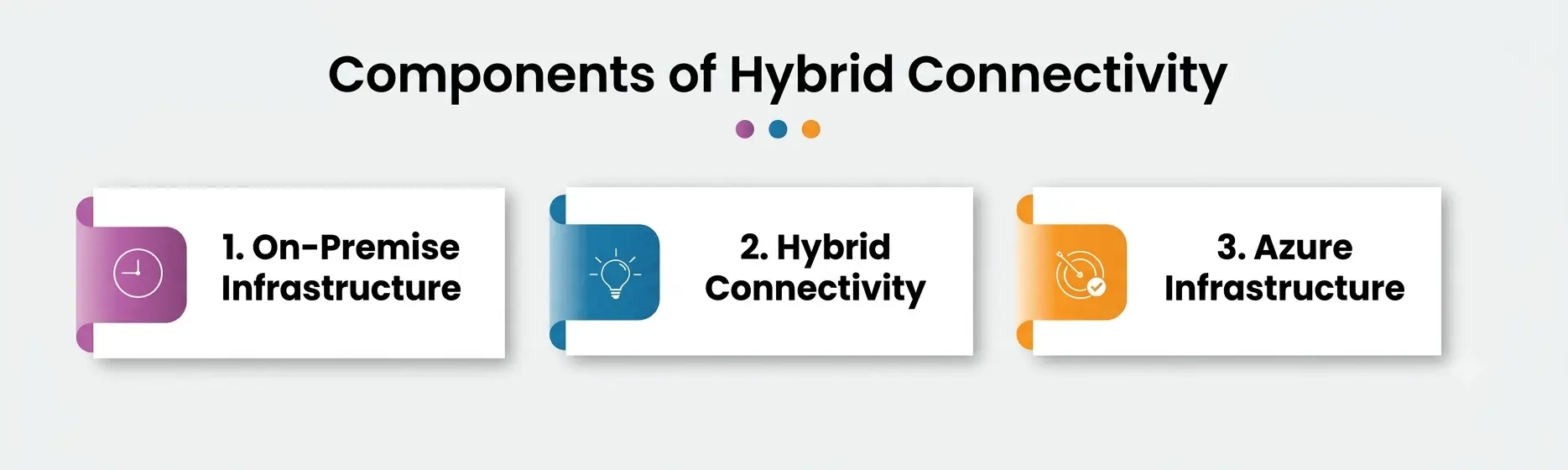
1. On-Premise Infrastructure
It refers to the organization’s infrastructure hosted in a company’s data center. It consists of physical servers, virtual machines, VMware or Hyper-V, Active Directory, databases, file servers, firewalls, and applications. Apart from the virtual machines, the organization utilizes the on-premises infrastructure to host critical applications and systems that the organization cannot relocate to the cloud due to various reasons such as compliance, security, and performance.
2. Hybrid Connectivity
Hybrid connectivity provides secure connectivity between on-premises infrastructure and Microsoft Azure. In other words, it refers to the connection or VPN that ensures that traffic between the organization’s environment and Microsoft Azure takes place over a private and encrypted channel.
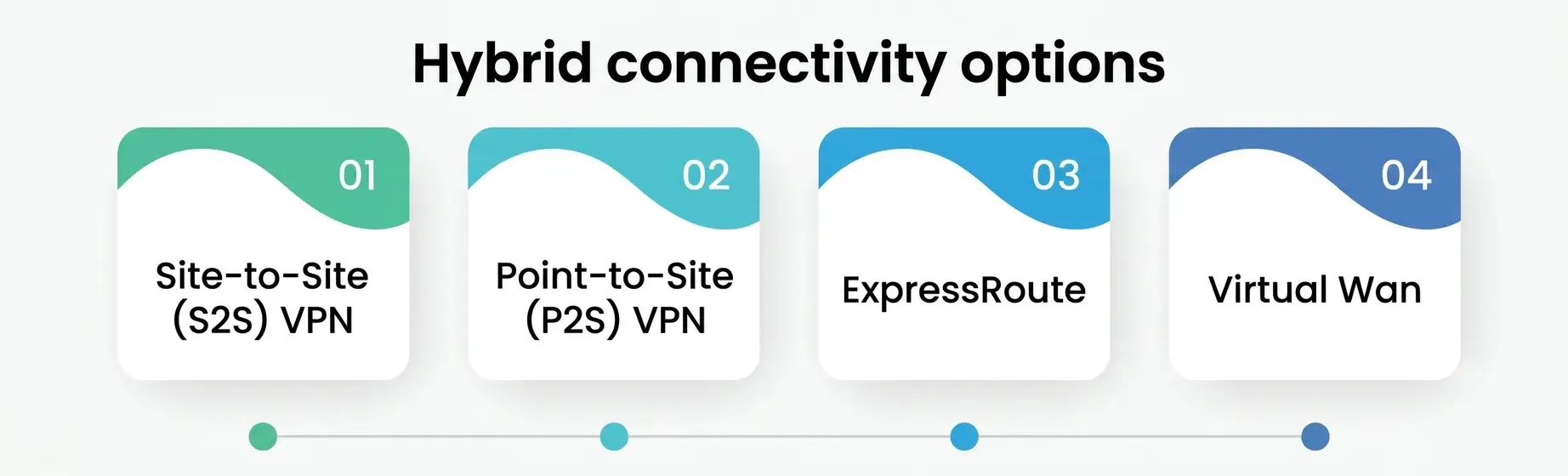
Hybrid connectivity can be established using different methods that include site-to-site connections, point-to-site connections, Express Route, and virtual WAN. In most cases, the choice of the method of establishing hybrid connectivity depends solely on the organization’s requirements.
3. Azure Infrastructure
Azure infrastructure is the second end of the hybrid connectivity component and consists of resources deployed in Microsoft Azure. Some of the resources that are primarily deployed in Azure include virtual machines, AKS, Azure SQL Database, storage accounts, and App Services. These Azure resources take part in hybrid cloud formation alongside the organization’s resources as a way of enabling secure and easy access to on-premises resources hosted in the organization’s data centers.
Hybrid connectivity options
There are several options available to provide connectivity from premises to Azure. A company’s infrastructure needs and security demands should dictate what option to choose.
Hybrid options include:
-
Site-to-Site (S2S) VPN
-
Point-to-Site (P2S) VPN
-
ExpressRoute
-
Virtual WAN
1. Site-to-Site (S2S) VPN
This option allows traffic between the company’s on-premises network and Azure Virtual Network (VNet) over the internet securely. The S2S VPN requires a connection between two networks using IPSec encryption.
The site-to-site option is more appropriate for:
- Small and medium-sized businesses
- Dev/Test
- The customer wants affordable hybrid cloud solutions
Pros:
- Cost-effective option for connecting two networks over the internet
- All resources are connected and shared securely through a single encrypted channel over the internet
- Easy to set up and manage
- Enables communication between individual networks
Cons:
- It relies on the internet connection; therefore, it is not a reliable or secure option for connecting to Azure
- It has higher latency and does not support high-bandwidth applications, as it uses the public internet
2. Point-to-Site (P2S) VPN
The P2S VPN option allows connecting remote users to Azure resources without setting up a site-to-site VPN connection. The P2S option enables individual users to access resources in the virtual network securely.
The P2S option is more appropriate when:
- There is a need to connect individual users
- Connecting remote users, developers, or administrators with individual access to Azure resources
- Connecting users temporarily
Pros:
- Simple to configure and manage compared to the site-to-site VPN option
- It supports remote access to Azure resources
- Encrypted communication channel
Cons:
- It can only connect one user at a time
- Cannot connect an entire office or enterprise to Azure; instead, users have to configure their computers to access resources through a P2SVPN connection.
3. Express Route
Express Route provides a private network connection from the company’s premises to Azure. The traffic carried through Express Route does not pass through the internet but uses a dedicated network connection provided by a connectivity service provider. The option is more secure and reliable compared to the VPN options discussed above.
The Express Route option is more appropriate for:
- Large enterprises that require a reliable and secure connection to Azure.
- Enterprises that want to reduce latency when connecting their on-premises networks to Azure
- Organizations that want to meet compliance requirements
Pros:
- Offers a secure and reliable network connection through private channels
- Higher throughput and faster data transfer rates
- More reliable option compared to internet-based connections
- Helps enterprises to meet compliance requirements
Cons:
- The option is more expensive than the VPN options
- It is not possible to deploy DirectPeering without an ExpressRoute connectivity provider
- Compared to a VPN, the ExpressRoute option takes a long time to set up
4. Virtual WAN
Azure Virtual WAN is a networking service that helps enterprises simplify the creation of enterprise-scale network connectivity to Azure resources. WAN allows enterprises to connect different Azure regions through a centrally managed network service.
The Virtual WAN option is more appropriate for:
- Enterprises with more than one Azure region
- Connecting different office locations in a hybrid office setup
- Enterprises that require more advanced networking capabilities
Pros:
- Enables centralized networking service to manage multiple connections
- Combines branch-to-branch, branch-to-cloud, and cloud-to-cloud connections
- Can be used together with virtual networks, point-to-site, and site-to-site VPN connections
- Suitable for large-scale enterprise networking
Cons:
- It is more complicated than a traditional VPN
- The option might be costly, as an enterprise may have to purchase additional networking services from Microsoft
- The complexity of the configuration makes it suitable for enterprise-level applications rather than for small and medium-sized businesses.
Conclusion
The hybrid connectivity concept extends beyond linking the company’s on-premises data centers to Microsoft Azure. It implies a strategic idea with which the organization is able to connect its infrastructure with the cloud platform securely.
The choice of how to establish the connection depends on the organization’s requirements. However, in most cases, the companies need to assess their current infrastructure, identify the workloads that should reside in the cloud, determine the available resources, and analyze their financial constraints.
Once these factors are evaluated, the enterprise can deploy a hybrid connection that will allow it to scale its infrastructure, benefit from Azure’s capabilities, and protect its data, thus addressing its specific needs.