



I still remember the week I decided to stop scrolling job boards and actually do something about my resume. I had a liberal arts degree, zero IT experience, and a browser full of open tabs comparing exam vouchers I didn’t understand.
Three years later, I mentor a handful of career-switchers every quarter, and almost every one of them starts the exact same way I did: overwhelmed by options and unsure which credential actually leads anywhere.
That confusion is exactly what this guide is for. If you’re searching for IT certifications online because you want a real entry point into tech—not just another course you’ll abandon in week three—this is the roadmap I wish someone had handed me. We’ll walk through the order that actually works, name the specific credentials worth your time and money in 2026, and point out where most beginners waste months chasing the wrong one first.
Why Do Online IT Certifications Matter More Than a Degree Right Now?
Hiring has changed faster than most career advice has caught up with. A growing share of companies across the US, UK, and Canada now screen candidates for specific, named credentials rather than a generic “IT background” line on a resume.
That shift is why IT certifications online have become the fastest on-ramp into tech for people without a computer science degree—they give a hiring manager something concrete to verify in thirty seconds, instead of a vague claim they have to take on faith.
Online IT training programs fit this moment particularly well because they’re built around exam objectives that map directly to what employers are hiring for, not a broad academic curriculum designed four years in advance.
You study the thing the job actually needs, sit the exam, and walk away with proof. That compression—weeks or months instead of years—is the entire appeal for someone starting from zero.
It also helps that none of this requires quitting your current job. Most of these programs are self-paced, built for evenings and weekends, and priced closer to a few hundred dollars than a few thousand. For a career-switcher with bills to pay, that’s not a minor detail—it’s the whole reason this path is realistic in the first place.
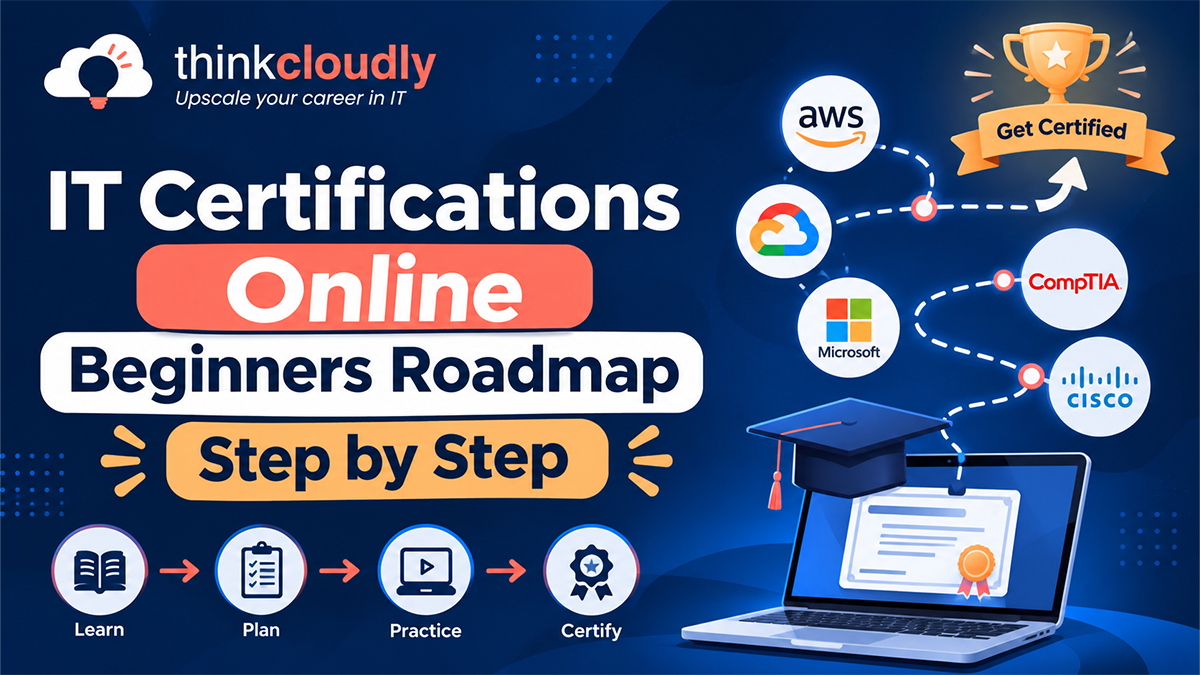
The Step-by-Step Roadmap for IT Certifications Online Beginners
Skip the temptation to start with whatever certification trended on social media last week. Here’s the order that actually holds up:
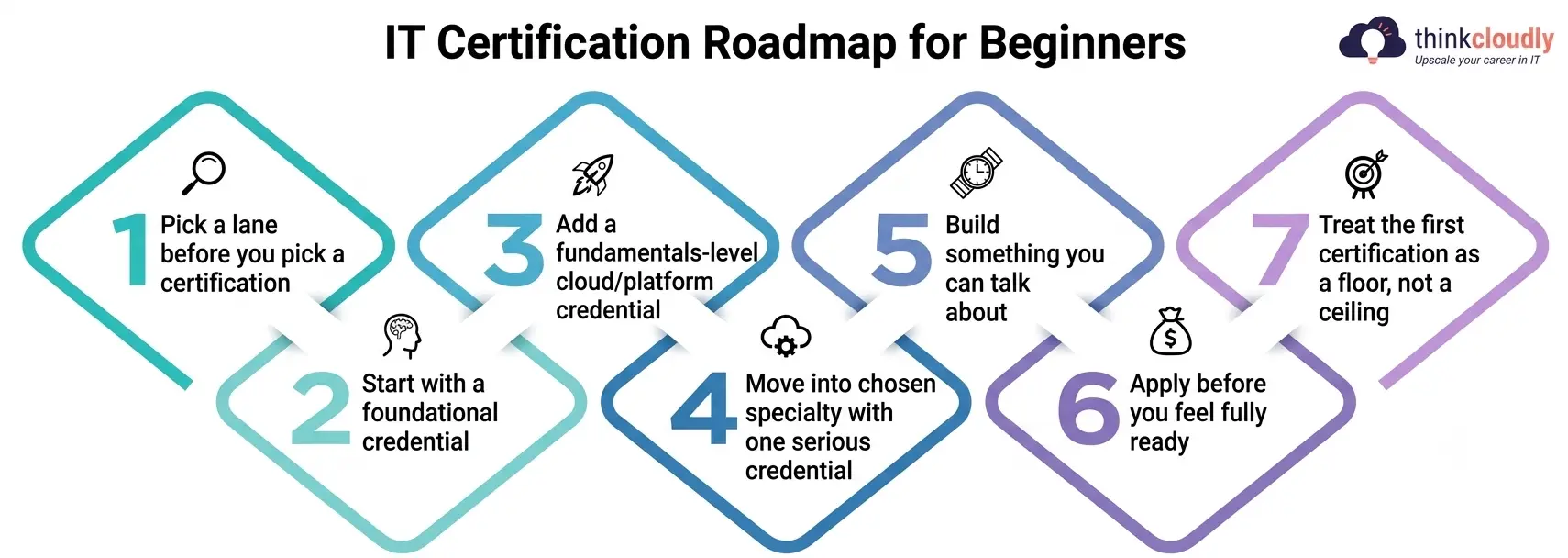
- Pick a lane before you pick a certification. Decide roughly whether you’re drawn to hands-on technical support, security, cloud infrastructure, or networking. You don’t need certainty—just a direction, because the next steps depend on it.
- Start with a foundational, no-prerequisite credential. Google’s beginner IT support course and CompTIA A+ exist specifically for people with no prior experience. This is where almost every successful beginner actually begins, regardless of which specialty they eventually land in.
- Add one fundamentals-level cloud or platform credential. Microsoft IT certifications at the Fundamentals tier—Azure Fundamentals (AZ-900) being the most common starting point—give you vocabulary and context that pays off in every later interview.
- Move into your chosen specialty with one serious credential. If security is the direction, the CompTIA Security+ certification is the standard next step; it’s built for that exact transition and is widely required in federal and enterprise security job postings.
- Build something you can actually talk about. A home lab, a small network you configured, a volunteer IT ticket you resolved—anything concrete enough to describe in an interview without reciting exam objectives from memory.
- Apply before you feel fully ready. Waiting for total confidence before applying is the single biggest reason capable beginners stay unemployed longer than necessary.
- Treat the first certification as a floor, not a ceiling. Plan your next credential while you’re still working the first job it got you, instead of stopping once you’re hired.
Common Mistakes Beginners Make With Online IT Training Programs
Most of these mistakes aren’t about laziness—they’re about direction. The most frequent ones look like this:
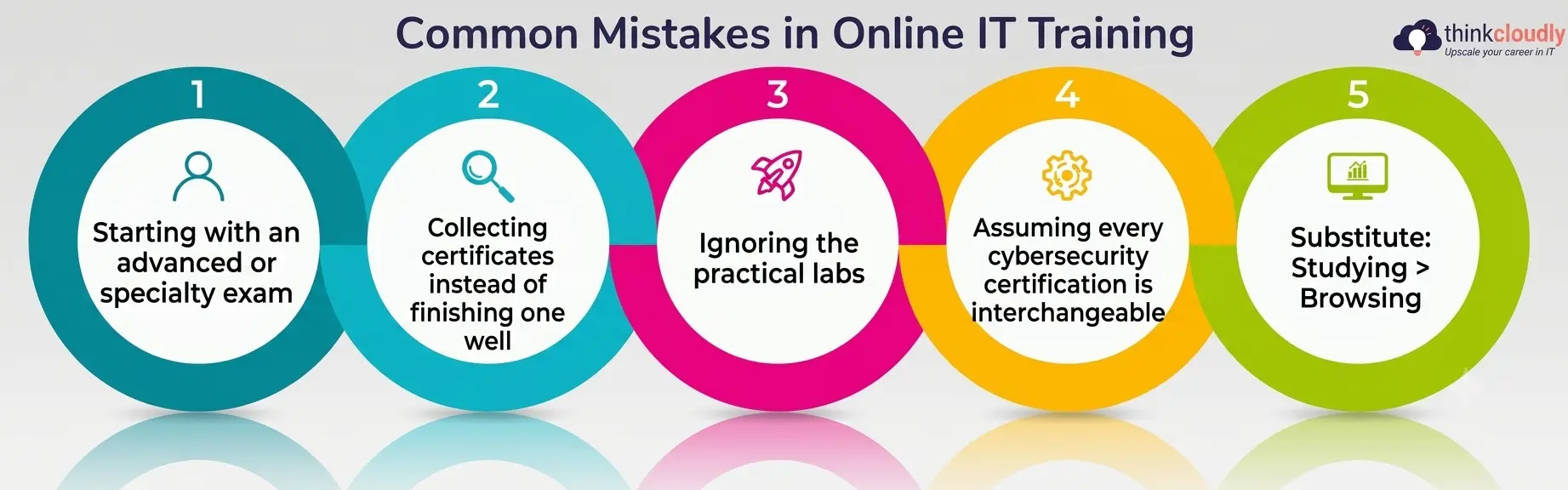
- Starting with an advanced or specialty exam. Jumping straight to a specialist credential without a foundational one behind it usually means failing the exam or passing it without the context to use it on the job.
- Collecting certificates instead of finishing one well. Three half-completed study attempts look worse on a resume than one credential paired with a project you can describe in depth.
- Ignoring the practical labs. Multiple-choice knowledge doesn’t translate into job-readiness on its own; skipping the hands-on labs that come bundled with most beginner courses is the most common reason new hires struggle in their first weeks.
- Assuming every cybersecurity certification is interchangeable. A foundational credential and a specialist one, like the CompTIA Security+ certification, solve different problems—swapping one for the other in your plan usually backfires.
- Letting a free trial or syllabus browsing substitute for an actual study schedule. Enrolling isn’t the same as finishing, and most of the people who stall out never set a weekly study target in the first place.
The Google IT Support Certificate: Where Most Beginners Should Start
If you’re choosing a true first step with no IT background at all, this program, offered through Coursera, is the most commonly recommended starting point for a reason. The program covers IT fundamentals, computer assembly, Windows and Linux operating systems, networking basics like TCP/IP and DNS, IT security, and system administration across roughly six courses.
What makes the Google IT Support Certificate genuinely useful beyond the content itself is what happens after you finish it. Graduates can apply directly through a hiring consortium that includes Google and more than 150 U.S. employers, among them Deloitte, Target, Verizon, Walmart, and Bank of America.
Completing the program also prepares you for the CompTIA A+ exams, and passing both earns a dual credential recognized by CompTIA and Google together—which is a meaningfully stronger resume line than either credential alone.
For someone comparing their very first move among dozens of IT certifications online, this combination of structured content, no prerequisites, and a direct employer pipeline is difficult to beat as a day-one choice.
Microsoft IT Certifications: Building a Cloud and Security Foundation
Once you have a foundational credential behind you, Microsoft IT certifications are usually the next logical step, mostly because so much enterprise infrastructure still runs on Microsoft’s stack. The Fundamentals tier is built specifically for this stage—it assumes no deep technical background and gives you a conceptual map before you specialize further.
The most commonly recommended entry point is Azure Fundamentals (AZ-900), which covers core cloud computing concepts and how public, private, and hybrid models work in practice. From there, Microsoft’s own certification path also offers Security, Compliance, and Identity Fundamentals for anyone leaning toward a security track and Microsoft 365 Fundamentals for a more business-facing IT role. Each one is designed, in Microsoft’s words, to build a foundation for the advanced, role-based certifications that come next.
What separates Microsoft IT certifications from a one-off course is that they’re explicitly structured as a path rather than a single destination. Picking one Fundamentals exam that matches the lane you chose in step one of the roadmap above sets up everything you study afterward, instead of leaving you with an isolated credential that doesn’t connect to anything.
Comparing the Top Beginner-Friendly IT Certifications Online
Rather than guess which credential fits your situation—including the various Microsoft IT certifications now on offer—here’s how the most commonly recommended starting points actually compare.
|
Certification |
Best Starting Point For | Prerequisites |
Typical Study Time |
|
Google IT Support Certificate |
Absolute beginners, no IT background | None |
3–6 months, self-paced |
|
CompTIA A+ |
Desktop support and help desk roles | None (often paired with Google IT Support) |
2–3 months |
|
Azure Fundamentals (AZ-900) |
Anyone heading toward cloud or Microsoft-based IT work | None |
3–6 weeks |
|
CompTIA Security+ certification |
First serious step into cybersecurity | Recommended: A+ or equivalent experience |
2–3 months |
|
ISC2 Certified in Cybersecurity (CC) |
Career-switchers targeting security specifically | None | 4–8 weeks |
A pattern worth noticing: every credential on this list is realistically achievable within a few months, and none requires years of prior experience. That’s by design—these are the entry points the industry itself points beginners toward, not advanced credentials mislabeled as beginner-friendly. It’s also exactly why cybersecurity certifications for beginners are deliberately kept light on prerequisites compared to specialist security credentials further down the path.
Cybersecurity Certifications for Beginners: Why the Timing Is Good Right Now
If security is the direction you’re leaning toward, the timing argument is stronger than it’s been in years. The Cybersecurity Workforce Study found that skill gaps are now outpacing raw headcount shortages across the industry—employers aren’t just short-staffed; they specifically can’t find people with verified, current skills, even as budgets stay tight. For someone holding a recognized credential rather than just interest, that’s a meaningfully different hiring conversation than it would have been a decade ago.
This is exactly why cybersecurity certifications for beginners occupy such a specific, well-defined lane right now. Unlike advanced security credentials that assume years of hands-on experience, options like the CompTIA Security+ certification and ISC2’s Certified in Cybersecurity exam are explicitly built for people making a first move into the field, with no prior security role required to sit either exam.
The honest caveat: cybersecurity certifications for beginners open the door to interviews, but they don’t replace the practical demonstration employers increasingly expect — a home lab walkthrough, a documented incident-response exercise, anything that proves you can apply what the exam tested. Treat the credential as the key that gets you into the room, not the entire pitch once you’re there.
Choosing the Right Online IT Training Programs for Your Situation
Not every beginner should follow the exact same order when weighing IT certifications online against each other. A few honest questions help narrow the field faster than browsing course catalogs:
- How many hours can you realistically commit per week? Five hours a week points toward a longer, more flexible program; fifteen hours opens up faster-paced, compressed schedules with firmer deadlines.
- Do you need employer or hiring-pipeline support, or just the credential? Programs with built-in employer consortiums, like the Google IT Support Certificate, matter more if you’re job-searching cold with no network to lean on.
- Is the credential recognized by name in job postings you’ve actually seen? Search a few real listings for your target role before committing — a credential nobody’s hiring for is a wasted few months, however good the course content looks.
- Are you prepared for the prerequisite chain some paths require? Security-focused and audit-focused credentials sometimes assume a foundational exam first; confirm that before enrolling in anything advanced.
A Personal Note
When I started, I assumed the certification itself was the finish line — that passing the exam meant the hard part was over. It wasn’t. The exam got me interviews. What actually got me hired was the small home network I’d rebuilt twice while studying, which gave me something real to talk through when the interviewer asked me to walk through a problem I’d solved.
If you’re weighing IT certifications online right now, my honest advice is this: pick the one foundational credential that matches where you actually are, finish it completely before starting a second, and build one small, real thing alongside it. The letters after your name open the door. What you can demonstrate once you’re through it is what actually gets you hired.