Managing projects in 2026 looks completely different from just two years ago. Missed deadlines, unclear task ownership, overloaded team members, and endless status update meetings — these are problems that used to eat up hours every week. The best AI tools for project management today handle most of that automatically.
Modern ai project management tools don’t just create task lists. They generate project plans from a single sentence, predict which tasks are likely to fall behind, balance workloads across team members automatically, and summarize the entire state of a project in seconds. Teams using AI in project management report significantly faster delivery times and fewer defects compared to teams using traditional methods.
This guide covers the 10 best AI tools for project management in 2026. Whether you are managing a small team or a large organization, these tools will help you work smarter. Every tool here is genuinely used by real teams, with real AI features that make a measurable difference.
How AI Has Changed Project Management in 2026
Before picking a tool, it helps to understand what AI actually does inside modern project management platforms. Earlier tools gave you boards and task lists. You moved cards, updated statuses, and hoped everyone stayed on track.
Today’s ai project management tools work differently. They read your entire project context, understand who is working on what, flag risks before they become problems, and automate the repetitive coordination work that used to take hours. The best platforms have moved beyond task trackers into Work Operating systems—connecting planning, execution, reporting, and communication in one place.
Teams that manage projects with AI are not just saving time on admin work. They are making better decisions because the AI surfaces the right information at the right moment, rather than waiting for a weekly status meeting to discover that something is off track.
Quick Comparison Table
|
Tool |
Best For | Free Plan |
Starts At |
|
Monday.com |
Cross-team Work OS | Yes | $9/user/month |
| Asana | Structured workflows + AI agents | Yes |
$10.99/user/month |
|
ClickUp |
All-in-one AI productivity | Yes | $7/user/month |
|
Jira |
Developer and agile teams | Yes | $7.75/user/month |
| Trello | Simple visual task management | Yes |
$5/user/month |
| Wrike | Enterprise project management | Yes |
$9.80/user/month |
|
Microsoft Planner |
Microsoft 365 teams | Included with M365 | $6/user/month |
|
Smartsheet |
Data-heavy project tracking | 30-day trial | $9/user/month |
| Notion | Docs + project management | Yes |
$10/user/month |
| Taskade | AI-powered project apps | Yes |
$8/user/month |
Top 10 AI Tools for Project Management Reviewed
Choosing the right project management platform is no longer just about task boards and timelines. The best AI tools for project management in 2026 help teams automate repetitive work, predict delays before they happen, improve collaboration, and keep projects moving without constant manual follow-ups.
Below, we review the top platforms that are genuinely helping businesses manage projects with AI more efficiently — from simple task management software for small teams to enterprise-grade Work OS platforms built for large organizations.
1. Monday.com — The Best All-Round AI Work OS
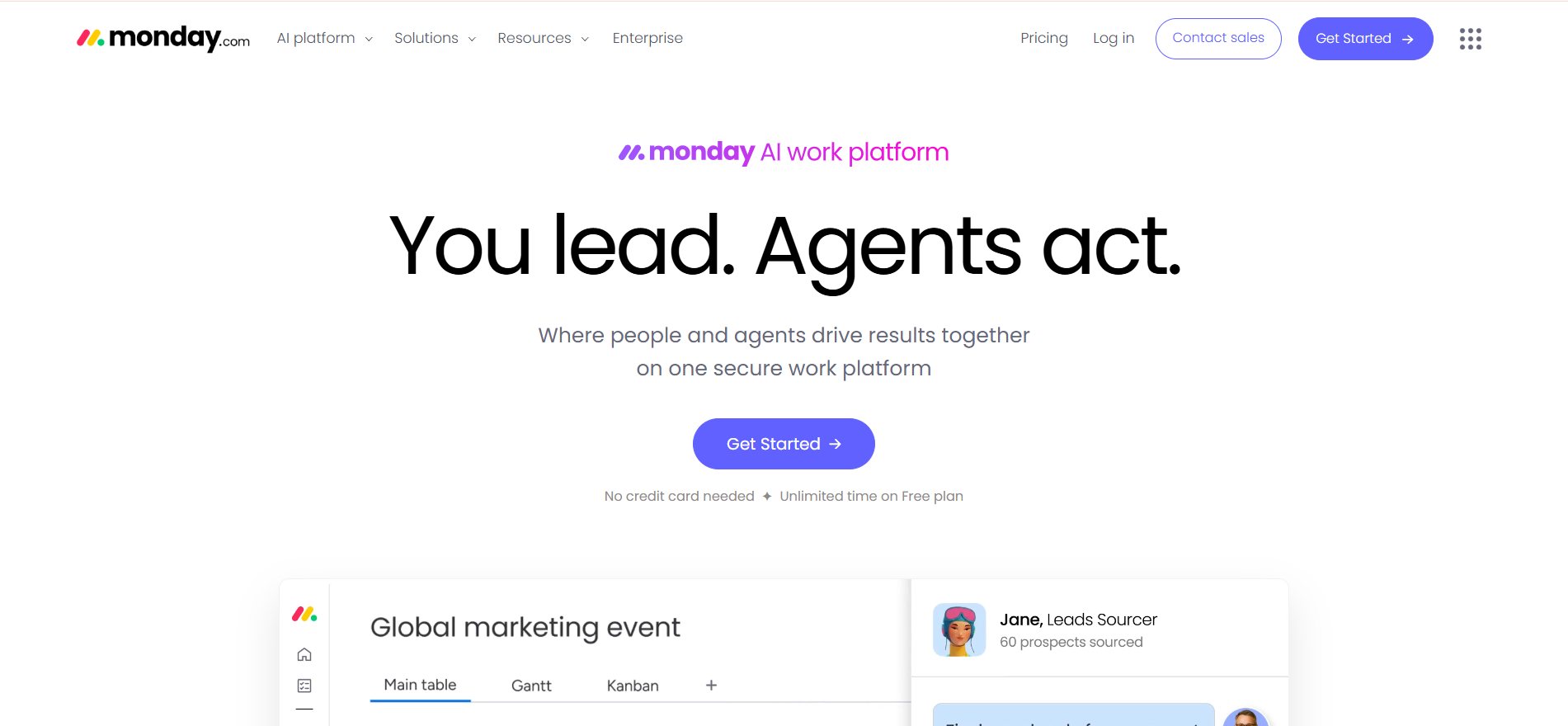
Monday.com has evolved from a project board into a full Work OS in 2026. With four integrated products — Work Management, CRM, Dev, and Service — it handles what most organizations need three or four separate tools to cover. In independent AI scoring, Monday.com tied for first place among all major project management platforms with an overall AI maturity score of 36 out of 50.
The AI features that matter most are Sidekick and the AI Agents. Sidekick generates task lists, project timelines, and meeting summaries from natural language. The Agents proactively scan your boards, detect risks by severity, and flag what needs attention before it becomes a problem. Portfolio Risk Insights shows every project manager which initiatives are at risk in real time—not waiting for a status report.
For teams that need to manage projects with AI across departments—marketing, operations, sales, and product all on one platform—Monday.com offers the most complete solution available in 2026.
Pricing: Free plan available. Basic at $9/user/month. Standard at $12/user/month. Pro at $19/user/month.
Good fit for: Cross-functional teams managing multiple departments, organizations replacing multiple tools with one platform, and marketing and operations teams with complex campaign workflows.
Where it falls short: Can feel overwhelming for very small teams or simple projects. The most powerful AI features require higher plan tiers.
2. Asana — The Best AI for Structured Workflows
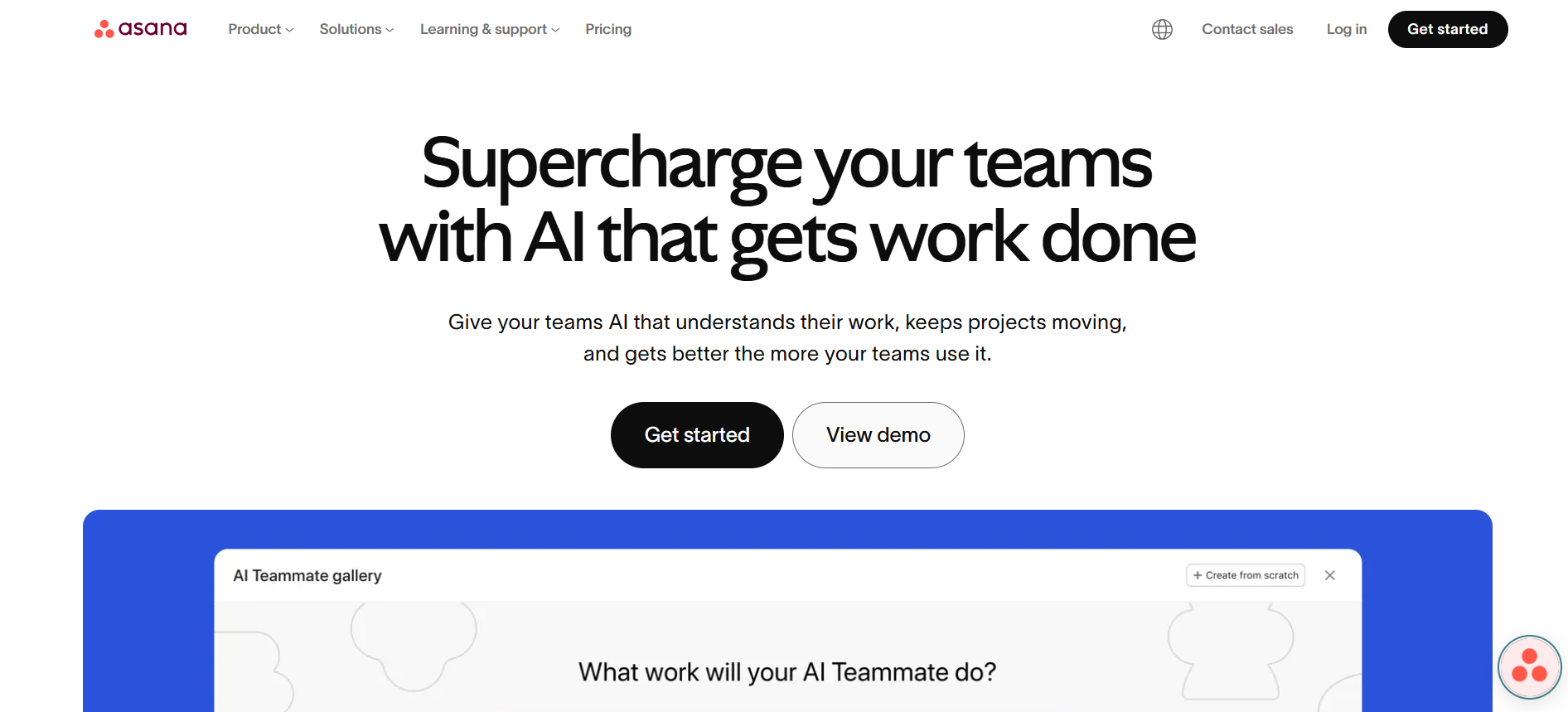
Asana’s AI Studio is one of the most thoughtful AI implementations in any project management software available today. Rather than treating AI as a separate chat tool, Asana embeds AI agents directly into your existing workflows—campaign intake, IT ticketing, employee onboarding—and the AI handles the repetitive coordination steps automatically.
The Work Graph architecture makes Asana’s AI genuinely context-aware. Every AI agent understands your team’s goals, project dependencies, and task assignments from day one. For automated project tracking, Asana’s smart suggestions identify potential bottlenecks based on historical data and flag deadlines at risk before they are missed. Workload balancing distributes tasks evenly, and the Goals feature connects every task to company-level OKRs.
Pricing: Free plan available. Starter at $10.99/user/month. Advanced at $24.99/user/month.
Good fit for: Mid-sized to large teams with structured, repeatable project workflows; operations and marketing teams that run AI-assisted intake processes; and organizations that need visible AI accountability.
Where it falls short: Predictive scheduling and sprint-specific intelligence are less developed than some competitors. Per-user pricing adds up quickly for large teams.
3. ClickUp — The Most Feature-Rich AI Productivity Tool
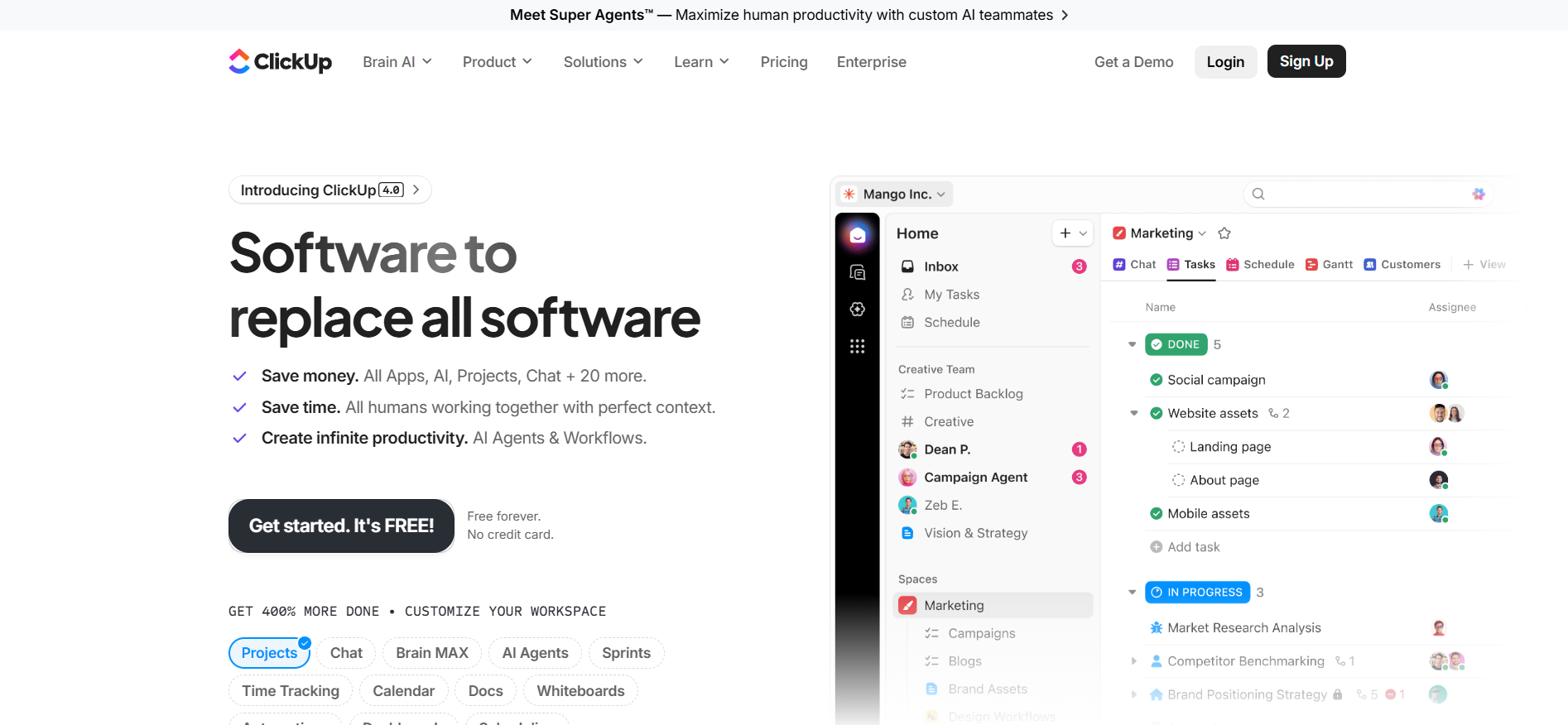
ClickUp Brain, the AI layer embedded throughout the platform, integrates enterprise search, automated meeting notes, intelligent task creation, and AI Agents that execute actions directly within the workspace. For teams that want to manage projects with AI without switching between tools, ClickUp is the most comprehensive option available.
The AI Standups feature compiles updates and blockers into a single summary without scheduling extra meetings — genuinely useful for remote teams managing sprint health. ClickUp scored 32 out of 50 in independent AI scoring, strongest in natural language task creation and sprint planning. For the price, it offers more AI-powered project workflows than any other tool on this list.
Pricing: Free Forever plan available. Unlimited at $7/user/month. Business at $12/user/month.
Good fit for: Power users and teams managing multiple complex projects, developers wanting deep customization, and small businesses wanting enterprise-level features at a lower price.
Where it falls short: The volume of features creates a steep learning curve. Performance can slow down with very large workspaces.
4. Jira — The Gold Standard for Developer Teams
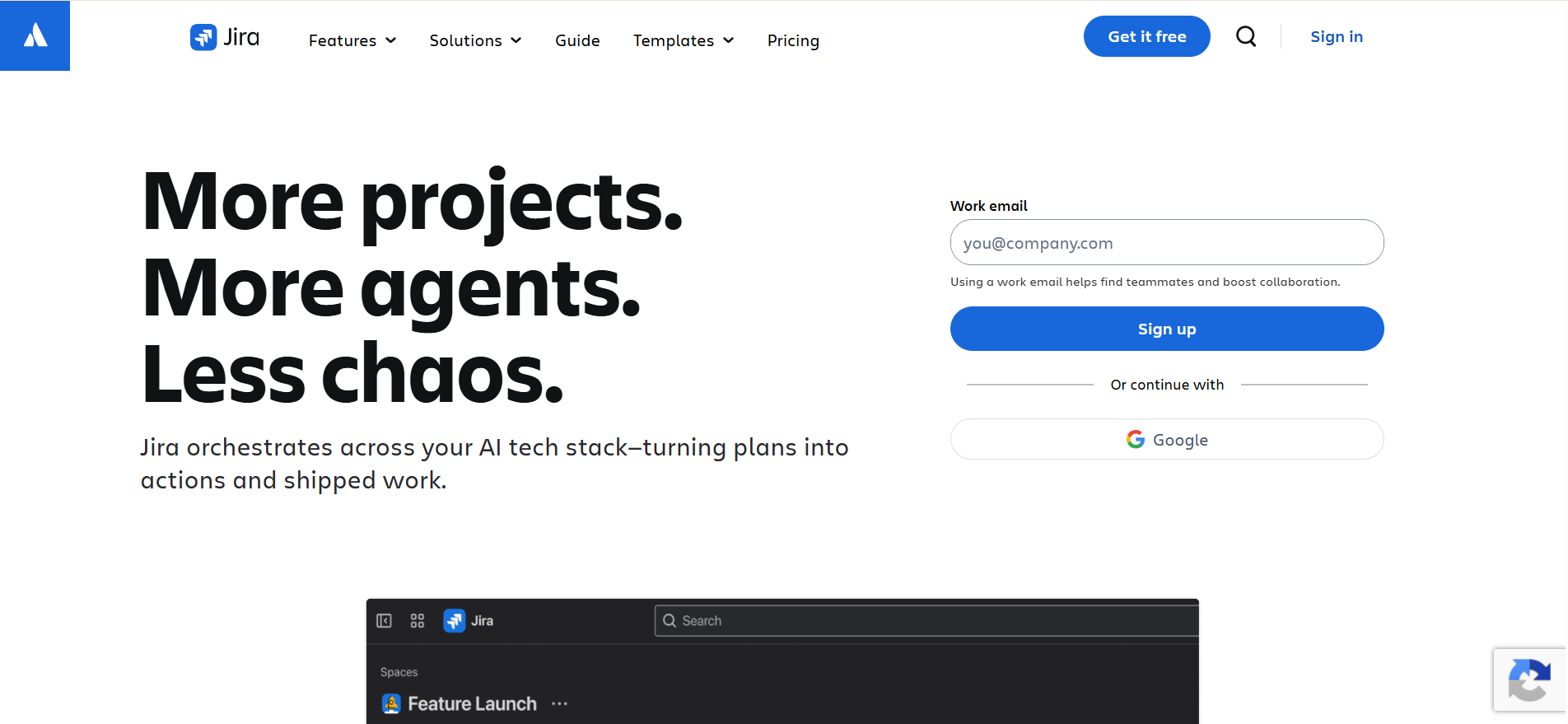
Jira remains the most trusted project management software for engineering and agile development teams in 2026. Atlassian Intelligence brings AI-powered sprint planning, issue summarization, and autonomous agents directly into the developer workflow.
The February 2026 launch of Agents in Jira represents the most ambitious agentic architecture of any project management platform currently available. For development teams already using Confluence and Bitbucket, the deep ecosystem integration creates project workflows that connect planning, code, and documentation seamlessly.
Pricing: Free plan for up to 10 users. Standard at $7.75/user/month. Premium at $15.25/user/month.
Good fit for: Software development teams, agile teams running sprints, and organizations already invested in the Atlassian ecosystem.
Where it falls short: Not well-suited for non-technical teams or creative projects. Terminology can feel complex for project managers outside engineering.
5. Trello — The Simplest AI-Powered Kanban Tool
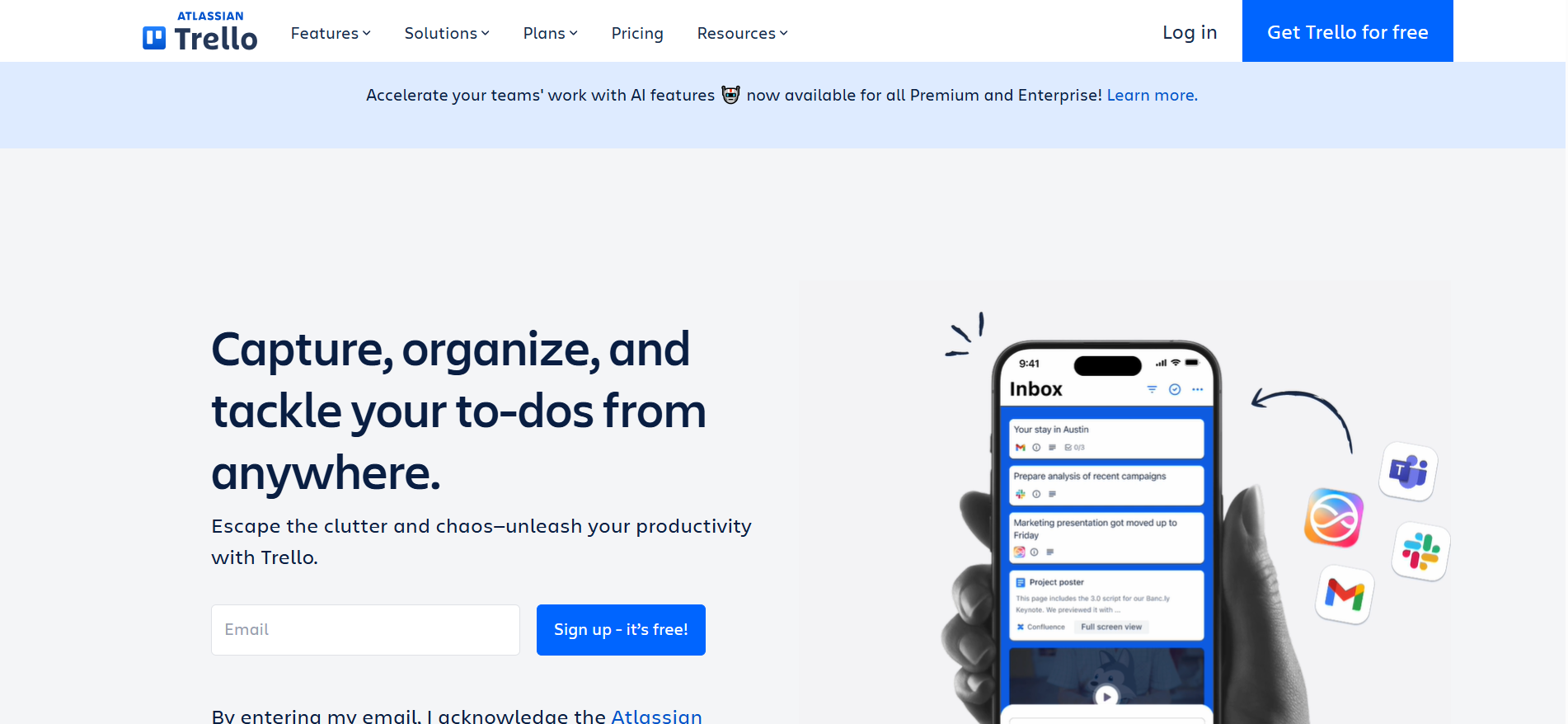
Trello has been the go-to task management software for simple, visual project tracking since 2011, and Atlassian Intelligence has made it more capable without making it more complicated. AI features focus on communication and task clarity — cleaning up messy notes, extracting action items from meeting summaries, and polishing briefs before they reach clients.
For teams managing straightforward, linear project workflows and needing new members to get up and running in minutes, Trello remains the fastest tool to adopt on this list.
Pricing: Free plan available. Standard at $5/user/month. Premium at $10/user/month.
Good fit for: Small teams, freelancers, and departments with straightforward project workflows that do not require complex dependencies or multi-team reporting.
Where it falls short: The Kanban-only structure becomes limiting as projects grow in complexity. AI features require paid plans.
6. Wrike — Enterprise AI Project Management
Wrike is built for scale challenges that smaller ai project management tools cannot handle — large enterprises with complex approval chains, compliance requirements, and executive reporting needs.
The AI layer handles task writing, update summaries, risk identification, and workload analysis across your entire portfolio. For enterprise teams needing automated project tracking with audit trails and custom workflows, Wrike provides governance capabilities that consumer-oriented tools lack.
Pricing: Free plan available. Team at $9.80/user/month. Business at $24.80/user/month.
Good fit for: Large enterprises with complex approval workflows and teams in regulated industries that need detailed audit trails.
Where it falls short: Pricing scales significantly for full feature access. Steeper learning curve than simpler tools.
7. Microsoft Planner with Copilot — Best for Microsoft 365 Teams
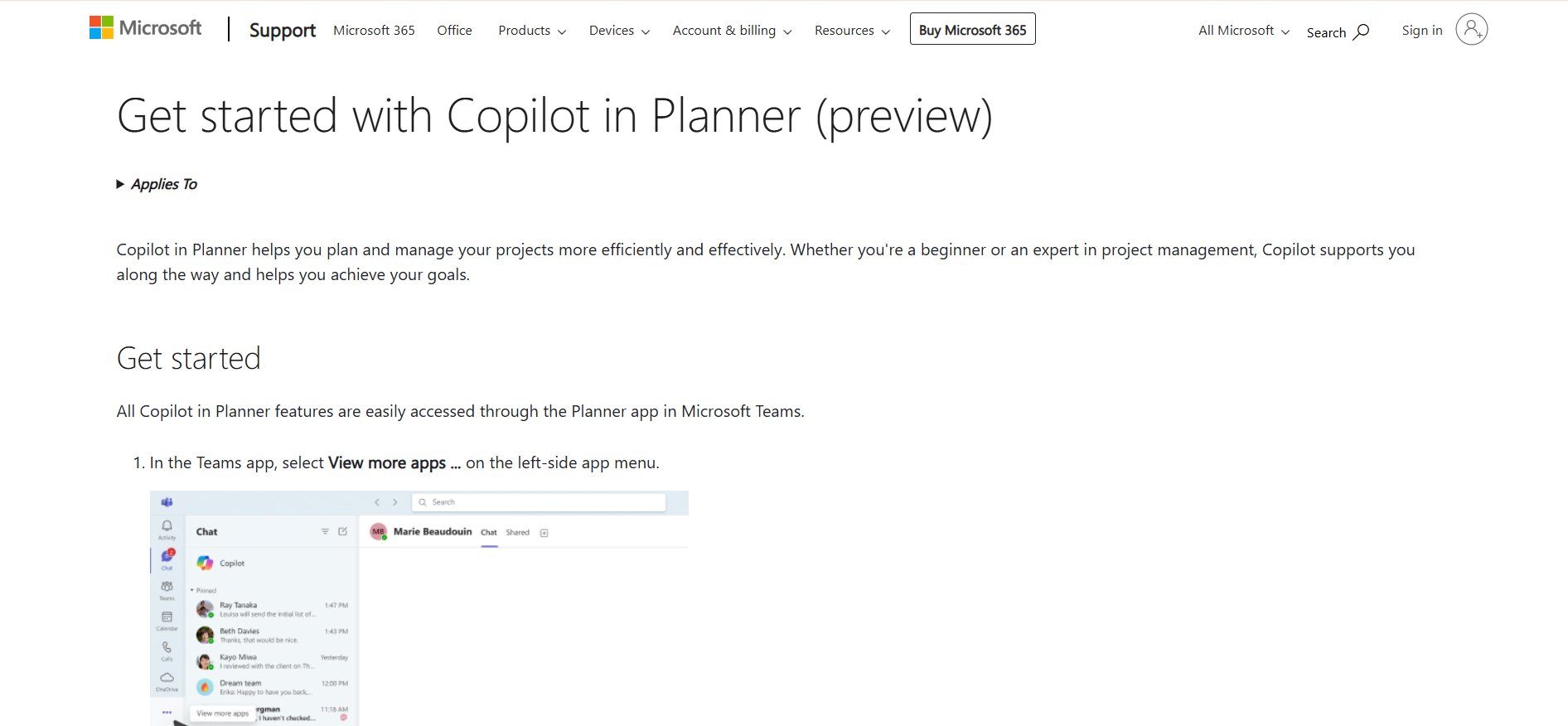
If your organization already runs on Microsoft 365, Microsoft Planner with Copilot is the most integrated option for managing project workflows without adding new software.
Copilot creates tasks from meeting transcripts, generates project plans from brief descriptions, and provides status summaries directly inside Teams. For organizations where meetings happen in Teams and projects live in Planner, the connection between these tools reduces the manual overhead of automated project tracking significantly.
Pricing: Included with Microsoft 365 subscriptions from $6/user/month. Copilot features require Microsoft 365 Copilot add-on at $30/user/month.
Good fit for: Organizations fully committed to Microsoft 365, teams collaborating primarily in Teams, and enterprises needing AI project management without adopting new vendors.
Where it falls short: AI Copilot features require an additional subscription. Less flexible for teams outside the Microsoft ecosystem.
8. Smartsheet — AI for Data-Driven Project Tracking
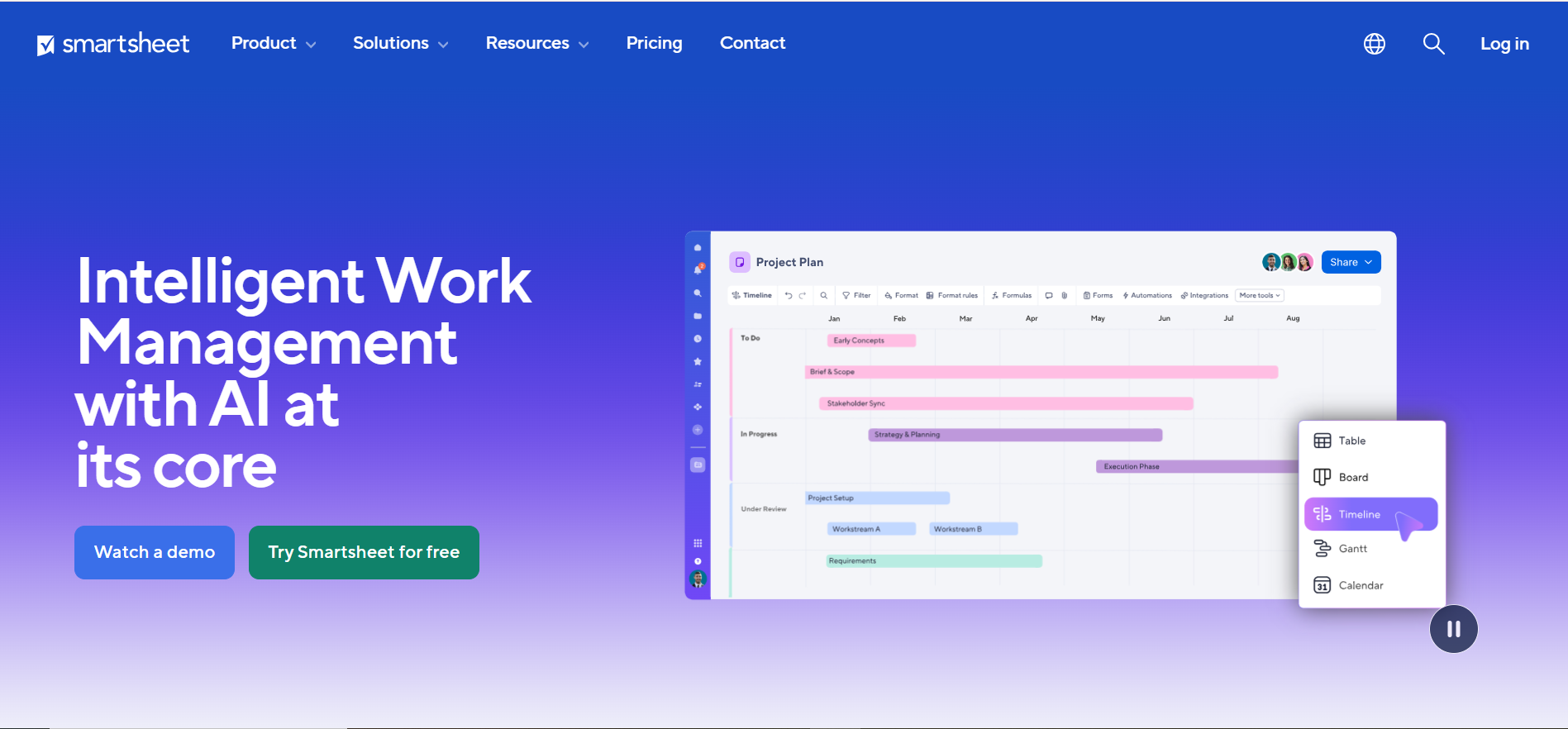
Smartsheet occupies a unique space in project management software—combining the familiar spreadsheet structure with AI-based insight generation and agentic capabilities.
For teams that live in spreadsheets, Smartsheet’s AI generates insights from project data, automates reporting, and surfaces portfolio risks. It integrates with Salesforce, Jira, and ServiceNow—making it a strong choice for PMO teams managing data-heavy projects.
Pricing: 30-day free trial. Pro at $9/user/month. Business at $19/user/month.
Good fit for: Operations teams and PMOs who think in spreadsheets and need AI-powered insights without switching to a board-based interface.
Where it falls short: Less intuitive than modern visual tools. AI is strong on data analysis but less developed for conversational task creation.
9. Notion — Docs and Project Management Together
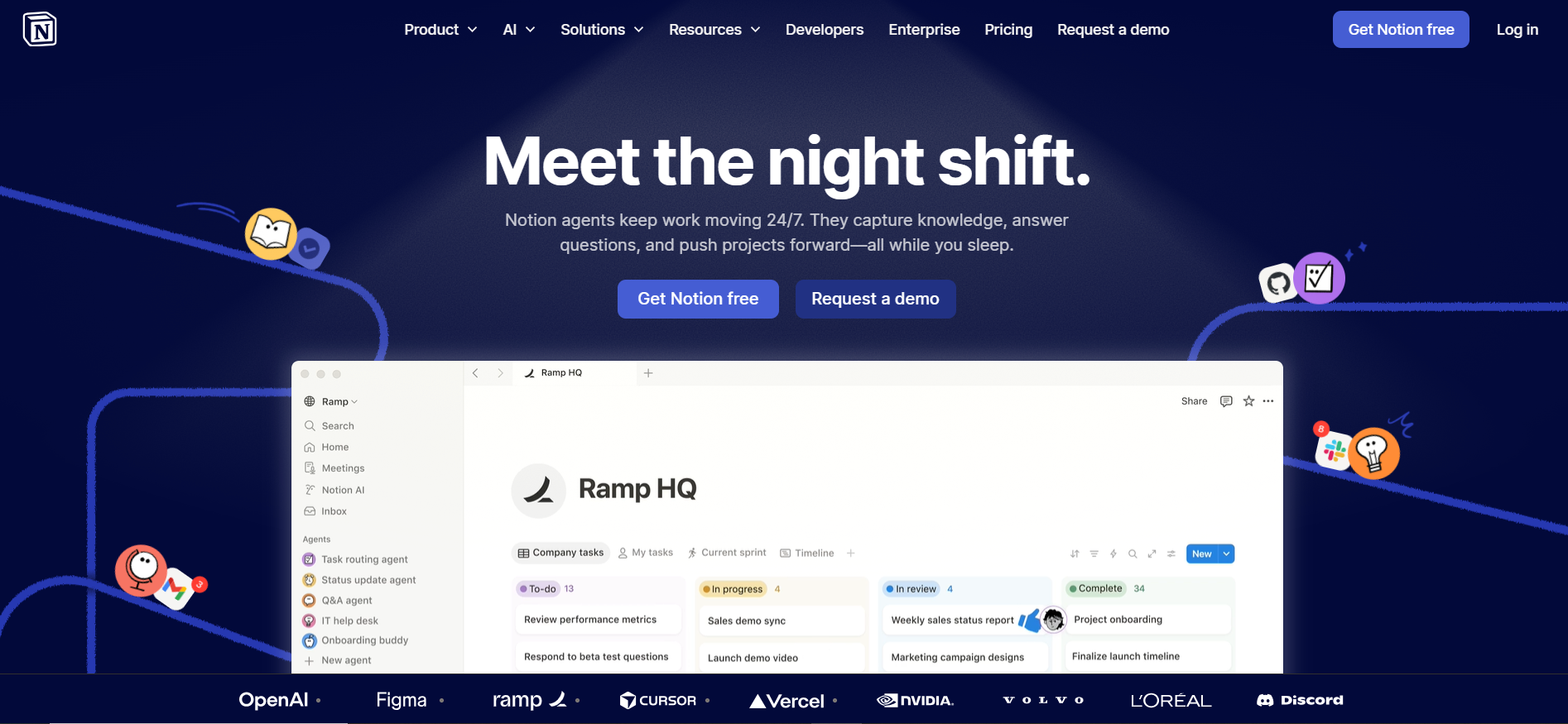
Notion has become a serious option for teams that want project management, documentation, and knowledge management in one connected workspace. Notion AI writes project summaries, generates meeting notes, creates task lists from documents, and helps teams search across their entire knowledge base.
For teams where project planning and documentation are deeply connected — product teams, research teams, content operations—the combination in a single tool removes significant friction from project workflows.
Pricing: Free plan available. Plus at $10/user/month. Business at $15/user/month.
Good fit for: Product teams, content teams, and research organizations where documentation and project management are closely linked.
Where it falls short: Less purpose-built for formal project management than Asana or Monday.com. Teams needing advanced resource management or complex dependency tracking will find it limiting.
10. Taskade — AI-Powered Project Apps for Any Workflow
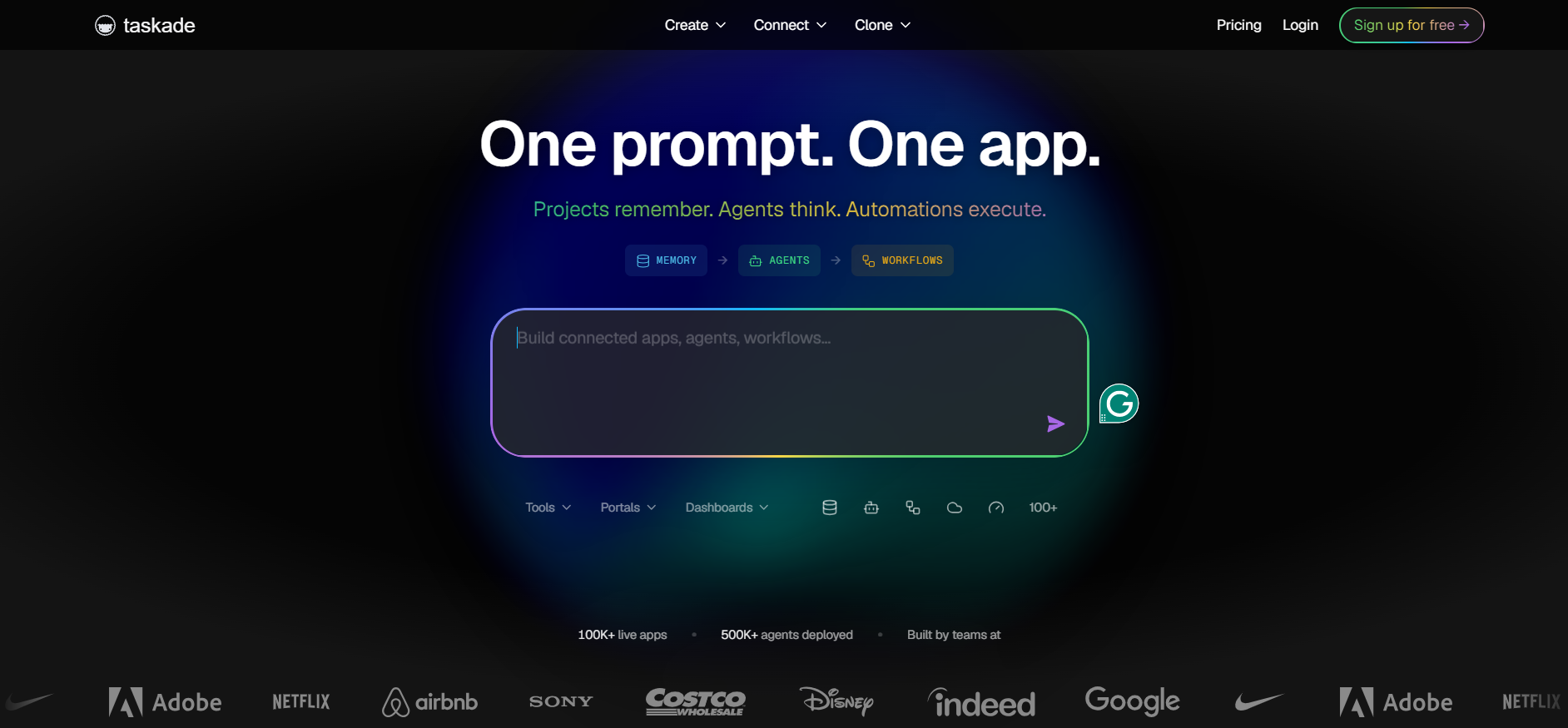
Taskade is the most flexible tool on this list for building custom project management platforms tailored to your workflow. Instead of adapting to a predefined system, you build AI-powered project apps from natural language descriptions.
AI agents handle task creation, research, summarization, and workflow automation. For small teams that need to manage projects with AI without enterprise overhead, Taskade is a capable and affordable starting point.
Pricing: Free plan available. Starter at $8/user/month. Plus at $16/user/month.
Good fit for: Small teams, freelancers, and startups wanting customized project workflows without the complexity of larger platforms.
Where it falls short: Fewer integrations and a smaller community than major platforms. Enterprise governance features are limited.
How to Choose the Right Tool
The best AI tools for project management match how your team actually works — not the ones with the most features on paper.
- Small teams and freelancers: Trello for simple visual tracking, or Taskade for lightweight AI assistance.
- Mid-sized teams with structured workflows: Asana if you value structure and AI accountability. ClickUp if you want more customization at a lower price.
- Cross-functional organizations: Monday.com. The Work OS approach handles complexity that single-purpose task management software cannot.
- Engineering and development teams: Jira. Agile-native features and deep Atlassian ecosystem integration make it the strongest choice for developers.
- Microsoft 365 organizations: Microsoft Planner with Copilot reduces tool sprawl for teams already in the Microsoft ecosystem.
- Data-heavy projects and PMO teams: Smartsheet. The spreadsheet-native format with AI insight generation handles reporting needs that visual tools underserve.
Final Thoughts
The shift to AI tools for project management is one of the most practical applications of AI for everyday teams. You do not need a technical background to benefit from these tools. You do not need to change how your team works. You need a platform that understands your projects, reduces coordination overhead, and helps everyone stay focused on the work that matters.
Every tool on this list offers a free plan or free trial. The best way to evaluate any ai project management tools is to run a real project through it for two weeks. You will know quickly whether the AI features match your workflow or whether you are paying for capabilities you will never use.
Start with one tool. Run one project. See what changes. That is how teams find the project management software that actually sticks.