The global content delivery network market was worth an estimated $30.51 billion in 2025 and is projected to climb to $36.91 billion in 2026 on its way to $170.86 billion by 2034. That kind of growth doesn’t happen because CDNs are a nice-to-have anymore—it happens because the moment a website or app feels slow, people leave, and businesses have finally run the numbers on what that actually costs them.
Right in the middle of that story sits AWS CloudFront CDN, the content delivery layer Amazon built on top of its own global network, and the one most students and working engineers run into first when they start learning how fast, reliable delivery actually works under the hood.
This piece walks through how CloudFront physically and logically works, how it handles geographic distribution, HTTP methods, bandwidth monitoring, traffic monitoring, and application availability, and why all of that matters well beyond passing a certification exam. It’s written the way I wish someone had explained it to me—in plain terms, with the mechanics laid out, not a list of features lifted from a marketing page.
What Is AWS CloudFront CDN?
AWS CloudFront CDN is Amazon’s content delivery network service, and its job is simple to state and harder to appreciate fully: instead of every visitor to your website or application pulling data from one central server, it caches copies of that content on servers scattered around the world, so a request gets served from whichever location is physically closest to the person making it.
That one idea—serve from nearby, not from far away—is the entire reason a CDN exists. A user in Lisbon shouldn’t have to wait on a round trip to a server sitting in Virginia every time they load a product image. CloudFront solves that by storing a cached copy of your content at an edge location near Lisbon instead, so the request never has to travel the full distance in the first place.
Under the hood, CloudFront sits in front of an origin—usually Amazon S3, an EC2-hosted application, an Elastic Load Balancer, or even a server outside AWS entirely. Viewers never talk to that origin directly; they talk to CloudFront, and CloudFront decides whether it already has a fresh copy of what’s being asked for or whether it needs to go fetch one first.
How AWS CloudFront CDN Actually Works, Step by Step?
It helps to break the request path into stages rather than treating it as one black box:
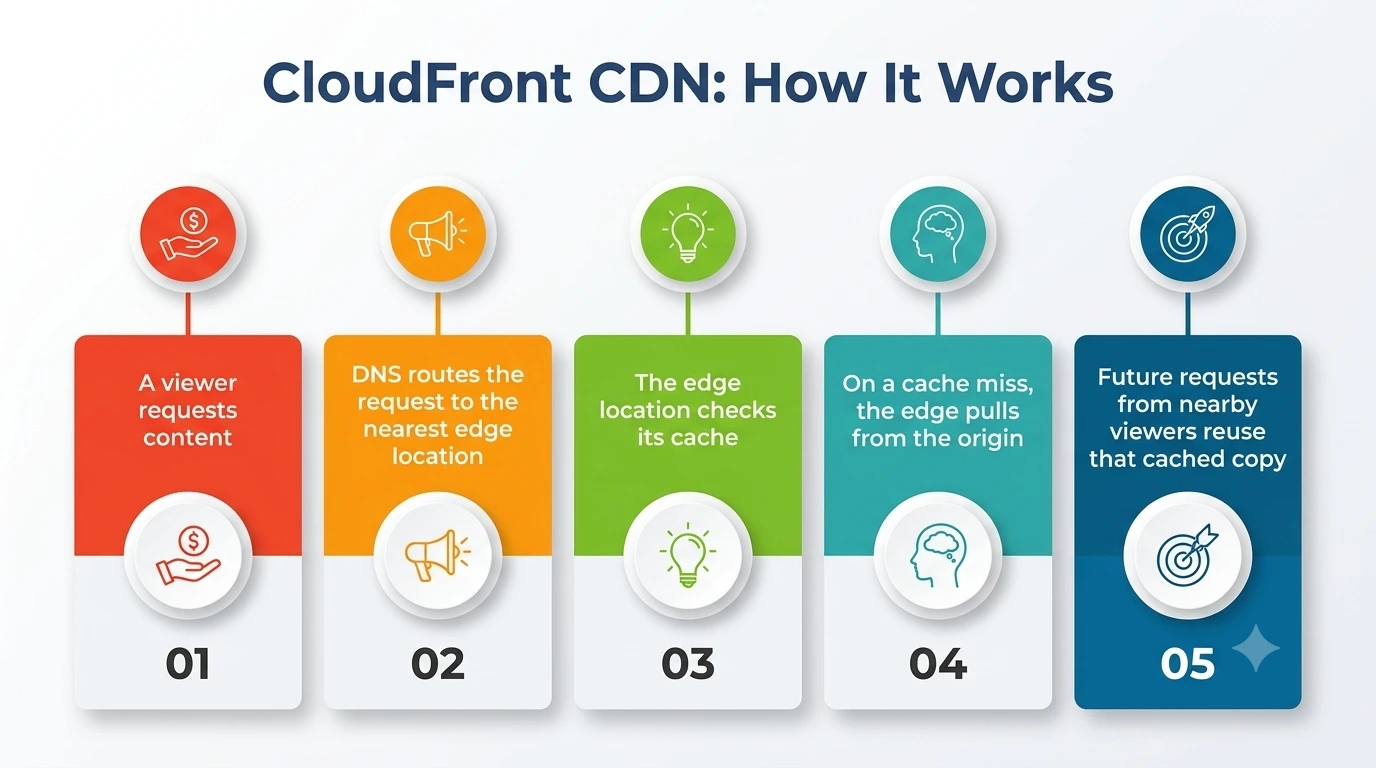
- A viewer requests content. Someone opens a webpage, and their browser sends a request for an image, a script, or an HTML file.
- DNS routes the request to the nearest edge location. Amazon’s DNS service, Route 53, resolves the request to whichever edge location is best positioned to serve that viewer, based on network conditions and physical distance.
- The edge location checks its cache. If it already has a valid, unexpired copy of the requested object, it serves it immediately—this is a cache hit, and it’s the fast path that makes the whole system worth using.
- On a cache miss, the edge pulls from the origin. If the object isn’t cached, or its cache has expired, the edge location requests it from the origin server, stores a copy according to the caching rules configured on the distribution, and then serves it to the viewer.
- Future requests from nearby viewers reuse that cached copy. Every subsequent visitor in that region benefits from the first request’s trip to the origin until the cached object expires or is invalidated.
This caching behavior is where AWS’s own CloudFront feature documentation becomes useful reading, because it shows how large the underlying network actually is—AWS currently operates more than 750 points of presence spread across over 100 cities in more than 50 countries, plus a separate tier of over 1,140 embedded points of presence closer to end users, all backed by 15 regional edge caches sitting inside AWS’s own regions.
Geographic Distribution: The Real Reason It Feels Fast
Geographic distribution is the single most underrated concept in this entire topic, and it’s worth sitting with for a minute. Latency is mostly a function of physical distance and the number of network hops a request has to make, and no amount of clever application code fixes a server that’s simply too far away. This solves that problem at the infrastructure layer, before any software-level optimization even gets a chance to matter.
AWS CloudFront CDN leans entirely on this global spread to make it work. By placing cached content on edge locations across nearly every populated continent, it turns a single origin server into something that behaves, from the viewer’s perspective, like it’s running locally no matter where they are.
A student in Toronto, a shopper in Berlin, and a developer in Singapore can all hit the same application and each get a response from a nearby location, rather than all three queuing up behind one server on the other side of the planet.
This is also why planning for proper geographic distribution matters more as an application grows internationally. A regional app with a single user base in one city can sometimes get away without thinking hard about it. A global product can’t—without that kind of planning, users in distant regions simply get a worse experience than users near the origin, through no fault of the application code itself.
HTTP Methods: What the Edge Will and Won’t Cache
A detail that trips up a lot of people learning this service is assuming every request type behaves the same way once it reaches an edge location. It doesn’t, and understanding which HTTP methods get special treatment matters once you move past basic static file delivery.
A distribution can be configured to forward seven HTTP methods to the origin: GET, HEAD, OPTIONS, PUT, PATCH, POST, and DELETE. That covers everything from a simple read request to a form submission or an API call that modifies data.
Caching, though, is a separate setting from forwarding, and this is where that distinction really matters. A distribution can be set to cache only GET and HEAD requests, or GET, HEAD, and OPTIONS together—but write-oriented requests like POST, PUT, PATCH, and DELETE are never cached, for the obvious reason that caching a response meant to modify data would produce incorrect results for the next viewer.
Knowing which request types are safe to cache and which ones always need to reach the origin is one of the more practical things anyone configuring a CloudFront distribution needs to learn early on, because getting it backwards either breaks dynamic functionality or wastes the entire point of caching in the first place.
Bandwidth Monitoring and Traffic Monitoring Explained
None of the architecture above means much if you can’t actually see what’s happening to it in production, which is where bandwidth monitoring and traffic monitoring come in. CloudFront publishes a set of operational metrics automatically for every distribution, and those metrics flow straight into Amazon CloudWatch, giving you both without having to build any of that instrumentation yourself.
Bandwidth monitoring through CloudWatch shows how much data is moving through each distribution, broken down in ways that make it possible to spot a sudden spike before it turns into a surprise bill or a performance problem.
Traffic monitoring complements that by tracking request counts, error rates, and cache hit ratios, so you can tell the difference between “traffic grew because the product is doing well” and “traffic grew because something is misbehaving and retrying requests.”
Beyond the standard metrics, CloudFront also supports two logging options worth knowing about: standard logs delivered to Amazon S3 within minutes for after-the-fact analysis and real-time logs streamed through Amazon Kinesis Data Streams within seconds for teams that need to react to what they’re seeing as it happens rather than after the fact. Choosing between the two usually comes down to whether a team needs to catch a problem while it’s unfolding or whether reviewing it an hour later is good enough.
Application Availability: Why It’s Built to Stay Up
Application availability is the quieter half of the CDN value proposition—it gets less attention than speed, but it matters just as much. CloudFront improves uptime in a few distinct ways that are worth separating out instead of treating as one vague benefit.
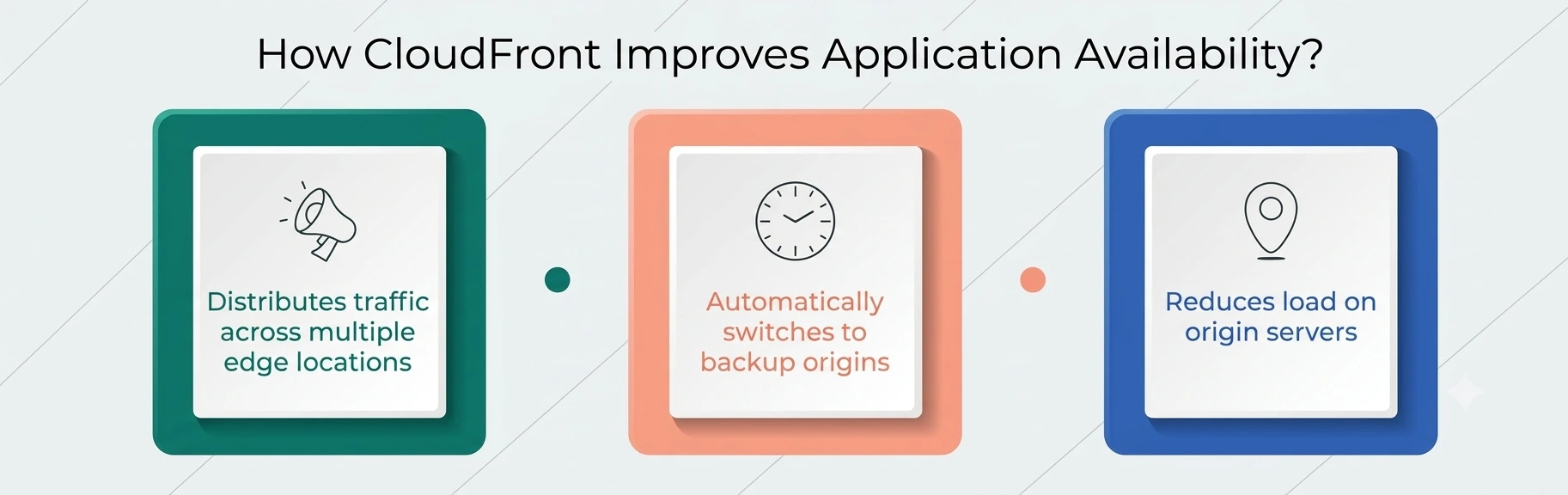
- First, distributing requests across hundreds of edge locations means no single point handles everything, so the failure of one location doesn’t take the whole service down—the kind of resilience that directly protects uptime during regional network issues.
- Second, CloudFront supports origin failover, automatically redirecting requests to a secondary origin if the primary one stops responding, which keeps things running even when something breaks upstream of the CDN itself.
- Third, because so much traffic gets served directly from cache at the edge, the origin server itself faces far less load, which indirectly protects uptime by reducing the chance that the origin becomes overwhelmed in the first place. If your origin sits behind a load balancer, this guide to AWS load balancer types will help you pick the right one.
AWS backs this with a formal service commitment for CloudFront, which is worth reading once you’re responsible for uptime in a production environment rather than just experimenting in a sandbox account.
If you’re also curious about how access control works at the edge, these CloudFront security interview questions cover signed URLs, origin protection, and more.
CloudFront Components at a Glance
|
Component |
What It Does |
Why It Matters |
|
Edge location |
Caches content physically near viewers |
Drives geographic distribution and low latency |
|
Origin |
Source server pulled from on a cache miss |
S3, EC2, load balancers, or external servers |
|
Cache behavior |
Rules for what gets cached and for how long |
Controls which request types are cacheable |
|
Regional edge cache |
Mid-tier cache between edge locations and origin |
Reduces origin load for less-popular content |
|
CloudWatch metrics |
Automatic operational data per distribution |
Powers bandwidth and traffic visibility |
|
Origin failover |
Automatic switch to backup origin |
Protects uptime during an outage |
|
Signed URLs/Cookies |
Restrict who can access cached content |
Adds access control without touching the origin |
Common Mistakes People Make with AWS CloudFront CDN
A handful of patterns show up again and again among people learning this service for the first time:
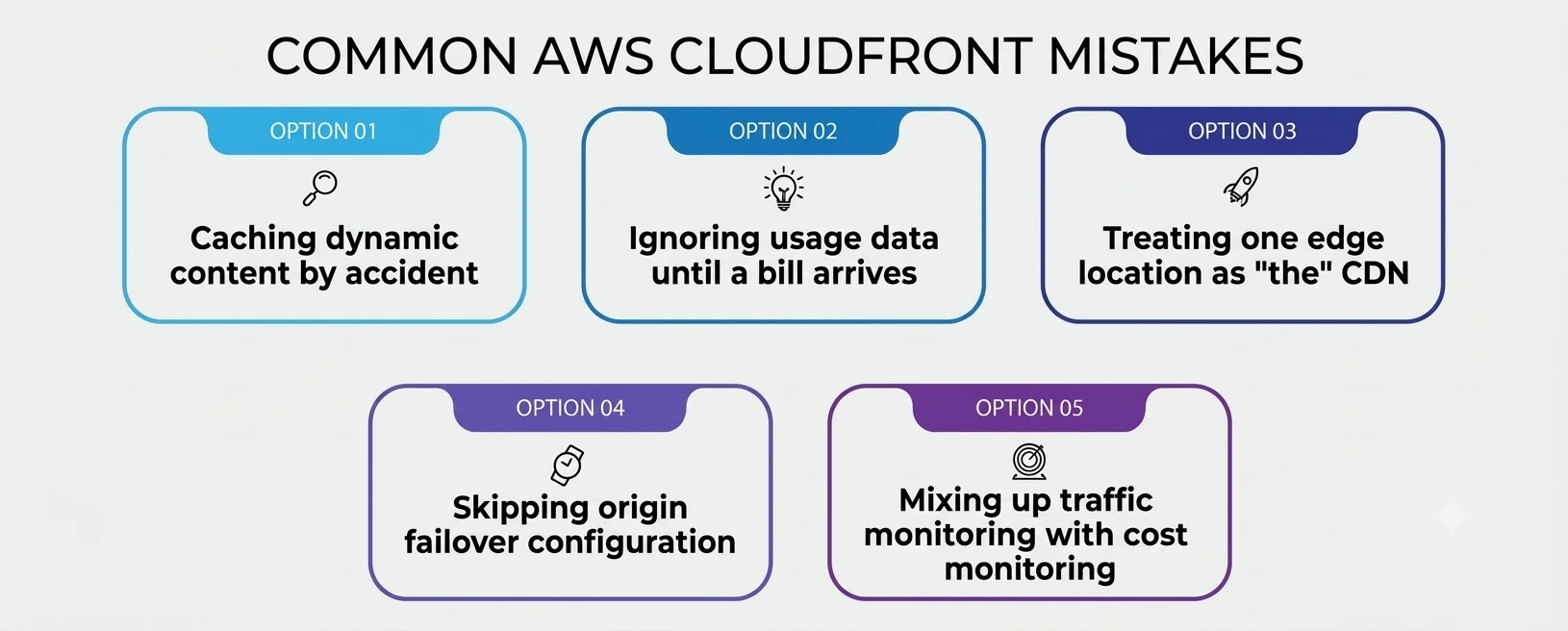
- Caching dynamic content by accident, which serves stale or incorrect data because the cache behavior wasn’t scoped carefully to the right request types and paths.
- Ignoring usage data until a bill arrives, instead of setting up CloudWatch alarms early to catch unusual spikes.
- Treating one edge location as “the” CDN, missing the point that spreading cache nodes across hundreds of locations is what actually delivers the benefit.
- Skipping origin failover configuration, leaving uptime dependent entirely on a single origin staying healthy.
- Mixing up traffic monitoring with cost monitoring, when the two answer different questions — one is about request behavior and errors, the other about volume and spend.
A Personal Note
The first time I actually understood what AWS CloudFront CDN was doing wasn’t from reading documentation — it was from watching a cache hit ratio graph during a product launch and realizing how much work was happening that I couldn’t see from the application side at all.
The origin server barely noticed a traffic spike that would have otherwise knocked it over, because almost everything was being served from the edge before it ever reached our backend. That’s the part no tutorial fully prepares you for: how quiet a well-configured CDN makes everything look from the inside, right up until you check the metrics and see how much it was actually absorbing.
If you’re learning this for the first time, don’t just read about how the edge network spreads cached content and how caching rules decide what gets served — set up a real distribution, push some traffic through it, and watch the numbers move. That’s where it actually clicks.