If you are a student trying to understand cloud computing, you probably have come across the term “IaaS” and felt a little lost. You are not by yourself. I remember the first time I tried to explain infrastructure as a service to a junior in college; I stumbled through it, used too much jargon, and saw their eyes glaze over. So this time I’m doing it a little differently.
Not much of the heavy textbook lingo, no definitions copied and pasted. A basic walk-through of what Infrastructure as a Service really is, why it matters, and how it fits into the bigger picture of cloud computing.
What is Infrastructure as a Service?
Say you want to create a website or an app. Previously, you had to go out and purchase physical servers, install them in a room with cooling, run network cables, and hire someone to manage it all. It’s expensive, slow, and honestly it’s a nightmare for a student project or small business.
That is exactly the problem infrastructure as a service solves. In simple terms, Infrastructure as a Service is a cloud computing model where you get access to servers, storage, and networking via the internet from a provider that you rent rather than buy.
It’s like renting a flat rather than building a house. You don’t own the bricks or plumbing; you just move in and use the space. That’s Infrastructure as a Service: somebody else owns and maintains the physical hardware, and you just use it.
According to GeeksforGeeks , this model is one of the three basic pillars of cloud computing (PaaS, SaaS) and provides basic compute, network, and storage resources to the consumers on demand over the internet.
IaaS Demystified: Keeping the Fundamentals Simple
When people are searching for “IaaS explained,” what they are generally looking for is clarity on what exactly you’re renting. Here’s the lowdown:
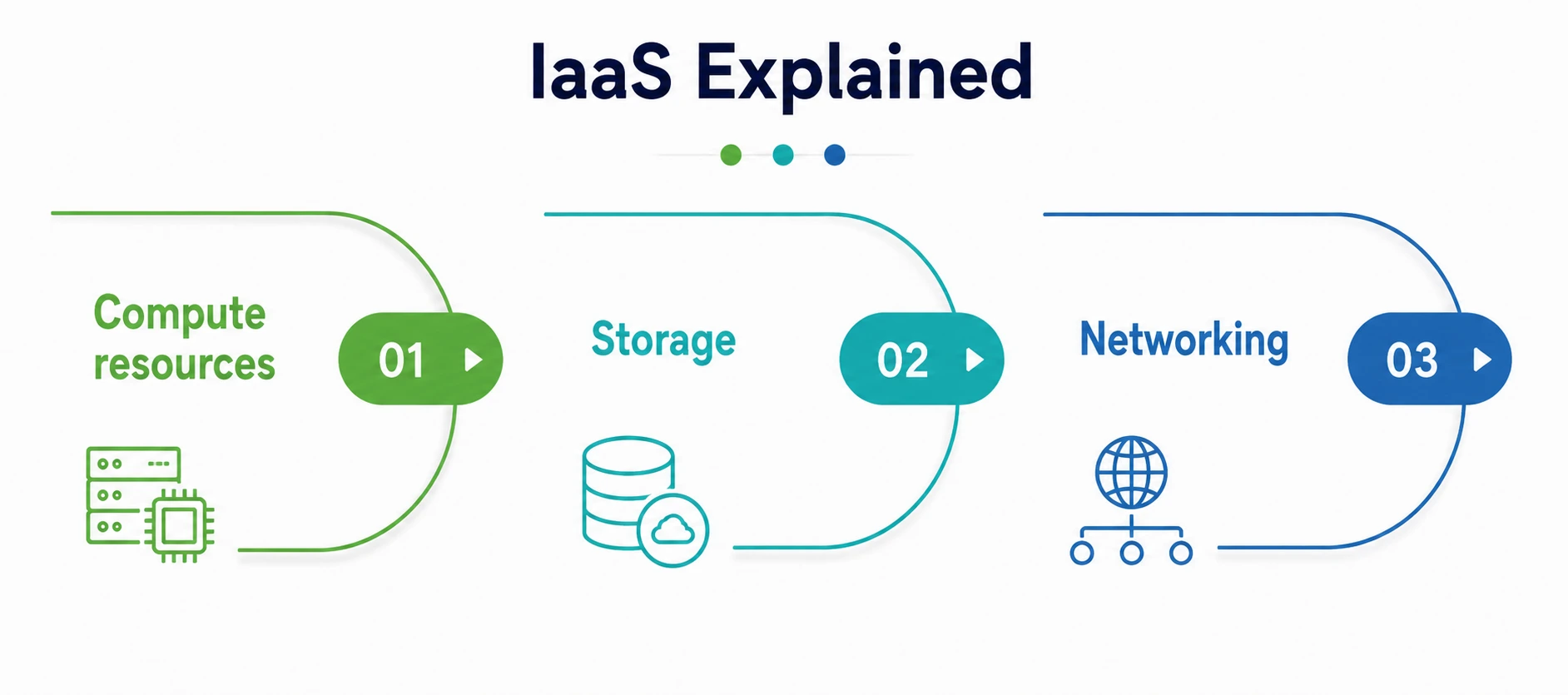
- Compute resources — CPU power Virtual computers that act like real computers, so you can run applications, host websites, or train models.
- Storage – where your data, files, backups, and databases reside.
- Networking—the virtual equivalent of routers, firewalls, and network configurations.
The physical data centers are owned by the provider. The provider could be AWS, Azure, or Google Cloud. You can configure and control the virtual version of these resources through a dashboard or an API without ever touching the real machines.
This is the IaaS way of doing it. This is what makes cloud computing accessible to college students doing a semester project; you don’t have to buy expensive hardware to experiment with real infrastructure.
As Red Hat says, “IaaS is where the vendor manages virtualization, storage, networks, and servers, while the user manages applications, data, operating systems, and runtimes.”
What Role Does IaaS Play in Cloud Computing?
Students often get confused with the three main service models of cloud computing. Normally I describe it like this:
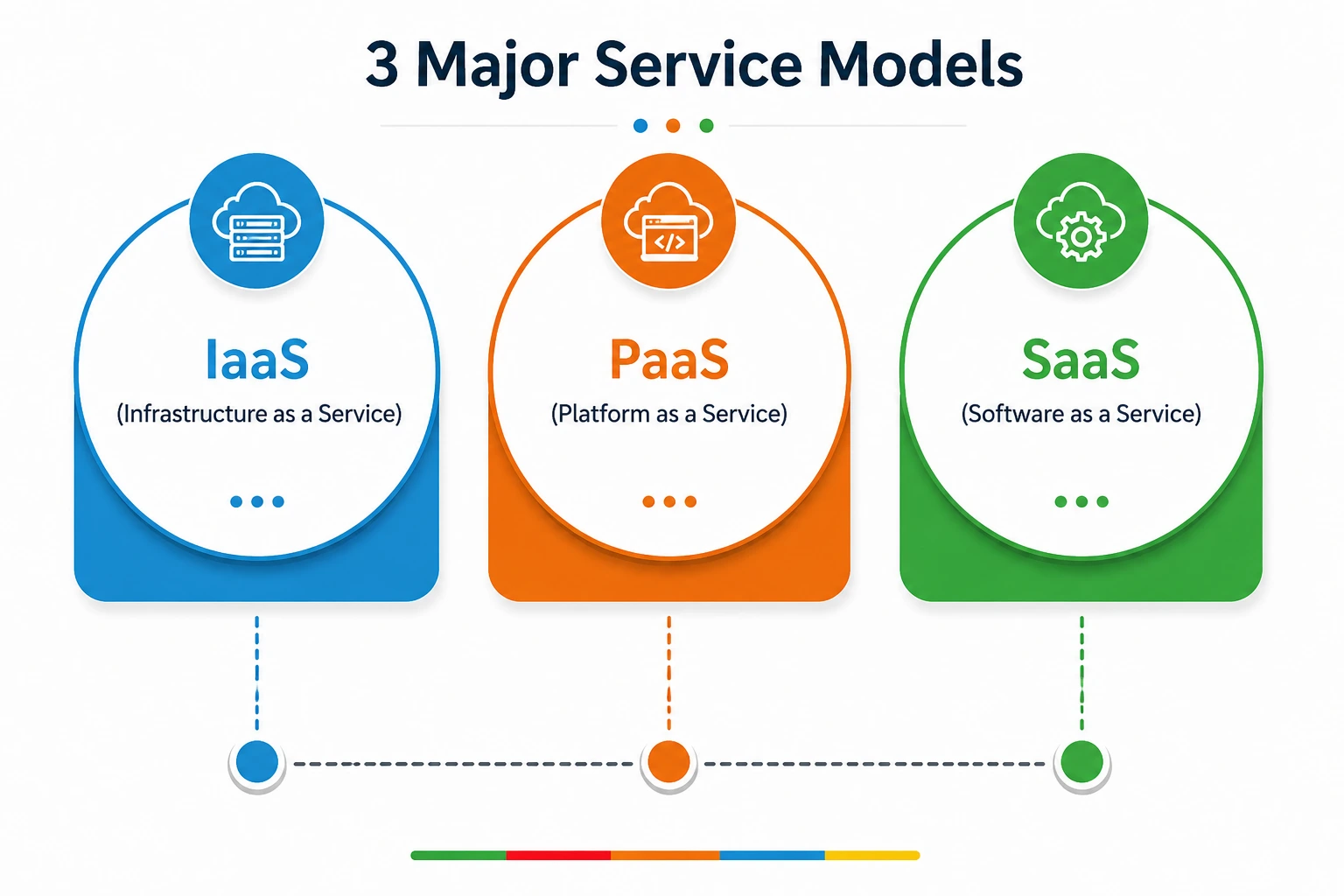
- IaaS – The basic building blocks: servers, storage, networking.
- PaaS (Platform as a Service) – an off-the-shelf platform for building and deploying apps, without the hassle of managing servers.
- SaaS (Software as a Service) You simply use an application that already exists, like Gmail or Netflix.
Infrastructure as a service is at the bottom of this stack, providing you with the most control and flexibility but also requiring the most from you. IaaS allows IT teams to directly control their virtual infrastructure, but without having to own the hardware. “You manage the operating systems, applications, and data, and the provider manages servers, storage, and networking,” according to DataBank.
If PaaS and SaaS are like ordering food at a restaurant, IaaS is like being given a fully stocked kitchen and told “cook whatever you want.” You get freedom. But responsibility too.
Why are compute resources important?
Compute resources are virtual processing power—CPU, memory, and the ability to run software. Bootstrapping a virtual machine is like renting compute that behaves exactly like a physical computer, except that it lives somewhere in a massive data center.
The beauty of renting compute resources through infrastructure as a service is the elasticity. That way, if your app experiences a traffic spike, you can scale up within minutes. No new hardware to wait for, no manual installation, just a few clicks or API calls. That’s precisely why so many startups and enterprises choose to rent compute resources rather than owning physical infrastructure. You pay only for what you use, and you can dial it up or down as your needs change.
Traditional Infrastructure vs Cloud Infrastructure
Let’s take a step back and talk about cloud infrastructure in general, since Infrastructure as a Service is just one flavor of it.
Cloud infrastructure is the hardware and software components needed for cloud computing, including servers, storage, networking equipment, and virtualization software. For traditional infrastructure, businesses purchased all of this themselves, housed it themselves, and maintained it themselves. That’s the burden the provider carries in modern cloud infrastructure.
IaaS provides on-demand delivery of cloud, compute, storage, and networking resources that can be centrally managed and provisioned quickly in a virtualized environment, and customers only pay for the resources they actually use. This shift to agile cloud infrastructure has been a game changer, especially for students and small teams who don’t have deep pockets but want access to enterprise-grade systems.
The Role of Colocation Service
Many beginner guides don’t cover colocation services, but here’s something else that many beginner guides don’t cover—colocation services. Colocation is a bit different from a pure cloud infrastructure. Colocation means you have your own physical servers, but you keep them in a third-party data center, rather than renting virtual resources from a provider. The colocation provider handles the power, cooling, physical security, and connectivity, but you still own and manage the hardware itself.
Many organizations use a combination of infrastructure as a service and colocation services depending on their needs. Sensitive data might sit in a colocation facility for compliance reasons while flexible workloads run on cloud infrastructure. Hybrid strategies that combine IaaS and colocation services will increasingly shape enterprise IT decisions.
Students learn about colocation services and see that “the cloud” isn’t always the answer, and sometimes a hybrid approach that involves colocation makes more practical sense.
Container Orchestration & Rising Importance
If you’ve been in DevOps for any amount of time, you’ve likely heard the term “container orchestration” used quite a lot. Let’s connect the dots.
Containers are lightweight and portable units that bundle an application with all of the components it needs to run. With hundreds of containers running across servers, you cannot manage them manually. This is where container orchestration is. Tools like Kubernetes automate deployment, scaling, and managing containers throughout your infrastructure.
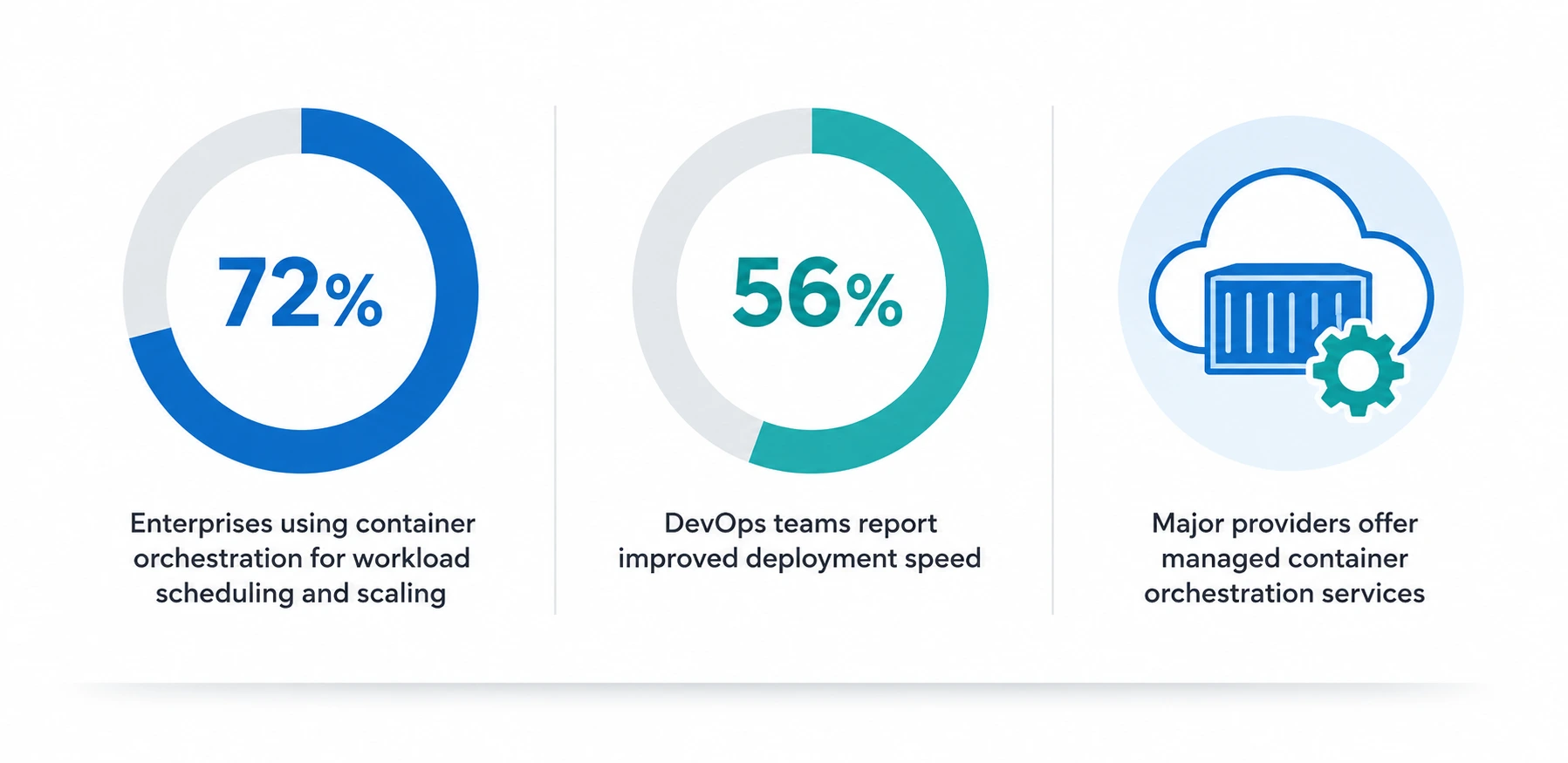
More than 72% of enterprises that have adopted microservices depend on container orchestration to automate the scheduling and scaling of workloads, and some 56% of DevOps teams say their deployment speed has increased after adopting it. “Most of the big providers have container orchestration services now, which automates a lot of the manual work. This is important for students learning DevOps because skills in container orchestration together with a good understanding of IaaS concepts are in high demand.
Infrastructure Security: The Part You Can’t Ignore
In any discussion of IaaS, infrastructure security is a must-have, because even when you’re renting resources from someone else, that doesn’t mean you stop thinking about safety.
Infrastructure security in a cloud environment follows a “shared responsibility model.” The provider is responsible for the physical data center, the hardware, and the virtualization layer.
You are responsible for securing your operating systems, applications, controls, and data. It doesn’t matter that you are using infrastructure as a service; you are still responsible for infrastructure security.
A 2026 container orchestration report shows that 97% of stakeholders are still grappling with security challenges, with misconfigurations and exposures being the biggest concern, proving that infrastructure security practices remain critical even in mature cloud environments. Strong control of access, encryption, patching regularly, and monitoring for unusual activity should be part of infrastructure security.
Advantages of Infrastructure as a Service
Here’s why so many organizations, from startups to enterprises, rely on IaaS:
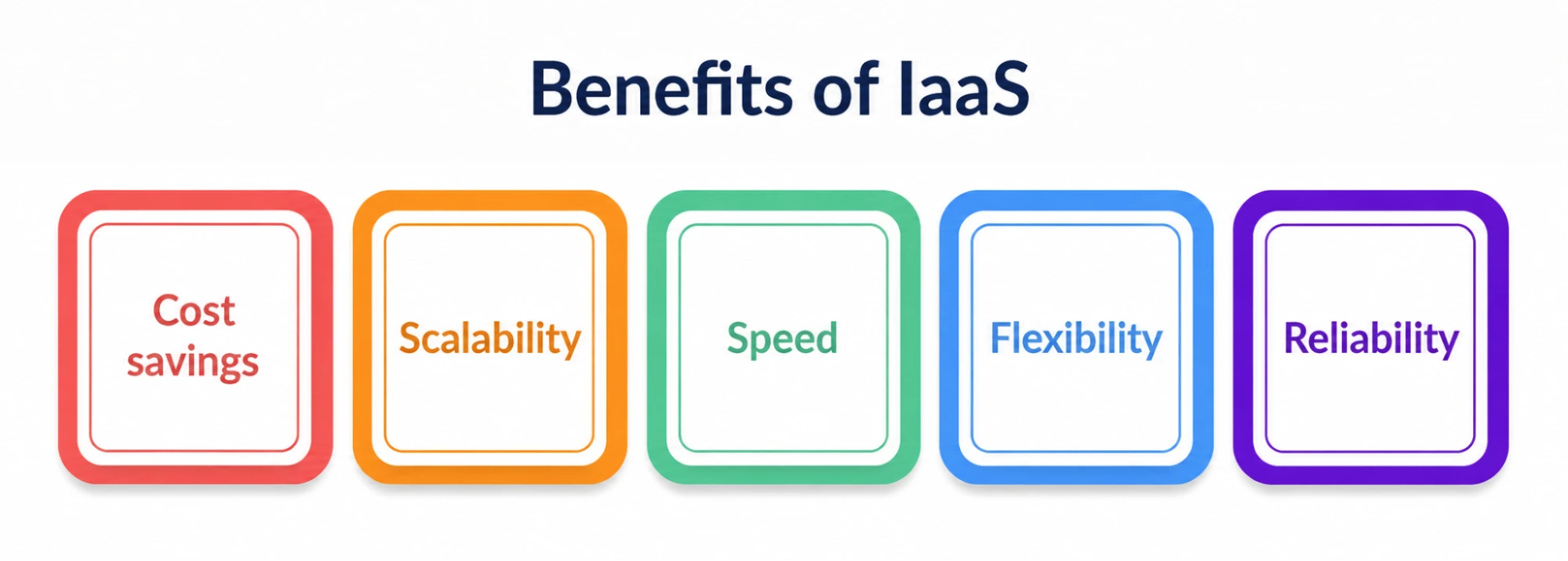
- Cost savings – no need to buy physical hardware up front; pay for what you use.
- Scalability – It can scale resources and storage instantly up or down.
- Speed – new servers can be provisioned in minutes, not weeks
- Flexibility – complete control over operating systems and applications.
- Reliability – most vendors have redundancy in their infrastructure to prevent them from becoming single points of failure.
Most IaaS providers (per Cloudwards) have a redundant architecture by default so as to avoid a single point of failure and permanent data loss. Durability can be even improved with a multi-cloud or hybrid approach.
Fast Comparison: SaaS, PaaS, and IaaS
|
Feature |
IaaS | PaaS |
SaaS |
|
What you control |
OS, application, data, runtime | Data and Application only |
Nothing. Just use the app |
|
What the provider controls |
Networking, storage, servers | OS, runtime, Infrastructure |
Everything. Including the app |
|
Control level |
Highest | Medium |
Lowest |
|
Best suited for |
Custom builds, AI/ML, scaling | Application development without infra hassle |
End users who need ready-made software |
|
Example |
AWS EC2, Azure Virtual Machines, Google Compute Engine | Google App Engine, Heroku |
Netflix, Salesforce, Gmail |
Real-Life Applications for Students
- A college student working on a machine learning project can now rent compute resources for a few hours instead of buying an expensive GPU.
- A startup developing an app can use cloud infrastructure to respond to unanticipated traffic jumps without having to pre-buy servers.
- A company with strict data regulations may choose colocation services plus infrastructure as a service for a hybrid environment.
- If you have a DevOps team managing microservices, you depend on container orchestration on top of IaaS to keep things organized.
These use cases make the abstract idea of “renting infrastructure” a lot more concrete.
Where is Infrastructure as a Service headed?
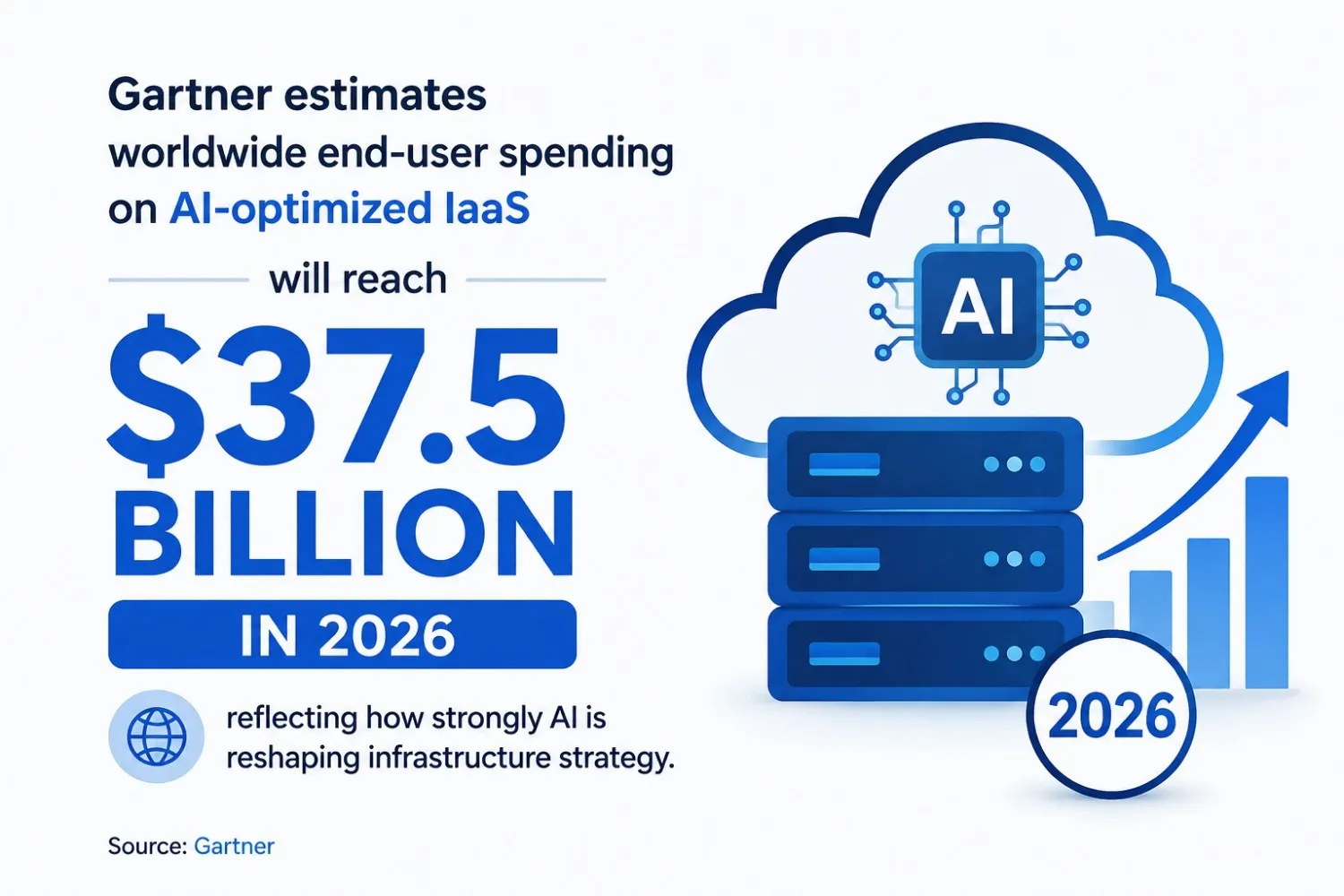
Looking at trends today, Infrastructure as a Service is more than simply replacing physical servers; it is about being strategic in terms of AI readiness and operational efficiency. In 2026, global end-user spending on IaaS optimized for AI will reach $37.5 billion,” Gartner predicts. “This illustrates the magnitude of AI’s impact on infrastructure strategy.
For those breaking into tech today, understanding Infrastructure as a Service isn’t an academic exercise—it’s a truly future-proof skill.
Personal note
To be honest, when I first started learning about cloud computing, terms like “infrastructure as a service” sounded intimidating—like something only senior engineers with years of experience would understand. I knew it when I signed up for a free-tier account with a cloud provider and spun up my first virtual machine.
It’s not that different from renting a bike instead of buying one; you get to use it, you don’t worry about repairs, and when you’re done, you return it (or scale it down). If you are a student reading this, my honest advice to you is: stop just reading definitions and go create a free account somewhere.
Get a small server up, break it, fix it, and let the idea sink in through your own hands. That’s really how I learned it, and it’s still the best way I know.