If you’ve ever streamed a movie on Netflix, saved a file to Google Drive, or submitted an assignment through your college portal, you’ve already used cloud computing without even thinking about it. But here’s the thing — not all clouds are built the same way.
When students first start learning about this topic, the number of terms thrown around (public, private, hybrid, SaaS, IaaS, serverless) can feel like a maze. I’ve been there myself, and honestly, it took me a while to see how these pieces fit together.
That’s exactly why I decided to write this guide — to break down the types of cloud computing in plain language, without the jargon overload you usually find in textbooks. By the end of this article, you’ll understand every major model and be able to explain the topic confidently in an exam, interview, or college project.
Let’s get into it.
What Exactly Is Cloud Computing?
Before we jump into the different deployment options, let’s get the basics straight. Cloud computing simply means using computing services—servers, storage, databases, software, and networking—over the internet instead of owning physical hardware yourself. Instead of buying a server and maintaining it in a room somewhere, you “rent” that computing power from a provider like AWS, Microsoft Azure, or Google Cloud and pay only for what you use.
This shift has been massive for businesses and students alike. According to Google Cloud, there are three main deployment models — shared, private, and hybrid cloud — along with several service models that sit on top of them, including IaaS, PaaS, and SaaS.
Now, why does this matter for you as a student? Because cloud computing is one of the fastest-growing career fields today. Whether you’re studying computer science, IT, or business, understanding this subject will help you make sense of nearly every modern tech stack you’ll encounter.
Why Does Learning the Types of Cloud Computing Matter?
Every organization — from a two-person startup to a multinational bank — has to decide how it wants to host its data and applications. That decision usually comes down to choosing among the different deployment and service models available. Get it right, and a company saves money, scales fast, and stays secure. Get it wrong, and it either overspends or exposes itself to serious risk.
For students, this isn’t just theory. Job interviews for roles in DevOps, system administration, and software development almost always touch on cloud deployment concepts. So consider this your head start.
The Main Types of Cloud Computing Deployment Models
Let’s break these down one at a time. These models describe where your infrastructure physically lives and who controls it. As explained by TierPoint, businesses need to evaluate different options carefully before committing to a migration plan, since each comes with its own pricing, control, and security trade-offs.
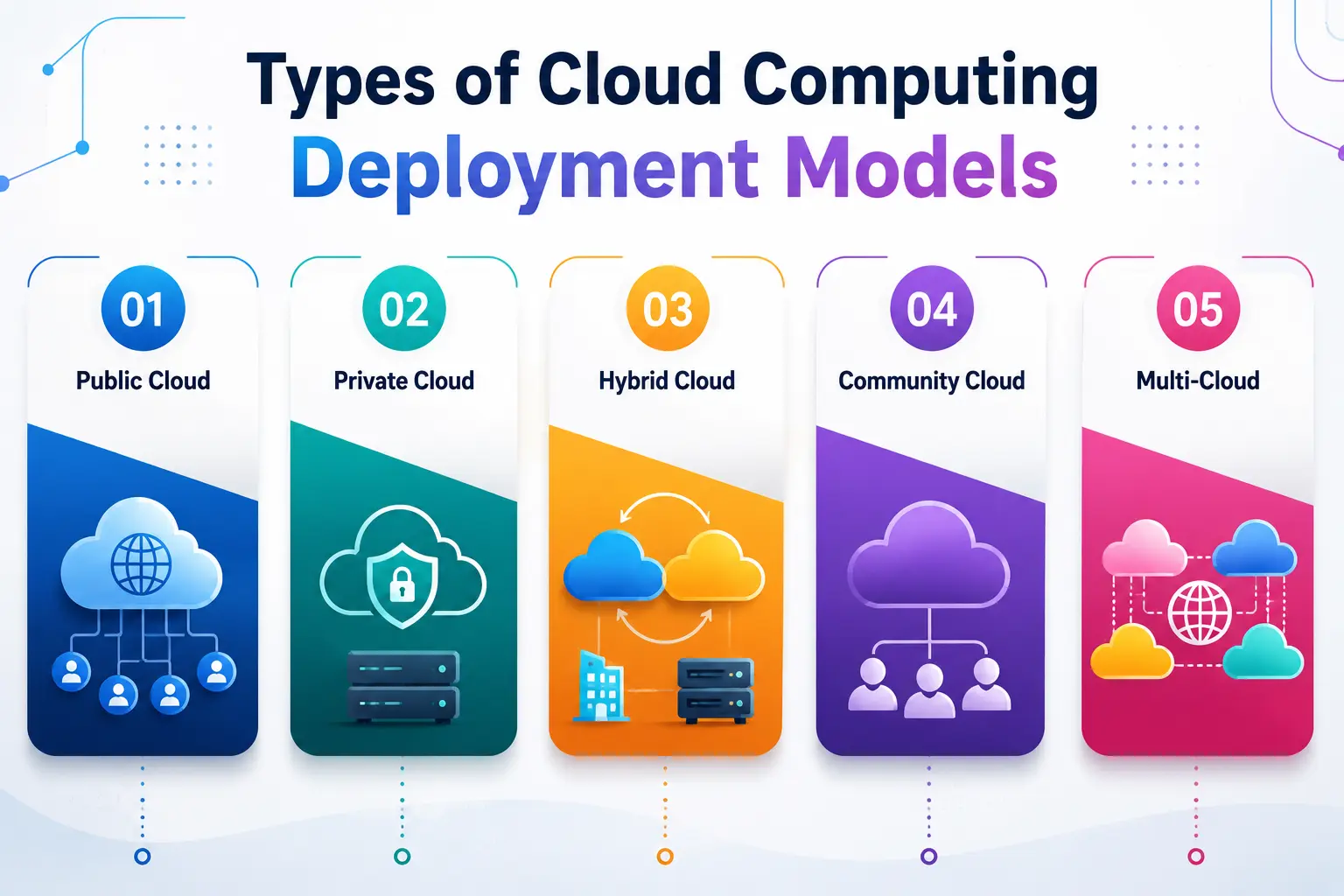
1. Public Cloud
This is the most common and widely used model, and it’s probably what most people picture when they hear “cloud computing.” In this setup, a third-party provider — think AWS, Microsoft Azure, or Google Cloud Platform — owns and operates massive data centers. Multiple customers, including you, share the same physical infrastructure, but your data remains logically isolated from everyone else’s.
Think of the public cloud like a co-working space. Everyone shares the building, the Wi-Fi, and the coffee machine, but each business still has its own private desk and locked cabinet. As ThinkOn puts it, this model is hosted by third-party vendors over the internet and widely available to multiple organizations, making it a go-to option for cost-effective scalability.
Why students should care: Almost every cloud certification course (AWS, Azure, GCP) starts by teaching you how this shared model works, since it’s the most accessible and beginner-friendly environment to practice in.
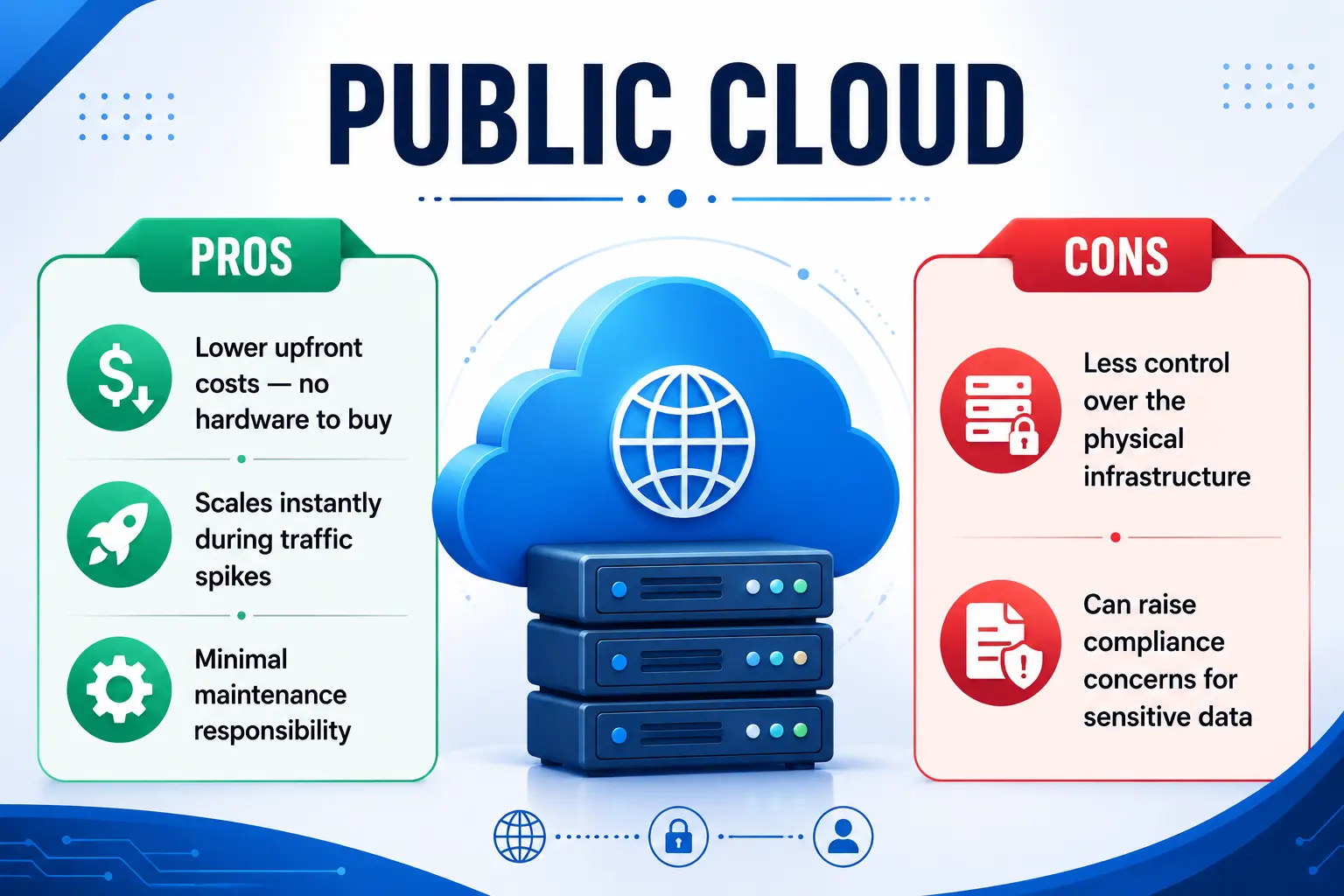
Pros:
- Lower upfront costs — no hardware to buy
- Scales instantly during traffic spikes
- Minimal maintenance responsibility
Cons:
- Less control over the physical infrastructure
- Can raise compliance concerns for sensitive data
2. Private Cloud
Unlike its shared counterpart, a private cloud is dedicated entirely to one organization. It can be hosted on the company’s own premises or by a third-party provider, but either way, the resources aren’t shared with anyone else. This gives businesses tighter control over security, customization, and compliance — something that’s critical for industries like healthcare, banking, and government.
If the shared model is a co-working space, a private cloud is owning your own office building. You control who enters, how it’s designed, and what security measures are in place.
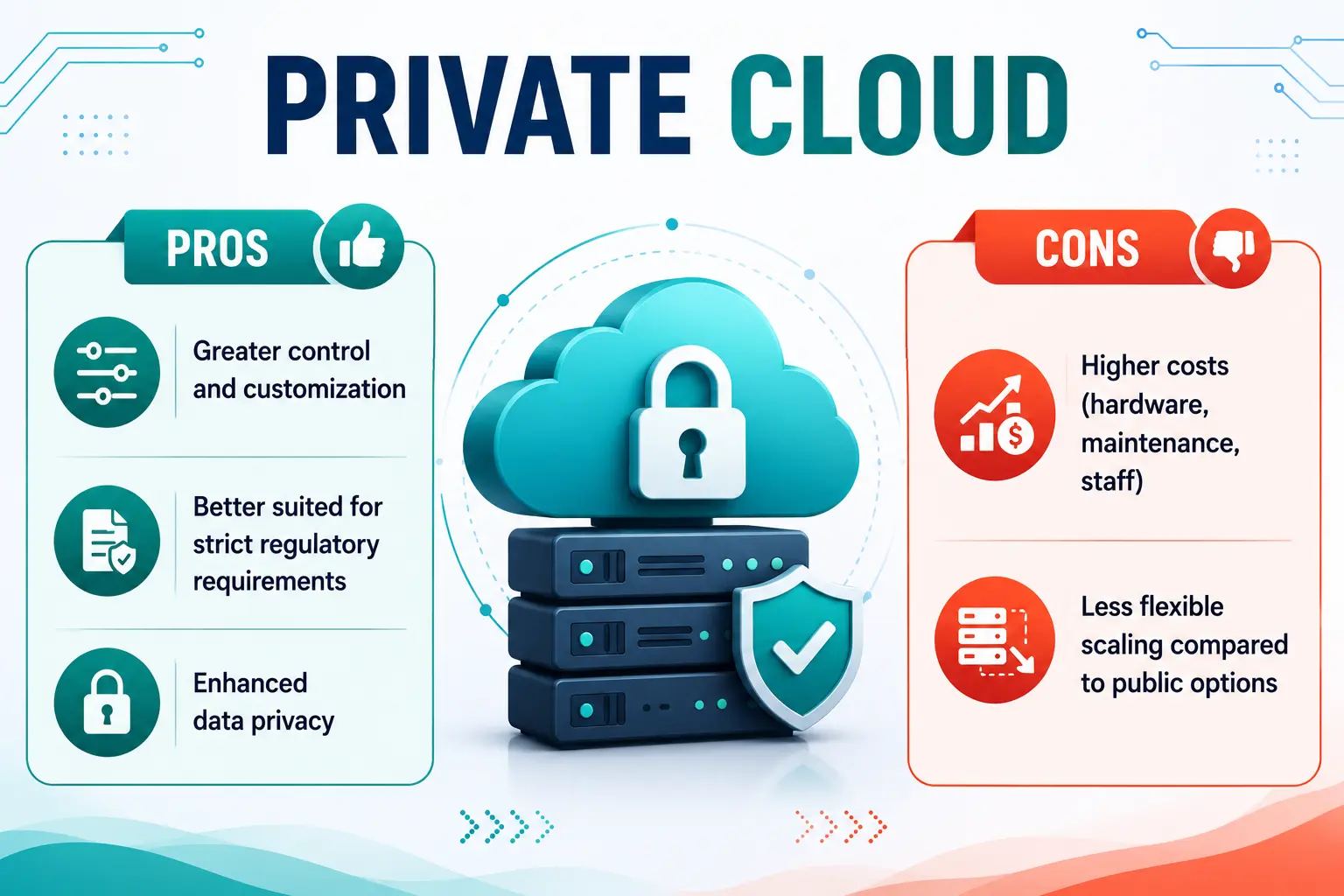
Pros:
- Greater control and customization
- Better suited for strict regulatory requirements
- Enhanced data privacy
Cons:
- Higher costs (hardware, maintenance, staff)
- Less flexible scaling compared to public options
3. Hybrid Cloud
A hybrid cloud, as the name suggests, blends both environments, allowing data and applications to move between them. This gives organizations the best of both worlds — sensitive workloads stay on the private side, while less critical tasks run on the more cost-effective shared infrastructure.
According to Wikitechy, starting with a hybrid cloud pilot is often considered the smart entry point for businesses trying to balance cost, control, and innovation without fully committing to one side.
Real-world example: A hospital might keep patient records on a private cloud for compliance but run its public-facing appointment booking system on a public cloud for scalability.
4. Community Cloud
This one’s slightly less talked about, but it’s important to know. A community cloud is shared infrastructure used by organizations with common goals or compliance requirements — say, a group of universities sharing high-performance computing resources for collaborative research. It’s a great middle ground between affordability and dedicated control.
5. Multi-Cloud
Multi-cloud means using services from more than one cloud provider at the same time — for example, using AWS for computation and Azure for analytics. Google Cloud notes that nearly 90% of companies today are considered multicloud, combining services from at least two providers to reduce vendor lock-in and boost reliability. This approach improves redundancy and gives businesses flexibility to pick the best tool for each specific job.
Understanding Cloud Deployment as a Strategic Decision
Choosing a cloud deployment strategy for your cloud infrastructure isn’t just a technical decision — it’s a business one. A startup might lean entirely on shared third-party infrastructure to keep costs low, while a bank might insist on a private cloud for its core systems and use that same shared infrastructure only for customer-facing apps. As Motadata explains, cloud computing spans multiple service models (what you’re renting), deployment models (how it’s provisioned), and operational approaches (how it’s managed)—and understanding all three is essential for making the right call.
This is one of the most practical skills you can walk away with from this article: learning to match a business need with the right deployment approach.
The Service Models Within Cloud Computing
Now that we’ve covered deployment, let’s talk about service models built on top of that cloud infrastructure—essentially, what layer of the tech stack you’re renting.
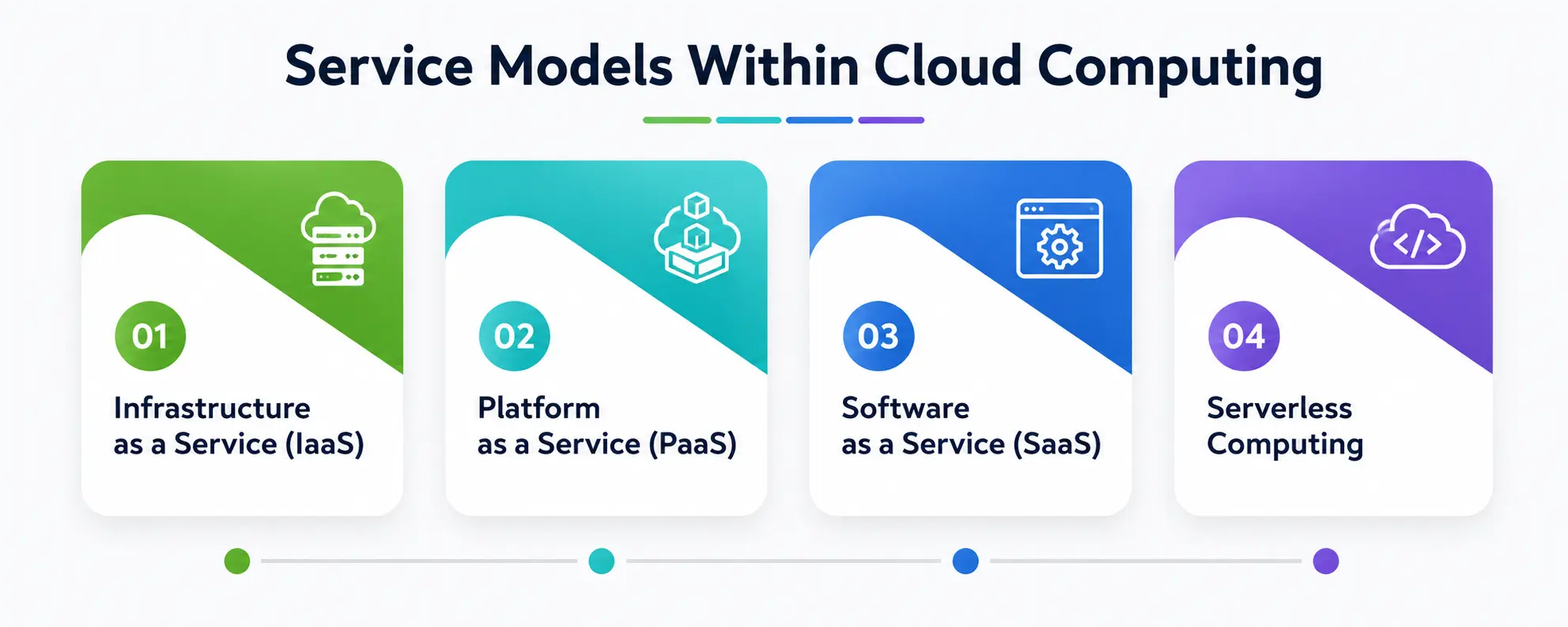
1. Infrastructure as a Service (IaaS)
IaaS gives you the raw building blocks — virtual machines, storage, and networking — without the physical hardware. You still manage your own operating system, applications, and data, but the provider handles the physical cloud infrastructure underneath. This is ideal for businesses that want maximum control and have the technical expertise to manage it.
2. Platform as a Service (PaaS)
PaaS takes things a step further by providing a ready-made platform for developers to build, test, and deploy applications without worrying about the underlying cloud infrastructure or servers. It’s a favorite among developers who just want to focus on writing code.
3. Software as a Service (SaaS)
This is the one you’ve almost certainly used already. A SaaS platform delivers fully functional software directly through your browser — no installation, no maintenance. Gmail, Zoom, and Canva are all examples of this model in action. You just log in and use it; the provider handles everything happening behind the scenes.
Choosing a SaaS platform makes the most sense when you need ready-made applications without any technical overhead, which is why it’s so popular with small businesses, students, and non-technical teams alike.
4. Serverless Computing
Here’s a fun one — serverless computing doesn’t actually mean there are no servers involved. It just means you, as the developer, don’t have to manage them. The cloud provider automatically handles provisioning, scaling, and maintenance behind the scenes, letting you focus entirely on writing code.
This model is typically event-driven, meaning your application automatically scales up or down based on demand, and you only pay for the resources actually consumed when your code runs.
This approach has become especially popular for building APIs, handling background data processing, and running microservices, since it removes the burden of capacity planning entirely. Popular examples include AWS Lambda, Azure Functions, and Google Cloud Functions.
How do distributed systems fit into the picture?
Here’s a concept that ties everything together: distributed systems. Almost all modern cloud platforms are built on this architecture, meaning your data and workloads aren’t sitting on one single machine somewhere. Instead, they’re spread across multiple servers, sometimes across different countries, working together to deliver speed, reliability, and redundancy.
Understanding distributed systems helps explain why cloud computing can offer near-infinite scalability. If one server fails, another can pick up the load without you ever noticing a disruption. This is the invisible engine running behind every everyday app, every shared hosting setup, and every serverless function you use.
For students studying computer science, distributed systems is often a full course on its own — and honestly, understanding it well will make every other cloud concept click into place much faster.
Quick Comparison Table: Types of Cloud Computing
Here’s a simple table to help you compare the different types of cloud computing at a glance:
|
Model |
Who Manages It | Best For | Scalability |
Cost |
|
Public Cloud |
Third-party provider | Startups, general businesses | Very high |
Low upfront, pay-as-you-go |
|
Private Cloud |
Organization or dedicated provider | Banks, healthcare, government | Moderate |
High |
|
Hybrid Cloud |
Mix of both | Businesses needing flexibility + compliance | High |
Moderate to high |
|
Community Cloud |
Shared among similar organizations | Universities, government agencies | Moderate |
Shared cost |
|
Multi-Cloud |
Multiple providers | Enterprises avoiding vendor lock-in | Very high |
Varies by provider |
|
SaaS Platform |
Provider (fully managed) | End users, small businesses | High | Subscription-based |
|
Serverless Computing |
Provider (fully managed) | Developers building event-driven apps | Automatic | Pay-per-execution |
How to Choose the Right Model for You?
So, with all these options on the table, how do you actually pick one? Here’s a simple way to think about it:
- If you’re a student experimenting or a startup with a limited budget, start with the shared, third-party option—it’s the cheapest and easiest way to learn.
- If you’re handling sensitive data (healthcare records or financial data), lean toward a private cloud or a hybrid cloud setup.
- If you want to avoid depending on one single vendor, explore multi-cloud strategies.
- If you’re building an app for end users without needing deep technical control, a SaaS platform is your fastest route to market.
- If you’re a developer who wants to build lightweight, event-driven applications without managing servers, this function-based approach is worth exploring.
There’s no universal “best” option among the types of cloud computing—it always comes down to your specific goals, budget, and technical comfort level.
A Personal Note
Writing this piece took me back to my own early days of trying to understand cloud computing — flipping between YouTube tutorials, half-finished blog posts, and confusing diagrams that made everything seem harder than it actually was. If there’s one thing I wish someone had told me earlier, it’s this: don’t try to memorize every term at once.
Start with the simplest, most widely used model, get comfortable with it, and let the other types of cloud computing build on top of that foundation naturally. It clicks faster than you’d expect. If this guide helped even one confused student the way I once needed help, then it’s done its job.