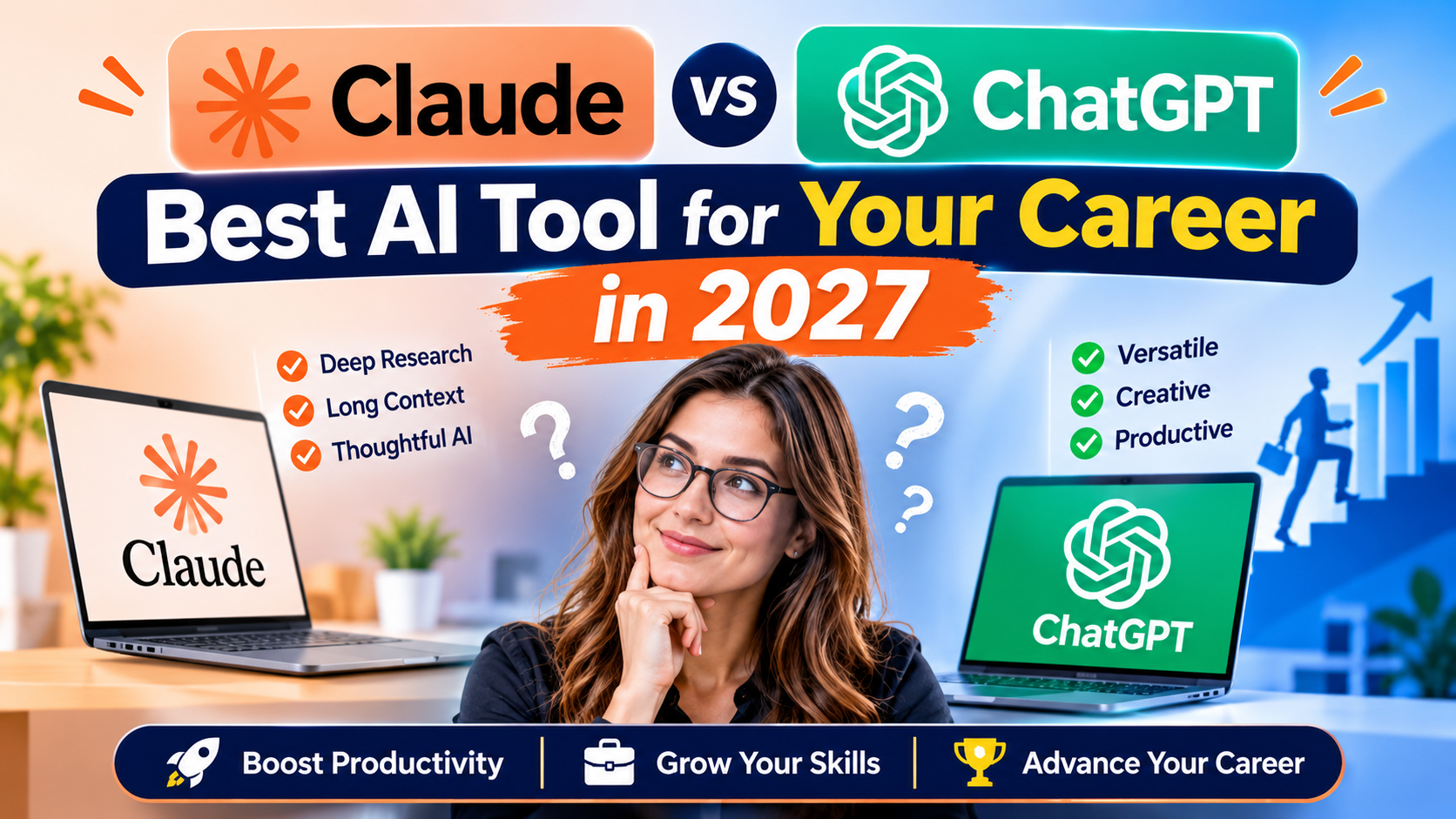





A product manager I spoke with last month put it plainly: her team pays for both tools and still argues weekly about which one to open first. That’s the real state of Claude vs ChatGPT heading into 2027—not a settled contest with one clear loser, but two mature assistants that excel in different rooms of the same house.
If you’re choosing where to spend your learning hours, your subscription budget, or your career bet this year, the decision deserves more than a coin flip, and it’s exactly why so many professionals are now comparing the best AI tools for career growth before picking a lane.
This piece walks through the practical differences—writing quality, reasoning, coding, safety, and day-to-day work—so you can decide for yourself rather than taking a marketing page’s word for it.
Why This Comparison Matters More Heading Into 2027
Both companies shipped major updates through 2026. Anthropic released its Claude Sonnet 5 line for everyday work in mid-2026, then followed with Claude Opus 5, a model built specifically to be cheaper for coding, agent workloads, and enterprise rollouts.
OpenAI answered with GPT-5.5, a model aimed squarely at agentic coding, computer use, and longer research tasks—though it arrived with API pricing roughly double its predecessor’s, as reported by TechWyse.
That back-and-forth is exactly why this debate keeps showing up in career forums, LinkedIn threads, and team Slack channels. Picking the wrong tool doesn’t just waste a subscription; it can mean a slower resume, weaker portfolio work, or a skill set that doesn’t match what employers are screening for in interviews right now.
US and UK hiring managers in product, marketing, and engineering roles are increasingly asking candidates to describe their actual AI workflow in interviews, not just whether they’ve “used ChatGPT before”—a sign that fluency, not familiarity, is what’s being tested.
Claude AI vs ChatGPT Features at a Glance
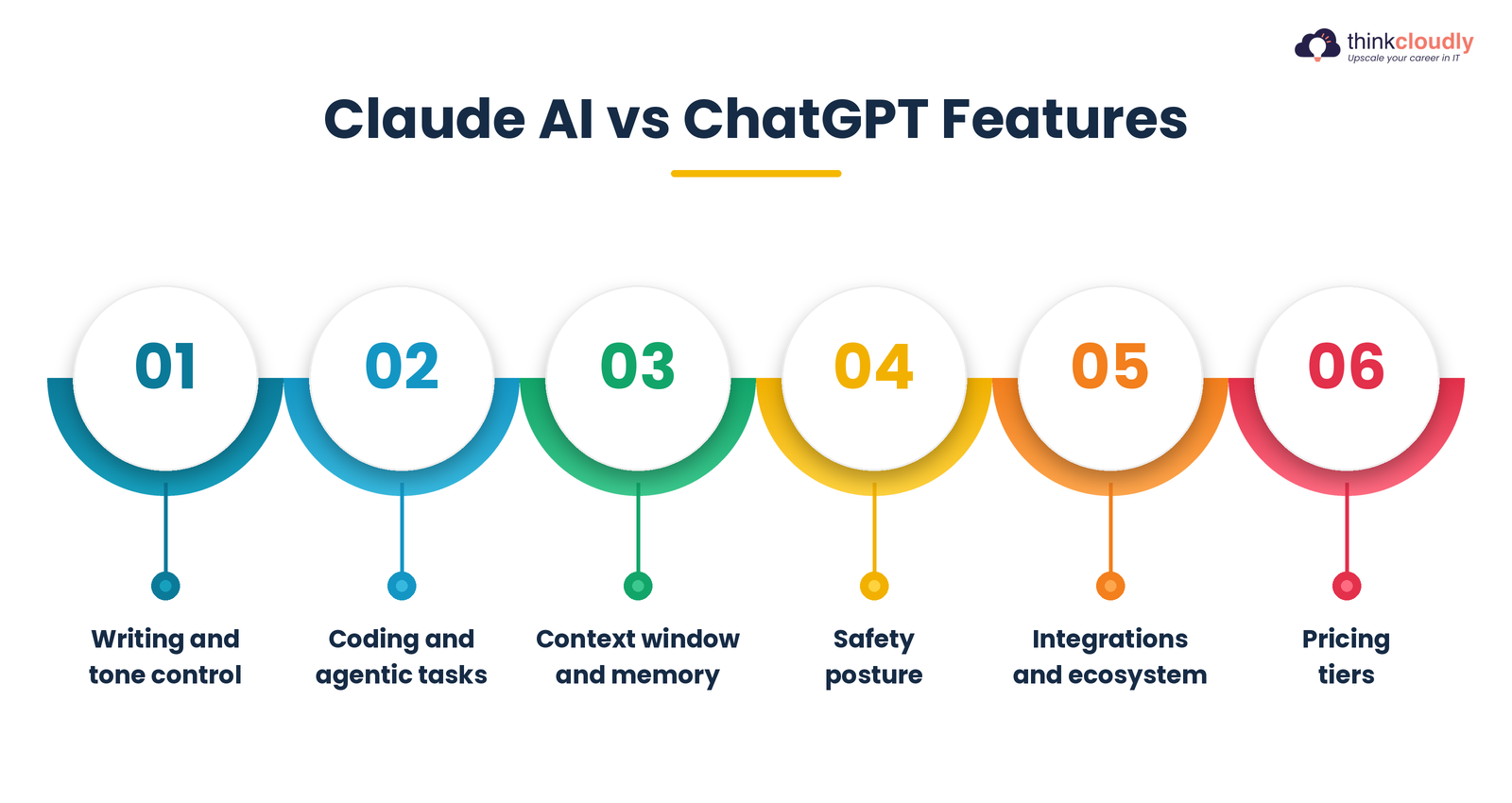
Here’s a quick breakdown of Claude ai vs ChatGPT features, written so it drops straight into a side-by-side infographic:
-
Writing and tone control — Claude is widely regarded as producing less repetitive, more naturally structured prose straight out of the box, while ChatGPT often needs more explicit style prompting to avoid a “written by AI” cadence.
-
Coding and agentic tasks — Claude Opus 5 posted stronger results on independent coding benchmarks than GPT-5.5 at launch, while GPT-5.5 emphasized faster, more autonomous multi-step task completion in Codex.
-
Context window and memory — Both platforms now support very large context windows, letting you drop in long documents, codebases, or research papers without constant re-explaining.
-
Safety posture — Anthropic has leaned harder into constitutional AI and transparency research, while OpenAI’s GPT-5.5 shipped with a “High” cybersecurity risk classification under its own Preparedness Framework, a detail worth knowing before using either tool on sensitive work.
-
Integrations and ecosystem—ChatGPT has the larger plugin and third-party integration footprint simply from being first to mass adoption; Claude has focused more on developer tooling, enterprise agents, and document-heavy workflows.
-
Pricing tiers — Both offer free tiers with usage caps and paid plans aimed at professionals and teams; check each provider’s own pricing page before committing, since rates change often.
Comparing Claude ai vs ChatGPT features this way makes one thing obvious: neither tool wins every category, and the “best” one depends entirely on what you’re building toward.
Claude vs ChatGPT : Quick Comparison Table
|
Factor |
Claude |
ChatGPT |
|
Writing style |
Natural, less repetitive by default |
Strong, but often needs style prompting |
|
Coding benchmarks |
Opus 5 led on independent SWE-style tests. |
GPT-5.5 closed the gap, strong on agentic coding. |
|
Safety framework |
Constitutional AI, cautious rollout pace | “High” cybersecurity risk rating on GPT-5.5 |
| Best for | Long documents, research, careful analysis |
Broad task range, plugins, consumer ecosystem |
|
Enterprise focus |
Agents, coding, document workflows | Broad productivity suite, Microsoft integration |
| Pricing direction | Opus 5 is priced to be cheaper than the prior flagship. |
GPT-5.5 API pricing roughly doubled. |
This table turns the Claude ai vs ChatGPT features breakdown above into a scannable reference, but treat it as a starting point for your own test, not the final word—the fastest way to settle this comparison for your specific job is to run the same real task through both and compare the output yourself.
Is Claude Better Than ChatGPT? Breaking Down the Real Differences
The honest answer to “Claude is better than ChatGPT” is: it depends on the job in front of you, not on brand loyalty. For long-form writing, document review, and careful multi-step reasoning, many professionals report that Claude feels more careful and less prone to confidently stating something wrong. For broad task coverage, plugin access, and sheer familiarity across teams, ChatGPT still has the edge simply because more people already know how to use it.
If you’re asking if Claude is better than ChatGPT purely on coding ability, the 2026 benchmark data leaned toward Claude Opus 5 on independent software engineering tests, while GPT-5.5 closed much of that gap on agentic, multi-step coding tasks inside Codex, per the same TechWyse coverage cited above.
Neither lead is permanent—both labs ship updates every few months, so is Claude better than ChatGPT a question worth re-asking every time you’re about to commit a real budget to one platform.
What rarely gets mentioned is response consistency under pressure. On a genuinely ambiguous question—one with no clean right answer—Claude tends to lay out the tradeoffs more explicitly, while ChatGPT tends to commit to an answer faster.
Neither approach is wrong; it’s a matter of which style fits how you make decisions at work. And for pure brainstorming speed, ChatGPT’s faster, more opinionated style often wins simply because momentum matters more than precision at that stage.
Claude vs ChatGPT for Cybersecurity: Which One Protects Your Career Better?
Security teams are watching Claude vs ChatGPT for cybersecurity closely, and for good reason: the tool you train on today shapes the habits you bring into a security role tomorrow. OpenAI’s own Preparedness Framework rates GPT-5.5 as “high” risk for cybersecurity misuse—one tier below its most serious “critical” rating—which is why the company built a Trusted Access for Cyber program specifically for verified security professionals who need fewer guardrails, as detailed by TechWyse’s reporting.
Anyone comparing Claude vs ChatGPT for cybersecurity purely on raw capability is missing the point; the governance model wrapped around that capability matters just as much as the model itself.
That single fact reframes Claude vs ChatGPT for cybersecurity for anyone building a security career. Claude’s more conservative, constitutional-AI-driven approach means it will more readily decline or heavily caveat requests that look like exploit development, even from a legitimate analyst—which can be frustrating in a SOC during an active incident but reduces the chance of the tool itself becoming a liability.
ChatGPT’s higher-capability, higher-risk profile under GPT-5.5 means more raw power for red team and defensive tooling work, but it also means your organization needs tighter usage policies around it.
For students and early-career professionals specifically weighing Claude vs ChatGPT for cybersecurity training, the practical advice is simple: use Claude for learning concepts, writing clean incident reports, and reasoning through detection logic where caution is a feature, not a bug.
Use ChatGPT ‘s expanded agentic tooling when you need faster iteration on scripts and automation, but always run anything security-sensitive through a sandboxed environment and a human review step — a rule that holds regardless of which assistant you pick.
ChatGPT vs Claude for Work: Daily Use Cases Compared
Zooming out from security and the ChatGPT vs Claude for work question gets more personal, because it’s really a question about your own workflow. If your day is full of emails, meeting notes, quick research, and brainstorming, ChatGPT vs Claude for work usually tilts toward ChatGPT purely on ecosystem reach—it plugs into more tools your company probably already uses.
If your work is dense—long contracts, technical documentation, multi-file codebases, or research synthesis—ChatGPT vs. Claude for work tends to tilt the other way. Claude’s handling of long context and its tendency to stay grounded in the source material rather than drifting makes it a stronger fit for anything where getting a detail wrong has real consequences.
There’s also a maturity angle to ChatGPT vs Claude for work that doesn’t get discussed enough: teams that have used generative AI the longest tend to settle into using both, assigning each one the tasks where it genuinely performs better, rather than picking a single “winner” and forcing every task through it.
That split-tool approach, per Zapier’s ongoing comparison coverage, is becoming the default recommendation rather than the exception. Managers running distributed teams across the US, UK, and Canada report the same pattern: the argument stops being which tool to standardize on and becomes which tool to reach for first for a given type of task.
Best AI Tools for Career Growth: Quick Checklist
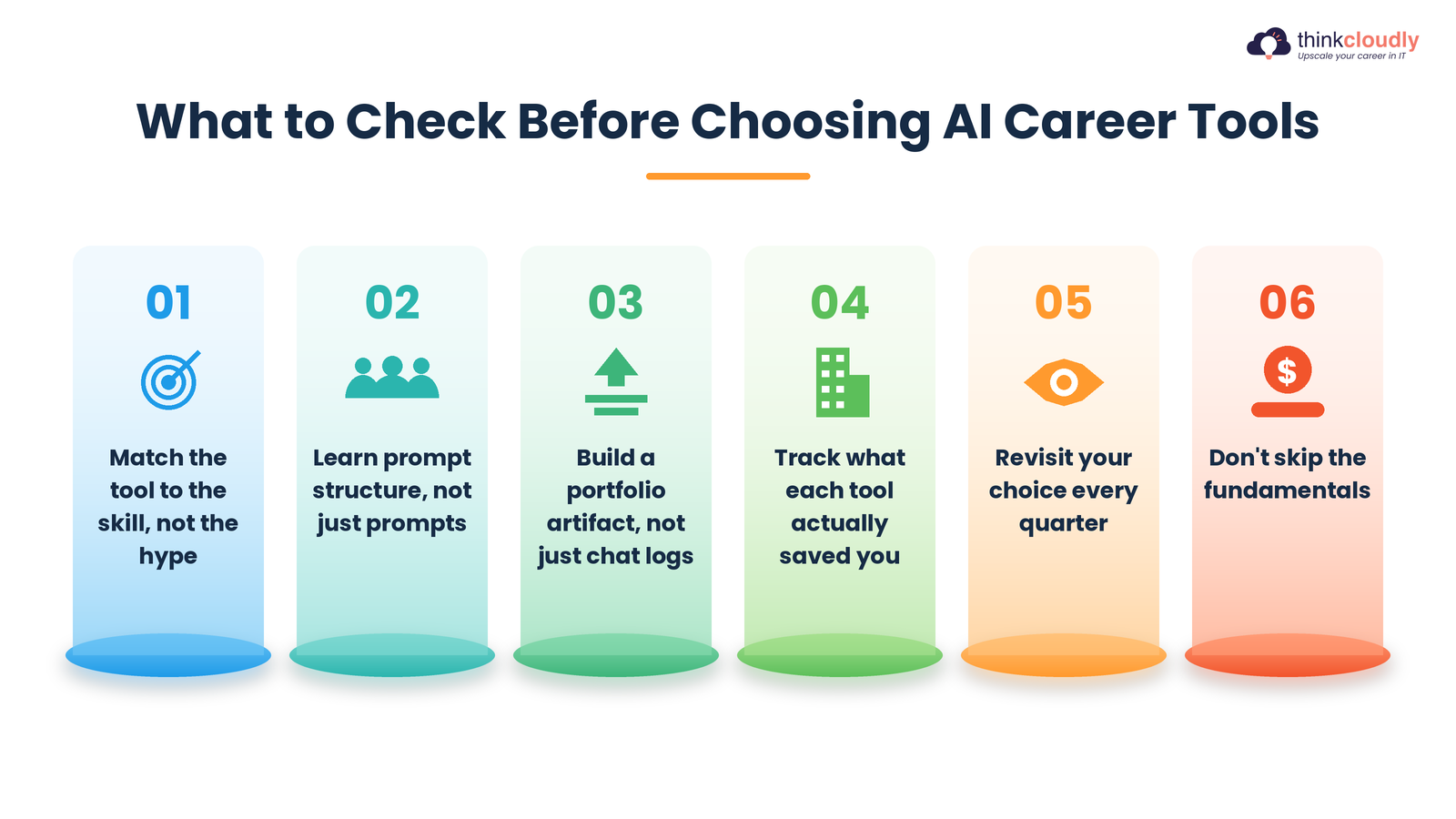
Whichever assistant you lean toward, the broader category of best ai tools for career growth is bigger than one chatbot rivalry. Here’s a short checklist worth running through before you build a learning plan around any of them:
-
Match the tool to the skill, not the hype — pick based on what the role actually requires, not which tool is trending this month.
-
Learn prompt structure, not just prompts — the professionals getting the most out of either tool understand how to break a task into steps, not just phrase a clever one-liner.
-
Build a portfolio artifact, not just chat logs — a finished document, script, or analysis beats a screenshot of a conversation in any interview.
-
Track what each tool actually saved you — hours saved on a task is the metric that justifies a subscription to a manager or a client.
-
Revisit your choice every quarter — given how fast both companies ship updates, the best ai tools for career growth list from six months ago may already be outdated.
-
Don’t skip the fundamentals — AI tools accelerate skilled people; they don’t replace the underlying skill, whether that’s writing, coding, or security analysis.
Organizations are leaning into this shift fast — Deloitte’s global survey found 74% of leaders expect to use AI agents at least moderately by 2027, which means fluency with these tools is quickly becoming a baseline expectation rather than a differentiator on a resume.
Claude vs ChatGPT : Final Verdict for 2027
If you need one clean takeaway from this entire comparison, it’s this: stop looking for a single winner. Claude currently has the edge for long documents, careful reasoning, cautious security work, and coding benchmarks that matter if you’re job-hunting in engineering. ChatGPT currently has the edge for ecosystem reach, faster agentic task execution, and sheer familiarity across teams and hiring managers who already expect you to know it.
For your career specifically, the smarter move isn’t Claude vs ChatGPT as an either-or decision — it’s building fluency in both, understanding what each is built to reward, and being ready to explain in an interview why you reached for one tool over the other on a specific task.
That answer, more than a subscription receipt, is what actually signals AI literacy to an employer in 2027, and it’s the same literacy that keeps showing up on every serious list of the best AI tools for career growth published this year.
A Personal Note
I’ll admit I resisted writing a straight head-to-head comparison for a long time, mostly because the internet already has hundreds of them, most recycling the same screenshots. What changed my mind was watching two junior analysts on a team I advise solve the same incident-report problem with different tools and get noticeably different quality outputs — not because one tool is universally smarter, but because each one had learned to lean on the one suited to the task.
If you take one thing from this piece, let it be that: the goal was never picking a side. It’s knowing your work well enough to know which tool actually serves it, and staying curious enough to keep re-checking that answer as both platforms keep changing under your feet.