I still remember the first time someone told me my photos were “in the cloud.” I pictured actual clouds, somehow. Years later, after building and breaking a few virtual servers of my own, I finally understood that the cloud isn’t a mystical place — it’s just someone else’s very well-managed computer.
By the end, you’ll have a real roadmap—not just definitions to memorize, but a way of thinking about how modern computing actually works.
What Is Cloud Computing, Really?
Let’s start at the root. Before cloud computing existed, if a college or a startup wanted to run a website, they had to buy physical servers, install them in a room, cool that room, wire it up, and hope nothing caught fire. That’s expensive, slow, and honestly kind of terrifying for a small team.
Cloud computing flipped that model. Instead of owning the hardware, you rent computing power — storage, processing, networking, software — from a provider over the internet, and you pay only for what you use.
According to the U.S. National Institute of Standards and Technology (NIST), cloud computing is a model that enables convenient, on-demand network access to a shared pool of configurable computing resources that can be provisioned and released quickly with minimal effort. That’s the formal version. The simple version: you click a button, and a server appears somewhere in a data center, ready for you to use, and you switch it off the moment you’re done.
This is the starting point for anyone learning cloud computing fundamentals—understanding that the cloud is not magic, it’s just infrastructure someone else owns, made available to you through the internet.
Why Do Cloud Computing Fundamentals Matter for Students?
You might be wondering why this even matters if you’re not planning to become a “cloud engineer.” Here’s the honest answer: almost every modern application — the app you used this morning, the game you played last night, the AI tool that’s helping you study — runs on cloud infrastructure.
Whether you end up in software development, data science, cybersecurity, or even digital marketing, you will run into cloud systems. Building strong cloud computing fundamentals early gives you a head start that most of your peers won’t have until much later.
It also happens to be one of the most in-demand skill areas in tech hiring right now, and the good news is that companies like AWS, Microsoft Azure, and Google Cloud all offer generous free tiers, so you can practice without spending a rupee or a dollar.
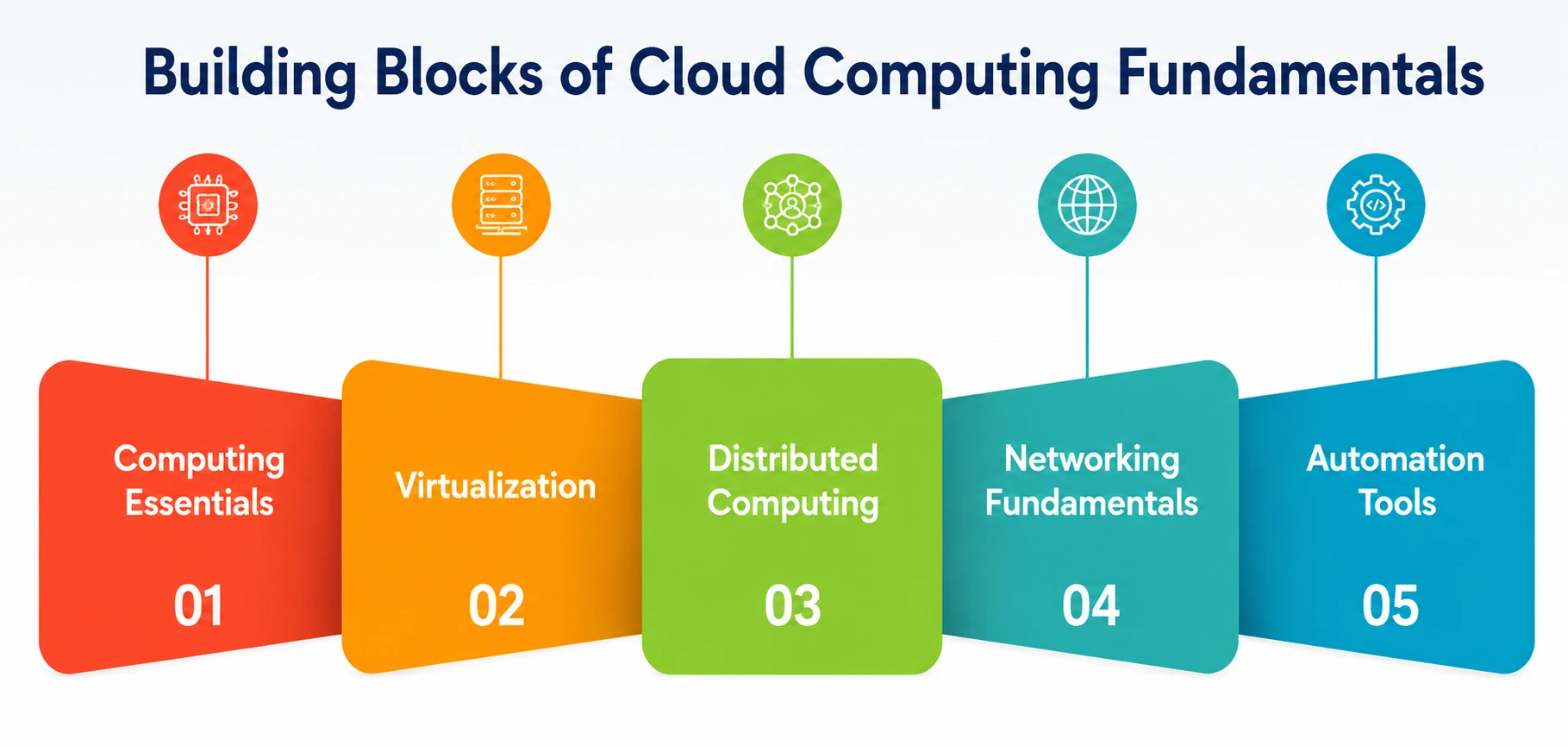
The Core Building Blocks of Cloud Computing Fundamentals
Let’s break the subject into digestible pieces. Think of these as the legs of a table — if one is missing, the whole thing wobbles.
1. Computing Essentials
Before you can understand the cloud, you need to understand what a computer actually does at a basic level: it processes data (CPU), stores data (memory and disk), and moves data (networking). These computing essentials — processing, storage, and memory management — are the same building blocks the cloud simply relocates to a data center and shares among thousands of users. If you’re rusty on how an operating system manages resources, it’s worth a quick refresher, because every cloud service is, underneath all the abstraction, still just computing essentials at a massive scale.
2. Virtualization
This is probably the single most important concept in cloud computing, so let’s slow down here. Virtualization is the technology that lets one physical server pretend to be many separate computers at once. A piece of software called a hypervisor sits on top of the physical hardware and creates “virtual machines” — each one isolated, each one behaving like its own independent computer, even though they’re all sharing the same physical box.
Without this technology, cloud providers would need one physical server per customer, which would be wildly expensive and wasteful. With it, a single powerful machine can host dozens of customers, each unaware the others even exist. This is exactly why cloud computing is affordable — you’re paying for a slice of a machine, not the whole thing. If you want a deeper technical breakdown, VMware’s overview of virtualization is a solid, provider-neutral resource. Understanding virtualization is non-negotiable if you’re serious about cloud computing fundamentals.
3. Distributed Computing
Here’s something that surprises a lot of beginners: cloud services aren’t running on one giant supercomputer somewhere. This is distributed computing — breaking a task into pieces and running those pieces across multiple machines simultaneously, then combining the results.
Distributed computing is why cloud services can stay online even if one server fails and why they can scale to serve millions of users at once. If one data center goes down, your request quietly gets rerouted to another one, and you probably never notice. Learning to think in terms of distributed computing — rather than “one computer doing everything” — is a genuine mental shift, and it’s central to understanding modern cloud architecture.
4. Networking Fundamentals
None of this works without a way for machines to talk to each other, which is where networking fundamentals come in. Every request you send to a cloud service — loading a webpage, saving a file, sending a message — travels through a chain of networking components: IP addresses, DNS, firewalls, load balancers, and more.
You don’t need to become a network engineer to grasp cloud computing, but a working knowledge of these basics—how data packets travel, what a firewall does, how load balancing distributes traffic—will make everything else click faster. Cloud providers build entire virtual networks inside their platforms, and those virtual networks still obey the same networking fundamentals that govern the physical internet. Cisco’s networking basics guide is a genuinely beginner-friendly place to start if this area feels unfamiliar.
5. Automation Tools
Once you’re managing dozens or hundreds of servers, doing everything by hand becomes impossible — and honestly, unnecessary. This is where automation tools step in. Instead of manually clicking through a dashboard to set up a server every time, engineers write code that describes exactly what they want (this is called “Infrastructure as Code”), and that code builds it for them, consistently, every single time.
Popular options in the cloud world include Terraform, Ansible, and the native automation services offered by AWS, Azure, and Google Cloud. As a beginner, you don’t need to master these immediately, but knowing that automation tools exist — and why they matter for consistency, speed, and reducing human error — is part of a well-rounded understanding of cloud systems.
The Three Service Models You’ll Hear Constantly
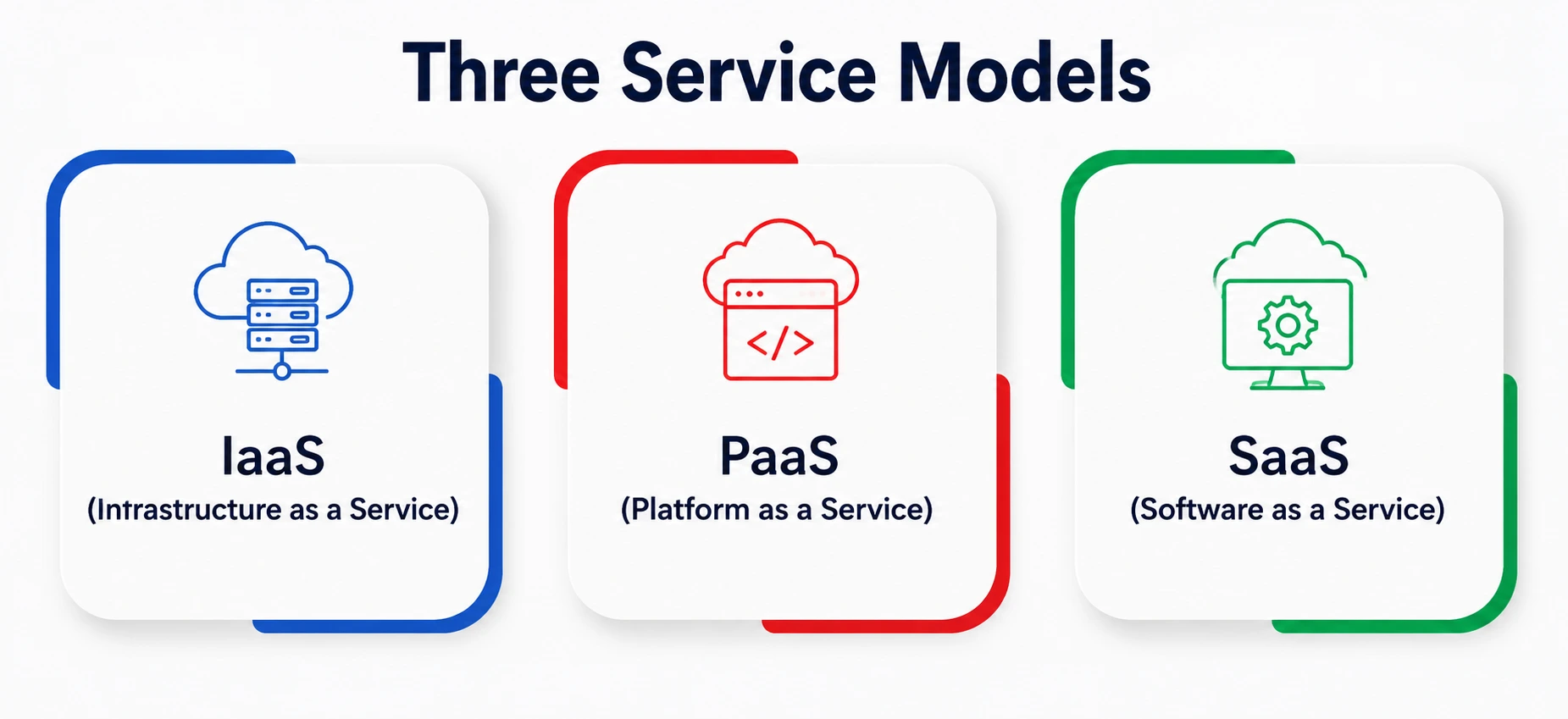
If you spend any time trying to learn cloud concepts, you’ll keep running into three acronyms: IaaS, PaaS, and SaaS. Let’s demystify them with everyday comparisons.
|
Service Model |
What It Means | Real-World Analogy |
Example Providers |
|
IaaS (Infrastructure as a Service) |
You rent raw computing power—virtual servers, storage, networking—and manage the software yourself | Renting an empty apartment, you bring your own furniture |
Amazon EC2, Google Compute Engine, Azure Virtual Machines |
|
PaaS (Platform as a Service) |
You get a ready-made environment to build and deploy your applications, without managing the underlying servers | Renting a furnished apartment, you just move in and live |
Google App Engine, Microsoft Azure App Service, Heroku |
|
SaaS (Software as a Service) |
You use a fully built application over the internet, with zero setup | Staying in a hotel; everything is done for you |
Gmail, Netflix, Zoom, Microsoft 365 |
This table is a great one to bookmark, because these three categories form the backbone of almost every conversation about cloud services you’ll ever have as a student trying to understand cloud computing properly.
Deployment Models: Where Does the Cloud Actually Live?
There’s also the question of where your cloud resources are hosted and who else can access them:
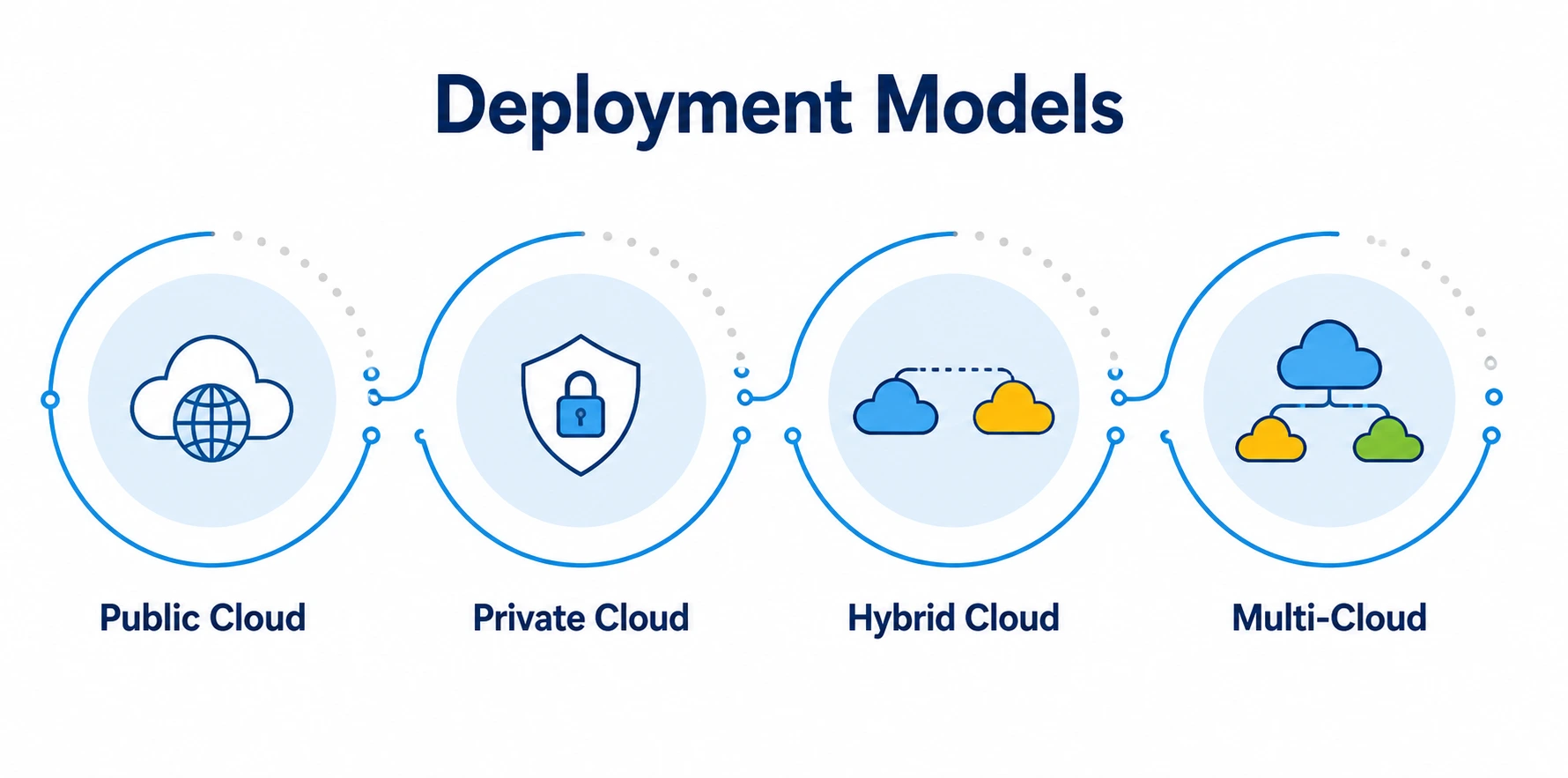
- Public Cloud – Resources are owned and operated by a third-party provider (like AWS or Azure) and shared among multiple customers. This is the most common and cost-effective option for individuals and startups.
- Private Cloud – Infrastructure dedicated entirely to one organization, often used by banks, hospitals, or government bodies with strict data control needs.
- Hybrid Cloud – A mix of public and private cloud, letting organizations keep sensitive data private while still using public cloud scalability for everything else.
- Multi-Cloud – Using more than one public cloud provider at once, often to avoid depending too heavily on a single company.
A Simple Beginner’s Roadmap to Learn Cloud Computing
Now that the theory is out of the way, here’s a practical path. This is the roadmap I’d hand to a student starting from zero.
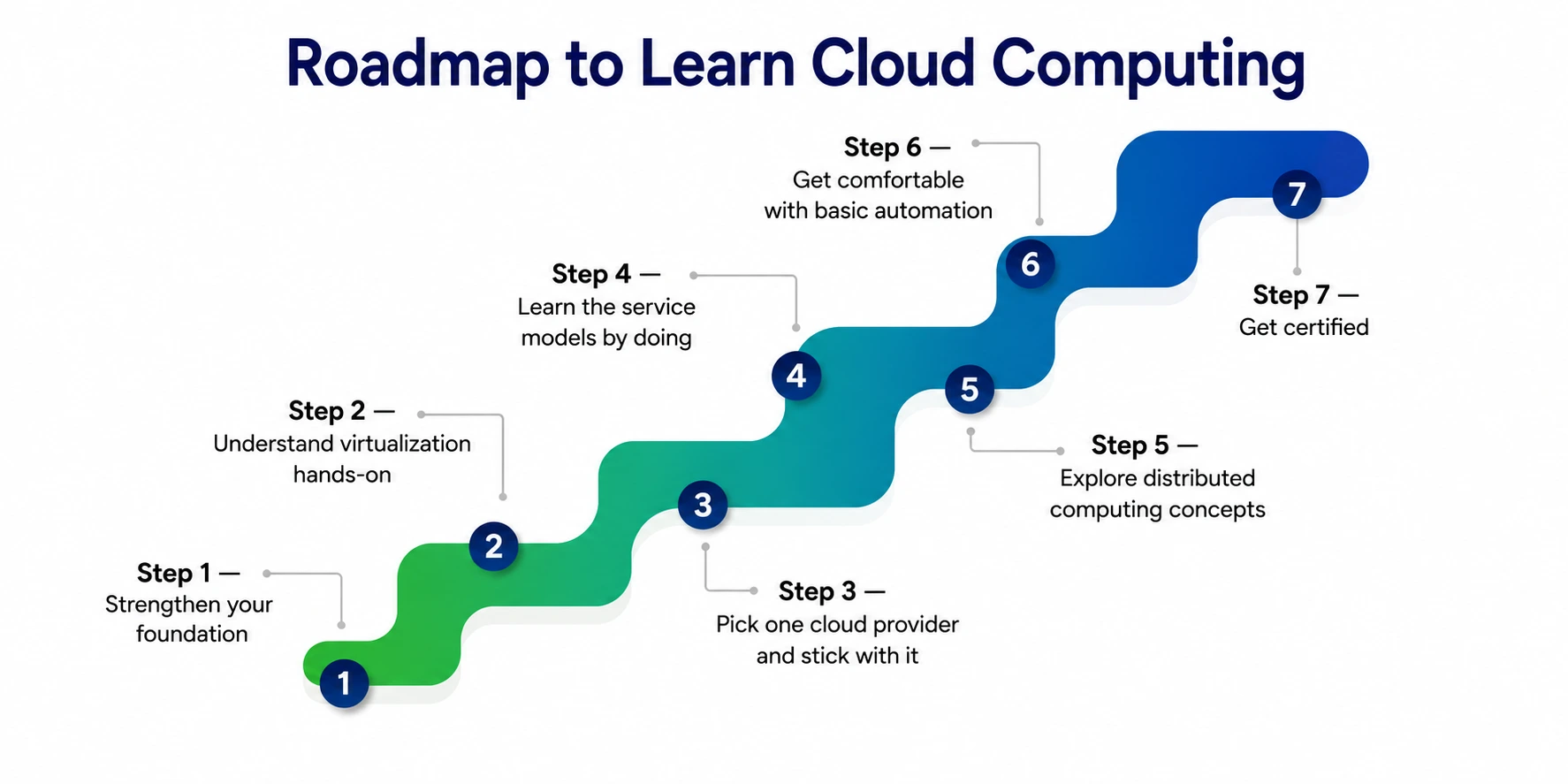
Step 1 — Strengthen your foundation
Spend a week or two brushing up on computing essentials and basic networking concepts. You don’t need a degree in this; free YouTube explainers and articles will do.
Step 2 — Understand virtualization hands-on
Install the free software VirtualBox on your laptop and create a virtual machine. Nothing teaches virtualization better than actually building one yourself.
Step 3—Pick one cloud provider and stick with it
Google Cloud, AWS, and MS Azure all offer free-tier accounts. AWS Free Tier gives you 12 months of limited free access, Microsoft Learn offers completely free Azure training paths, and Google Cloud offers free trial credits. Pick one — don’t try to learn all three at once.
Step 4 — Learn the service models by doing
Launch a small virtual server (IaaS), then try deploying a simple app using a platform service (PaaS). Feeling the difference between the two will teach you more than any article, including this one.
Step 5 — Explore distributed computing concepts
Read about how large applications stay online through redundancy and load balancing. You don’t need to build a distributed system yet — just understand why distributed computing is the backbone of reliability.
Step 6 — Get comfortable with basic automation
Try a simple Terraform script or an Azure Resource Manager template. Even a five-line script that spins up a server automatically will show you why automation tools save so much time.
Step 7 — Get certified (optional but useful)
Entry-level certifications like AWS Certified Cloud Practitioner or Microsoft’s Azure Fundamentals (AZ-900) are affordable, beginner-friendly, and genuinely respected by recruiters, according to recent industry roadmap guides.
This entire path is designed so you can build real skills without spending money on courses — everything mentioned above has a legitimate free tier or free training path.
Common Mistakes Beginners Make
A few honest observations from watching (and being) a beginner:
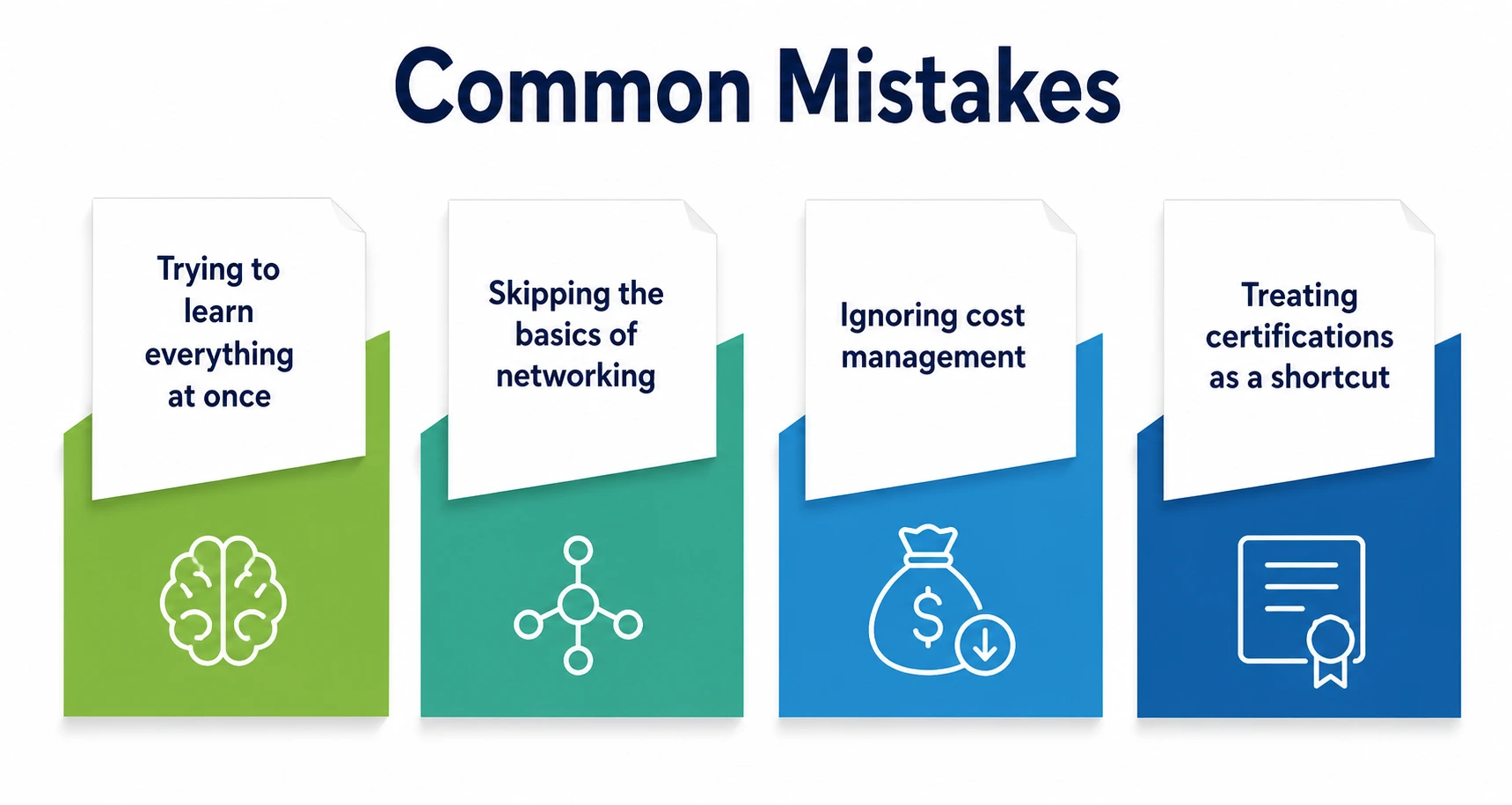
- Trying to learn everything at once. Cloud platforms are huge. Nobody masters AWS, Azure, and GCP simultaneously as a beginner — and nobody needs to.
- Skipping the basics of networking. Students often jump straight to “deploying an app” without understanding how data actually travels, then get stuck debugging basic connection errors.
- Ignoring cost management. Free tiers have limits. Set up billing alerts immediately so a forgotten server doesn’t surprise you with a bill.
- Treating certifications as a shortcut. Certificates help you get noticed, but hands-on comfort with the core concepts is what actually helps you perform once you’re hired.
A Personal Note
I’ll be honest with you — when I first tried to learn cloud computing, I felt completely overwhelmed by the acronyms. IaaS, PaaS, SaaS, VPC, IAM — it looked like alphabet soup. What actually helped was slowing down and treating each concept as its own small lesson, the way this guide is structured, instead of trying to swallow the whole subject in one sitting.
If you’re a student reading this, my honest advice is to not chase certificates first. Chase understanding. Spin up a free virtual machine, break something, fix it, and let curiosity do the heavy lifting. The cloud computing fundamentals you build this way will stick with you far longer than anything memorized for an exam.