You may not know it, but if you have streamed a movie on Netflix, uploaded an assignment on Google Drive, or logged into your college’s online exam portal, you have already used cloud computing architecture. Today, nearly every digital service we touch is built on this hidden skeleton.
But for most students studying IT or computer science, it’s a scary exam topic full of jargon when, actually, it’s just a well-organized system of parts working together—a bit like how a city runs on roads, power lines, and water pipes without you ever noticing the engineering behind it.
In this blog I’ll demystify cloud computing architecture the way I wish someone would have explained it to me—in plain language, with real-world examples, and no textbook stiffness. By the end, you’ll understand what cloud computing architecture is and how its components (cloud infrastructure, distributed systems, etc.) work together to keep the internet running smoothly.
What Is Cloud Computing Architecture Really?
Simply put, a cloud computing architecture is a blueprint of how computing resources such as servers, storage, networking, and software are built and delivered over the internet rather than residing on a physical machine in your office or hostel room.
What is Cloud Computing? Cloud computing is a model for enabling convenient, on-demand network access to a shared pool of configurable computing resources that can be rapidly provisioned and released with minimal management effort as per NIST.
That definition sounds formal, but in simple terms, you don’t buy and hold servers yourself; you “rent” computing power from a provider such as AWS, Microsoft Azure, or Google Cloud, and they do the heavy lifting behind the scenes.
Cloud computing architecture is generally split into two broad sections that talk to each other over a network, as explained:
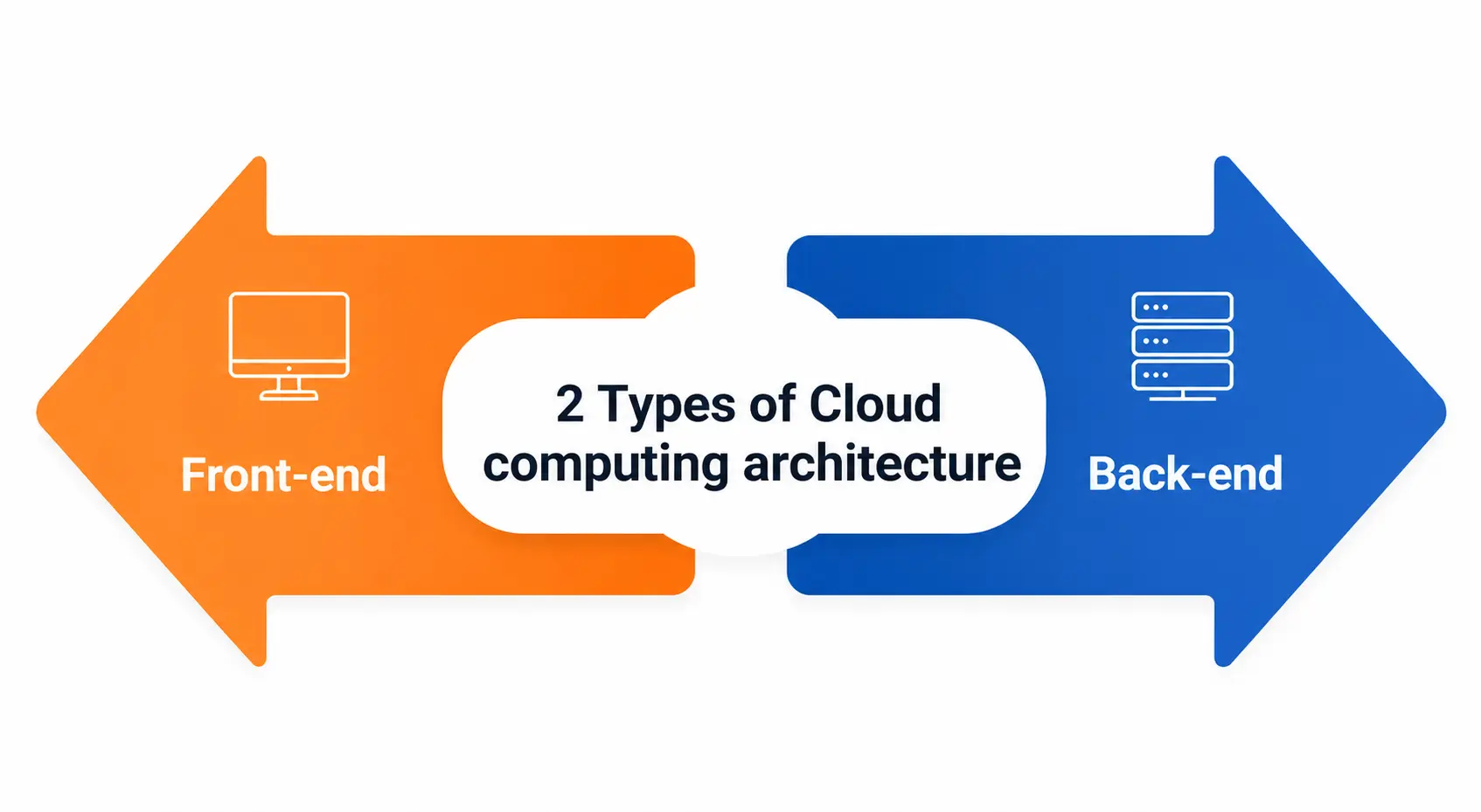
- Front-end – This is what you and the user interact with. This domain is for your browser, mobile app or client machine.
- Back-end—This is the side of the provider—servers, storage systems, databases, and security mechanisms that actually process and store your data.
Why Is Cloud Computing Architecture Important Today?
Be it a small startup or a multinational bank, all businesses rely on some type of cloud computing architecture to run their businesses. Why? It relieves the organization from having to manage physical hardware and allows them to scale up and down instantly.
According to IBM, cloud architecture is the process of defining the front end, back end, networking, and delivery model, which together determine how applications will be run and deployed according to business needs.
“Learning cloud computing architecture is more than just an academic requirement for students, it’s a real career skill. Today, virtually every tech job, from software development to cybersecurity and data analysis, has some piece of the cloud stack.
Main Components of Cloud Computing Architecture
Let’s break this down into bite-sized chunks. A good cloud computing architecture generally consists of a few key building blocks.
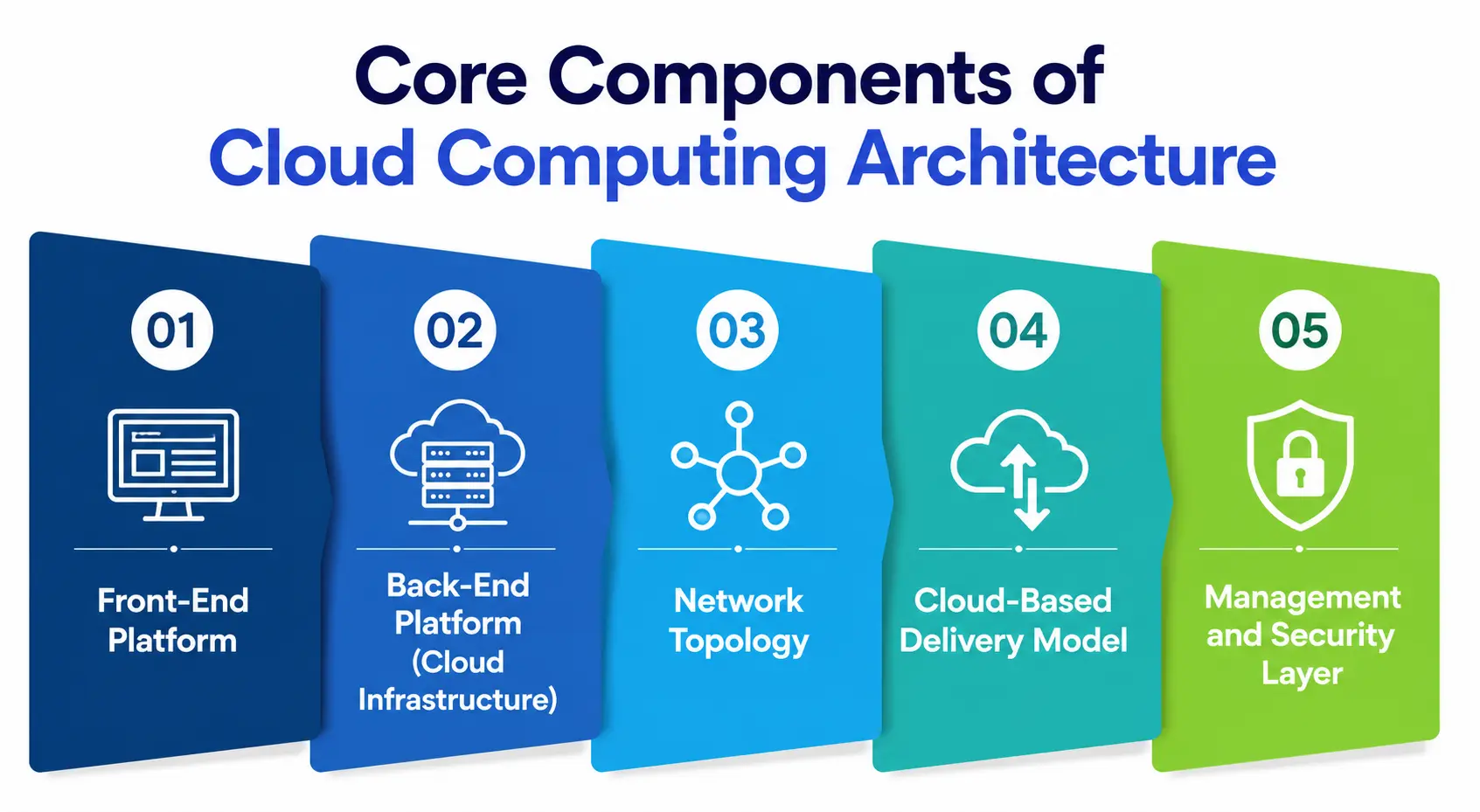
1. Front-end Framework
This is all the stuff the end-user is actually using: web browsers, mobile apps, and thin/thick client devices. It is the ‘face’ of the entire system.
2. Back End Platform (Cloud Infrastructure)
This is where the real magic takes place. The cloud infrastructure includes servers, storage, virtualization software, and databases that process the front-end requests. Cloud infrastructure is the physical and virtual backbone that enables everything else; there is no cloud without it.
3. Network topologies
All requests have to go somewhere, and where they go is determined by network topology. The way the various nodes, links, and connections are laid out defines the path between the front end and back end. Good network topologies will minimize latency and prevent data traffic jams. This is important for high-performance applications such as video conferencing or online gaming.
4. Delivery Model in the Cloud
This is how the service is supplied to the user, be it a ready-made application, a development platform, or raw computing infrastructure.
5. Management & Security Layer
This layer provides authentication, encryption, access control, and monitoring to make sure the right people have access to the right resources at the right time.
Cloud Service Models: Foundation of Cloud Computing Architecture
The service models are one of the most important things to know about cloud computing architecture. There are three fundamental service models of cloud computing based on a seminal document by NIST’s Foundations document. Each has a different trade-off between control and convenience.
|
Service Model |
What You Manage | What the Provider Manages |
Real-World Example |
|
IaaS (Infrastructure as a Service) |
OS, applications, data, runtime | Servers, storage, networking, virtualization |
Amazon EC2, Google Compute Engine |
|
PaaS (Platform as a Service) |
Applications and data only | OS, runtime, middleware, infrastructure |
Google App Engine, AWS Elastic Beanstalk |
|
SaaS (Software as a Service) |
Just your data and usage settings | Everything else—app, platform, infrastructure |
Gmail, Microsoft 365, Salesforce |
Distributed Systems: The Heart of the Cloud
Here’s one thing many students miss. Cloud computing architecture does not run on some giant computer somewhere. It’s a distributed system, meaning it runs on thousands of interconnected servers in multiple data centers, often in several countries, acting as one large machine.
Distributed systems enable cloud providers to provide redundancy (one server fails, another immediately takes over) and geographic proximity (your data travels a shorter distance, so less lag).
So, when you open an app in India, you’re often connecting to a data center close by, not halfway across the world. Distributed systems make the “always-on” promise of cloud services virtually credible.
Elastic Computing: The “Breath” of Cloud Computing
Consider an e-commerce site on a major sale. Traffic could go 10x in minutes. That’s where elastic computing comes in—the ability of cloud computing architecture to automatically scale resources up and down, depending on real-time demand.
Elastic computing means you pay for only the server capacity you need, like on a normal Tuesday, and you don’t crash when a flash sale sends traffic through the roof.
This elasticity is one of the five essential characteristics that NIST outlines and arguably the single biggest reason companies moved to the cloud in the first place. In essence, elastic computing provides enterprises with a “pay-as-you-grow” model instead of a “pay-for-worst-case-scenario” model.
Load Balancing: Keeping the Traffic Moving Smoothly
Now, here’s a question. When thousands of users are slamming the same application at the same time, how does the system keep from overloading a single server? The answer is load balancing
Load balancing is a method of distributing incoming network traffic to multiple servers. In this way a single machine is not overworked at the cost of others being idle. Instead of pushing everyone into one queue, like a supermarket would do, it opens more checkout counters as the queue grows.
A properly configured load balancer increases speed and helps avoid downtime. It’s a must-have in any solid cloud-computing architecture, especially for high-traffic applications like banking apps or streaming services.
Cloud Computing Architecture Deployment Models
Apart from the service models, the deployment models also influence the architecture of cloud computing, which are related to the physical or logical location of the cloud infrastructure:
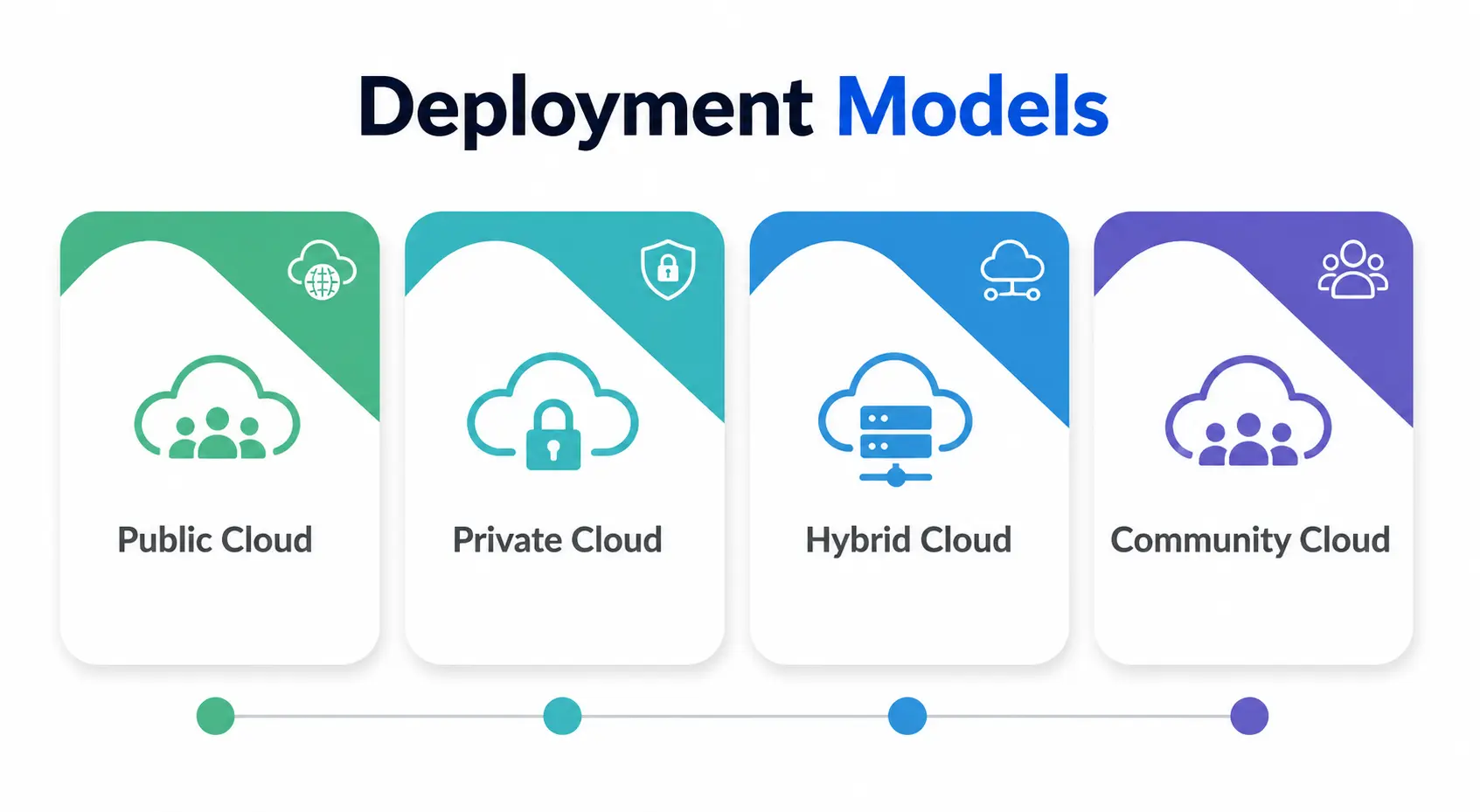
- Public Cloud – Infrastructure shared with anyone in the public (e.g., AWS, Azure)
- Private Cloud – Infrastructure for one organization
- Hybrid Cloud—Flexibility by combining public & private
- Community Cloud – Shared by organizations that share similar objectives (e.g., government agencies)
Today most organizations are moving to hybrid solutions rather than going all-in on public or private clouds. The hybrid approach gives organizations flexibility over which data or workflows to host where.
Cloud Computing Architecture Security
Security is always on the table for any discussion about a cloud computing architecture. It’s no longer in one locked server room; it’s in shared distributed systems, and providers are using layered defenses—encryption, firewalls, identity access management, and increasingly a zero trust approach where every single access request is verified no matter where it is coming from.
Why it matters: The old notion of a secure “inside” network perimeter is pretty much dead since we have remote teams and multi-cloud environments now.
How do the layers stack?
It helps a lot to think of cloud computing architecture as layered rather than flat. Generally most models describe four main layers:
- Application Layer – What the user encounters are sites and apps
- Platform Layer – Development tools, frameworks, runtimes.
- Infrastructure Layer – Storage and compute resources
- Data Center Layer – Physical hardware – Server, cooling and networking equipment
Each layer hides the complexity of the layer below it. So if a developer is working at the platform layer, they don’t need to think about the physical wiring that is happening several layers down.
Common Student Problems
Learning cloud computing architecture is more than simply learning definitions for an exam; it’s about the trade-offs too:
- Network topology suboptimal, latency problems
- Vendor lock-in can make it expensive or difficult to switch to another provider
- Cost Management as Elastic Compute Can Result in Surprising High Bills If Not Monitored
- One of the main reasons for data breaches in the cloud is poor security configuration settings.
If you know these challenges up front, you will be a much more thoughtful cloud practitioner than someone who only knows the theory.
Conclusion
Cloud computing architecture is not some arcane and scary thing for senior engineers only. It is a practical system consisting of front-end interfaces, back-end cloud infrastructure, service models, distributed systems, and smart mechanisms like load balancing and elastic computing to ensure the smooth operation of the entire system.
This is when you understand how these pieces fit together, and terms like “network topology” or “IaaS” don’t sound like buzzwords anymore.
Getting comfortable with cloud computing architecture is one of the smartest investments, whether you’re studying for a certification, working on your first cloud project, or just trying to get your head around how the internet actually works behind the scenes.
Personal Note
I remember the first time I saw a cloud architecture diagram in my own studies, and I was totally lost: boxes connected to boxes, arrows everywhere, and terms I couldn’t pronounce let alone explain.
It took actually building a small project on a free-tier cloud account for me to realize none of it was magic. It was just logical, step-by-step engineering. If you’re a student reading this and feeling overwhelmed, my honest advice is this: stop trying to memorize the diagram and go sign up for a free account on any major cloud platform and deploy something small.
Learn cloud computing architecture 10x faster by performing than by reading. And that was the way it made sense to me and I hope it makes sense to you as well.