If you’ve been reading about modern app development lately, chances are you have bumped into this term at least one time. Maybe in a tutorial, maybe in a job posting, or maybe a senior developer just threw it out in a meeting like everyone was supposed to know what it meant. Don’t worry, I was like that too.
I remember as a student trying to wrap my head around cloud architecture for the first time. Everyone was throwing around words like “serverless,” “backend,” and “deployment,” and I was nodding along, not really understanding what any of it was. It took me a while—and a lot of half-understood blog posts—to finally get the picture.
So I’m writing this as I wish someone had explained it to me back then: plain, practical, and without all the unnecessary jargon.
By the end of this guide you’ll know what this technology actually is, how it fits into the bigger picture of cloud computing, why companies are adopting it so fast, and where students like you can actually go try it out for free.
What Is Function as a Service (FaaS)?
Function as a Service (or FaaS) is a way of running small chunks of code (called functions) without having to deal with a server yourself. You write the code, you upload it to a cloud provider, and the provider takes care of the rest. Starting up the environment, executing your code when required and shutting it down once the job is done.
Like ordering out instead of cooking it yourself. You don’t have to buy ingredients, own a kitchen, or clean up afterward. You just place an order (an event), and the result comes (your function runs and returns an output). That’s essentially what this model does for developers – it takes the “kitchen” (the server) completely out of the picture.
According to IBM, FaaS enables customers to run code in reaction to events without needing to deal with the complicated infrastructure that is typically involved in developing and deploying microservices applications. This is because the cloud provider automatically manages all of the physical hardware and operating system administration.
That’s why you’ll frequently hear the term mentioned in the same sentence as serverless computing—technically there are servers somewhere, but as a developer you never see, touch, or configure them.
What Does It Actually Do?
Let’s take this one step at a time, because once you understand the workflow, the whole concept will click much faster.
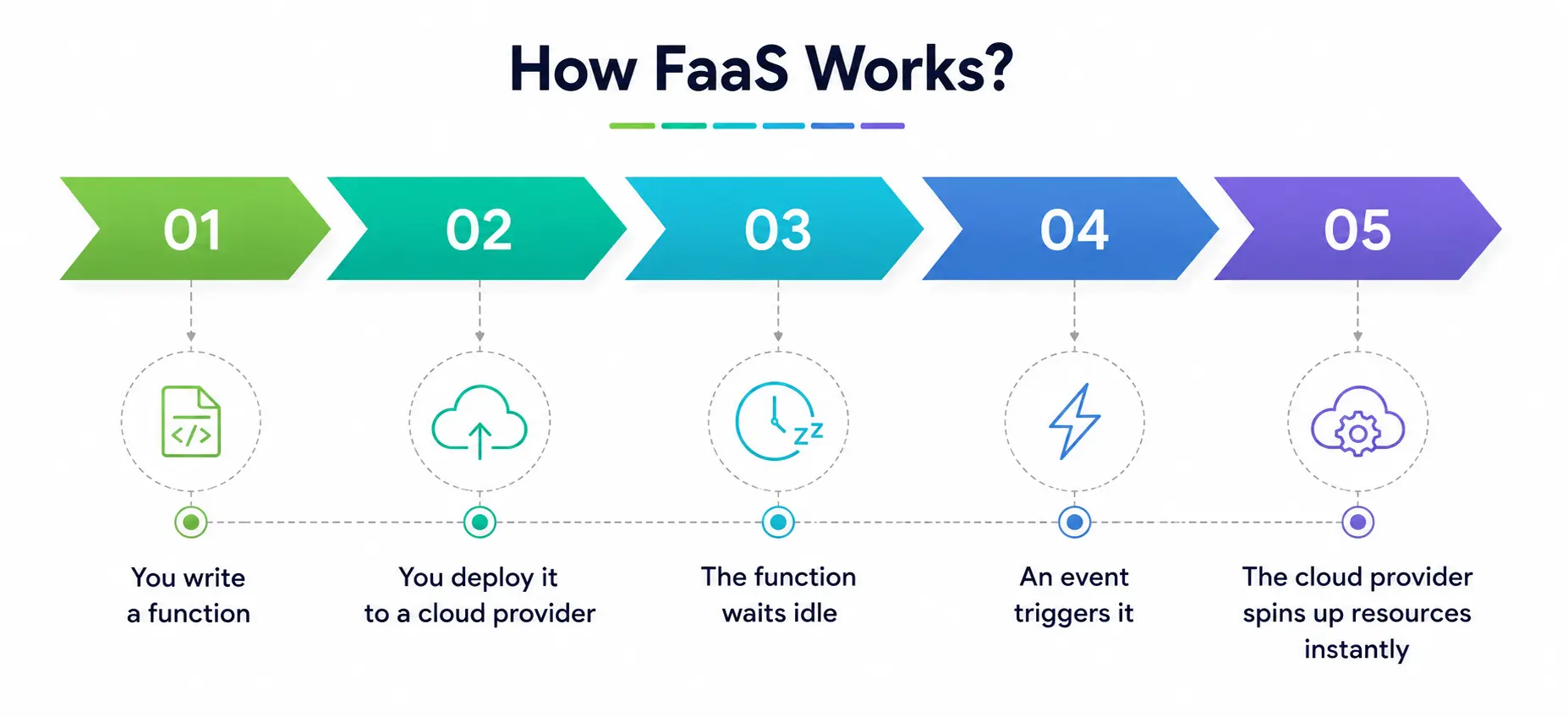
- You write a function, self-contained piece of code that does one specific thing, such as resize an image or process a form submission.
- You deploy it to a cloud provider. This is called function deployment, and normally it takes only a few clicks or a single command-line instruction.
- The function waits idle – it’s not running constantly in the background like a traditional server would. It just sits there. It costs you nothing.
- Events trigger it — this could be an HTTP request, a new file uploaded to storage, a database update, or a scheduled timer.
- The cloud provider spins up the resources, runs your function, returns the result, and shuts everything down instantly.
With this cloud model, customers can build applications and deploy functionality and only pay when the functionality actually executes—versus traditional hosting, where code runs continuously and accrues regular costs whether it’s being used or not.
That event-driven nature is one of the biggest selling points of this model. You aren’t paying for dead time. You only pay for real execution, often down to fractions of a second.
Why is this model so important in the cloud world today?
Cloud functions have become a basic building block of modern backend services, particularly as applications are trending toward smaller, independently deployable pieces of logic instead of one giant monolithic codebase.
Here’s why so many companies and student developers are jumping on this model:
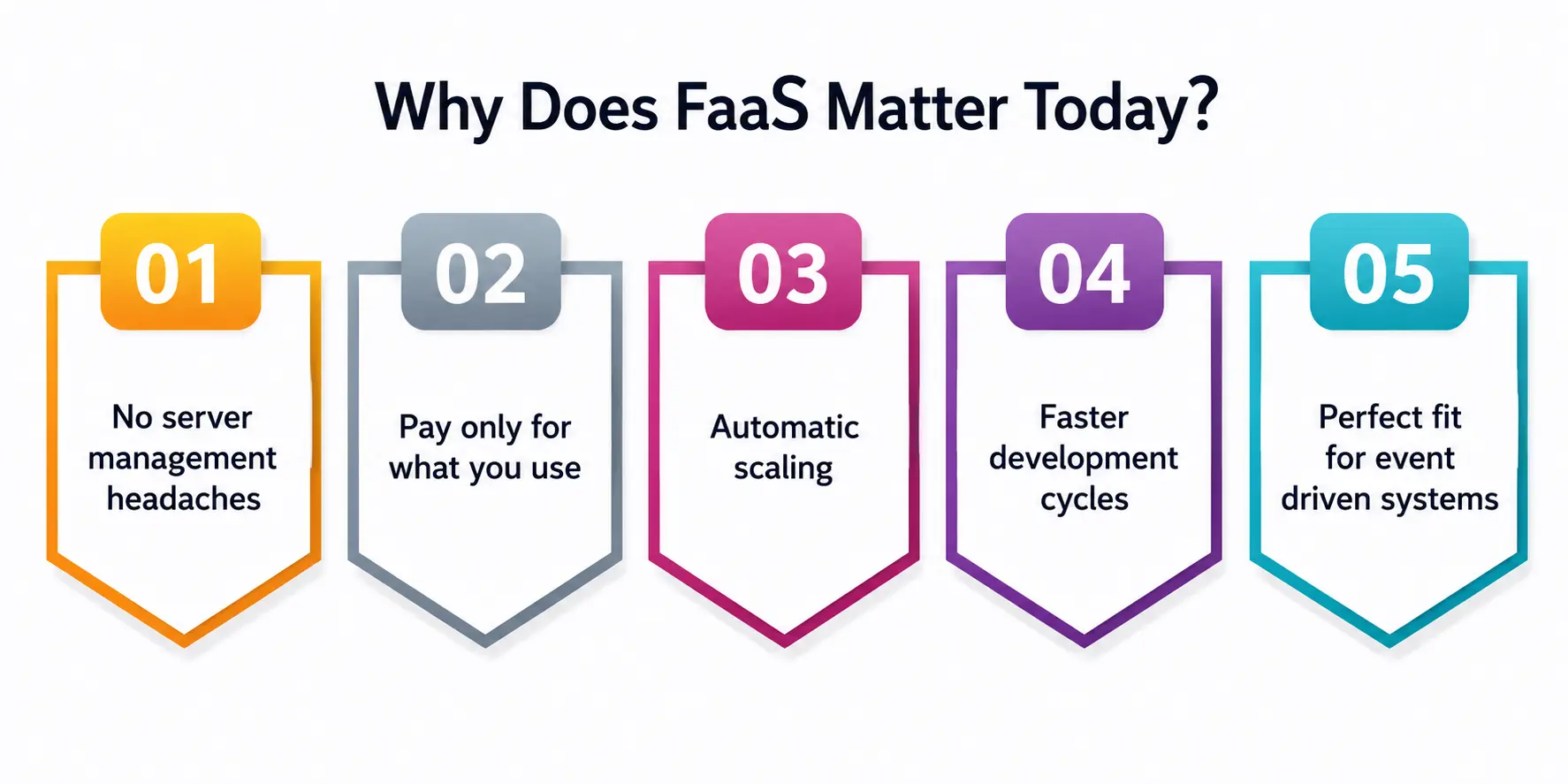
1. No server management headaches
The provider does all of that for you—you don’t need to patch operating systems, configure load balancers, or worry about any scaling manually.
2. Only pay for what you use
With traditional hosting, you pay whether you have 1 visitor or 1,000,000. This model charges you by execution, which can be very cost-effective for small or unpredictable workloads.
3. Auto-scaling
If your function has to handle a thousand requests at once, the cloud provider automatically spins up multiple instances. No manual intervention is needed.
4. Shorter development cycles
The function deployment is much faster since you are only responsible for the function logic itself; hence, developers are able to ship features faster.
5. Suitable for event-driven systems
Functions run when triggered by events, making them a good fit for event-driven architecture—processing uploaded files, reacting to database changes, responding to webhook notifications, and so on.
Interestingly, there is actually industry data to support how fast this space is growing. The global market for this technology is expected to reach around USD 11.14 billion in 2025 and grow to USD 34.84 billion by 2031, primarily driven by the demand for improved developer productivity, faster function deployment cycles, and the cost benefits of pay-as-you-go billing.
Traditional Backend Services vs. FaaS
To understand what makes this model special, it helps to look at how backend services were built and hosted before.
|
Aspect |
Back-end Hosting (Traditional) |
FaaS |
|
Server Management |
You manage OS, patches, and scaling manually |
Fully handled by the cloud provider |
|
Billing Model |
Pay for server uptime, even when idle |
Charged only function execution |
|
Scaling |
Require Manual or semi-automatic configuration |
Automatic scaling up down to demand |
|
Speed of Deployment |
Slower — setting up infrastructure |
Fast — deploy functions in minutes |
|
Who It’s Best For |
Long-lived applications with constant-traffic |
Bursty, event-driven, Short-lived workloads |
|
Style Architecture |
Frequently monolithic |
Plays very nicely microservices architecture |
As you can see, this model is not necessarily “better” in all of the circumstances—it is better for certain types of workloads, especially those that are unpredictable or are triggered sporadically instead of running all the time.
What Does It Have to Do with Microservices Architecture?
If you’ve done any research or reading about microservices architecture, you know the deal: Instead of creating one giant application, you break it into smaller independent services that do one job well.
This model takes it a step further. You’re deploying one function that does one specific thing, instead of deploying a whole independent service. That is, a function is an extension of the microservices architecture, Sumo Logic explained. It is a discrete piece of code that performs a task. It can run on its own, without an organization having to manage its own application servers.
This makes the model very popular for applications such as the following:
- Image & Video Processing
- Automated email or notification delivery
- Processing Authentication Requests
- Processing of IoT sensor data
- Jobs scheduled in the background
- Running chatbots and AI inference jobs
In fact, recent industry analysis highlights that FaaS architectures are particularly well suited to AI inference tasks, which often consist of sporadic, event-driven demand that requires instant scalability without the expense of running idle servers around the clock, according to the same 2026 FaaS market report.
Popular Providers of This Technology
If you are a student and want to try this out hands-on (which you really should), here are some of the most widely used cloud functions platforms:
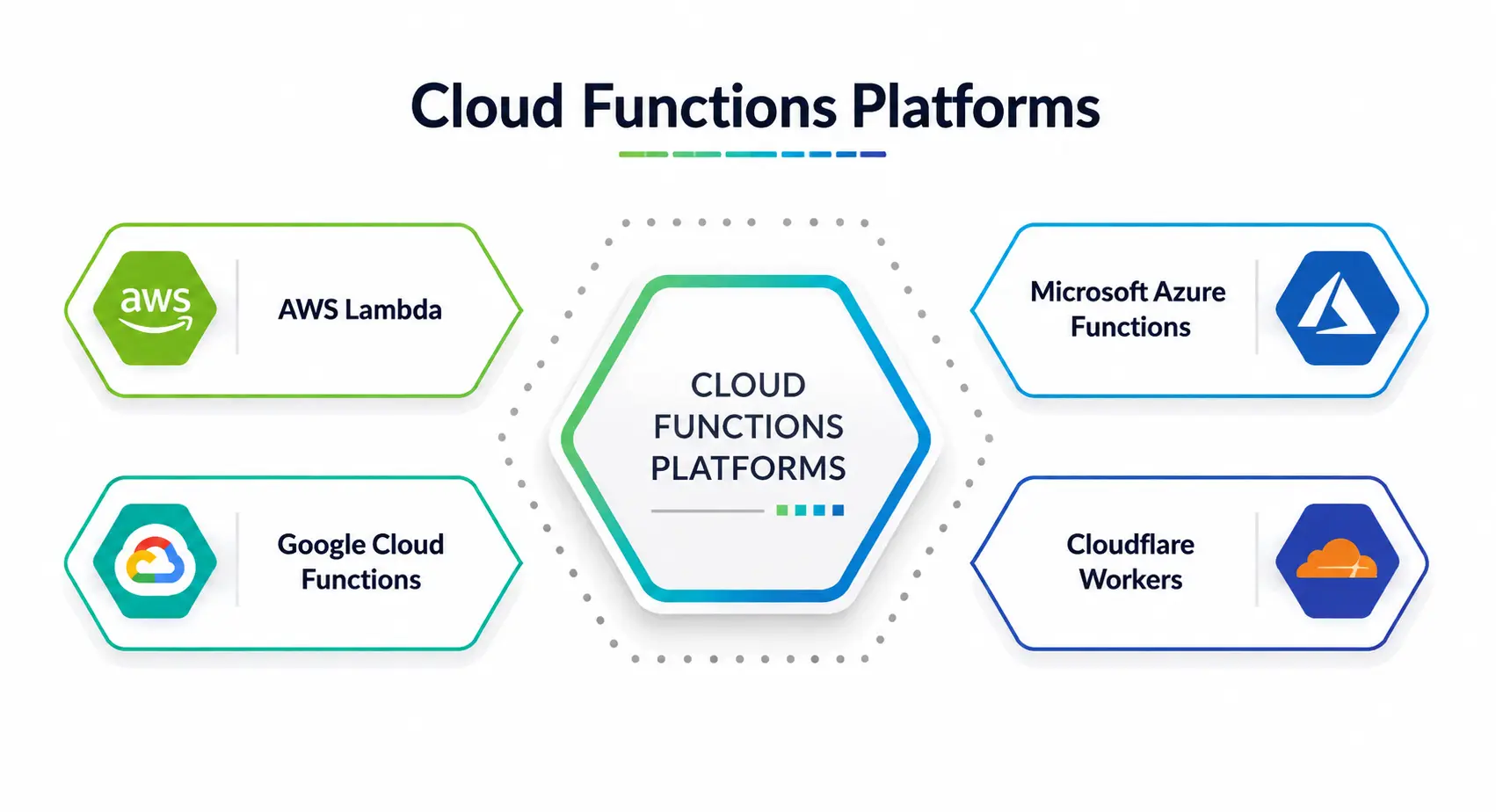
- AWS Lambda – Early mover in this space and widely adopted in the industry.
- Google Cloud Functions – easy to use, integrates well with other Google Cloud tools.
- Microsoft Azure Functions – Widely used in enterprises already with the Azure ecosystem.
- Cloudflare Workers – Well known for running functions very fast at the edge.
Most of these platforms offer free tiers, making them perfect for students looking to experiment without spending any money.
When can you use it?
This model is not a one-size-fits-all solution, and knowing when to use it is as important as knowing how it works.
Use cases for good:
- Spiky/unpredictable traffic applications
- Backend services that are used only infrequently
- Event-driven tasks such as file processing or notifications
- Fast prototyping and MVPs (minimum viable products)
Not good for:
- Apps that need long-running, persistent processes
- Workloads that are sensitive to “cold start” delays
- Very complex applications where it is easier to manage hundreds of small functions than one big service
This cloud computing model executes code in small modular pieces, and organizations contemplating the move need to understand not just how it works but also the implications for scalability and why proper observability becomes critical once functions are running at scale.
The Bigger Picture: Cloud Service Models
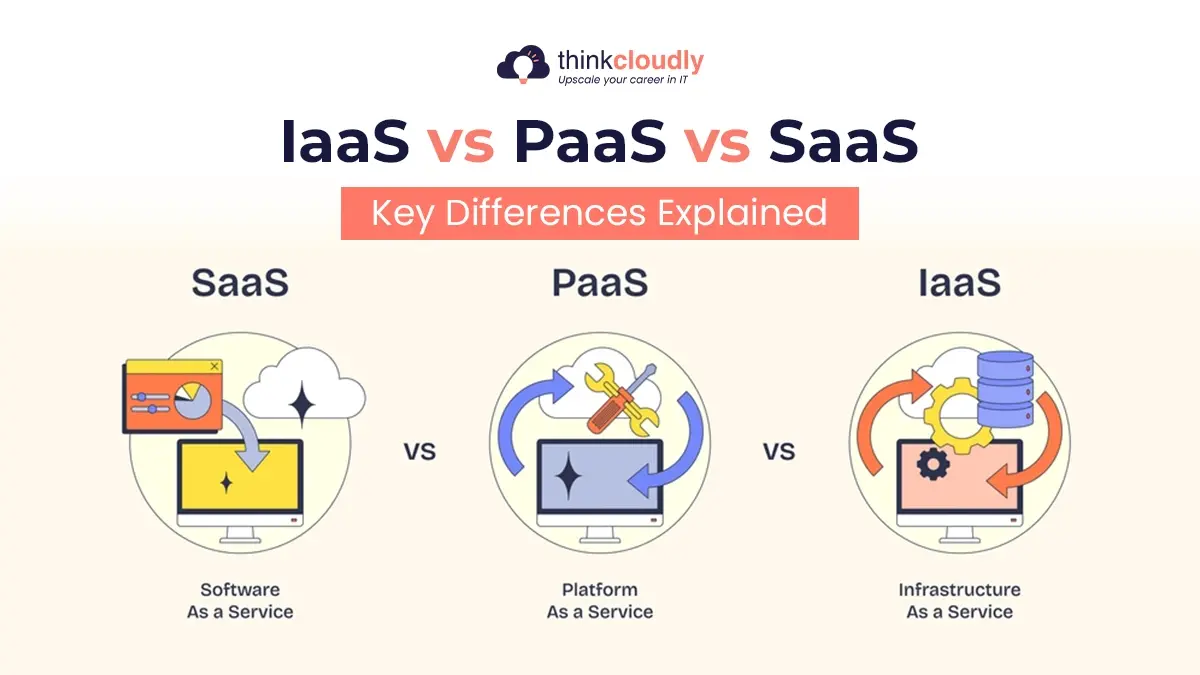
Also helps to put this technology into perspective with other cloud models. With FaaS you can deploy single functions that react to events. The provider takes care of the runtime, scales each function independently, and charges per invocation.
That’s different from the older models, like Infrastructure as a Service and Platform as a Service, which still require you to manage more of the underlying stack yourself.
If you’re a student getting ready for interviews or working on cloud-related classwork, knowing this difference actually comes in handy, because you’ll see these comparisons a lot in tech talks.
Final Thoughts
This innovation has quietly been one of the biggest changes in how modern applications are built. It removes the burden of managing servers, directly correlates costs with actual usage, and integrates perfectly with event-driven, microservices-based systems that are the norm in today’s backend landscape.
It’s a great field to get your hands dirty in, especially for students. Most big providers will let you deploy your very first cloud function in under 15 minutes, for free. You don’t need to be an infrastructure guru to start off—just be curious and want to tinker.
A Personal Note
When I first started my journey into the world of serverless computing, I honestly thought it meant “no servers at all,” which in hindsight is a very common and understandable confusion. And it wasn’t until I actually deployed my first tiny function, a simple script to resize an image when someone uploaded one, that it all made sense.
It was a little revelation to watch it run and scale up and shut down without me touching a single server. If you are a student reading this, my honest advice: stop reading about it and just try it out. Set up a free account, write a small function, and trigger it yourself. Those fifteen minutes of hands-on experience will teach you more than any article, including this one.