
Have you ever clicked on a website and watched it load instantly, while another site made you stare at a spinning wheel for what felt like forever? That difference usually comes down to one thing working quietly in the background—a Content Delivery Network.
If you’ve ever typed “What is a CDN?” into a search bar because a professor mentioned it in class or a tech blog used the term without explaining it, you’re in the right place.
This blog breaks down what is CDN, how it works behind the scenes, and why almost every major website you use today depends on one. No jargon overload. Just a simple, honest explanation that a student, a beginner developer, or a curious reader can actually follow.
What Is CDN? A Simple Introduction
Let’s begin with the big question. What is CDN? A CDN is a network of servers deployed across various cities and countries working together to deliver web content such as images, videos, scripts, and web pages to users faster than a single server.
Let’s put it this way. Imagine a bakery that has only 1 shop in California, but customers are ordering from Canada, London, and New York. That single shop in California has to ship every order, no matter how far the customer is.
That’s slow, expensive, and frustrating. Now imagine that a bakery opens small branches in every major city. Customers get their order from the nearest branch instead of waiting for it to travel from California. That’s essentially what CDN technology is and what it does for websites.
According to Cloudflare’s learning center, a content delivery network is a geographically distributed group of servers that speeds up the delivery of web content by caching it closer to users, and today the majority of web traffic on the internet is served through CDNs, including traffic from major platforms like Netflix and Amazon.
Why Does Understanding What a CDN Is Actually Matter?
If you’re studying computer science, web development, digital marketing, or even just running a small blog or YouTube channel someday, CDNs will show up.
They impact the speed of the website, search engine ranking, security, and user experience. If you learn the basics now, you’ll save yourself a lot of confusion later. And additionally, after you understand what a CDN is and how it works, many other internet concepts—caching, load balancing, server architecture—begin to make a lot more sense too.
Edge Servers and Edge Locations Basics
If you really want to understand what a CDN is, you need to get comfortable with two closely related terms: edge servers and edge locations.
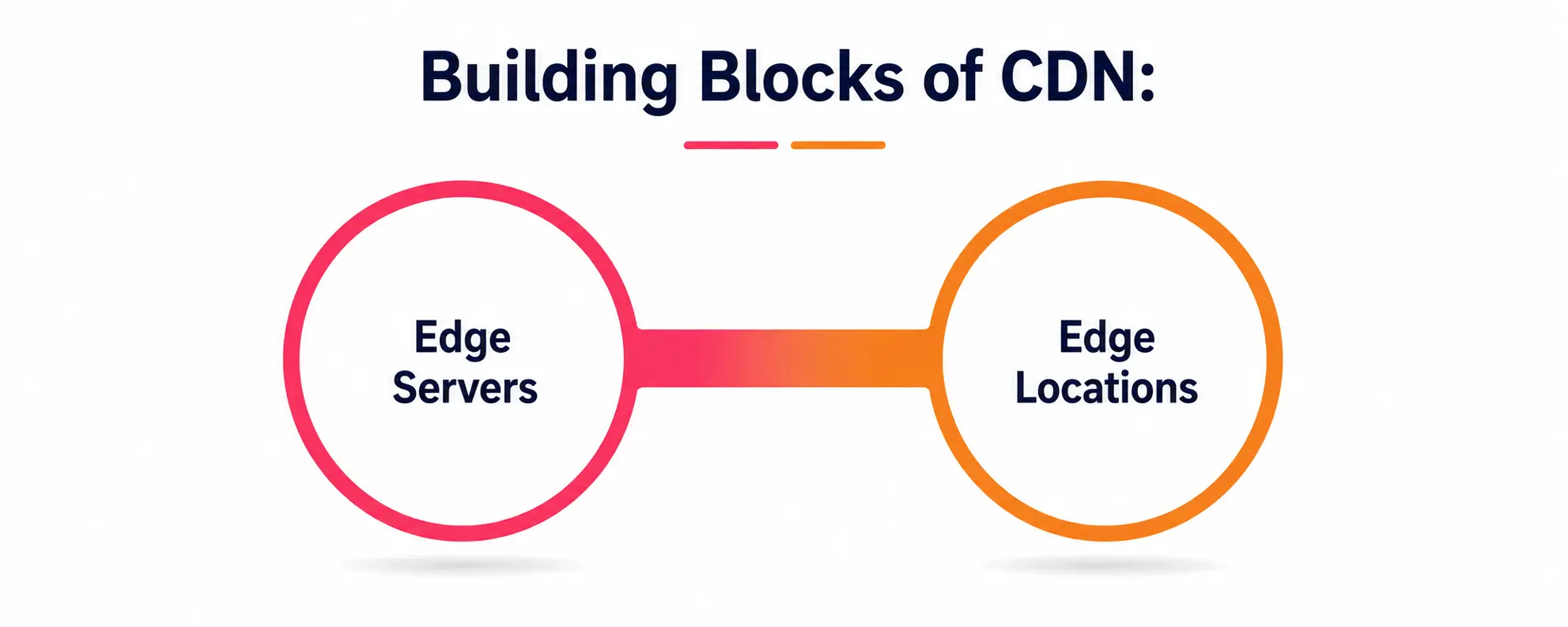
Edge servers are the physical servers deployed in data centers worldwide. These aren’t the original servers where your website’s files permanently live; those are called origin servers. Edge servers temporarily store copies of content so that they can respond quickly to users in their vicinity, rather than sending every request back to the original source.
Edge locations are the physical data centers (or points of presence) where these edge servers are located. The largest CDN providers may have edge locations in hundreds of cities worldwide. So if someone in Faridabad wants a webpage hosted on a server in the US, the CDN doesn’t send that request all the way across the ocean. Instead, it passes the query to the closest edge location where the edge server can deliver the content almost immediately.
AWS’s official CDN guide explains that the way content delivery networks work is by establishing a point of presence, or a group of CDN edge servers, at multiple geographical locations. This geographically distributed network is based on the principles of caching, dynamic acceleration, and edge logic computation.
So the next time someone asks you “What is CDN without edge servers” the correct answer is – It wouldn’t be a CDN.
How Global Distribution Makes the Internet Feel Smaller
Here’s where things get genuinely interesting. One of the biggest advantages of a CDN is global distribution. Rather than one server in one country, content is copied and distributed across a large, global network.
This global distribution means that no matter where your users are located, be it a student in Faridabad, a shopper in Berlin, or a gamer in Tokyo, they are served from a location geographically close to them. Without this type of global distribution, websites would take forever for anyone away from the original hosting server to load.
That’s the power of knowing what CDN and Global Distribution combined are because that’s how you know why massive platforms like streaming services or e-commerce giants never seem to slow down, even during massive traffic spikes like sales events or massive product launches.
Reducing latency: The REAL reason sites are fast
Now let’s discuss the term you’ll hear over and over when people explain what a CDN is—latency reduction. Latency is just the time between requesting something on the web and receiving it. Latency is a delay—nobody likes to wait.
CDNs are built to reduce latency. Delivering content from an edge server nearby, instead of an origin server far away, greatly reduces the physical distance the data must travel. The shorter the distance the shorter the delay, so reducing Latency almost comes for free.
Per Akamai’s official CDN page, a content delivery network is a globally distributed network of edge servers that caches and delivers web content closer to users specifically to reduce latency, improve performance, increase availability, and enhance security.
For students learning about networking or web performance, latency reduction is often the single most measurable, real-world benefit of a CDN. It’s the difference between a webpage that loads in half a second versus one that takes five agonizing seconds.
Caching: The Workhorse Of Everything
CDN technology has a huge aspect of caching. You can’t understand CDN technology without caching. Caching is a way of keeping copies of content so they can be delivered quickly when requested again, instead of having to be generated or fetched from scratch each time.
Here’s the dumbed-down version: User requests a web page or file from a specific edge location for the first time. If the edge server does not have a copy of the file cached, it fetches the file from the origin server and caches a copy locally. If another user requests the same content from that location, the cached copy is delivered immediately, and the request never has to go all the way back to the origin server.
This is exactly the mechanism described by AWS, i.e., the caching in CDN technology is the storage of static website content on multiple servers in the network so that a remote visitor’s request does not have to travel all the way back to the original web application server each time.
Cache Invalidation: What Happens When Content Changes?
A question often asked by students is that if the content is cached, then what happens when the original website changes that content? And that’s where cache invalidation comes into play. Cache invalidation is the process of deleting or updating stale cached copies so that users don’t see stale and incorrect information.
Think of a news site updating a breaking story. The article has changed, but the CDN edge servers are still serving yesterday’s version from the cache. Without proper cache invalidation, users will be seeing stale headlines.
CDN providers handle cache invalidation in a few common ways: setting expiration times on cached content, letting website owners manually trigger cache invalidation for urgent updates, or using automated rules that refresh content whenever the origin server changes.
Cache invalidation is honestly one of the trickier parts of running a CDN properly—set caching too long and stale content lingers; set it too short and you lose most of the speed benefits since edge servers keep re-fetching from the origin. Getting cache invalidation right is a balancing act every website owner has to manage carefully.
How a CDN Request Works: Step by Step
So, let’s bring all of this together and walk through what literally happens when you click a link on a CDN-powered website. Creativeon’s CDN explainer explains how it works. A visitor makes a request for a page on a website. The CDN finds the closest edge server to that visitor. If the file being requested is already cached, it is delivered immediately from that edge location.
So this is the full picture. You type in a website address, hit enter, and your request is automatically routed to the nearest edge location based on your geographic position. The edge server then looks to see if it already has a cached copy. If yes, the content is served directly out of the cache, a cache hit.
Otherwise, it retrieves the content from the origin server, caches it for future visitors, and then serves it to you—a cache miss. Then the cache is served immediately to subsequent visitors near that edge location. This all happens in milliseconds, which is why websites using a CDN feel so much snappier than those that are served from one remote server.
Table: Key CDN Concepts at a Glance
|
Concept |
What It Means |
Why It Matters |
|
Edge Servers |
Physical servers placed closer to users that store cached content |
Deliver content faster without relying on a distant origin server |
|
Edge Locations |
Data centers/points of presence where edge servers are housed |
Determine how close a CDN can get to any given user |
|
Global Distribution |
Content spread across servers worldwide instead of one location |
Makes websites fast for users no matter where they are located |
|
Latency Reduction |
Shrinking the delay between a request and a response |
Directly improves page load speed and user experience |
|
Cache Invalidation |
Removing or refreshing outdated cached content |
Keeps users from seeing stale or incorrect information |
Beyond Speed: Other Benefits of a CDN
Speed usually gets all the attention, but what CDN technology offers goes well beyond just latency reduction. Other real advantages to mention:
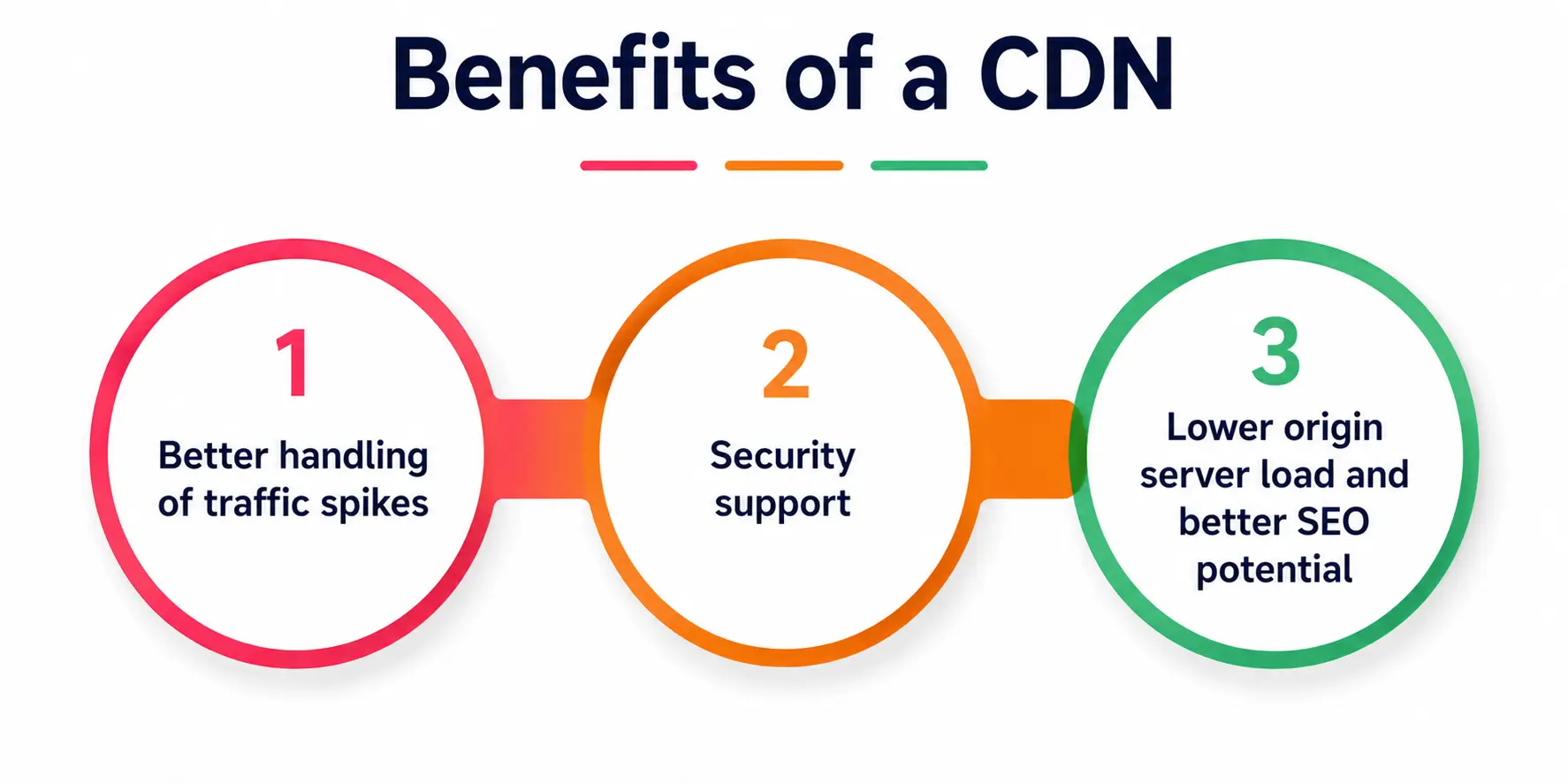
1. Better handling of traffic spikes
When a website suddenly goes viral, a CDN distributes the traffic load across many edge servers instead of overloading a single origin server.
2. Security Support
If properly configured, a CDN can help mitigate some attacks, including Distributed Denial of Service attacks, by filtering out suspect traffic before it reaches the origin server.
3. Lower origin server load and better SEO potential
Since edge servers handle repeated requests through caching, the origin server has more resources for dynamic tasks—and since search engines factor page speed into rankings, faster loading through latency reduction and global distribution can genuinely support better visibility.
Common Misconceptions Students Have About CDNs
A lot of learners assume a CDN replaces your website’s hosting entirely. It doesn’t; your origin server still holds the authoritative version of your website, while the CDN just delivers copies more efficiently through its edge servers.
Another common mix-up is thinking every piece of content gets cached; in reality, CDNs mostly handle static content like images, CSS, and videos, while dynamic, personalized content—like a bank dashboard—still comes from the origin server.
Final Thoughts on What Is CDN Technology
By now, you’ve probably noticed that what a CDN is isn’t some mysterious, overly technical concept reserved only for senior engineers. It’s a fairly intuitive idea once you break it down—bring the content closer to the user through edge servers and edge locations, achieve global distribution, focus on latency reduction, and manage everything carefully with proper cache invalidation.
Whether you’re a computer science student prepping for an exam, a beginner web developer setting up your first project, or just someone curious about how the internet manages to feel instant despite spanning the entire globe, understanding what a CDN is gives you a genuinely useful piece of the puzzle.
A Personal Note
I remember the first time I tried explaining CDNs to a junior developer on my team, and I fumbled through it with way too much jargon—points of presence, TTLs, edge computing—and completely lost them halfway through.
It taught me something important: the best technical explanations aren’t the ones packed with buzzwords; they’re the ones that connect new ideas to something familiar, like that bakery-with-branches example I used earlier.
If this blog helped even one confused student finally understand what is CDN without needing to read it three times, then it did its job. Keep learning, keep asking the simple questions — they’re usually the ones that matter most.