


Video used to require a camera, a crew, editing software, and weeks of production time. In 2026, you type a sentence and get a clip back in under two minutes. That shift is real, it is happening now, and the gap between tools that deliver and tools that disappoint has never been more important to understand.
AI video generation tools in 2026 fall into three distinct categories. Text-to-video generators create footage from prompts—Runway, Kling, and Veo. AI avatar platforms let you write a script and generate a realistic presenter delivering it—HeyGen and Synthesia. Automated video editors take existing footage or scripts and produce polished output—InVideo AI, CapCut. Comparing these categories is like comparing Photoshop to Canva — both involve video, but the use cases are completely different.
This guide covers the 10 best AI video generation tools in 2026 — production-tested, actively used, and each covering a specific gap in the market.
What Makes 2026 Different for AI Video
The leap in quality between 2024 and 2026 is significant. Earlier text-to-video tools produced blurry, physics-defying clips that clearly looked AI-generated. The best tools in 2026 have largely solved these problems for shorter clips.
Three capabilities define the 2026 generation: native audio sync, multi-shot storytelling, and character consistency. Native audio means the video model generates synchronized dialogue and ambient sound alongside the footage. Multi-shot support maintains the same scene, character, and lighting across multiple clips—enabling actual story sequences. Character consistency keeps the same person looking identical across every shot.
These advances have made AI assisted video creation genuinely viable for business content, marketing assets, and creative projects—not just experiments.
Quick Comparison Table
| Tool | Best For | Free Plan |
Starts At |
|
Google Veo 3.1 |
Best overall quality | Limited | Usage-based |
| Runway Gen-4.5 | Filmmaker creative control | Yes |
$15/month |
|
Kling 3.0 |
Cinematic quality + best value | Yes (limited) | $10/month |
| HeyGen | AI avatars + multilingual | Yes (3/month) |
$24/month |
|
Synthesia |
Enterprise training videos | No | $29/month |
| InVideo AI | Automated marketing video | Yes |
$25/month |
|
Pika |
Stylized short-form content | Yes | $8/month |
| CapCut | Best free AI video editing | Yes |
Free |
|
Adobe Firefly |
Commercially safe generation | Yes | $9.99/month |
| Luma Dream Machine | Fast cinematic clips | Yes |
$29.99/month |
Top 10 AI Video Generation Tools Reviewed
The AI video generation market has matured significantly in 2026, but not every platform serves the same purpose. Some tools focus on creating cinematic footage from simple text prompts, while others specialize in AI avatars, automated marketing videos, or professional video editing workflows. The platforms featured below were selected based on video quality, ease of use, innovation, pricing, and real-world business applications. Whether you’re a marketer creating social media campaigns, a filmmaker exploring AI-powered storytelling, or a business looking to scale video production, these tools represent the strongest options available today.
Each solution has its own strengths, limitations, and ideal use cases, making it important to choose a platform that aligns with your specific content creation goals.
1. Google Veo 3.1 — The Strongest All-Round Quality
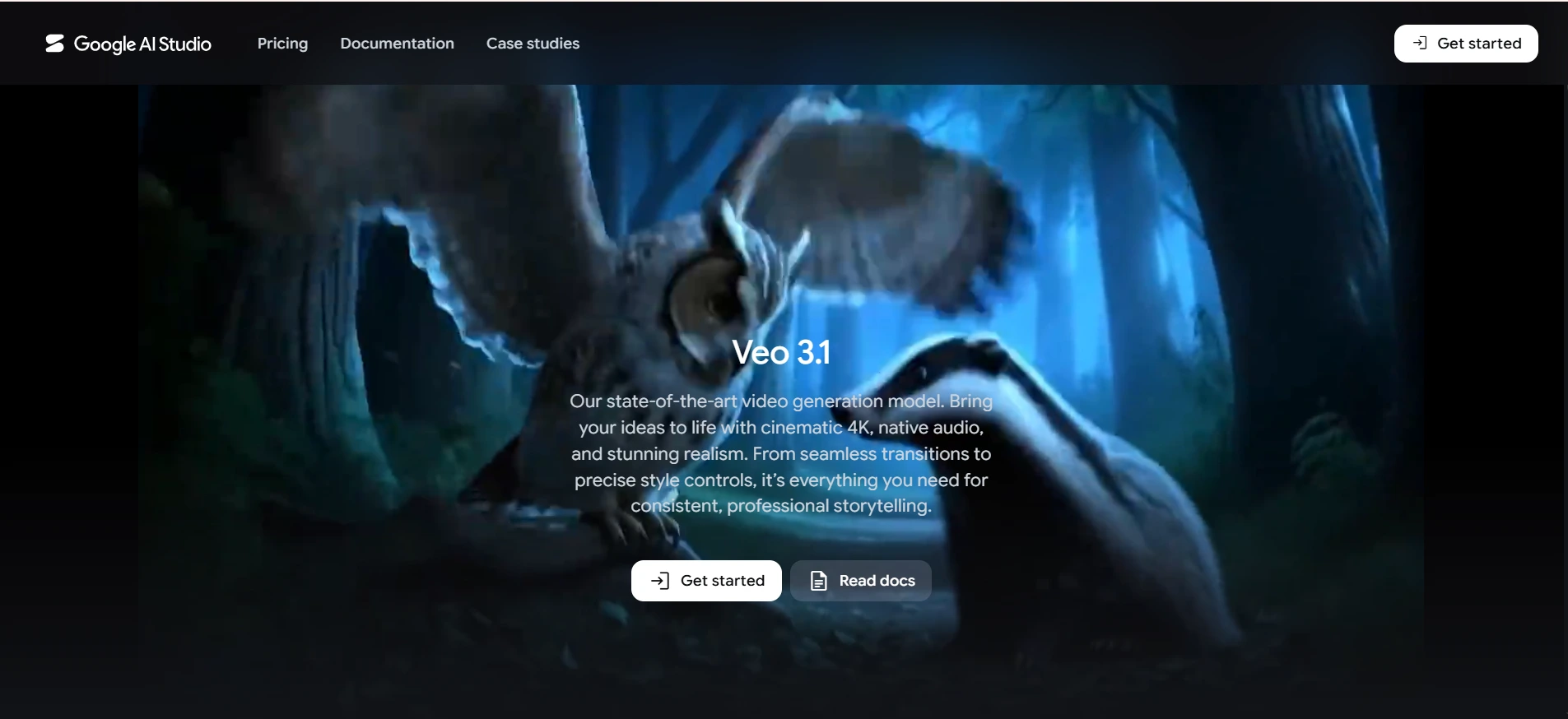
Google Veo 3.1 is the benchmark for AI video generation quality in 2026. In independent comparisons, it leads on prompt adherence, native audio generation, and 4K output in both landscape and portrait—making it the strongest all-rounder for narrative scenes, marketing footage, and establishing shots.
The native audio is what sets Veo 3.1 apart. When you describe a scene, Veo generates ambient sound, dialogue, and environmental audio alongside the footage automatically. This eliminates the separate audio production step that most other text-to-video tools require. Available through Google DeepMind, CapCut, and Google Flow, it’s accessible to both enterprise teams and individual creators.
Pricing: Usage-based through Google AI infrastructure. Available via CapCut, Google Flow, and API access.
Good fit for: Marketing teams needing realistic footage; content creators wanting the highest quality turn text into video content output; and filmmakers generating establishing shots or B-roll.
Where it falls short: Pricing transparency varies by access method. Direct API access requires Google Cloud setup. Less granular creative control compared to Runway.
2. Runway Gen-4.5 — The Filmmaker’s AI Video Maker
Runway is where creative professionals go when they need precise control over every aspect of AI assisted video creation. Ranked the world’s top-rated video model in December 2025 independent benchmarks, Gen-4.5 delivers cinematic-quality video with capabilities other tools haven’t matched.
The Multi-Motion Brush lets you animate specific regions of a frame independently—background water moves while the foreground subject stays still. Aleph, Runway’s in-video editing system launched in 2026, lets you modify scenes using text prompts without regenerating the entire clip. Runway Characters, introduced in March 2026, enables consistent character appearance across multiple shots—making the visual storytelling workflow genuinely multi-shot.
Pricing: Free tier available. Standard at $15/month. Pro at $35/month.
Good fit for: Filmmakers, motion designers, creative agencies, and teams needing granular control over footage. The strongest AI video maker for creative professionals.
Where it falls short: Higher learning curve than consumer tools. Not the most efficient tool for high-volume automated video creation.
3. Kling 3.0 — Best Value for Cinematic AI Video
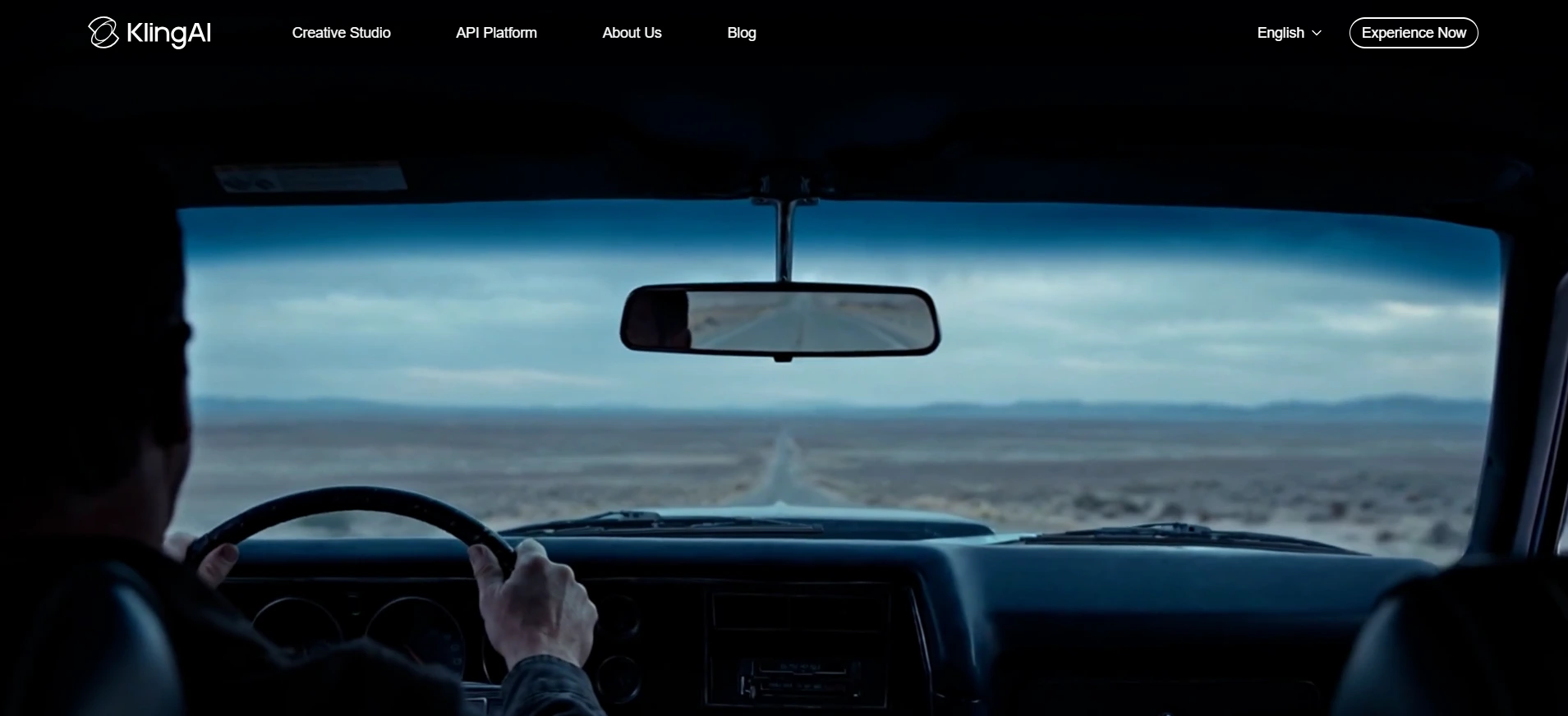
Kling 3.0 from Kuaishou is the best value proposition in AI video generation tools for 2026. At approximately $10/month, it delivers cinematic quality competing directly with Runway and Veed—making it the strongest option for creators who need professional results without enterprise pricing.
The model generates smooth, photorealistic animations with best-in-class motion physics for complex movements—hair, liquids, and fabric behave realistically. A multi-shot storyboard mode with native audio sync enables the visual storytelling workflow that previously required stitching together separate clips manually. Independent benchmarks consistently rank Kling 3.0 among the top three AI video generators globally.
Pricing: Limited free tier available. Standard plans start around $10/month.
Good fit for: Content creators, marketing teams generating cinematic B-roll, and anyone who wants Runway-level visual quality at half the price.
Where it falls short: Footage generation only — no script-to-presenter workflow, no translation engine, and no template library. Wrong tool for talking-head or training videos.
4. HeyGen — The Leading AI Avatar Platform
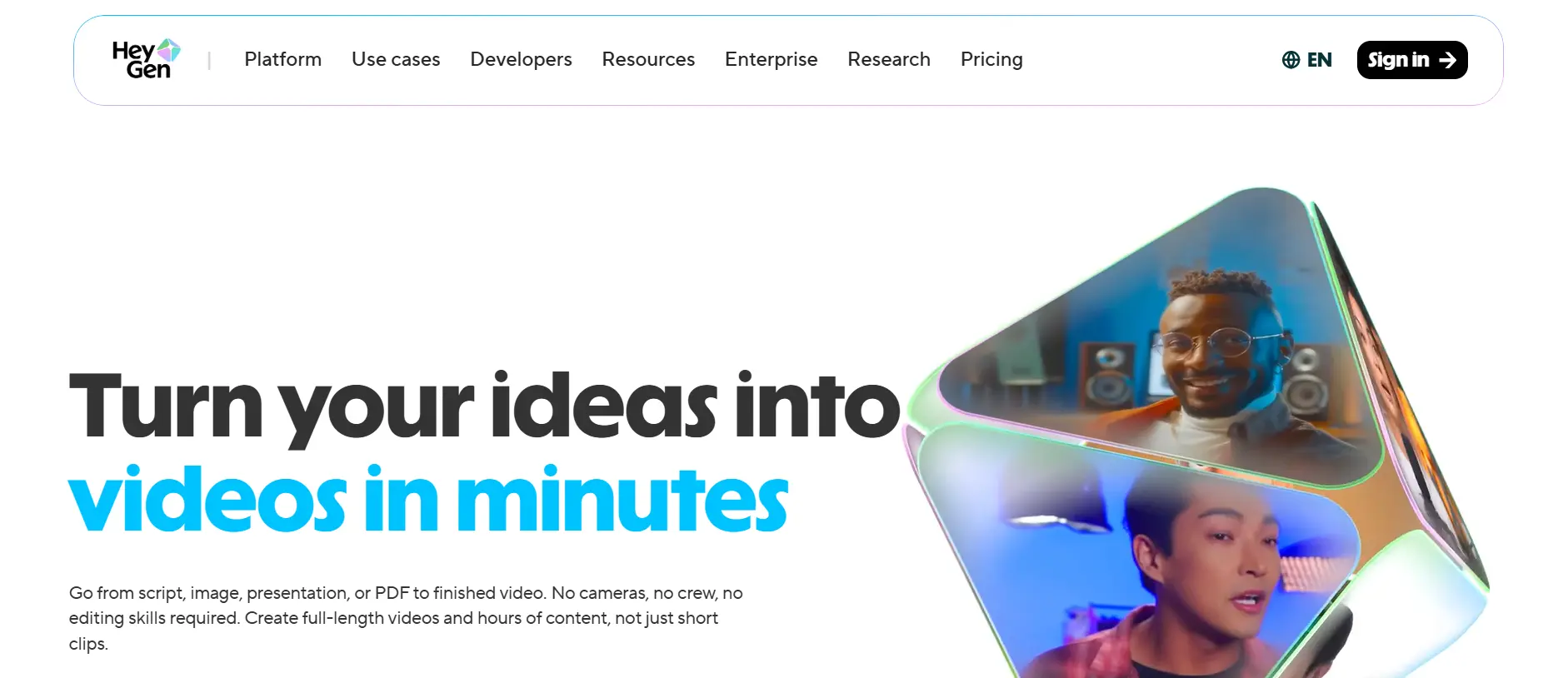
HeyGen occupies a completely different category from Runway or Kling. It generates realistic human presenters delivering your script — and it does this better than any other platform available. The Avatar IV technology produces talking-head output that colleagues in independent tests couldn’t distinguish from filmed content.
Over 1,100 stock presenter options, photo-to-avatar creation from a single image, and voice cloning that replicates your voice delivering scripts you never recorded. The translation engine supports 175+ languages with accurate lip sync — meaning a single video can be localized into dozens of markets automatically. HeyGen grew 152% year-over-year in mid-market customers as of early 2026. A major 2026 update integrated Sora 2, Veo, and Kling directly into the platform, making it a genuine all-in-one video hub.
Pricing: Free plan includes 3 videos per month. Creator at $24/month. Team pricing available.
Good fit for: Marketing teams creating presenter-style product videos, HR and L&D teams building training content, and businesses that need to deliver personalized or multilingual video at scale without filming.
Where it falls short: Not designed for cinematic or narrative footage. The AI avatars’ style can feel corporate. Higher costs for volume production.
5. Synthesia — Enterprise Training Video Standard
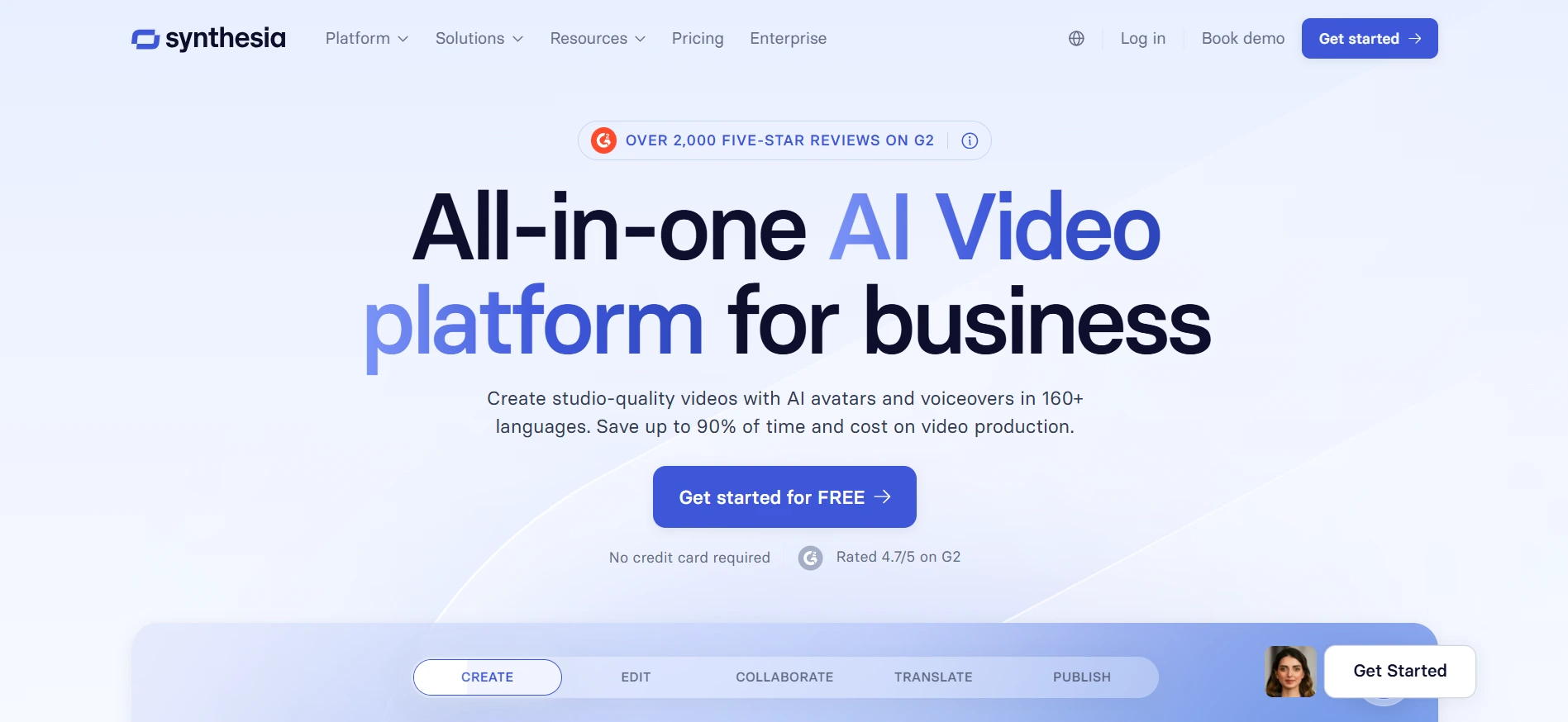
Synthesia is the undisputed enterprise standard for corporate training, compliance, and e-learning video. Over 50,000 businesses use it to create professional AI avatars and presenter-led content without cameras, studios, or actors. The platform supports 140+ languages, a deep template library for structured training content, and enterprise compliance controls.
The automated video creation workflow is straightforward: write a script, choose an avatar and scene template, and export. Updates to existing training content require editing the script rather than refilming—making maintenance a fraction of the effort of traditional video production.
Pricing: Starter at $29/month. Creator at $89/month. Enterprise with custom pricing.
Good fit for: L&D teams, HR departments, compliance training, and organizations producing standardized video content across multiple languages and markets.
Where it falls short: Templates and AI avatars create a recognizable corporate aesthetic. Not suitable for brand-driven creative content or cinematic marketing.
6. InVideo AI — Fully Automated Marketing Video
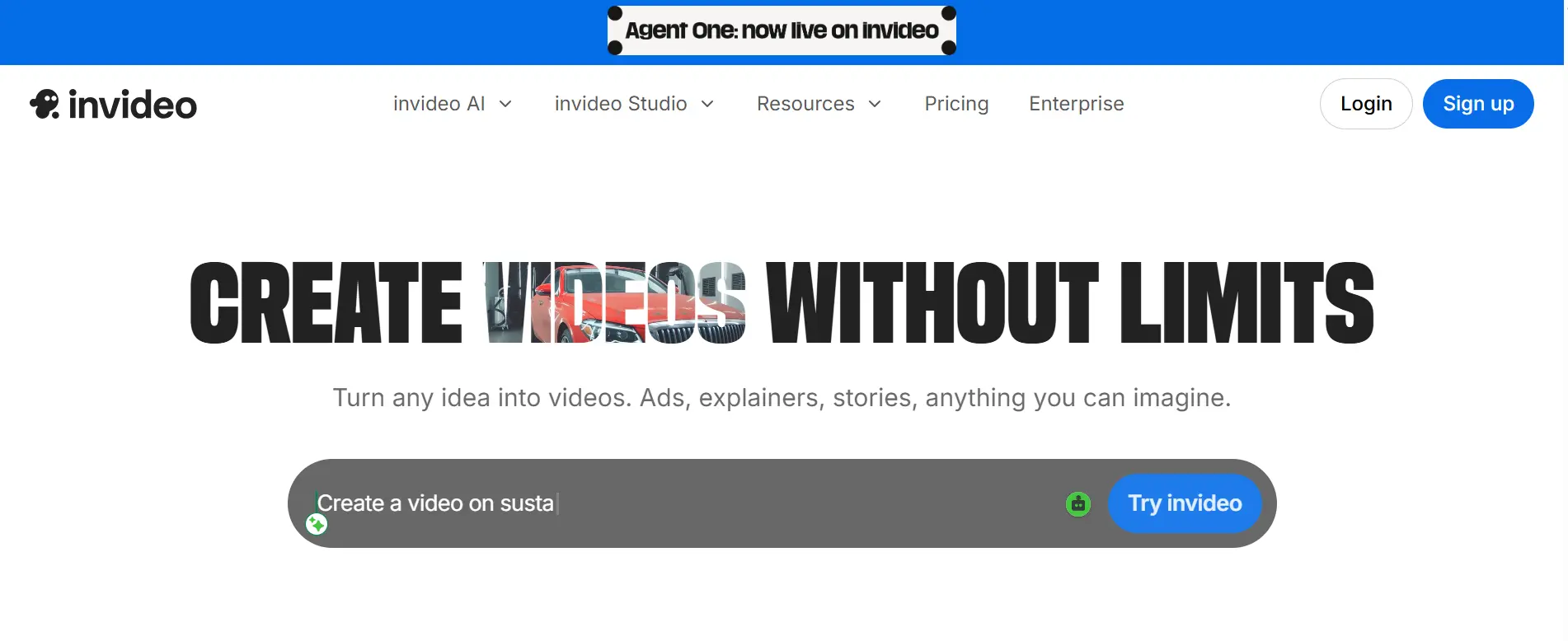
InVideo AI occupies the sweet spot between manual production and pure text-to-video generation. You provide a text prompt, URL, or brief description, and InVideo AI produces a complete marketing video—script, voiceover, footage, music, captions, and transitions—automatically.
For automated video creation at marketing scale, this end-to-end workflow removes the production overhead that makes video expensive. The AI selects relevant stock footage, writes and records the voiceover, adds background music, and creates a polished export with minimal human input. InVideo AI integrated Sora 2 before its web discontinuation, maintaining access to that generation quality within the platform.
Pricing: Free plan available with watermarked exports. Business at $25/month removes watermarks.
Good fit for: Social media managers, digital marketing teams, and businesses needing regular video content without a dedicated video team.
Where it falls short: Output quality depends heavily on available stock footage. For unique visuals or cinematic quality, AI footage selection can feel generic.
7. Pika — Stylized Short-Form Content
Pika takes a different aesthetic approach than the photorealism-focused tools above. It excels at stylized, creative transformations — turning images into animated clips, applying specific visual styles, and generating expressive motion for social media content.
The platform is the most intuitive AI video maker for beginners, guiding users through generation without requiring prompt engineering expertise. For content creators producing TikTok, Reels, or YouTube Shorts where a stylized visual look is preferred over photorealism, Pika delivers creative options other tools don’t offer.
Pricing: Basic plan at $8/month. Standard at $24/month. Free tier available.
Good fit for: Social media content creators, artists exploring AI-generated animation, and marketers wanting stylized visual content for short-form platforms.
Where it falls short: Not suitable for professional, photorealistic video production. Less versatile than Runway or Kling for general-purpose text-to-video workflows.
8. CapCut — The Best Free AI Video Tool
CapCut is the most accessible entry point into AI video generation tools in 2026, completely free with no watermark requirement on exports. The AI features go well beyond basic editing—it integrates Google Veo 3.1 and Sora 2 for footage generation, has a script-to-video workflow for automated video creation from text, and includes AI auto-captioning, background removal, and voice enhancement.
For social media content specifically, CapCut’s format presets and template library cover every major platform dimension automatically. The combination of free pricing and access to frontier AI models makes it uniquely valuable for individual creators testing AI video without subscription commitment.
Pricing: Completely free for most features. CapCut Pro at $14.99/month adds advanced effects and additional AI credits.
Good fit for: Individual creators, students, small businesses, and anyone who wants to explore AI video production without a subscription commitment.
Where it falls short: Free tier AI generation credits are limited. Less suitable for enterprise production workflows. Advanced quality requires purchased credits.
9. Adobe Firefly — The Commercially Safe Choice
Every other AI video generation tool on this list trains on internet content with varying degrees of copyright clarity. Adobe Firefly is the only platform with a fully commercially safe generation model—trained exclusively on licensed Adobe Stock content and public domain material.
For brands, agencies, and businesses where intellectual property risk is a real concern, Firefly provides legal clarity that client work requires. It integrates directly into Adobe Premiere Pro and After Effects, making it the most practical AI assisted video creation option for teams already in the Adobe ecosystem.
Pricing: Firefly credits included in Creative Cloud plans from $9.99/month.
Good fit for: Brands, agencies, and enterprises where commercial IP safety is non-negotiable and teams are already using Adobe Creative Cloud and wanting AI video inside their existing workflow.
Where it falls short: Output quality trails frontier models for photorealistic footage. Commercially safe training data limits certain stylistic generation that competing models handle freely.
10. Luma Dream Machine — Fast Cinematic Image-to-Video
Luma Dream Machine specializes in one thing extremely well: taking a single image and animating it into a short, cinematic clip with smooth, realistic motion. It is the fastest AI video generation tool for image-to-video workflows, producing 5-second clips in under two minutes.
For marketers using product photography, brand imagery, or static campaign assets, Dream Machine adds motion that brings images to life for social media without a full video shoot. The cinematic quality of the motion — camera movement, lighting consistency, and natural physics — is among the best for this specific use case.
Pricing: Free tier available. Standard at $29.99/month. Professional at $99.99/month.
Good fit for: Marketers and social media managers who want to animate existing images and creative teams exploring how still photography can extend into short video assets.
Where it falls short: Primarily image-to-video — less versatile for pure text-to-video workflows. Five-second clip limit on most plans means it doesn’t suit longer content needs.
How to Choose the Right Tool
The right AI video generation tools depend entirely on what you’re trying to make.
- Narrative cinematic footage: Google Veo 3.1 for best overall quality or Runway Gen-4.5 if you need granular creative control.
- Cinematic quality on a budget: Kling 3.0 delivers comparable results to Runway at roughly half the price with native audio and multi-shot mode.
- Business presenter and training videos with AI avatars: HeyGen for marketing teams needing multilingual content. Synthesia for enterprise L&D and compliance training at scale.
- Fully automated marketing video from a prompt: InVideo AI handles the full pipeline — script to voiceover to footage to export — automatically.
- Short-form social media content: CapCut (free) or Pika (stylized) depending on your aesthetic preference.
- Commercially safe generation: Adobe Firefly, without question, for any work involving client IP concerns.
- Animating existing images: Luma Dream Machine is purpose-built for this specific workflow.
Final Thoughts
The AI video landscape in 2026 is moving faster than any other application category. One important note: OpenAI announced in March 2026 that Sora’s web and app experiences are being discontinued in April 2026, with the API following in September 2026. Sora was one of the most talked-about text-to-video tools—its discontinuation is a reminder that this market changes quickly and choosing tools with clear long-term roadmaps matters.
The best approach is starting with a free tier from two or three tools—one text-to-video generator like Runway or Kling, one AI avatar platform like HeyGen, and CapCut for editing. Run a real project through each before committing to a paid plan. Within a week, you’ll know which one fits your visual storytelling workflow and which ones are not worth the subscription.