Three years ago, most businesses treated AI design tools as experiments. That has shifted completely. According to a Clutch survey in 2026, nearly nine in ten businesses now use AI designing tools to some degree. The four most-used tools — Canva Magic Studio at 43% adoption, Adobe Firefly at 41%, Figma AI at 32%, and Midjourney at 27% — tell a clear story: AI graphic design has moved from optional to standard. McKinsey research confirms AI reduces design and prototyping cycles by up to 70% when embedded properly.
Only 18% of surveyed businesses said AI reduced their need for designers. The other 74% said demand stayed flat, increased, or shifted toward more sophisticated work. AI handles production. Humans handle strategy.
This guide covers the 10 best AI designing tools in 2026—every tool is production-ready, actively used, and covers a specific design need that the others don’t.
What Makes AI Design Different in 2026
Modern AI visual design tools do things that weren’t possible two years ago. Text-to-image generates professional-quality visuals from plain English. Generative Fill extends compositions, removes objects, and replaces backgrounds without manual masking. AI-powered design systems maintain consistency across hundreds of assets. Real-time creative AI evolves designs as you think.
For non-designers, AI-based design software has opened professional-quality output to anyone who can describe what they want. For professional designers, the same tools handle repetitive production tasks, freeing attention for work that requires actual creative judgment.
Quick Comparison Table
|
Tool |
Best For | Free Plan |
Starts At |
|
Canva Magic Studio |
Non-designers + social media | Yes |
$15/month |
|
Adobe Firefly 3 |
Commercial safety + Creative Cloud | Yes |
$9.99/month |
|
Midjourney v7 |
Artistic image quality | No |
$10/month |
|
Figma AI |
UI/UX design + prototyping | Yes |
$15/editor/month |
|
Microsoft Designer |
Free AI graphic design | Yes (free) |
Free |
|
Recraft |
Vector graphics + SVG logos | Yes |
$10/month |
|
Krea AI |
Real-time creative exploration | Yes |
$8/month |
|
Looka |
Logo design + brand identity | No |
$20 one-time |
|
Remove.bg |
AI background removal | Yes |
$9/month |
|
Framer |
AI web design + publishing | Yes |
$19/month |
Top 10 AI Designing Tools Reviewed
AI design tools have transformed how creators work, making graphic design faster, easier, and accessible for beginners and professionals alike. From templates to AI-powered editing, these platforms are reshaping modern design workflows.
1. Canva Magic Studio — The Most-Used AI Design Platform
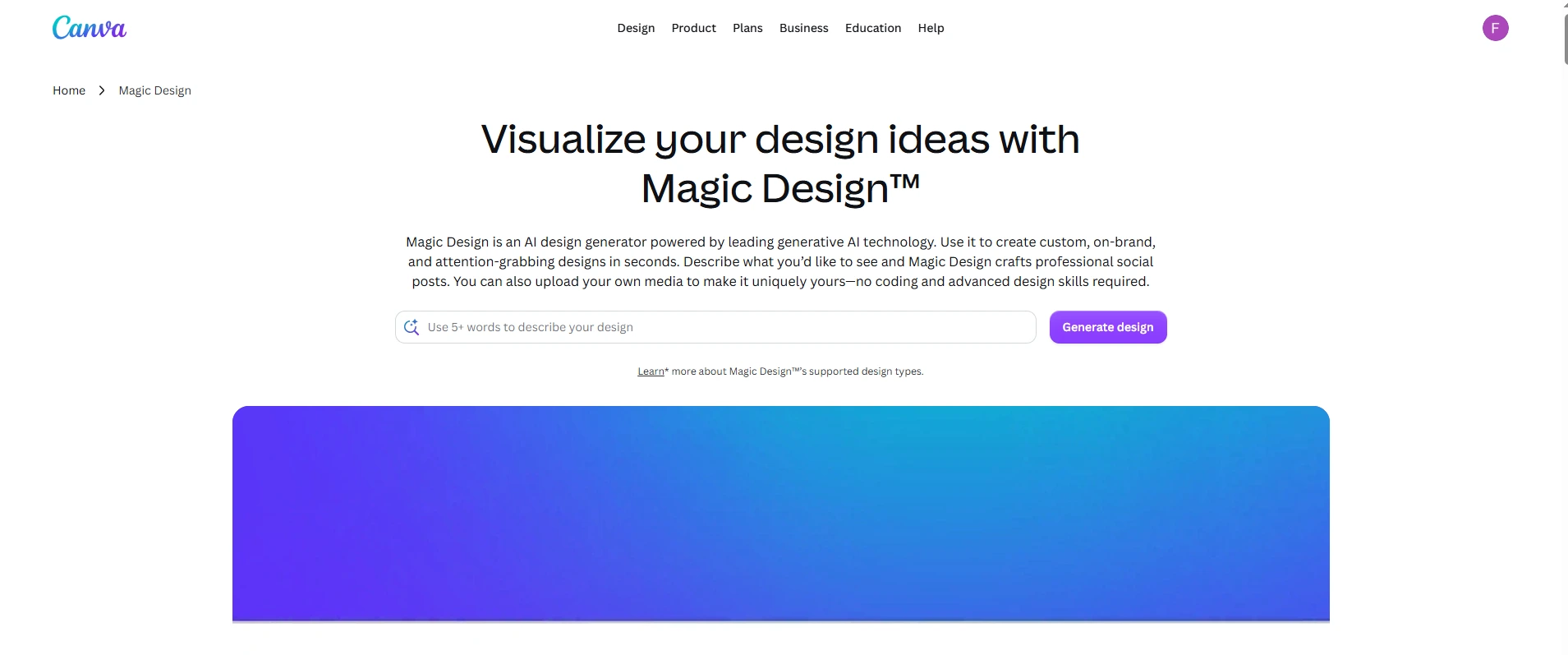
Canva Magic Studio is the most widely adopted of all AI designing tools in business workflows—43% adoption in Clutch’s 2026 survey. Magic Design generates complete, on-brand design layouts from a text prompt. Magic Animate adds motion with one click. Magic Switch resizes any asset for different platforms without rebuilding layouts. Brand Kit applies your logos, colors, and fonts across every design automatically.
For design specifically, Canva handles social media posts, presentations, marketing materials, videos, websites, and print-ready documents from one platform. The AI-powered template suggestions based on your past work mean you rarely start from nothing. For smart graphic design tools that handle the full workflow from brief to export, Canva is the strongest single-platform option.
Pricing: Free plan available. Canva Pro at $15/month.
Good fit for: Non-designers producing regular marketing content, social media managers, small business owners, and marketing teams wanting smart graphic design tools without hiring designers.
Where it falls short: Image generation quality trails specialized tools like Midjourney for high-end creative work. Best as a production tool, not a creative exploration tool.
2. Adobe Firefly 3 — The Safest AI Design Software
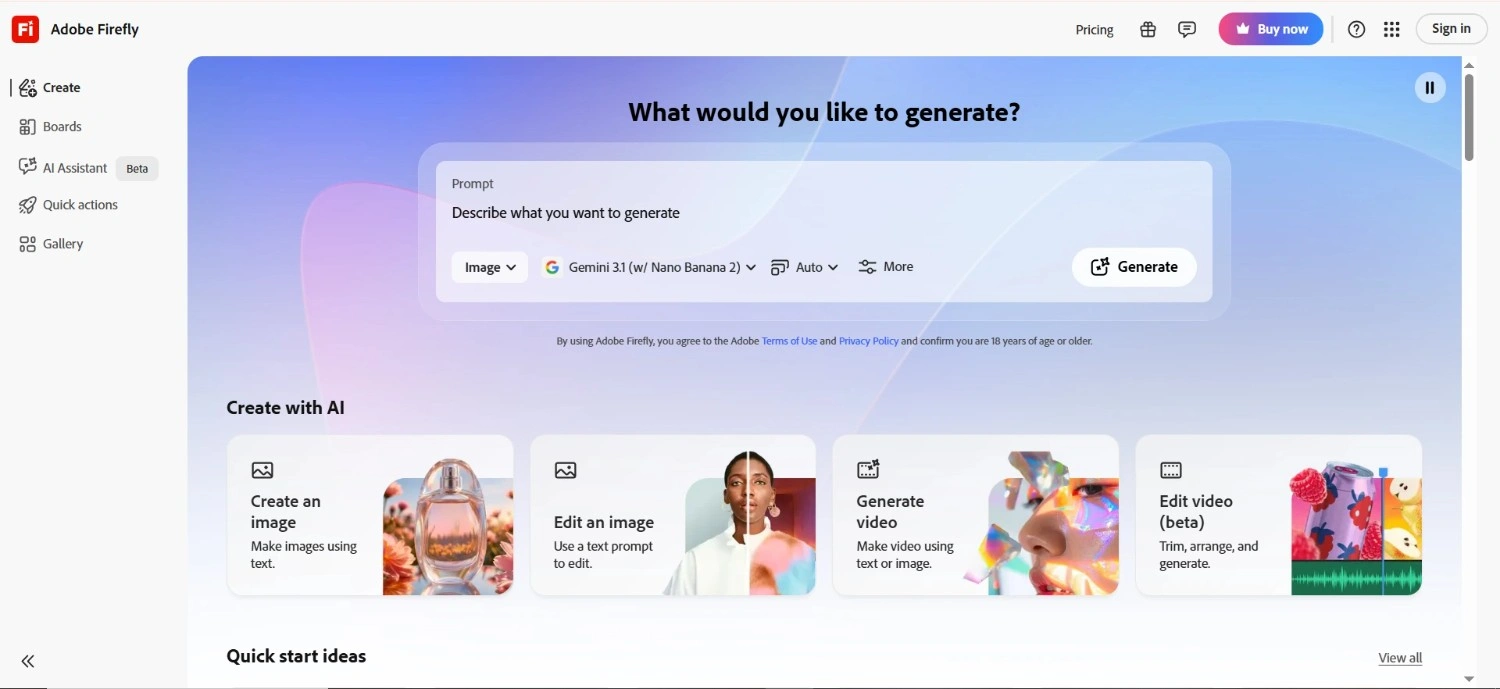
Every major AI-based design software except Adobe Firefly trains on internet-scraped content with copyright ambiguity. Adobe Firefly trains exclusively on licensed Adobe Stock content and public domain material—making it the only platform with a fully documented IP safety guarantee for commercial work.
Generative Fill and Generative Expand to let you extend images, remove elements cleanly, and replace backgrounds—with the highest editing capabilities score (9.5/10) of any platform in 2026 independent benchmarks. The integration into Photoshop, Illustrator, and Express makes Firefly the most practical AI visual design tool layer for teams already in the Adobe ecosystem. For design work that needs to survive legal review, Firefly is the clear choice.
Pricing: Firefly credits included in Creative Cloud plans from $9.99/month.
Good fit for: Creative agencies, brand teams, enterprise design departments, and any team whose work requires commercially safe AI outputs for client deliverables.
Where it falls short: Creative expressiveness trails Midjourney for artistic or concept-stage work. The commercially safe training data limits certain stylistic generations that competing models handle freely.
3. Midjourney v7 — The Artistic Quality Benchmark
For raw visual quality, nothing beats Midjourney. Version 7 remains the benchmark against which every other image-generating AI design tool is measured—producing images with sophisticated composition, nuanced lighting, and visual richness that looks crafted rather than generated.
For AI graphic design at the concept and exploration stage—generating mood boards, visual directions, campaign concepts, and art direction references—Midjourney produces options that inspire creative decisions. The distinction is important: Midjourney creates compelling images, Canva creates complete design layouts. The most effective creative workflow efficiency approach combines both—Midjourney for concept exploration and Canva or Firefly for production.
Pricing: Basic at $10/month. Standard at $30/month. Pro at $60/month.
Good fit for: creative directors exploring visual directions, designers generating concept references, and anyone needing the highest quality AI imagery for design projects.
Where it falls short: Not a layout or graphic design tool—you get images, not design compositions. Text rendering inside images is unreliable. Requires a separate tool to turn generated images into finished assets.
4. Figma AI — Design System Intelligence
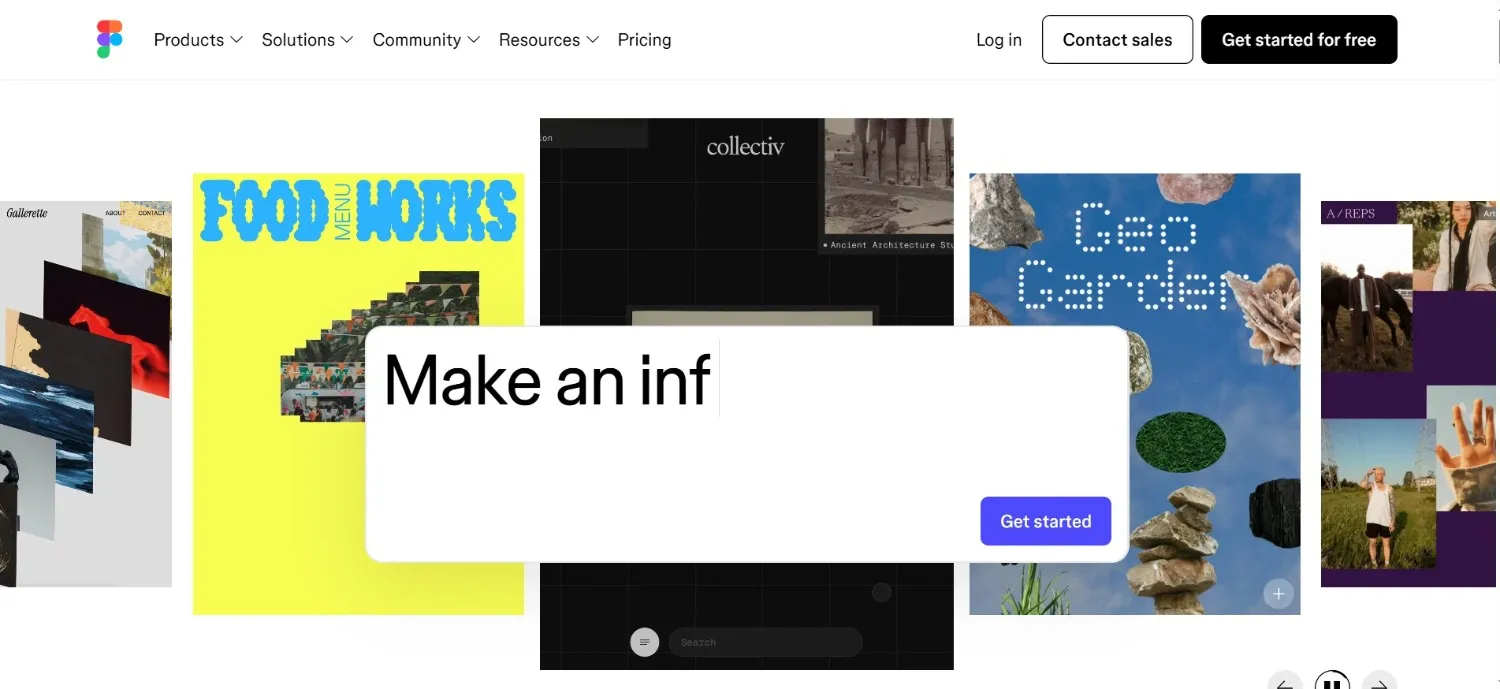
Figma is the industry standard for UI/UX design, and in 2026 its AI features have matured into some of the most practical AI visual design tools available for product designers. Auto-generation of UI components from brief descriptions, design system consistency checks, and layout suggestions save hours of manual work across every product team.
Prompt-to-code translates design components into deployable code, connecting the design and development workflow in a way that previously required manual handoff. For creative workflow efficiency in product teams, Figma AI handles consistency and structure work, leaving designers to focus on interaction and experience decisions that require judgment.
Pricing: Free tier available. Professional at $15/editor/month.
Good fit for: UI/UX designers, product teams, and developers working in collaborative design environments where design system consistency and design-to-code efficiency matter.
Where it falls short: More tools than needed for simple marketing or social content design. Credit-based pricing for AI features on lower tiers can accumulate for heavy users.
5. Microsoft Designer — The Best Free AI Design Tool
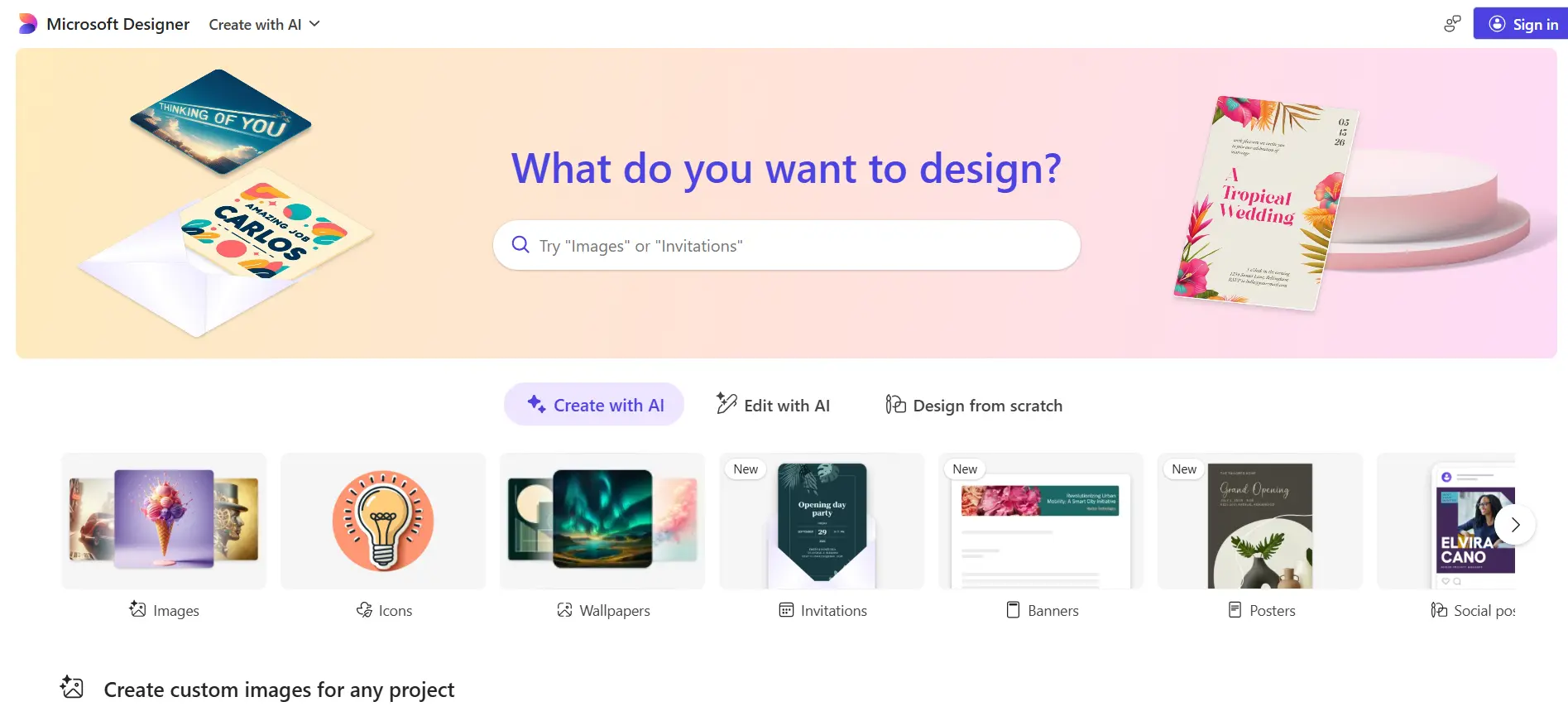
Microsoft Designer is the most capable free AI graphic design tool available in 2026—completely free with any Microsoft account, powered by DALL-E, and integrated with Microsoft 365. The AI generates images, complete design layouts, and social media posts from text descriptions.
For businesses that live in Microsoft 365—Word, PowerPoint, Teams, and OneDrive—Designer integrates directly into those workflows without adding a new subscription. The background removal feature uses AI to cleanly separate subjects from backgrounds instantly, making it one of the few free tools that handle AI to remove backgrounds at a useful quality level.
Pricing: Free with any Microsoft account.
Good fit for: Individuals and small businesses wanting free smart graphic design tools and Microsoft 365 organizations looking for AI design capabilities inside their existing stack.
Where it falls short: Less powerful than dedicated paid tools for complex or high-volume design work. Template library and customization options are more limited than Canva.
6. Recraft—Vector Graphics and Logo Design With AI
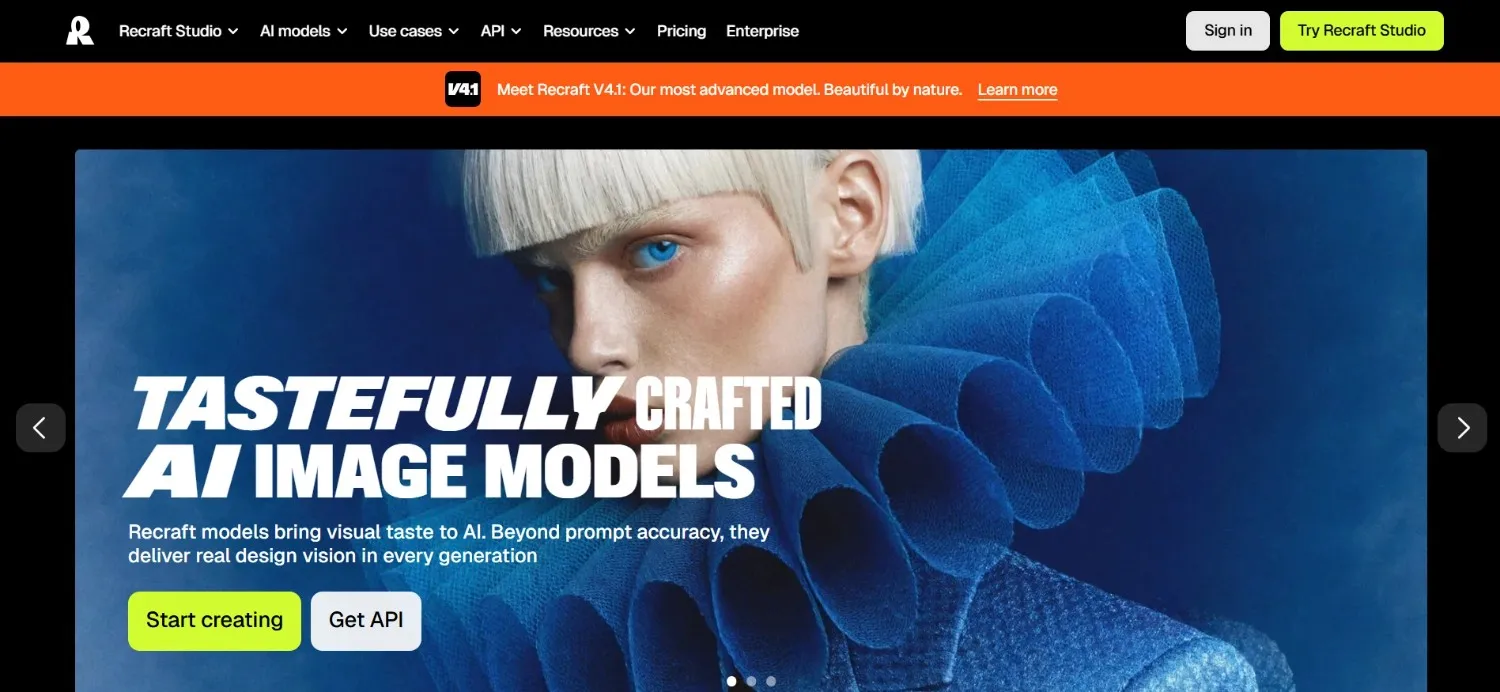
Recraft fills a gap most AI designing tools miss entirely: vector graphics. While other tools produce raster images, Recraft generates native SVG files — scalable, editable, and print-ready without quality loss at any size.
In 2026, Recraft has become the go-to platform for anyone who needs to design logos with AI at a professional standard. The platform handles brand mark exploration, icon system creation, and pattern design with vector-native output. You describe the logo or icon you need and get vector files ready to open in Illustrator or Sketch—eliminating the manual tracing step.
Pricing: Free tier available. Pro at $10/month.
Good fit for: brand designers, logo designers, UX teams needing icon systems, and any designer whose work regularly ends up in print or large format where vector quality is non-negotiable.
Where it falls short: Focused on vector and graphic design—not the strongest for photorealistic imagery or complex photo manipulation. For photo-based work, Firefly or Midjourney produce better results.
7. Krea AI—Real-Time Creative Exploration
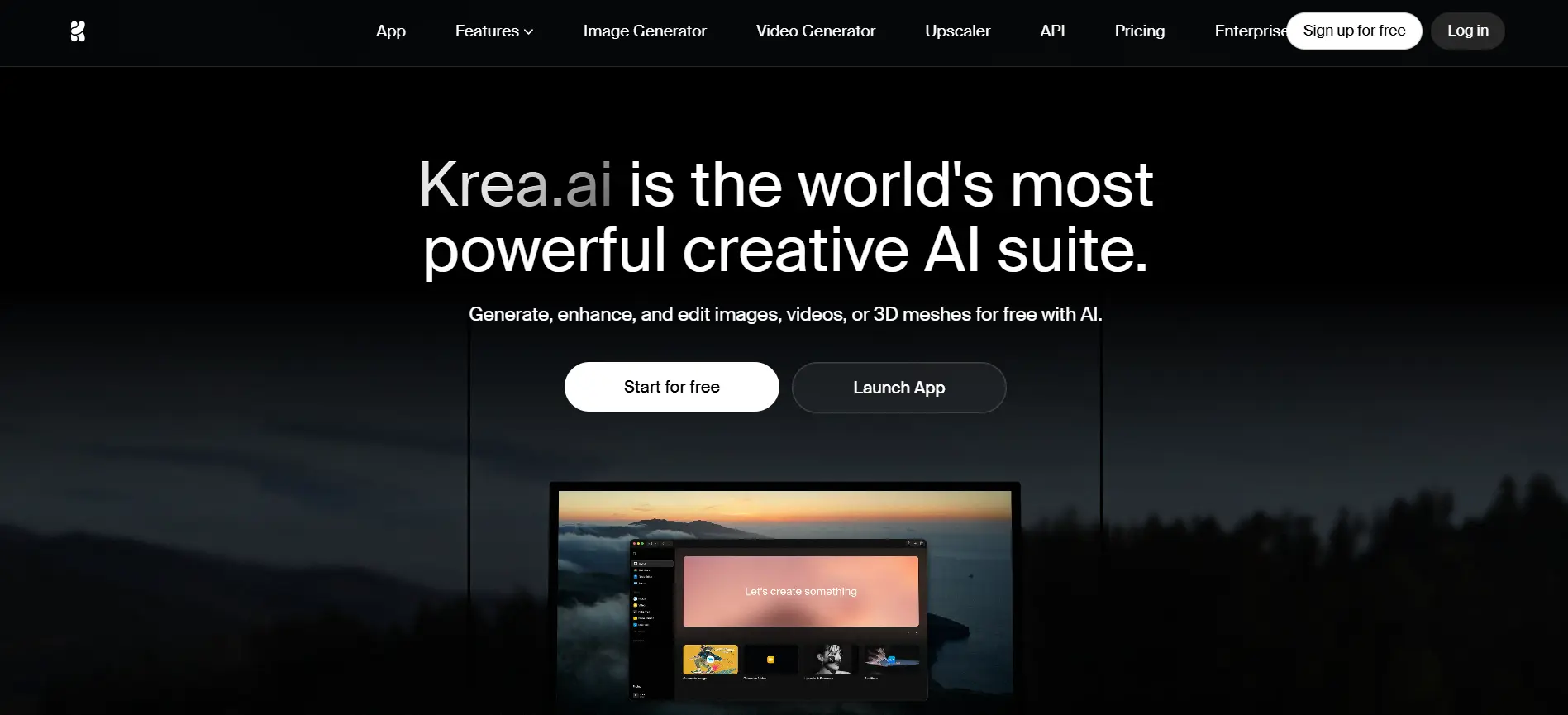
Krea AI introduces a fundamentally different mode of AI visual design tools interaction: the design evolves in real time as you think. Instead of writing a prompt and waiting for results, Krea generates and updates imagery live as you adjust parameters, draw rough sketches, or describe changes.
For creative workflow efficiency at the ideation stage, Krea is faster and more intuitive than any other tool. You sketch a rough composition, and Krea generates polished variations in real time. You adjust colors, shift the mood, and change the style—and the output updates as you do it.
Pricing: Free tier available. Creator at $8/month. Pro at $24/month.
Good fit for: Creative directors, art directors, and visual designers who work through ideas quickly in early project stages and want to explore multiple directions before committing.
Where it falls short: Real-time generation produces variations at high volume — managing and selecting from that output requires judgment. Not as useful for production-stage work where precise control matters more than exploration speed.
8. Looka — AI Logo and Brand Identity Generation
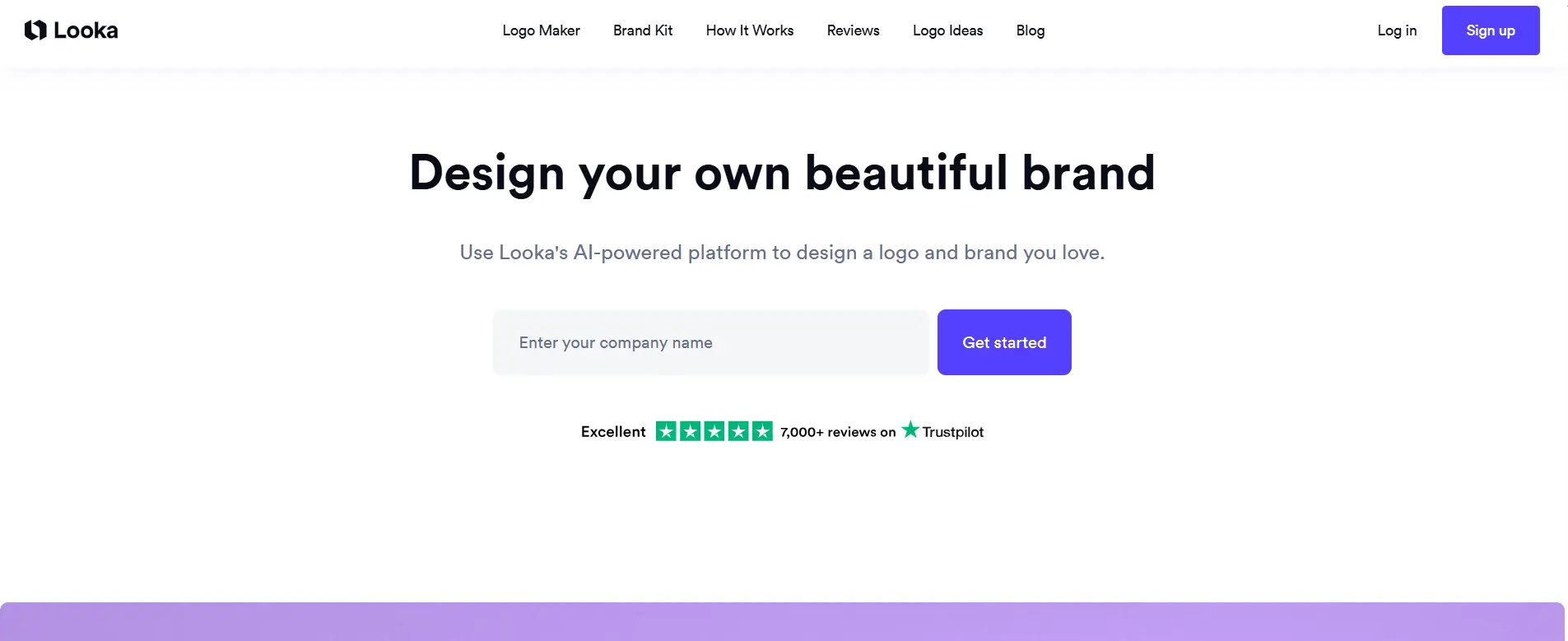
Looka is purpose-built to design logos with AI and create complete brand identity packages without needing a designer. You describe your business, select visual preferences, and Looka generates a full logo with variations, a color palette, typography, and a brand kit that applies consistently across business cards, social profiles, and marketing materials.
For startups, freelancers, and small businesses that need professional brand identity without the cost of a branding agency, Looka provides a structured workflow that handles design logos with AI end-to-end. The one-time purchase means you own the files outright without ongoing subscription costs.
Pricing: Logo package at $20 one-time. Brand Kit subscription at $96/year.
Good fit for: Entrepreneurs starting new businesses, freelancers building personal brands, and small businesses needing professional brand identity quickly and affordably.
Where it falls short: AI-generated logos have a recognizable style. For truly distinctive brand identity, Looka produces results experienced designers recognize as AI-generated. Best for functional, professional logos rather than iconic brand marks.
9. Remove.bg—The AI Background Removal Standard
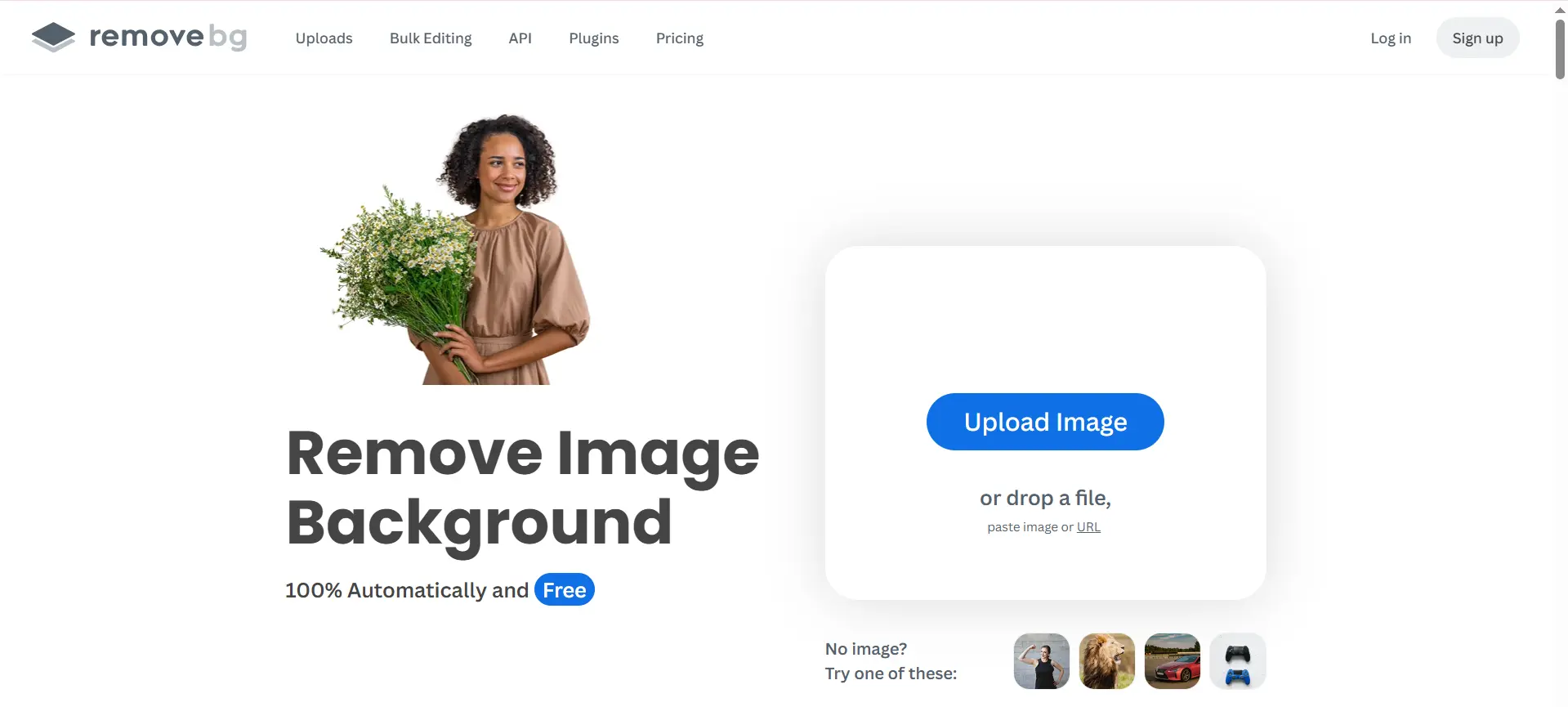
Remove.bg does one thing and does it better than any other tool for its specific task: AI to remove backgrounds from images automatically. Upload an image, and the AI detects and cleanly removes the background in under 5 seconds—with edge quality that previously required hours of manual Photoshop work.
For e-commerce product photography, marketing assets, and any design workflow that regularly requires AI to remove backgrounds, Remove.bg produces clean, ready-to-use results at a speed and consistency that manual masking can’t match. The API allows teams to automate background removal at scale—processing hundreds of product images automatically.
Pricing: Free version available (low-resolution). Pro plan at $9/month for high-resolution and bulk processing.
Good fit for: E-commerce teams producing product imagery, marketing designers regularly needing clean cutouts, photographers creating composites, and anyone whose AI graphic design workflow regularly involves background removal.
Where it falls short: It does one thing only—not a complete design tool. For simple one-off removals, most AI design tools, including Canva and Firefly, now include background removal as a built-in feature.
10. Framer—AI Web Design and Publishing
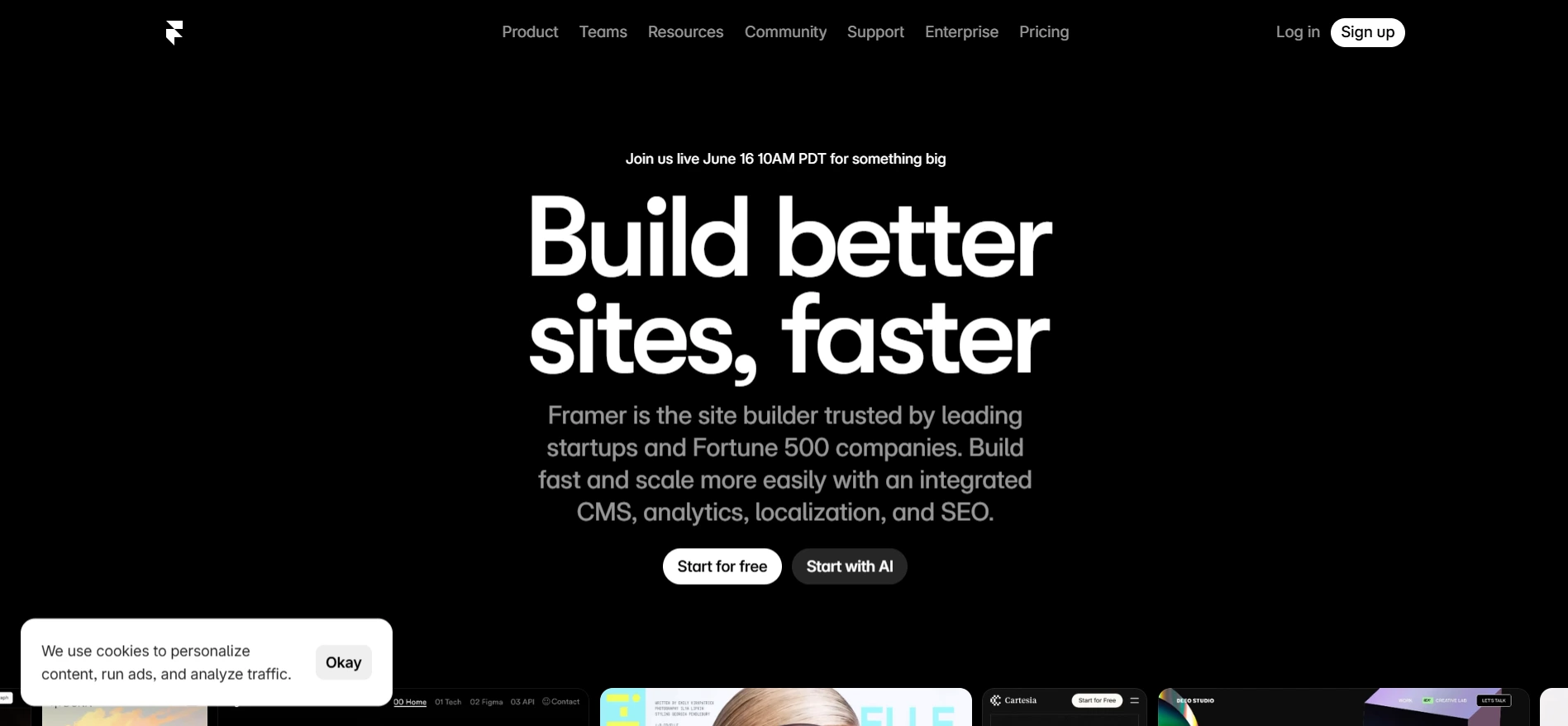
Framer combines AI designing tool capabilities with a web publishing platform—meaning you can generate a complete website design from a text description and publish it directly, without writing code or using a separate CMS.
The AI site generation feature takes a prompt describing your business and generates a complete, responsive website with relevant copy, imagery placeholders, and layout—ready to customize and launch. For designers building client websites, Framer’s combination of smart graphic design tools and built-in hosting changes what’s achievable in a single workflow.
Pricing: Free tier available. Basic at $19/month. Pro at $49/month.
Good fit for: Web designers building client sites, startups launching quickly, and design teams that want to own the web publishing workflow alongside the design process.
Where it falls short: AI-generated layouts follow predictable structures. For complex custom web experiences or highly specific brand expressions, significant manual refinement is required.
How to Build Your AI Design Stack
The best AI design tool approach in 2026 is matching tools to specific workflow stages rather than forcing one tool to do everything.
For non-designers producing marketing content: Canva Magic Studio handles the full workflow — templates, AI generation, brand kit, and export — in one platform.
For designers already in Adobe: Firefly inside Photoshop for AI-powered editing. Midjourney for concept-stage exploration. Recraft for any vector or SVG output.
For UI/UX teams, Figma AI is the standard. The AI features enhance the workflow without replacing it.
For brand identity and logo design: Recraft for vector logos and icons. Look for complete brand packages. Midjourney for exploring visual directions.
For background removal at scale: Remove.bg API for volume processing. Canva or Firefly for single-image removal within a broader design workflow.
For web design and publishing: Framer for complete site generation and hosting. Canva for simpler web presence needs.
Final Thoughts
The 2026 AI designing tools landscape has settled into clear categories. Non-designers have Canva. Professional designers have Firefly and Midjourney. Product teams have Figma. Vector work has Recraft. Web design has Framer. Specialized tasks like AI to remove backgrounds and logo creation have dedicated tools that do those specific jobs better than any general platform.
The finding from the Clutch survey that stays with me: 74% of businesses said AI increased or maintained demand for designers. These tools don’t replace design thinking. They remove the production overhead that previously consumed the time needed for it.
Start with the free tier of the tool that matches your primary use case. Run real projects through it. Expand from there.