If you’ve ever wondered why some companies bounce back from a cyberattack in hours while others spend months cleaning up the mess, the answer usually comes down to one unglamorous habit: they run a proper IT Risk Assessment before disaster strikes, not after.
This guide breaks down what that actually means, how it’s done, and why it’s one of the most useful skills a student or early-career IT professional can pick up right now. It’s also one of those rare topics that shows up equally on certification exams and in actual boardroom conversations, which makes it worth understanding properly rather than memorizing for a quiz.
What Is an IT Risk Assessment?
An IT Risk Assessment is a structured process of figuring out what could go wrong with an organization’s technology, how likely each problem is, and how much damage it would cause if it actually happened. Think of it as a health check-up for your digital systems — servers, applications, networks, cloud accounts, even the laptop your intern uses at a coffee shop.
The goal isn’t to eliminate every possible danger (that’s impossible). It’s to understand your organization’s overall security posture well enough to spend limited time and budget on the problems that matter most. A hospital worrying about a rare printer firmware bug while ignoring an outdated patient database is a classic example of risk management done backwards.
According to the National Institute of Standards and Technology (NIST), risk management is meant to be a disciplined process that ties directly into how an organization actually makes decisions.
Why Does IT Risk Assessment Matters More Than Ever?
Every connected device, cloud subscription, and third-party vendor adds another door an attacker could walk through. That growing threat exposure is exactly why a one-time security review isn’t enough anymore — risks shift weekly, sometimes daily.
Here’s what a well-run IT Risk Assessment actually buys an organization:
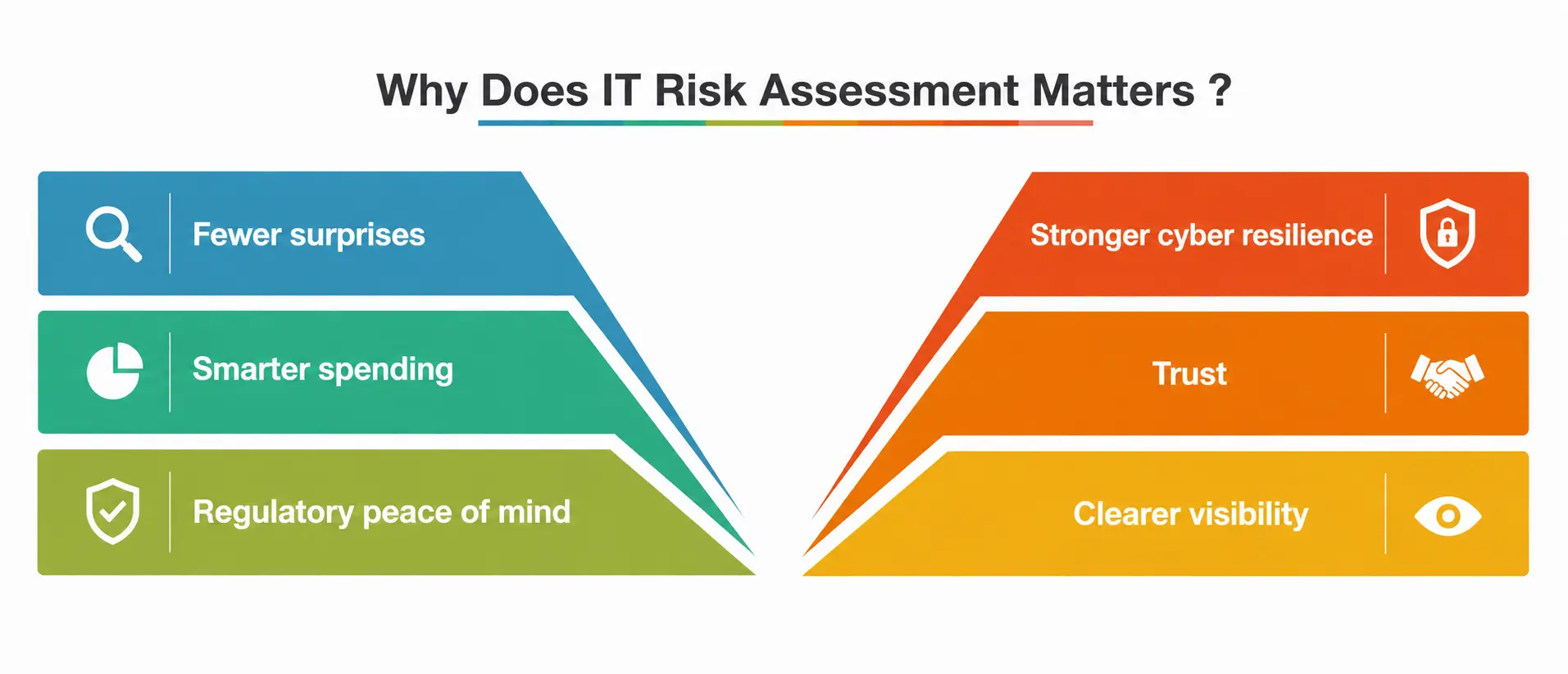
- Fewer surprises. You know your weak points before an attacker does.
- Smarter spending. Security budgets go toward real gaps, not guesswork.
- Regulatory peace of mind. Standards like ISO/IEC 27001 require documented risk processes for certification.
- Stronger cyber resilience. Organizations that assess risk regularly recover from incidents faster because they’ve already mapped out what’s critical and what isn’t.
- Trust. Customers, partners, and investors increasingly ask to see evidence of risk management before signing contracts.
- Clearer visibility. Leadership gets an honest, current read on the organization’s security posture instead of a stale one pulled from last year’s audit.
None of this happens by accident. It happens because someone sat down, ran the numbers, and built a plan — and kept updating that plan as the environment around them kept changing.
The Core Components of an IT Risk Assessment
Every solid risk management framework, regardless of the industry, tends to lean on the same five building blocks:
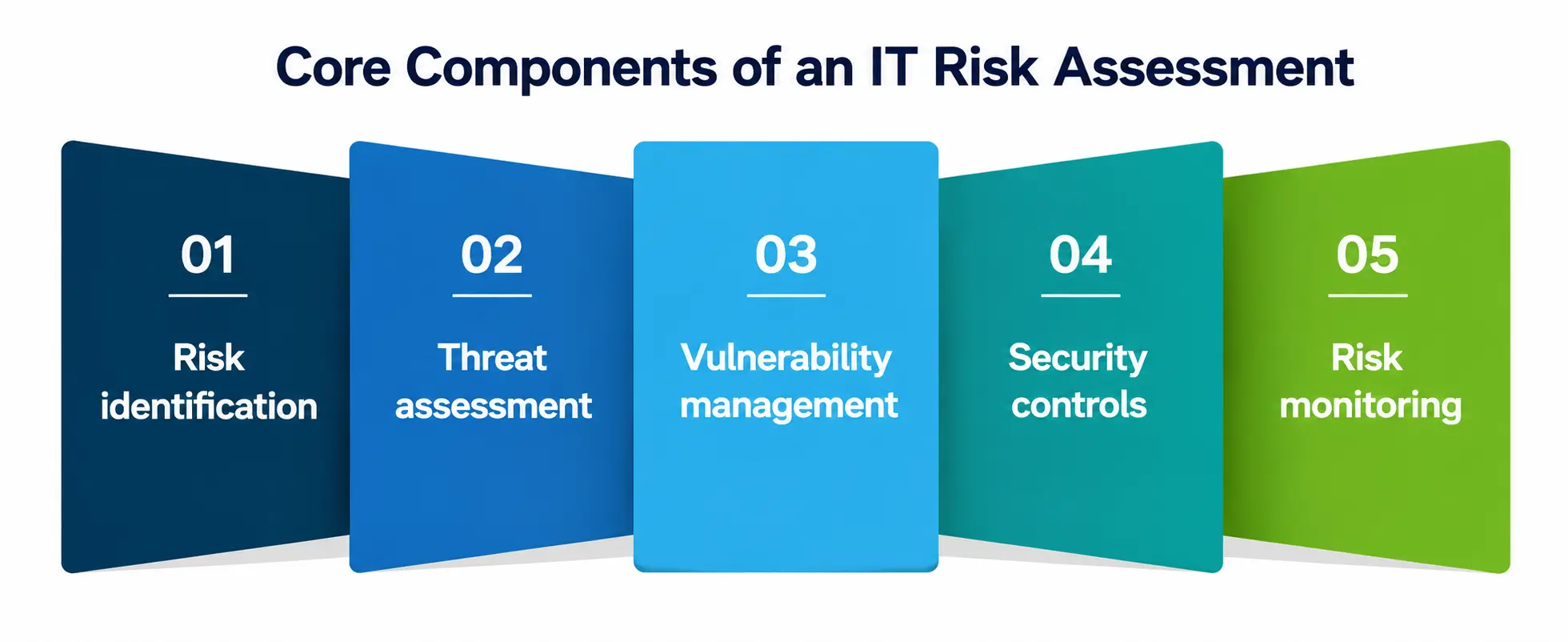
- Risk identification — cataloguing assets and the dangers that could affect them
- Threat assessment — studying who or what might cause harm, and how
- Vulnerability management — finding and tracking weaknesses before they’re exploited
- Security controls — the safeguards you put in place to reduce risk
- Risk monitoring — watching for new problems on an ongoing basis, not just once a year
Skip any one of these, and the whole exercise gets shaky. A company can have brilliant threat assessment skills but still get breached if nobody’s doing risk monitoring afterward.
A Step-by-Step Process for Conducting an IT Risk Assessment
You don’t need a massive enterprise budget to follow this. Students building a portfolio project or small businesses tightening their defenses can use the same basic sequence.
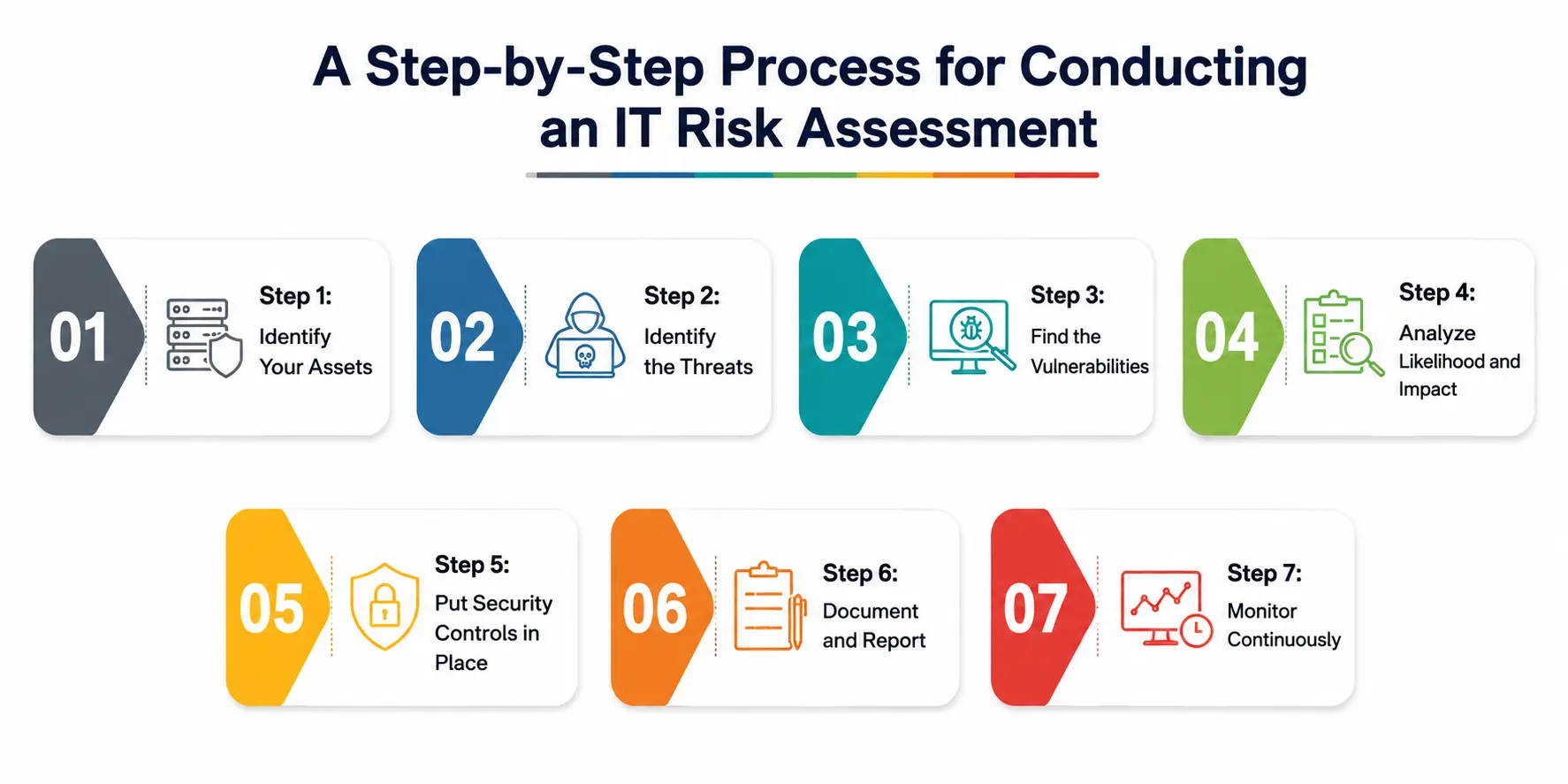
Step 1: Identify Your Assets
List everything worth protecting — servers, databases, employee devices, cloud storage, source code, customer records. It helps to rank each item by how much damage its loss, theft, or downtime would cause, since not every laptop matters as much as the payment processing server. You can’t protect what you haven’t inventoried, and risk identification always starts here.
Step 2: Identify the Threats
Run a threat assessment against each asset. Ask: who wants this, and why? Threats range from external hackers and ransomware gangs to something as mundane as an employee accidentally emailing the wrong spreadsheet.
Step 3: Find the Vulnerabilities
This is where vulnerability management earns its name. Use scanners, code reviews, and configuration audits to find the cracks — unpatched software, weak passwords, exposed cloud storage buckets, outdated encryption.
Step 4: Analyze Likelihood and Impact
For each risk, estimate two things: how likely is it to happen, and how bad would it be if it did? Multiply (informally) likelihood by impact to get a rough priority score. This is also where a lot of beginners get stuck overthinking precision — a rough three-point scale (low, medium, high) is usually good enough to start acting on.
Step 5: Put Security Controls in Place
Match each significant risk with a control — a firewall rule, multi-factor authentication, employee training, encrypted backups. CISA’s risk assessment resources are a genuinely useful free starting point for mapping controls to common risks.
Step 6: Document and Report
Write it down. A risk register — a simple spreadsheet listing each risk, its score, and its owner — is often all a small team needs.
Step 7: Monitor Continuously
Risk monitoring never really stops. New software gets installed, new employees join, new vulnerabilities get published daily. Treat step seven as an ongoing loop back to step one, not a finish line.
Risk Levels at a Glance
Here’s a simple table many teams use to sort risks once they’ve been scored, so nobody has to guess what “medium risk” is supposed to mean in practice.
|
Risk Level |
Likelihood | Potential Impact | Example |
Typical Response |
|
Low |
Rare | Minor inconvenience | A single outdated browser plugin |
Track, fix during routine maintenance |
|
Medium |
Possible | Noticeable disruption | Weak password policy on internal tools |
Fix within weeks, add monitoring |
|
High |
Likely | Serious business impact | Unpatched public-facing server |
Fix within days, escalate to leadership |
|
Critical |
Almost certain / already happening | Severe financial or reputational damage | Active data breach or exposed customer database |
Immediate response, incident team activated |
Common Threats That Widen Your Threat Exposure
Some risks show up in nearly every threat assessment, no matter the industry:
- Phishing and social engineering — still the most common way attackers get in
- Unpatched software — old vulnerabilities that were fixed months ago but never applied
- Weak or reused passwords — a single leaked password can unlock several systems
- Misconfigured cloud storage — publicly accessible buckets are a recurring headline
- Third-party and vendor risk — your security is only as strong as your weakest supplier
- Shadow IT — apps and devices employees use without approval, invisible to your risk identification process
Reducing threat exposure isn’t about buying more tools; it’s about closing the specific gaps this list represents, one at a time.
Building Security Controls That Actually Hold Up
Security controls fall into three broad categories, and a mature program uses all three:
- Preventive controls stop an incident before it starts — firewalls, access restrictions, encryption, employee awareness training.
- Detective controls catch problems in progress — intrusion detection systems, log monitoring, anomaly alerts.
- Corrective controls limit the damage after something’s already gone wrong — backups, incident response plans, patch rollouts.
A common mistake is stacking preventive controls while ignoring detective ones, which means a breach can sit undiscovered for weeks. Strong security posture depends on balance, not just quantity — preventive controls exist specifically to shrink threat exposure before an incident ever starts, while detective and corrective controls handle whatever gets through anyway.
Why Risk Monitoring Can’t Be a One-Time Task?
A risk assessment done once a year and never revisited is basically a photograph of a system that no longer exists by the time anyone reads the report. Effective risk monitoring uses a mix of automated scanning tools, scheduled manual reviews, and real-time alerting so that new vulnerabilities and shifting threat exposure get caught early rather than during a post-incident investigation.
Open resources like the OWASP Vulnerability Management Guide walk through how to turn this into a repeatable cycle rather than a scramble every twelve months.
Frameworks Worth Learning From
You don’t have to build a process from scratch, and honestly, you shouldn’t try to. A handful of free, well-tested frameworks already exist:
- NIST’s Risk Management Framework lays out a repeatable, seven-step cycle for categorizing systems, selecting safeguards, and keeping everything under continuous review — a genuinely solid model even outside government and federal contracting.
- ISO/IEC 27001 is the internationally recognized standard for information security management systems, and it’s often what auditors and enterprise clients expect to see referenced when they ask how your organization handles risk.
- CISA’s free assessment tools are aimed at organizations of any size that want a practical, no-cost way to get started without hiring an outside consultant first.
None of these frameworks are mutually exclusive. Plenty of organizations borrow terminology and structure from all three and adapt it to fit their own size and industry.
Common Mistakes Students and Beginners Make
If you’re learning this for a course, certification, or your first job, watch out for these traps:
- Treating it as a checklist. Real risk identification requires context about the business, not just ticking boxes.
- Ignoring what the scan finds. Discovering a flaw and never actually fixing it defeats the purpose.
- Copying a generic template. Every organization’s assets and threats are different, and a template that ignores your real environment can quietly weaken your security posture instead of strengthening it.
- Skipping documentation. An assessment that lives only in someone’s head disappears when they leave.
- Forgetting people. Human error causes a huge share of incidents, so training belongs in the plan too.
Best Practices to Strengthen Cyber Resilience
- Start small — assess your most critical systems first, then expand.
- Involve people outside IT; finance and HR understand business impact differently than engineers do.
- Reassess after every major change: new software, new office, new vendor.
- Keep your safeguards simple enough that people actually follow them.
- Track metrics over time so you can show whether cyber resilience is genuinely improving.
- Practice incident response with tabletop exercises, not just paperwork.
A Personal Note
I’ve sat through more than one post-incident meeting where the honest answer to “how did we miss this?” was simply “we never looked.” Nobody in those rooms was careless or lazy — they were just busy. If you take one thing from this piece, let it be this: an IT Risk Assessment doesn’t need to be perfect on day one.
It needs to exist, get revisited, and get a little sharper every quarter. That habit, more than any single tool, is what separates teams that recover quickly from teams that don’t. If you’re a student building this skill now, you’re ahead of a lot of people who learn it the hard way.
The best exercise I’d suggest is a simple one: pick any small system you already have access to, even a personal project, and run through the five components on it yourself. You’ll understand the process faster from one hands-on pass than from reading ten articles about it.
Conclusion
A thoughtful risk review like this isn’t a compliance chore — it’s the difference between finding your own weak points and having an attacker find them for you.
Identify what you have, understand what threatens it, close the gaps you can, monitor the ones you can’t close yet, and repeat. Do that consistently, and your security posture gets stronger with every cycle — and the rest of your security program gets noticeably easier to run.