If you have ever sat through a compliance meeting where someone says “we need to get audit-ready” and everyone in the room goes quiet, you already know why this topic matters. Meeting the right IT audit requirements is no longer a box-ticking exercise reserved for banks and hospitals.
Every business that stores customer data, runs cloud software, or connects to the internet is now expected to prove that its systems are safe, well-managed, and properly controlled.
This guide breaks down the real IT audit requirements businesses face today, explains the checklist auditors actually use, and shows students and early-career professionals how to think about IT auditing the way a working auditor does—not the way a textbook does.
By the end, you’ll have a practical reference you can actually use, whether you’re preparing your own organization for its first review or studying for a career in audit and assurance.
What Is an IT Audit and Why Does It Matter?
An IT audit is a systematic examination of an organization’s technology environment, including hardware, software, networks, data, and personnel managing those elements. The aim is straightforward: keep systems secure, data accurate and available, and the business compliant with the laws and standards that apply to its industry.
An IT audit looks at the process, unlike a financial audit, which is mainly numbers-based. It asks if the right people have the right access, if changes to systems are logged, and if a company could recover quickly if something went wrong.
This is where IT Audit Requirements come in. They are the specific expectations — drawn from frameworks like NIST’s Cybersecurity Framework, ISO/IEC 27001, and ISACA’s COBIT framework — that tell an organization exactly what “good” looks like. Without a clear picture of these requirements, businesses tend to treat security as an afterthought, which is exactly when audits (and breaches) go badly.
Who Actually Needs to Meet These Requirements?
It’s tempting to assume audits are only for large corporations, but that’s rarely true anymore. A small SaaS startup handling customer payment data, a regional healthcare clinic managing patient records, or a mid-sized manufacturer connected to a client’s supply chain system can all be asked to prove their controls at any point—often by a customer, insurer, or investor rather than a government regulator.
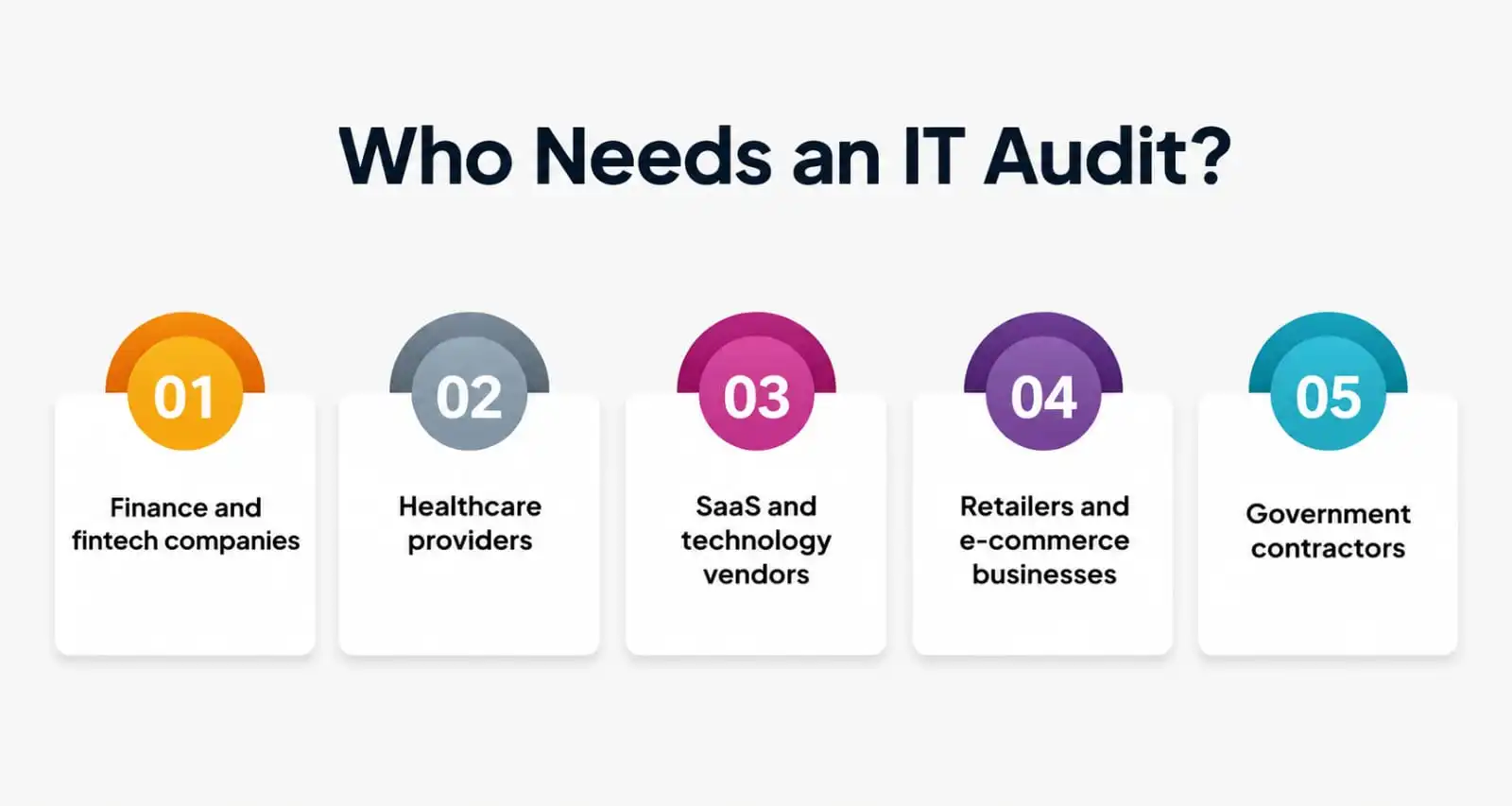
- Finance and fintech companies face some of the strictest expectations, since weak controls can directly affect financial reporting.
- Healthcare providers must protect patient data under laws like HIPAA, which lean heavily on the same control categories covered in this guide.
- SaaS and technology vendors are increasingly asked to produce a SOC 2 report before a client will even sign a contract.
- Retailers and e-commerce businesses handling card payments fall under PCI DSS, which overlaps significantly with general IT control expectations.
- Government contractors typically need to align with NIST-based frameworks before they can bid on public sector work.
Even businesses outside these categories are increasingly expected to demonstrate good practice simply because their customers and partners ask for it. The checklist that follows applies broadly enough to serve as a starting point for almost any of them.
Core IT Audit Requirements Every Business Should Meet
Every audit, regardless of industry, tends to circle back to the same five pillars. Understanding these pillars is the fastest way to understand IT audit requirements as a whole, because almost every checklist item an auditor brings to the table falls under one of them.
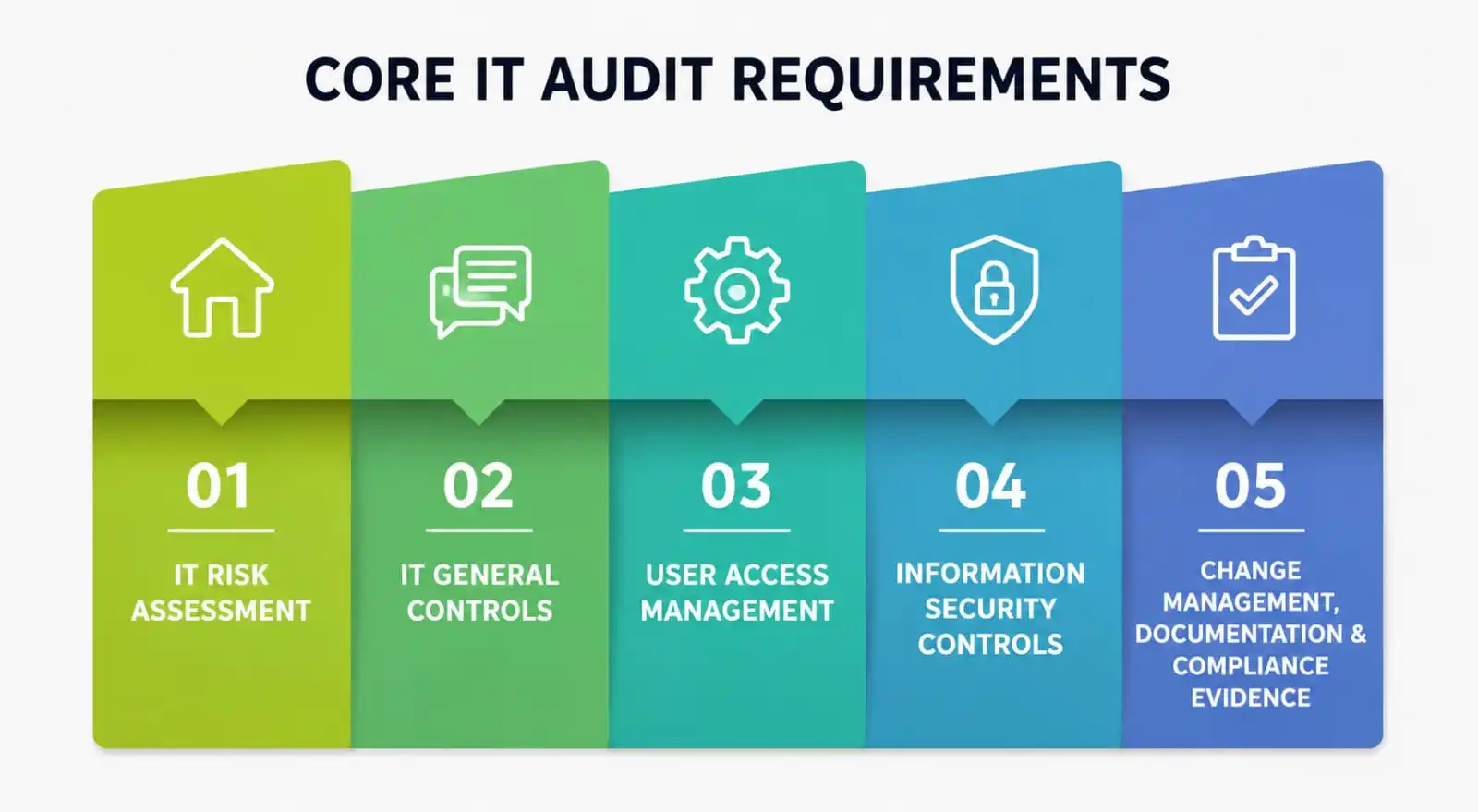
1. IT Risk Assessment
Nothing in an audit happens before the IT risk assessment. This is the exercise of identifying what could go wrong — a ransomware attack, a misconfigured server, an employee mistakenly emailing sensitive files — and ranking those risks by likelihood and impact.
A mature IT risk assessment doesn’t just list threats; it ties each one back to a business consequence, like lost revenue, regulatory fines, or reputational damage. Auditors expect to see this assessment documented, reviewed on a regular schedule (usually annually or after a major system change), and used to actually shape decisions—not filed away and forgotten.
If a company can’t show how its last risk assessment influenced a security investment or policy change, that’s usually the first red flag an auditor notes.
2. IT General Controls
IT general controls, often shortened to ITGCs, are the foundational controls that keep the entire IT environment trustworthy. They cover things like how software changes move from testing to production, how backups are taken and tested, how incidents are logged, and how system access is granted and removed.
Think of IT general controls as the plumbing behind every application—invisible when working correctly, but the first thing that breaks everything else when neglected.
Frameworks such as COBIT and NIST SP 800-53 are widely used to structure these controls, and many organizations map their internal policies directly to one of these models so that audits go faster and evidence is easier to produce. A weak set of general controls almost always shows up as a chain of smaller failures elsewhere in the audit.
3. User Access Management
Ask any auditor what they check first, and there’s a good chance the answer is “user access management.” This is the practice of controlling who can log into which systems, at what privilege level, and for how long. Good user access management follows the principle of least privilege, meaning employees only get access to what their job actually requires—nothing more.
CISA’s guidance on least-privilege access is a useful reference point here since it lays out how access creep—where employees quietly accumulate permissions over years—becomes one of the most common and preventable audit failures.
Auditors will typically sample a handful of user accounts and ask a business to justify why each person has the access they hold and how quickly that access is revoked when someone changes roles or leaves.
4. Information Security Controls
Information security controls are the technical and administrative safeguards that protect data from unauthorized access, loss, or corruption. This includes encryption, firewalls, multi-factor authentication, endpoint protection, and the policies that govern how all of it is used day to day.
Strong information security controls are usually mapped against a recognized standard, and ISO/IEC 27001 remains one of the most referenced frameworks for structuring them in a way auditors immediately recognize.
The AICPA’s Trust Services Criteria, used in SOC 2 examinations, also leans heavily on this category, particularly for technology companies handling customer data on behalf of other businesses.
5. Change Management, Documentation & Compliance Evidence
The final pillar is less sexy, but just as important: paperwork. Auditors need to see documented evidence—policies, logs, approval trails, and incident reports—that controls are not just well designed but also actually followed.
A business can have great security tools and still fail an audit if they can’t produce proof that those tools were configured properly and monitored consistently. This is where change management also comes in.
There should be a record of who approved the change, who implemented it, and how it was tested before going live every time a system is updated, a new server is provisioned, or a configuration is changed. Auditors will often pick a sample of recent changes and then follow each one back through this trail—if even one link is missing, it throws questions at everything else.
IT Audit Checklist at a Glance
Rather than treating every requirement as a separate task, most audit teams work from a single IT audit checklist that groups items by category. Here is a simplified version you can use as a starting point.
|
Audit Area |
What Auditors Typically Check |
Why It Matters |
|
IT Risk Assessment |
Documented risks, likelihood/impact ratings, review frequency |
Shows the business understands its threat landscape |
|
IT General Controls |
Change management, backup testing, incident logging |
Confirms the IT environment is stable and trustworthy |
|
User Access Management |
Least-privilege access, offboarding speed, periodic access reviews |
Reduces insider threat and unauthorized access risk |
|
Information Security Controls |
Encryption, MFA, firewalls, endpoint protection |
Protects data confidentiality, integrity, and availability |
|
Documentation & Compliance |
Policies, approval records, audit trails |
Provides proof that controls are actually being followed |
Businesses that keep this table updated year-round, rather than scrambling before an audit, tend to sail through the process. Treating the IT audit checklist as a living document—not a once-a-year fire drill—is one of the simplest ways to reduce audit stress. A well-organized ITGC audit checklist reference from TechTarget is a good supplementary resource if you want to go deeper into each control area.
Frameworks That Make This Easier
You don’t need to build your control structure from scratch. A handful of established frameworks already do the heavy lifting, and most auditors are trained to recognize them:
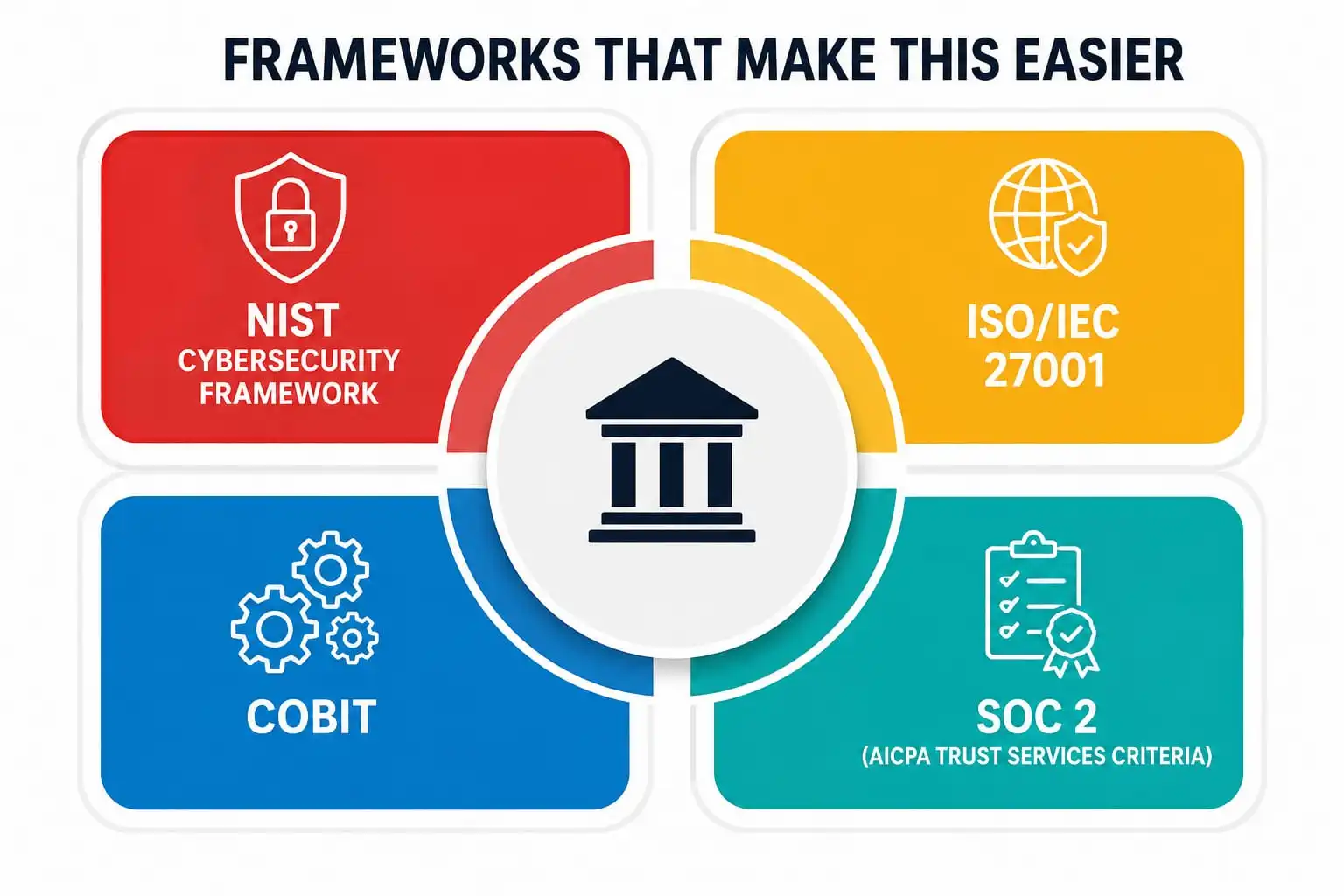
- NIST Cybersecurity Framework—a flexible, widely used structure organized around five functions: Identify, Protect, Detect, Respond, and Recover.
- ISO/IEC 27001 — an internationally recognized standard for building and certifying a formal information security management system.
- COBIT — ISACA’s framework for aligning IT governance with broader business goals, popular in audit and assurance circles specifically.
- SOC 2 (AICPA Trust Services Criteria) — the standard many technology vendors are asked to meet before a customer will trust them with data.
Picking one framework as your primary reference, and mapping your internal policies to it, tends to make future audits faster and far less stressful than treating every request as a one-off.
Common Mistakes Businesses Make With IT Audit Requirements
Even well-intentioned companies stumble on the same issues repeatedly:
- Treating the audit as an annual event instead of an ongoing process. These expectations are meant to shape daily operations, not just survive a once-a-year review.
- Skipping the risk assessment update after major changes, such as migrating to a new cloud provider or launching a new product.
- Letting access reviews slide. Former employees or contractors retaining system access is one of the most commonly cited findings in audit reports.
- Weak documentation. Good controls that are never written down are, from an auditor’s perspective, indistinguishable from no controls at all.
- Ignoring smaller vendors. Third-party software and service providers are often overlooked, even though they can introduce as much risk as internal systems.
Avoiding these mistakes rarely requires new technology — it usually requires better habits, a clearer owner for each requirement, and a calendar reminder that doesn’t get ignored. Most audit findings trace back to a process that existed on paper but wasn’t actually followed day to day.
Why Do IT Audit Requirements Matter for Students Building a Career?
If you’re a student studying accounting, cybersecurity, or information systems, this topic is worth more than a passing glance. IT auditing sits at the intersection of business, technology, and risk—a combination that’s in high demand across almost every industry.
Learning how IT general controls and day-to-day access permissioning actually work in practice gives you a real advantage over classmates who only know the theory.
A good starting point is getting familiar with the frameworks professionals actually use—ISACA’s COBIT resources are written for exactly this purpose, and many entry-level IT audit and cybersecurity certifications are built around them. Understanding how a checklist translates into day-to-day evidence-gathering will make your first internship or job far less intimidating.
Final Thoughts
Meeting IT audit requirements isn’t about fearing the auditor—it’s about building an IT environment that can defend itself, explain itself, and recover quickly when something goes wrong. The businesses that struggle most with audits are rarely the ones with the fewest resources; they’re the ones without a clear, consistently followed IT audit checklist.
Whether you’re a small business owner trying to pass your first vendor security review or a student preparing for a career in assurance, the same principle applies: strong security fundamentals, disciplined access management, and honest documentation will take you further than any last-minute scramble ever could.
A Personal Note
I’ve written more audit checklists than I can count, and the one thing I keep coming back to is this—audits don’t fail because of bad intentions; they fail because of quiet neglect. A password policy nobody enforces.
An access list nobody reviews. A risk assessment nobody revisits after the business changes. If there’s one habit worth building today, it’s treating your controls as something you maintain, not something you produce once a year for a stranger with a clipboard.
That mindset shift matters more than any tool you’ll ever buy. It’s also the one thing I wish someone had told me plainly when I was starting out, instead of leaving me to learn it the hard way through a failed audit finding.