If you’ve ever sat in a computer science class or scrolled through a tech blog and felt your eyes glaze over at the mention of “cloud service models,” you’re not alone. I remember the first time I tried to explain IaaS vs. PaaS vs. SaaS to a junior teammate—I ended up drawing three boxes on a whiteboard and still got confused halfway through.
Cloud computing has quietly become the backbone of almost every app, website, and business tool we use today. But underneath that word “cloud” are three very different ways companies deliver technology—and understanding these three service models is the first step to understanding how modern software actually works.
By the end of this blog, you’ll not only know what each term means but also which one applies to your favorite apps, your college projects, or your future career in tech.
What Exactly Are Cloud Layers?
Before diving into definitions, let’s set the stage. Think of technology as a layered cake. At the bottom, you have raw hardware—servers, storage devices, and networking cables. On top of that sits the software that helps developers build applications. And right at the top is the finished product that a regular person clicks on and uses.
These layers are what people in the industry call cloud layers, and each layer is handled by a different party — either you, your IT team, or the cloud provider. This is exactly why the debate around IaaS vs PaaS vs SaaS keeps coming up: it’s really a conversation about who manages which layer of that cake.
According to Google Cloud’s own explainer, these three models exist on a spectrum of control versus convenience — the more control you want, the more responsibility you take on, and vice versa.
Understanding the Three Service Models
Let’s break each one down individually before comparing them side by side. This is the heart of any real discussion on cloud computing models, so take your time here.
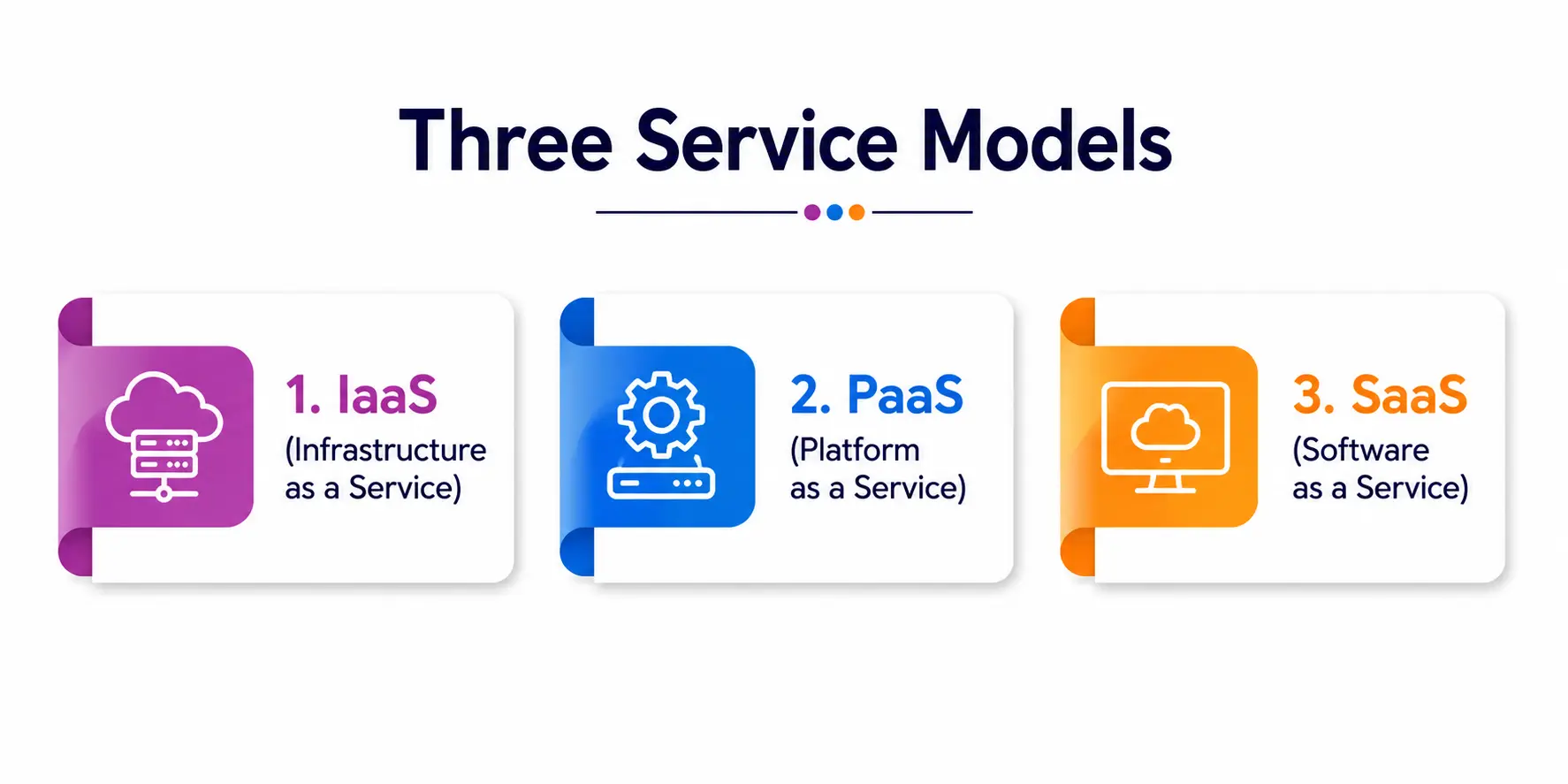
1. IaaS (Infrastructure as a Service)
IaaS is exactly what it sounds like — infrastructure delivered as a service over the internet. Instead of buying physical servers, racks, and networking equipment for your office, you rent virtual versions of all of that from a cloud provider.
You get virtual machines, storage space, and networking capability. But you’re responsible for installing the operating system, setting up security patches, managing applications, and basically running everything above the hardware layer.
Common examples include Amazon EC2, Microsoft Azure Virtual Machines, and Google Compute Engine. AWS describes IaaS as the most flexible cloud model because it gives businesses the highest level of control over their IT resources.
Who uses it? Mostly network architects, system administrators, and experienced developers who need a highly customizable environment. If you’re a student learning Linux server administration or setting up your own web hosting environment from scratch, you’re working with infrastructure services at their most raw and flexible, and this hands-on exposure to infrastructure services is what builds strong foundational IT skills.
2. PaaS (Platform as a Service)
PaaS takes things one step further up the ladder. Here, the cloud provider doesn’t just give you servers—they also manage the operating system, middleware, and runtime environment. All you need to do is bring your code.
This is incredibly useful for developers who want to focus purely on writing applications instead of worrying about server maintenance, security patches, or scaling infrastructure. Platforms like Heroku, Google App Engine, and Microsoft Azure App Service fall into this category.
As one industry comparison from Cloudwards puts it, PaaS encourages faster software deployment and development because it removes the burden of managing the underlying infrastructure entirely. This is exactly why so many startups and student developers rely on platform services to launch products without hiring a dedicated infrastructure team.
If you’re a coding student building your first web app and deploying it without touching a single server configuration file, congratulations — you’ve just used one of the many platform services available today, and it’s a great example of how modern platform services simplify the developer experience.
3. SaaS (Software as a Service)
SaaS sits right at the top of the stack, and it’s the model most of us interact with daily without even realizing it. Gmail, Netflix, Zoom, Google Docs, Canva — these are all SaaS products. You simply open your browser, log in, and start using the software. No installation, no maintenance, no technical setup required.
The provider handles literally everything — servers, security, updates, bug fixes, scaling — and you just consume the finished product. This is why SaaS has become the most widely adopted of the three service models, especially among everyday users and businesses that don’t have large technical teams.
IaaS vs PaaS vs SaaS: The Core Difference
At its core, the discussion of IaaS vs PaaS vs SaaS boils down to one simple question: how much do you manage, and how much does the provider manage?
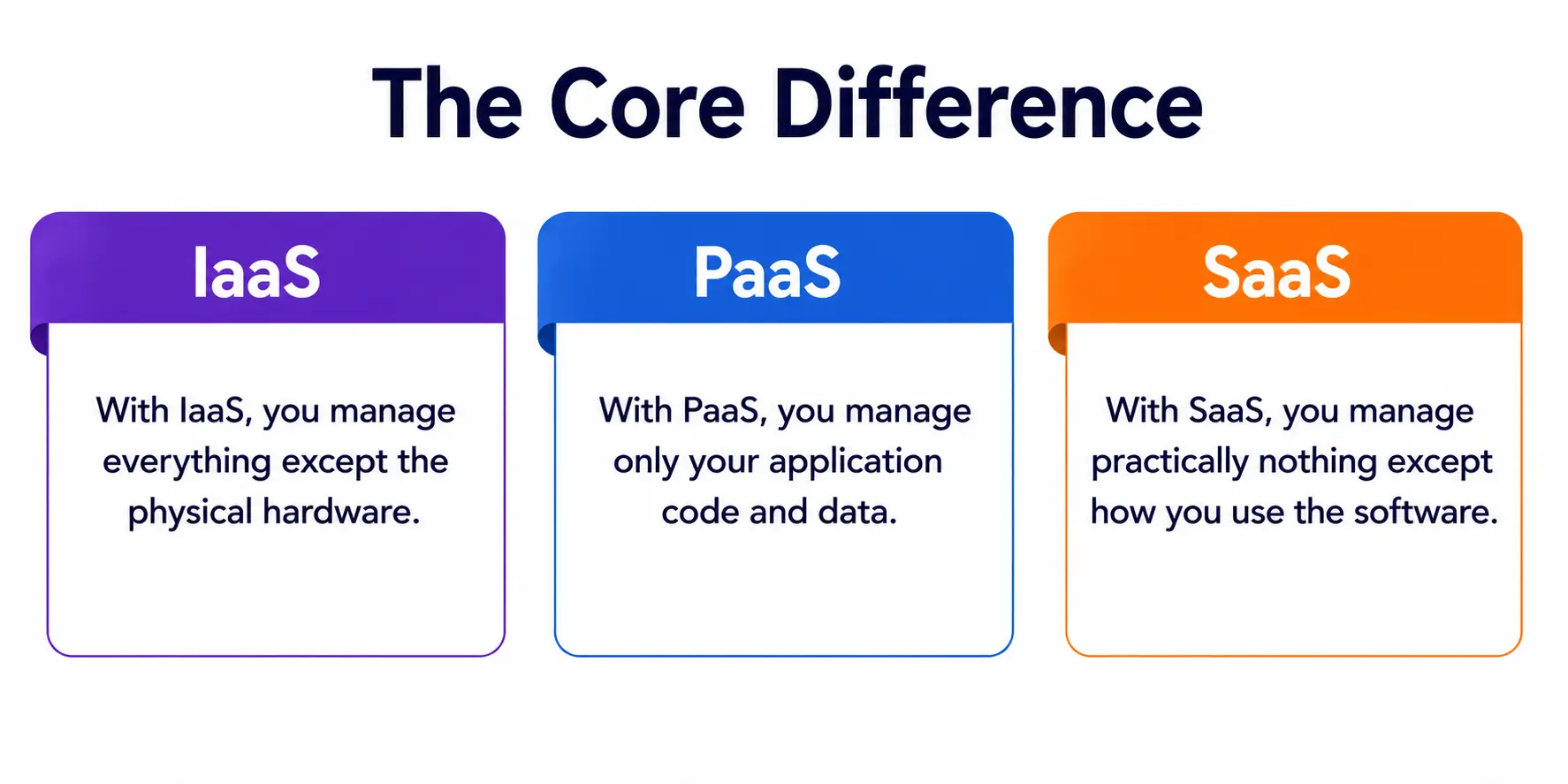
- With IaaS, you manage everything except the physical hardware.
- With PaaS, you manage only your application code and data.
- With SaaS, you manage practically nothing except how you use the software.
This shifting management responsibility is the single most important concept to grasp when comparing these models. As you move up from IaaS to SaaS, your control decreases, but so does your workload. It’s a trade-off, not a hierarchy of “better” or “worse.”
Why Does This Comparison Matters for Business Needs?
Every organization, from a five-person startup to a massive enterprise, eventually has to make decisions rooted in IaaS vs PaaS vs SaaS. These aren’t just technical choices—they’re strategic ones tied directly to budget, team skill level, and speed of execution.
A company with a strong in-house engineering team and unique performance requirements might lean toward IaaS because it offers maximum customization. A startup building a mobile app quickly, without wanting to worry about servers, will likely choose one of the many platform services available in the PaaS space. And a small business that just needs an accounting tool or a customer support system will almost always go for SaaS.
Real-world reporting backs this up — most organizations don’t pick just one model. According to Kayako’s cloud computing analysis, only about 8% of companies use just one infrastructure provider, while the large majority run a hybrid or multi-cloud setup that blends models and vendors. In other words, understanding business needs properly usually means combining all three models rather than picking a single winner.
Service Selection: How to Choose the Right Model
Service selection isn’t a one-size-fits-all decision, and it shouldn’t be treated as one. Here’s a simple way to think about it:
- If your team has strong technical expertise and needs full control over the environment, go with IaaS.
- If your team wants to build and deploy applications quickly without infrastructure headaches, go with PaaS.
- If you just need a working tool for a business function like email, CRM, or HR—go with SaaS.
Most businesses use IaaS, PaaS, and SaaS together rather than choosing one, with a typical setup relying on SaaS for tools like CRM, PaaS for custom application development, and IaaS for workloads that need infrastructure-level control. This is proper service selection in action — matching the model to the specific job at hand, not forcing every workload into a single box.
Security and Who Manages What
One area students often overlook is security. Each of these three models comes with a different level of responsibility when it comes to protecting data and systems.
With IaaS, since you control almost the entire stack above the hardware, you also carry the heaviest security burden—patching operating systems, configuring firewalls, and monitoring for vulnerabilities. With PaaS, the provider secures the platform and runtime, but you’re still responsible for your application code and how you handle data within it. With SaaS, the provider takes on nearly all security responsibilities, leaving you mainly in charge of who has access and how you use the software.
Quick Comparison of IaaS vs PaaS vs SaaS
Since a picture (or a table) is worth a thousand words, here’s a simple side-by-side comparison to make the differences between infrastructure services, platform services, and finished software crystal clear.
|
Feature |
IaaS | PaaS |
SaaS |
|
Full Form |
Infrastructure as a Service | Platform as a Service |
Software as a Service |
|
What You Get |
Virtual servers, storage, networking | A ready-to-use development environment |
A complete, ready-to-use application |
|
Who Manages What |
You manage OS, apps, and data | You manage only apps and data |
The provider manages everything |
|
Best For |
IT teams, system architects, researchers | Developers building custom apps |
End users and everyday business tasks |
|
Examples |
AWS EC2, Google Compute Engine, Azure VMs | Heroku, Google App Engine, Azure App Service |
Gmail, Zoom, Netflix, Canva |
|
Control Level |
Highest | Moderate |
Lowest |
|
Security Responsibility |
Highest for the customer | Shared between provider and customer | Lowest for the customer |
|
Ideal User |
Network architects, sysadmins | Software developers | Business users, non-technical staff |
This table captures the essence of the three cloud models in a single glance—perfect for quick revision if you’re a student preparing for exams or interviews.
A Simple Analogy for Students
If technical jargon still feels overwhelming, here’s an analogy that helped me a lot when I was learning this myself: think of it like renting a place to live.
- IaaS is like renting an empty plot of land. You get the space, but you have to build the house, install plumbing, and handle maintenance yourself.
- PaaS is like renting an apartment with basic fittings already installed. You just bring your furniture and start living, without worrying about construction or plumbing repairs.
- SaaS is like staying in a fully furnished, serviced hotel room. Everything is done for you — you just walk in and use it.
This analogy makes the concept of cloud layers far easier to visualize, especially for beginners trying to wrap their heads around these ideas for the first time. Once you see the cloud layers as a stack rather than three unrelated boxes, the entire topic becomes much less intimidating.
Advantages and Trade-Offs of Each Model
It’s worth remembering that no single model is universally “best.” Each comes with its own set of strengths and limitations:
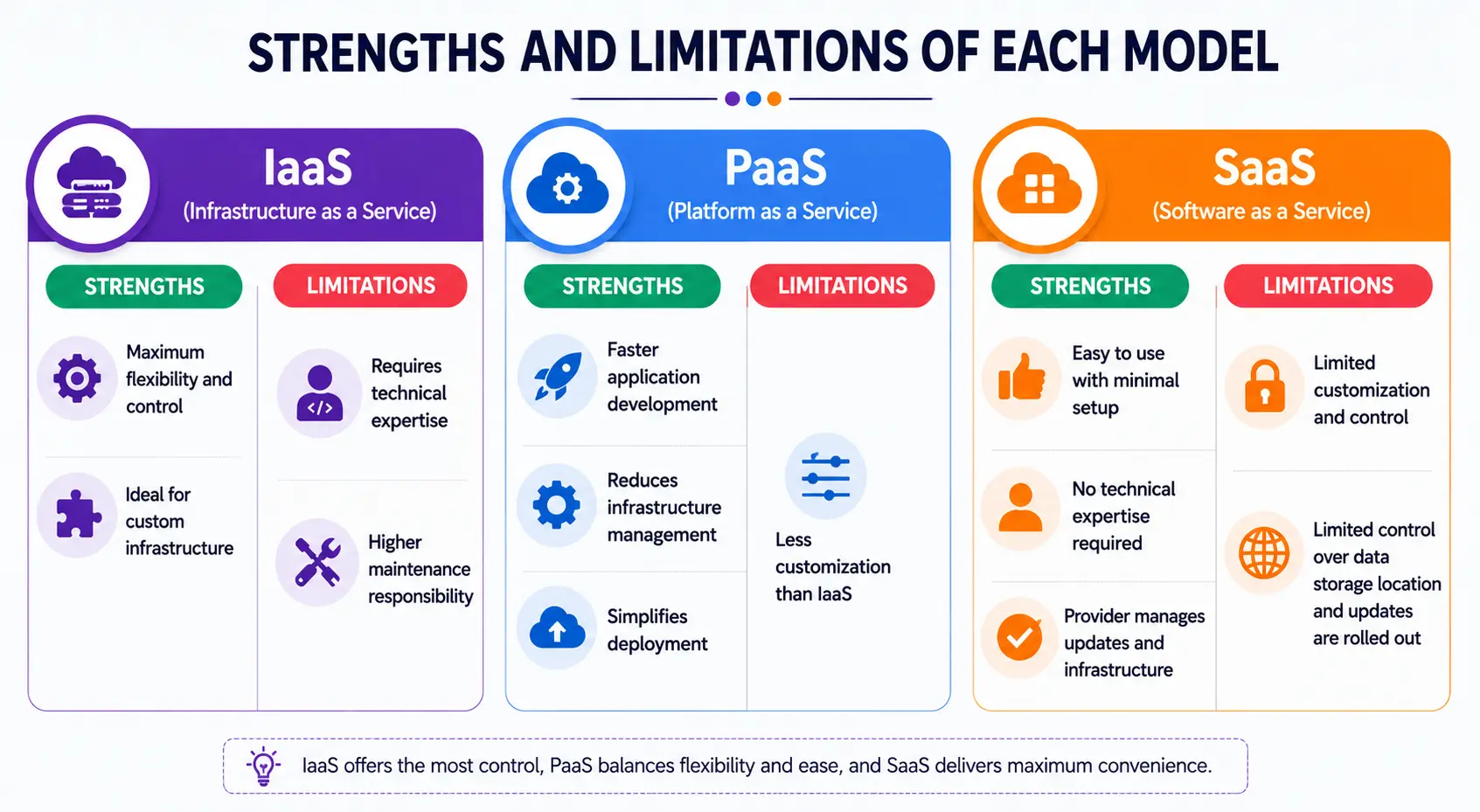
- IaaS gives maximum flexibility and control, which is great for specialized workloads, but demands strong technical expertise and more hands-on maintenance. Businesses that rely heavily on custom-built infrastructure services often accept this trade-off willingly, since the payoff is a system tailored exactly to their needs.
- PaaS speeds up development significantly and reduces operational overhead, but it can sometimes limit customization since you’re working within the provider’s platform rules.
- SaaS offers unmatched convenience and requires almost no technical skill to use, but it also means you have the least control over customization, data storage location, and how updates are rolled out.
This is precisely why the debate around IaaS vs. PaaS vs. SaaS isn’t really about which one wins—it’s about which one fits a particular task, team, or budget at a particular point in time and about matching the choice to real business needs rather than following trends.
A Personal Note
Writing this blog took me back to my early days of trying to make sense of cloud computing through scattered YouTube videos and confusing textbook definitions. What finally made it click for me wasn’t memorizing definitions—it was realizing that IaaS vs. PaaS vs. SaaS is really just a story about who does the heavy lifting: you, a platform, or a finished product.
If you’re a student reading this before an exam or someone exploring a career in cloud computing, my honest advice is this—don’t just memorize the differences; try to actually use each one. Spin up a free-tier virtual machine, deploy a small app on a PaaS platform, and use a SaaS tool mindfully instead of on autopilot.
That hands-on exposure will teach you more in a weekend than any glossary ever could. Good luck, and happy learning!