I still remember the first time someone told me a single computer could pretend to be ten computers at once. I honestly thought they were joking. But once I sat down and understood how virtualization works, it changed the way I looked at every server, every cloud platform, and even my own laptop.
If you are a student, an IT beginner, or just curious about how data centers run thousands of applications without owning thousands of machines, this guide is for you. I’ll break down virtualization the way I wish someone had explained it to me—no unnecessary jargon, just plain, human explanations of what it is, why it exists, and how it works behind the scenes.
What Is Virtualization, Really?
Let’s start from zero. Imagine you have one powerful physical computer sitting in an office. Traditionally, that one machine would run one operating system and usually one major task. If the task only used 10% of the computer’s power, the remaining 90% just sat there, doing nothing. That is a massive waste of a physical server, especially when hardware is expensive.
Virtualization solves this exact problem. It is a technology that allows you to take one physical machine and split it into multiple independent virtual environments, each behaving like its own separate computer. These virtual environments are called virtual machines, or VMs, and each one can run its own operating system, its own applications, and its own settings—completely unaware that it is sharing hardware with other virtual machines sitting right next to it.
According to GeeksforGeeks, virtualization is the fundamental technology that powers cloud computing, allowing multiple simulated environments to be created from a single physical hardware system, dramatically improving how efficiently that hardware is used.
In simple words: virtualization takes something physical and turns it into something digital and flexible, without losing any of its original function.
A Quick Look Back: Where Virtualization Came From
Here’s something that surprises most students—virtualization is not a new invention. It did not appear with the rise of cloud computing. It actually goes back to the late 1960s.
According to GO-Global, the very first virtualization solution was introduced by IBM in 1968 through a mainframe computer running the CP/CMS system, where the Control Program acted as an early hypervisor layer between the hardware and the virtual machines it created.
Back then, computers were incredibly expensive, and most companies could not afford an entire mainframe for themselves. So IBM built a system that let multiple organizations share time on a single mainframe, almost like renting a slice of computing power. That original idea — sharing one physical machine among many users — is still the heart of virtualization today. We’ve just made it far more powerful and far more essential to how technology works.
Why Does Virtualization Matter So Much Today?
Fast forward to today, and virtualization is everywhere, even if you don’t notice it. Every time you use a cloud storage app, stream a video, or log into an online banking portal, there is a very good chance virtualization is working quietly in the background.
Here is why virtualization has become such a big deal for modern businesses and IT teams:
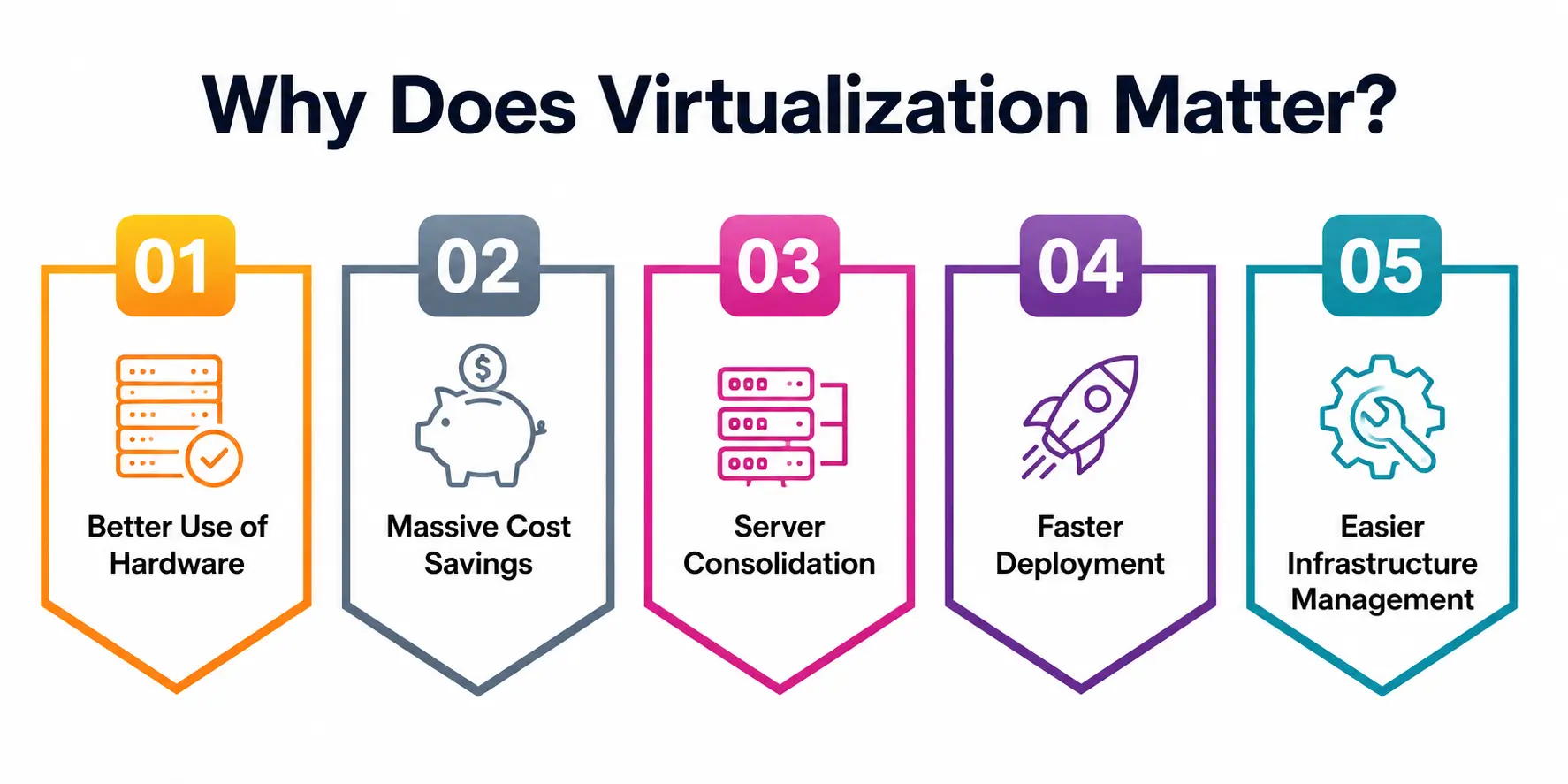
1. Better Use of Hardware
Without virtualization, a physical server often sits mostly idle. With virtualization, that same server can host many virtual machines simultaneously, each using its share of the processing power, memory, and storage. Nothing goes to waste.
2. Massive Cost Savings
Buying, powering, cooling, and maintaining physical servers is expensive. Virtualization lets a business run more workloads on fewer machines, cutting down on hardware purchases, electricity bills, and data center space.
3. Server Consolidation
This is one of the biggest wins. Server consolidation means taking several physical servers and combining their workloads onto fewer, more powerful machines using virtual instances. Instead of managing twenty half-used servers, an IT team can manage four fully utilized ones.
4. Faster Deployment
Need a new server for testing? With virtualization, you don’t have to unbox new hardware. You simply spin up a new virtual machine in minutes.
5. Easier Infrastructure Management
Infrastructure management becomes far simpler when everything is virtualized. Admins can monitor, update, back up, and scale virtual environments from a single dashboard instead of physically walking to different machines.
How Does Virtualization Actually Work?
This is where a lot of beginners get stuck, so let’s slow down here.
At the center of virtualization sits a special piece of software called a hypervisor. Think of the hypervisor as a traffic controller. It sits between the physical hardware and the virtual machines, deciding how much CPU, memory, and storage each virtual machine gets and making sure they don’t interfere with one another.
There are two main types of hypervisors:
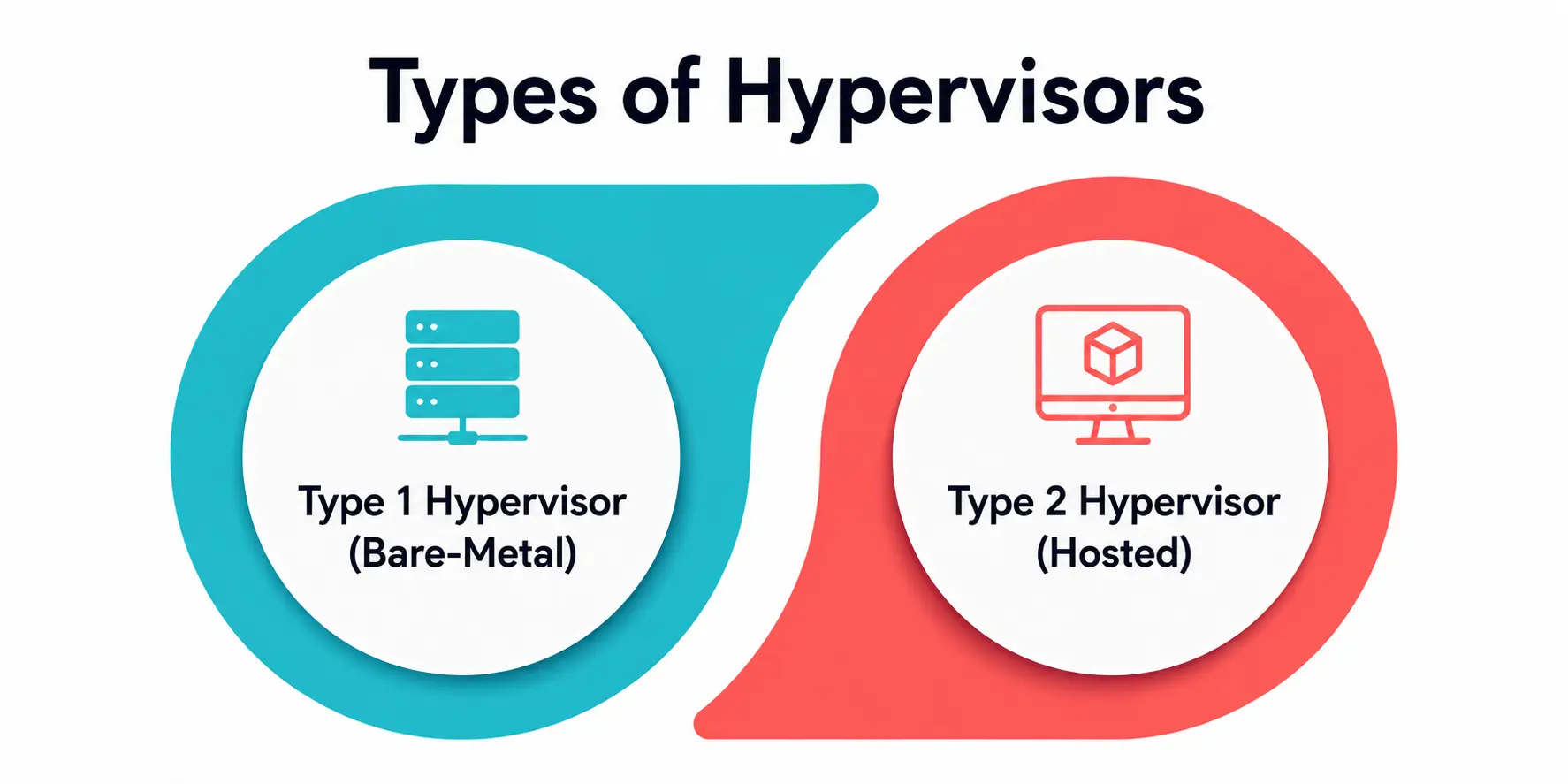
- Type 1 Hypervisor (Bare-Metal): This runs directly on the physical hardware without needing a separate operating system underneath it. It is fast, efficient, and commonly used in enterprise data centers.
- Type 2 Hypervisor (Hosted): This runs on top of an existing operating system, like installing a regular application. It is often used by students and developers for testing on personal laptops.
CloudOptimo explains that hardware or platform virtualization is the most fundamental form, where the hypervisor creates virtual instances of a physical machine, allowing multiple operating systems to run on a single physical server without conflict.
This process of separating software from the physical machine it runs on is often called hardware abstraction. Instead of an application talking directly to a physical CPU or hard drive, it talks to a virtual version of that hardware, which the hypervisor then translates into real instructions for the actual physical components.
This abstraction layer is what makes virtual machines so portable, since they don’t care what physical hardware they are actually running on underneath. Without proper hardware abstraction, none of the flexibility we associate with virtualization would be possible in the first place.
The Different Types of Virtualization You Should Know
Virtualization is not just one single technique. It is really a family of related technologies, each solving a different problem. Let’s go through the major types in simple terms.
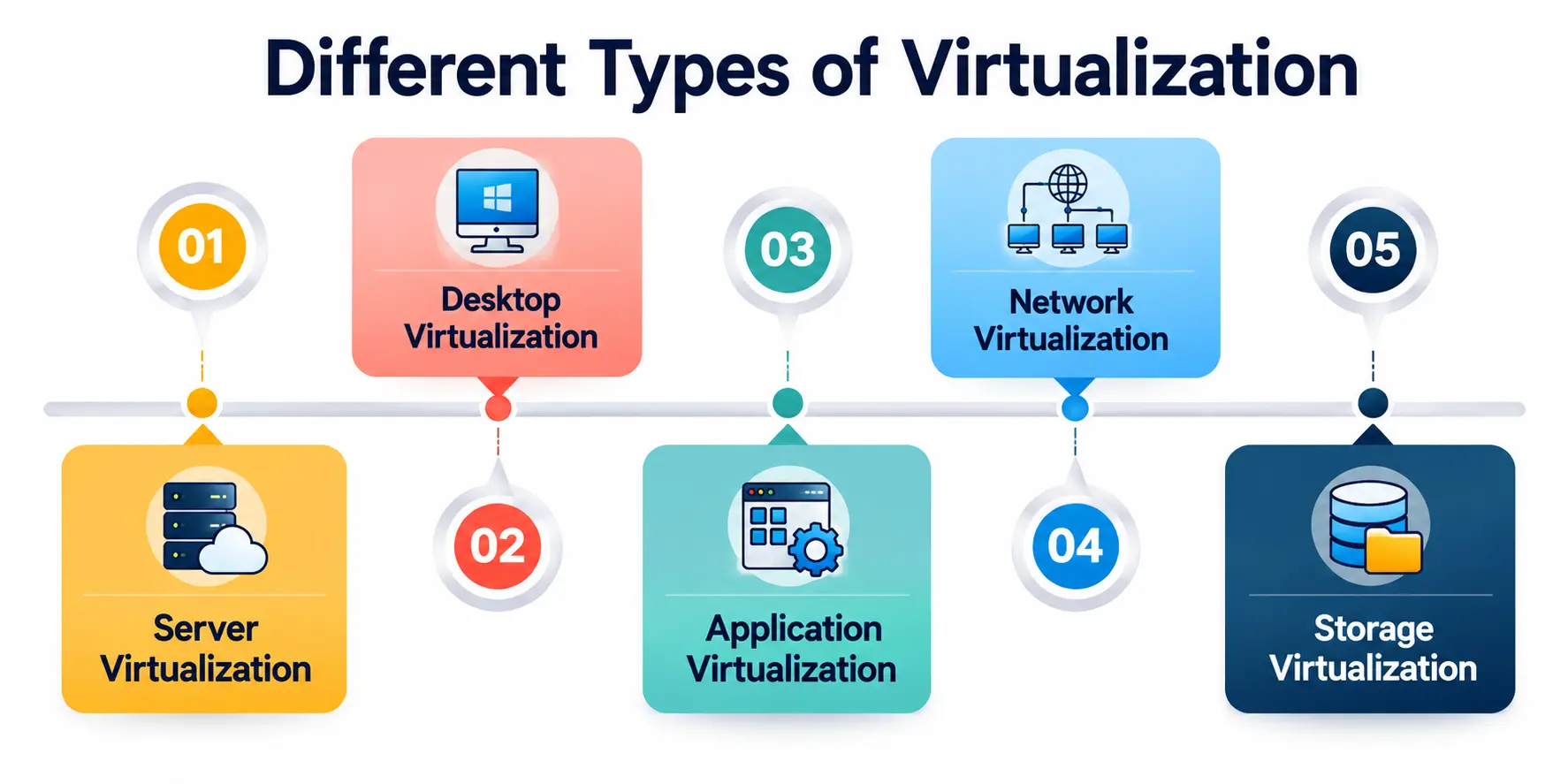
1. Server Virtualization
This is the most well-known form. A single physical server is divided into multiple virtual servers, each running independently with its own operating system. This is the backbone of server consolidation strategies used by data centers worldwide.
2. Desktop Virtualization
Instead of installing an operating system directly on every employee’s computer, a company can host virtual desktops on a central server. GO-Global notes that using virtual desktop interface solutions, IT teams can simulate user workstations that appear to run locally even though the actual processing happens on a physical or virtual server elsewhere.
3. Application Virtualization
This is a fascinating one for students to understand. Application virtualization allows a program to run in an isolated environment without being fully installed on the user’s operating system. The app behaves as if it’s installed, but it’s actually running from a virtualized package, which makes it easier to deploy, update, and remove without leaving leftover files behind.
4. Network Virtualization
Networks can be virtualized too, combining physical network resources into one virtual network, or splitting a physical network into several independent virtual ones, giving IT teams far more flexibility in how they design and secure systems.
5. Storage Virtualization
Multiple physical storage devices are pooled together and presented as one single storage unit. This is a core part of resource pooling, where individual hardware components combine into a shared pool that can be allocated dynamically wherever needed most.
Real-World Use Cases of Virtualization
Understanding the theory is great, but seeing where virtualization is actually used makes everything click. Here are a few everyday examples:
- Cloud Computing Platforms: Services like AWS, Azure, and Google Cloud are built almost entirely on virtualization. Renting a “cloud server” really means renting a virtual machine.
- Software Testing and Development: Developers use virtual machines to test software on different operating systems without needing separate physical computers.
- Disaster Recovery: Virtual machines can be backed up and restored quickly, making recovery from hardware failures much easier.
- Running Legacy Applications: Older software that only works on outdated operating systems can keep running safely inside a virtual machine, without needing outdated physical hardware.
Resource Pooling: The Hidden Engine Behind Virtualization
One term that comes up constantly when discussing virtualization is resource pooling. This simply means gathering computing resources — CPU power, memory, storage, and networking — from different physical machines and treating them as one shared, flexible pool.
Instead of each application being locked to one specific physical machine, resource pooling allows workloads to draw resources from wherever they are available. If one virtual machine needs more processing power temporarily, it can pull from the shared pool instead of being limited to whatever a single physical box provides. This flexibility is a big reason why cloud platforms can scale up or down almost instantly based on demand.
Virtualization vs Traditional Physical Infrastructure
To really appreciate virtualization, it helps to compare it side-by-side with the old-school approach of relying purely on physical hardware.
|
Aspect |
Traditional Physical Server Setup |
Virtualized Setup |
|
Hardware Usage |
Often underused, with a lot of idle capacity on each physical server |
Highly optimized through resource pooling and hardware abstraction |
|
Cost |
High, since every application may need its own dedicated machine |
Lower, thanks to server consolidation on fewer physical machines |
|
Deployment Speed |
Slow, since new hardware must be purchased and configured |
Fast, since new virtual machines can be created in minutes |
|
Scalability |
Limited by the physical capacity of existing machines |
Highly scalable, resources can be reallocated dynamically |
|
Maintenance |
Requires physically managing each machine individually |
Centralized infrastructure management through a single dashboard |
|
Isolation |
A hardware failure can take down the entire application |
Virtual machines are isolated, so one failure rarely affects others |
This table alone shows why so many organizations moved away from relying purely on physical servers and adopted virtualization as their standard approach to infrastructure management.
Common Challenges of Virtualization
Virtualization is powerful, but it isn’t magic, and it isn’t without downsides. It’s worth knowing the challenges too, especially if you’re studying this for exams or interviews.
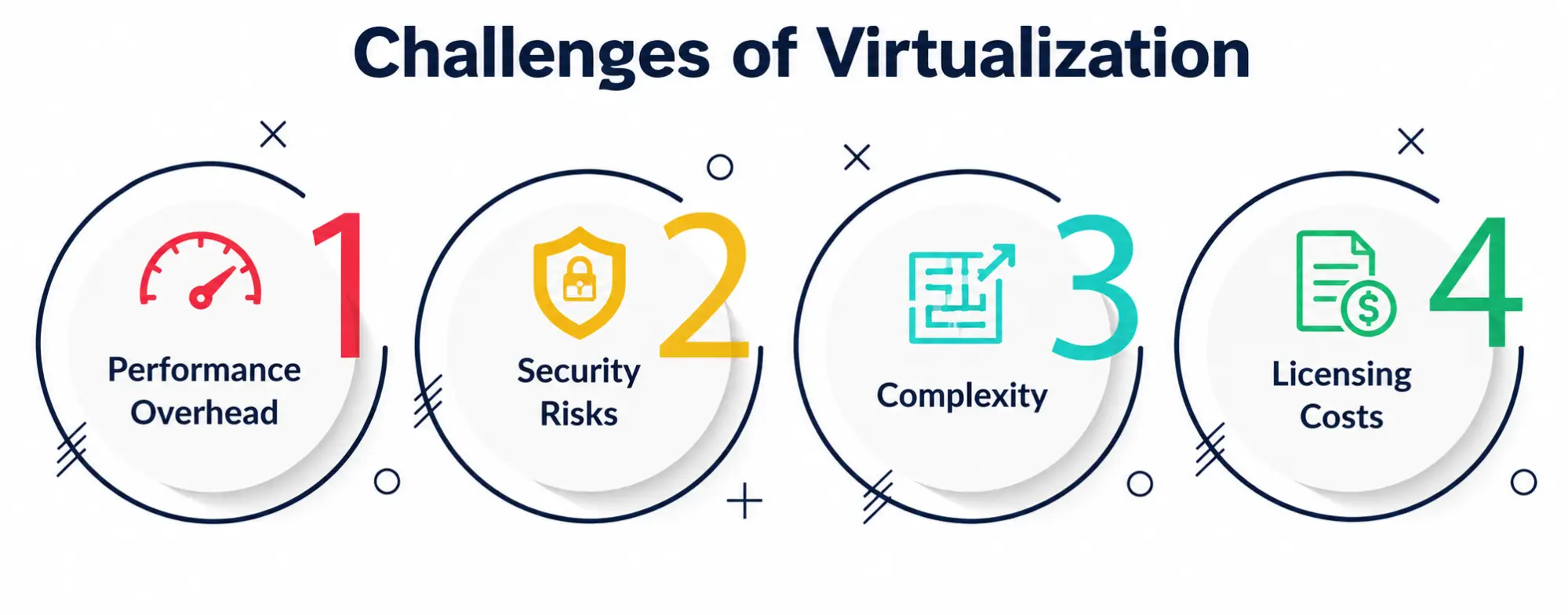
- Performance Overhead: A hypervisor sitting between hardware and virtual machines creates a small performance cost.
- Security Risks: If a hypervisor is compromised, it can expose every virtual machine running on top of it.
- Complexity: Managing many virtual machines requires solid infrastructure management skills and the right monitoring tools.
- Licensing Costs: Some software licenses are tied to physical hardware, which gets complicated once that hardware is virtualized.
Where Is Virtualization Headed?
As StarWind points out, virtualization remains essential going forward, with its role expected to keep growing as organizations rely on it to streamline infrastructure and control costs, and research is even progressing on virtualizing specialized hardware like GPUs for AI and machine learning workloads.
This tells us something important: virtualization isn’t a technology of the past. It’s still evolving, still expanding into new areas, and still forming the backbone of nearly every modern digital service we use.
A Personal Note
When I first started learning about IT infrastructure, virtualization felt like one of those topics everyone talked about but nobody explained simply. I remember staring at diagrams of hypervisors and virtual machines, nodding along, but not really understanding what was happening underneath.
What eventually helped was realizing that virtualization is really just about sharing generously. One physical machine, instead of serving one purpose, learns to serve many, without those purposes getting in each other’s way. That single idea of hardware abstraction unlocked everything else for me — the cost savings, the flexibility, the entire existence of cloud computing as we know it.
If you’re a student and virtualization still feels a little abstract, that’s normal. Try installing a Type 2 hypervisor on your own laptop and creating a small virtual machine. Seeing it work with your own hands makes the concept finally click, and once it does, you’ll start noticing virtualization everywhere.