If you’ve just started learning about cloud computing or DevOps, you’ve probably run into this question a dozen times already: virtual machines vs. containers—which one should you actually use, and why does everyone keep talking about both like they’re rivals?
Here’s the honest answer: they’re not really rivals. They’re two different tools built for two different jobs, and understanding this topic properly will save you a lot of confusion later when you’re setting up your first server, deploying a college project, or prepping for a technical interview.
I’ve broken this down the way I wish someone had explained it to me—no jargon overload, just plain language with real examples.
What Is a Virtual Machine, Really?
Think of a virtual machine (VM) as a computer inside your computer. A piece of software called a hypervisor sits on your physical machine and slices it up into several independent, self-contained systems. Each of these systems — each VM — gets its own operating system, its own virtual CPU, its own memory, and its own storage, completely separate from everything else running on that hardware.
This is the foundation of what’s called “server virtualization” and “desktop virtualization”—a technology that has powered data centers and enterprise IT for more than twenty years, as per Red Hat blogs. Because each VM boots a full kernel and a full OS, it behaves exactly like an independent physical computer — even though it’s just a chunk of software running alongside other VMs.
This is also the backbone of desktop virtualization, where a single physical machine can run several full desktop environments—say, a Windows VM and a Linux VM side by side—each completely walled off from the other. IT teams love desktop virtualization because it lets employees access a secure, standardized desktop from almost any device without the company handing out a new laptop to everyone.
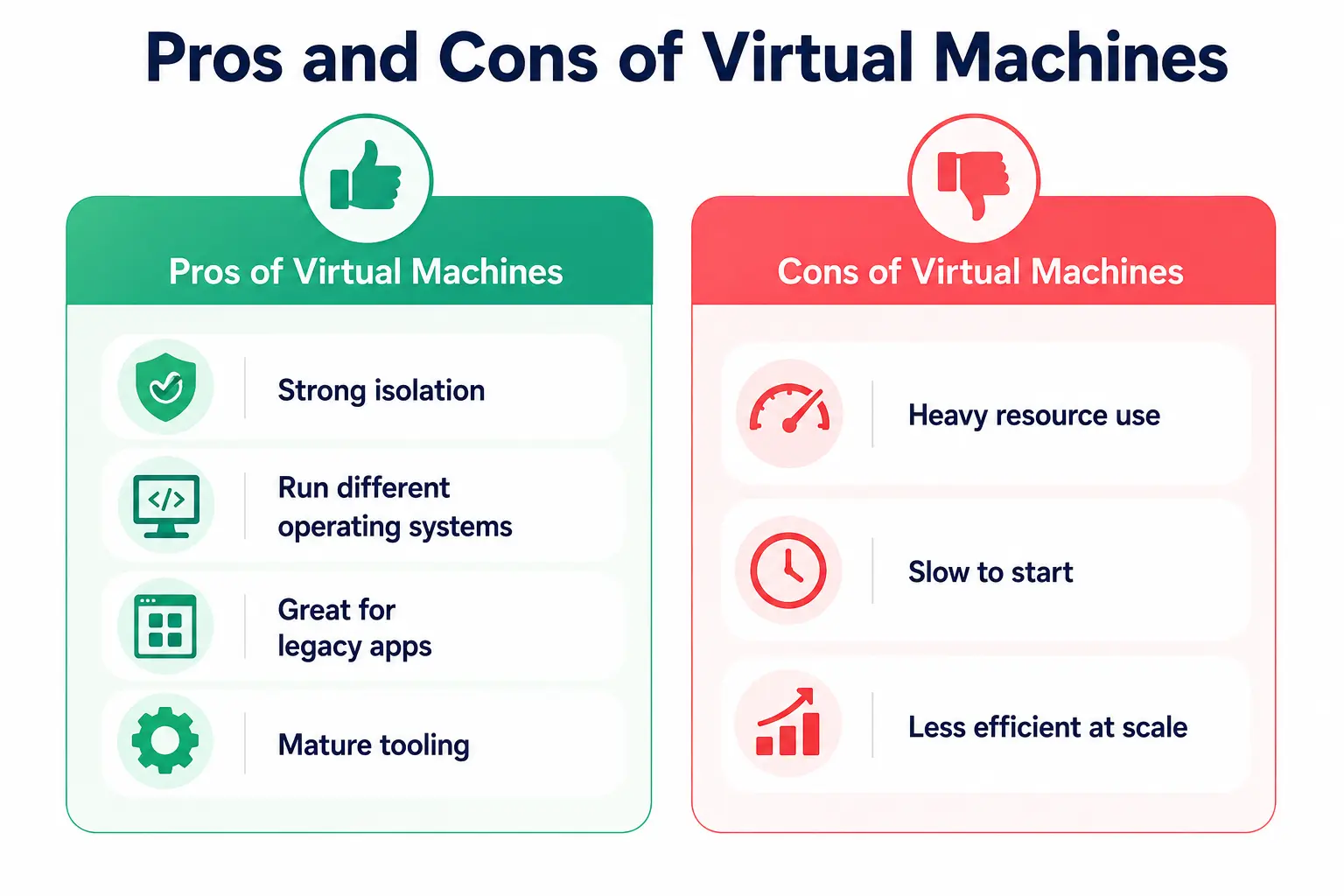
Pros of Virtual Machines
- Strong isolation — since each VM has its own kernel, a crash or security breach in one VM generally can’t spill over into another.
- Run different operating systems — you can run Windows, Linux, and even older legacy OS versions on the same physical hardware at once.
- Great for legacy apps — older enterprise software that needs a specific OS version runs comfortably in a VM.
- Mature tooling — decades of enterprise support, backup tools, and monitoring solutions exist for VMs.
Cons of Virtual Machines
- Heavy resource use — every VM needs its own OS copy, so memory and storage overhead is significant.
- Slow to start — booting a VM takes anywhere from several seconds to a couple of minutes, since it’s booting an entire operating system.
- Less efficient at scale—on the same hardware, you’ll typically fit far fewer VMs than containers, since a server with 128GB of RAM might comfortably run only 10 to 15 VMs compared to well over a hundred containers, as per Northflank blog.
What Is a Container, Really?
A container takes a completely different approach. Instead of packaging an entire operating system, a container packages just the application and everything it directly needs to run — code, libraries, configuration files, and runtime dependencies — while sharing the host machine’s OS kernel underneath.
This lightweight approach is the essence of modern container architecture. Because containers don’t carry the weight of a full OS, they start almost instantly — often in milliseconds rather than minutes — and multiple containers built from the same base image can share memory layers, making them remarkably efficient.
Tools like Docker and Kubernetes are built around this exact idea, and this container architecture is why container-based systems have become the default choice for modern deployment pipelines, especially in cloud-native companies.
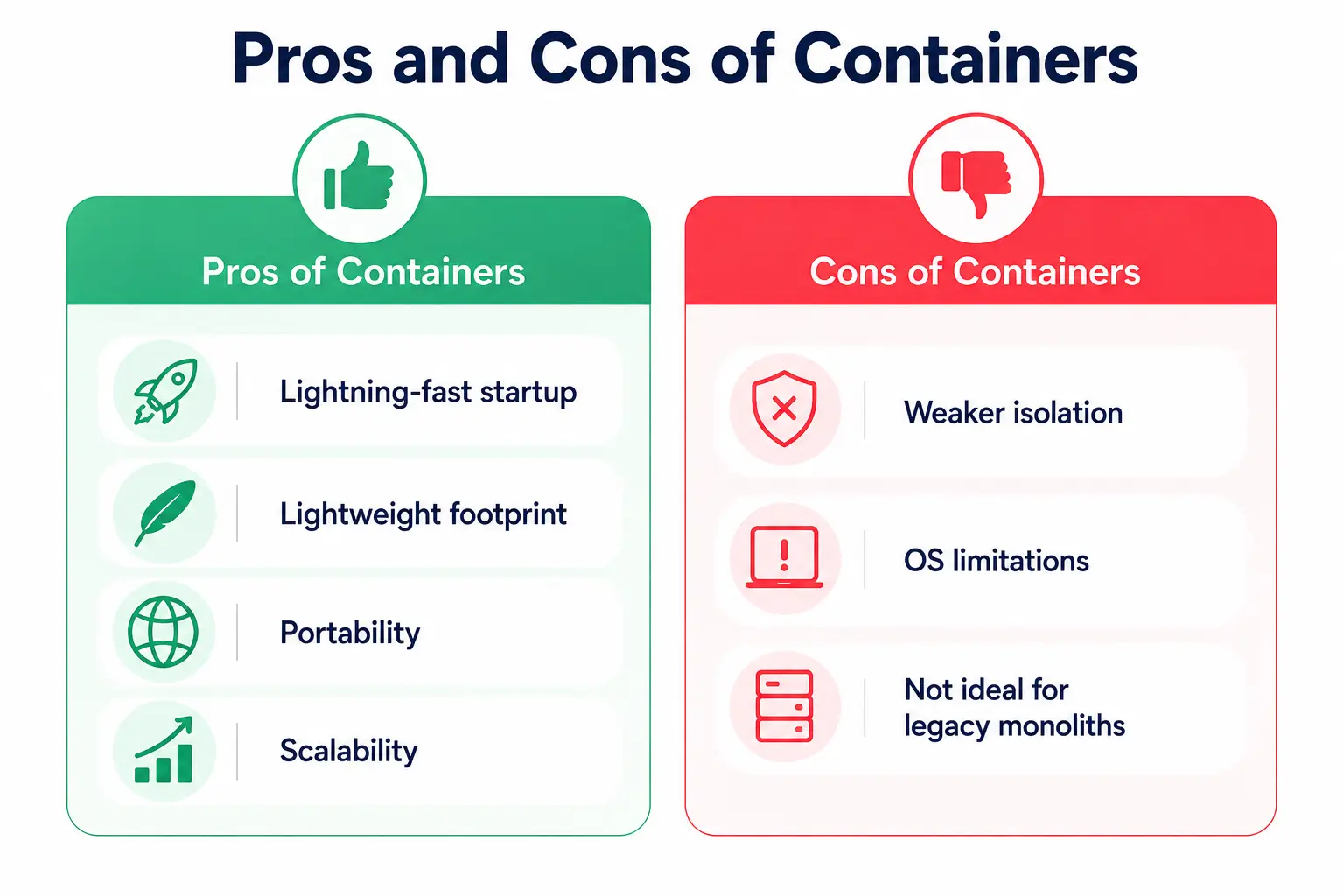
Pros of Containers
- Lightning-fast startup — containers spin up in milliseconds since there’s no OS to boot.
- Lightweight footprint — shared kernel and shared image layers mean much lower memory and storage usage.
- Portability — a container that runs on your laptop will run the same way on a server or in the cloud, which massively simplifies deployment.
- Scalability — perfect for microservices, where you might need to spin up (and tear down) dozens of instances quickly.
Cons of Containers
- Weaker isolation — since containers share the host kernel, a serious vulnerability at the kernel level can potentially affect every container on that host.
- OS limitations — containers generally have to match the host machine’s OS family (a Linux container needs a Linux host), so you can’t casually mix Windows and Linux containers the way you can with VMs.
- Not ideal for legacy monoliths — older applications built to expect a full dedicated OS often need significant rework before they fit comfortably into a container.
Virtual Machines vs Containers: The Core Difference
The real distinction in this debate comes down to what gets virtualized. A VM virtualizes the hardware itself, right down to the CPU and storage layer, and then runs a full OS on top of that virtual hardware. A container only virtualizes the software layer sitting above an already-running operating system.
This one architectural choice cascades into everything else: startup speed, resource consumption, portability, and security boundaries. It’s why, in almost every serious virtual machine vs. container comparison you’ll read, the conversation eventually becomes about isolation versus efficiency—VMs win on isolation, and containers win on efficiency and speed.
Understanding virtual machines vs. containers at this architectural level also matters for students because interview questions rarely stop at “what’s the difference?” They usually follow up with “when would you use one over the other,” which is exactly what we’ll cover next.
Where Does This Fit Into Modern Infrastructure?
Here’s something that trips up a lot of students: in real-world infrastructure automation, companies rarely pick just one. It’s extremely common to run containers inside VMs.
The VM provides a strong, isolated security boundary, and the containers running inside it give you the speed and flexibility of modern deployment workflows. Many managed Kubernetes platforms in the cloud actually work this way behind the scenes.
This hybrid pattern is also central to good infrastructure automation practice. Tools like Terraform or Ansible can automatically provision VMs, and then a container orchestrator like Kubernetes can automatically manage the containers running on top of them—giving teams both strong isolation and fast, repeatable provisioning at the same time.
Cloud elasticity is another place where this comparison really matters. When traffic to a website suddenly spikes, cloud platforms need to scale resources up (and back down) almost instantly. Containers, being lightweight and fast to start, are usually the go-to choice for achieving true cloud elasticity, since you can launch dozens of new container instances in the time it takes a single VM to boot.
That said, VMs still contribute to elastic scaling at a broader infrastructure level, since cloud providers themselves often use virtualization to carve up physical servers into the resources customers rent.
Virtual Machines vs Containers: A Quick Comparison Table
|
Feature |
Virtual Machines |
Containers |
|
Isolation level |
Full OS-level isolation (own kernel) |
Process-level isolation (shared host kernel) |
|
Startup time |
Seconds to minutes |
Milliseconds to seconds |
|
Resource usage |
Heavy — each VM needs its own OS |
Lightweight — shares host OS resources |
|
OS flexibility |
Can run different OS types on one host |
Must match the host OS family |
|
Best for |
Legacy apps, strict security, multi-OS needs |
Microservices, CI/CD, fast software deployment |
|
Scalability |
Limited by hardware and OS overhead |
Highly scalable, supports cloud elasticity |
|
Typical density |
~10–15 VMs per 128GB server |
100+ containers per 128GB server |
When Should You Actually Use Each One?
If you’re a student trying to decide which to learn first or which to use for a class project, here’s a simple way to think about the virtual machines vs. containers decision:
Choose a VM when:
- You need to run a completely different operating system (say, testing software on both Windows and Linux).
- You’re working with legacy software that assumes it has a dedicated machine.
- Security and strict isolation matter more than speed — for example, hosting sensitive data with regulatory requirements.
- You want realistic desktop virtualization for testing an app across multiple OS environments.
Choose a container when:
- You’re building microservices or a modern web app that needs to scale quickly.
- Speed of software deployment matters — you want to push updates fast and roll them back just as fast.
- You’re working in a CI/CD pipeline where consistency between development and production environments is critical.
- You need to take full advantage of rapid, elastic scaling to handle unpredictable traffic.
Personal Note
When I first started learning about this comparison, I genuinely thought I had to pick a “winner” and stick with it—like choosing a favorite programming language. It took a while (and a fair bit of trial and error setting up my own home lab) to realize that the real skill isn’t picking sides; it’s knowing when each tool earns its place.
Once that clicked, concepts like infrastructure automation, container architecture, and cloud elasticity stopped feeling like separate buzzwords and started feeling like pieces of the same puzzle. If you’re a student reading this, don’t rush to memorize definitions—spin up a free-tier VM somewhere, then install Docker and run your first container. You’ll understand the difference in twenty minutes better than any article could explain it, including this one.