My laptop hard drive has a history of failing on a Tuesday night before submissions, making me lose a whole semester’s worth of notes. That one experience taught me more about data security than any textbook ever could.
If you’ve ever freaked out about a device crashing or a file going missing, you know the importance of cloud storage services for one of the most crucial pieces of tech we use every single day.
This is NOT going to be a dry technical lecture. It’s like a conversation, the sort of thing I wish someone had with me when I was a confused student trying to understand why my files kept disappearing. By the end of this you will have a clear understanding of how cloud storage works, why it is important, and how to use it smartly.
What Are Cloud Storage Services?
Fundamentally, cloud storage allows you to store your files on remote servers rather than locally on your device, and then access them from anywhere you have an Internet connection.
Your photos, assignments, or project files aren’t only stored on one laptop or pen drive but on a network of servers run by a provider—think Google Drive, Dropbox, OneDrive, or Amazon’s storage systems.
The “cloud” is just a nicer way of saying an enormous network of physical data centers spread across locations. Uploading a file does not send it off into the sky to float around somewhere. It sends it over the internet to end up on a server in a data center, sometimes thousands of kilometers away from you.
It’s a quiet revolution, and especially so for students. No more emailing yourself assignments at 2 AM out of fear, no more “my pendrive got corrupted” excuses, and no more juggling five different USB drives for five different subjects.
What is Cloud Storage? How Does Cloud Storage Work?
Let’s go through it step-by-step, because when you understand the mechanics, it all makes sense.
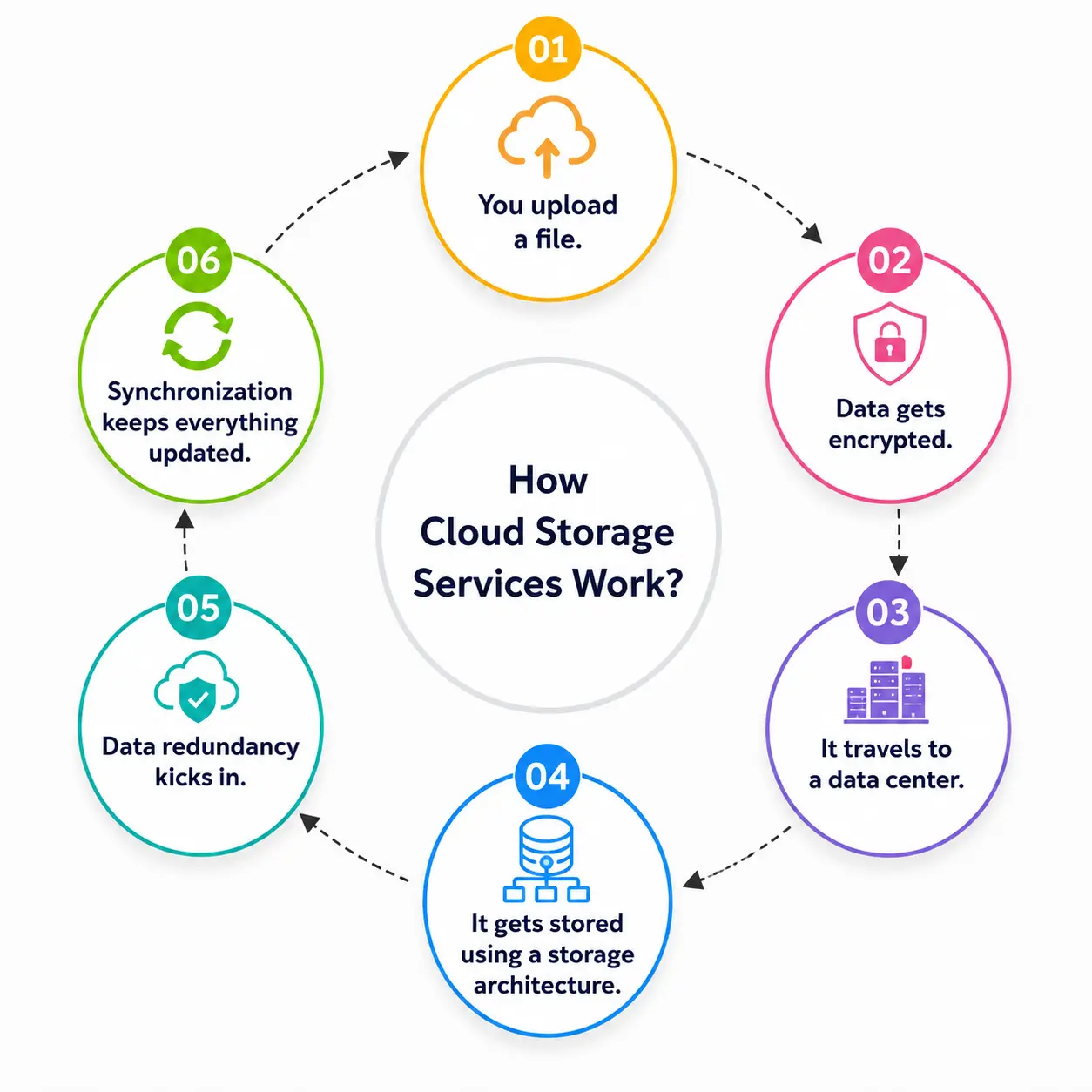
1. You upload a file. When you drop a document into your cloud folder, it is split apart into smaller chunks of data.
2. Data is encoded. The most reputable providers will encrypt the pieces, scrambling the data so it is unreadable to anyone without the right key.
3. It is sent to a datacenter. Your encrypted data chunks travel over the internet to a facility owned or leased by the storage provider.
4. It is stored with storage architecture. This is where it gets technical—and interesting. Typically, providers use one of three storage models:
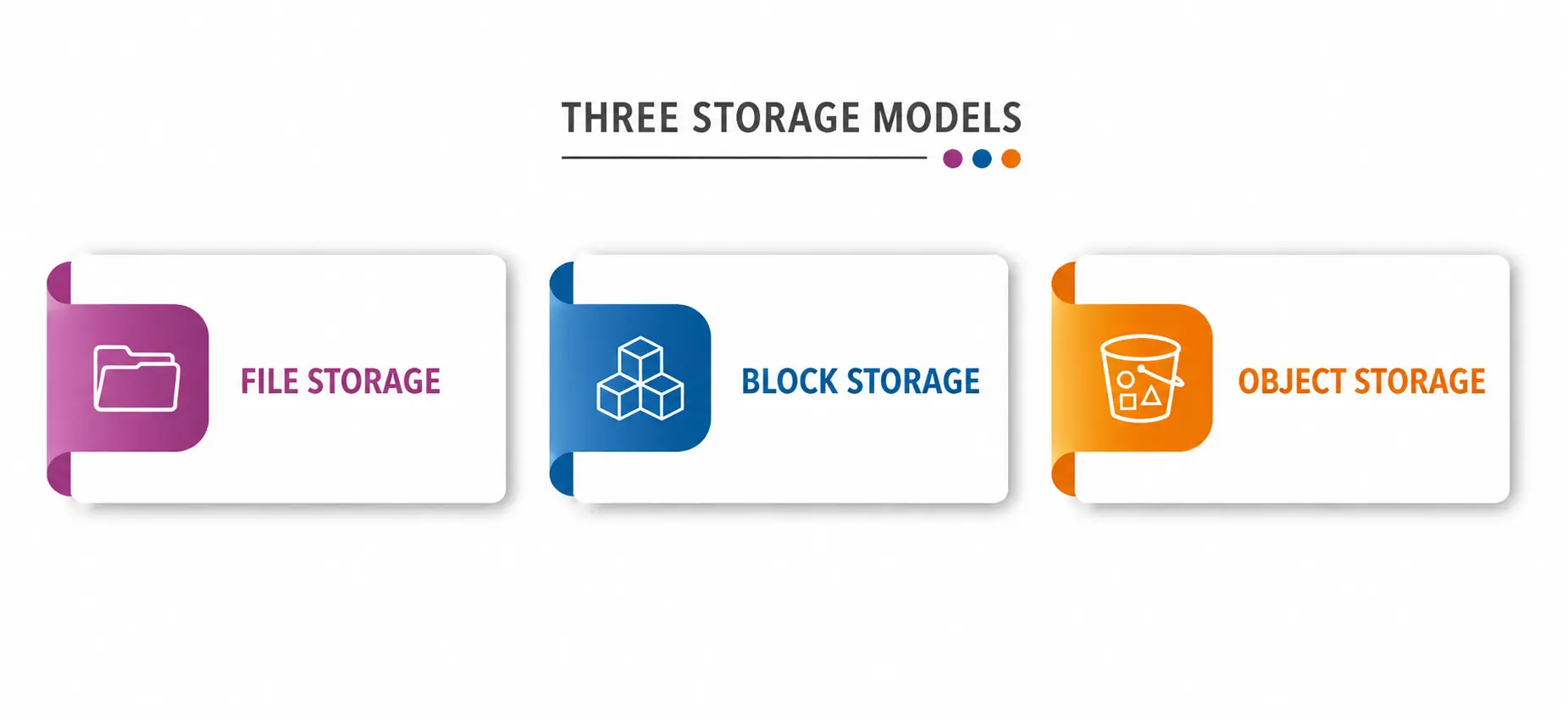
- File storage – Organizes data in the familiar folder-file hierarchy, like the file explorer on your computer.
- Block storage — breaks data into fixed-size blocks, good for databases and applications where speed is important.
- Object storage – stores entire files as a complete “object” along with metadata and a unique identifier, not in folders. Cloudian’s guide on the subject says this approach is customized to handle massive amounts of unstructured data, such as images, videos, and backups, and is available through APIs for applications.
Thanks to its ability to scale, the model has become the backbone of modern cloud systems. It is the preferred method of platforms dealing with massive unstructured data sets, as systems can pinpoint a file in a flash using its unique ID, rather than having to dig through nested folders.
5. Data duplication is present. Good providers don’t simply store your file in one location. They make lots of copies on lots of different servers, often in different physical locations, so if one server goes down, your data lives on. This is the principle of data redundancy, the quiet hero of cloud reliability. Without it, the files of millions of users could be destroyed by a single hardware failure.
6. Synchronization ensures everything is up to date. The service is always syncing data after you save a file, so all of your devices—laptop, phone, and tablet—always show you the same, most recent version of that file. Edit a document on your phone on a bus ride, and when you open your laptop, the changes are already there.
Why are cloud storage services so important today?
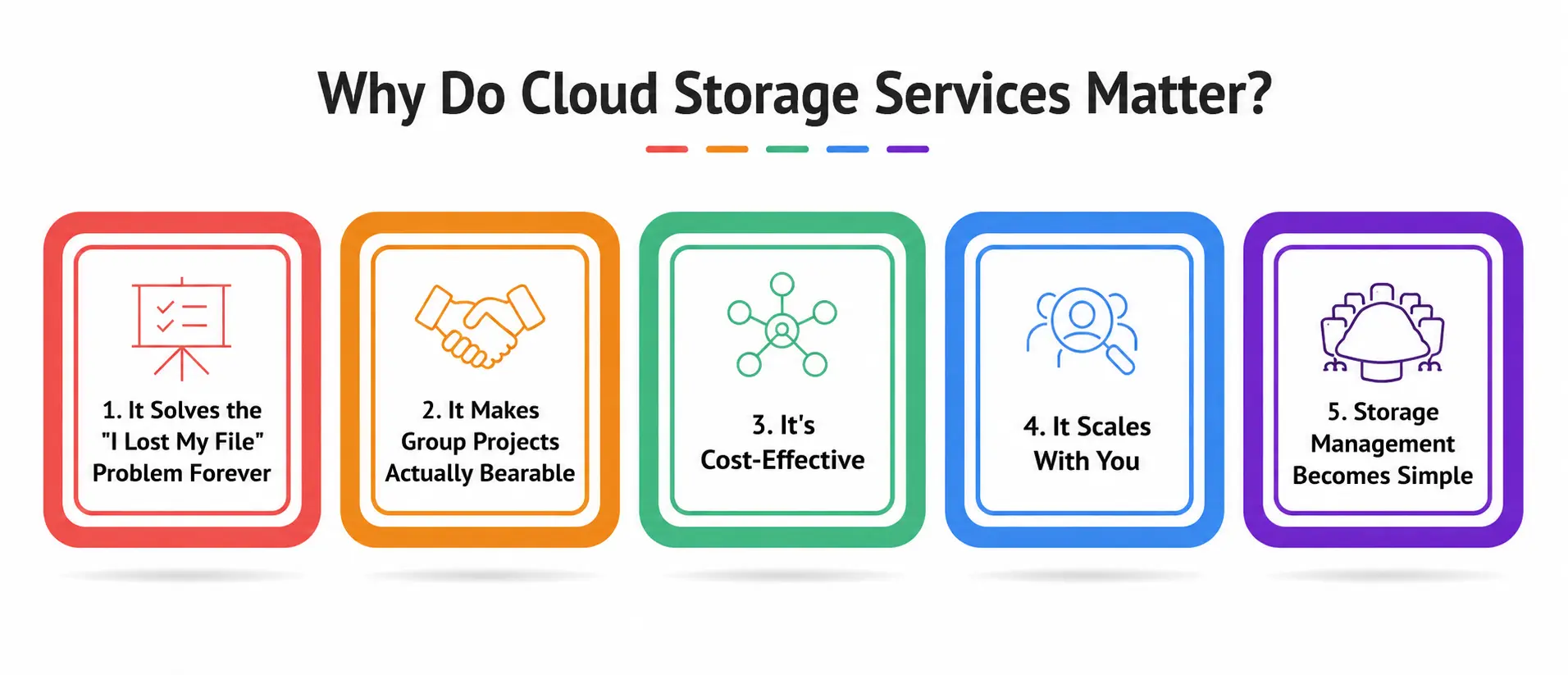
1. The problem “I lost my file” is permanently fixed
This is the big one for the students. Thanks to dependable cloud backup, your essays, research papers, and project files aren’t anymore limited to one fragile device. Your data is safe and recoverable even if your laptop is stolen or your phone ends up in a swimming pool (it happens more often than you’d think).
2. Prevents group projects from sucking
If you’ve ever been in a group, you know the nightmare of five different versions of the same document floating around five different inboxes. This is solved by shared folders and real-time editing using that same data synchronization technology mentioned above.
3. Economic Efficiency
You do not buy physical hard drives or servers. Most providers operate a pay-as-you-go pricing model, so you only pay for the storage you actually use. Businesses don’t have to invest heavily in physical infrastructure or worry about hardware that isn’t fully utilized, and the same logic applies on a smaller scale for individual users and students on tight budgets.
4. Evolves with you
These platforms scale to fit your needs, whether it’s 15 GB for college work or 2 TB for a growing research archive. Just upgrade your plan; you don’t need to buy a new hard drive and manually move files.
5. Easy Storage Management
These platforms have good storage management tools built in so you can organize your files, assign access permissions, monitor your space usage, and even automate backups. No longer do you have to be an IT wizard to keep your digital life organized. The platform works for you with intelligent, built-in dashboards.
Quick Comparison of Traditional Storage and Cloud Storage
|
Feature |
Traditional Storage (Hard Drive/USB) |
Cloud Storage Services |
|
Accessibility |
Limited to the device it’s plugged into |
Available on any device, anywhere with internet |
|
Redundancy of Data |
None—one failure means it’s gone. |
Multiple servers with built-in data redundancy |
|
Back Up |
Manual and quickly forgotten |
Automatic cloud backup, often continuous |
|
Cost |
One-time hardware cost, limited capacity |
Flexible pay-as-you-go pricing |
|
Collaboration |
Difficult—physical transfer or email |
Live data sync and shared access |
|
Storage Management |
Arrange folders manually |
Built-in and automated storage management tools |
|
Risk of Injury |
High (drops, theft, water damage) |
Deleted almost entirely for a copy of the user |
What this table alone shows is why so many students, freelancers, and businesses have moved away from relying on physical drives.
Object Storage – The Heart of Modern Cloud Systems
I want to hang around a little longer because it really is one of the most misunderstood parts of the entire ecosystem. This is not how your laptop sorts data. There are no folders within folders. Each file is a self-contained “object” with metadata attached to it such as when it was created, who owns it, and how it should be accessed.
Examples of providers that rely heavily on this model are Amazon S3, Google Cloud Storage, and Cloudflare R2. Filebase’s 2026 provider comparison includes popular examples such as Amazon S3, Cloudflare R2, Backblaze B2, Wasabi, and DigitalOcean Spaces. This method is intended to accommodate large amounts of unstructured data like media files, backups, and application data.
For students who are entering fields like data science, app development, or IT, this model is not theoretical—it’s the same technology that powers the apps you use every day, from Instagram saving your photos to Spotify saving millions of songs.
What’s the Difference Between Cloud Backup and Cloud Storage?
This confuses a lot of people, so let’s get this straight. If you’ve ever used a traditional cloud storage service (like Google Drive), then you know how it works to access and sync files you use regularly. Cloud backup is designed to make safety net copies of your data if something goes wrong, so think of it as insurance, not a workspace.
There is a point to the cloud storage options: a simple sync-and-share service is not a full backup strategy by itself, and if your data really matters, you want a dedicated backup workflow that is separate from your everyday storage app.
For students, that might mean using Google Drive to work on your daily assignments but also doing a periodic full backup of your entire laptop thru a dedicated backup service—just in case.
How to choose the best storage provider for you?
Not all providers are all things to all needs. Here’s an easy way to think of it.
- If you are just a student looking to store notes, assignments, and photos, then a basic sync-and-share service (Google Drive, OneDrive, or Dropbox) is more than enough.
- This is a great approach when you are building an app or dealing with large datasets and you will likely need a dedicated object storage solution like Amazon S3 or similar.
- If your biggest concern is losing everything in one crash, look for a service that has strong backup features and a good track record of reliability across multiple data centers.
- When you are managing storage for a team or organization, seek out platforms with strong management dashboards, permission controls, and usage analytics.
Pick the correct cloud storage for the workload you’re running. Cloud storage is a great choice for archiving large files, but a high-performance database requires a different kind of storage altogether. Personally, it’s the same thing — use the tool that matches your actual behavior, not the one with the flashiest features.
The security side no one talks about enough
After all, we are giving our data to third-party companies, so it’s probably a good idea to know what really keeps it safe. Trusted providers have multiple levels of security:
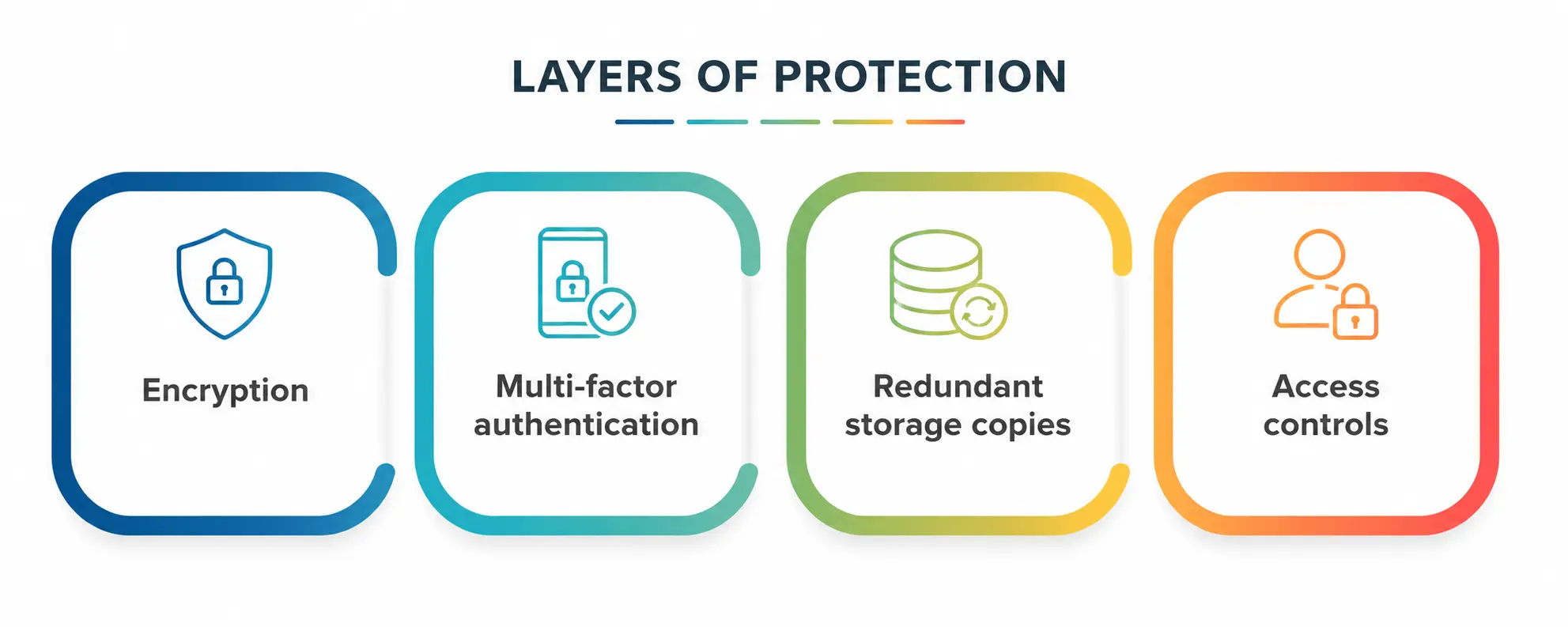
- Encrypt data while it’s in transit as well as at rest on a server
- Multi-factor authentication to prevent unauthorized log-ins
- Multiple copies of storage in geographically separate servers—if a natural disaster or hardware failure occurs in one location, all data is not lost
- control access so that you define who can view or edit specific files
Enterprise-grade object storage systems today offer extremely high durability guaranties, and as Google Cloud’s 2026 storage review points out, they also offer strong global consistency, meaning any file update is immediately available throughout the system — a level of reliability that is almost impossible to achieve with personal hardware.
Common Student Mistakes About Cloud Storage
- My training data only includes information up until October 2023.
- Not organizing folders — poor organizational habits result in messy, hard-to-navigate accounts when you need a file in a pinch.
- Sync is not a backup—remember, syncing in real time is not a backup.
- Ignoring sharing permissions, accidentally making a folder public, can expose personal or academic data.
- Never check your storage usage. Running out of space mid-upload on deadline is more common than you’d think.
A note on the personal side
If there’s one thing I’d like you to take from this, it is this: don’t wait for a crisis before you start taking your data seriously. I have learned this the hard way, and I have seen this learned the hard way by countless classmates too, usually the night before a deadline.
Now it may take you twenty minutes to set up a proper backup system. Losing years of work because you didn’t take much longer to recover from emotionally and academically. “Don’t leave your data to chance,” he says. “Handle it as you would anything else of value. Back up your data. Organize it.”