If you’ve ever tried to pick a cloud storage plan and felt lost in the jargon, you’re not alone. I remember the first time I had to explain object storage vs. block storage to a junior developer on my team—she looked at me like I’d started speaking another language. So let’s slow down and make sense of it, in plain English, without the textbook stiffness.
Whether you’re a computer science student prepping for interviews, a developer picking infrastructure for a new app, or just someone curious how Netflix stores a billion videos without breaking a sweat—this guide walks you through everything you need to know about object storage vs. block storage, why they exist, and when to use each one.
Why Does Storage Architecture Even Matter?
Before diving into definitions, let’s talk about why this topic keeps coming up in interviews and system design discussions. Every app you use — from Instagram to your college’s online portal — has to store data somewhere. That “somewhere” isn’t a random decision.
The storage architecture you choose affects speed, cost, reliability, and how well your system scales as more users join in. In fact, most system design interviews eventually circle back to a single question: which storage architecture actually fits the workload in front of you?
Get it wrong, and you either overpay for performance you don’t need, or you end up with a laggy app that frustrates users. Get it right, and your infrastructure quietly does its job in the background while you focus on building features. This is exactly why understanding object storage vs. block storage isn’t just an academic exercise—it’s a real decision engineers make every day.
What Is Block Storage?
Let’s start with the older, more traditional method: block storage.
Block storage takes your data and chops it into small, fixed-size pieces called data blocks. Each block gets its own unique address, kind of like a locker number. When an application needs a file, the system doesn’t fetch one giant blob of data — it looks up exactly which blocks it needs, grabs them from wherever they’re sitting, and stitches them back together almost instantly.
This is the same principle your laptop’s hard drive or SSD uses. In the cloud world, this concept scales up into what’s called cloud volumes“—virtual disks that attach to virtual machines exactly like a physical hard drive would attach to your desktop computer.
How Does Block Storage Work Behind the Scenes?
Here’s a simple way to picture it: imagine a library where every single page of every book has been removed and stored separately with its own barcode. When you ask for “Chapter 5 of Book X,” the librarian doesn’t hand you the whole book—she pulls exactly the pages you need, in order, and gives them to you fast. That’s block storage in a nutshell.
Because block devices (like SSDs and HDDs) work this way natively, block storage integrates directly with operating systems using protocols like iSCSI and Fibre Channel. This is why it’s the go-to choice for databases, virtual machines, and anything that needs to read and write small amounts of data very frequently.
If you’ve ever partitioned a hard drive or formatted a USB stick, you’ve already interacted with block devices without even realizing it—the cloud version just does the same job at a much larger scale.
What Is Object Storage?
Now let’s flip the model completely.
Object storage doesn’t break your data into pieces. Instead, it treats each file as one complete, self-contained unit called an “object.” Each object bundles together three things: the actual data, a bunch of descriptive metadata (like when it was created, its size, or custom tags you define), and a unique identifier.
All these objects live in what’s called a “flat namespace”—meaning there are no folders within folders like on your computer. Everything sits at the same level, and you find things using their unique ID or searchable metadata instead of digging through a file tree.
This is exactly the model behind services like Amazon S3, Google Cloud Storage, and Azure Blob Storage. Object storage stores data as complete objects rather than dividing it into files or blocks, which makes it especially well-suited for large-scale, unstructured data workloads, according to Atlantic.Net‘s breakdown.
The Parking Lot Analogy Everyone Uses
I’m going to borrow an analogy that genuinely clicked for me the first time I read it. Picture two parking situations:
One is a small, multi-level parking garage with a valet. You hand over your keys, and when you come back, your car is retrieved for you almost instantly — but the garage only has limited spots, and expanding it means literally constructing more floors.
The other is a massive open parking lot with practically endless space. Anyone can park there anytime, but finding your specific car among thousands might take a little longer.
Block storage works like that compact parking garage with valet service—fast retrieval but expensive and hard to expand—while object storage is more like the massive open lot, where capacity is nearly unlimited even if retrieval takes a bit more time, as explained by Cloudflare’s learning center.
That’s really the heart of the object storage vs. block storage decision—speed and control versus scale and affordability.
Object Storage vs Block Storage: The Core Technical Differences
Let’s get specific. When people compare object storage vs. block storage, they’re usually weighing five factors: structure, performance, scalability, cost, and use case.
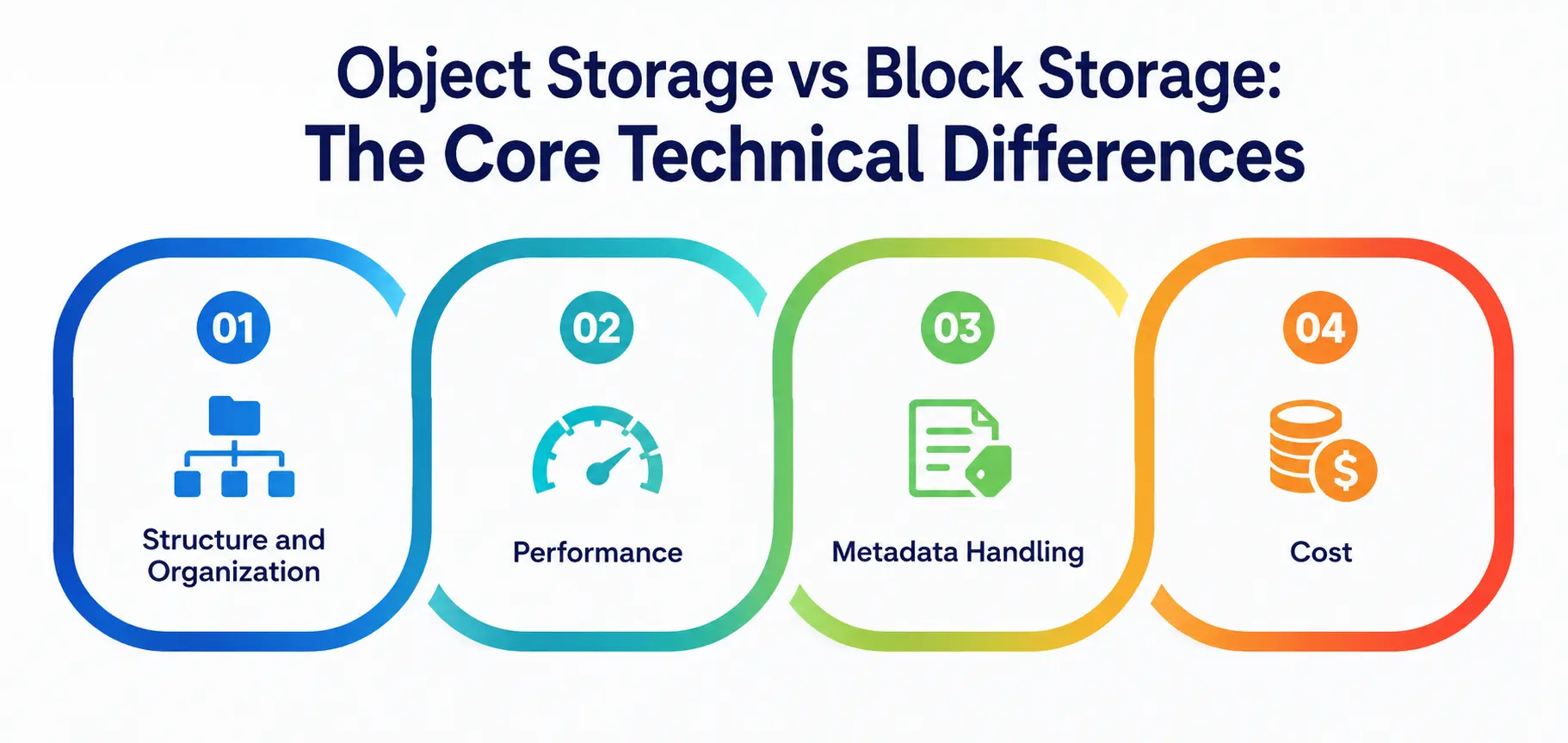
1. Structure and organization
It is the most fundamental difference. Block storage divides everything into equal-sized data blocks, each with an address, managed at a low level by the operating system. Object storage keeps whole files as objects inside a flat, searchable namespace enriched with metadata.
The key difference between the two is that object storage stores data as objects with metadata accessed via an API, while block storage divides data into addressable blocks managed directly by the operating system.
2. Performance
It tips heavily in favor of block storage. Because data blocks sit close together and are optimized for rapid read/write cycles, block storage delivers low latency — which is exactly why it powers databases and transactional systems. Object storage, while impressively scalable, typically has a bit more retrieval delay because it’s built for durability and volume rather than split-second speed.
3. Metadata handling
It is where object storage really shines. Block storage’s metadata is more limited — you can only include basic file attributes — whereas object storage lets you customize metadata to include much more detailed information, according to Google Cloud’s own documentation. This makes object storage far easier to search and manage at scale.
4. Cost
It generally favors object storage for large volumes of data. Because block and file storage typically come with higher costs, many organizations turn to object storage for high-volume data needs, since its pay-as-you-consume pricing model offers real savings compared to the upfront hardware investment block storage often requires, notes IBM’s comparison.
A Quick Word on Scalable Infrastructure
One thing students often overlook: scalable infrastructure isn’t just a buzzword—it’s the actual reason cloud computing exists. Traditional block storage, while fast, doesn’t scale horizontally with the same ease as object storage. Adding more block-based capacity often means provisioning new volumes and manually managing them.
Object storage, by design, was built for scalable infrastructure from day one. You can throw petabytes of data at it, and it just keeps expanding without you worrying about running out of room. This is precisely why nearly every major cloud provider—AWS, Google Cloud, and Microsoft Azure—offers object storage as their default answer for big data, backups, and media storage.
That said, when your app genuinely needs blazing-fast, consistent I/O — like a production database — no amount of scalable infrastructure on the object storage side will substitute for proper block storage. The smartest teams treat scalable infrastructure as a mix-and-match toolkit rather than a single silver-bullet solution.
When Should You Actually Use Each One?
This is the part most tutorials skip, so let’s be practical.
Choose block storage when:
- You’re running a database (MySQL, PostgreSQL, MongoDB, etc.) that relies on fast block devices
- You need an operating system boot volume for a virtual machine
- Your application demands consistent, low-latency performance from underlying block devices
- You’re working with transactional workloads that change frequently
Choose object storage when:
- You’re storing large amounts of unstructured data like images, videos, or backups
- You need long-term archival or disaster recovery storage instead of provisioning more cloud volumes
- Your data doesn’t change often once it’s written
- You want a cost-effective way to scale storage without managing hardware
Block storage keeps data in blocks attached to a virtual machine with low latency, making it the natural format for databases and transactional workloads, while object storage keeps data as objects with metadata accessed over an API, offering nearly unlimited scale and lower cost per gigabyte for files, media, backups, and logs.
Object Storage vs Block Storage: Side-by-Side Comparison
Here’s a table that sums up everything we’ve covered—perfect for quick revision if you’re studying this for an exam or interview.
|
Feature |
Block Storage |
Object Storage |
|
Data Unit |
Fixed-size data blocks |
Complete objects (data + metadata + ID) |
|
Structure |
Block devices attached like a disk/volume |
Flat namespace, no folder hierarchy |
|
Speed |
Very fast, low latency |
Slightly slower retrieval |
|
Metadata |
Minimal, basic attributes only |
Rich, fully customizable metadata |
|
Scalability |
Limited, requires manual expansion |
Virtually unlimited, built for scale |
|
Cost |
Higher, especially at large volumes |
Lower cost per GB at scale |
|
Best For |
Databases, VMs, transactional apps |
Backups, media files, big data, archives |
|
Access Method |
iSCSI, Fibre Channel (block-level protocols) |
HTTP-based REST APIs |
This table is something I personally pin to my desk whenever I’m architecting a new system—it saves a ton of second-guessing.
Real-World Examples Students Can Relate To
Let’s ground this in stuff you actually use. When you stream a show on Netflix, the video file itself is likely sitting in object storage — a large, unstructured file that doesn’t change once uploaded. But when Netflix’s backend checks your subscription status, that database almost certainly runs on block storage, since it demands rapid, constant read-write access.
Similarly, when your college uploads scanned mark sheets to a cloud drive, that’s object storage territory. But when the student management system checks your attendance in real time, that’s a block storage job.
This is the practical heart of object storage vs. block storage—it’s rarely about one being “better.” It’s about matching the tool to the task, and it’s also a great reminder that good storage architecture decisions are almost always made at the workload level, not the company level.
It’s also worth remembering that most large platforms don’t pick just one storage architecture and stick with it forever—they layer multiple systems together, each handling the piece it’s best suited for, which is exactly how truly scalable infrastructure gets built over time.
Common Misconceptions Worth Clearing Up
A lot of students assume block storage is “outdated” simply because object storage feels more modern. That’s not true. Block storage systems have been a mainstay in the tech industry for decades, and while organizations increasingly adopt object storage for large-scale unstructured data, block storage remains essential for high-performance applications requiring consistent, low-latency access.
Another common mix-up: people think object storage and cloud volumes are the same thing. They’re not. Cloud volumes specifically refer to the virtual disks used in block storage setups, not the object-based systems used for files like images or backups.
When you provision a new virtual machine on AWS, Azure, or Google Cloud and attach extra storage to it, you’re almost always attaching cloud volumes, not object storage buckets.
My Personal Note
Here’s something I wish someone had told me back when I was learning this stuff: don’t try to memorize object storage vs. block storage as a rigid checklist. Instead, picture the actual problem each one was built to solve.
Block storage exists because some data — like your bank transactions — genuinely needs to be read and written in milliseconds. Object storage exists because some data — like your family photos backed up to the cloud — just needs to sit somewhere safe, cheap, and endlessly expandable.
Once that clicked for me, every follow-up question (Which one is faster, cheaper, better for scaling?) started answering itself. I’d encourage you to stop treating this as an exam topic and start treating it as a design decision you’ll actually make one day, whether you’re building a hobby project or working at a company managing millions of files. That shift in mindset is what actually makes the concept stick.