Price:$999.00 Original price was: $999.00.$799.00Current price is: $799.00.
Instructor-Led Program
Salesforce Certification Course
In this dynamic Salesforce Certification Training Course, we dive deep into the heart of cutting-edge technologies that drive today’s business landscapes. Whether you’re a seasoned coder or a newcomer to the world of programming, our hands-on approach will empower you to harness the capabilities of the Salesforce platform like never before.
Join us on this educational voyage, where you’ll emerge not just as a Certified Salesforce Administrator, but as a pioneer equipped to conquer the tech challenges of tomorrow. Your journey towards expertise begins here, in the Salesforce Course.
Get Expert Guidance
Fill out the form and our advisor will connect with you.
Certificate Aligned With
Salesforce Training Course Highlights
Discover the power of Salesforce Software with our comprehensive administrator course at ThinkClloudly. Gain hands-on expertise in Apex, Visualforce, and Lightning components, while preparing for certification exams. Elevate your skills with real-world projects and expert guidance.
- Introduction to Salesforce Ecosystem
- Apex Programming Language
- Visualforce Pages and Lightning Components
- Data Modeling and Management
- Integration Techniques
- Governor Limits and Bulk Processing
- Debugging and Testing
- Security and Deployment
Salesforce Training Course Learnings
Introduction to Salesforce Development
Apex Programming
Visualforce Pages and Lightning Components
Data Modeling and Integration
Testing and Deployment
Proficiency in Apex Development
Skill in UI Development (Visualforce and Lightning)
Expertise in System Integration
Mastery of Testing and Deployment Processes
Adaptive Problem-Solving Abilities
Salesforce Training Course Outcomes
Salesforce Certification Course
$999.00 Original price was: $999.00.$799.00Current price is: $799.00.
Salesforce Training Course Curriculum
Module 1: Salesforce Fundamentals
- Overview of Salesforce and its Editions
- Home Page Customization
- User Management
- Apps Creation
- Core CRM Objects Capabilities
- Declarative Customizations Boundaries
- Programmatic Customizations Use Cases
Module 2: Quote Templates – Preview, Create, and Activate
Introduction to Quote Templates
- Quote Templates Overview
- Creating and Activating Quote Templates
- Quote Record Creation and Template Customization
Module 3: Field Types and Salesforce Objects
Field Types Overview:
- Standard Fields Modification
- Creation of Various Field Types (Auto-number, Formula, Roll-up Summary, Lookup & Master-detail, Checkbox, Number, Currency, Percent, Geolocation, Phone, Email, Date & Time, Text, Text Area, URL, Encrypted Fields, etc.)
Salesforce Objects Introduction:
- Components, Standard Objects, and Modification
- External Objects and Custom Objects Creation
Module 4: Creation of Custom Buttons, Link Units, and Actions
Creation of Buttons, Links, and Actions Overview
- Creating New Records with Actions
- Call Logging with Actions
- Record Updating
- Creation of Custom Buttons and Custom Links
Module 5: Salesforce Workflow, Schema Builder, and Process Builder
Overview of Visual Workflow, Schema Builder, and Process Builder
- Creation of Visual Flow
- Modification of Existing Workflows
- Creation of Process
- Field Creation in Schema Builder
Module 6: Validation and Workflow Rules
- Overview of Validation Rules
- Creation of Formulas
- Creation of Error Messages
- Overview of Workflow Rules
- Creation of Workflow Rule, Field Update, Task Assignment, Email Alert
Module 7: Creation of Role Hierarchy
Overview of Role Hierarchy
- Creating Role Hierarchy
- Enabling Field History
- Assigning Roles to Users
Module 8: Security Data Security Model
Data Security Model Overview
- Restricting Logins
- Object Access Determination
- Record Access Configuration
- Creation of Role Hierarchy
- Record Access Exceptions
Module 9: Salesforce User Profiles
Profiles Introduction
- Overview of Standard Profiles
- Page Layouts Assignment
- Settings and Permissions Configuration
- Password Guidelines
- Session Timeout, Hours of Login, IP Ranges
- Field-level Security
- Access of Apex and Visualforce
Module 10: Salesforce Reporting and Dashboards
- Reports Introduction
- Report Formats
- Creation of Various Reports (Leads, Contacts, Accounts, Opportunities, etc.)
- Report Formula
- Using Reports to Add Leads to Campaign
- Exporting Reports to Excel
- Dashboards Introduction
- Dashboard Creation
- Access Management
- Dynamic Dashboards Configuration
- Report Builder Activation on Profiles
Module 11: Data Management in Salesforce
Data Management Introduction
- Importing Data
- Installation of Data Loader
- Mass Delete Records
- Addition of Field to Schema Builder, etc.
Training and package fee
Training Fee
Designed to get you trained with the core knowledge.
$999.00 Original price was: $999.00.$799.00Current price is: $799.00.
- Online Live Training
- Live Projects
- Resume Building
- LinkedIn Grooming
- Profile Marketing
- Certificate Assistance
Job Seeker's Program Fee
Designed to make you job ready with knowledge, experience, and grooming.
- Online Live Training
- Live Projects
- Resume Building
- LinkedIn Grooming
- Profile Marketing
- Mock Interview Sessions
- Certificate Assistance
One-On-One Training Course @ $1700
- Personal Instructor
- 24*7 Admin Support
- Personalized Study Plan
Our Students Work at











Salesforce Certification Course
$999.00 Original price was: $999.00.$799.00Current price is: $799.00.
Job Roles Unlocked After Package Completion
- Salesforce Administrator
- Salesforce Developer
- Salesforce Project Manager
- Salesforce Quality Assurance (QA) Analyst
- Salesforce Solution Engineer
- Salesforce Problem Solver
Skills You Will Gain
- Salesforce Platform Knowledge
- Apex Programming
- Visualforce
- Lightning Components
- Data Integration
- Customization
- Data Management
- Security and Sharing
- Debugging and Testing
- Version Control
- AppExchange
- Governor Limits
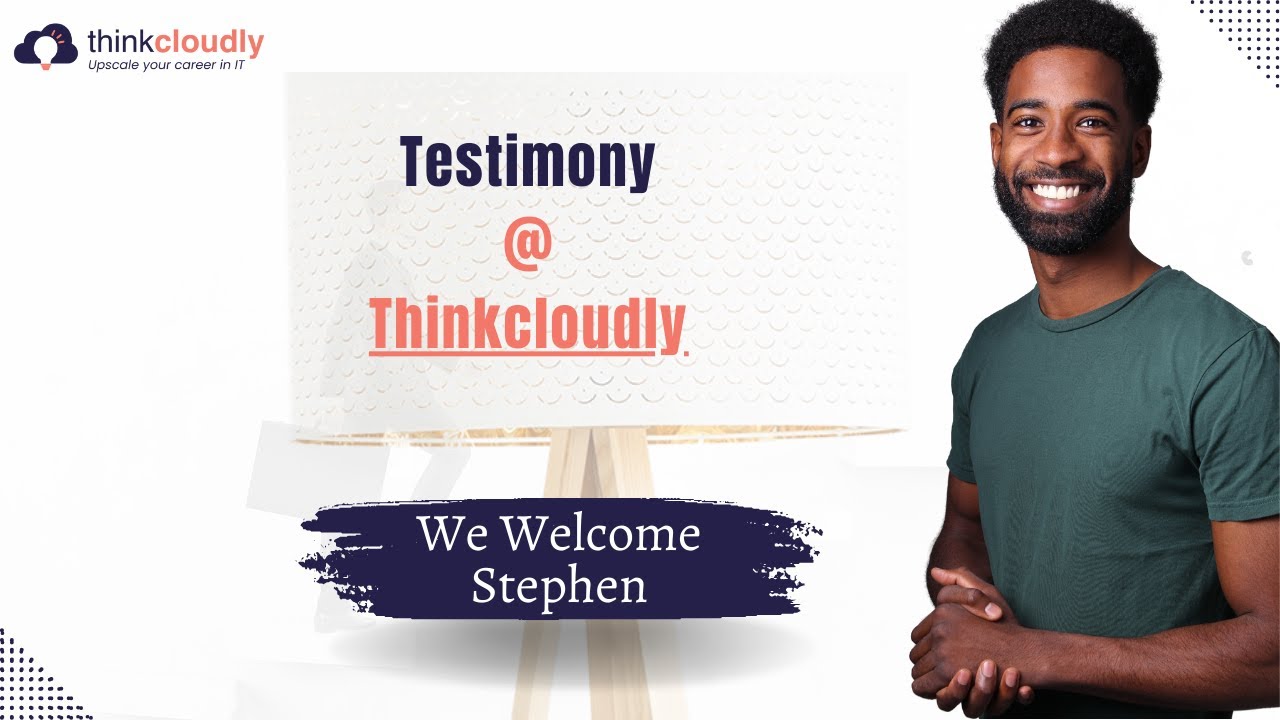
Interaction With Students
Stephen’s Success Story

Motivation for Thinkcloudly
Salesforce Certification Course
$999.00 Original price was: $999.00.$799.00Current price is: $799.00.
FAQs
Q1. What is the payment procedure?
We accept all major credit and debit cards from leading banks. For any assistance, please contact Thinkcloudly Customer Support.
Q2. Which course or plan is best for me?
We offer a variety of ways to learn about generative AI Tools, from quick hands-on labs to technical deep dives. You can ask our experts to help you from their industry experience if you are uncertain which course or plan to choose.
Q3. Would a Demo Session be available before I enroll?
Certainly, you can set up a free demo session, although if you’ve already viewed any sample recordings, you won’t need to look further. The enrollment process signifies a mutual commitment between you and us where you commit to be a good learner and we pledge to provide you with the best possible learning environment. A key part of your learning takes place in our sessions, which are supported by experienced instructors, dedicated Personal Learning Managers, and interactions with your peers. Get the full learning experience, and not just a demo.
Q4. When will I able to access the Learning Content?
You will receive access to the LMS immediately after enrolling and will have it for the rest of your life. You will have access to all previous class recordings, PPTs, PDFs, and assignments. In addition, you will have instant access to our 24×7 support team. You can start learning as soon as possible.
Q5. I missed a class, what do I do?
At Thinkcloudly, you’ll never miss a lecture! You can view the recorded session in your LMS anytime also the missed session can be attended in another live batch.
Q6. Who are instructors at Thinkcloudly?
Teachers and tutors at Thinkcloudly are industry veterans with great experience.
Your Future Starts with the Right Guidance
Our career specialists are ready to help you make informed decisions and take the next step toward a successful future.